

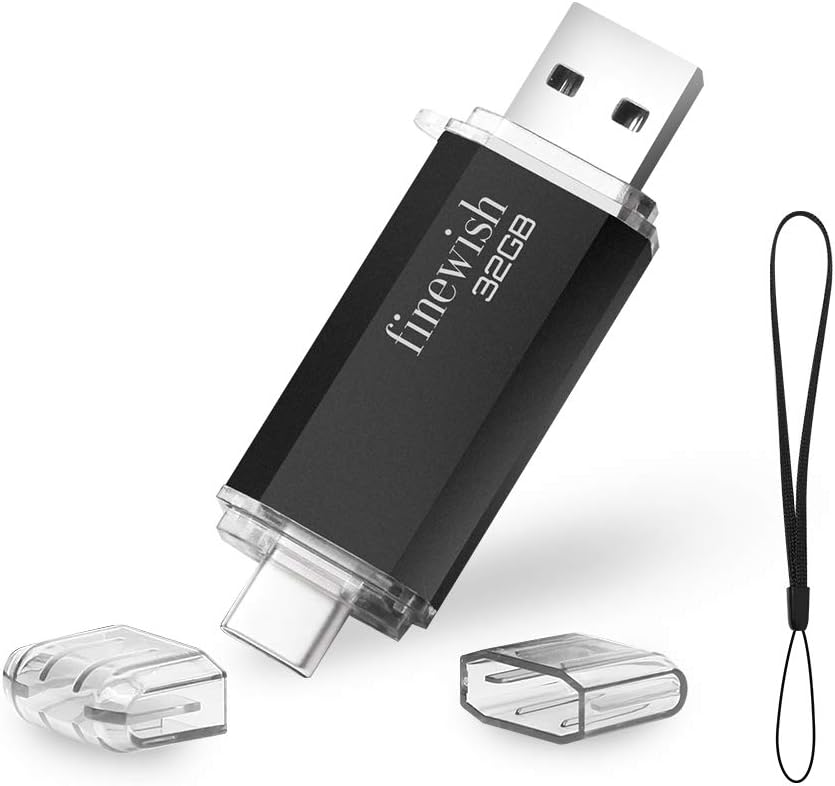
USB C Memory Stick 128 GB – 2 in 1 Type C Flash Drive (Blue)
Product description
What it is and what it solves
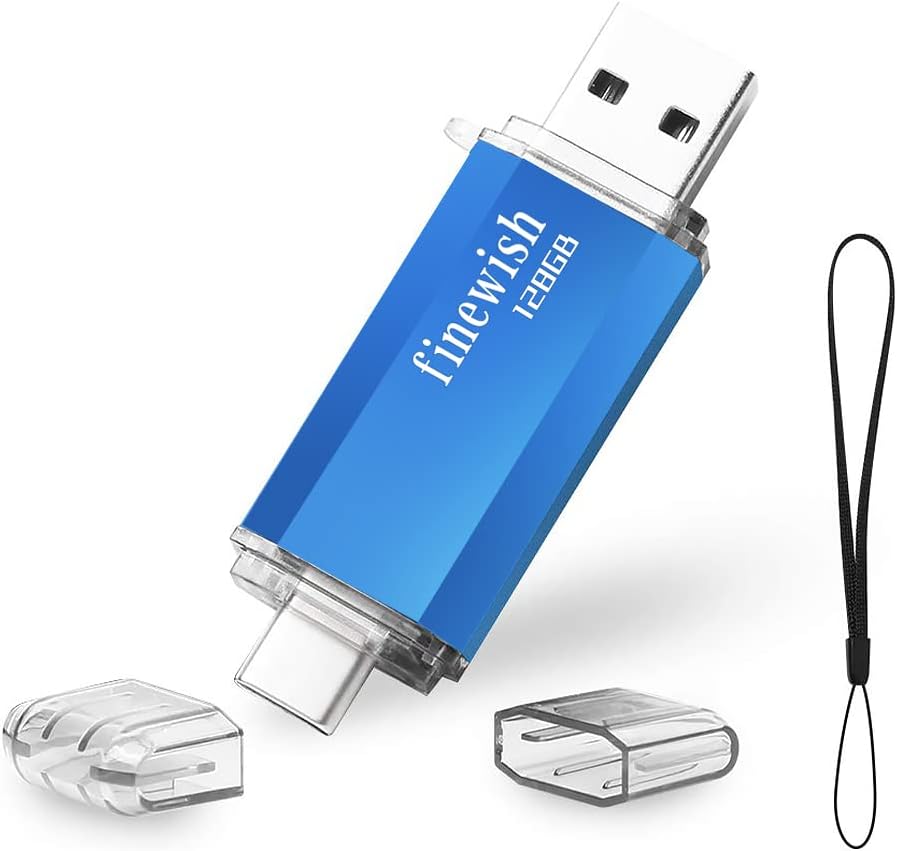
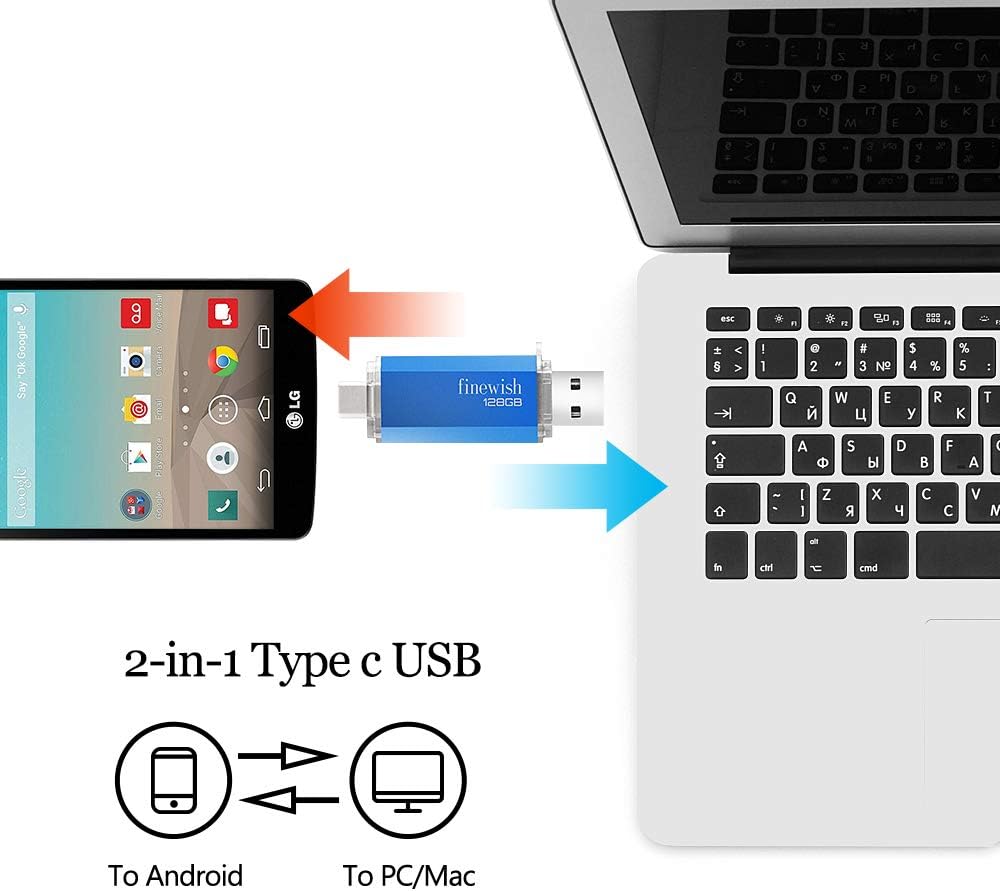
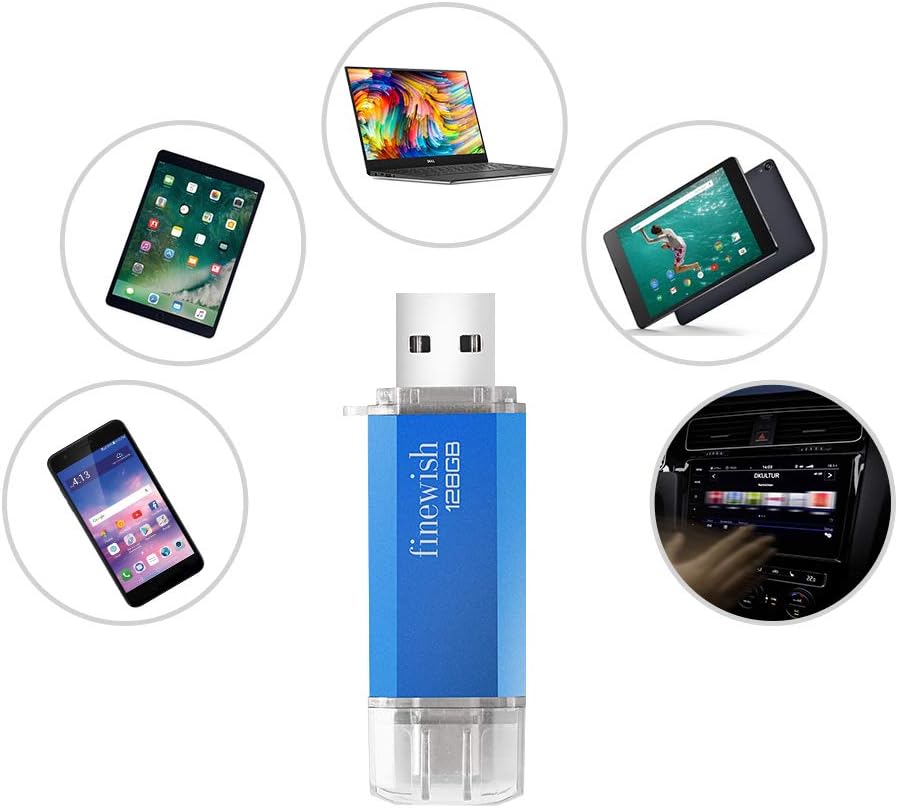
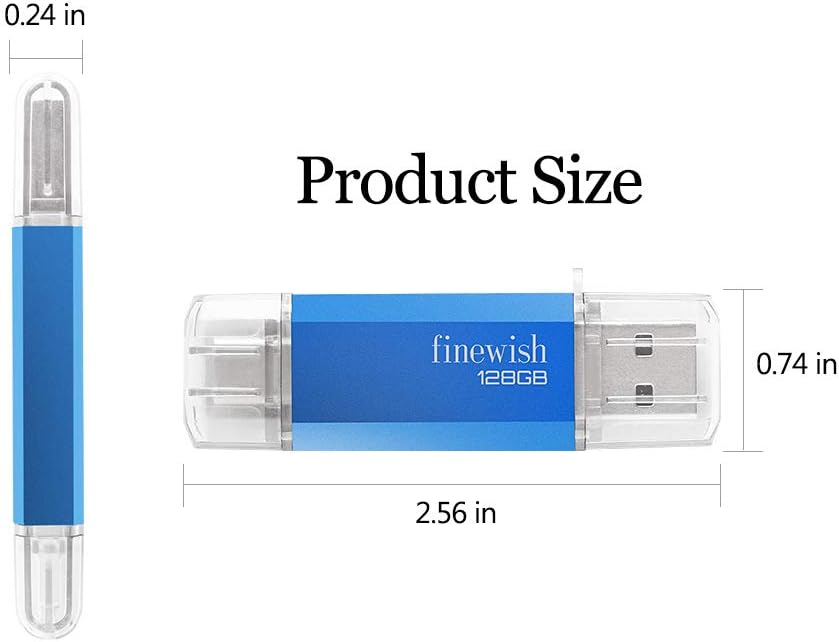
The USB C Memory Stick 128 GB is a compact, dual‑connector flash drive that combines USB Type‑C and USB 2.0 interfaces in one compact key. It aims to simplify data transfer between Android phones, tablets and computers without relying on cloud services, while also expanding storage for devices with USB‑C or OTG support.
How it works (on the surface)
It’s a plug‑and‑play solution. You can move photos, videos, documents and other files between smartphones, tablets and PCs, or free space on OTG‑enabled devices. The device is designed to be reliable for day‑to‑day use—just plug in, copy or move your files, then unplug.
What stands out (the positives)
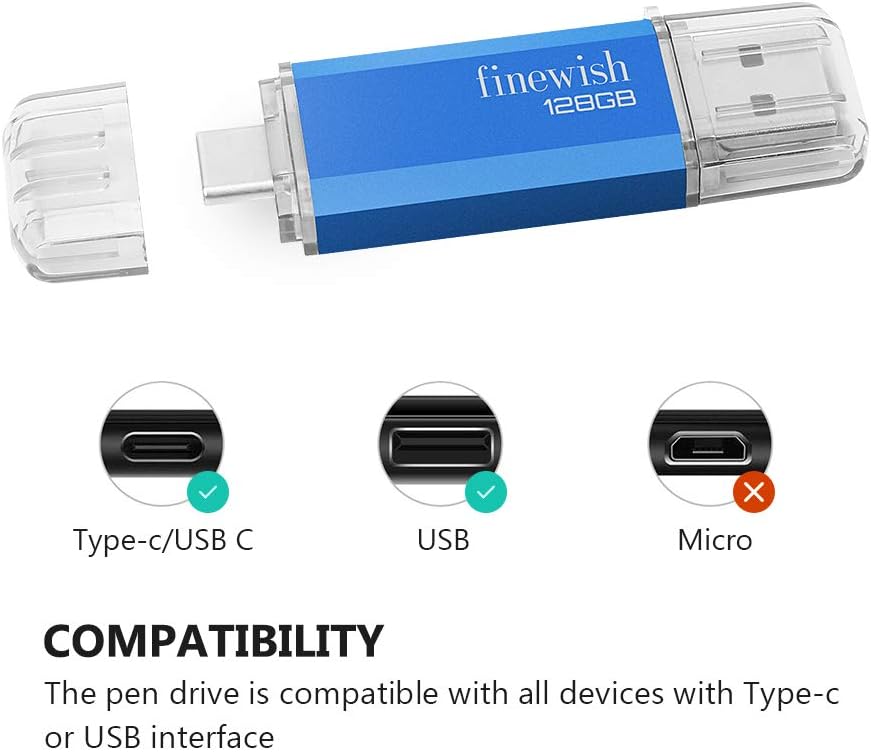
On paper, its two connectors make it convenient for mixed device ecosystems where a single stick covers USB‑C laptops, tablets and USB‑C phones. The FAT32 note is important: it means files under 4 GB transfer smoothly by default. If you routinely handle larger files (4 GB or more), you’ll need to reformat to exFAT or NTFS and recheck compatibility with your device.
Potential limits you’ll want to know
Compatibility hinges on the device’s OTG support and the file system. Some phones or tablets may require enabling OTG or reformatting the stick, and smartphones or tablets may recognise FAT32 differently depending on the model. The practical effect is that small, everyday files are straightforward, while larger media or archives could require a formatting step before use.
Best use cases
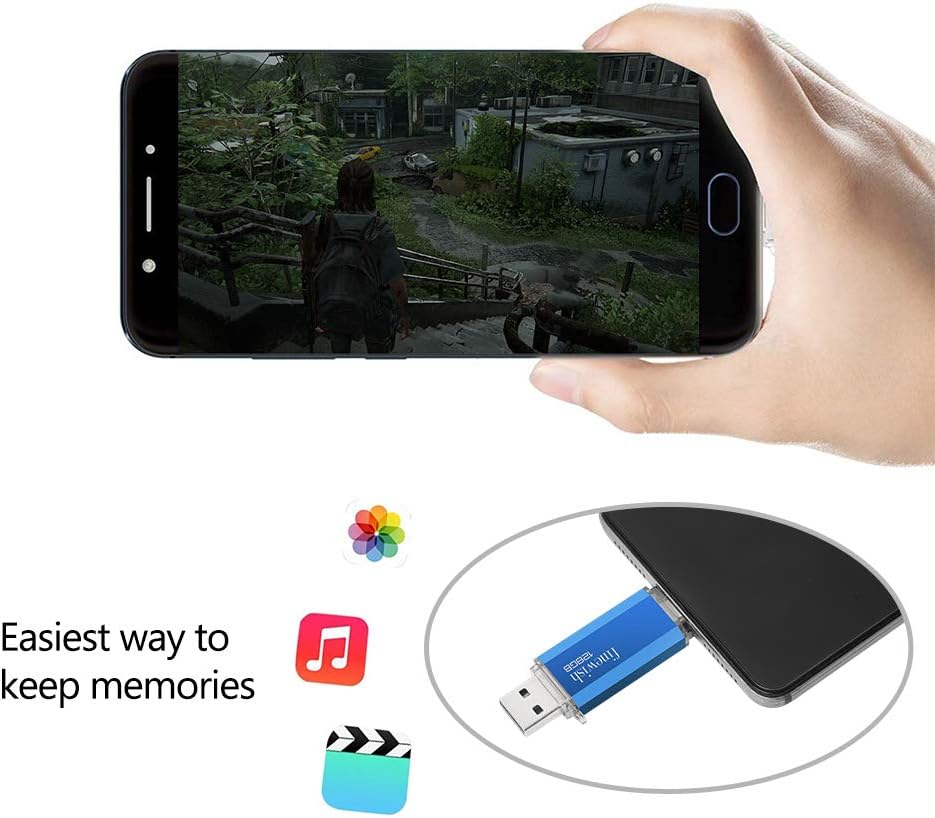
This stick is best for expanding storage on Type‑C Android phones, tablets, and lightweight laptops. It’s handy for backing up music, movies and documents, or as a quick transfer tool when cloud access is slow or unavailable. It suits users who want a bare‑bones, portable solution without extra cables or dongles.
Who it’s for (and who might skip it)
- It’s a sensible choice if you primarily need extra, on‑the‑go storage for a Type‑C device or MacBook with OTG support.
- It may not be the best option if you frequently handle large files over 4 GB or if your device doesn’t consistently recognise FAT32/OTG. In those cases, consider alternatives that offer native exFAT support or higher transfer speeds.
Before you buy: practical checks
- Confirm your device supports OTG and can recognise FAT32 formatted drives from the start.
- If you plan to store files larger than 4 GB, be prepared to reformat to exFAT or NTFS and verify compatibility.
- Consider how you’ll organise files: if you regularly swap between devices with different OSs, a straightforward drive like this can reduce clutter.
How this compares to other approaches
If you’re deciding between a two‑in‑one memory stick and a general USB drive, the 2‑in‑1 design can be more convenient for mixed ecosystems. However, it requires attention to file sizes and formatting. For many users, a dedicated cloud backup or a larger USB‑C SSD could offer higher performance, for light, on‑the‑go transfers, this memory stick is a practical, low‑cost option.
Final verdict
Is it worth it? It depends on how your devices fit into the Type‑C OTG scenario and whether you prioritise portability and simplicity over raw speed or large‑file handling. If you value a compact, plug‑and‑play transfer tool for everyday data moves and occasional backups, it can be a reasonable addition.
Quick FAQ
- Do I need a driver to use it? No, it’s plug‑and‑play.
- Can I transfer files larger than 4 GB? Not on FAT32 by default, reformat to exFAT or NTFS if needed.
- Will it work with my MacBook? It should on devices with USB‑C and OTG support, subject to formatting considerations.