

Alxum KVM Switch 2 Computers, 1 Monitor — 8K@60Hz, 4 USB Ports, 2 Switching Modes
Product description
What it is
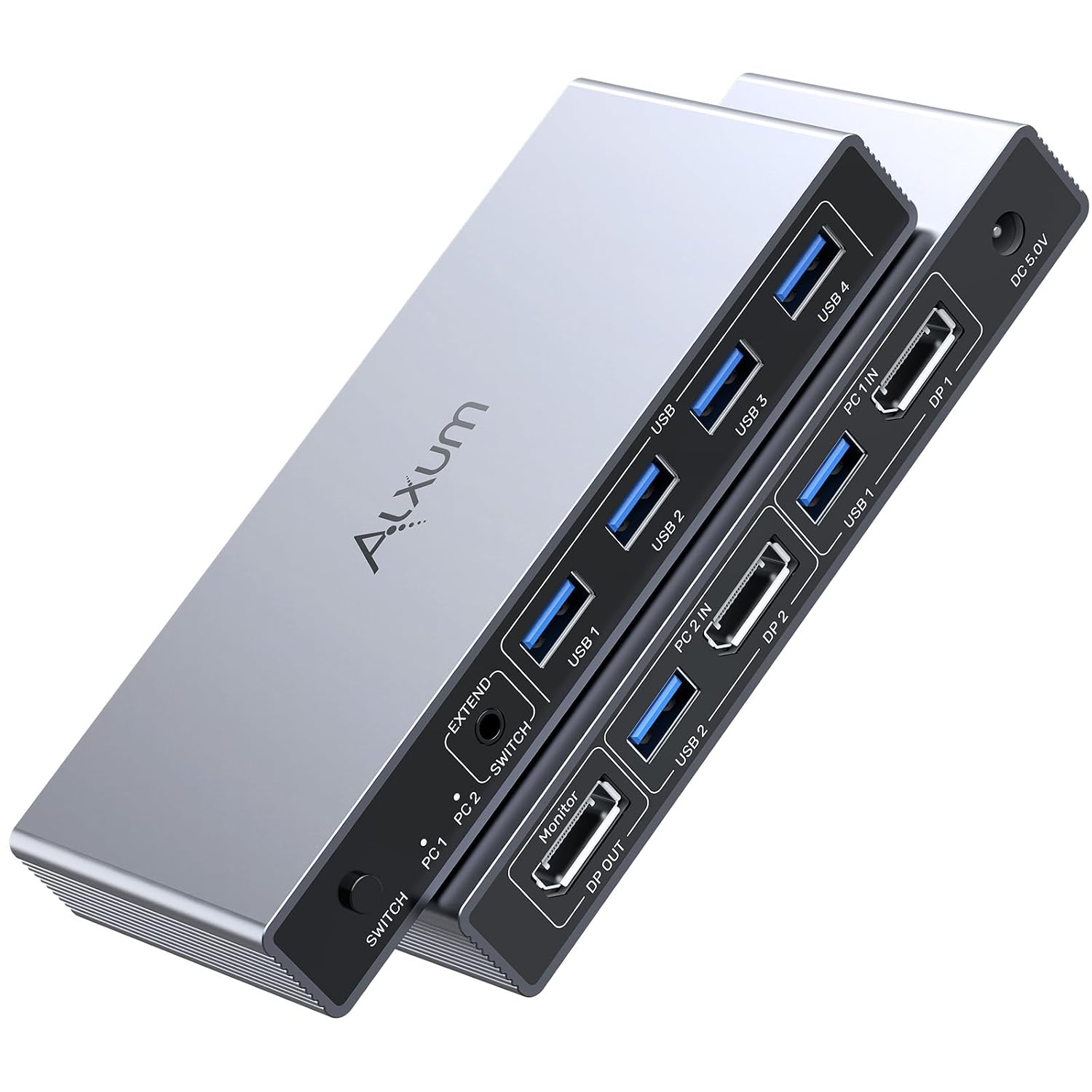
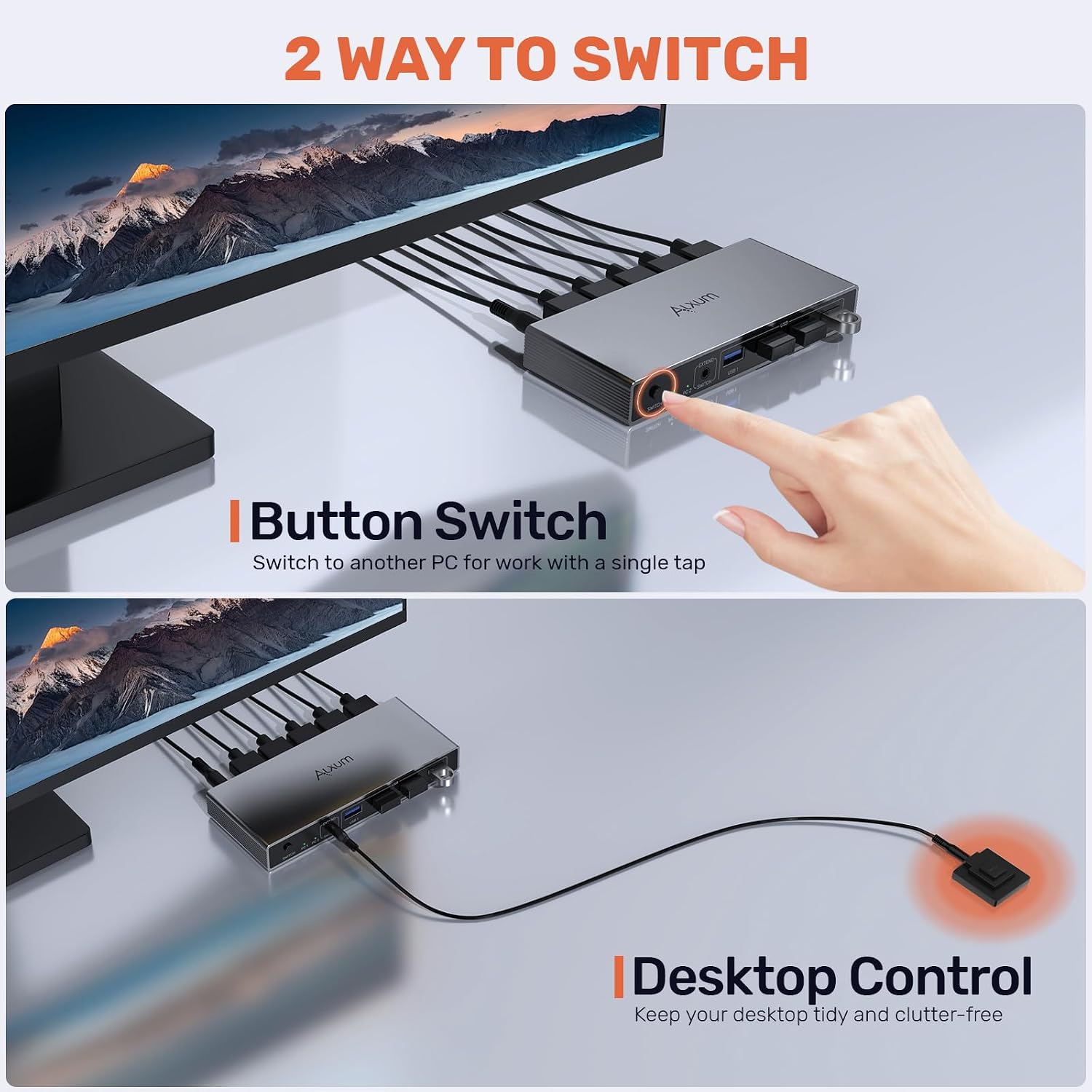
The Alxum 2-in-1 KVM switch lets you share a single monitor and up to four USB-A devices between two PCs. It supports ultra-high-definition output up to 8K@60Hz and 4K@144Hz, which makes it a sensible choice if you already own a DisplayPort 1.4-capable display and want a tidy desk setup without swapping cables constantly. It’s plug‑and‑play, with no driver installation required, and you can switch between computers using a front-panel button or a supplied desktop controller.
How it works
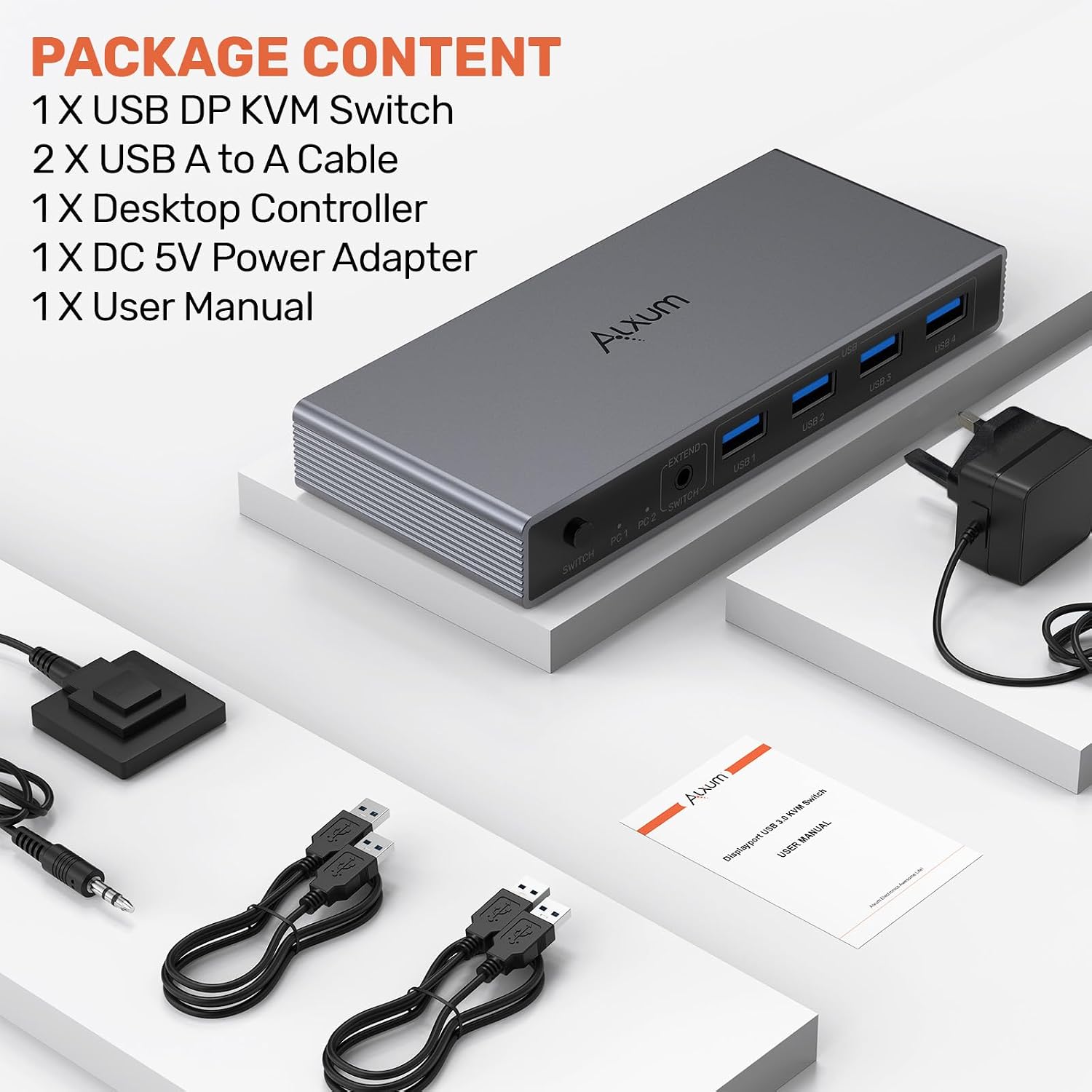
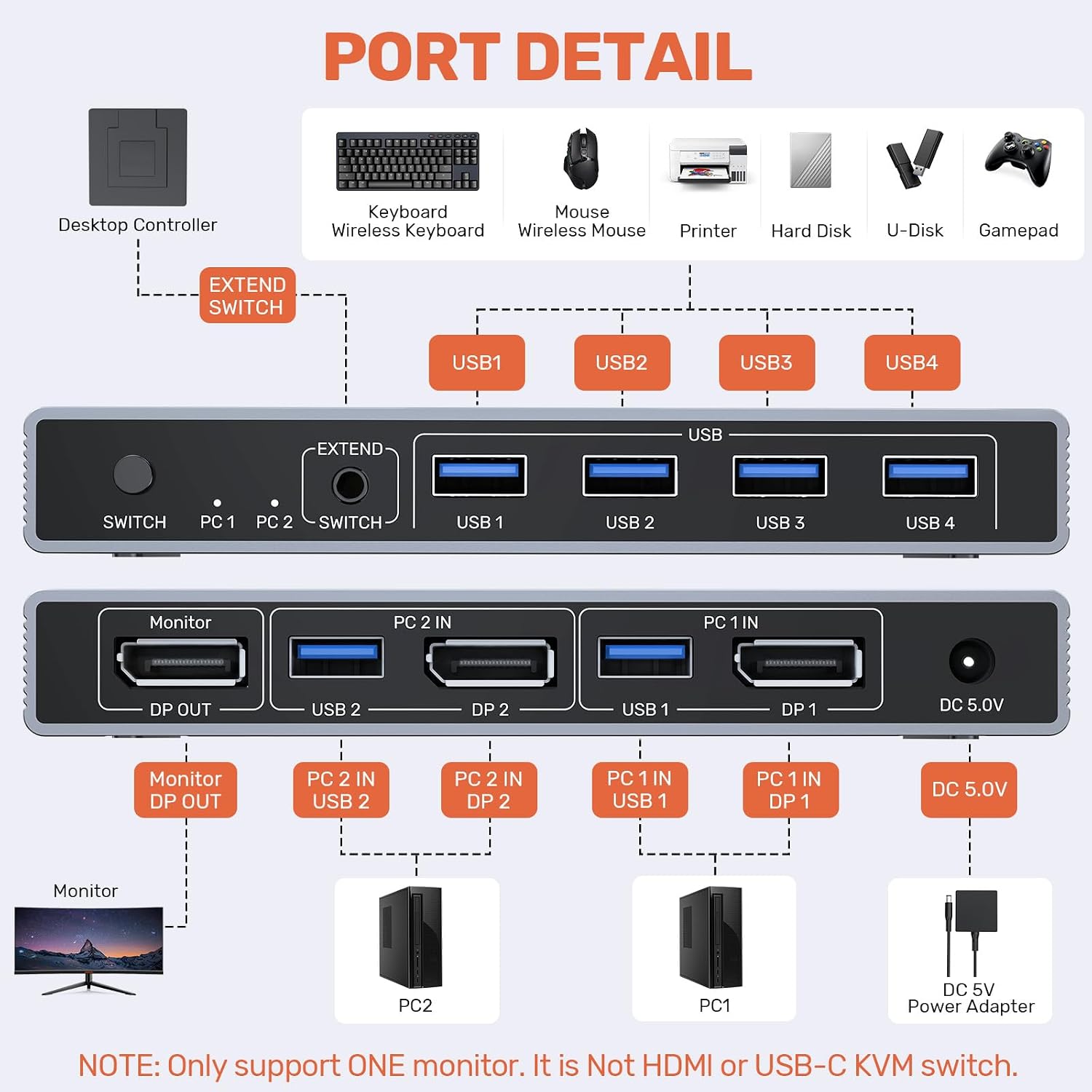
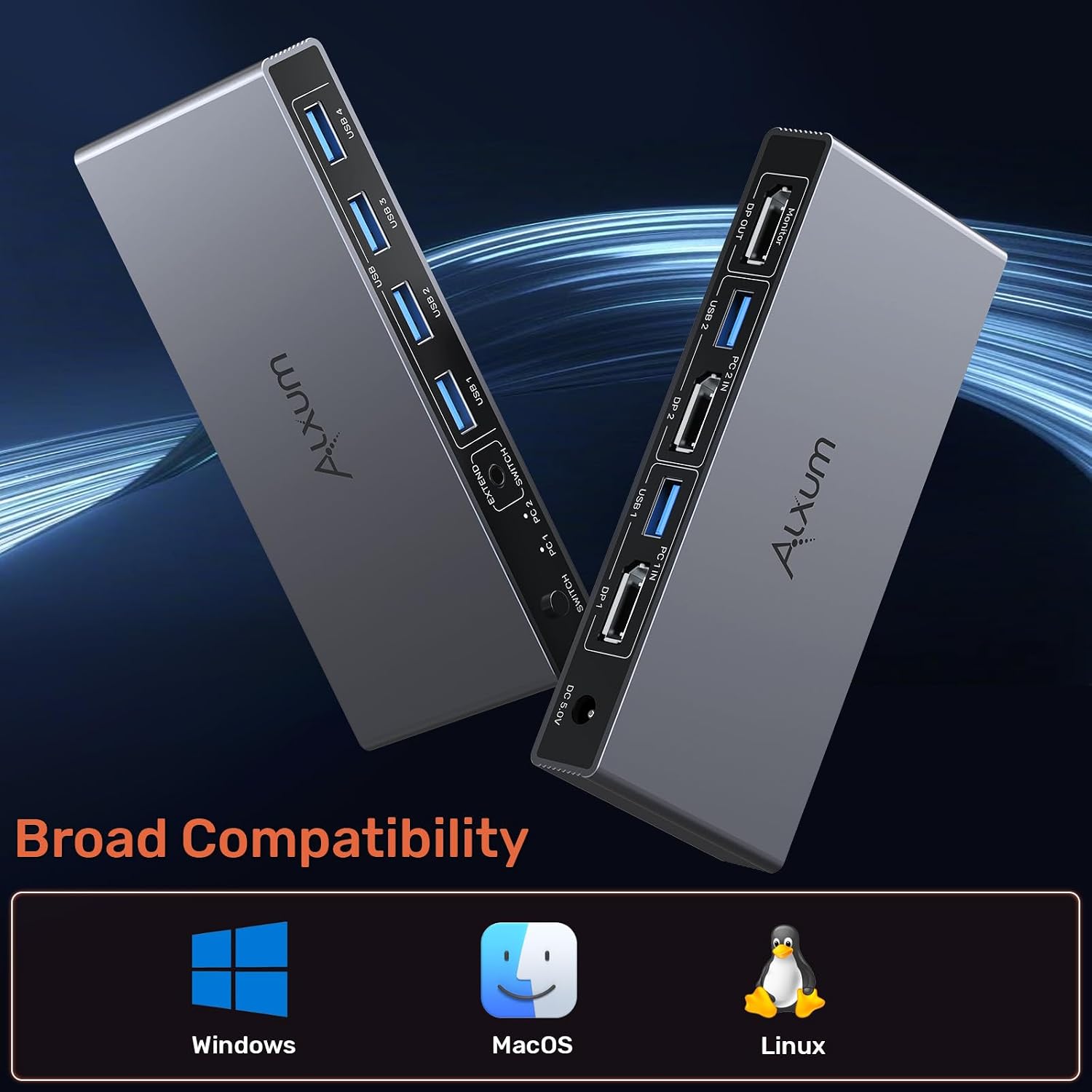
Connect two computers to the KVM switch with appropriate cables, attach one monitor, and plug in your USB peripherals (keyboard, mouse, USB drive, etc.) through the four USB-A ports. The unit draws power from the included 5V/2A adaptor to maintain stable operation. A built‑in auto‑equalisation helps keep the signal steady across long Runs, but it’s important to note that this switch is not compatible with HDMI and that hotkey switching isn’t supported.
What stands out
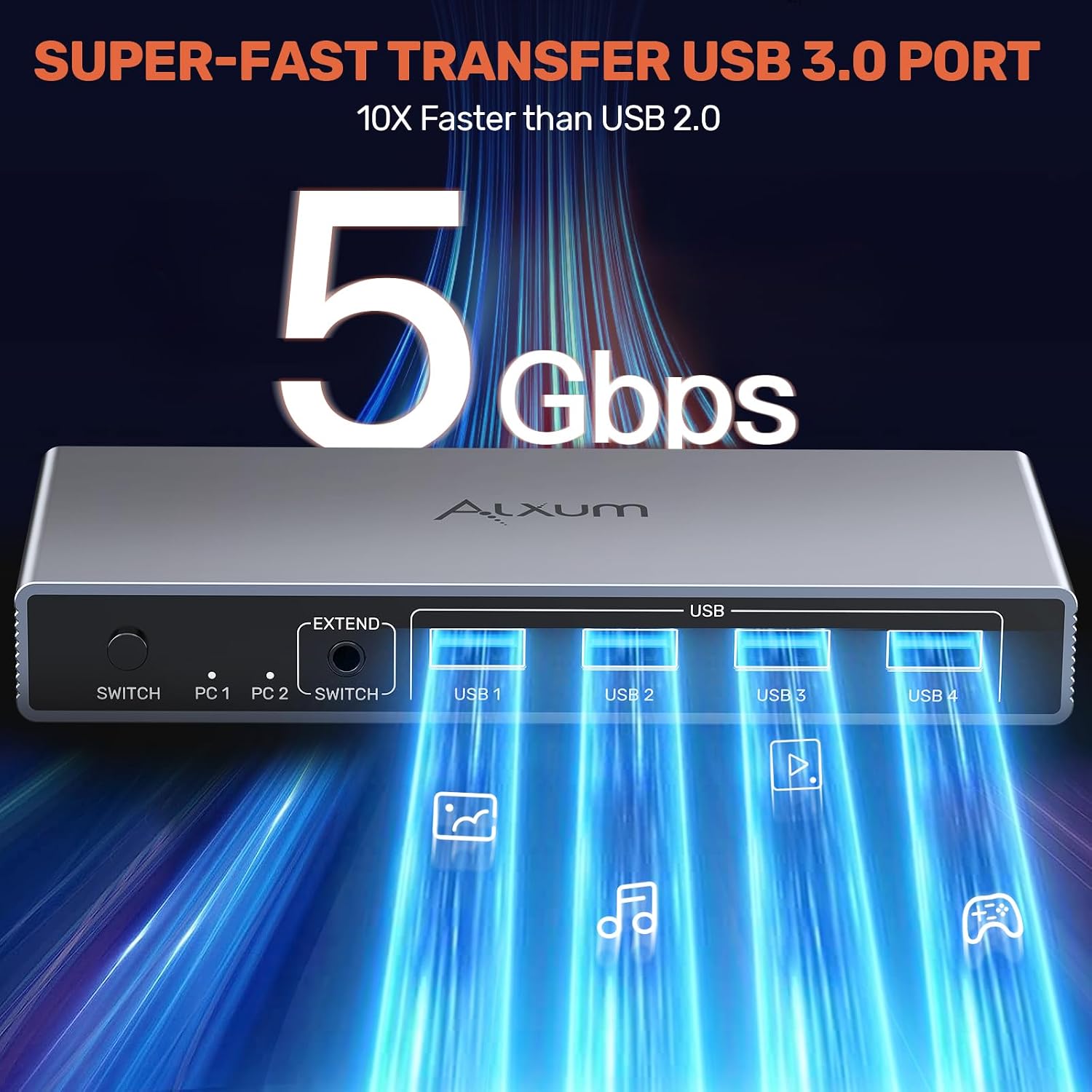
On paper, the standout features are the high bandwidth support (8K@60Hz) and the dual switching options. The two switching methods provide flexibility: you can use the physical button on the device or the dedicated desktop controller, which is handy if you’re working from a distance from the PC stack. The four USB-A ports cover common peripheries and data devices, with USB 3.0 speeds (up to 5Gbps) and backward compatibility with USB 2.0/1.1.
What it’s best for
This switch is well-suited for users who regularly juggle two PCs and want to keep a single, clean desktop with one monitor and common USB devices. It’s a practical solution for mixed workflows—creative work on one computer and productivity or light gaming on the other—so long as the monitor and cables align with DisplayPort 1.4 capabilities. If you rely on HDMI outputs or need hotkey switching, you may find it less convenient.

What isn’t perfect
It’s not the best option if you require HDMI compatibility or if you need full hotkey switching. The reliance on a separate desktop controller can feel clunky if your setup sits far from your desk. Also, while the auto‑equalisation helps, stability can still depend on the rest of your chain (cables, GPU output, and monitor capability). If your use-case hinges on HDMI, or you expect seamless automatic switching between machines, you might want to explore alternatives.
Who it’s for and who should think twice
It fits well for small offices, home workstations, or media setups where one monitor and a handful of USB devices are shared. It’s a sensible value proposition for users seeking high-resolution capability without investing in more complex matrix switches. If your needs include HDMI, hotkey, or very demanding USB peripheral configurations, this model may feel limited.
Before you buy
- Confirm your monitor supports 8K@60Hz via DisplayPort 1.4 and that your PC outputs align with this spec.
- Use the supplied 5V/2A power adaptor to ensure stable operation.
- Remember this switch is not HDMI-compatible and hotkey switching isn’t supported.
- Check the physical layout of your desk to ensure you can comfortably use the desktop controller if you choose that switching method.
Use-case comparison in context
If you’re weighing this against more complex multi-input switches, this Alxum unit offers straightforward, two-source management with a single output and USB sharing. For those who prioritise ease of setup, clean cabling, and high-resolution display support, it represents a balanced middle-ground—better than ultra-basic two-port hubs but not as feature-rich as premium 4K/8K matrix switches.
Is it worth it?
If you prioritise a simple, reliable 2-PC to 1-monitor solution with modern video bandwidth and USB sharing, and HDMI isn’t a requirement, this model makes sense to consider. It won’t win you on HDMI support or advanced hotkey control, but it delivers solid performance for the price, a tidy desk, and a straightforward workflow.
FAQ
- Does it work with two PCs simultaneously? Yes, it allows two computers to share one monitor and four USB-A devices.
- Can I use HDMI cables with this switch? No, this switch is not compatible with HDMI.
- Is hotkey switching available? No, hotkey switching is not supported.
- Do I need to install drivers? No driver installation required, plug‑and‑play.