

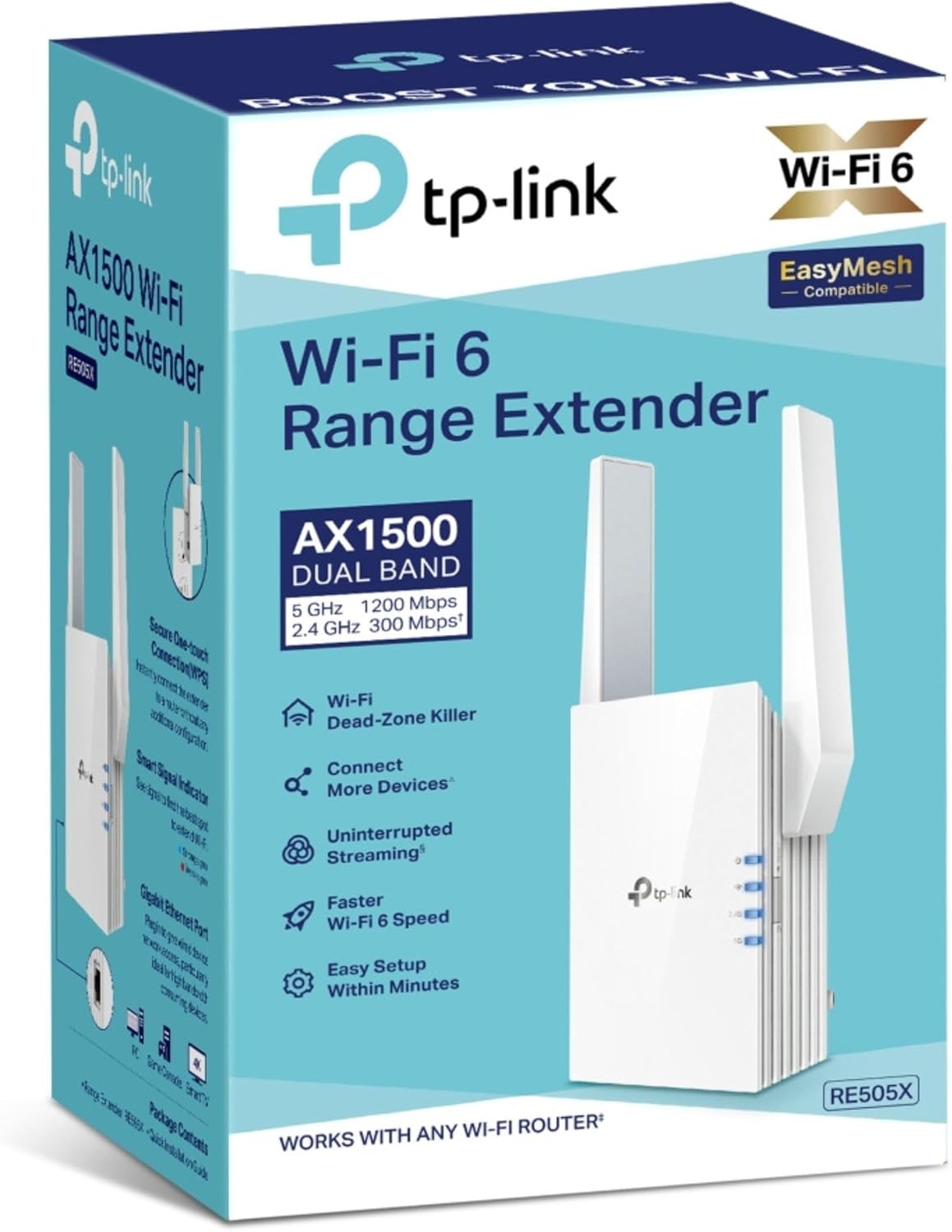
TP-Link RE505X WiFi 6 extender 1500 Mbps
Product description
This Wi-Fi extender boosts coverage and reduces dead zones so larger homes and multi-storey flats can maintain stable connections for streaming and video calls. It supports Wi-Fi 6 speeds up to 1.5 Gbps, which helps deliver smoother gaming and 4K streaming across multiple devices in busy households.
Key Points
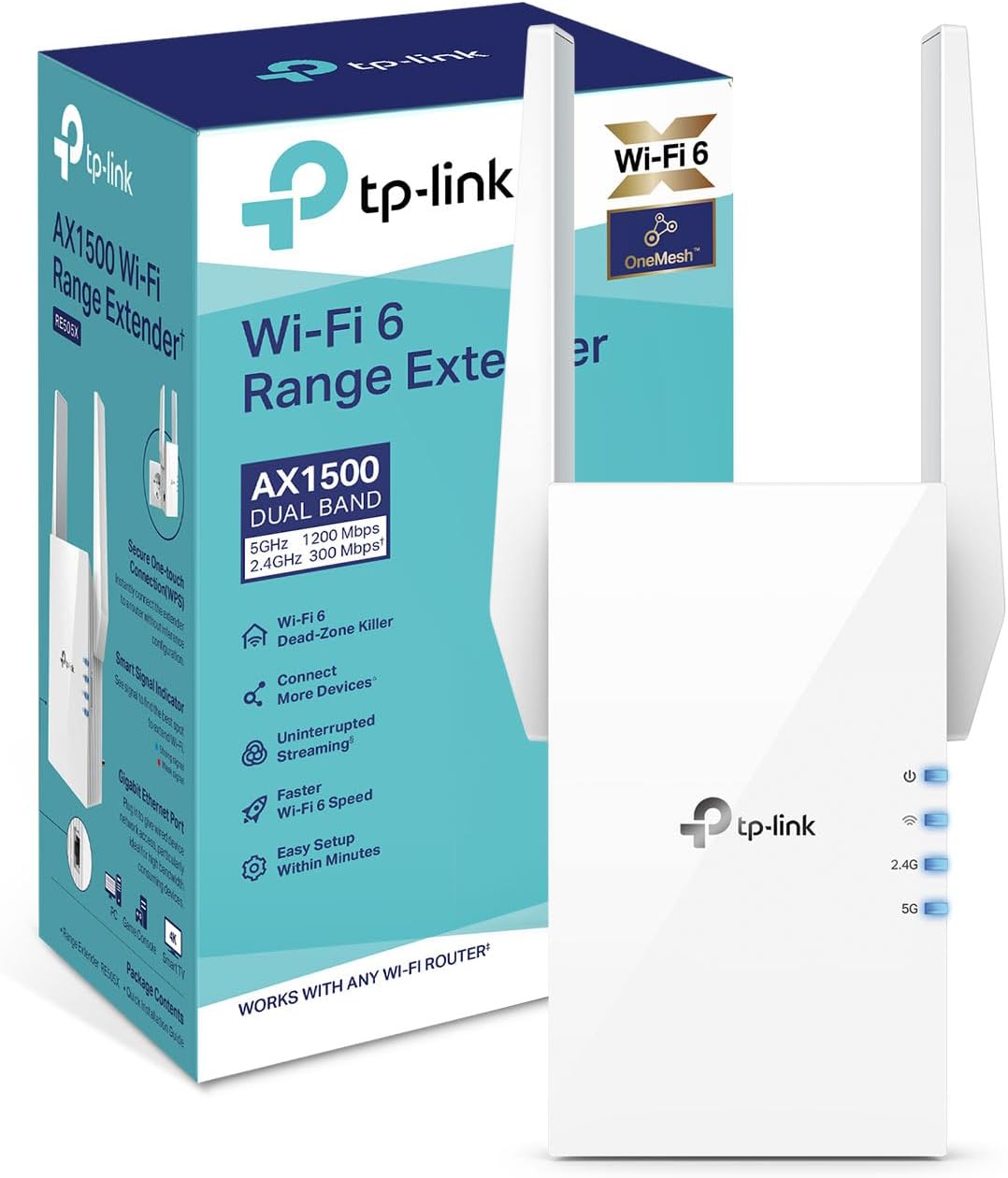
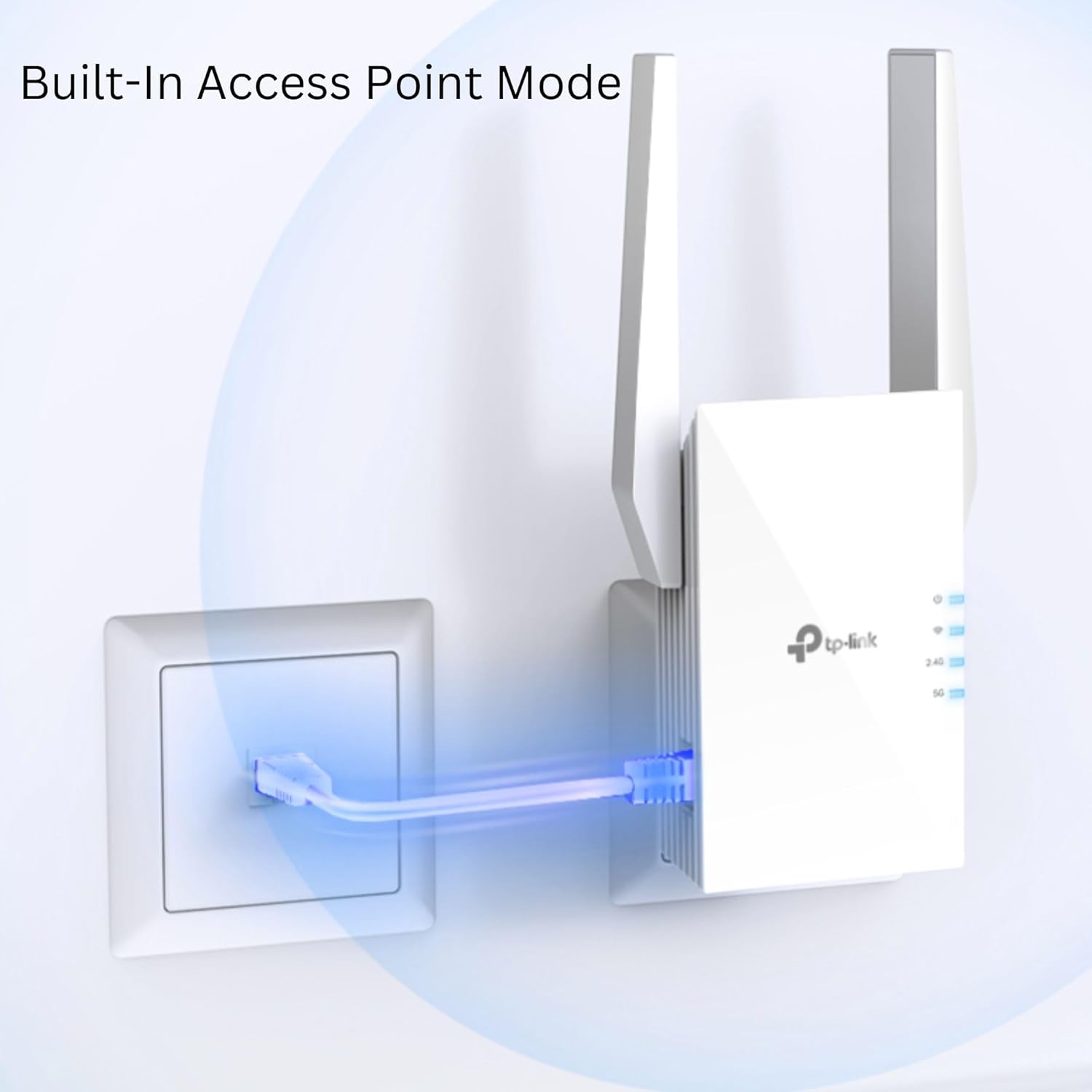
The unit uses the latest Wi-Fi 6 standard to increase capacity and reduce congestion when several devices are connected at once. Adaptive Path Selection helps the extender automatically pick the fastest route back to the router, which can improve throughput without manual adjustments. It also includes an Access Point mode for turning a wired Ethernet port into a wireless access point, useful when you need a dedicated wireless zone in a study or living room. 😊
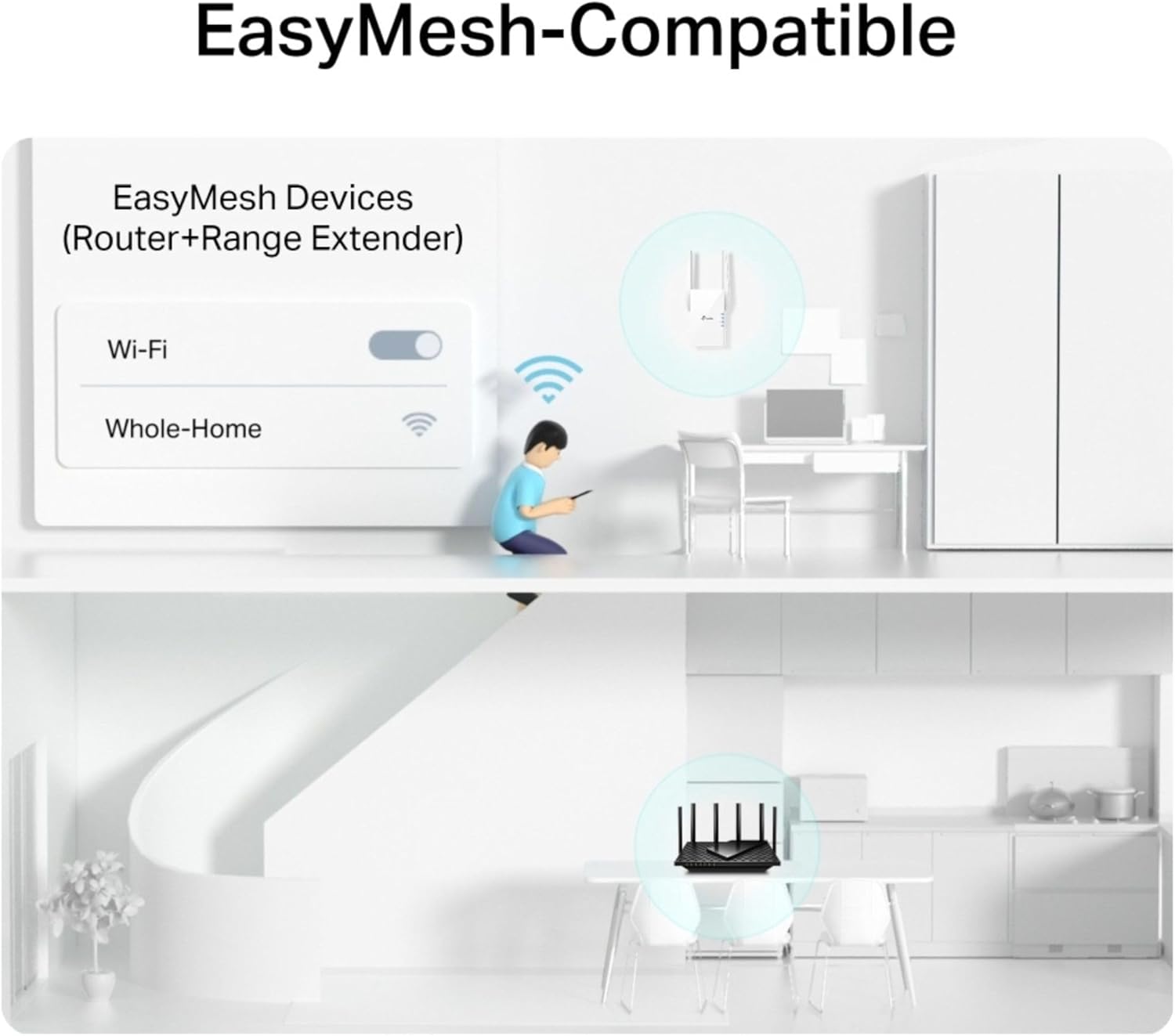
Target Wake Time is included to help battery-powered gadgets conserve energy by scheduling when they wake to transmit data. This can lead to longer smartphone or smart home device battery life according to the manufacturer. The setup is managed through an app for step-by-step installation and EasyMesh compatibility allows the extender to join a mesh network with supported routers.
Technical Specifications
- Name: TP-Link RE505X
- Wireless standard: Wi-Fi 6 (802.11ax)
- Maximum combined speed: 1500 Mbps
- Bands: Dual-band 2.4 GHz and 5 GHz
- Ports: 1 Gigabit Ethernet port
- Features: Access Point mode, EasyMesh compatible, Target Wake Time
Why This May Interest You
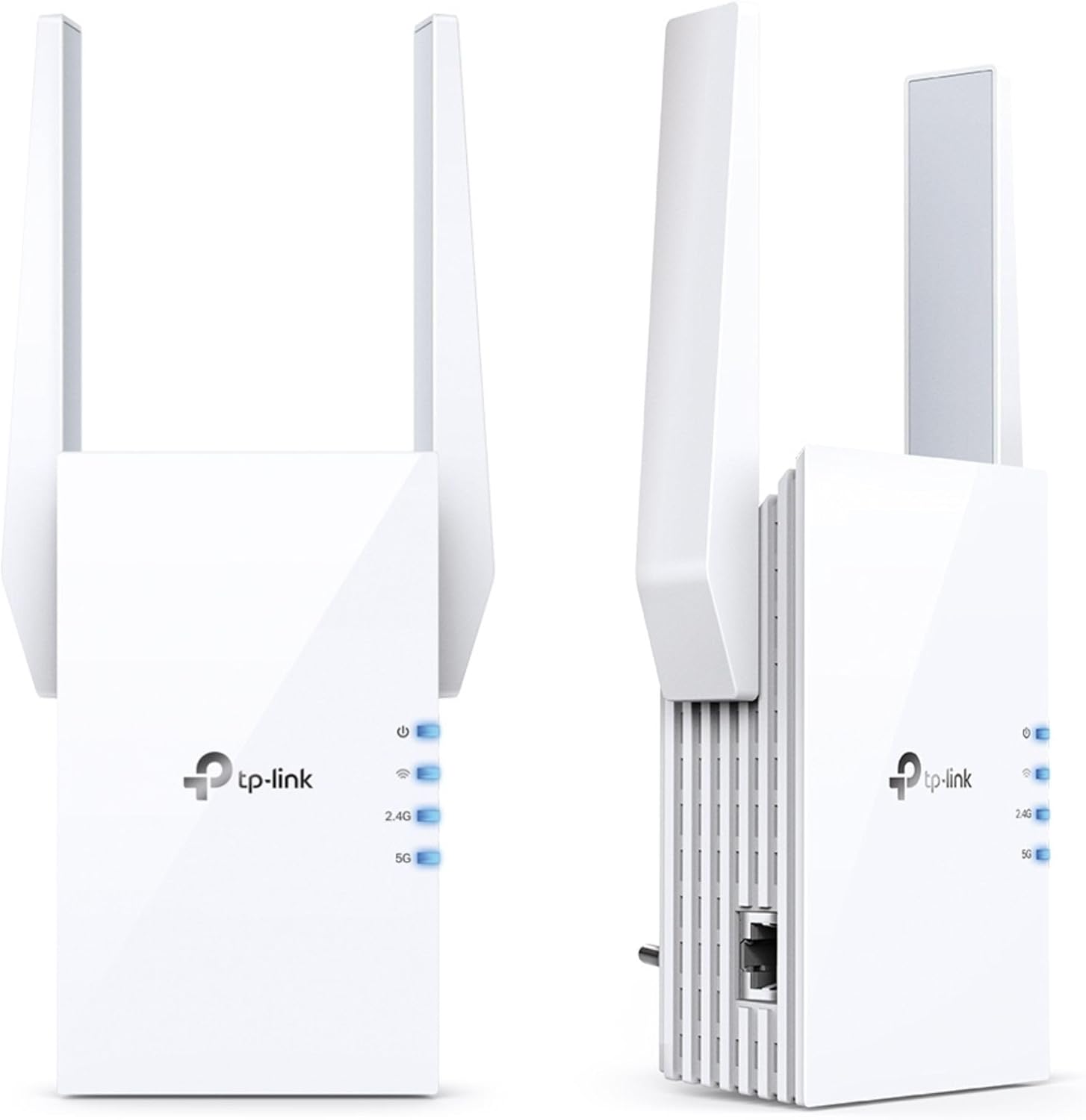
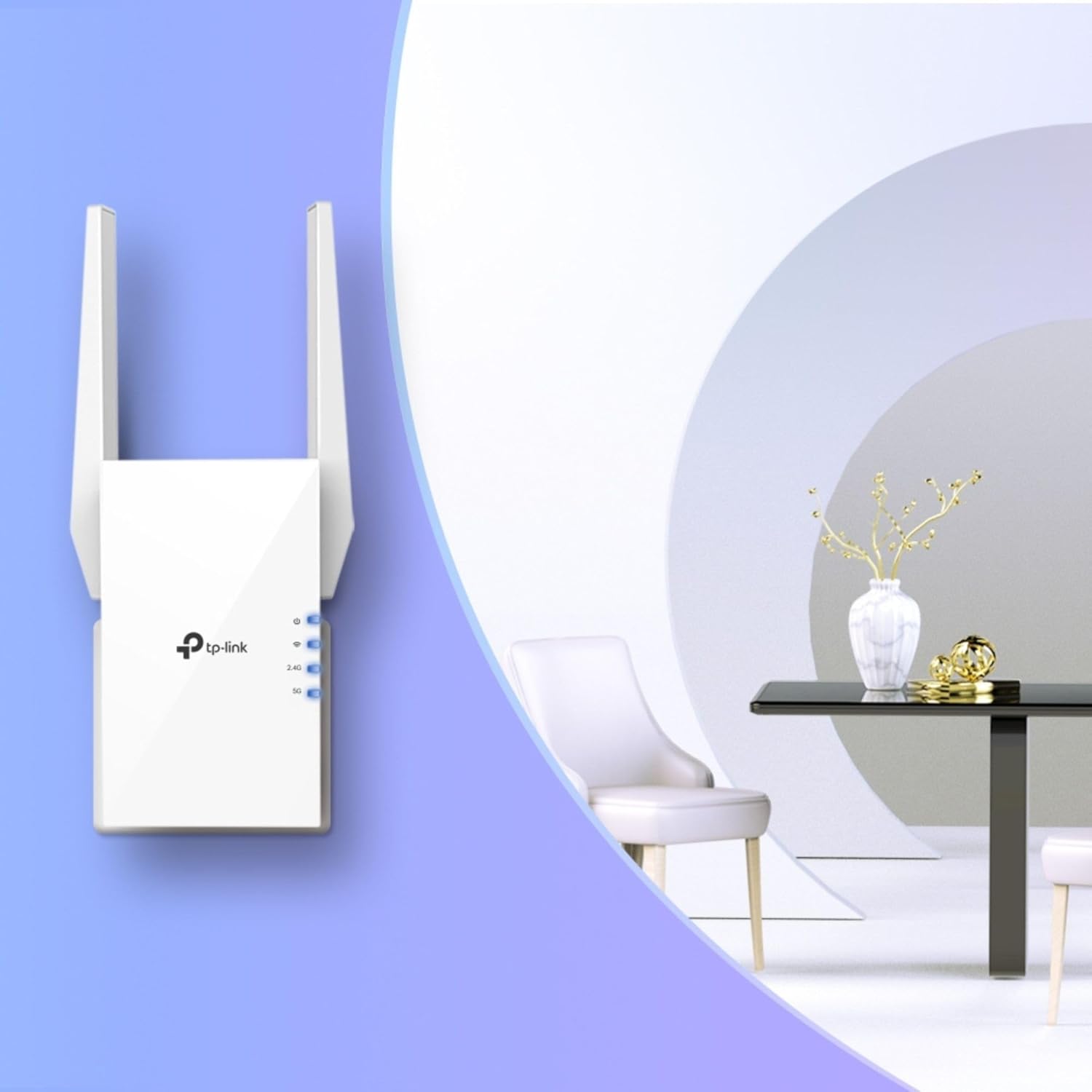
If you live in a property where rooms at opposite ends suffer from weak signal this model aims to fill those coverage gaps. The dual-band operation helps separate traffic across 2.4 GHz for longer range and 5 GHz for higher speeds. For households with many connected devices it can reduce lag during peak use. 🎯
On the other hand, note that real-world speeds depend on the router, building materials and interference from other electronics. For very large houses a dedicated mesh system with multiple nodes might be more appropriate than a single extender.
Usage Recommendations
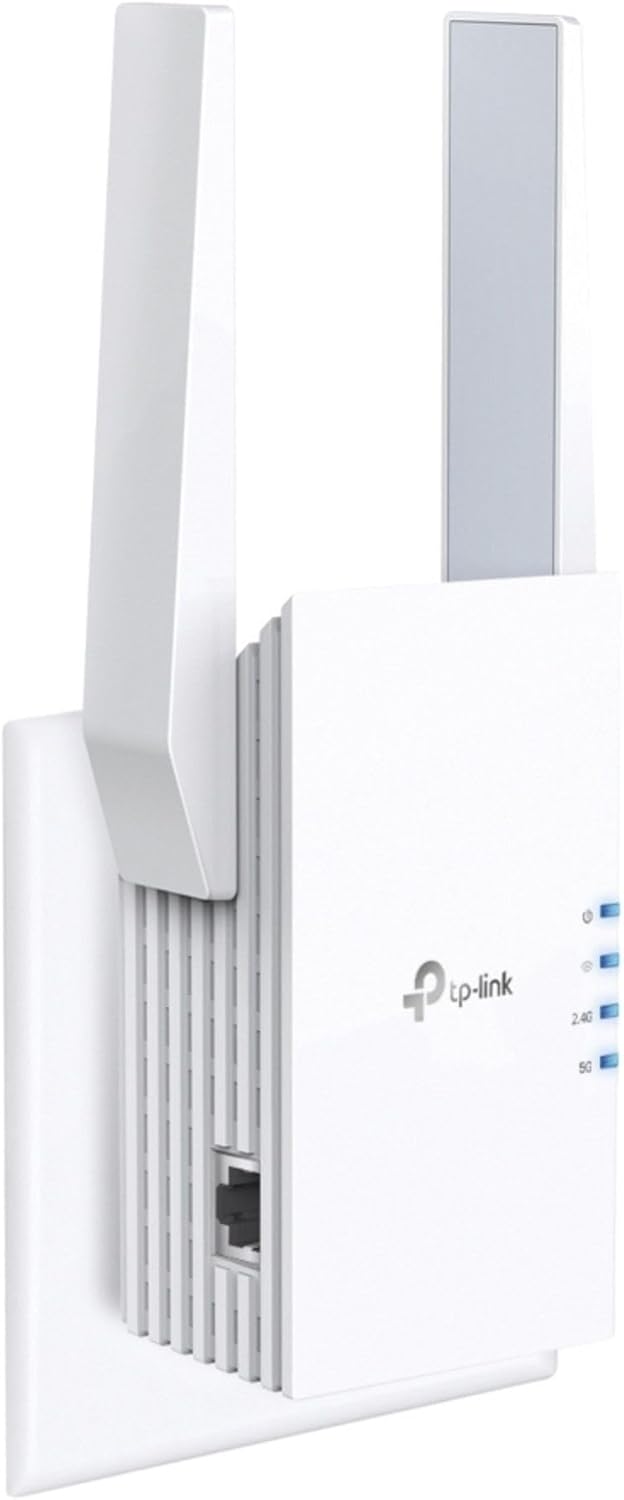
Place the extender roughly halfway between your router and the area that needs better coverage. Wall sockets at hallway junctions or open landing areas often work well because they allow the device to see both the router and the target devices. For the best performance use the 5 GHz band for gaming and streaming, and 2.4 GHz for smart home devices that need longer range. Also ensure your router firmware is up to date before pairing the extender to take advantage of EasyMesh functionality and stability improvements. 🔧
Finally, use the app to check signal strength and adjust placement if the indicator shows weak connection to the main router.