

UGREEN DisplayPort KVM switch, 2 computers
Product description
A single-monitor setup may be enough for a simpler desk, but this UGREEN DisplayPort KVM switch is aimed at a more specific need: sharing two monitors and USB accessories between two computers. It switches the displays to one computer at a time, while letting you use the same keyboard and mouse with either system. That can be handy when moving between a work PC and another computer without rearranging cables. The trade-off is a fairly demanding connection setup, so check your computer’s ports before choosing it.
Technical details
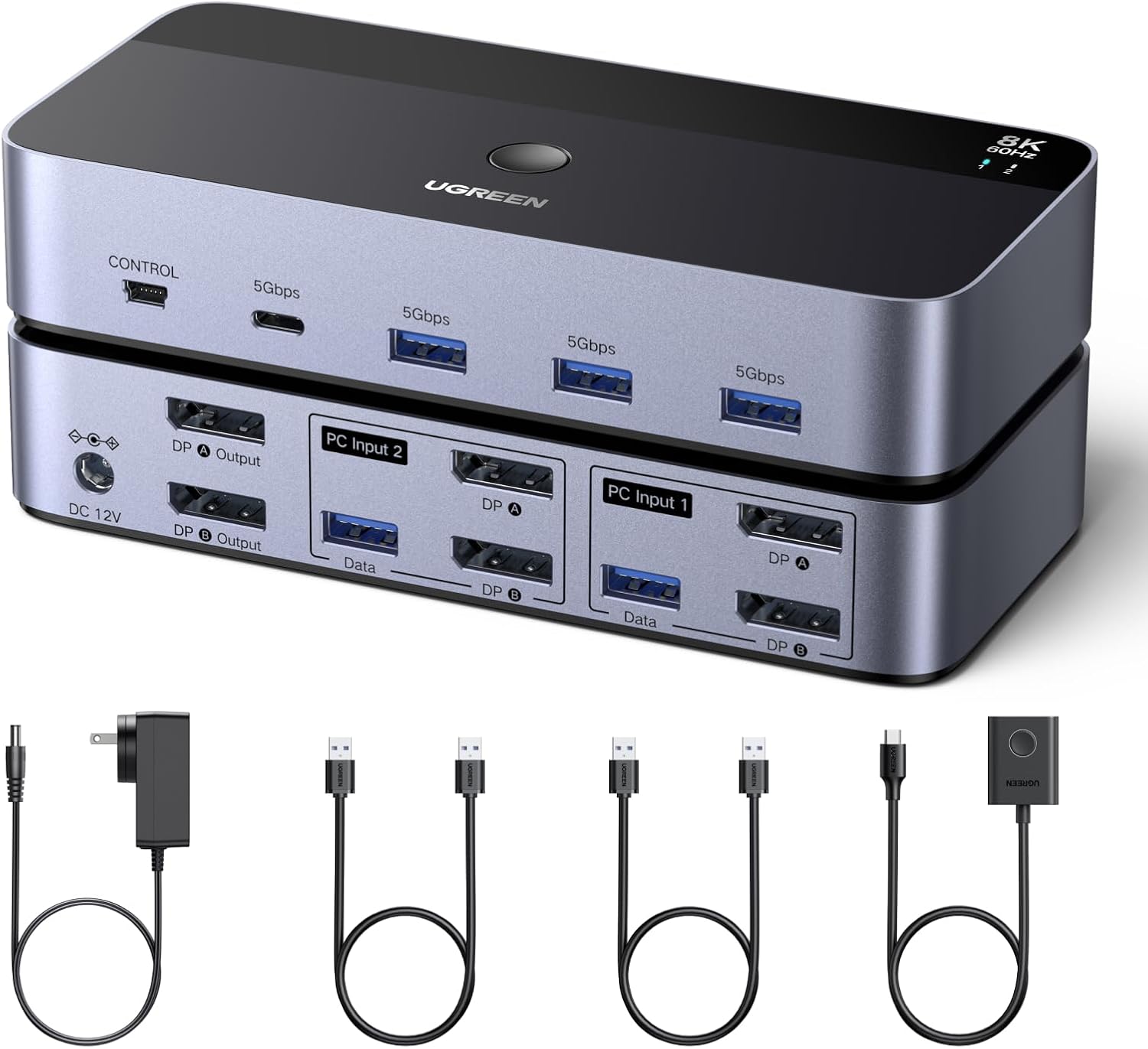
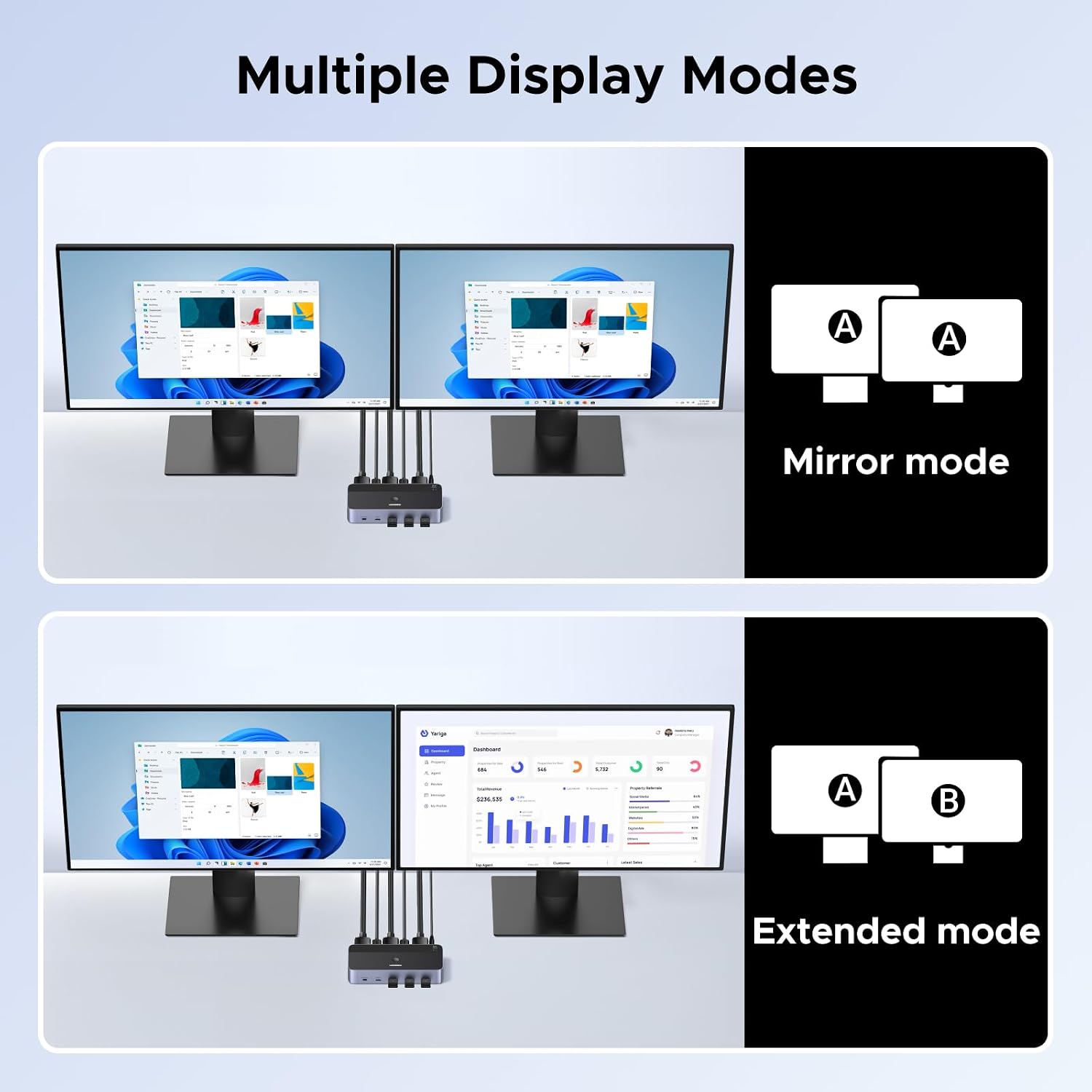
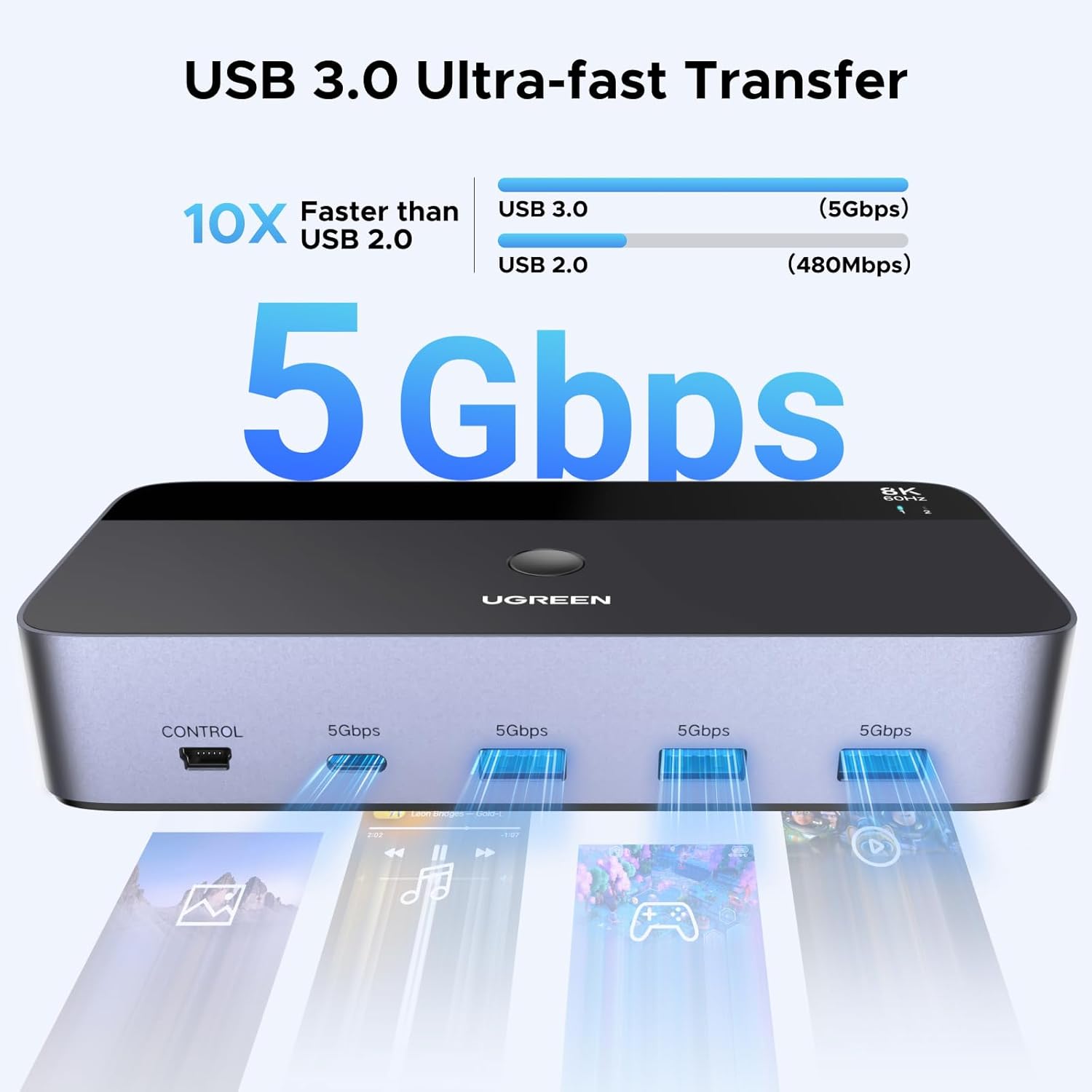
The switch has two DisplayPort inputs for each computer, two DisplayPort outputs for the monitors, and four USB 3.0 device ports: three USB-A and one USB-C. It supports extended or mirrored display modes, as long as the connected computer can drive two screens at once. The stated maximum is 8K at 60Hz, with support also listed for 4K at up to 240Hz, but those results depend on the connected computer, monitors and suitable DisplayPort cables. The 8K note specifies standard DP 1.4 cables under 2 metres, DisplayPort cables are not included.
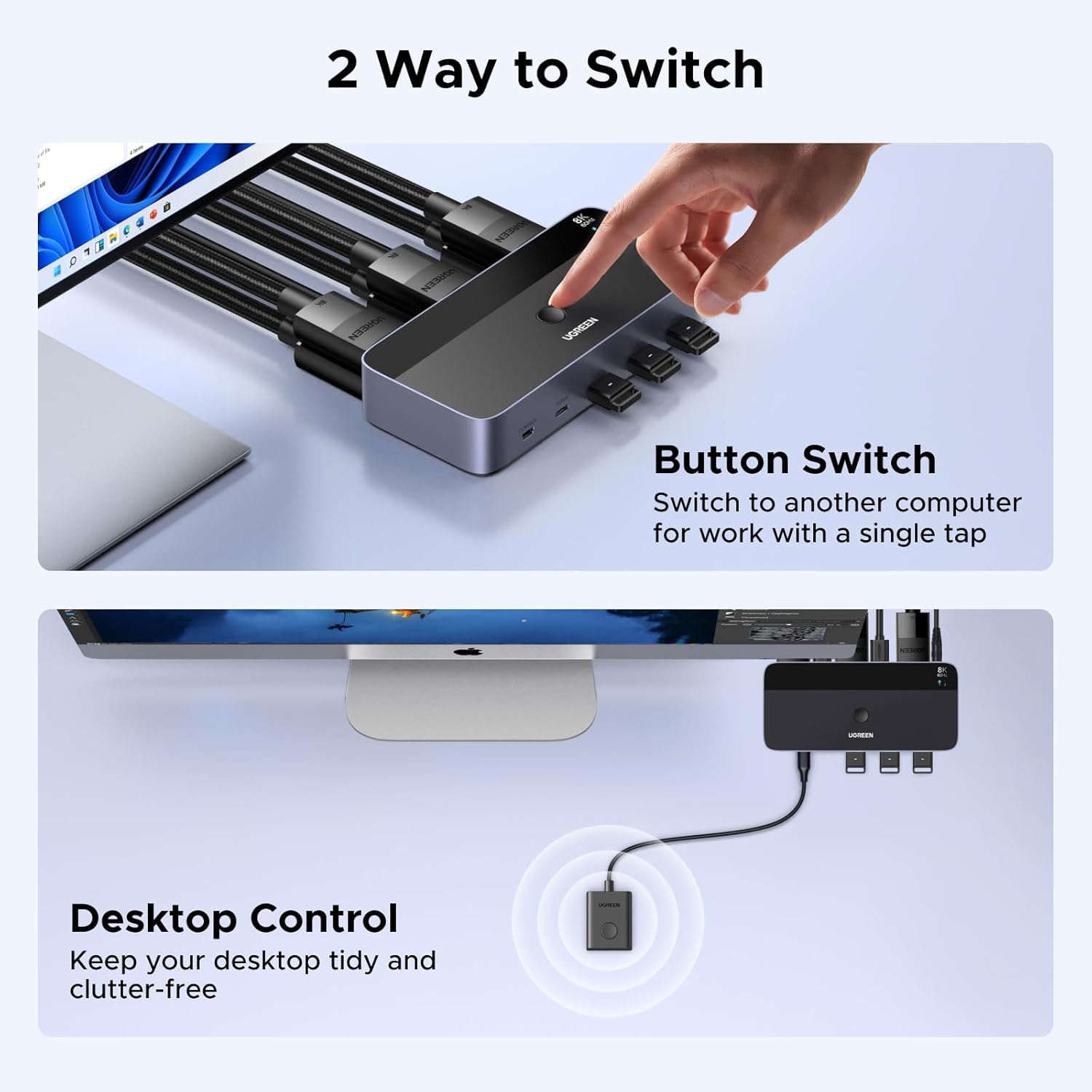
Switching is done with the button on the unit or the included desktop controller. Keyboard shortcuts are not supported. The switch also has no EDID emulation, and it requires an external 12V/2A power supply when in use. The product details list Windows, macOS and Linux support, but do not promise identical behaviour across every computer and display combination.
What it works with
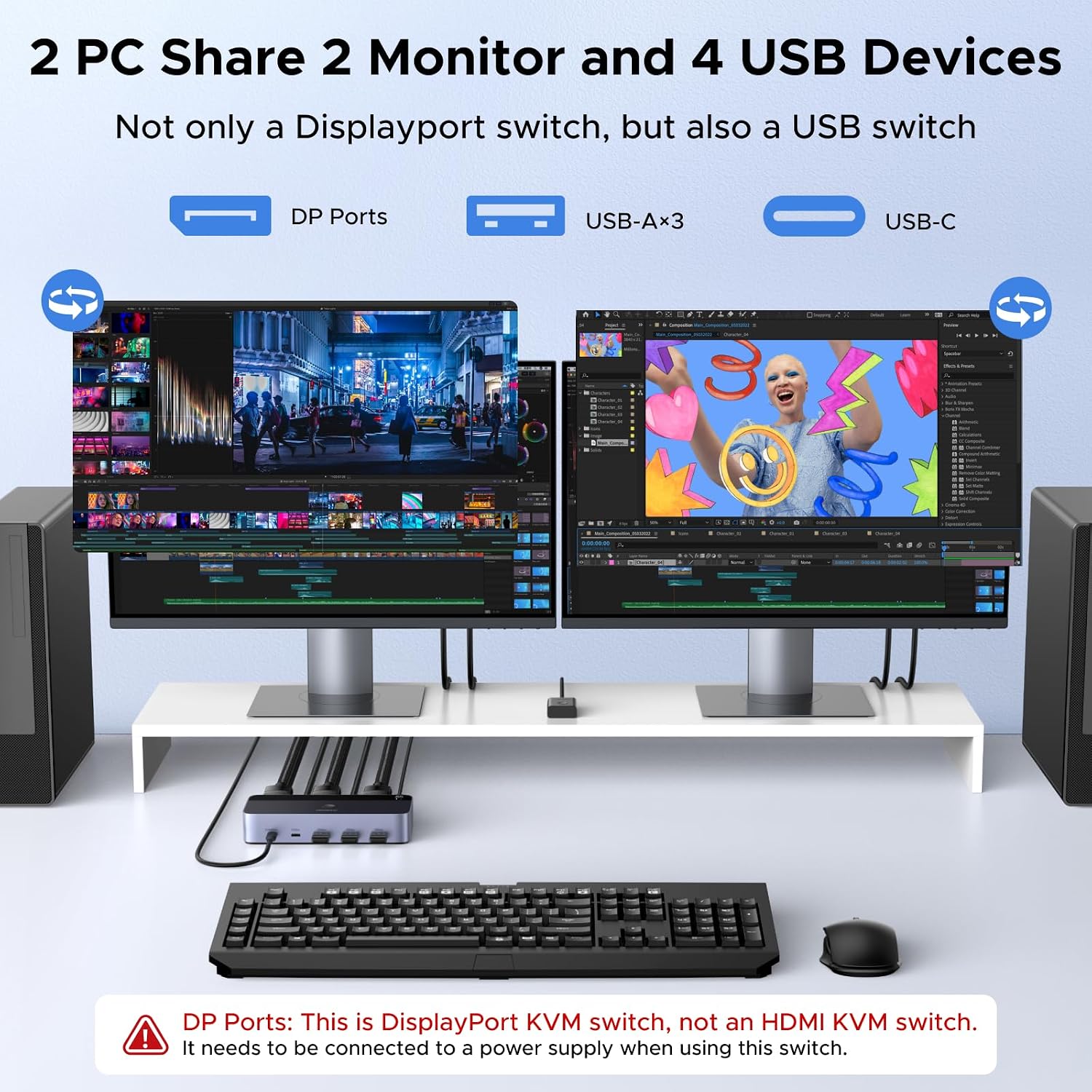
This makes most sense for a desk where two DisplayPort-equipped computers share a pair of monitors, keyboard, mouse and other USB devices such as a printer or flash drive. For example, you could leave both computers connected, then switch the monitors and shared peripherals when moving from one task to another, rather than unplugging each accessory by hand. A single-monitor KVM is a simpler fit if you only need to share one screen, this model’s extra connections are useful only if you’ll use the dual-display arrangement.
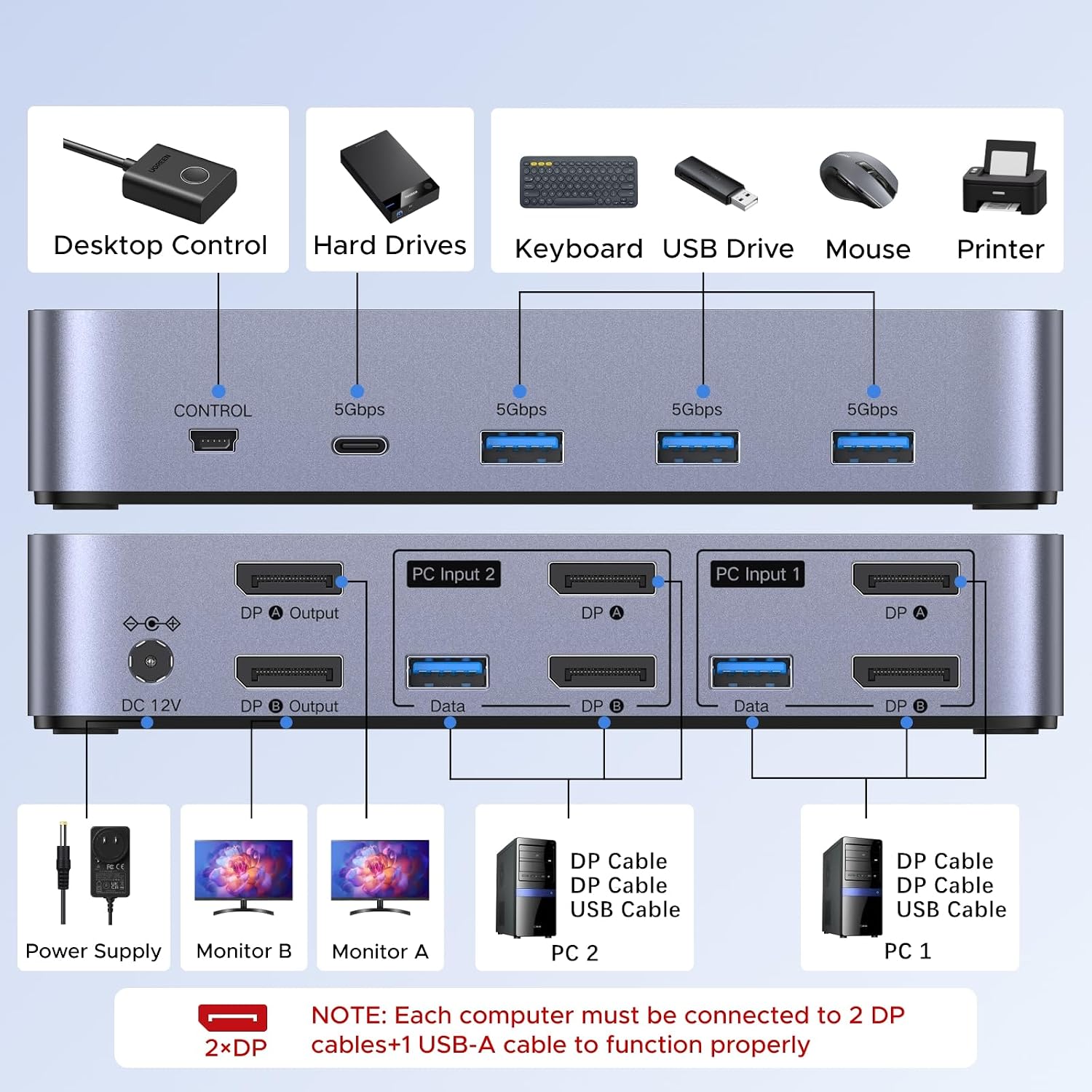
Each computer needs two DisplayPort connections and one USB-A connection to the switch, and both must support dual-screen output. A USB-C-only laptop needs a USB-C-to-USB-A OTG adapter for the USB connection, but that does not remove the DisplayPort requirements. The listing warns that a Mac or laptop connected through a docking station may behave unstably. It also states that both monitors show the video source from one computer at a time, not separate computer feeds on each screen.
Usage tips
Connect both DisplayPort cables and the USB-A cable from each computer, then connect the monitors and shared USB devices. Use the desktop controller if you’d rather keep the switch itself out of the main work area. For high-resolution output, the computer, monitor and cable all need to support the target mode, the advertised maximum is not guaranteed by the switch alone. If your setup relies on hotkey switching, this unit won’t provide that method.
It suits you if you already have the required ports and want one set of peripherals for a two-computer, two-monitor workspace. It won’t suit you if your computer lacks the necessary DisplayPort connections, you need Ethernet, or you want each monitor to show a different computer at the same time.

Before deciding
Are DisplayPort cables included? No. The package lists two USB-A cables, a desktop controller, power adapters and a user guide, but not DisplayPort cables.
Can I switch computers with a keyboard shortcut? No. Use the switch’s button or the included desktop controller.
Will it work with a USB-C-only laptop? The listing calls for a USB-C-to-USB-A OTG adapter and the included USB-A cable for USB, while the video connection still requires the specified DisplayPort setup. Docking-station performance may be unstable.
Before you buy
Choose this KVM if both computers can drive two monitors over DisplayPort and you want to share USB accessories as well as screens. If either computer is USB-C-only without the required video connections, you need Ethernet, or you expect the two monitors to display different computers simultaneously, this layout is a poor match. Its usefulness depends less on the headline resolution than on whether your existing desk can meet those connection requirements.