

Logitech Signature M650 Wireless Mouse, Small-to-Medium, Off-White
Reviews
Price
Product description
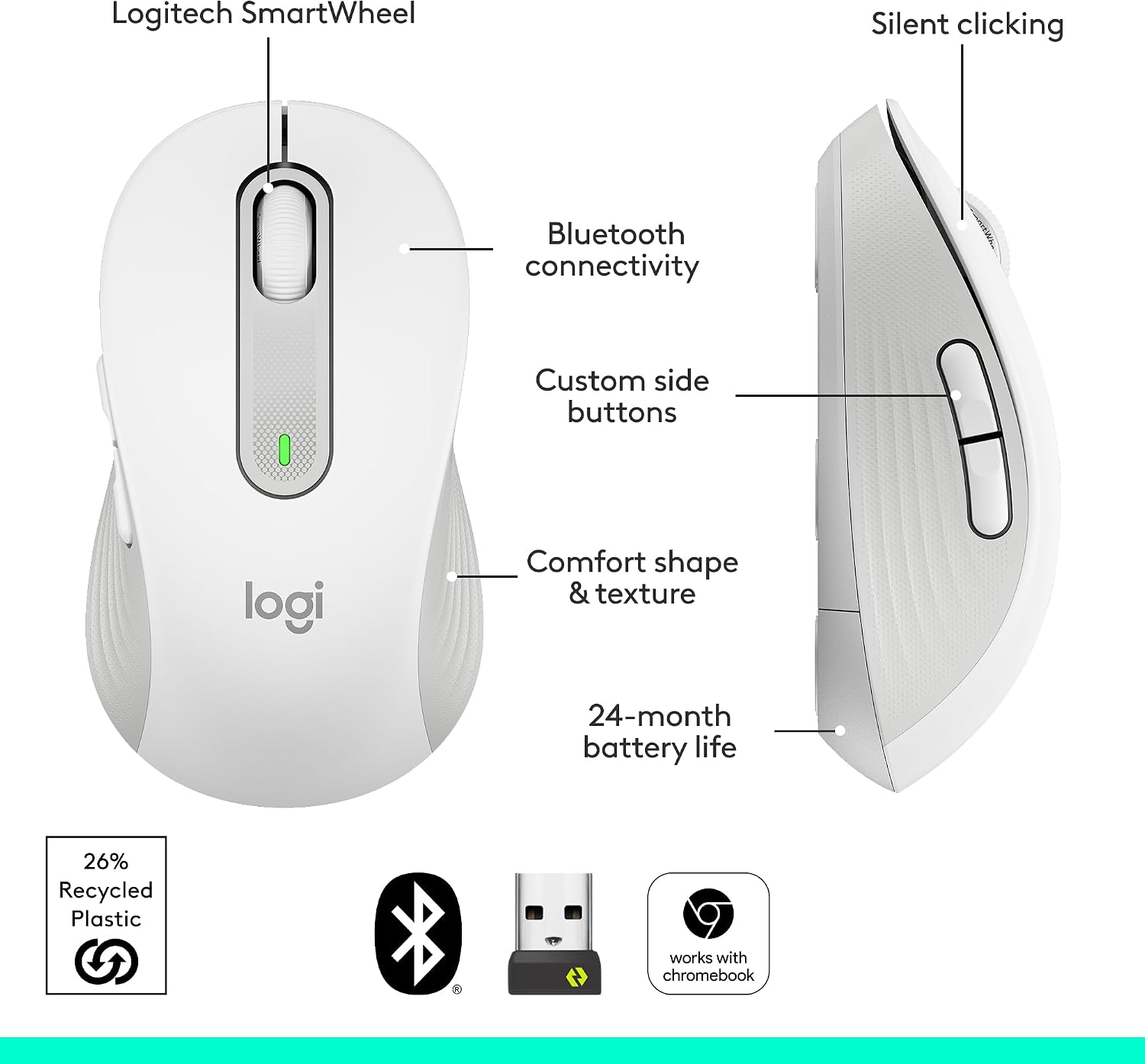
For small-to-medium, right-handed users who want a comfortable wireless mouse for everyday computer work, the Logitech Signature M650 combines an ergonomic shape with quiet clicks and an adaptive SmartWheel. Switch from precise, line-by-line scrolling in documents to faster scrolling through long webpages with a flick of your finger.
Bluetooth Low Energy and Logi Bolt USB receiver connectivity offer two ways to connect, while customizable side buttons put useful shortcuts within reach.
The essentials
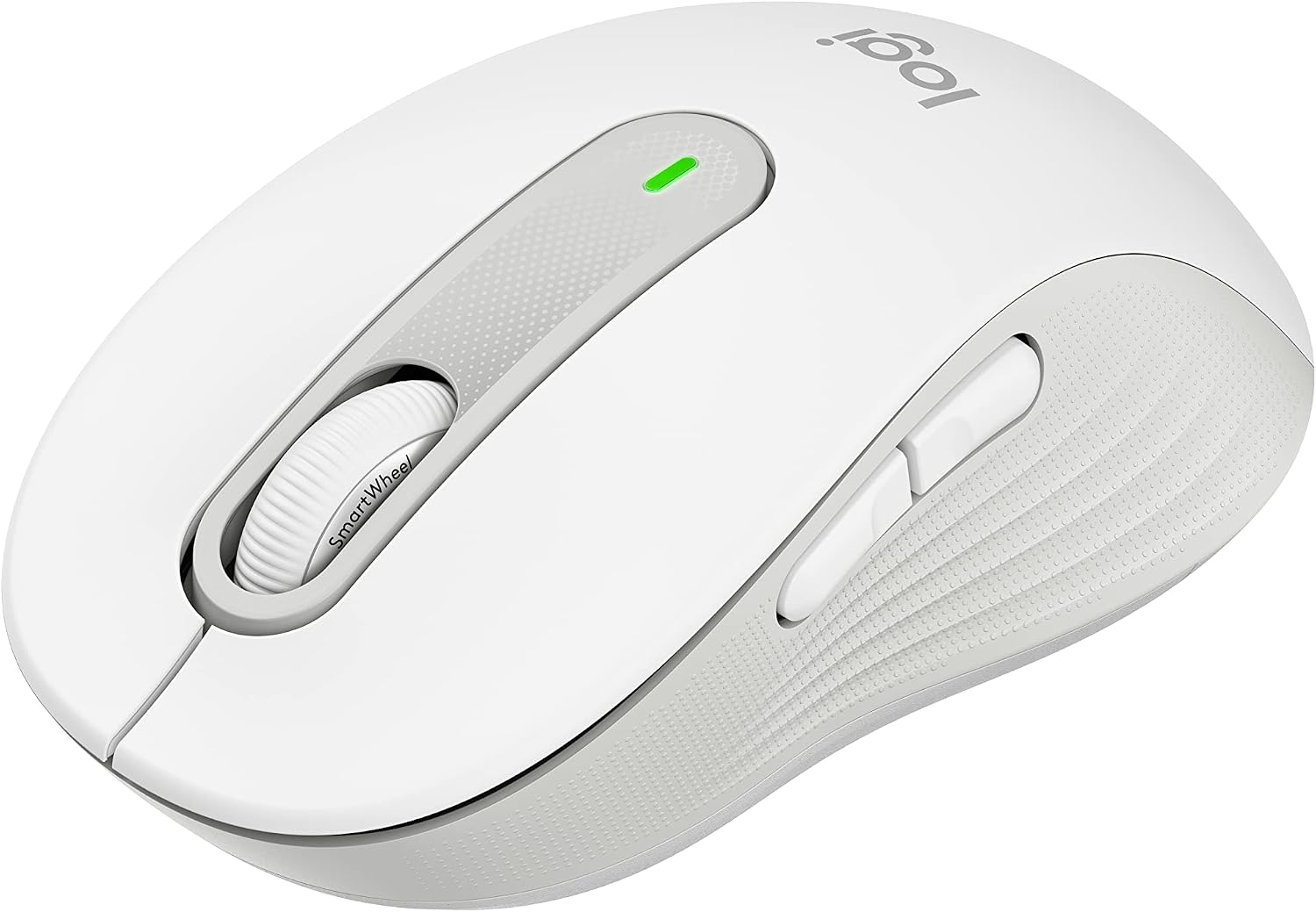
The Signature M650 is designed for right-handed use, with a soft thumb area and rubber side grips to support a comfortable hold during long work sessions. Its matte finish and lightweight, portable design suit a home or office desk, and the off-white colour gives this small-to-medium version a clean, understated look.
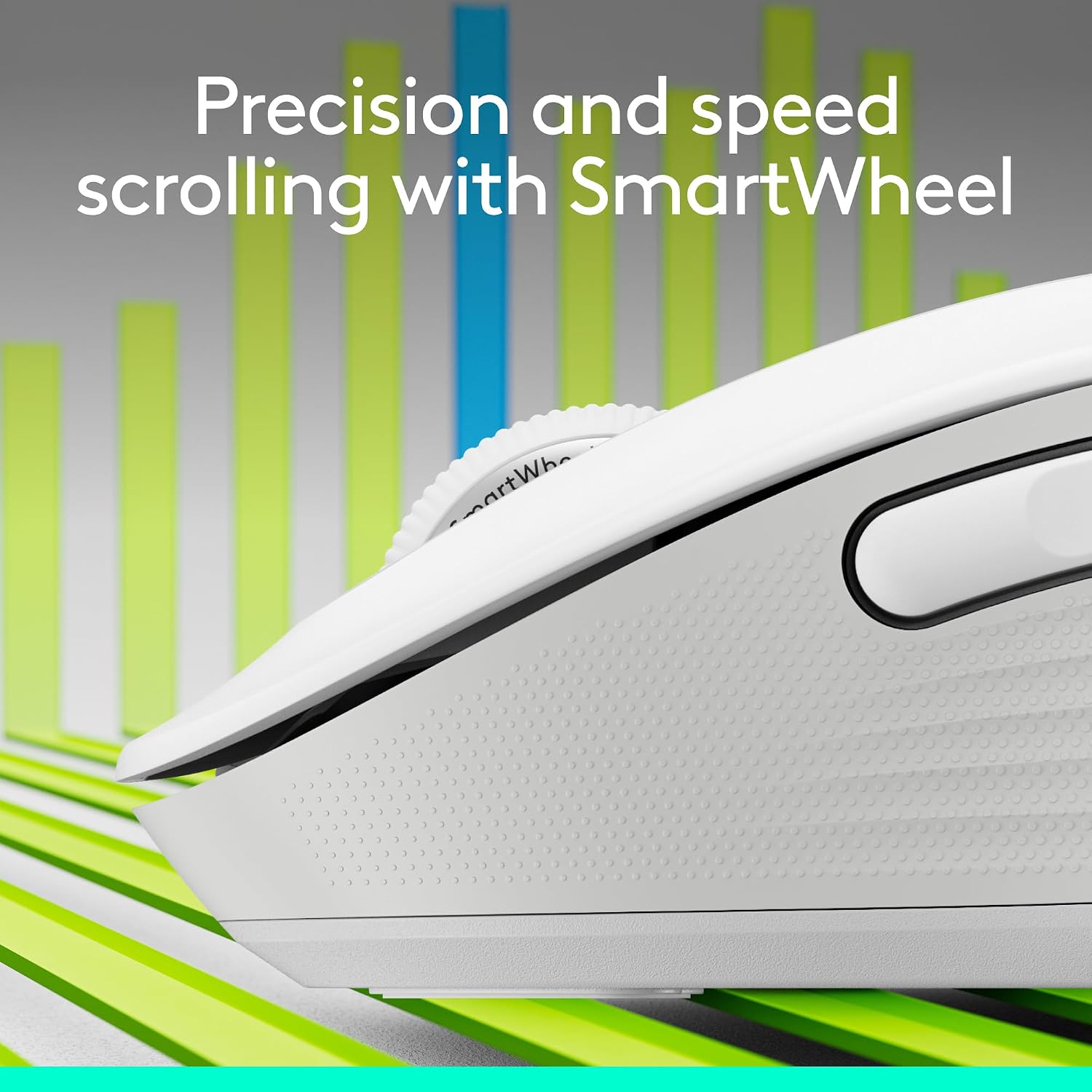
The SmartWheel adapts to the task: use controlled scrolling to move through documents line by line, then switch to fast scrolling for lengthy web pages. SilentTouch technology reduces click noise by 90%, helping keep everyday work quieter. The two side buttons can be customized with Logitech Options+ on Windows and macOS, for shortcuts such as back and forward or copy and paste.
Buyers often highlight the quiet clicks, comfortable feel and straightforward connectivity. Feedback on functionality is mixed, so these experiences are best treated as individual impressions rather than a guarantee of performance.
Quick sizing guide
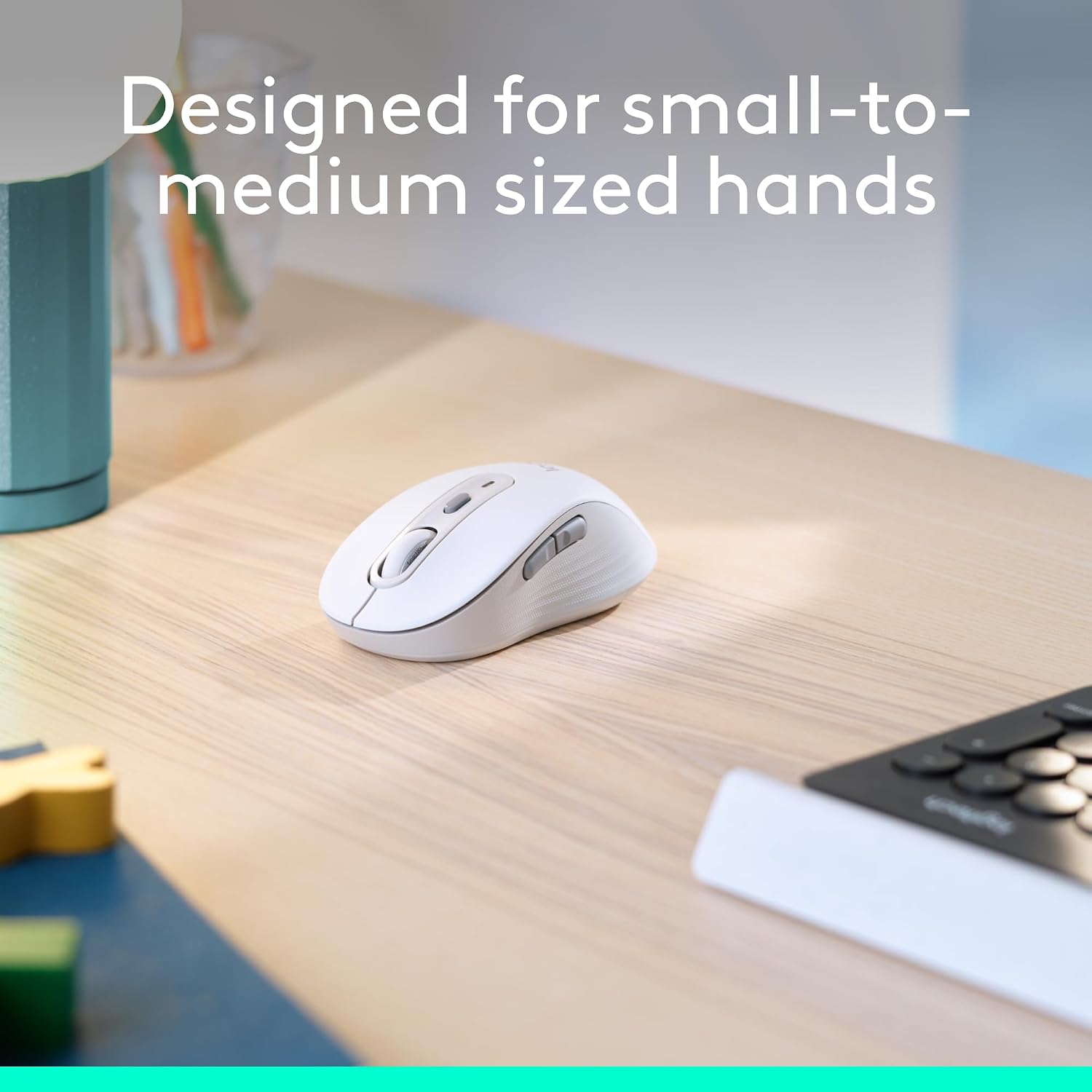
This version is listed for small-to-medium hands and is shaped for right-handed use. Its soft thumb area and rubber side grips provide defined contact points while navigating, scrolling or working through routine tasks. If you are choosing between this and a different size or handedness, match the mouse to the hand you use and the fit you prefer, the Signature M650 range is described as having size and handedness options.

How to use it
Connect the mouse using Bluetooth Low Energy or a Logi Bolt USB receiver, then use the SmartWheel to move between precise document scrolling and faster page navigation. In a practical work session, that means you can scan a long webpage quickly and return to careful line-by-line movement when editing or reading a document. Set the side buttons to frequently used shortcuts through Logitech Options+ on Windows or macOS.
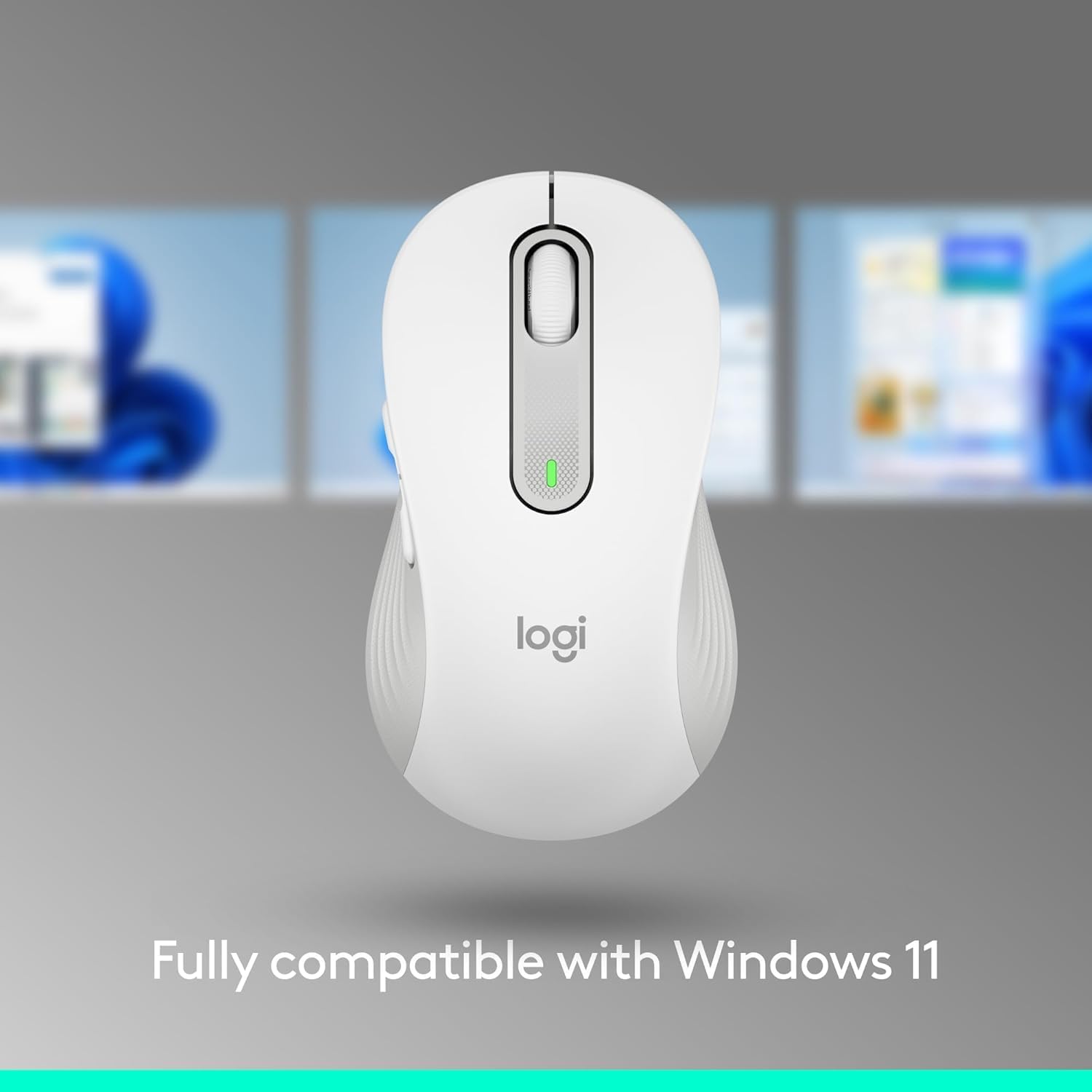
The mouse uses an optical movement sensor and one AA battery, which is included. Battery life is rated for up to 24 months and can vary with use and computing conditions. Listed operating system compatibility includes Windows, macOS, Linux, ChromeOS, iPadOS and Android.
Practical questions
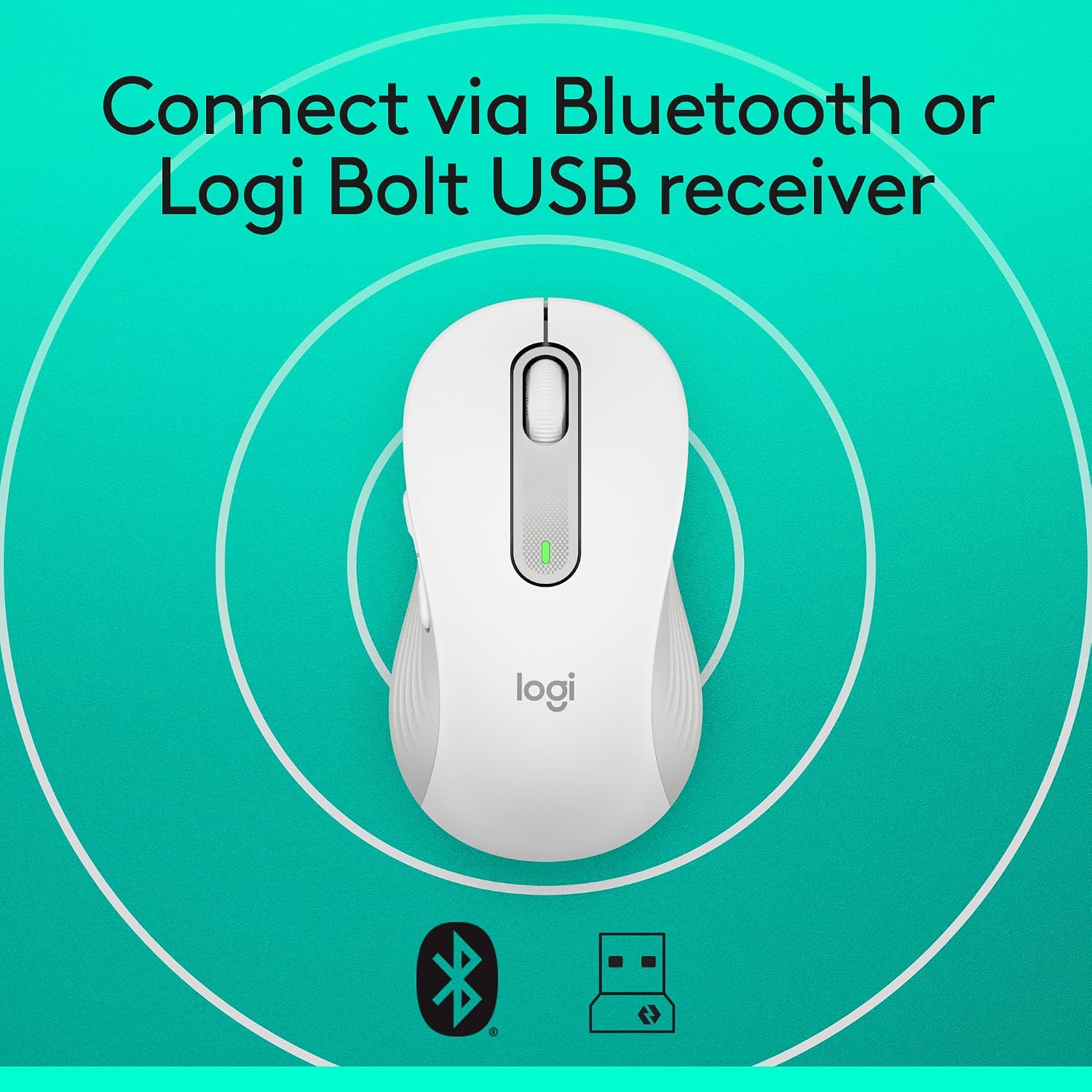
Can I choose between Bluetooth and a USB receiver? Yes. The M650 supports Bluetooth Low Energy and connection through a Logi Bolt USB receiver, giving you two wireless connection methods.
Can I change what the side buttons do? Yes. Logitech Options+ on Windows and macOS lets you assign shortcuts, including examples such as back and forward or copy and paste.
How does the wheel handle different kinds of scrolling? SmartWheel provides line-by-line precision for documents and switches to faster scrolling for long webpages with a flick of your finger.
Final verdict
For a small-to-medium, right-handed setup, the Signature M650 brings practical comfort, quieter clicking and adaptable scrolling together in one wireless mouse. Its customizable side buttons add quick access to everyday shortcuts, making it well suited to regular document work and web browsing at home or in the office.