

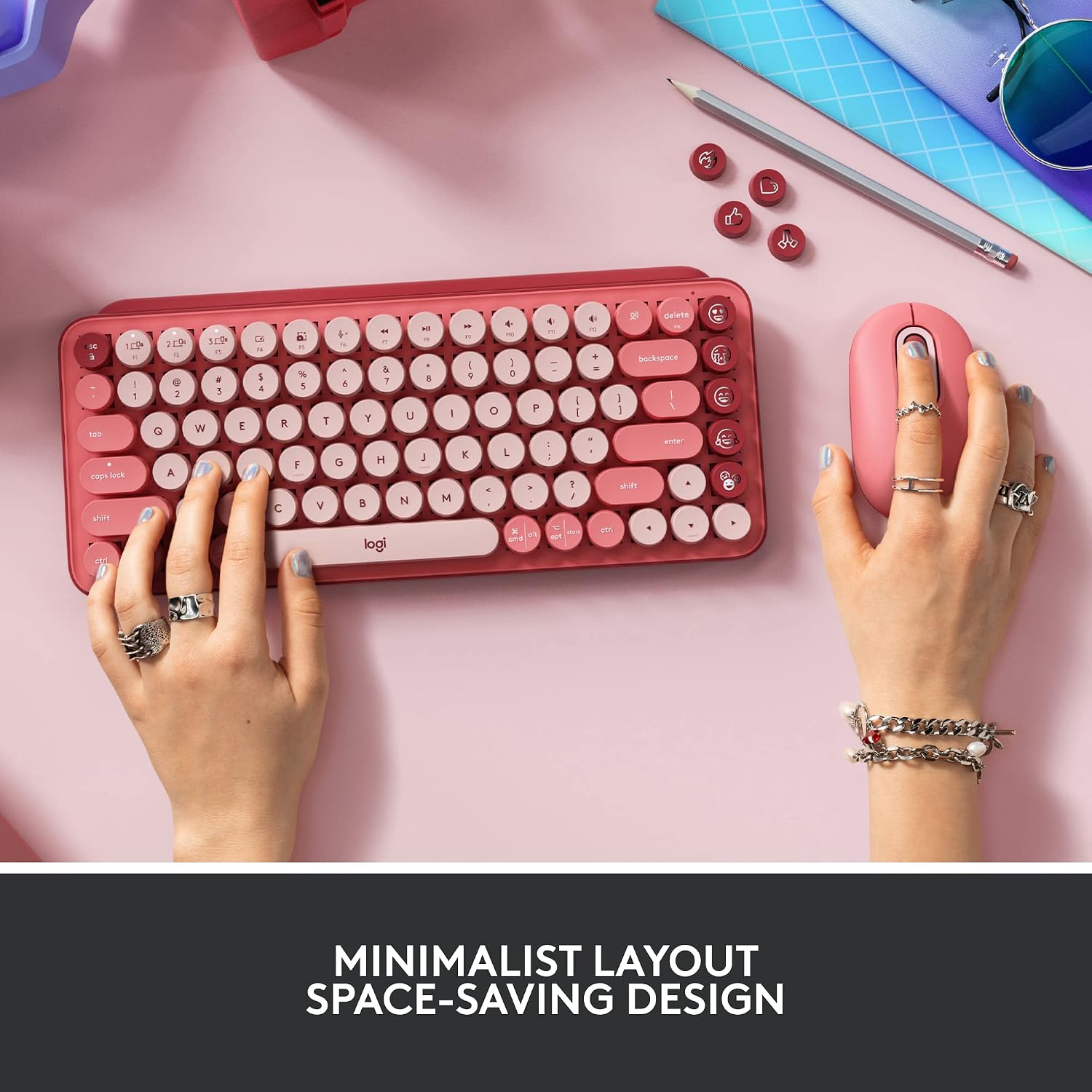
Logitech wireless mechanical keyboard, Rose
Product description
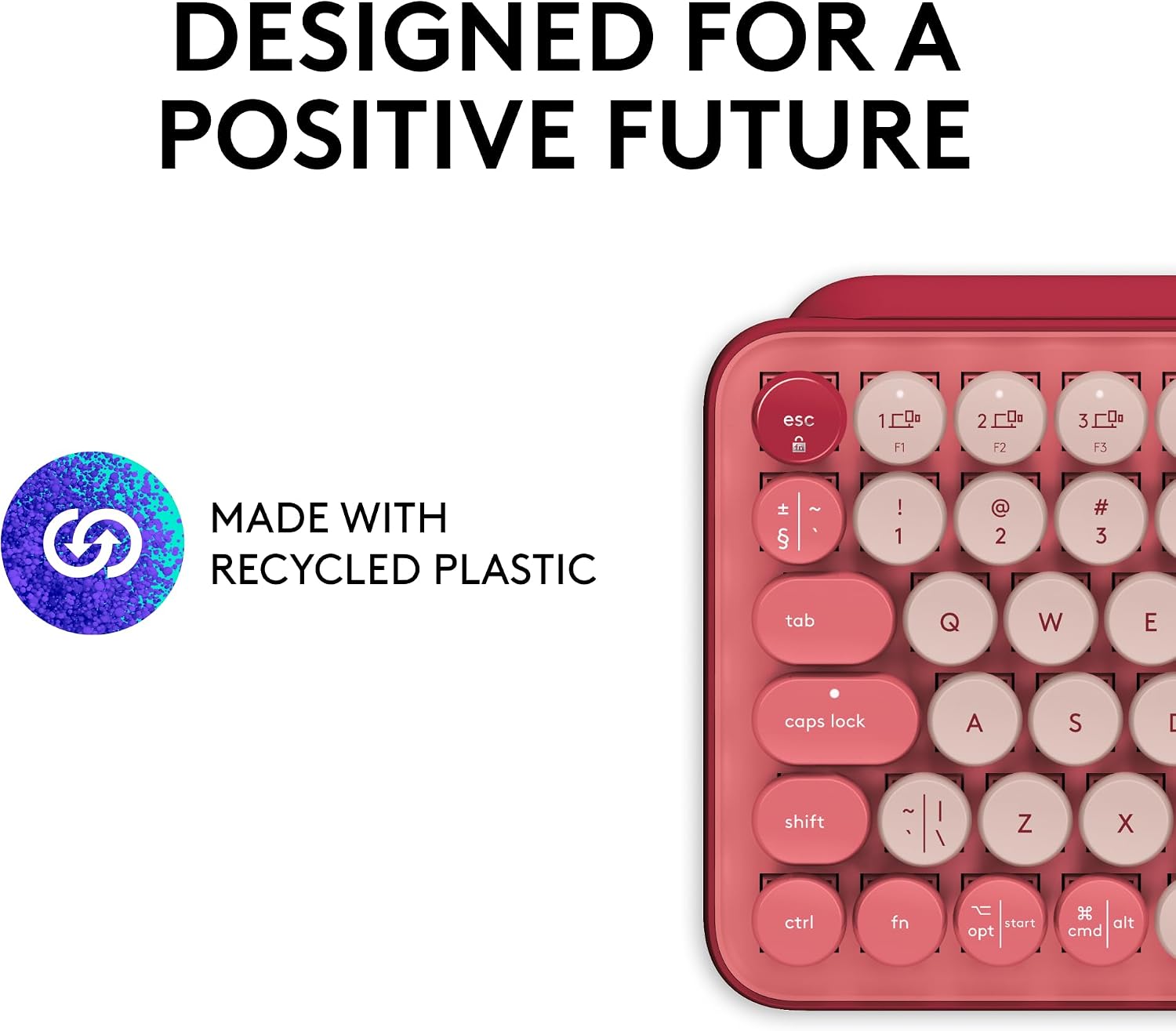
If a flat, quiet keyboard makes typing feel dull, Logitech’s POP Keys adds tactile, typewriter-style keys and customisable emoji buttons to your desk. Its compact design keeps the footprint down, while wireless pairing lets you switch between devices instead of maintaining a separate keyboard for each one. The Rose colourway is a more expressive choice than a plain office keyboard, though the clicky mechanical feel won’t suit every shared workspace.
Quick overview
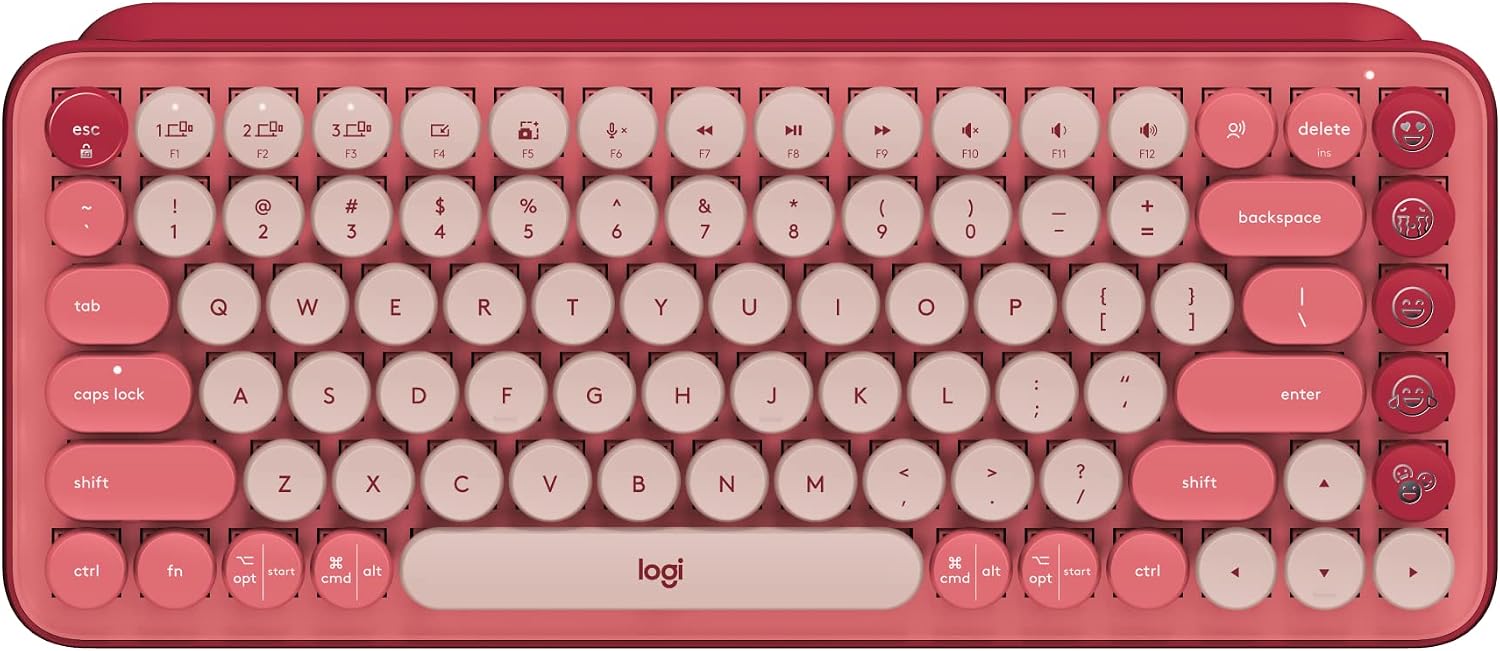
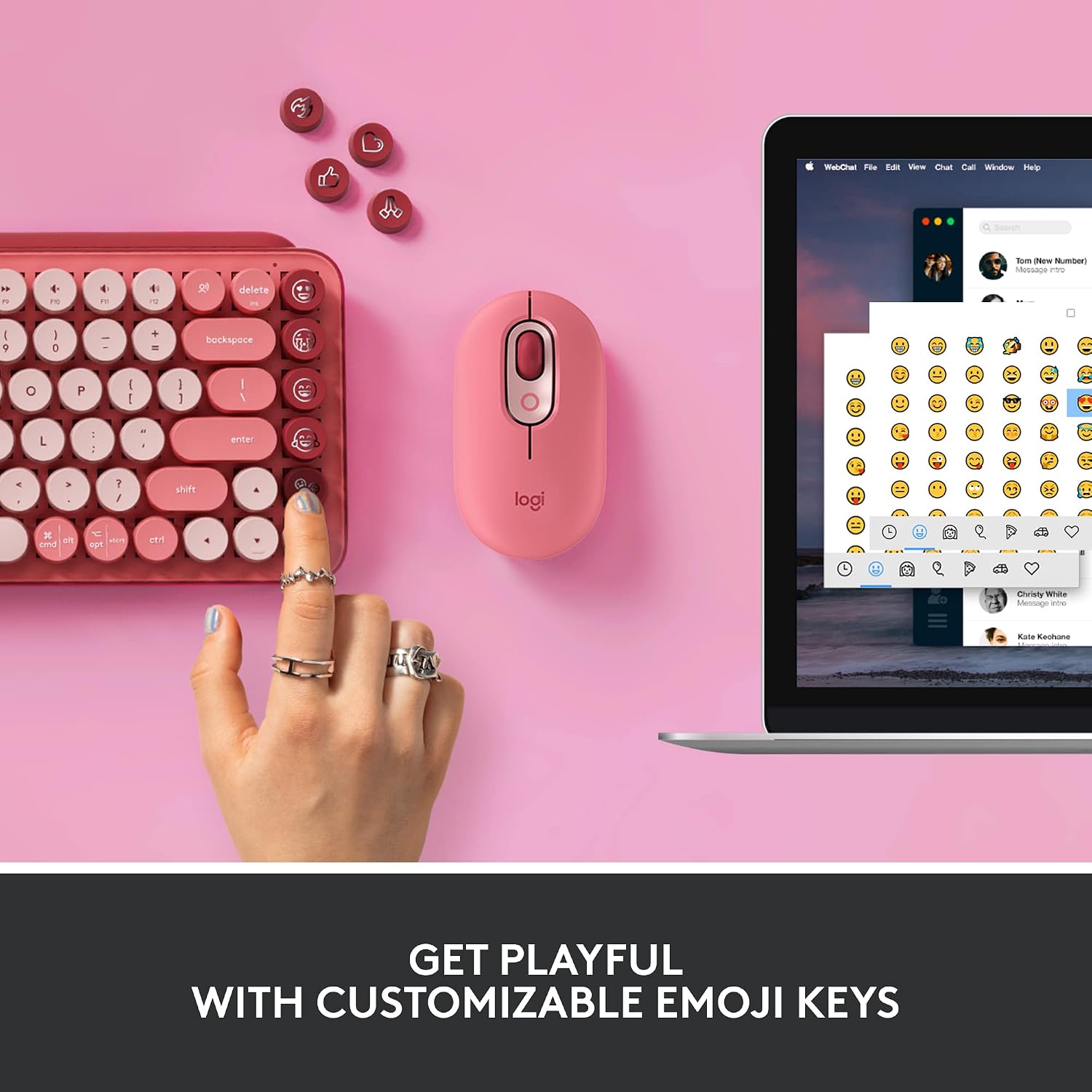
POP Keys is a compact wireless mechanical keyboard with scooped keys designed to give typing a bouncy, audible feel. Alongside the standard keys, it has eight swappable emoji keys and an emoji menu key, you can customise the emoji keys using Logitech Software on Windows or macOS. That gives the keyboard a practical twist for frequent chats and shortcuts, rather than leaving its colourful look as the only point of difference.
It can pair with up to three devices, with Easy-Switch keys for moving between them. Connection options are Bluetooth or a Logi Bolt USB receiver, and the listed operating systems include Windows, macOS, Chrome OS, Android, iPadOS and iOS. Logitech states a three-year battery life and says the keys are engineered for up to 50 million keystrokes. Keep in mind that emoji customisation through the software is limited to Windows and macOS, even though the keyboard itself supports several other operating systems.

Best use cases
This layout makes sense for someone who moves between a computer, tablet and phone, or wants a compact keyboard that feels more characterful than a basic wireless model. Picture replying to messages on a laptop, then switching to a tablet without reaching for another keyboard. The dedicated emoji controls may also be handy if you use emojis often and would rather assign them to physical keys.
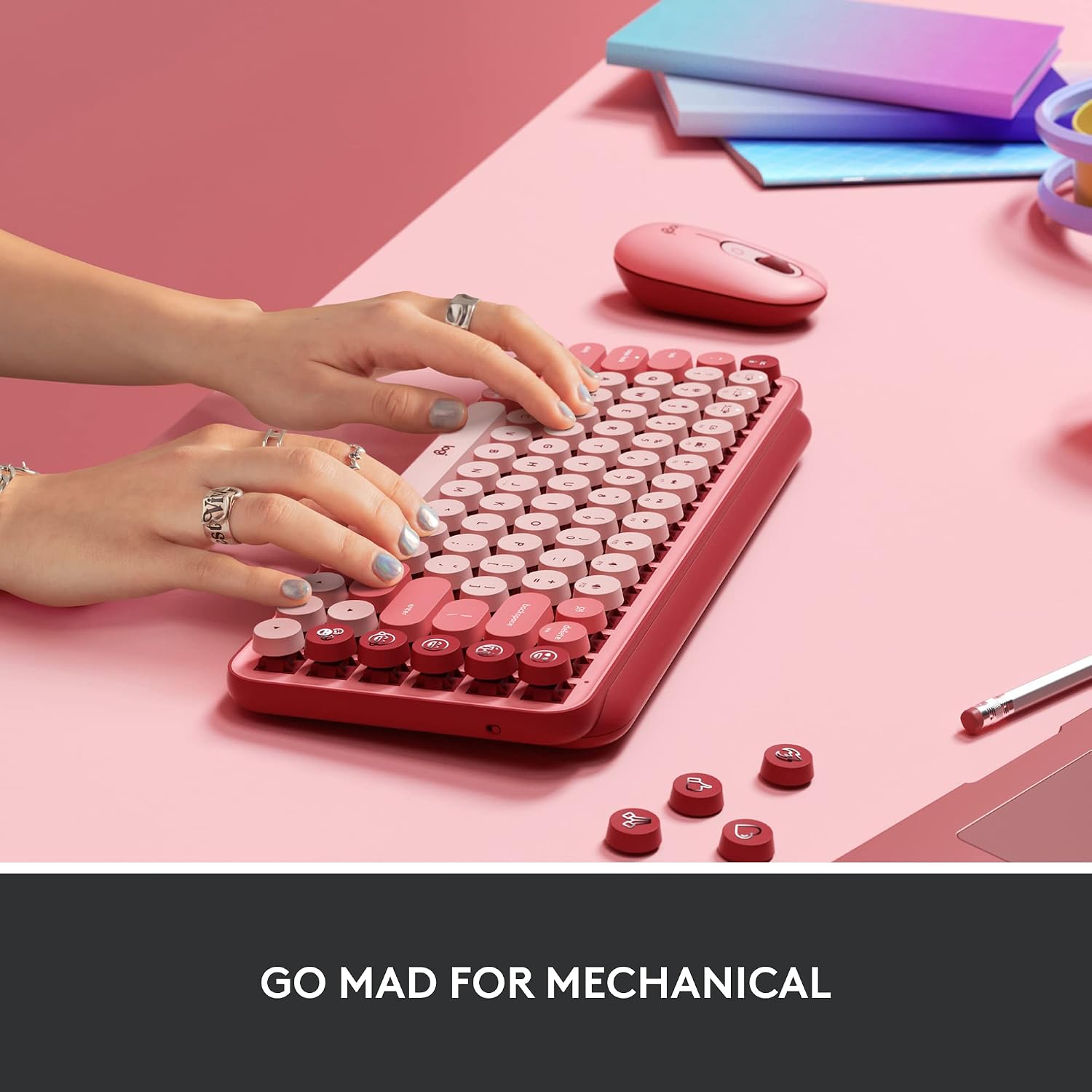
It’s a trade-off in feel, not just appearance: mechanical keys click and clack, so a quieter keyboard may be a better fit for a shared room or sound-sensitive setting. The compact design is intended to save space and encourage better shoulder positioning, but the product details don’t provide dimensions or a full layout breakdown. If you depend on a particular key arrangement, check that it suits your routine before choosing it.
Tips for day-to-day use
Use Easy-Switch to keep up to three paired devices within reach, then move between them as your work changes. For instance, you could type on a computer and switch over to a tablet for a quick reply. If emoji shortcuts are part of your workflow, set them up in Logitech Software on Windows or macOS, the swappable keys give you a way to tailor those controls rather than accepting a fixed set.
It’s a good choice if you want a portable mechanical keyboard with multi-device switching and customisable emoji controls. It won’t suit you if you need a quiet typing experience, or if you want to customise those emoji keys from an operating system other than Windows or macOS. The stated battery life and keystroke rating are useful buying details, but they don’t tell you how long the keyboard will last in your own day-to-day use.
Before you decide
Can it connect to more than one device? Yes. It can pair with up to three devices, and Easy-Switch keys let you move between them.
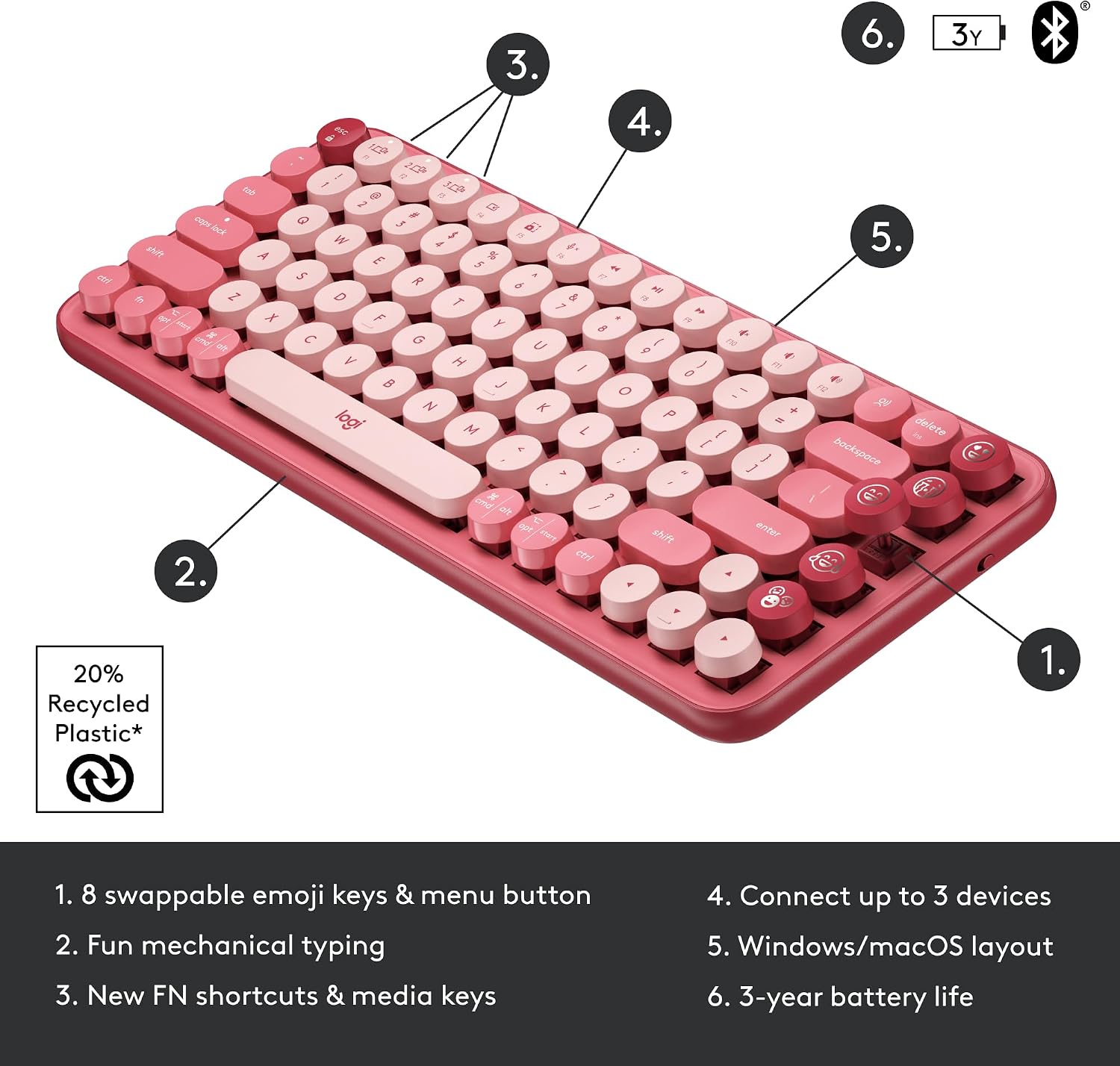
Can I customise the emoji keys on a tablet or phone? Logitech lists emoji customisation through its software for Windows and macOS only. The keyboard itself is listed as compatible with Android, iPadOS and iOS, but customisation on those systems isn’t specified.
Does it use Bluetooth? Yes. Bluetooth is an option, as is a Logi Bolt USB receiver.
Is it worth it?
Choose POP Keys if you want a compact wireless keyboard that makes typing feel tactile, switches between several devices and offers physical emoji shortcuts. Its strongest distinction from a more basic keyboard is that combination of mechanical feedback and customisation. Skip it if low-noise typing matters more than key feel, or if emoji setup outside Windows and macOS is essential. The Rose finish adds personality, but the audible keys and platform-specific customisation are the details most likely to decide whether it fits your desk.