

Logitech vertical ergonomic mouse Lift
Product description
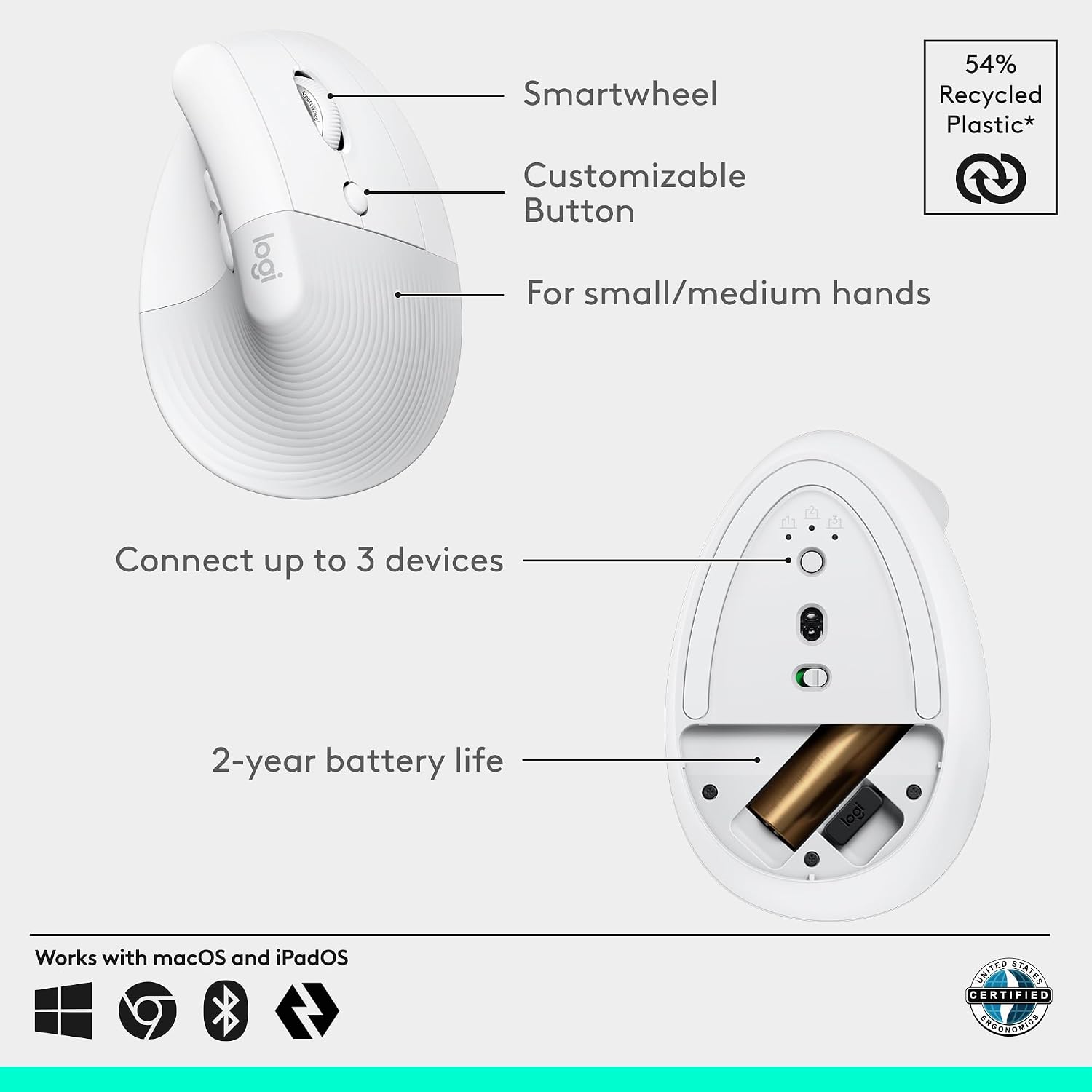
For right-handed users with small to medium hands who spend much of the day at a desk, the Logitech Lift takes a different approach from a conventional flat mouse. Its upright shape is angled at 57 degrees, with a textured grip and thumb rest intended to support a more natural forearm position. Quiet clicks and easy-to-reach buttons also suit focused work in a shared or quiet space. It is a design-led comfort choice, though the listing gives no dimensions to help you judge the fit more precisely.
Where it shines
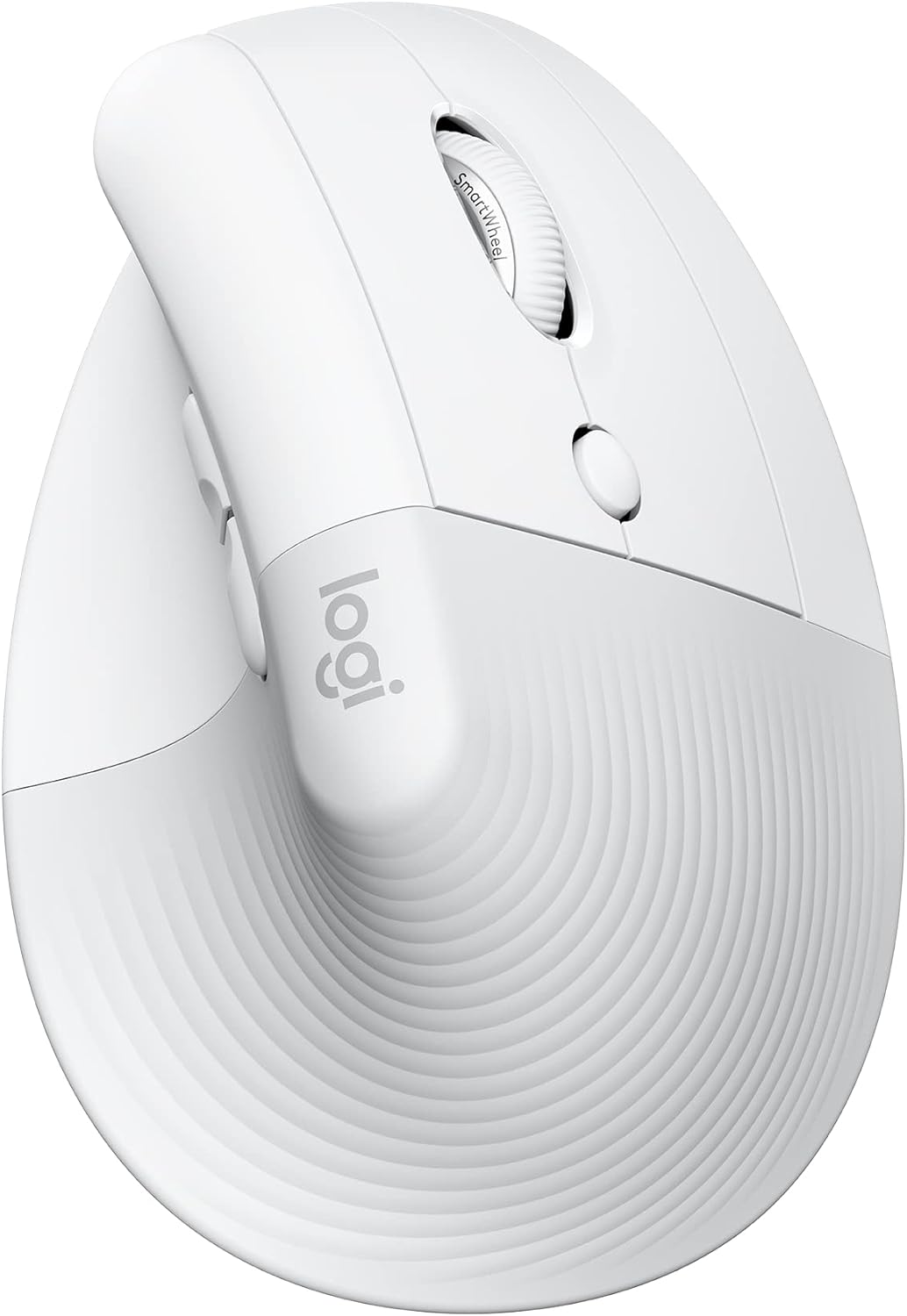
The main difference is how you hold it: rather than keeping your hand flat over a standard mouse, the Lift places it in a more upright position. Logitech describes the shape as promoting a more natural forearm posture, that may appeal if a conventional mouse feels awkward during long desk sessions, but it is not a substitute for checking whether the shape feels comfortable to you. For a practical example, someone moving between documents and spreadsheets could use the SmartWheel for scrolling, then reach for the side buttons without shifting their hand as far.
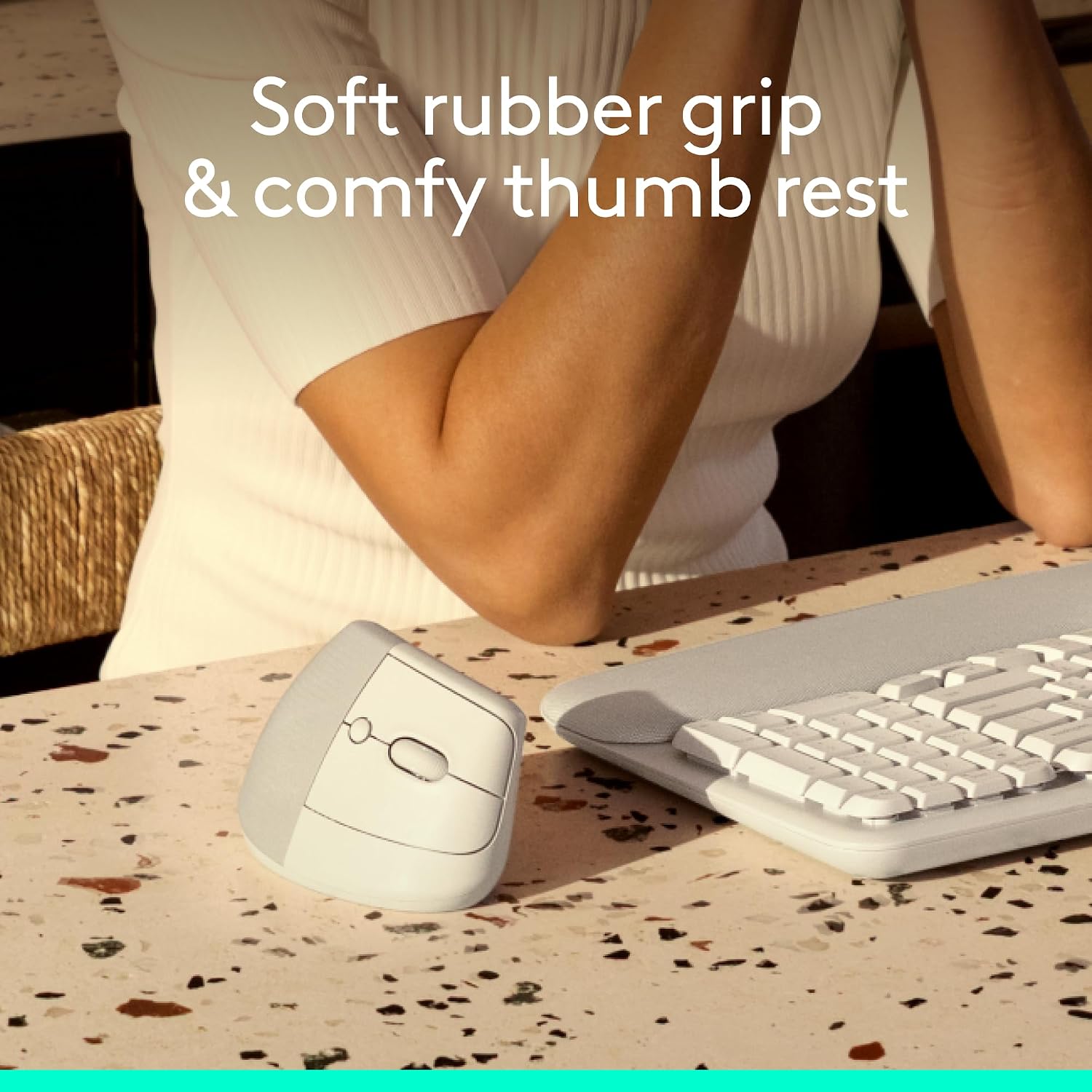
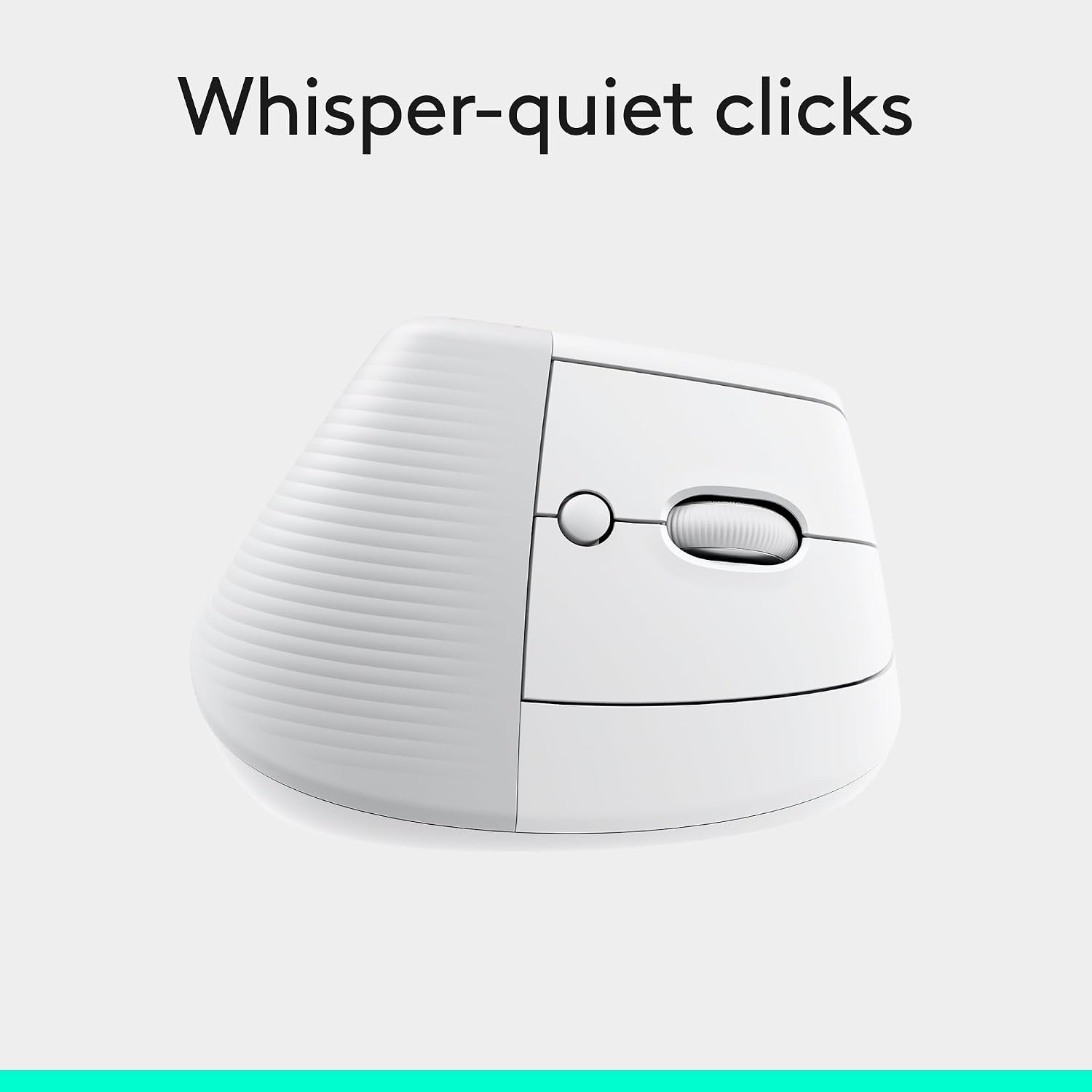
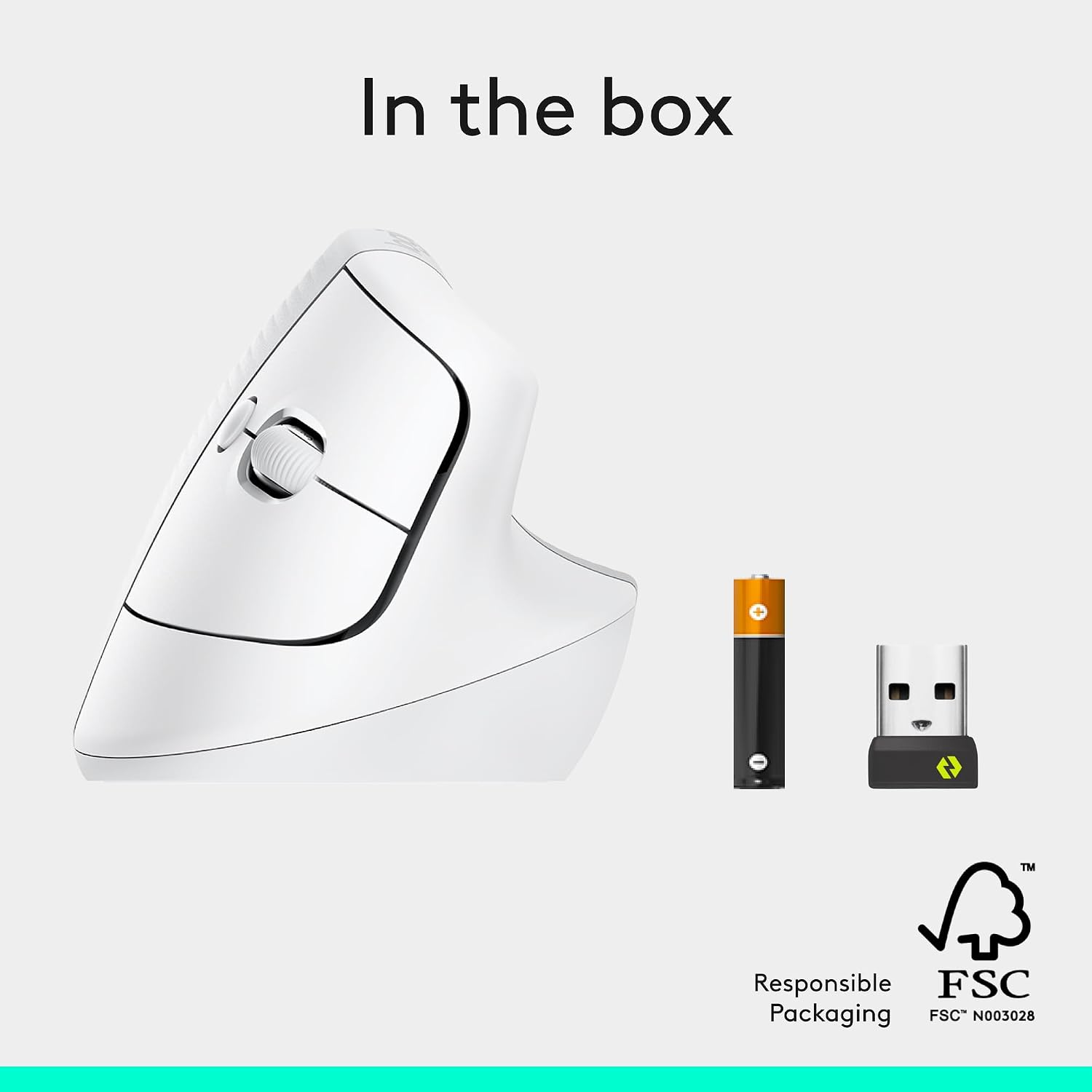
You can connect through Bluetooth Low Energy or the included Logi Bolt USB-A receiver, and the product listing names Windows, macOS, iPadOS, Chrome OS and Linux compatibility. The click sound is described as whisper-quiet, and four of the six buttons can be customized. If you prioritize an upright grip and quieter clicking, those details make the Lift distinct from a basic office mouse, if you prefer a familiar, low-profile shape, a conventional design may be easier to choose without an adjustment period.
Highlights
The Lift is ergo-certified according to criteria set by ergonomists, and Logitech states that its battery life can reach up to two years. That figure is a stated maximum, not a guarantee for every setup or pattern of use. The Off White version also includes certified post-consumer recycled plastic in 54% of its plastic parts, according to the supplied product information.
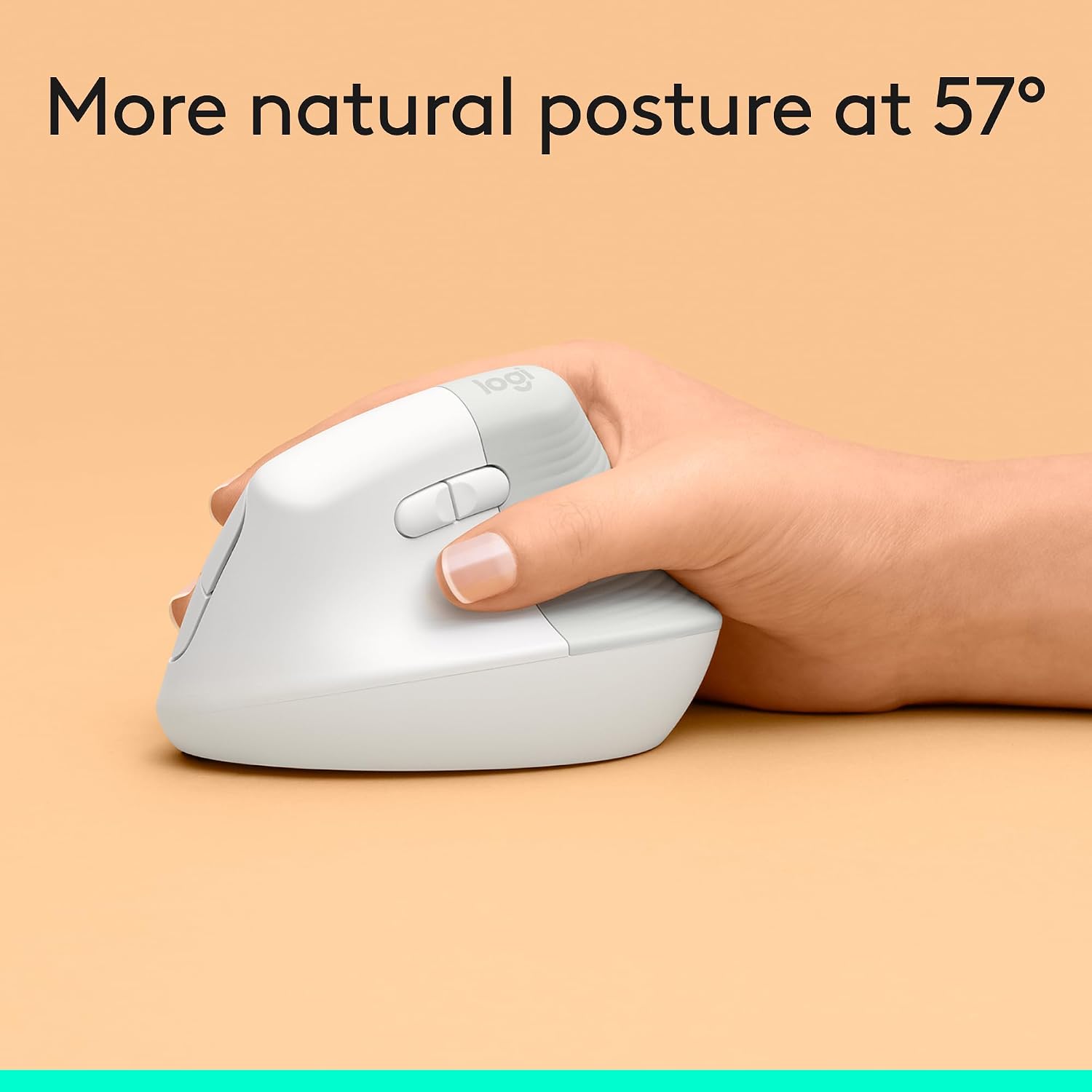

The model is made for small to medium right hands, so hand size and handedness matter more here than they would with a typical ambidextrous-looking mouse. No left-handed version details or exact dimensions are provided in the listing, without that detail, a close fit is difficult to assess before choosing. Te conviene si an equivalent English-language way to put it is: it suits you if the upright grip, wireless connection options and customizable controls match how you work. It is not worth choosing solely for the ergonomic label if you need a left-handed mouse or want exact fit measurements first.
Best use cases
This mouse makes the most sense for everyday computer work where you want a vertical shape, quieter clicks and wireless connectivity, rather than extra gaming features or a compact travel format. It can also suit a multi-device setup across the operating systems listed, using Bluetooth or the receiver. Check which connection works with your setup and whether a USB-A receiver suits your available ports, the listing does not describe any adapter.
The bottom line
Choose the Lift if you have a small to medium right hand and want to try an upright mouse for regular desk work, with quiet clicks and buttons you can customize. The clearest reason to pass is fit: its stated hand range is specific, and there are no dimensions or left-handed fit details here. If you already know you prefer a flat, familiar mouse shape, the Lift’s defining feature may be a drawback rather than a benefit.