

HyperX 65% mechanical gaming keyboard
Product description
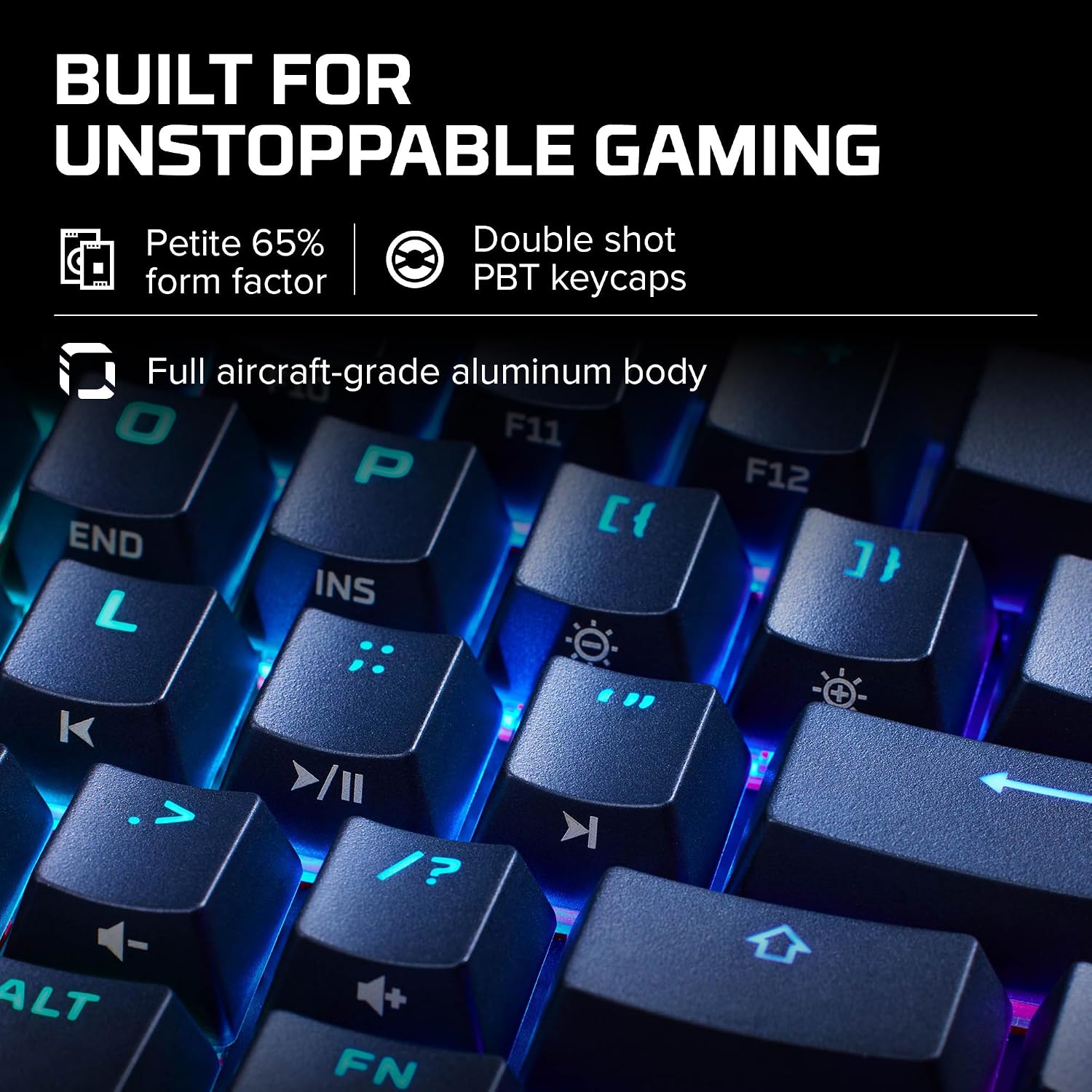
The 65% layout is the Alloy Origins’ defining feature: it takes up less desk space, leaving more room to move a mouse. For a gaming setup where the keyboard and mouse compete for the same patch of desk, that compact footprint could make positioning easier. It also has side-printed legends for secondary functions, so those shortcuts are visible on the keycaps rather than hidden from view. The trade-off is that a compact layout asks you to get used to those secondary functions instead of relying on a larger, more familiar arrangement.
How to use it
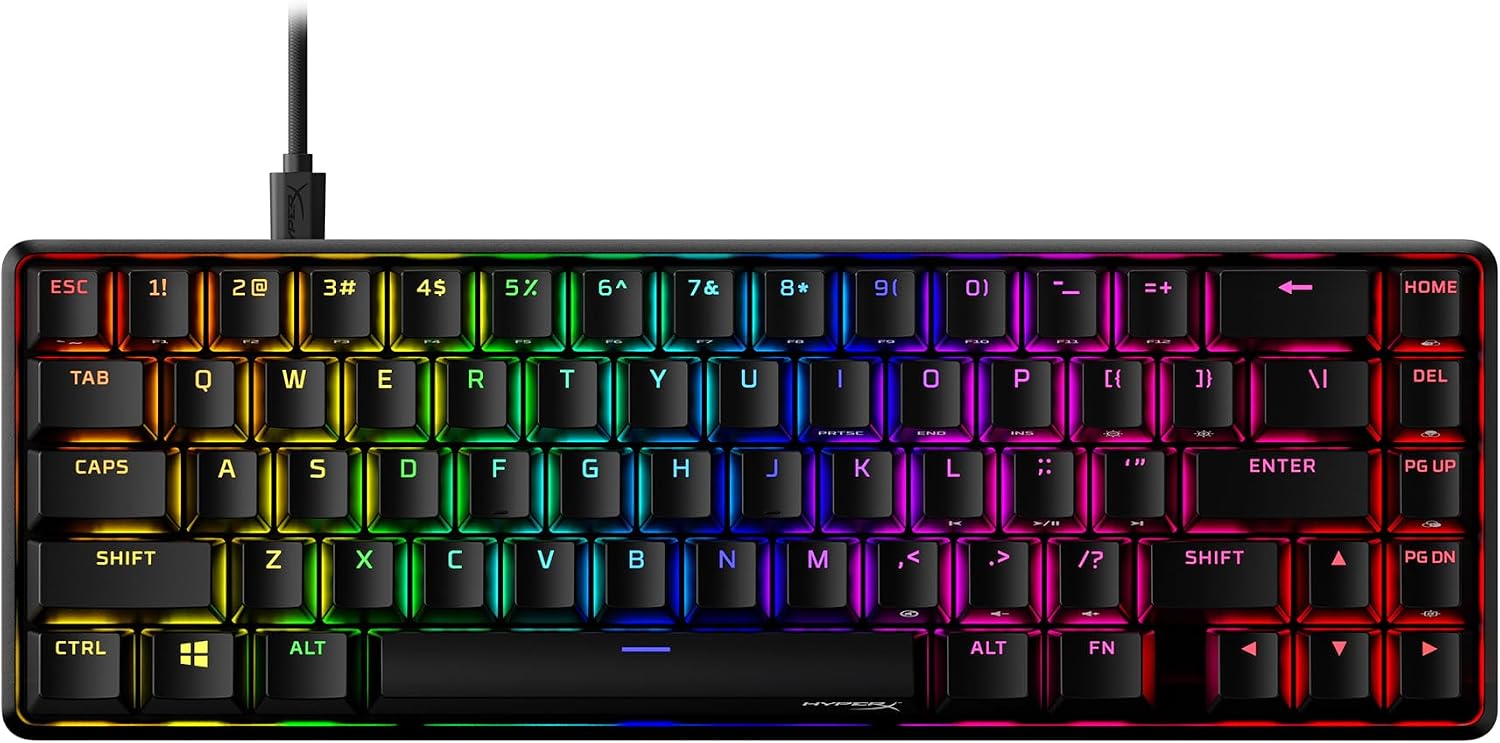
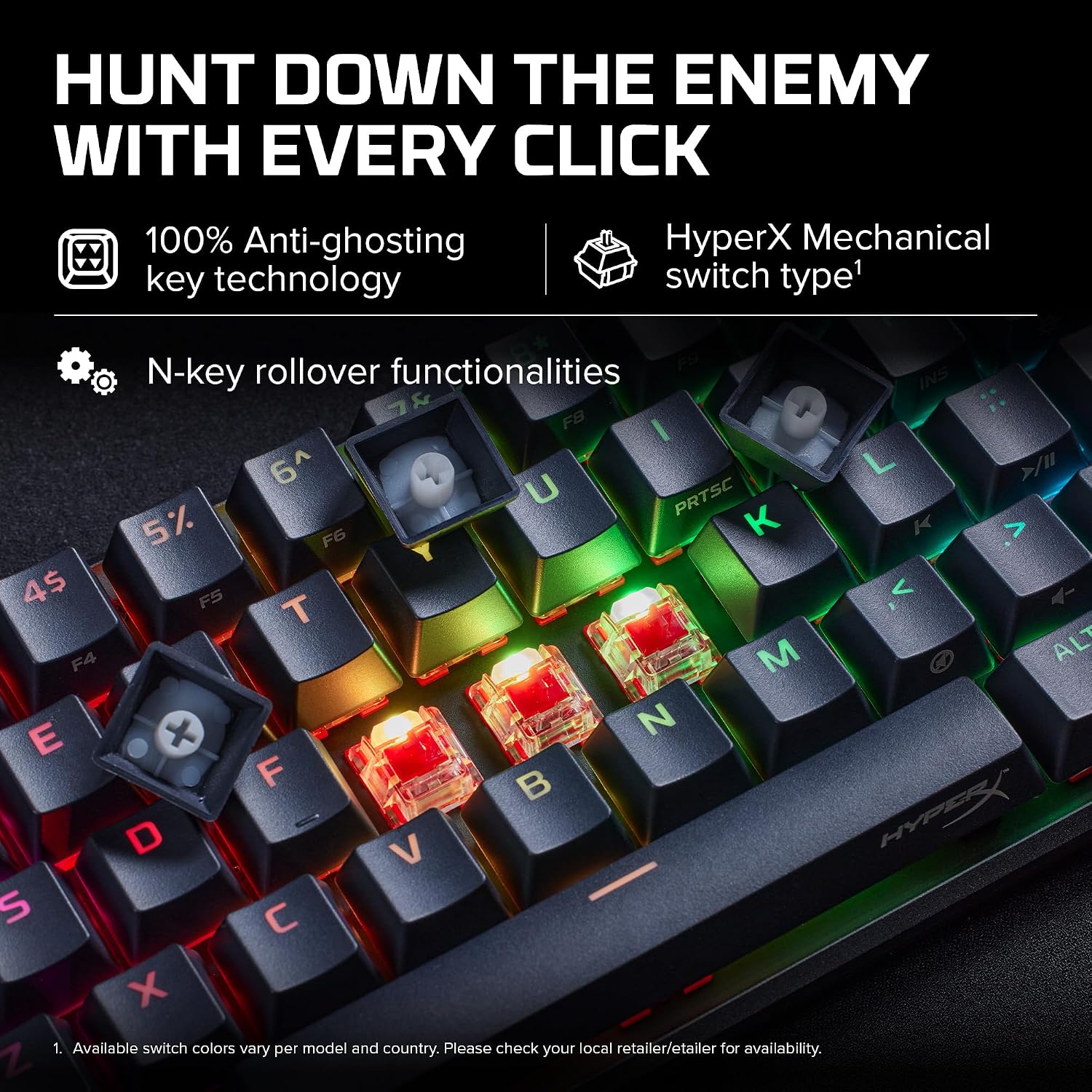
This keyboard is aimed at gaming and everyday desktop use, particularly where keeping the area around the mouse clear matters. Its Linear Red mechanical switches are the version named in the product listing, while the exposed LEDs provide RGB backlighting. Picture adjusting your mouse position between matches, then glancing at a key’s side legend when you need one of its secondary functions. That makes the side printing useful beyond appearance, though it still takes some familiarity to find less-used inputs quickly.
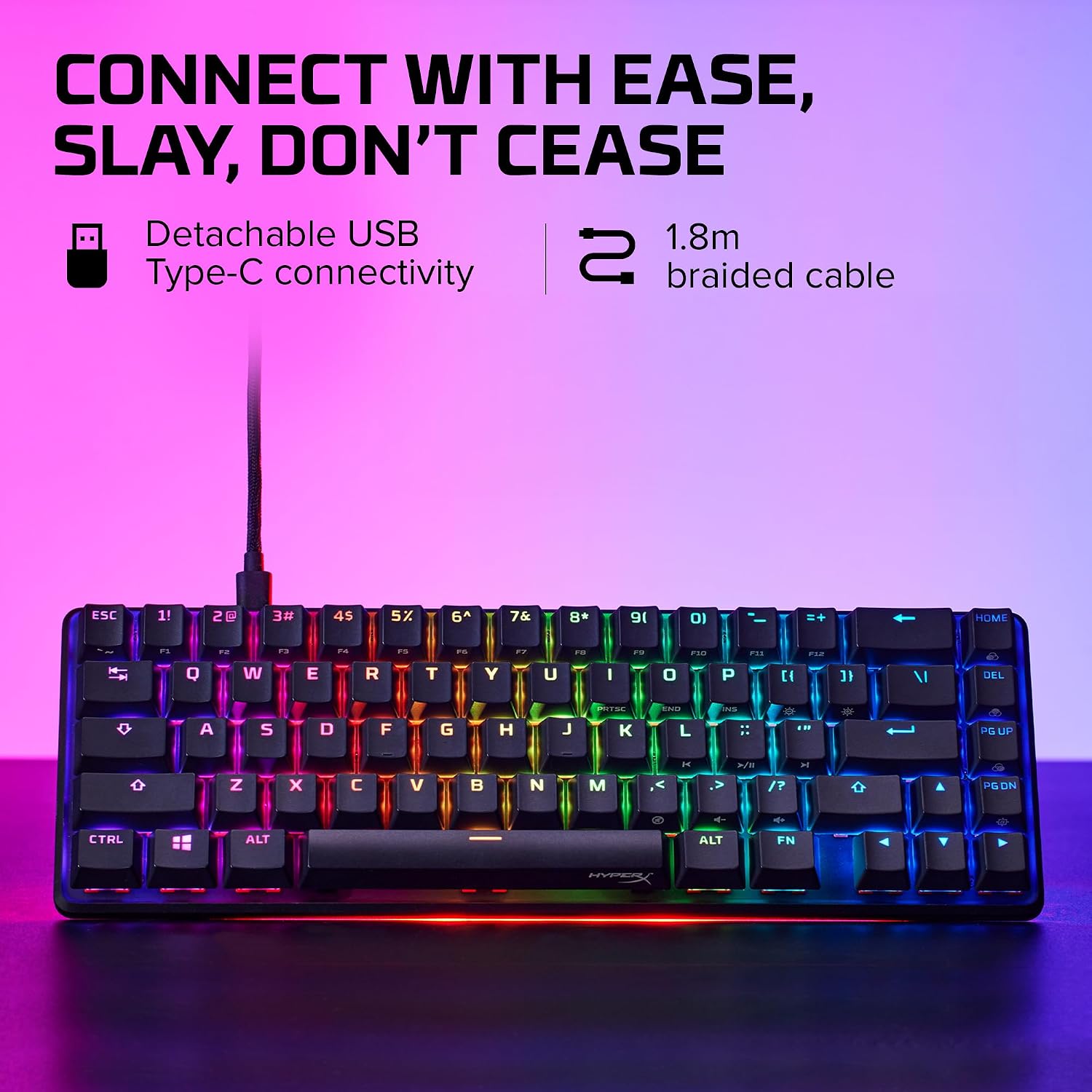
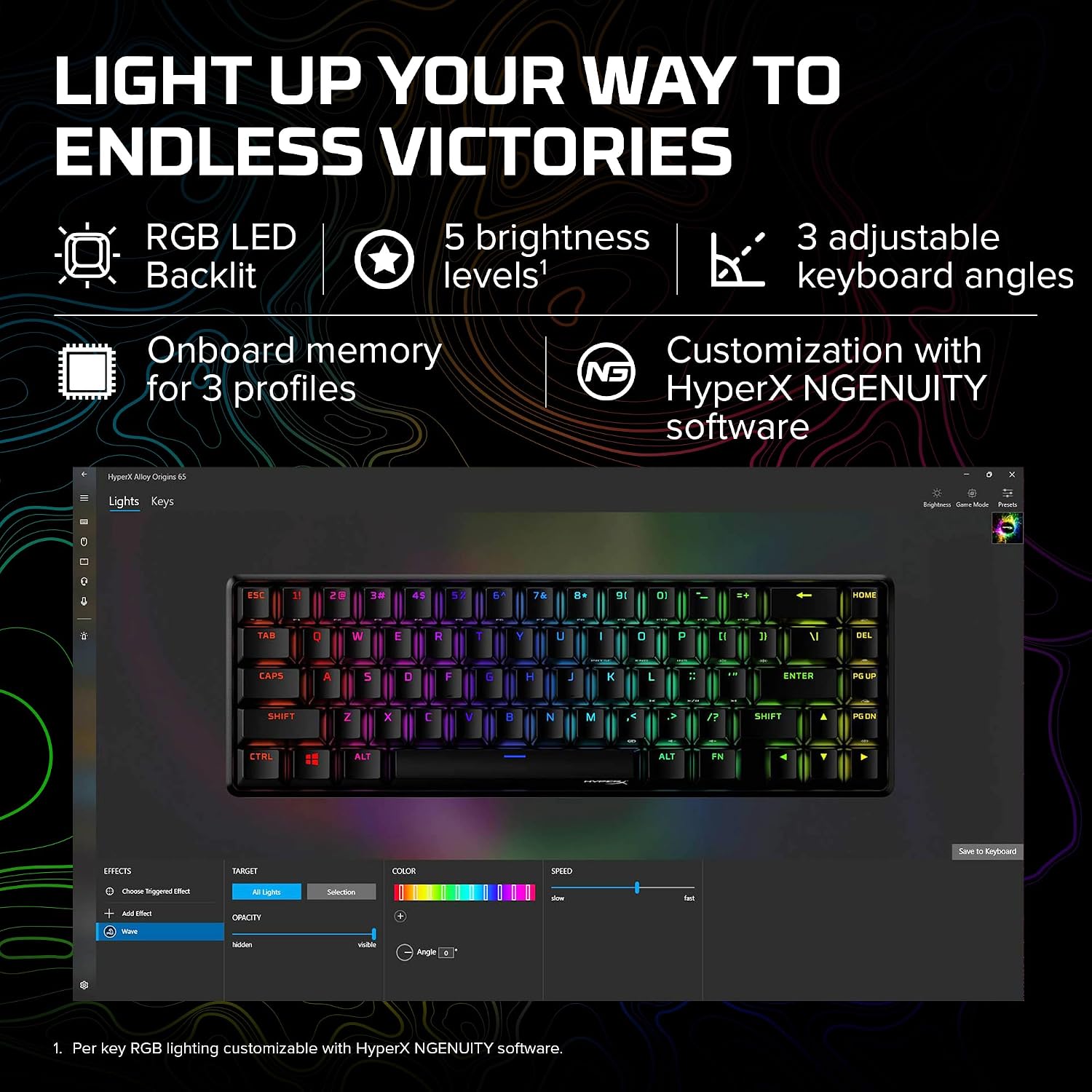
The casing is described as aircraft-grade aluminium, and the keycaps are double-shot PBT. Those are practical details for someone choosing a keyboard to stay on a desk through regular sessions, rather than a basic compact model selected only for its size. NGENUITY software compatibility is also listed, but the product information does not explain which settings or features it enables, so it is best not to assume more than compatibility.
Pros
- The compact 65% form factor frees up desk space for mouse movement.
- Side-printed keycap legends make secondary functions easier to identify.
- Double-shot PBT keycaps and an aluminium casing distinguish its construction from a simpler compact keyboard.
- RGB backlighting uses exposed LEDs, and the listing specifies Linear Red switches.
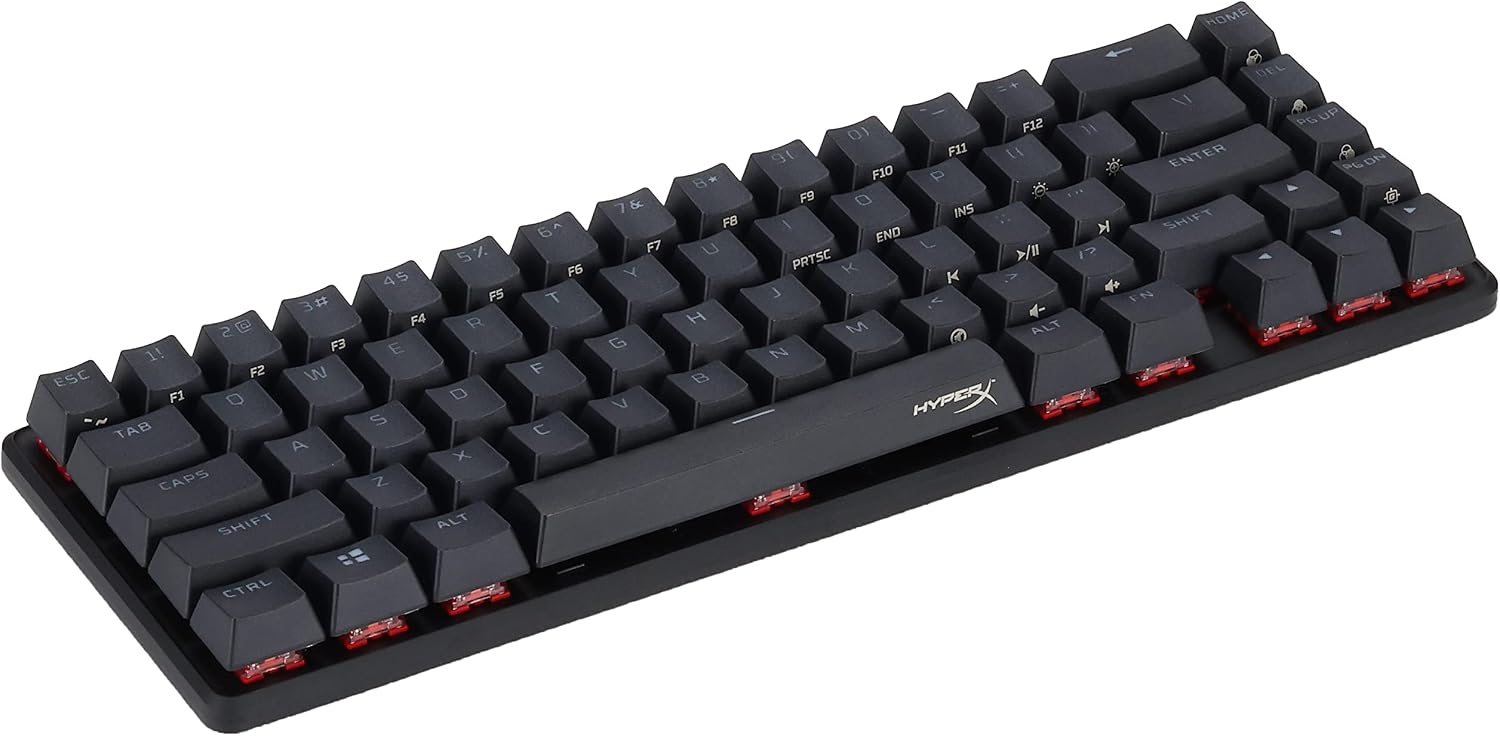
A smaller footprint is not automatically the right fit for every desk routine. If you often reach for secondary functions without looking, the side legends may help, but the compact layout can still feel less straightforward than a larger keyboard. Would you rather save desk space or keep more keys immediately visible? That is the main choice this format puts in front of you. It suits you if mouse room and a compact gaming setup matter more than having a larger layout at hand, look elsewhere if you strongly prefer a full-size arrangement.
Spec sheet
- Type: Mechanical gaming keyboard
- Format: 65%
- Switch: Linear Red
- Material: Aircraft-grade aluminium casing, double-shot PBT keycaps
- Colour: Black
- Lighting: RGB LED backlighting
- Software: NGENUITY compatible
My take
The Alloy Origins 65 is worth considering if you want a mechanical gaming keyboard that gives the mouse more room and includes clearly marked secondary key functions. Its aluminium body, PBT keycaps and RGB lighting add useful detail, but the defining decision is still the smaller layout. Compared with choosing a larger keyboard for a more familiar arrangement, this one prioritizes a compact desk footprint, that is a sensible trade if you are comfortable learning where its secondary functions sit. With what the listing says, the main limitation to weigh is that compactness may not suit people who want a more expansive layout for their usual tasks. Check that the 65% format works for how you game and type before choosing it.