

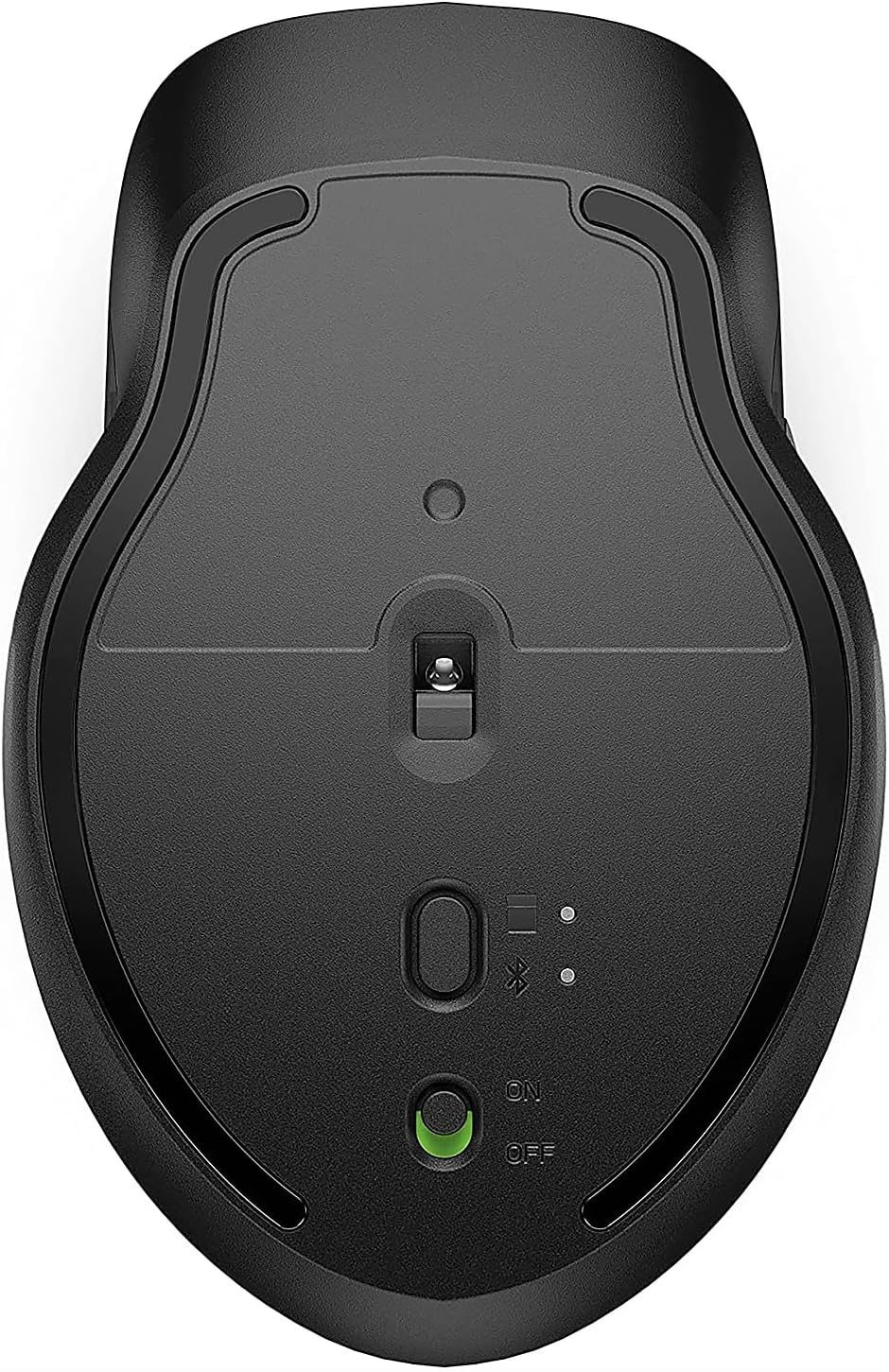
HP Wireless Mouse 4000 DPI
Product description
For someone who moves between a laptop and another computer, the HP 430 Multi-Device Wireless Mouse offers two ways to connect: Bluetooth 5.2 or a 2.4 GHz USB receiver. It’s designed to work across Windows and macOS, and the product listing also names PCs, laptops, Macs and Chromebooks. The four customisable buttons and adjustable-speed scroll wheel add control beyond the basics, while the ambidextrous shape and rubber grip are intended to suit left- and right-handed use. The key trade-off is that its extra controls are useful only if you’ll take the time to customise them.
What to know
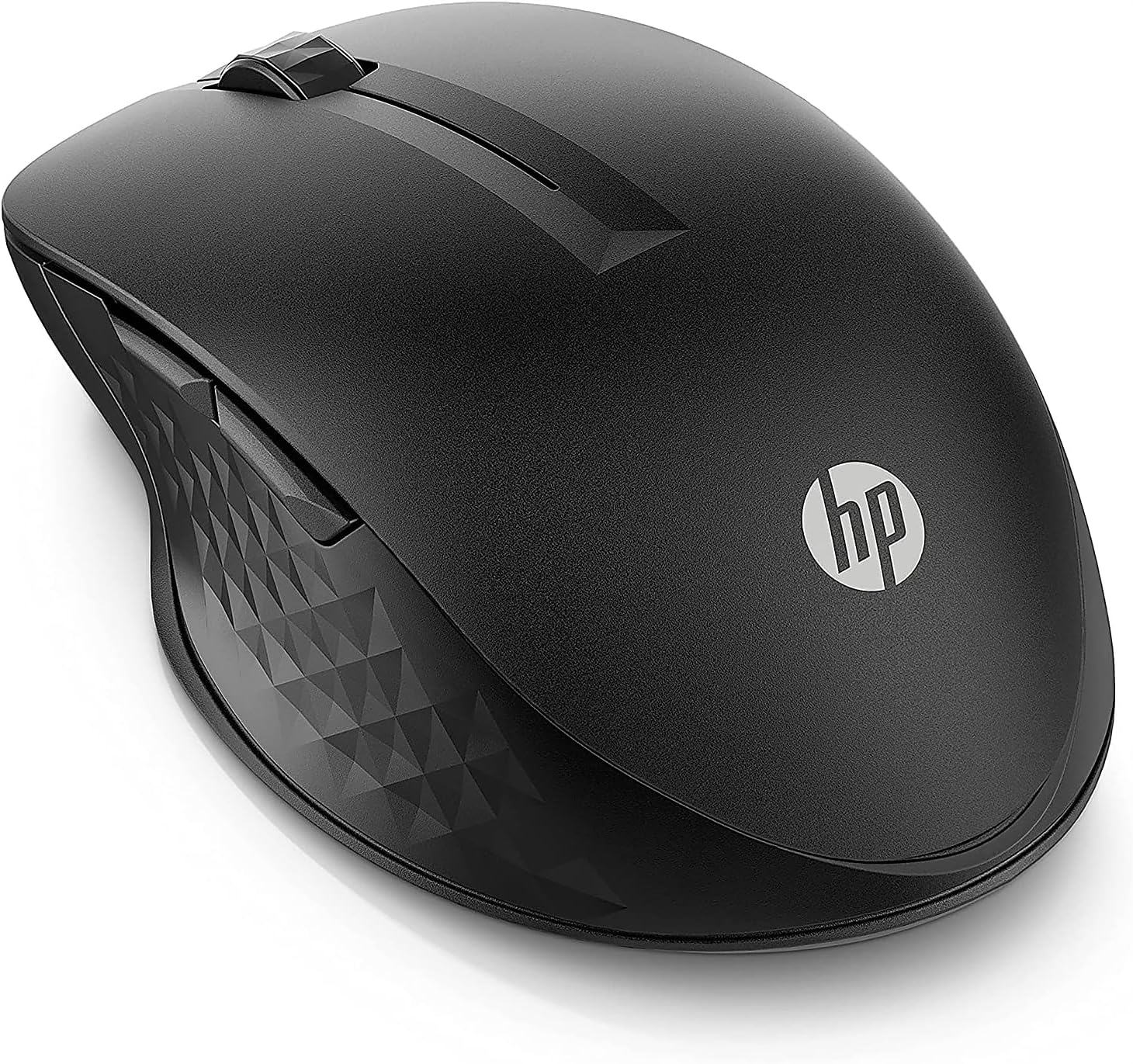
This is a wireless mouse for everyday computer use, with a blue sensor rated up to 4000 DPI. You can connect through Bluetooth or use the included USB receiver, which gives you a choice between a direct wireless pairing and a receiver-based setup. The listing says you can move the cursor across multiple devices, including between Windows and macOS, that could be handy when switching from a work laptop to a personal computer without wanting a separate mouse for each.
There are four customisable buttons, an adjustable-speed scroll wheel and cursor tracking. Those features may suit people who want shortcuts for routine tasks, though the listing doesn’t specify which button functions can be assigned or how the customisation is configured. Keep in mind that the stated battery life is up to 24 months from a single AA battery, not a guaranteed interval, how long it lasts will depend on use.
How to use it
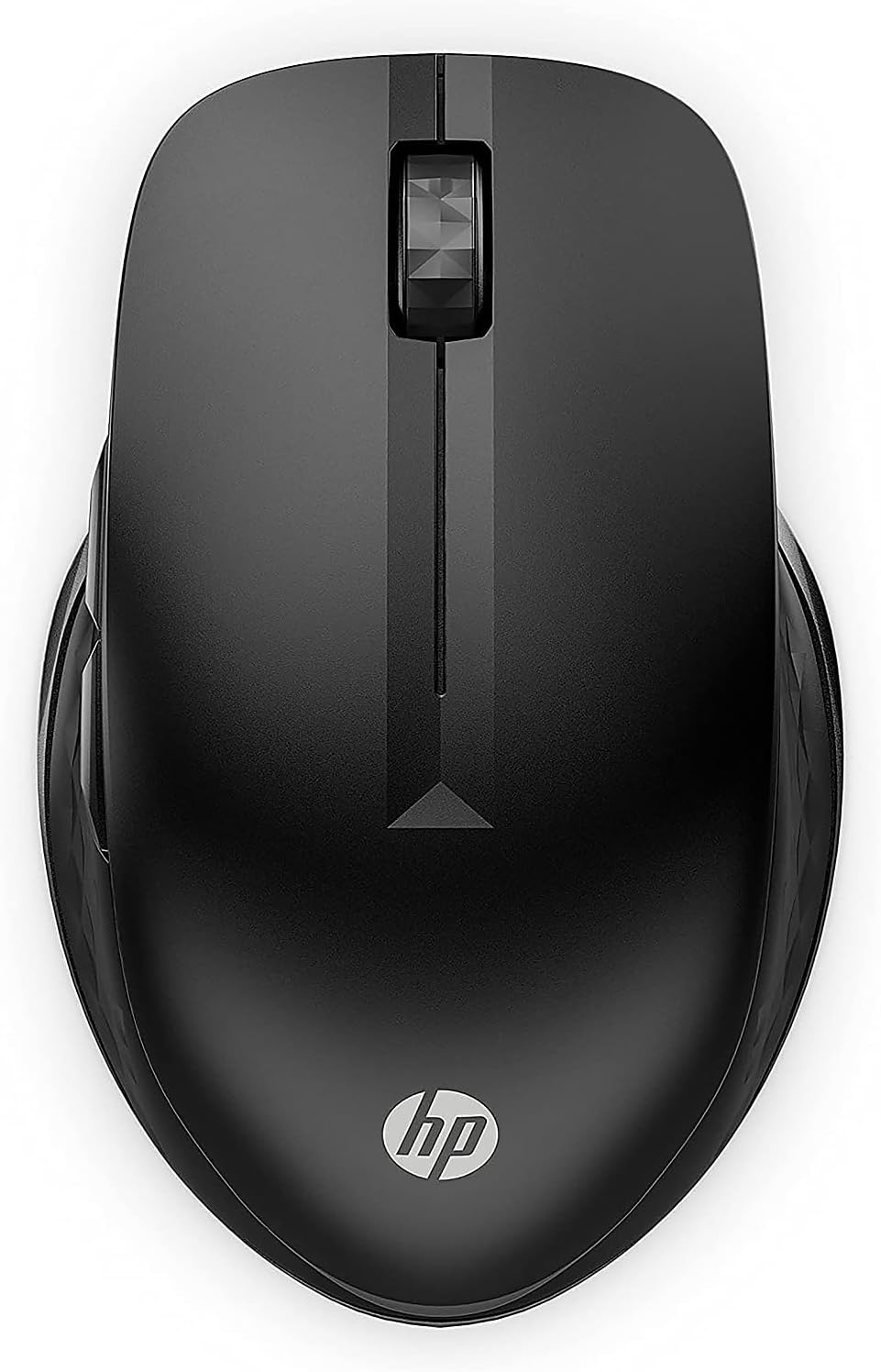
Choose Bluetooth or the USB receiver according to the computer and setup you’re using. For example, if you’re working at a desk with more than one compatible computer, the multi-device design is intended to make cursor movement between them easier. The listing doesn’t explain the switching process, so don’t assume it will behave like a mouse with a dedicated, clearly described device-switch button.
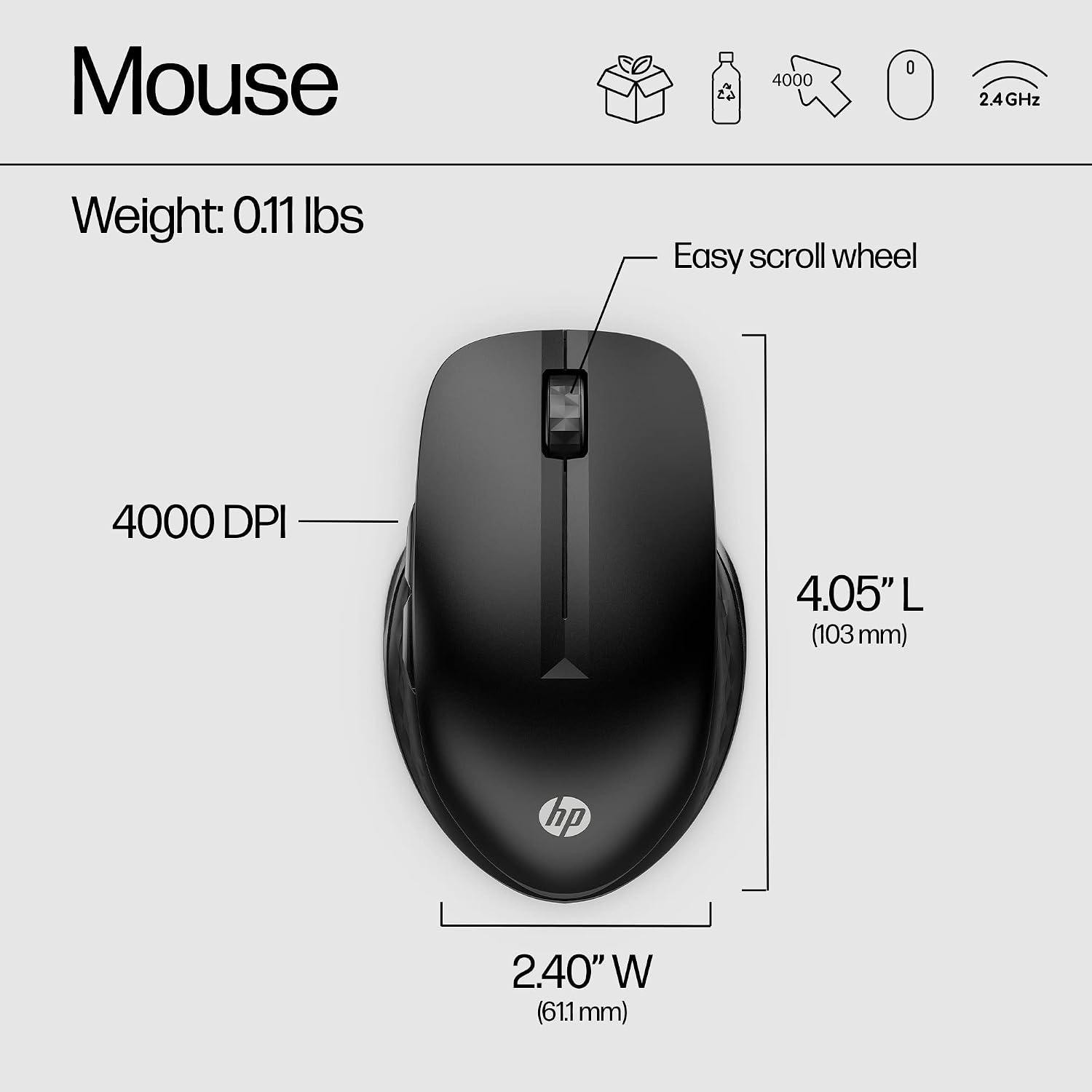
The adjustable scroll speed gives you a way to change how the wheel responds, while the customisable buttons can be set up around the tasks you repeat most. It’s worth thinking about those tasks first: shortcuts are more useful when they save a regular step, rather than adding controls you won’t use. The mouse is described as having a comfortable rubber grip and responsive clicks, but no dimensions are provided to help judge its fit in your hand.
Practical tips
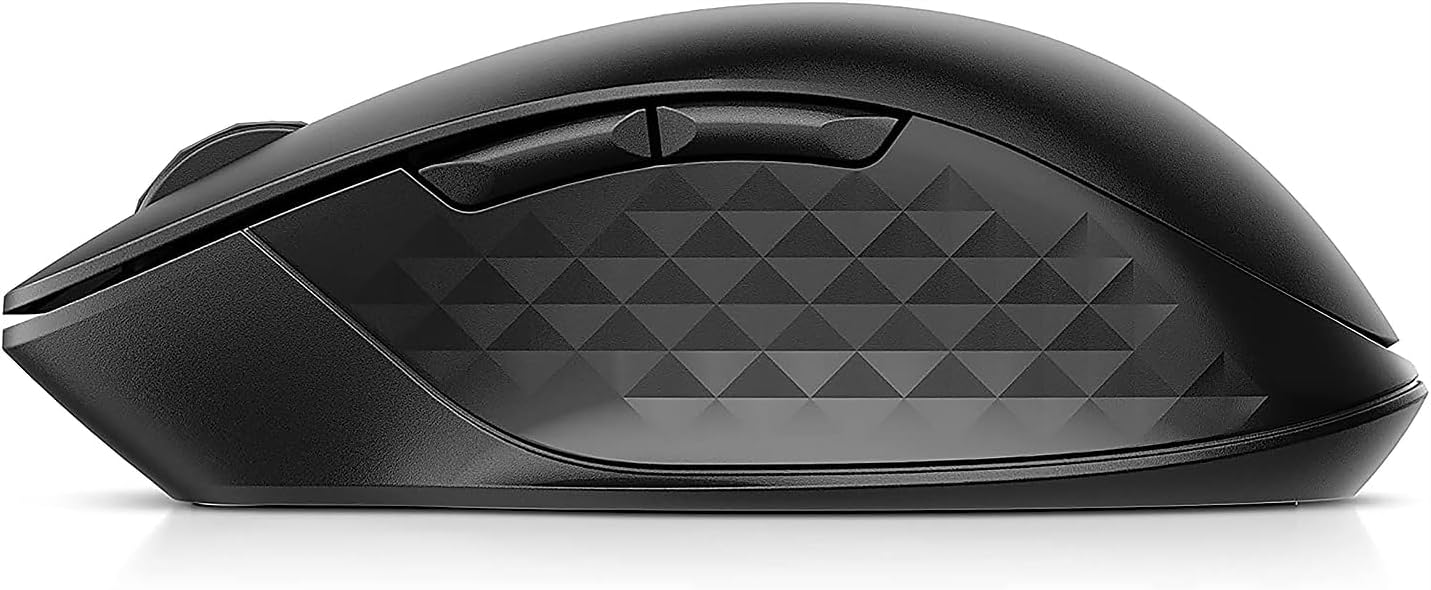
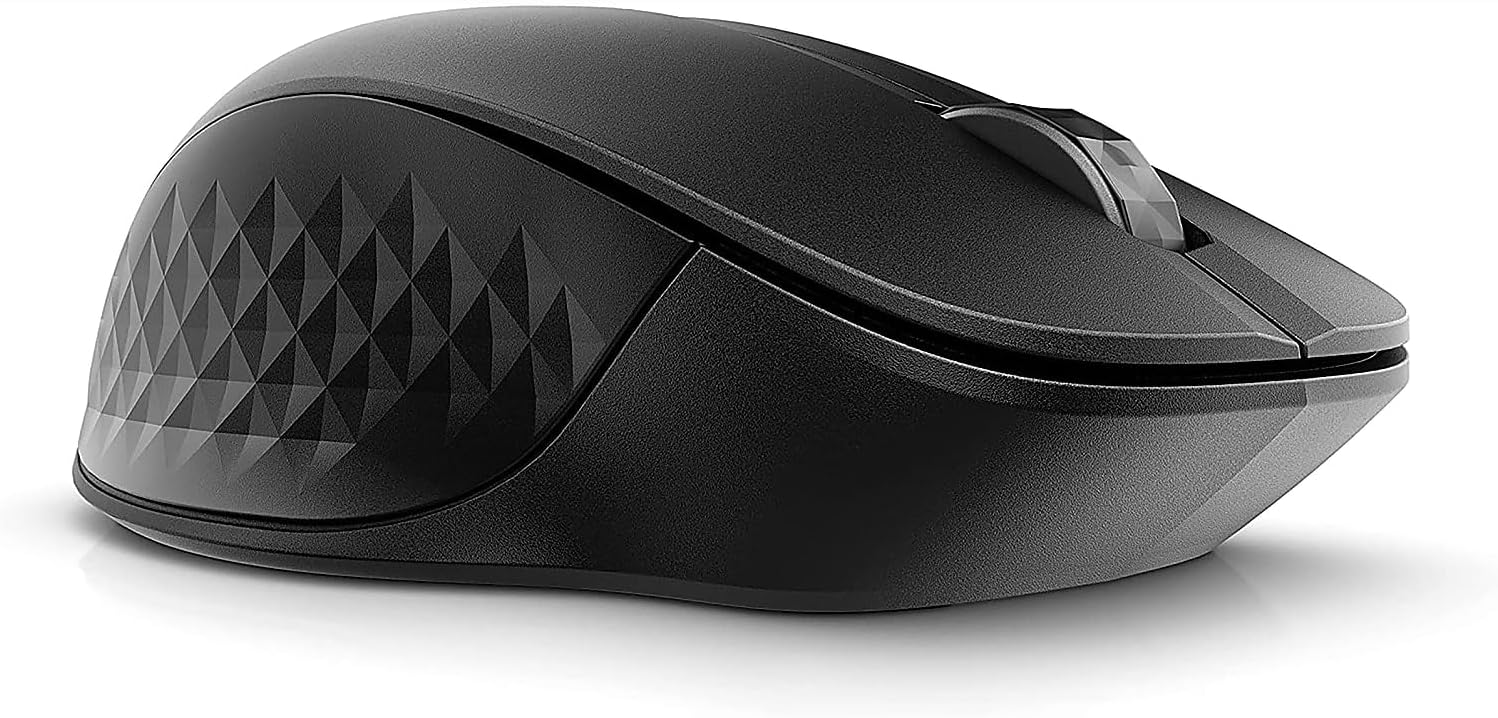
If you’re choosing between this and a more basic single-connection mouse, the HP’s appeal is the combination of Bluetooth, a USB receiver and customisable controls. That flexibility makes more sense for a mixed-device desk than for someone who wants a simple pointer for occasional use. Its black finish and left- or right-handed design keep the setup straightforward, while recycled materials are noted without a stated proportion.
It may suit you if you regularly switch between listed computer types or want to personalise a few mouse functions. It may not be the best choice if you need confirmed details about button software, hand-fit dimensions or the recycled-material content before buying, those details aren’t given in the product information.
Before you decide
Does it connect by Bluetooth? Yes. Bluetooth 5.2 is listed, alongside a 2.4 GHz wireless USB receiver.
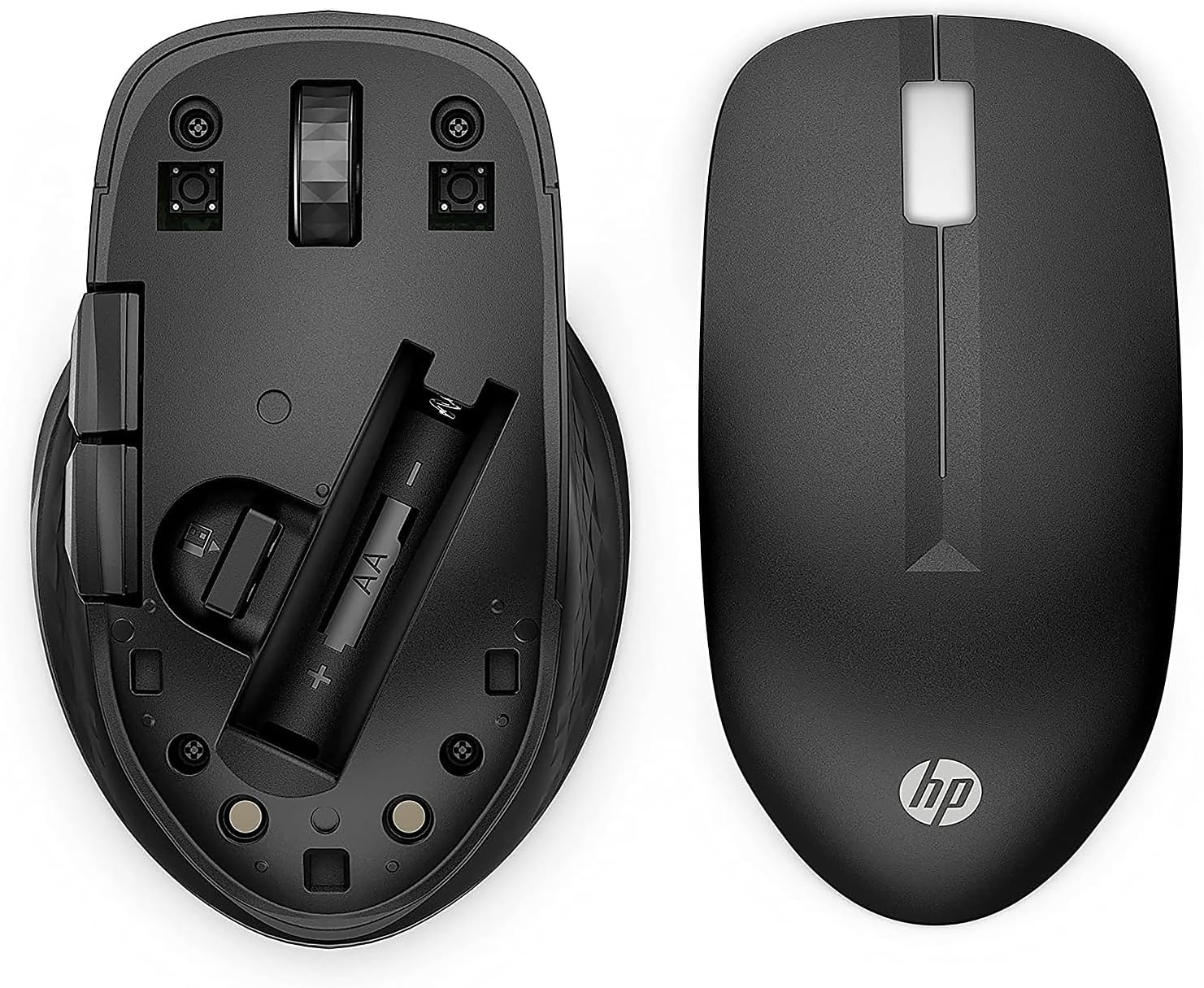
What battery does it use? One AA battery, with up to 24 months of stated battery life.
Can left-handed users use it? The description says it is designed for either left- or right-handed use.
In your case
Choose this mouse if multi-device connectivity and configurable buttons would make your everyday computer work easier, and you’re comfortable using a single AA battery. If your priority is a mouse with fully documented dimensions, button setup details or a specified recycled-material percentage, the available information may not give you enough to make that comparison with confidence.