

EPOMAKER X Aula wireless gaming keyboard, 5000mAh
Product description
What matters most
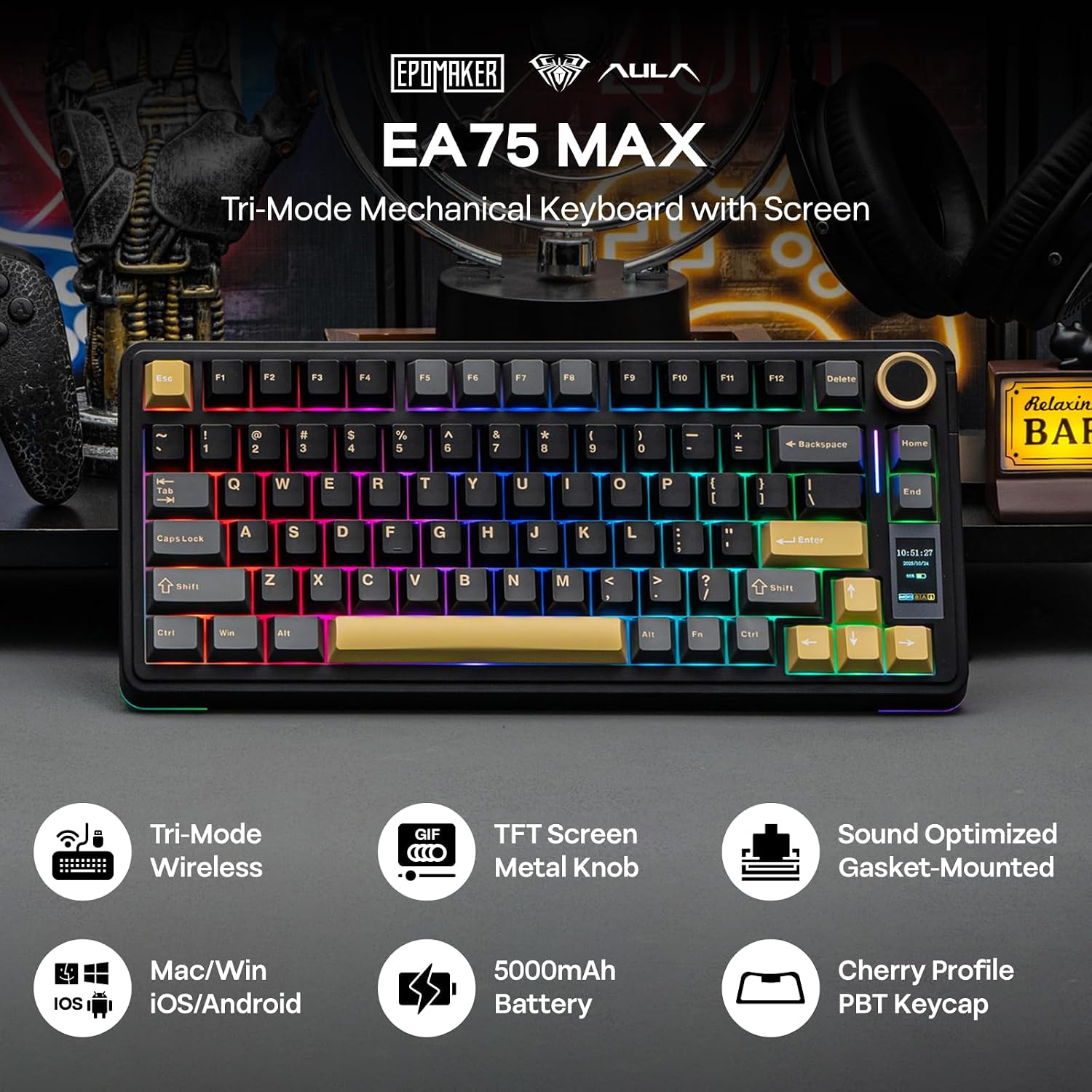
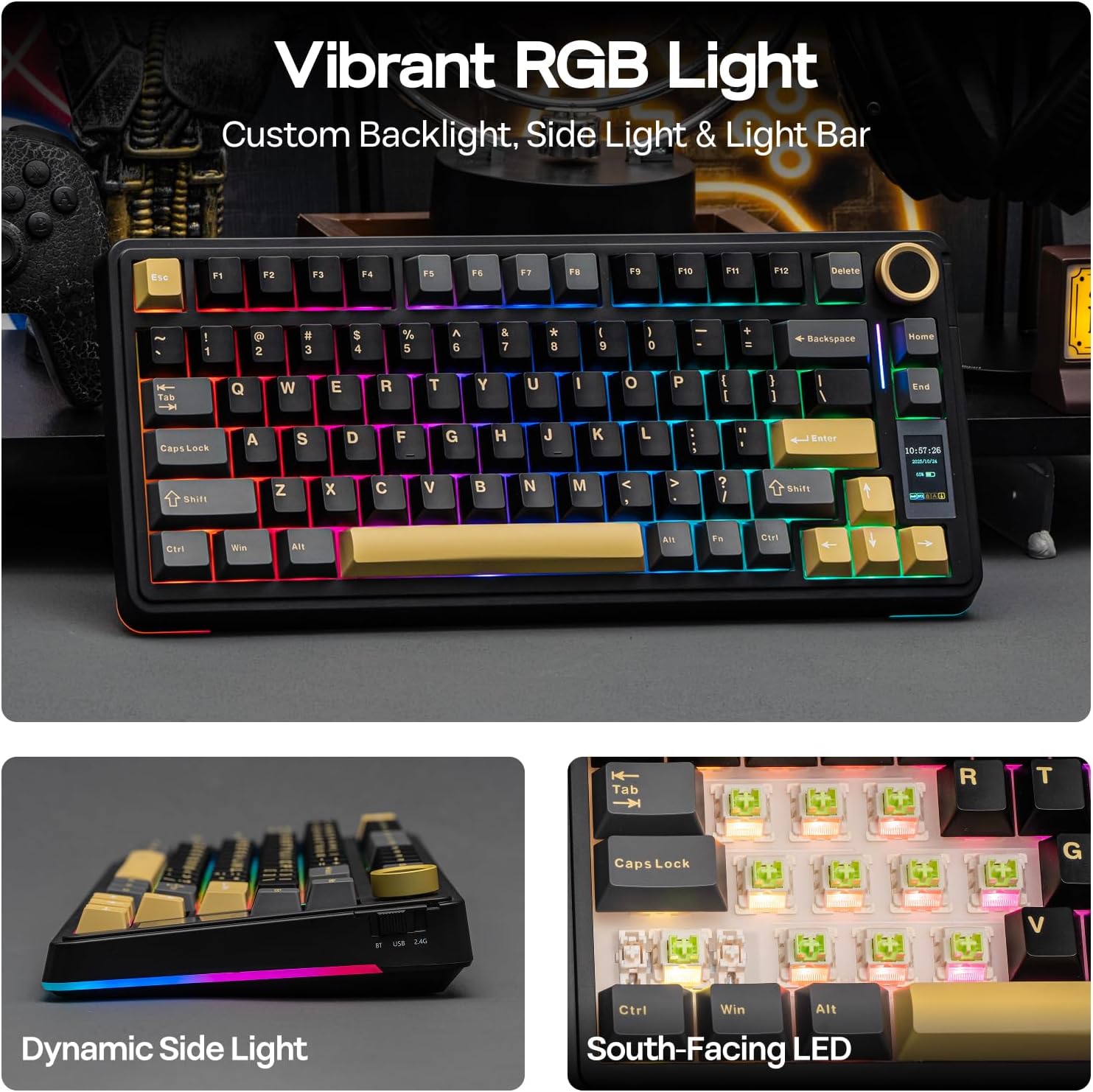
A crowded desk can leave little room to move a mouse, while a basic keyboard may not offer much control over typing feel or setup settings. The EPOMAKER X Aula EA75 MAX combines a compact 75% layout with a screen and multi-function knob, aiming to keep useful controls close without taking up as much desk space as a larger board. Its 80 keys include dedicated arrows, which are handy for navigating spreadsheets and web pages as well as games.
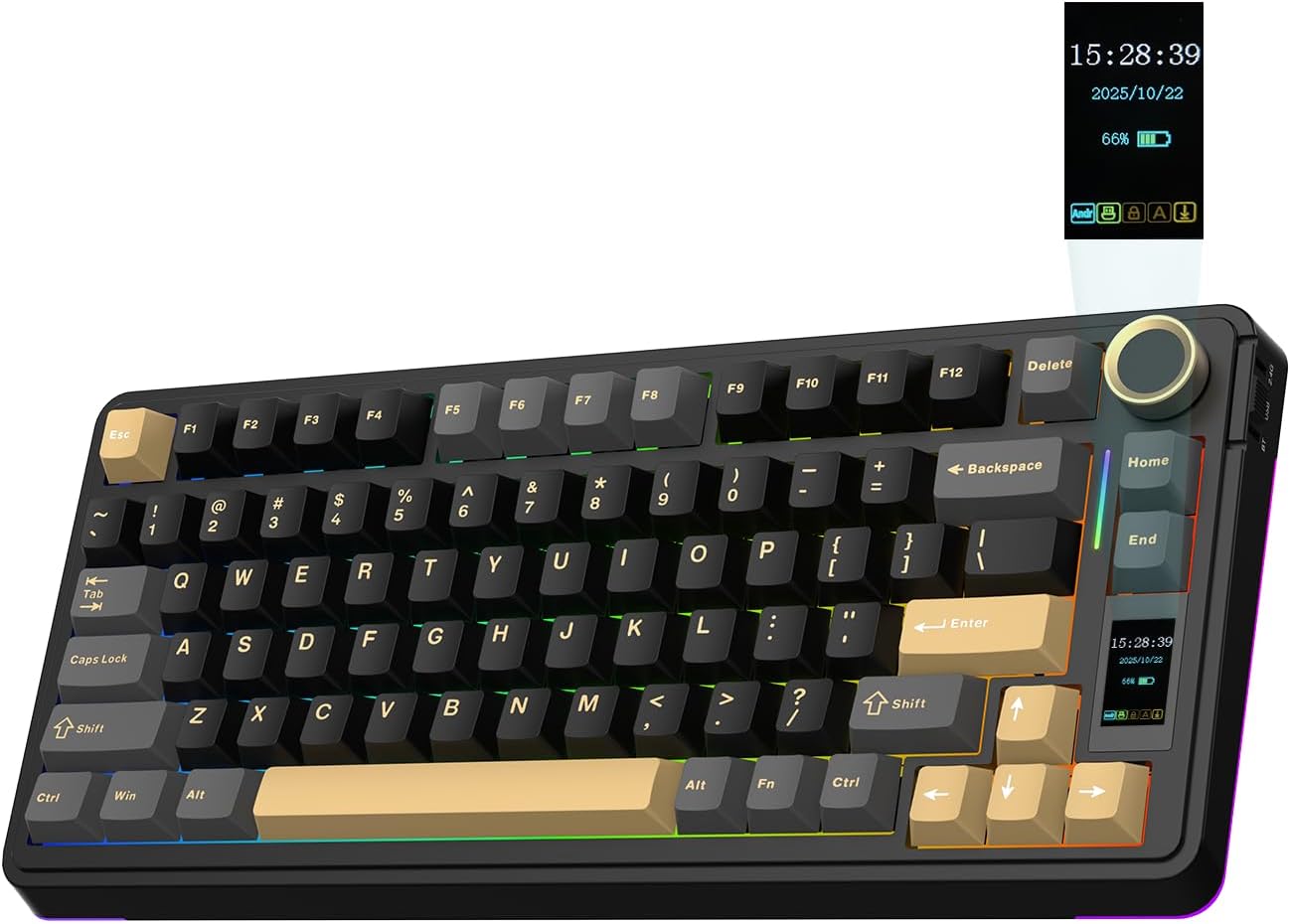
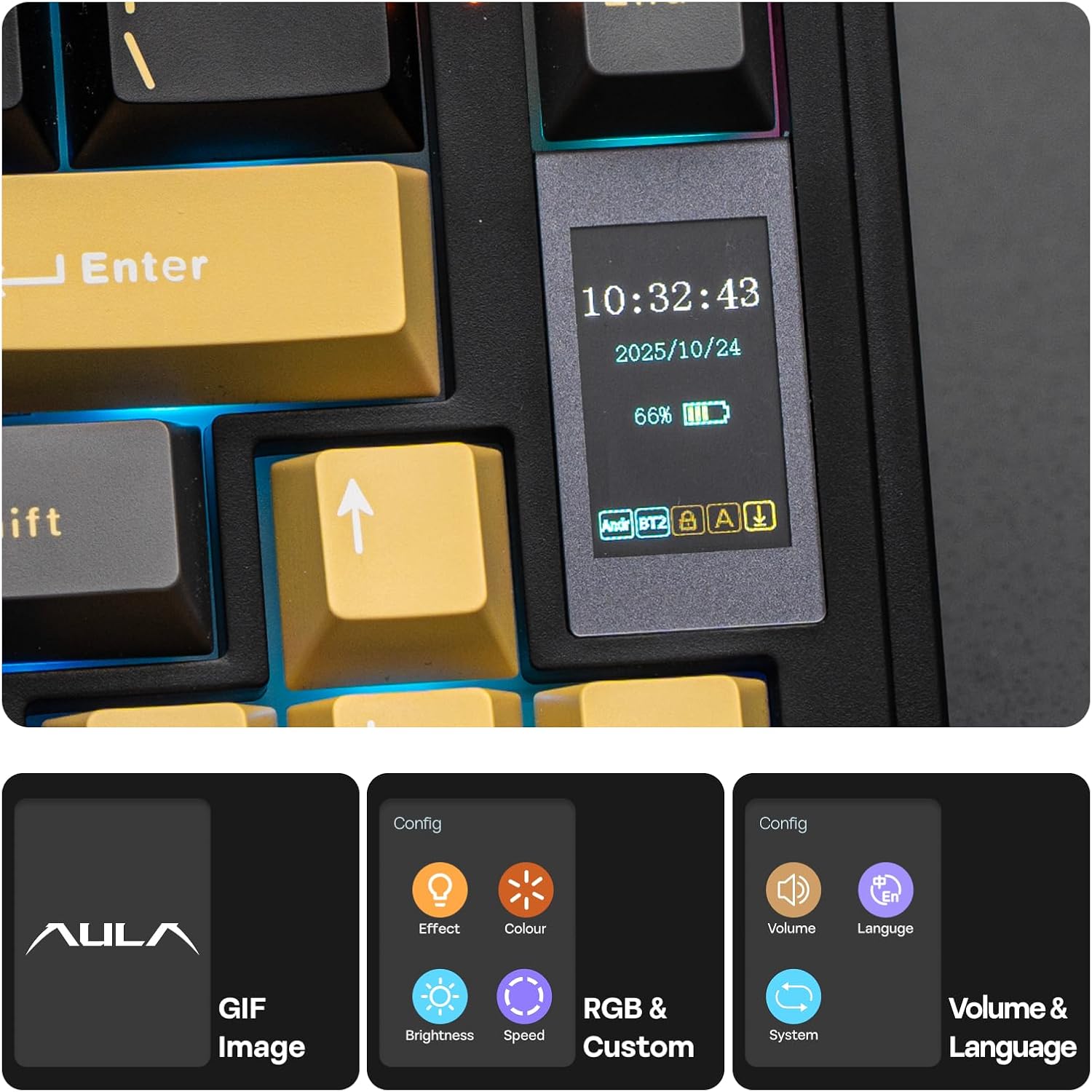
The screen can show time, battery life, connection status and operating modes, and the knob adjusts settings such as volume and RGB lighting. That’s more hands-on control than a plain keyboard offers, though whether you’ll use it often depends on how much you like adjusting your setup.
How to use it
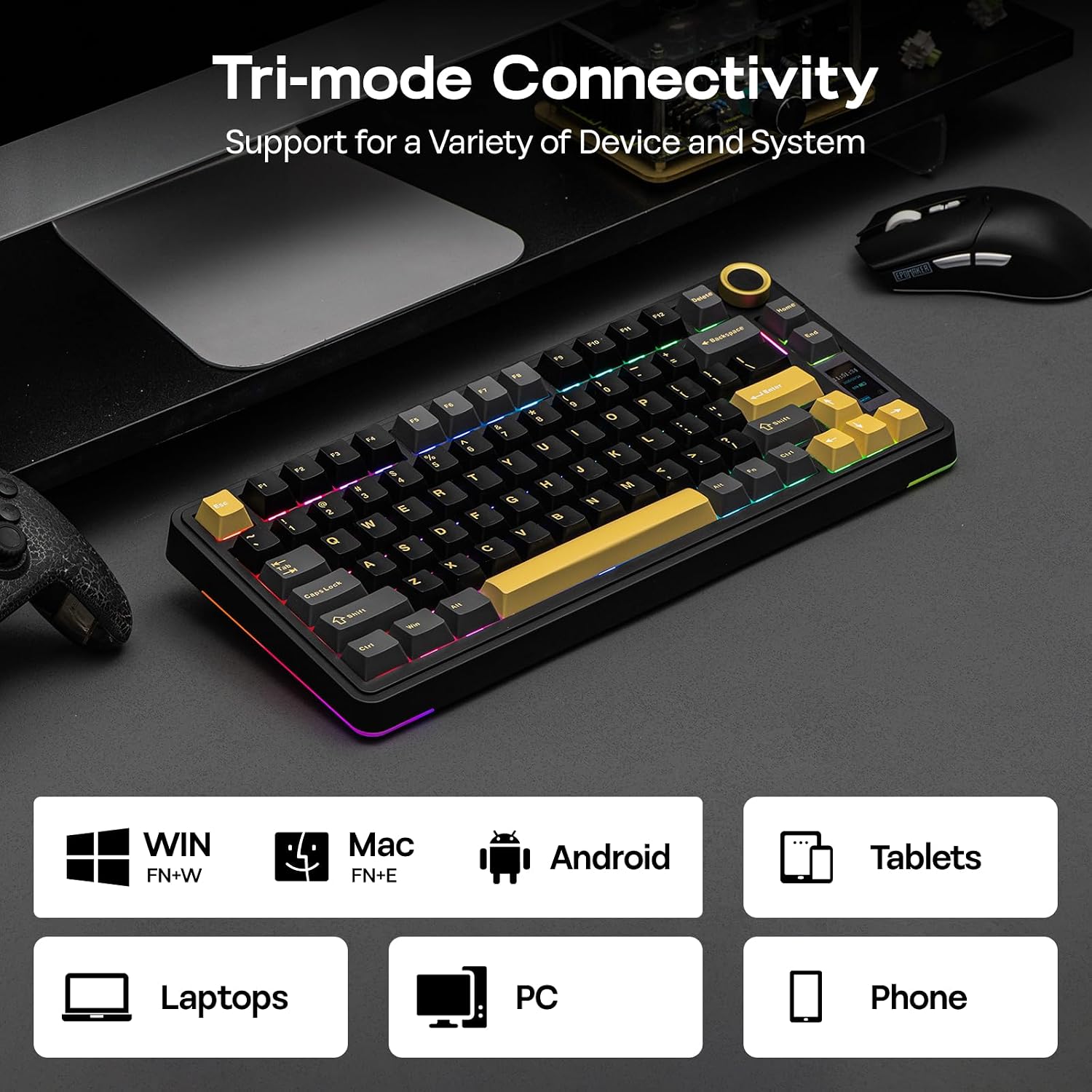
The keyboard supports wired, 2.4 GHz and Bluetooth connections, and is listed as compatible with Windows, Mac and Android. It also supports N-Key Rollover and anti-ghosting, features intended to register multiple key presses at once. That suits games with simultaneous inputs, but can also be useful when typing quickly. The description doesn’t specify battery runtime, so the 5000mAh capacity alone won’t tell you how often you’ll need to recharge.
For comfort, there’s a two-stage adjustable kickstand and a gasket structure with five layers of cushioning. The Cherry-profile keycaps have graduated heights, while the factory-lubed switches and stabilizers are intended to give keystrokes a smoother, more dampened sound. Ten en cuenta que the compact 75% format favours extra mouse room over the more spacious layout of a full-size keyboard.
Practical tips
If you switch between work and play, the dedicated arrow keys can make navigation less fiddly than on a smaller layout, while the knob gives you a quick way to change volume or lighting. For example, you could keep the keyboard connected for a game, then use the arrows to move through a spreadsheet without reaching for a separate navigation layer. The screen’s battery and connection readouts may also be useful when changing between supported connection modes.
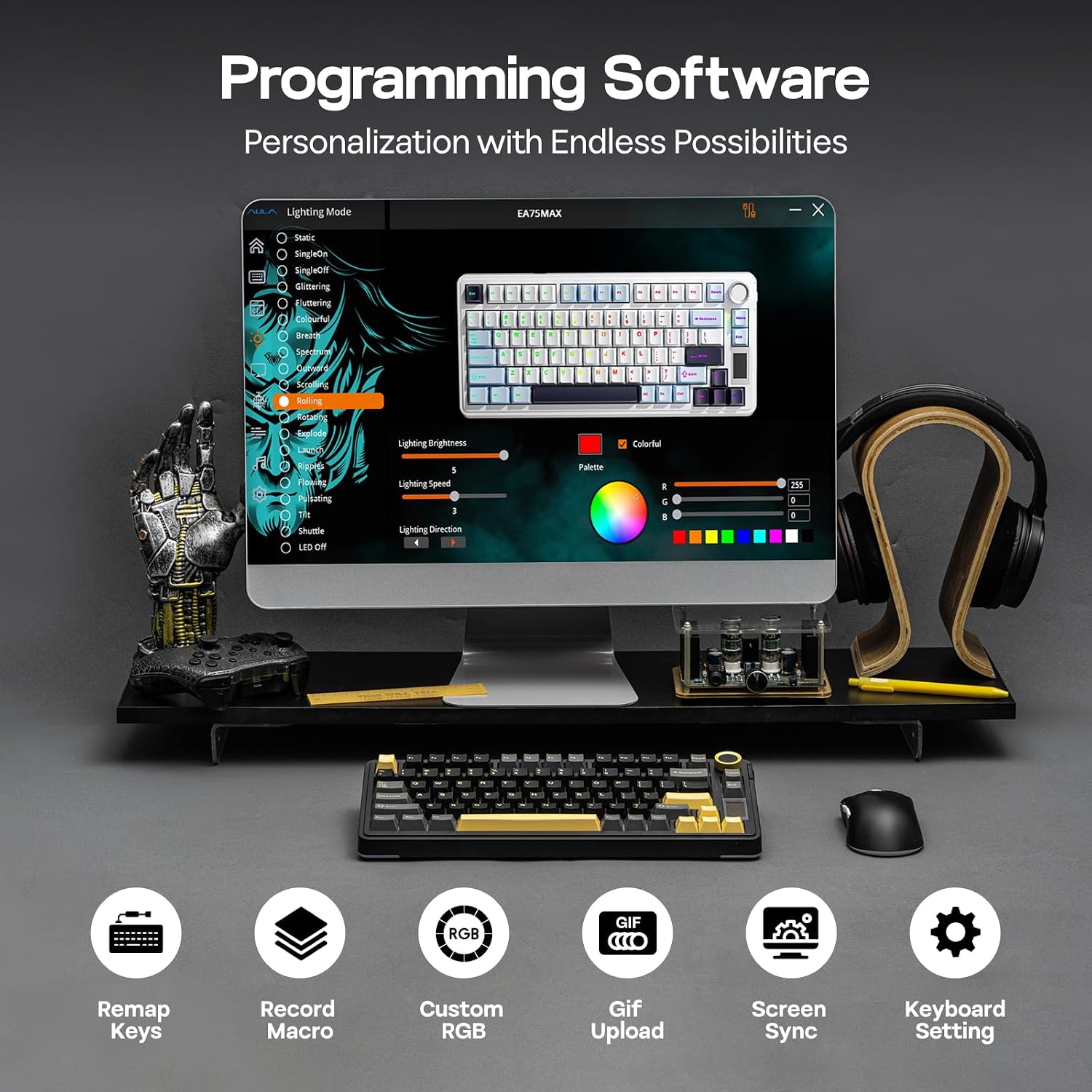
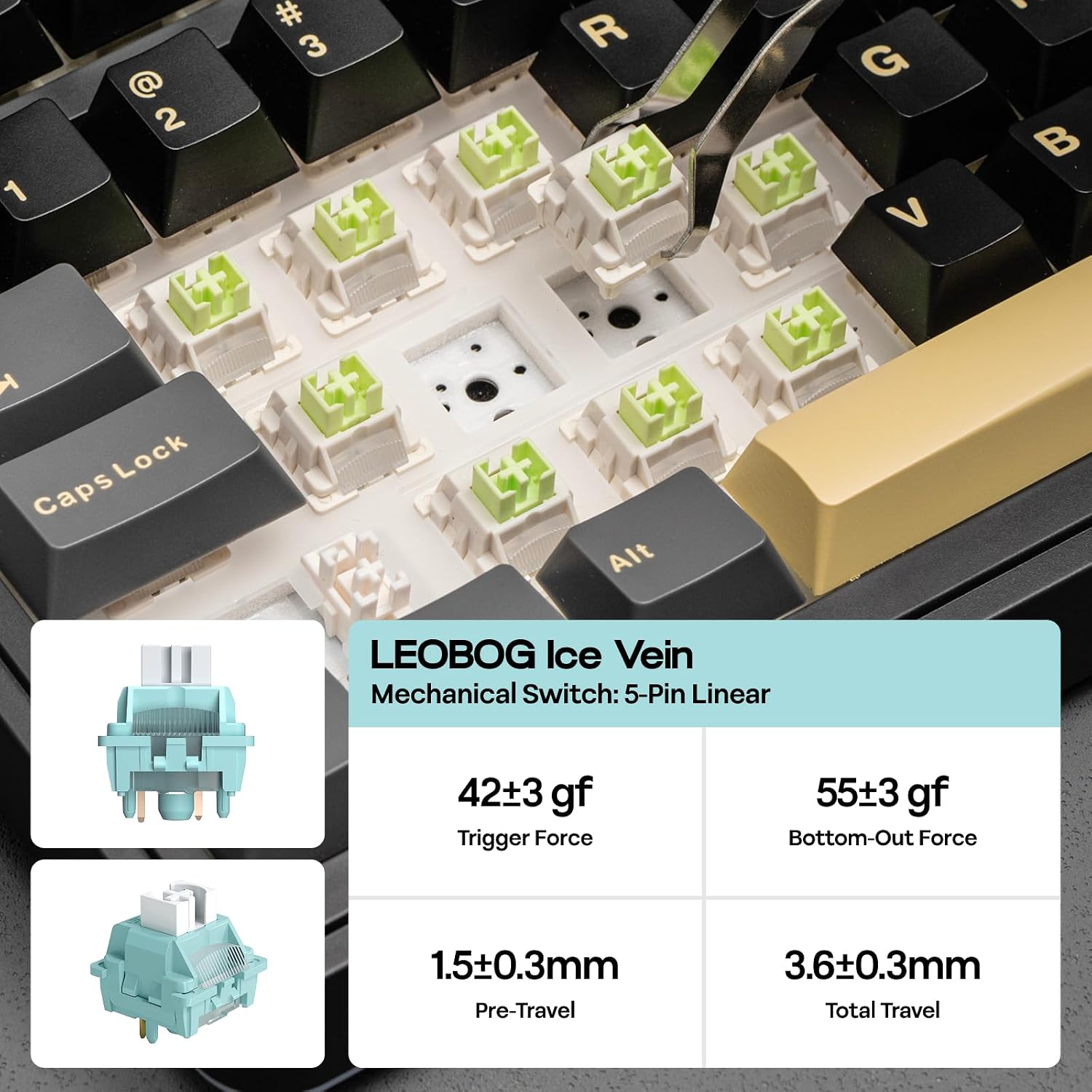
The hot-swap design accepts MX-style keycaps and five-pin mechanical switches, and the included two-in-one tools are intended for making those changes. That gives you room to experiment with feel and sound rather than replacing the whole keyboard. PBT double-shot keycaps are another practical detail: their legends are moulded into the keycap rather than simply printed on. RGB lighting offers 19 dynamic effects, more detailed software functions aren’t described, so don’t assume every setting can be customized to your liking.
Antes de decidir
Which devices does it support? The listing names Windows, Mac and Android. It doesn’t provide a more specific device-by-device compatibility list.
Can the switches be changed? Yes. It is described as hot-swappable and supports five-pin mechanical switches, with tools included.
What can the screen display? It can show time, battery life, connection status and operating modes, as well as GIFs.
En tu caso
Es buena opción si you want a compact gaming keyboard with arrow keys, several connection choices and physical controls for common adjustments. Puede no ser la mejor opción si you prefer a full-size layout or want confirmed battery-runtime and software details before buying. The main trade-off is clear: this model puts customization and desk space ahead of a larger, more conventional keyboard layout.