

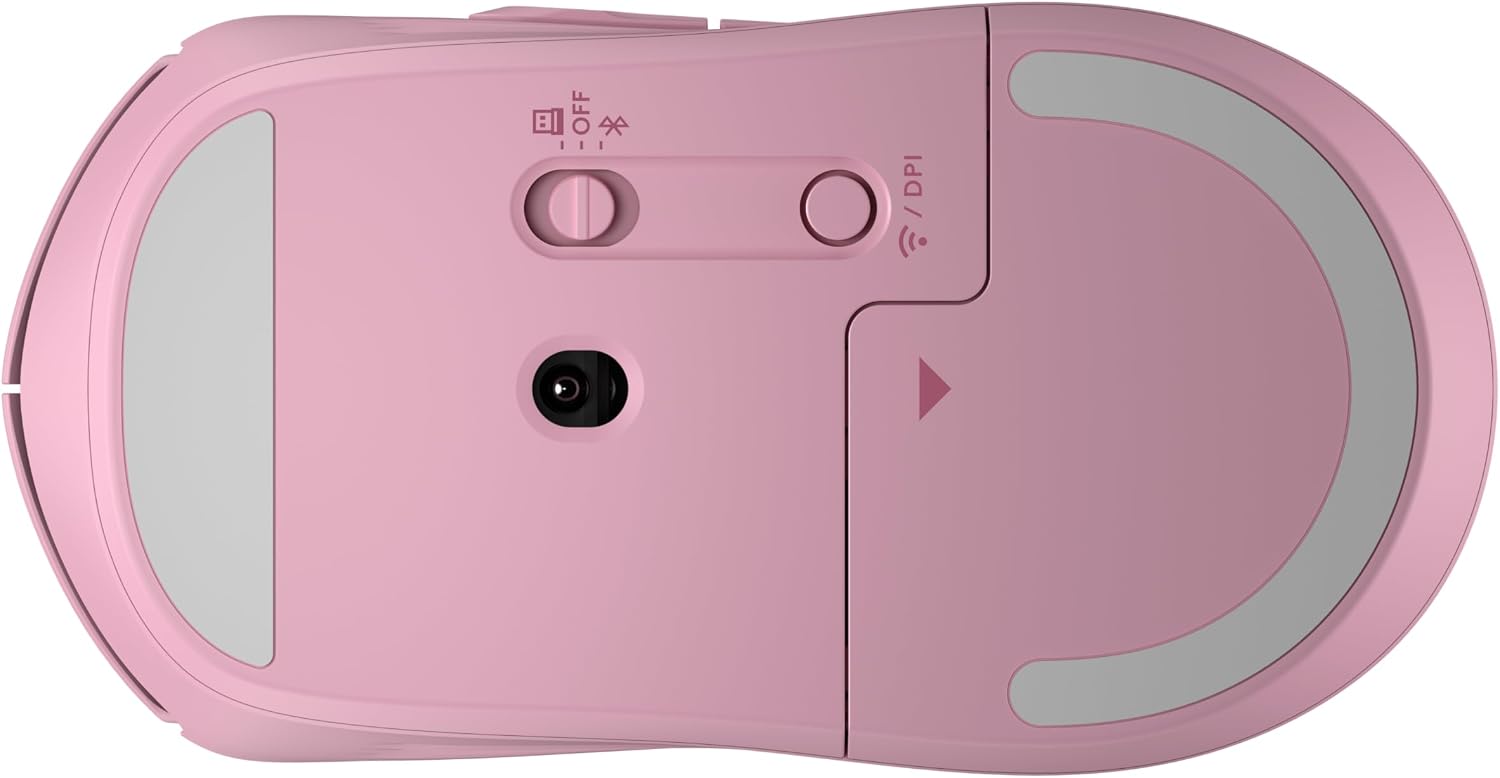
HP wireless mouse 400
Product description
What matters most
The soft silicone finish is the standout here: it gives the HP 400 a comfortable, easy-to-sanitize surface for regular desk use. Its ambidextrous shape also makes it a practical pick if a shared mouse needs to work for both left- and right-handed users.
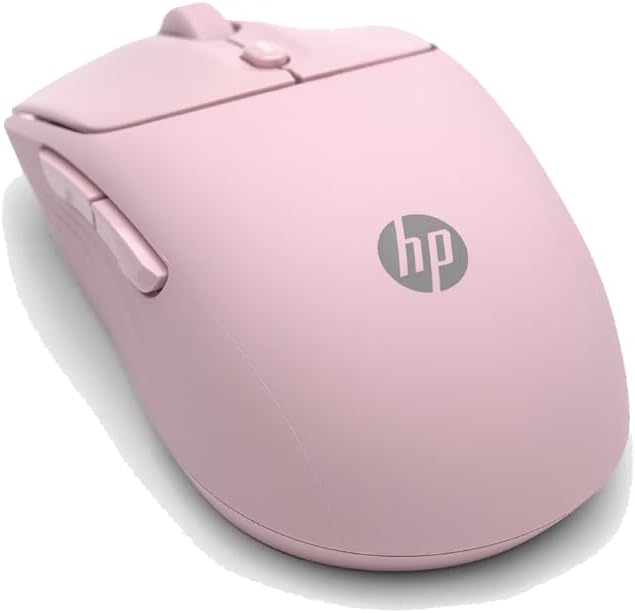
Quiet clicks are useful in a shared room, during calls or when you want to work without adding much clicking noise. The pink finish gives it a more personal look than a basic black mouse, though colour preference is a matter of taste.
You can connect by Bluetooth or with the included 2.4 GHz dongle, and the adjustable tracking goes up to 6000 DPI. It also offers vertical and horizontal scrolling options, plus access to Microsoft Wheel settings through the centre button. The product is described as multi-OS, but specific operating systems aren’t named in the details, so check that before buying if you need support for a particular setup.
How to use it
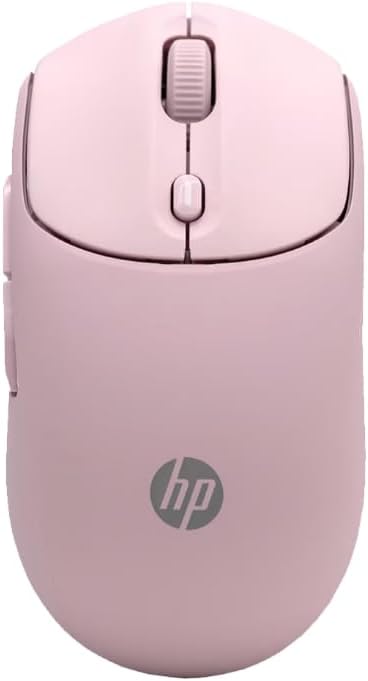
Choose Bluetooth or the 2.4 GHz dongle to connect, then adjust the DPI to suit how you work. A higher setting can make the pointer travel farther with less hand movement, a lower one may feel easier to control for precise everyday tasks. The centre button provides access to Microsoft Wheel settings, while the scrolling options are intended to make moving through long pages or wide documents more convenient.
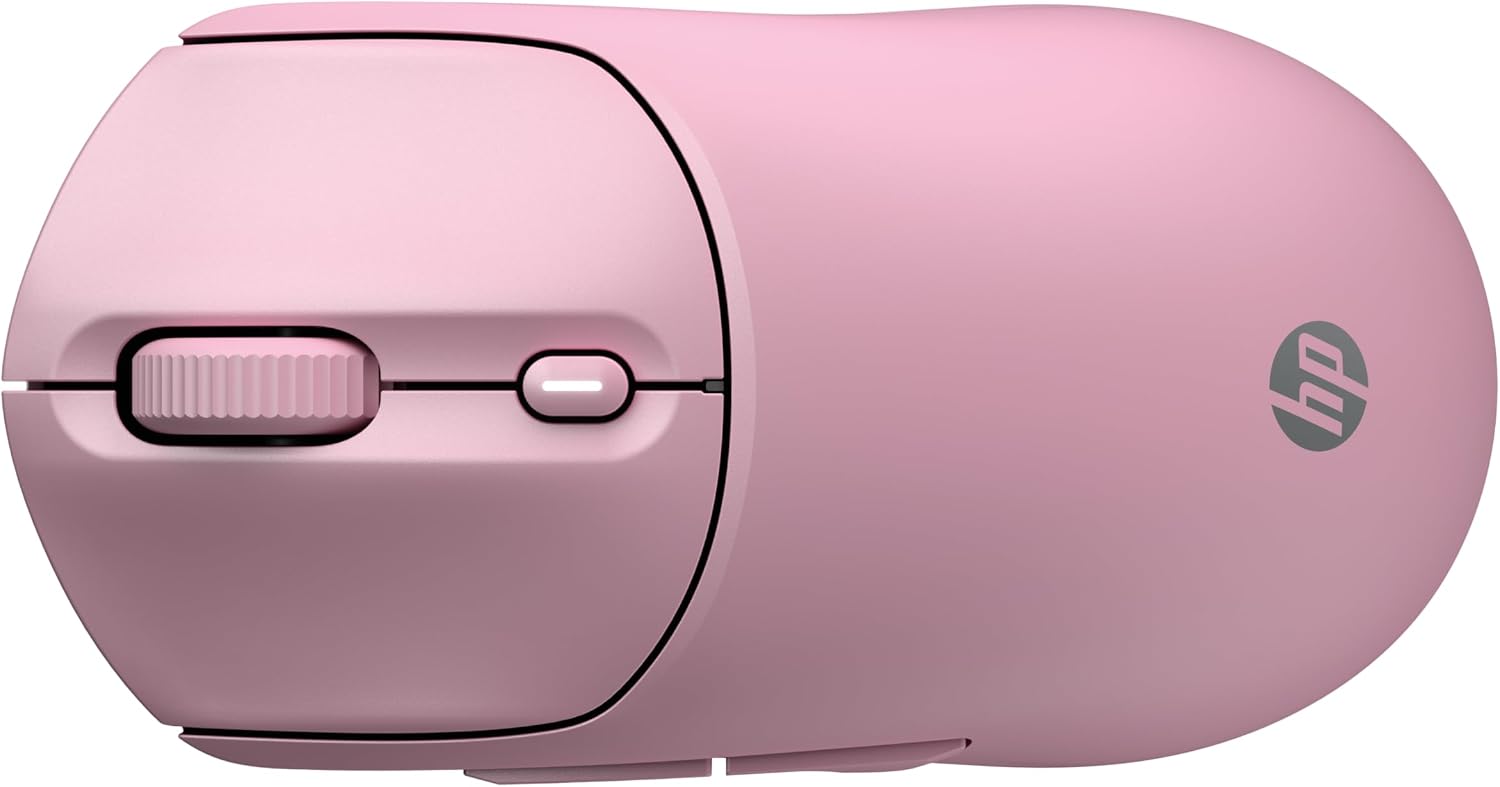
For example, when switching between a long spreadsheet and a web page, horizontal scrolling may help move across columns, while quiet clicks keep the sound down at a shared desk. Keep in mind that the listing doesn’t give detailed setup instructions or name the operating systems, so the connection method and software support may depend on your device.
Practical tips
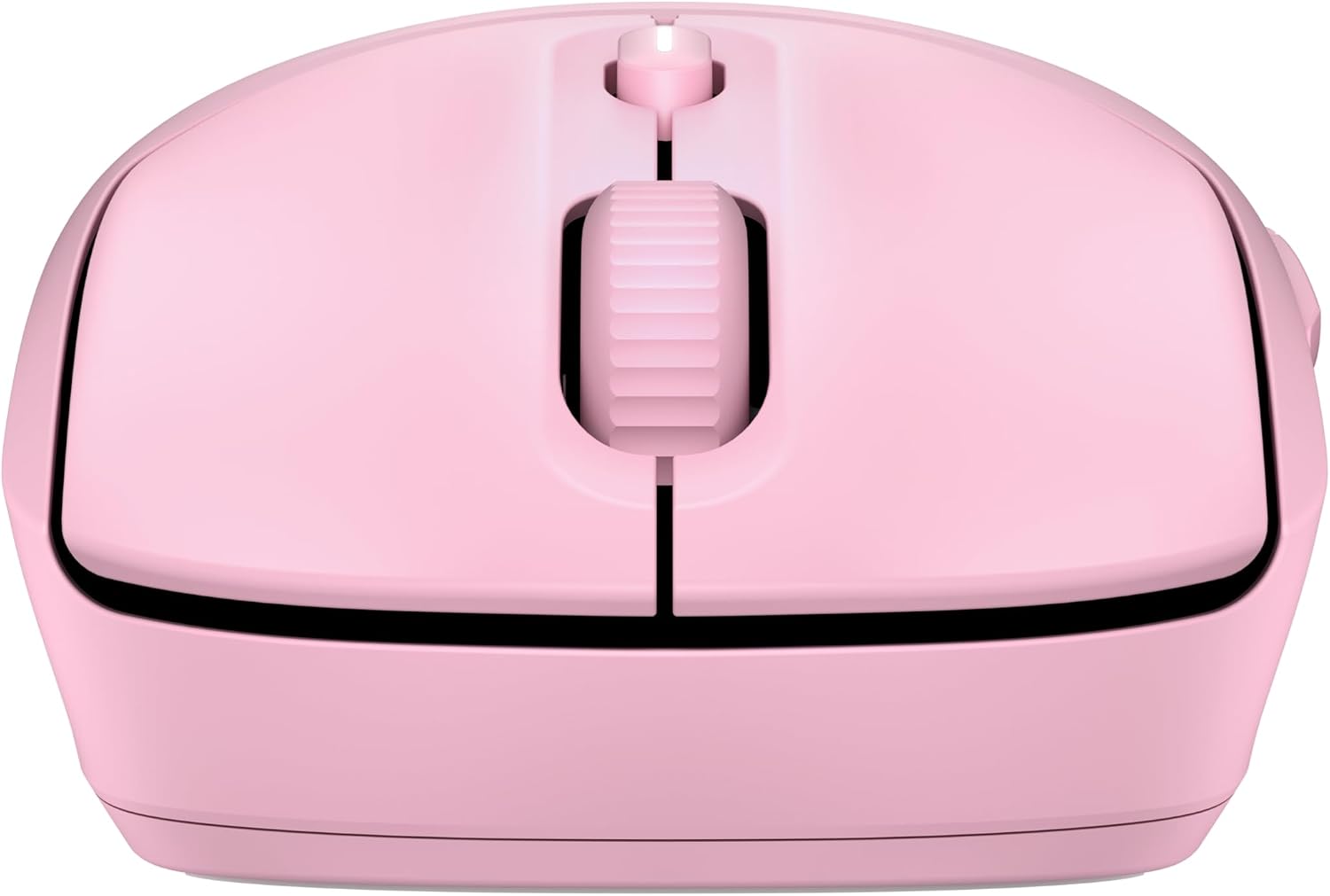
If you move between computers, the choice of Bluetooth or a 2.4 GHz dongle gives you two connection approaches, pick the one that suits the device you use. The silicone is described as easy to sanitize, which may be handy for a mouse used throughout the day. Follow appropriate cleaning guidance for your equipment rather than assuming the mouse can be submerged or treated with any particular product.
The battery is stated to last 24 months, but no usage conditions are given. Treat that as a listed estimate, not a guarantee for every work pattern. The design also uses at least 40% post-consumer recycled materials and comes in FSC-certified packaging, a useful detail if material sourcing factors into your choice.
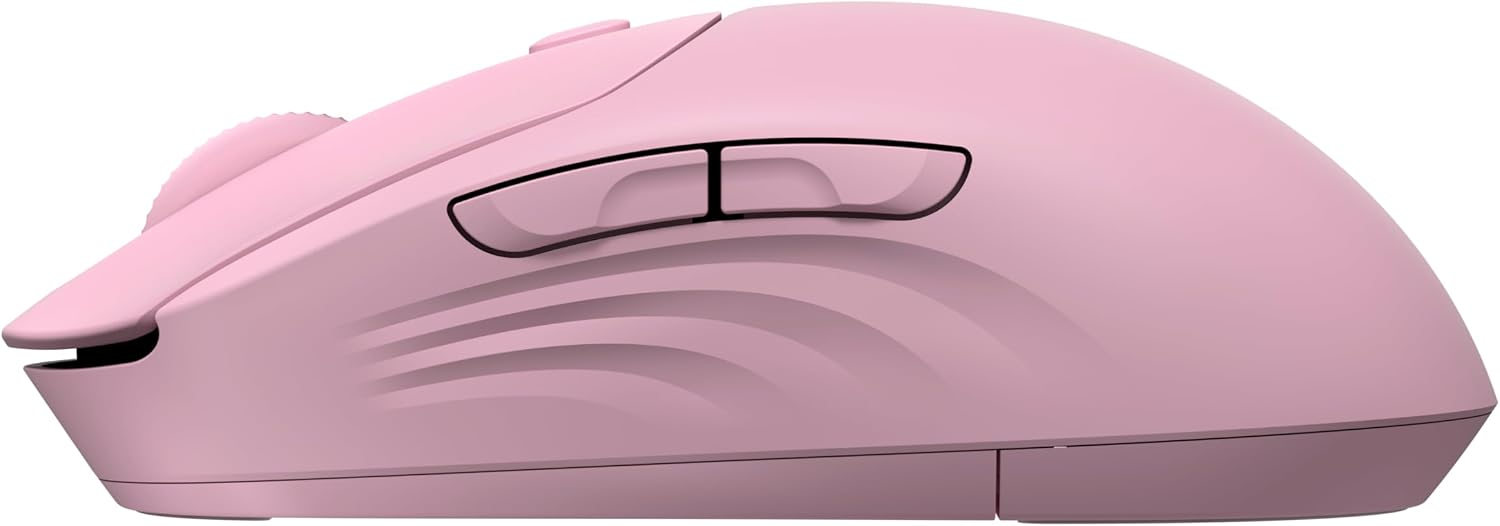
It may suit you if quiet operation, an ambidextrous design and flexible wireless connection matter more than a plain, no-frills mouse. It won’t suit you if you need confirmed support for a specific operating system or want detailed battery and cleaning instructions before choosing, con lo que dice la ficha, those details aren’t provided.
Before you decide
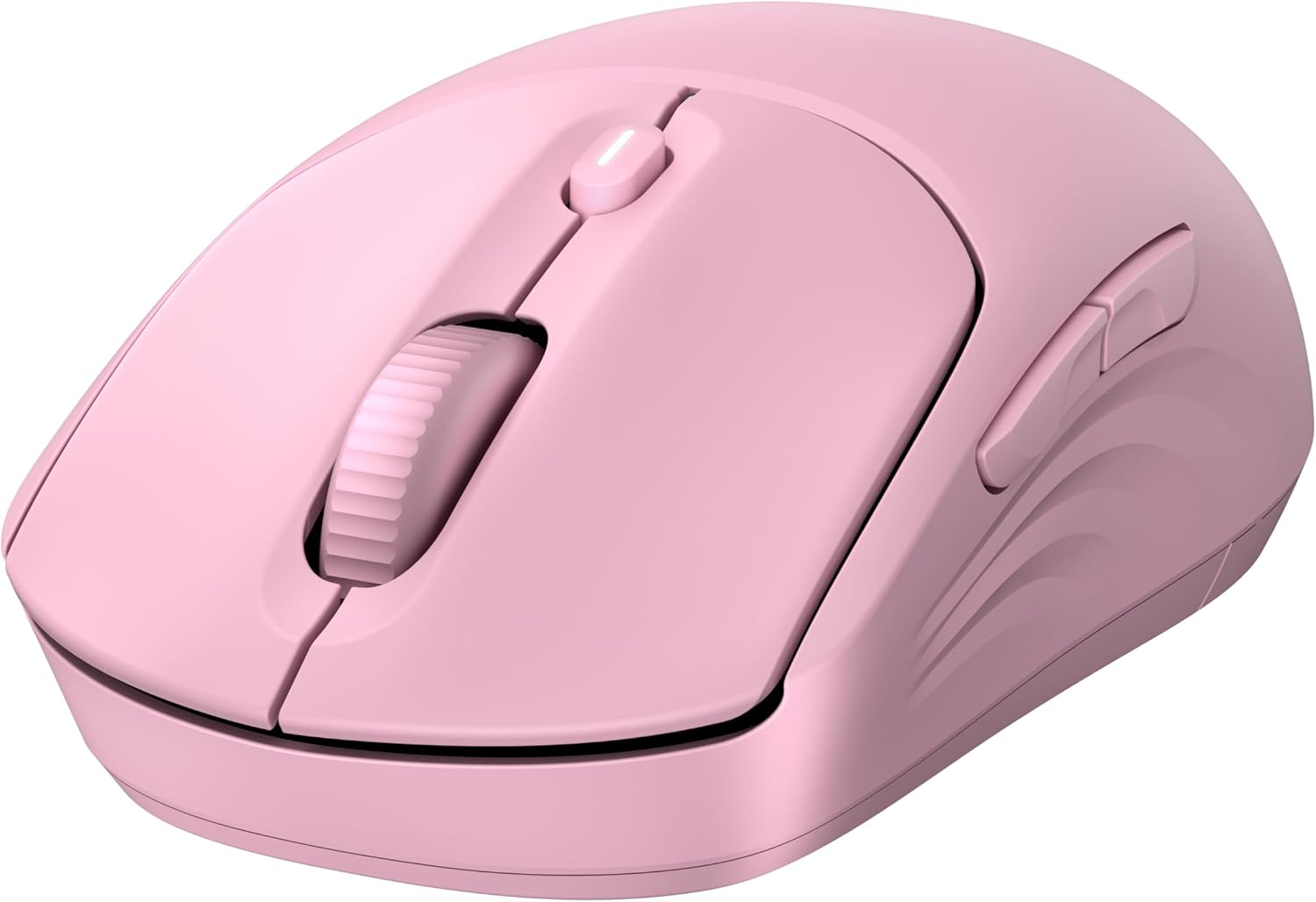
Is this mouse suitable for left-handed use? Its design is described as ambidextrous, so it is intended for either hand.
Can it connect without a dongle? Yes. Bluetooth is an option alongside the 2.4 GHz dongle.
Does it support horizontal scrolling? The listing mentions vertical and horizontal scrolling options, as well as access to Microsoft Wheel settings from the centre button.
For your needs
Choose the HP 400 if you want a pink, soft-silicone mouse with quiet clicks and a choice of wireless connection methods for everyday computer use. Its scrolling options and adjustable tracking add flexibility over a more basic mouse. Skip it if your decision depends on a named operating-system compatibility list, detailed cleaning guidance or battery-life conditions—the supplied information doesn’t settle those questions.