

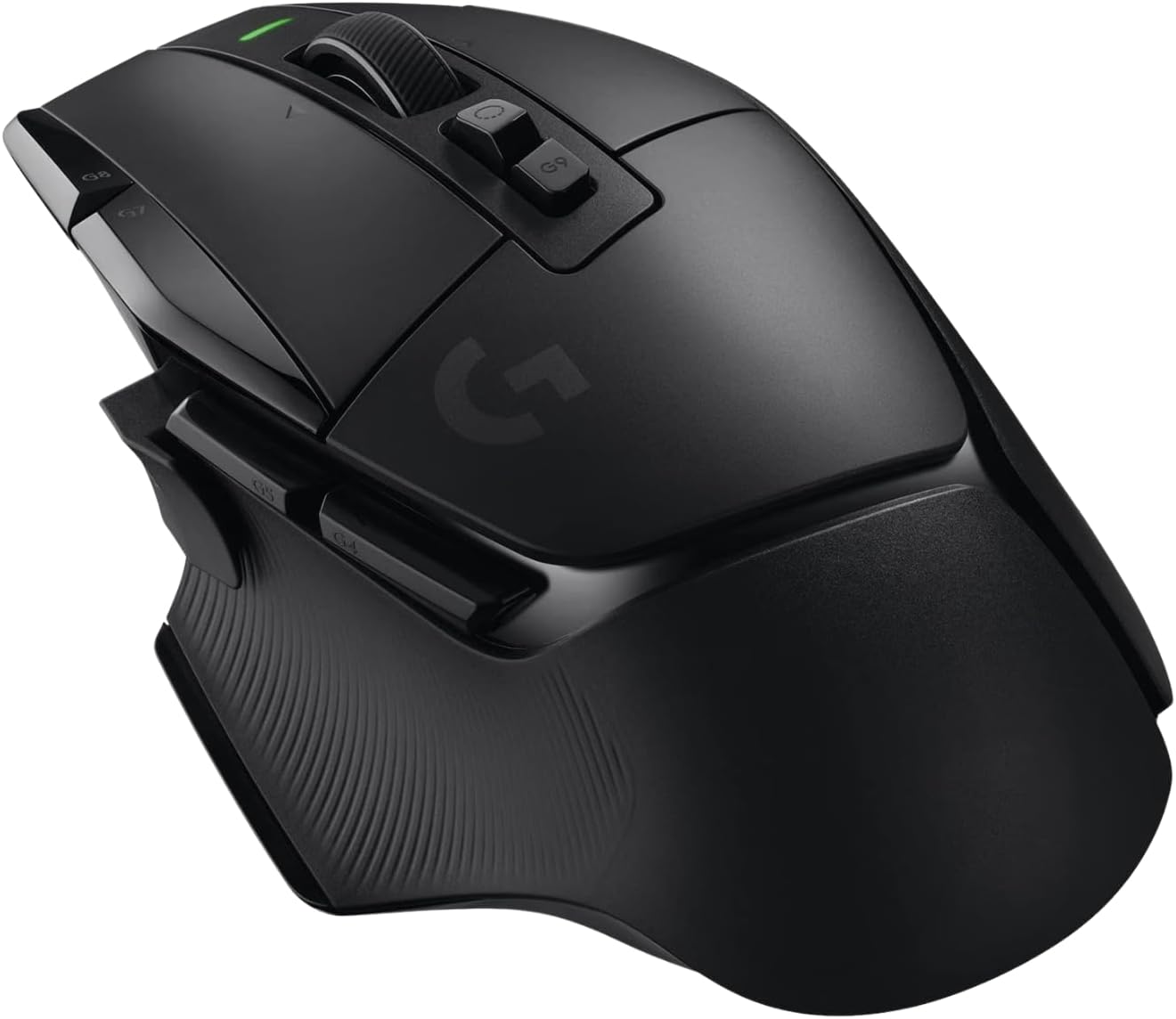
Logitech Gaming Mouse G502 X
Product description
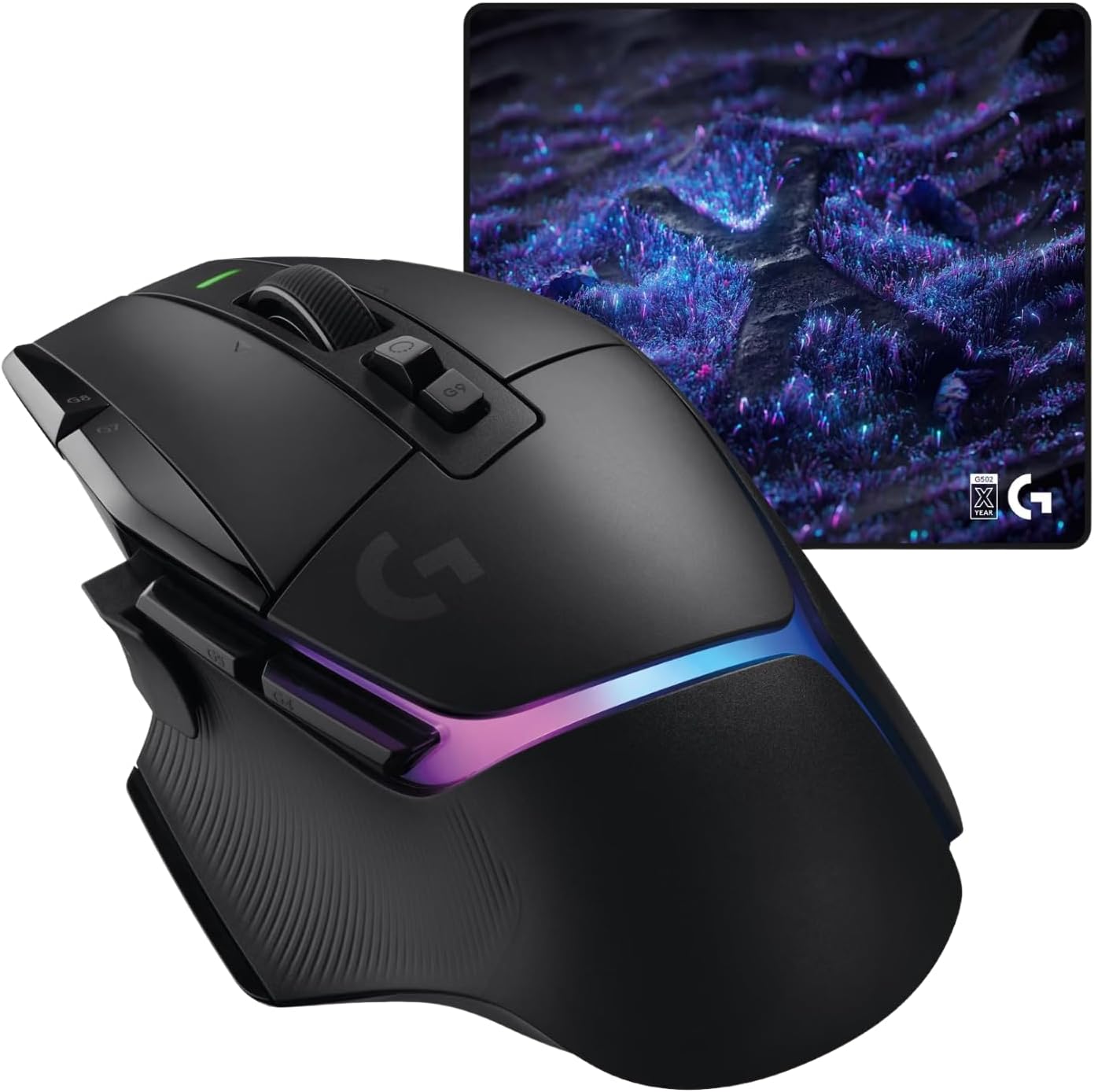
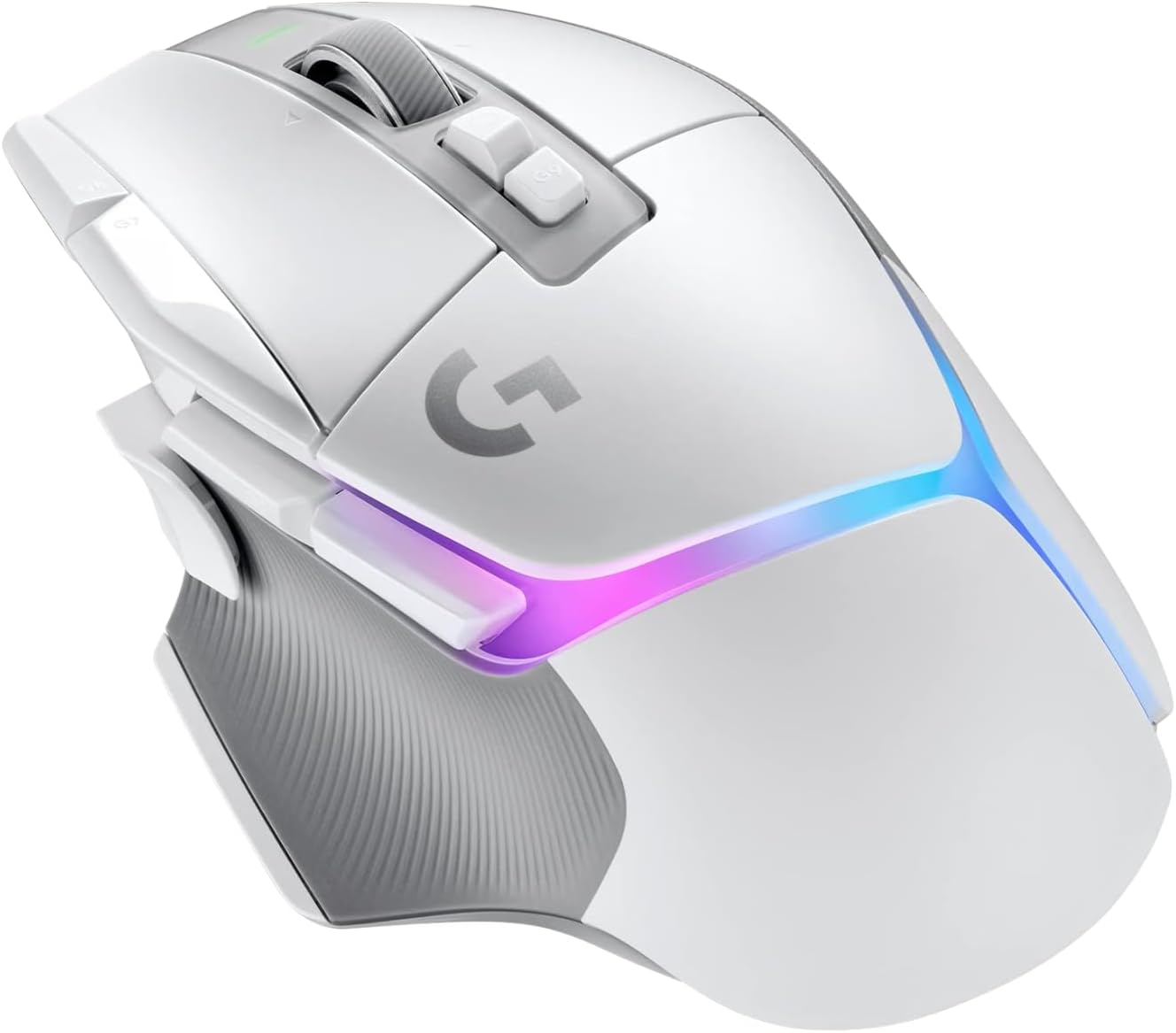
For PC and macOS players who want a wired mouse with more than basic pointing and clicking, the Logitech G502 X puts 13 buttons and a switchable scroll wheel within reach. Its LIGHTFORCE hybrid optical-mechanical switches and HERO 25K sensor are aimed at responsive, precise gaming, while the adjustable DPI-shift button gives you another way to tailor the controls to your grip. It weighs 89 g and comes in white. The cable is part of the deal, so this is a better fit for a fixed desk setup than for someone who wants a wireless mouse they can move freely around.
Technical details
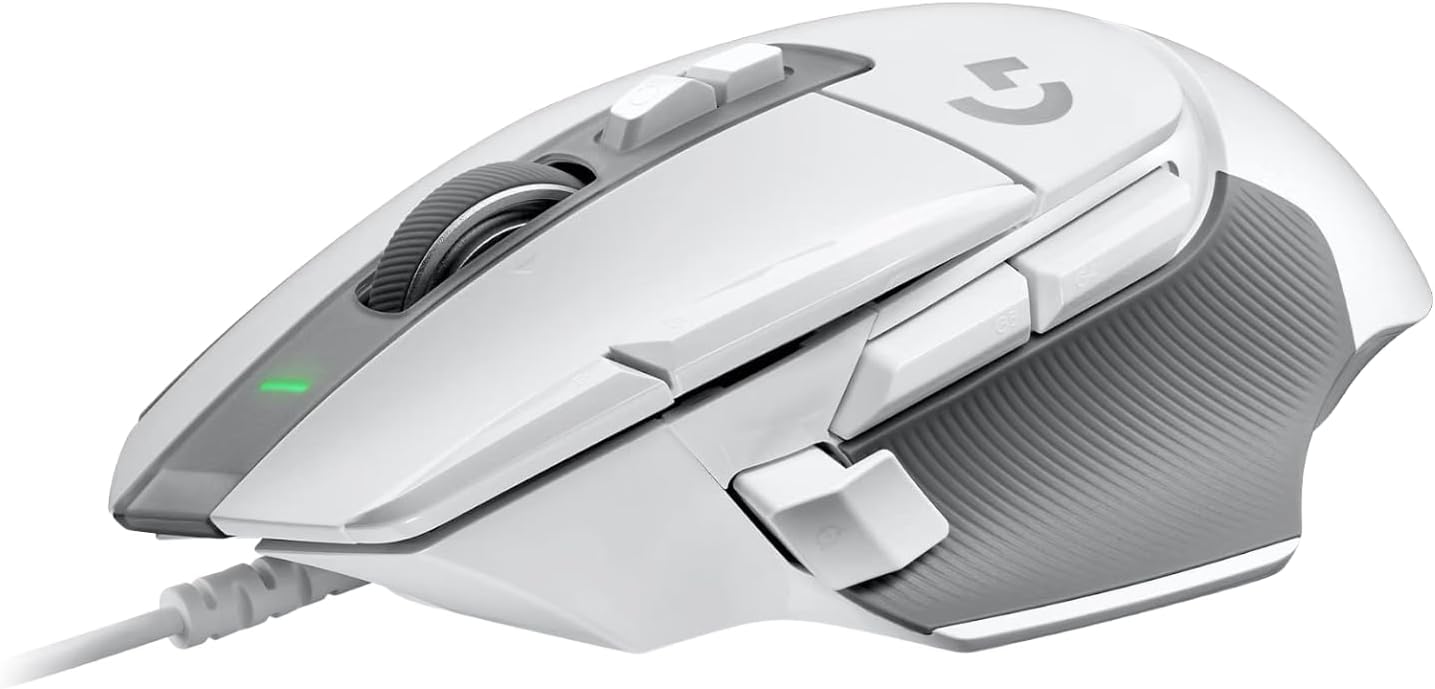
This is a wired gaming mouse with 13 buttons, optical switches and a HERO 25K sensor. Logitech describes the LIGHTFORCE switches as a hybrid optical-mechanical design, intended to combine quick actuation with a crisp response. The sensor is specified for sub-micron accuracy, with no smoothing, filtering or acceleration, according to the product information.
The DPI-shift button can be reversed or removed to suit a preferred grip. The scroll wheel switches between free-spin and ratcheted scrolling, and tilts left and right for two additional customizable controls. At 89 g, the mouse uses a thin-wall exoskeleton and a lightened scroll wheel to reduce weight while retaining rigidity. Those details make it more control-focused than a simpler mouse with only a few buttons, but the listed features won’t matter equally to every player.
Getting the most from it
The extra controls make sense if you play games where quick access to multiple actions is useful, or if you want shortcuts close to your thumb. For example, you can use the ratcheted wheel for deliberate selections during play, then switch to free-spin when scrolling through a long page between matches. The tilt controls and removable DPI-shift button also give you options to arrange the mouse around your own grip rather than treating its layout as fixed.
It may interest you if you prefer a wired connection and want more configurable inputs without moving to a larger or more demanding setup. It may not suit you if a cable across the desk is a nuisance, or if you prefer a minimalist mouse with fewer controls. Given its design, the benefit depends on whether you’ll actually use the extra buttons and wheel modes.
Usage tips
Start with the DPI-shift button in the position that feels natural for your grip, it can also be removed if it gets in the way. Try both scroll modes for different tasks instead of leaving the wheel in free-spin by default. The tilting wheel adds two customizable controls, so consider whether those positions are convenient for actions you use often. These are practical ways to make use of the listed features, rather than a promise that one layout will suit every hand or game.
Before you decide
Is this mouse wired? Yes. The product name identifies it as a wired gaming mouse, so account for the cable in your desk arrangement.
Can the DPI-shift button be adjusted? It can be reversed or removed, giving you some flexibility in how it sits under your grip.
Does the scroll wheel have more than one mode? Yes. It switches between free-spin and ratcheted scrolling, and can tilt left and right for two additional customizable controls.
Before buying it
Choose the G502 X if you want a wired gaming mouse with a broad set of controls, a configurable DPI-shift button and two distinct scroll modes. Its 89 g weight and white finish are useful details to compare with your desk setup and preferred look. If you’re mainly after a simple pointer, or need a wireless design, those extra controls may not justify choosing this format.