

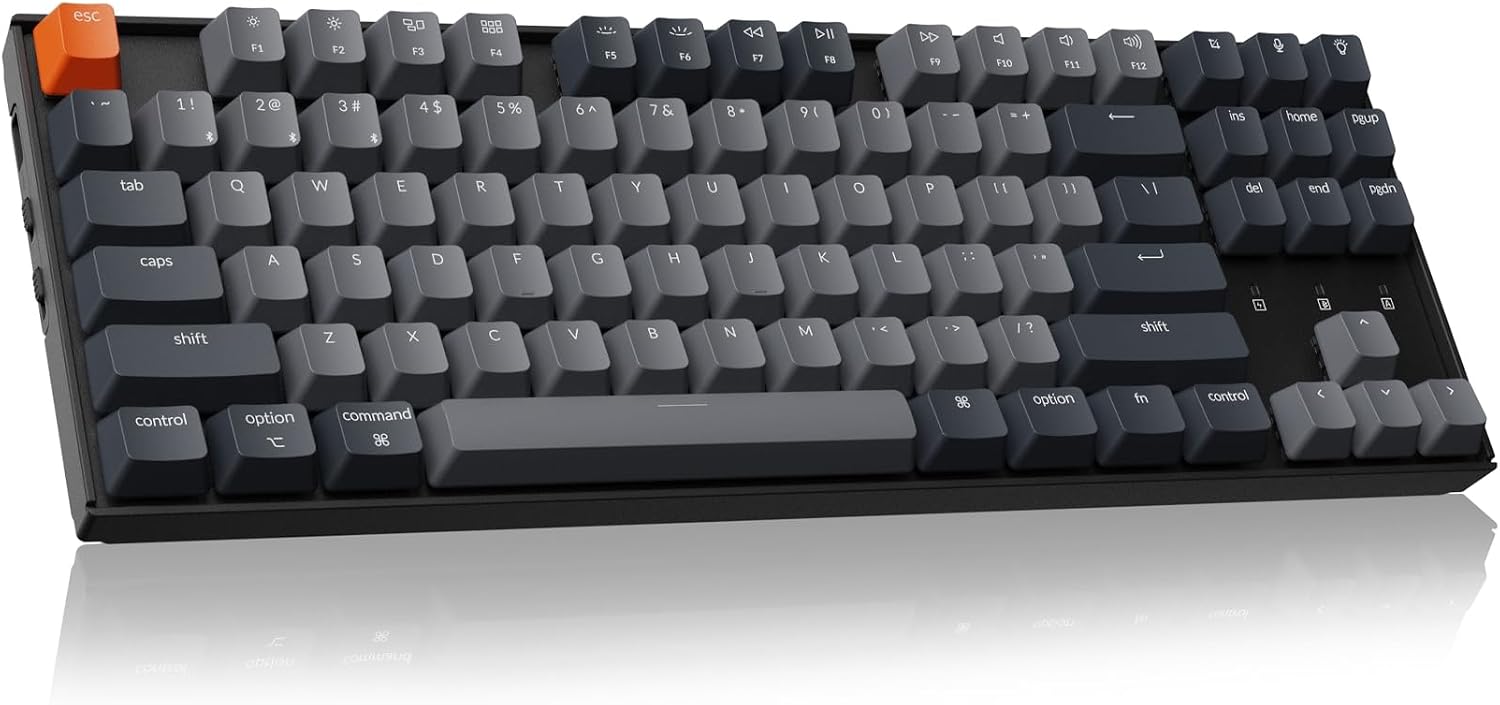
Keychron wireless mechanical keyboard K8
Product description
A compact keyboard can free up desk space, but smaller layouts sometimes sacrifice keys you use every day. The Keychron K8 keeps a navigation cluster alongside its tenkeyless layout, so you can make room without giving up Home, End or Page Up.
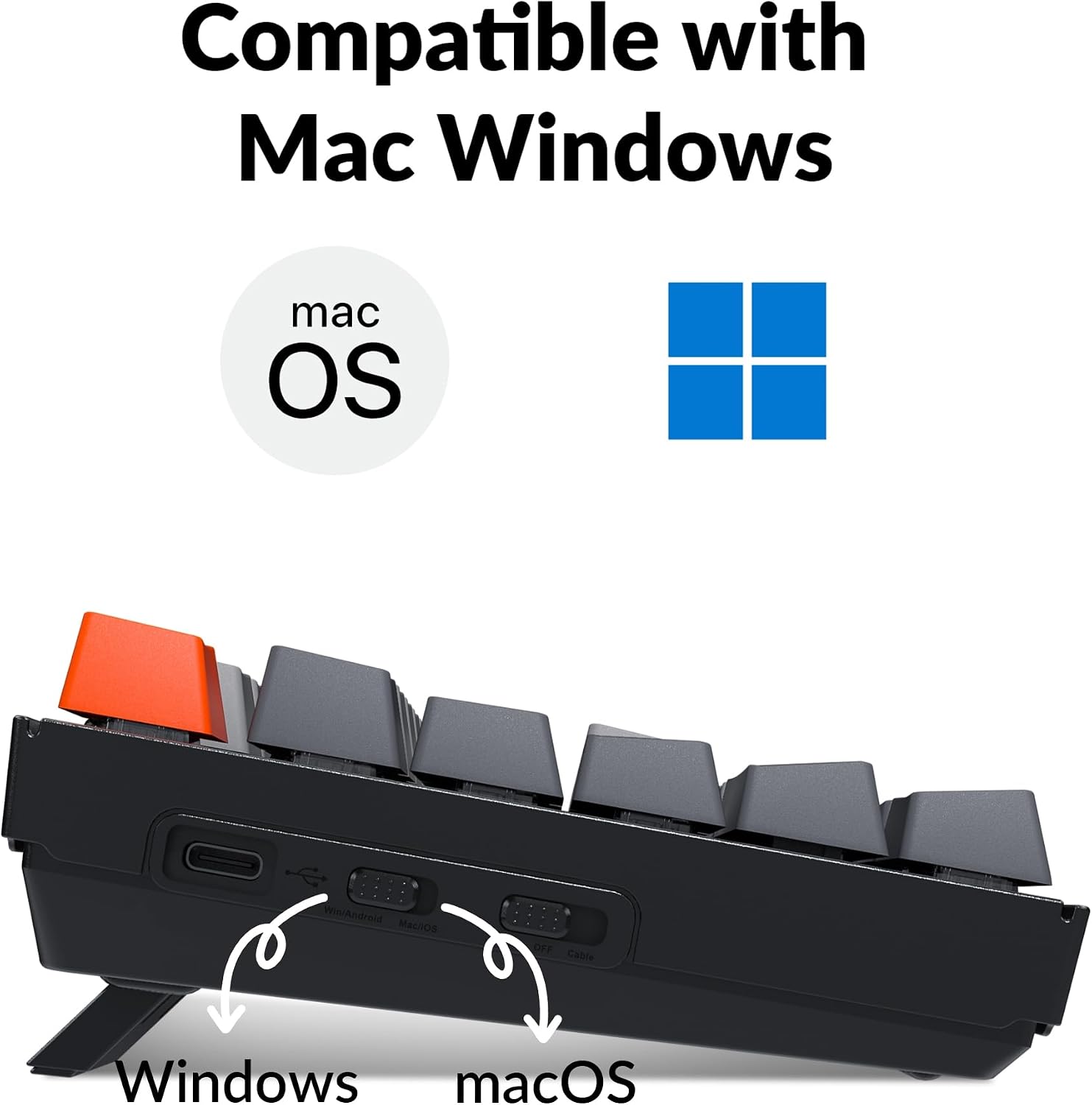
It supports a Mac layout and works with Windows, with extra keycaps included for both systems. That makes it a flexible choice for a desk shared between devices or operating systems.
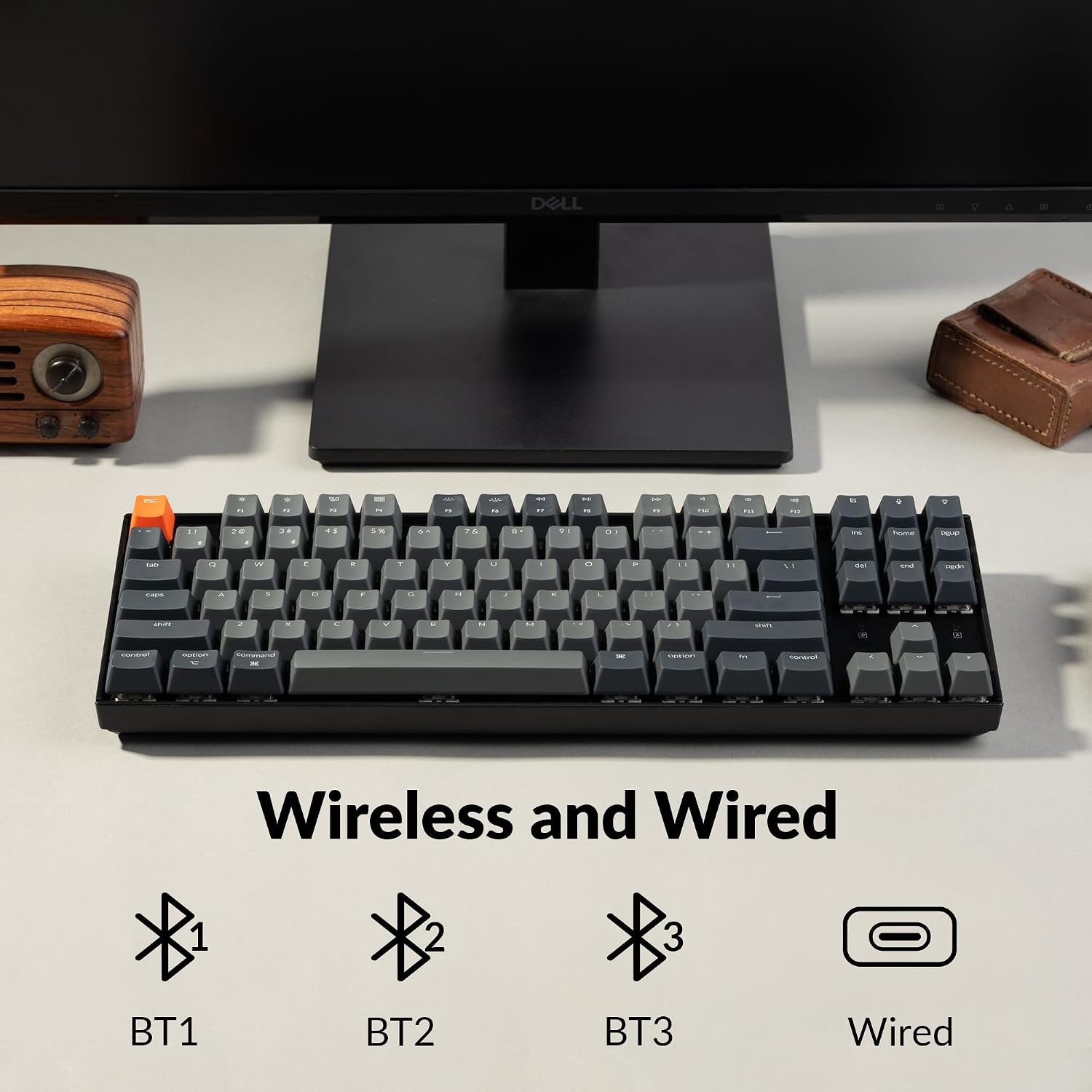
Its red linear switches and Bluetooth or USB-C connection give you a choice between a smooth, direct typing feel and a wired setup. The details that matter most depend on how you plan to connect it.
Highlights
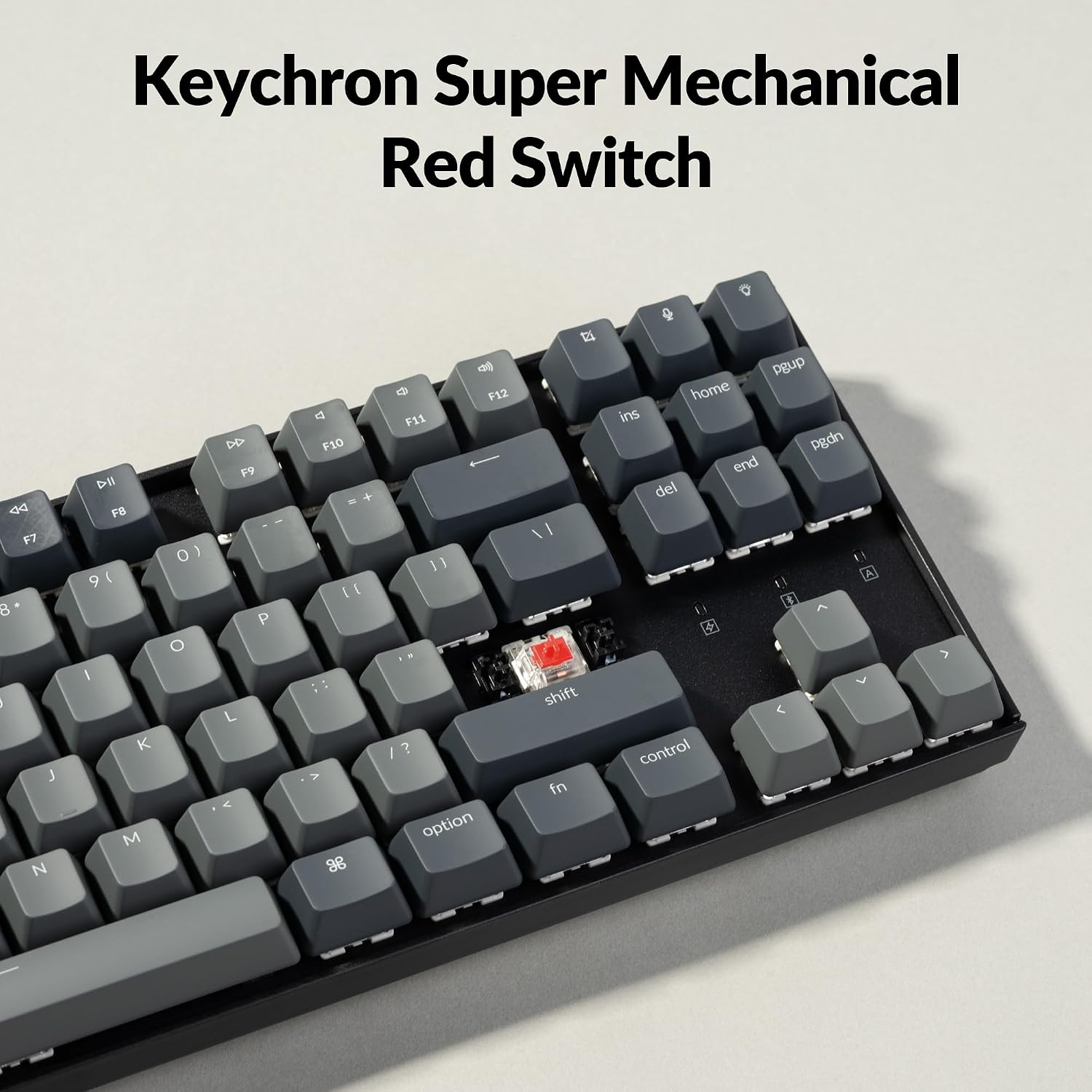
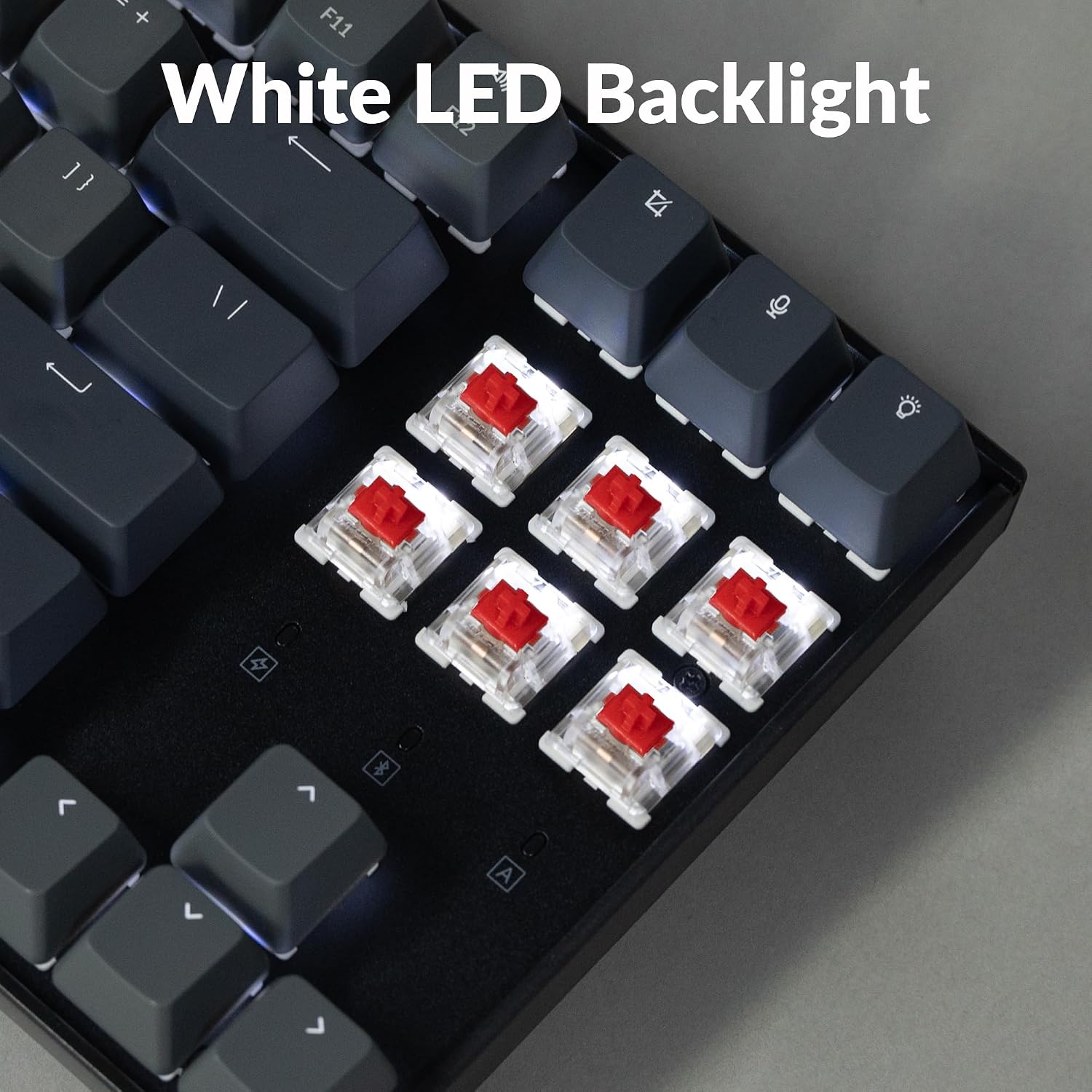
The K8 has an 87-key tenkeyless layout and white backlighting. Its Keychron K Pro Red switches are linear, with a stated 2 ± 0.4 mm pre-travel, 4 ± 0.4 mm total travel and 45 ± 15 gf operating force. If you prefer a smooth keypress without a tactile bump, that switch style may suit your typing or light gaming. Switch preference is personal, though, and the listing does not establish whether the backlight has adjustable brightness or effects.
For everyday use, Bluetooth lets you pair up to three devices and switch between them. You could move from a laptop to a phone or tablet without setting up a separate keyboard for each. USB-C wired mode is available too, and supports NKRO, wireless mode supports 6KRO. Keep that difference in mind if you need many simultaneous key presses, such as for particular gaming inputs.
The listed battery capacity is 4000 mAh, with up to 200 hours of use when the backlight is off. That figure is specifically tied to having the lighting off, so it is not a reliable expectation for every setup. Tenkeyless also means no dedicated number pad: the navigation keys remain, but frequent spreadsheet entry may feel less convenient than on a full-size keyboard.
How to use it
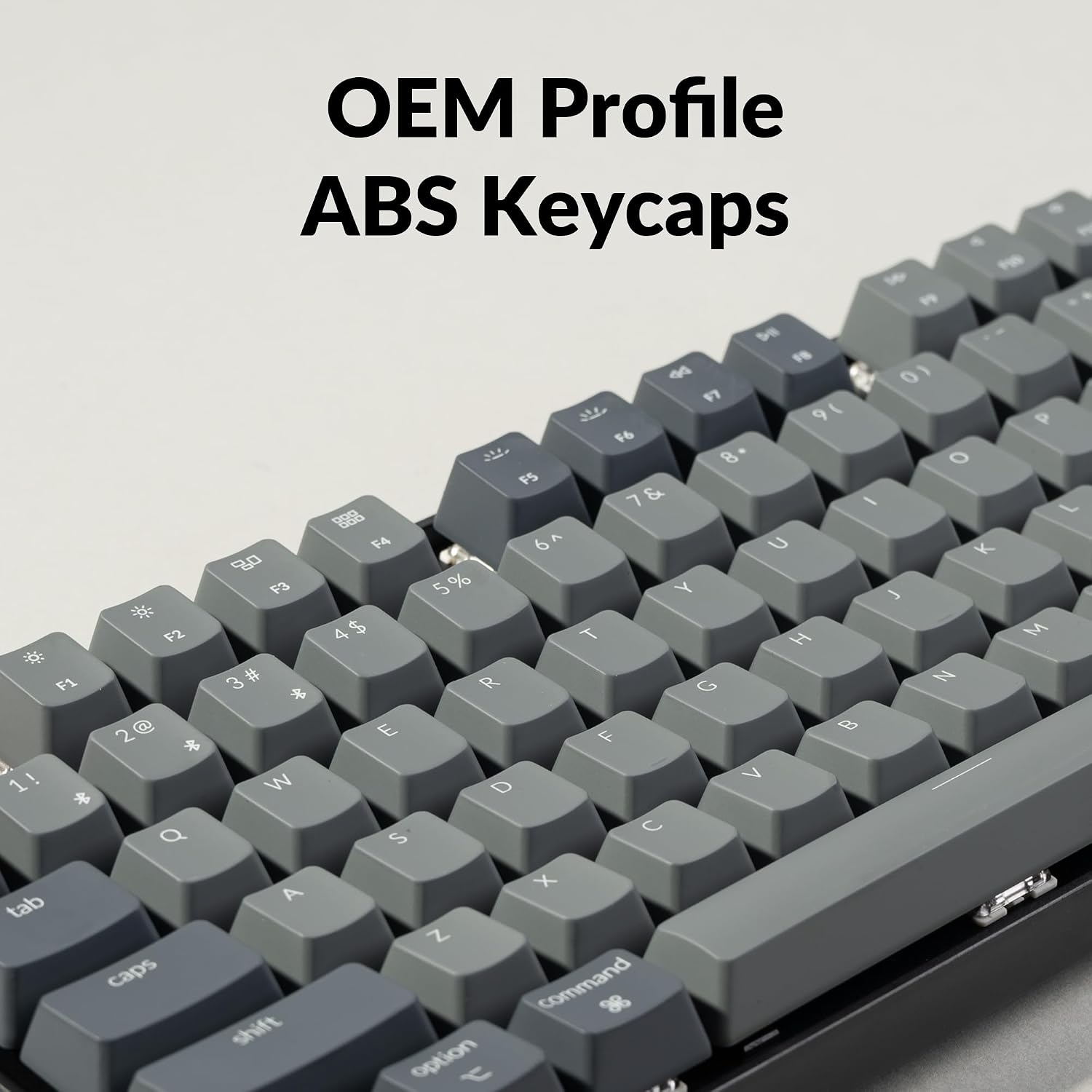
Choose Bluetooth for a cleaner desk and the option to switch among paired devices, or connect by USB-C when you want a wired connection. The keyboard is described as suitable for Mac and Windows, and the included extra keycaps let you match the layout to either system. For example, at a shared home desk, you could keep it paired with a laptop and tablet, then use the wired connection when you want a cable-based setup.
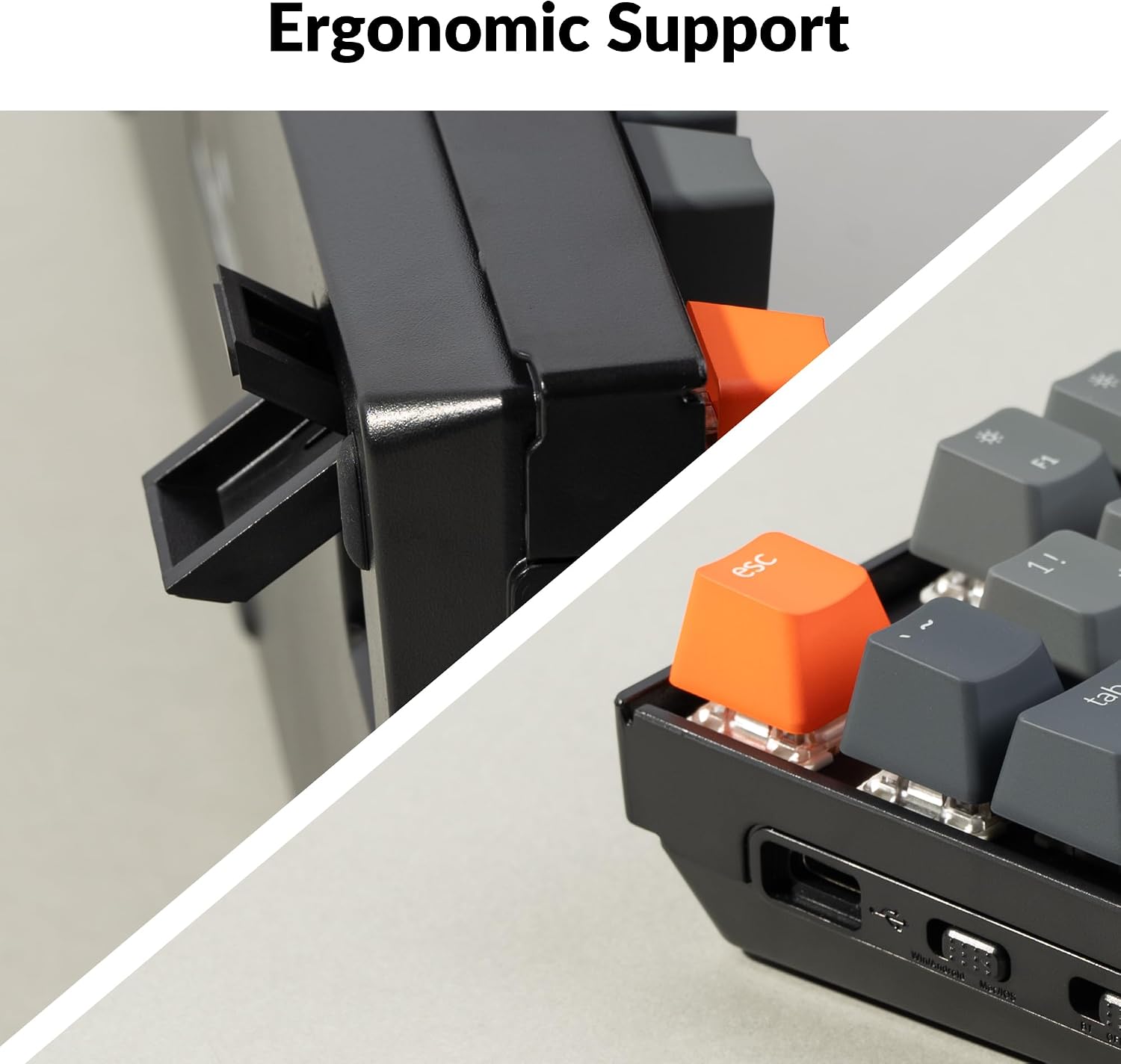
The adjustable feet have two levels, and the base is inclined to support a more comfortable typing position. Those adjustments offer some choice, but they are not a substitute for checking whether the keyboard’s angle and compact layout feel right for your desk.
Practical tips
Before choosing it, think about whether you rely on a number pad, how often you switch between devices, and whether you prefer linear switches. If you type number-heavy entries throughout the day, a full-size keyboard may be a better fit. If desk space matters more and you mainly write, browse or play light games, keeping the navigation cluster while dropping the number pad can be a useful trade-off.
Te encaja si you want a Mac-friendly mechanical keyboard that can also work with Windows, and value Bluetooth multi-device pairing alongside a wired option. Quizá no encaja si a dedicated number pad or wireless NKRO is essential for your work or play. Without having tested it, the practical distinction to weigh is the stated 6KRO wireless limit versus NKRO when connected by cable.
Dudas de compra
Does it work with both Mac and Windows? The product information says it supports both and includes extra keycaps for the two operating systems.
Can it connect to more than one device? Yes. Bluetooth pairing supports up to three devices, with switching between them.
Is the battery-life figure with the backlight on? The stated maximum of up to 200 hours is for use with the backlight off, no equivalent figure with lighting enabled is provided.
In your case
Choose the K8 if a space-saving layout, Mac and Windows support, and the choice of Bluetooth or USB-C match how you work. Its retained navigation cluster makes it more practical than a smaller layout that removes those keys, while the missing number pad and lower wireless key-rollover specification are real trade-offs. If your routine depends on number entry or many simultaneous wireless key presses, look for a layout or connection mode that addresses those needs first.