

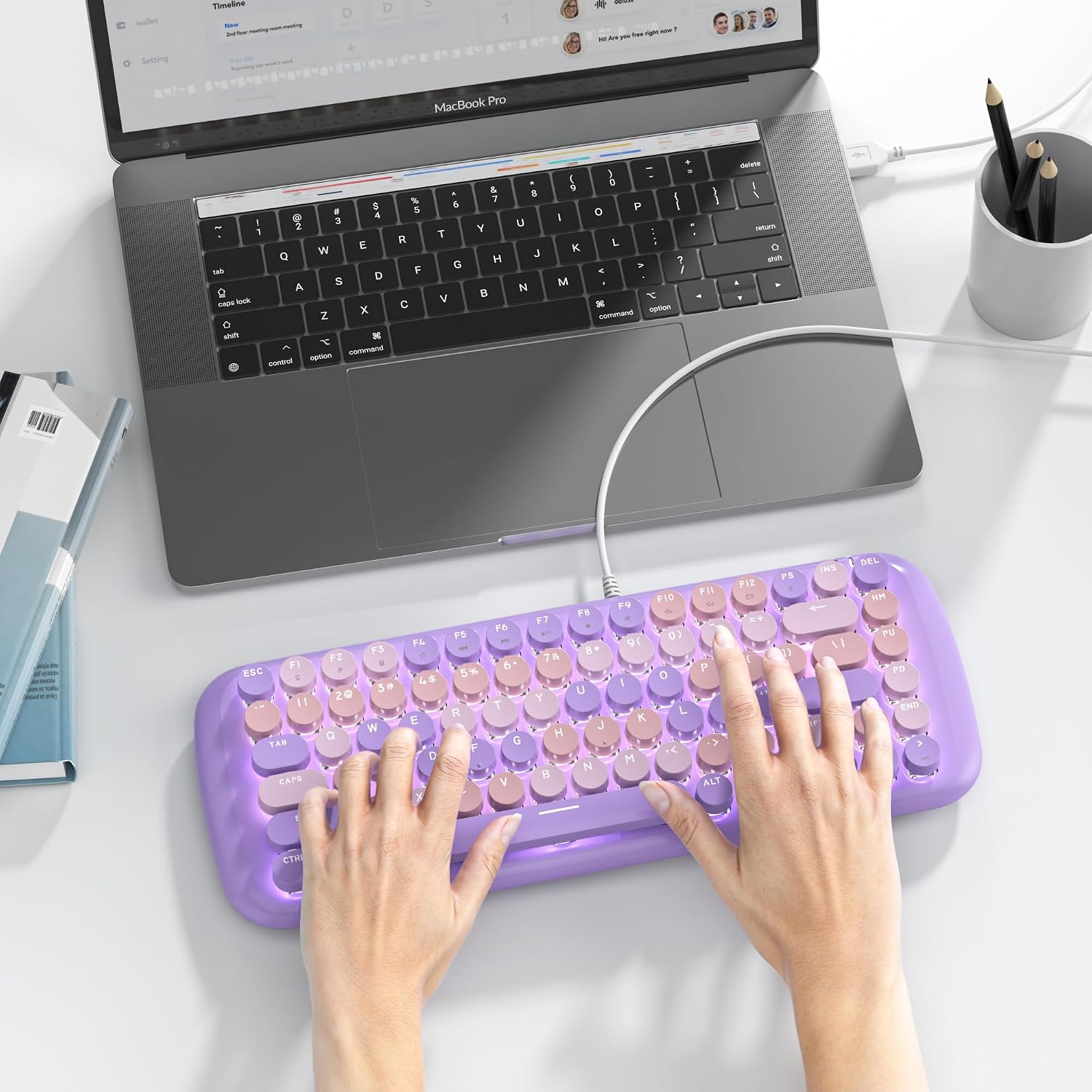
iRoboosta Mechanical Gaming Keyboard, 84-Key
Product description
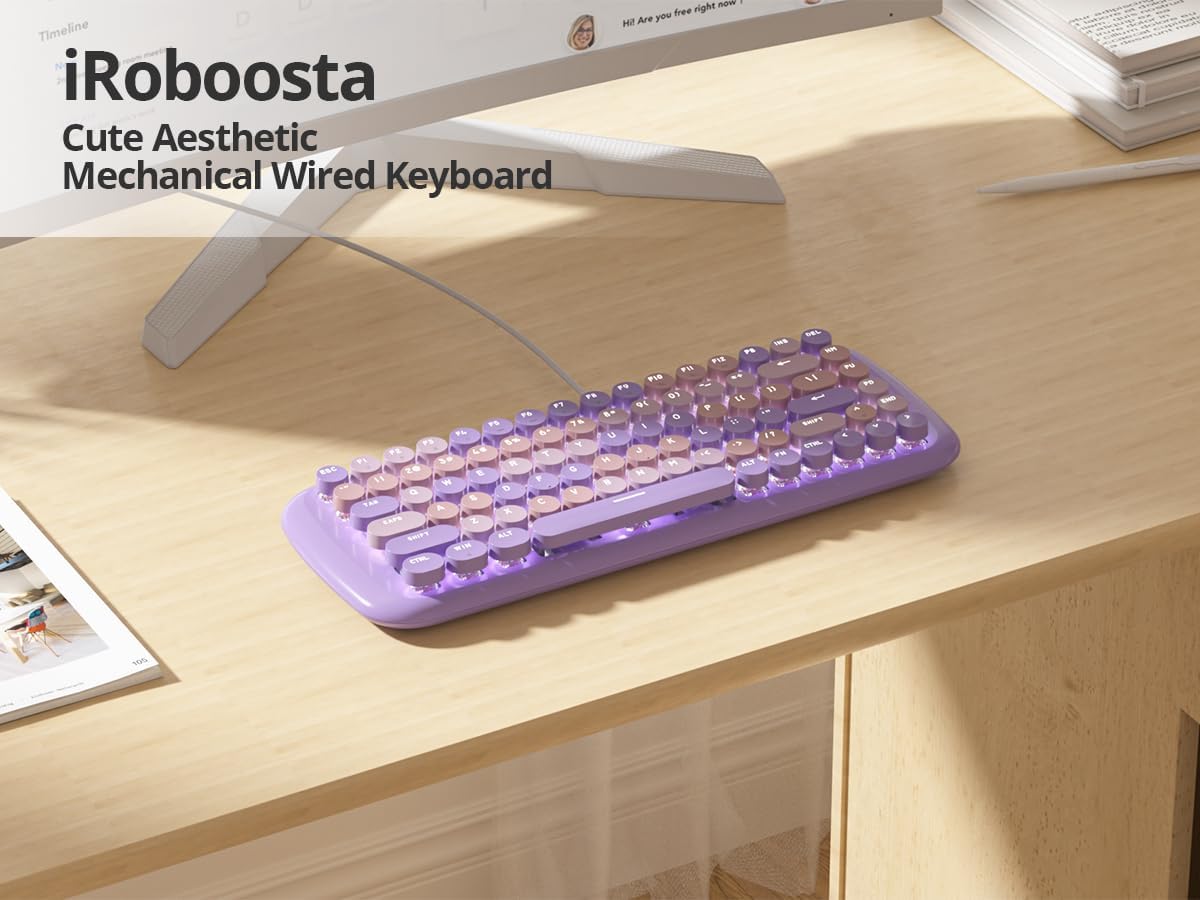
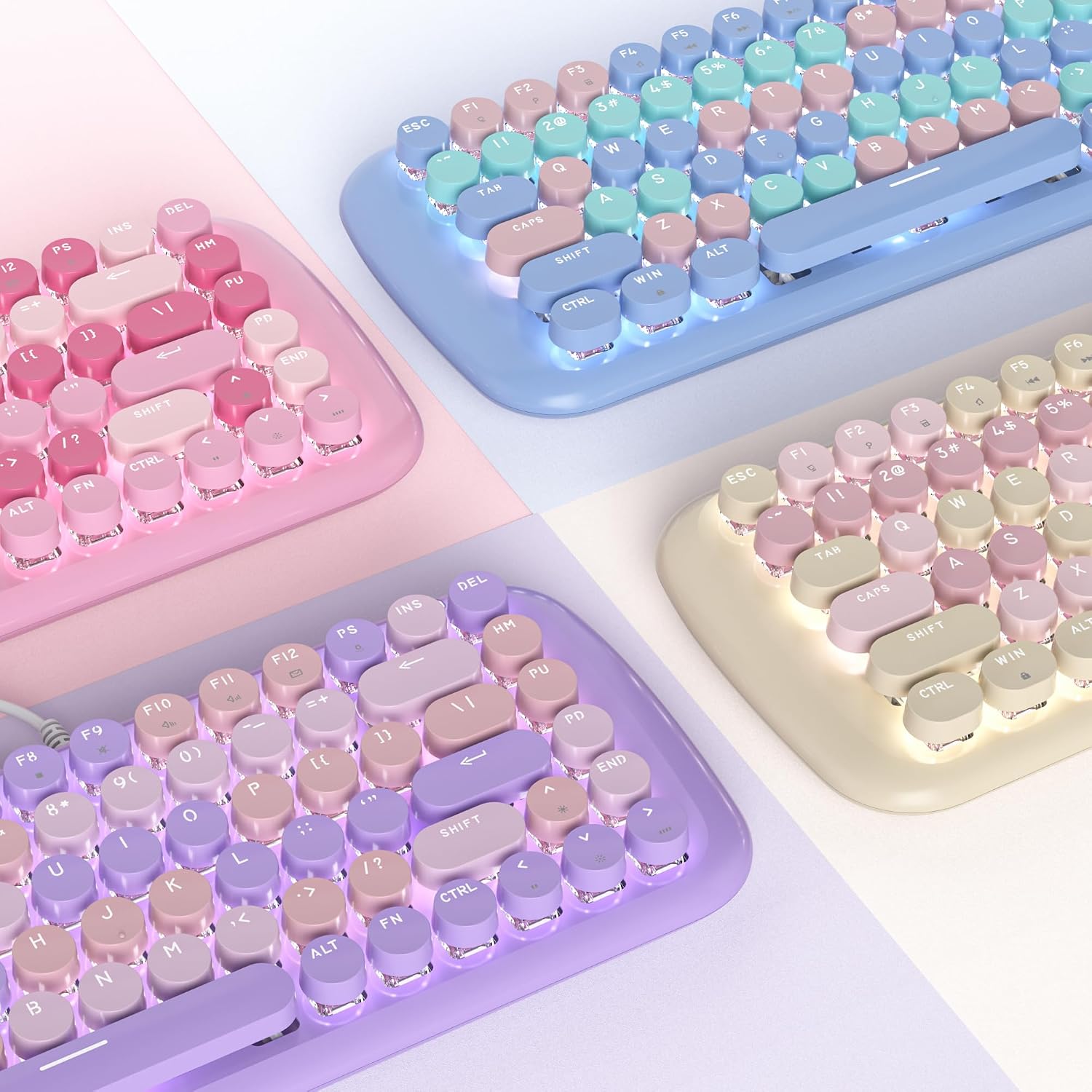
For a desk that could use a bit of colour, this wired iRoboosta keyboard pairs a retro typewriter look with round purple keycaps and white backlighting.
Its 84-key layout is intended for work, typing and gaming, with mechanical linear pink switches.
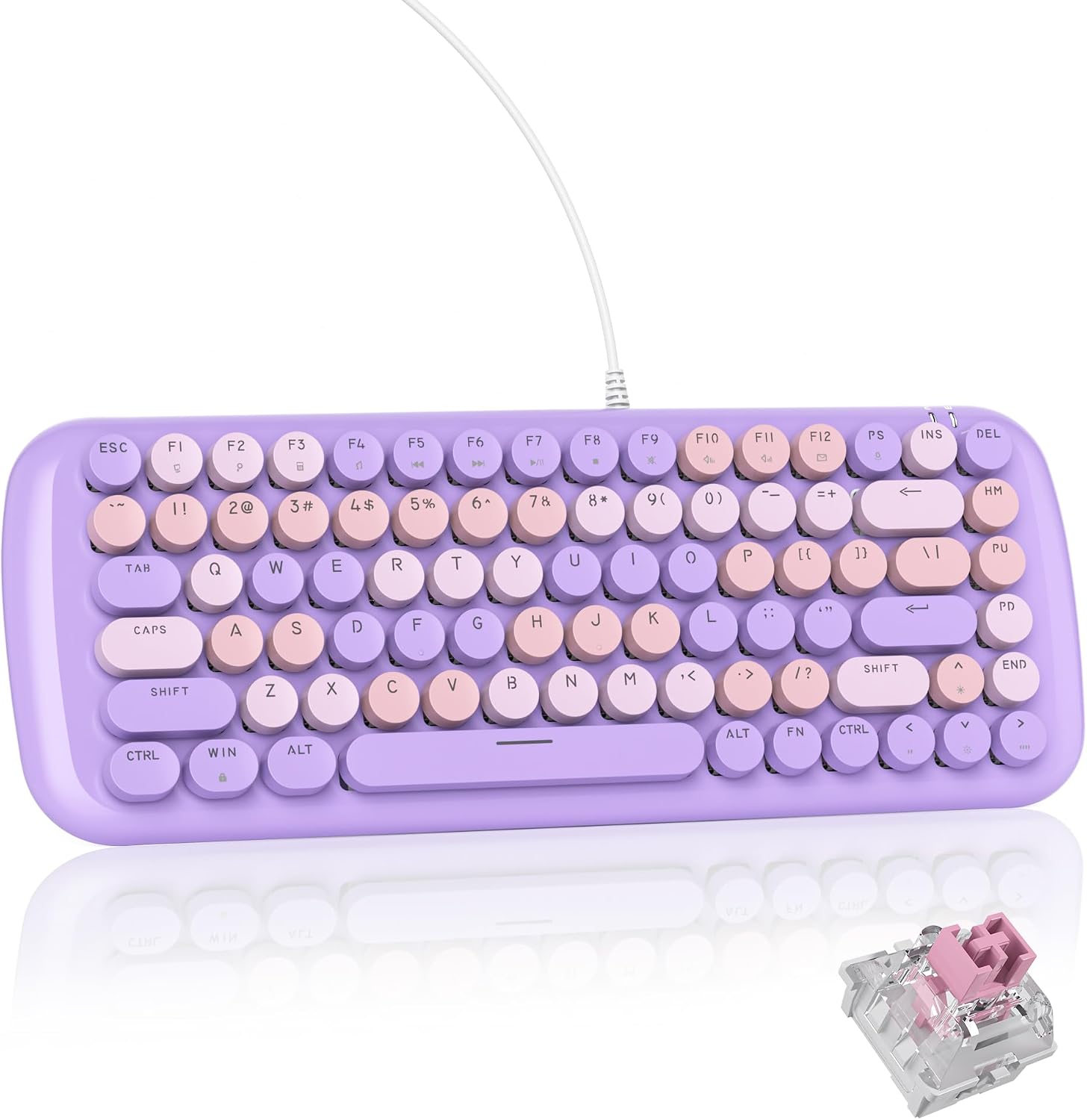
The main trade-off is the wired connection and a layout that may not suit everyone’s preferred key arrangement.
How to use it
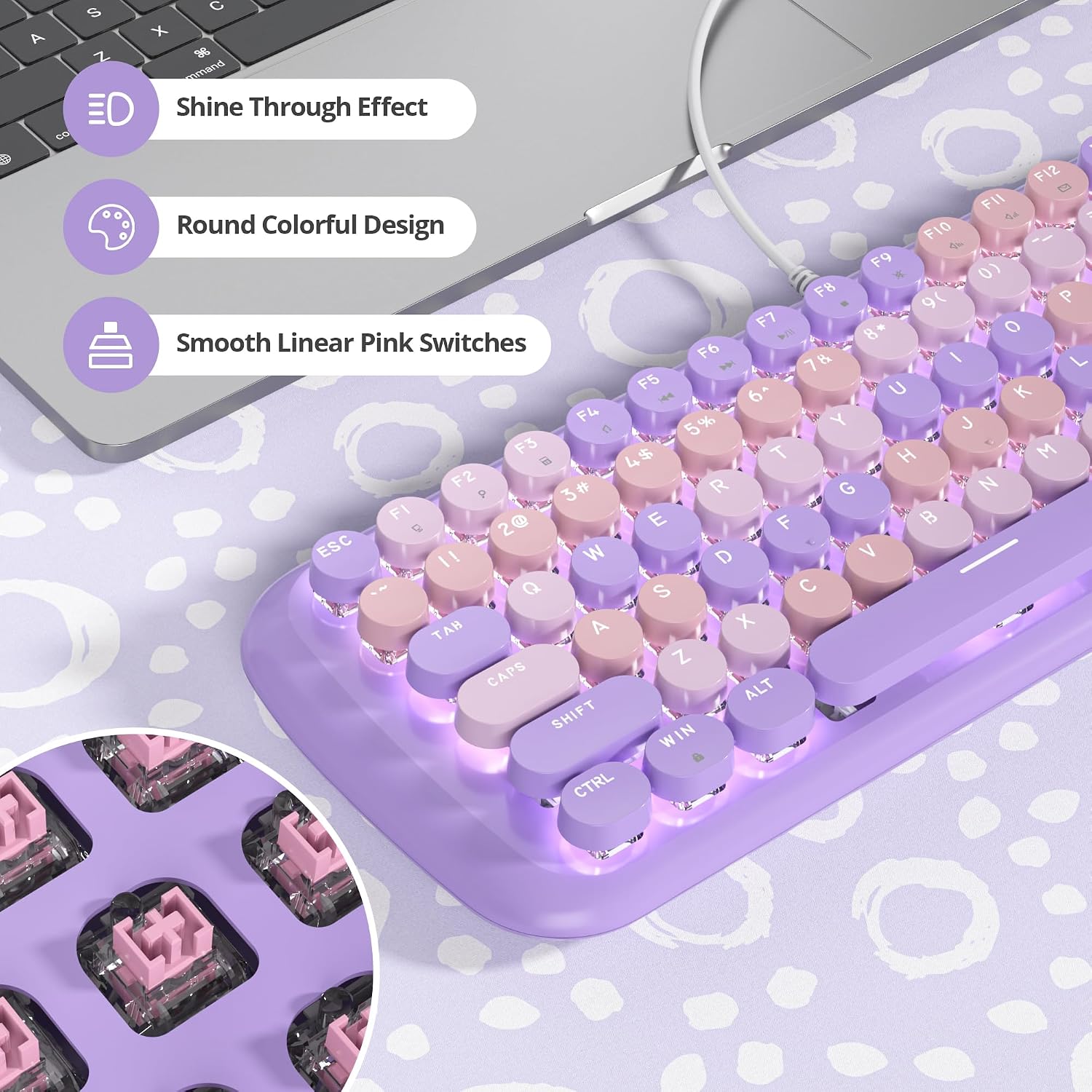
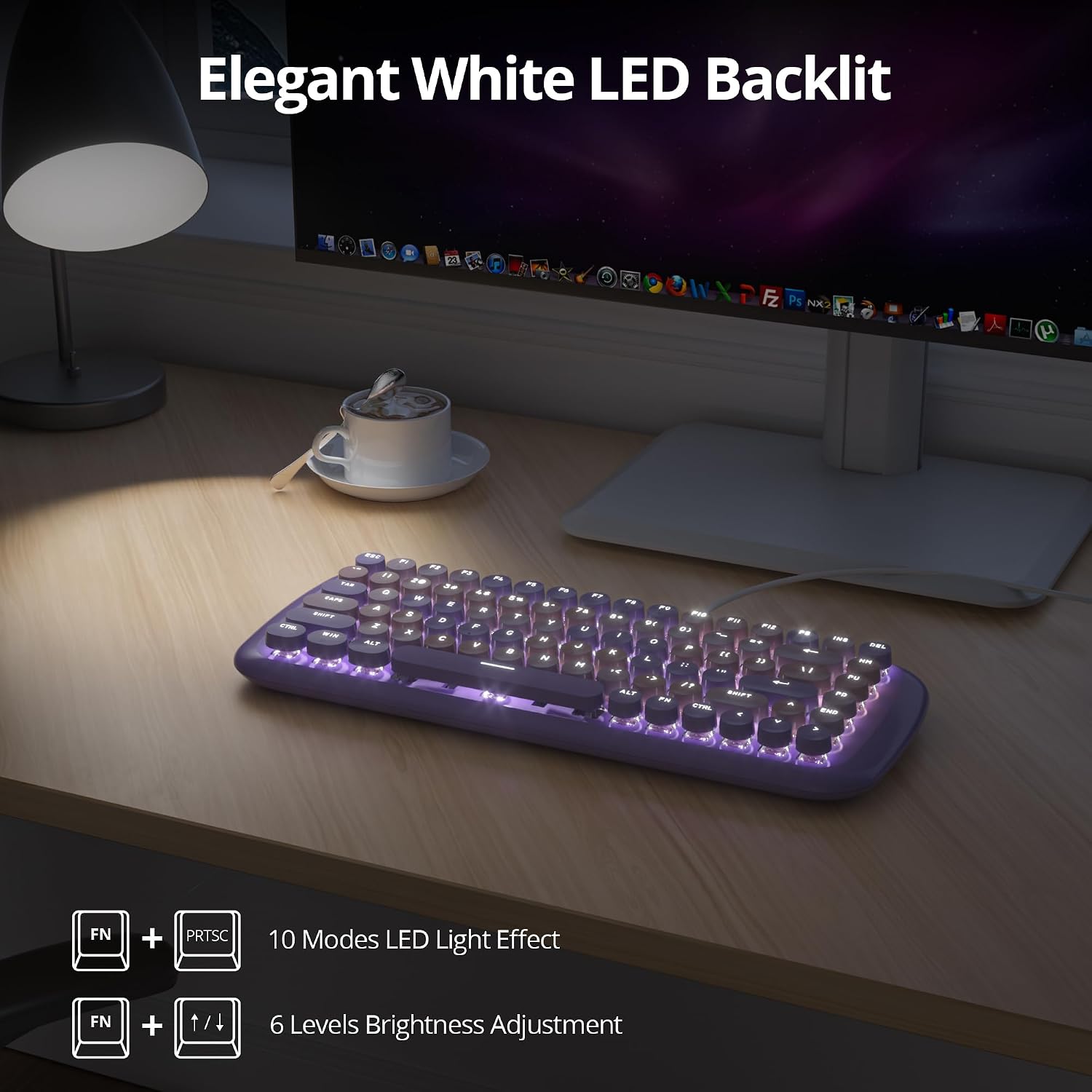
The white backlight has 10 modes, switched with Fn + PrtSc. Use Fn + the up or down arrow to adjust brightness, so you can change the lighting without relying on coloured effects. For a practical desk routine, you could set the brightness lower for a late-night work session, then choose another mode when you want the keyboard to stand out more.
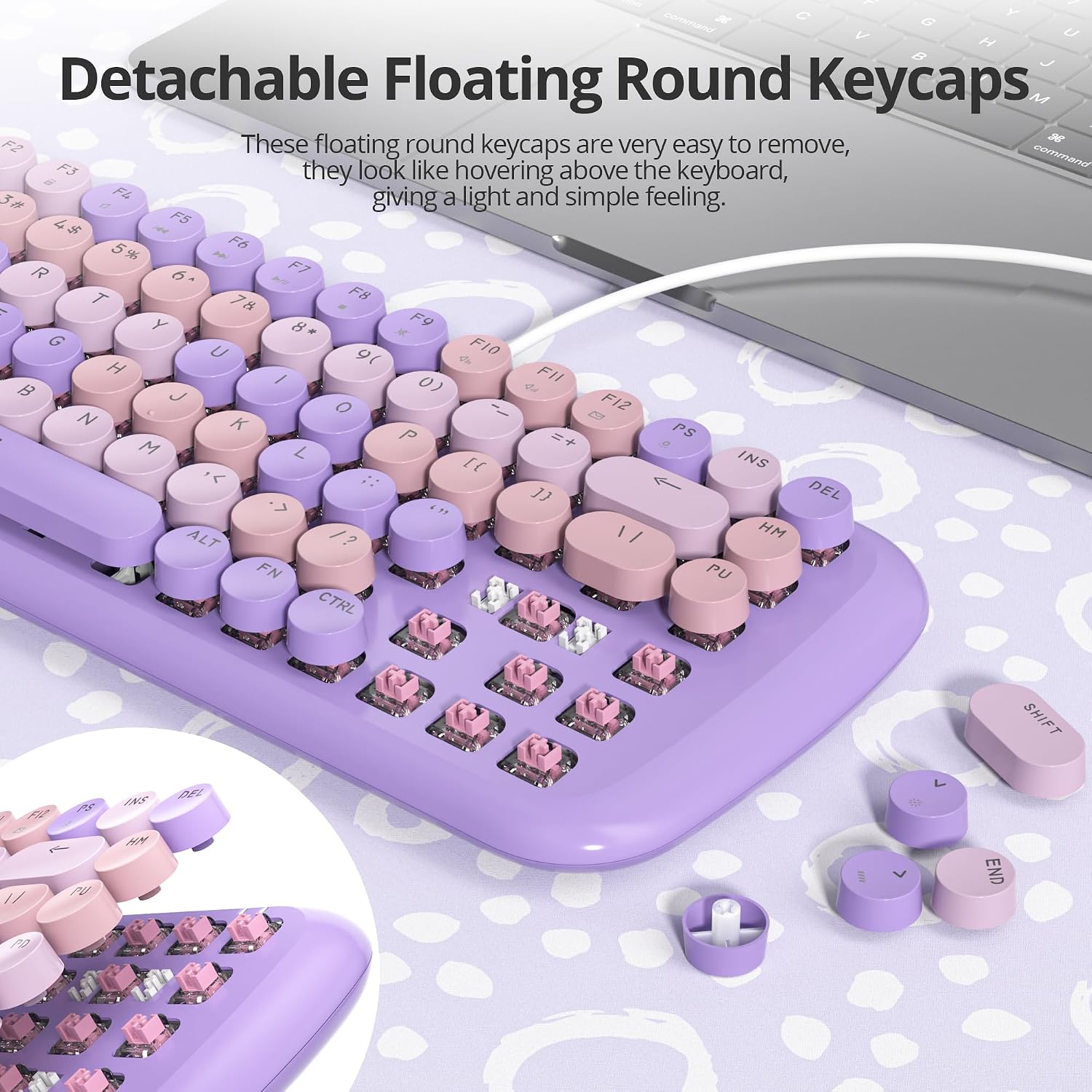
The round, floating keycaps are described as easier to clean and maintain. That shape is part of the appeal, though it also gives the board a distinctly decorative look rather than the understated appearance of a standard office keyboard. Want a keyboard that blends into a minimalist setup? The purple colour and typewriter styling may be more noticeable than you’d like.
Pros
The useful combination here is a distinctive design with everyday functions: an 84-key layout, mechanical switches and white backlighting. The listing describes the pink switches as smooth to type on and says anti-ghosting lets all 84 keys work simultaneously, a feature aimed at responsive typing and gaming inputs.
It is listed as compatible with Windows versions including 2000, XP, 7, 8 and 10, as well as Mac and PS5. That makes it worth considering if you want one wired keyboard for a supported computer or console, rather than a board chosen only for a gaming setup. Still, the listing doesn’t specify dimensions or give a key-by-key layout, so the key count alone won’t tell you how much desk space it needs or whether its arrangement matches your habits.
It suits you if you want a mechanical keyboard with a playful retro appearance and adjustable white lighting. Better to avoid it if you need wireless use, a neutral design or specific layout details that aren’t provided here.
Spec sheet
- Type: Wired mechanical gaming keyboard
- Layout: 84 keys
- Switches: Linear pink mechanical switches
- Backlight: White, with 10 modes and adjustable brightness
- Colour: Purple
- Compatibility listed: Windows 2000, XP, 7, 8 and 10, Mac, PS5
What I’d decide
This is a style-led choice for someone who wants their keyboard to be visible on the desk, not just a basic input device. The round caps and purple finish give it a different feel from a conventional, low-profile office keyboard, while the lighting controls and stated anti-ghosting support add practical appeal for typing and gaming. If the retro look is the reason you’re considering it, those details work together, if you care more about a precise key layout or a less conspicuous board, a more conventional design may be easier to choose. The missing dimensions and layout detail are worth bearing in mind, since there’s no way to judge those from the 84-key count alone.