

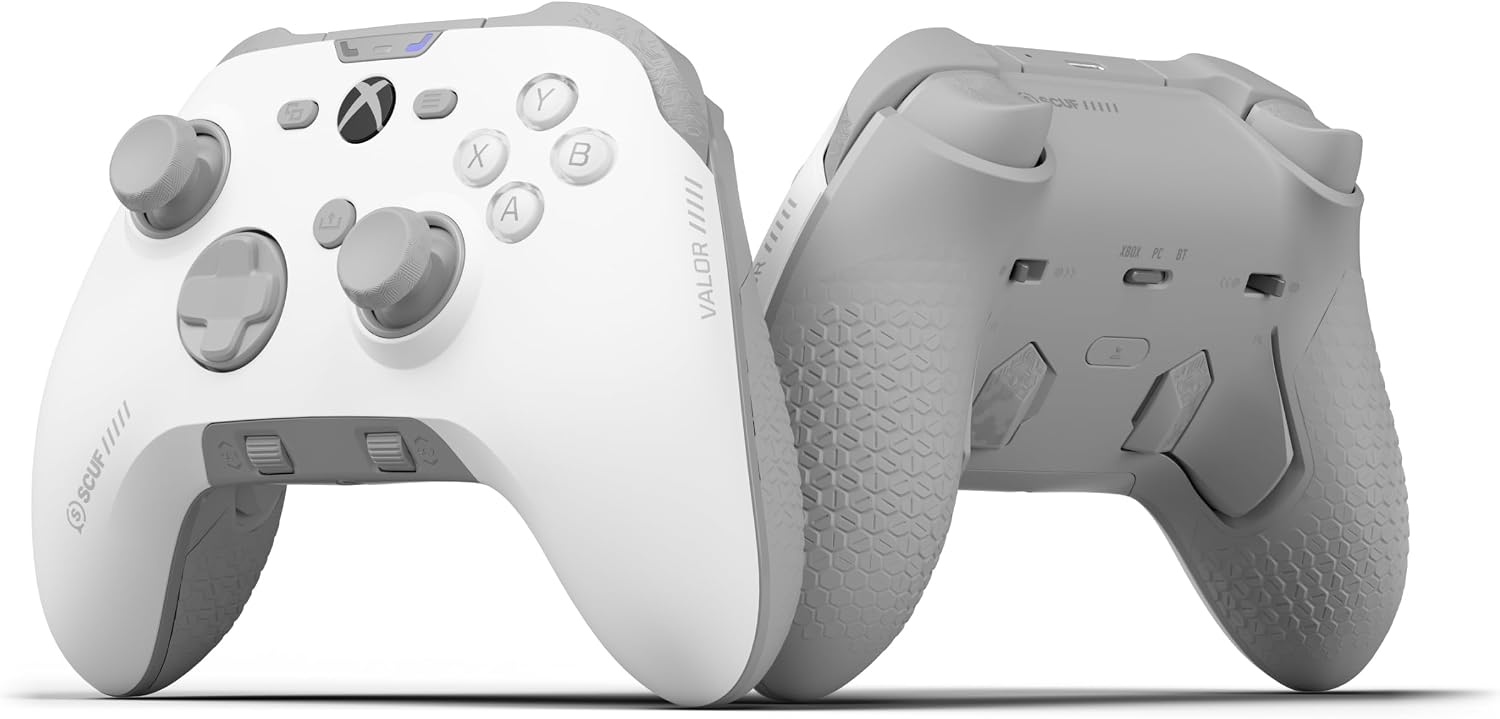
SCUF Valor Pro wireless Xbox controller
Product description
What matters most
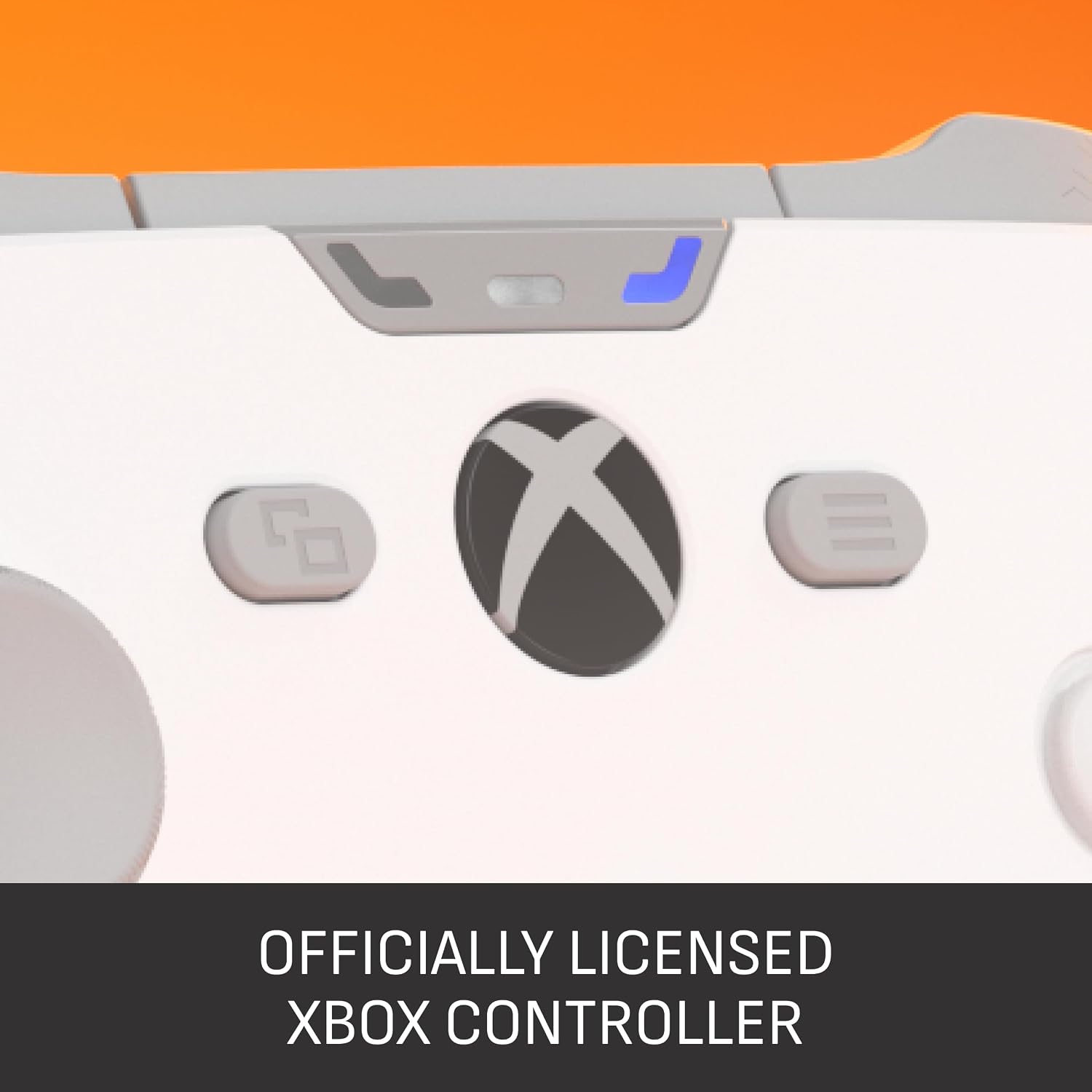
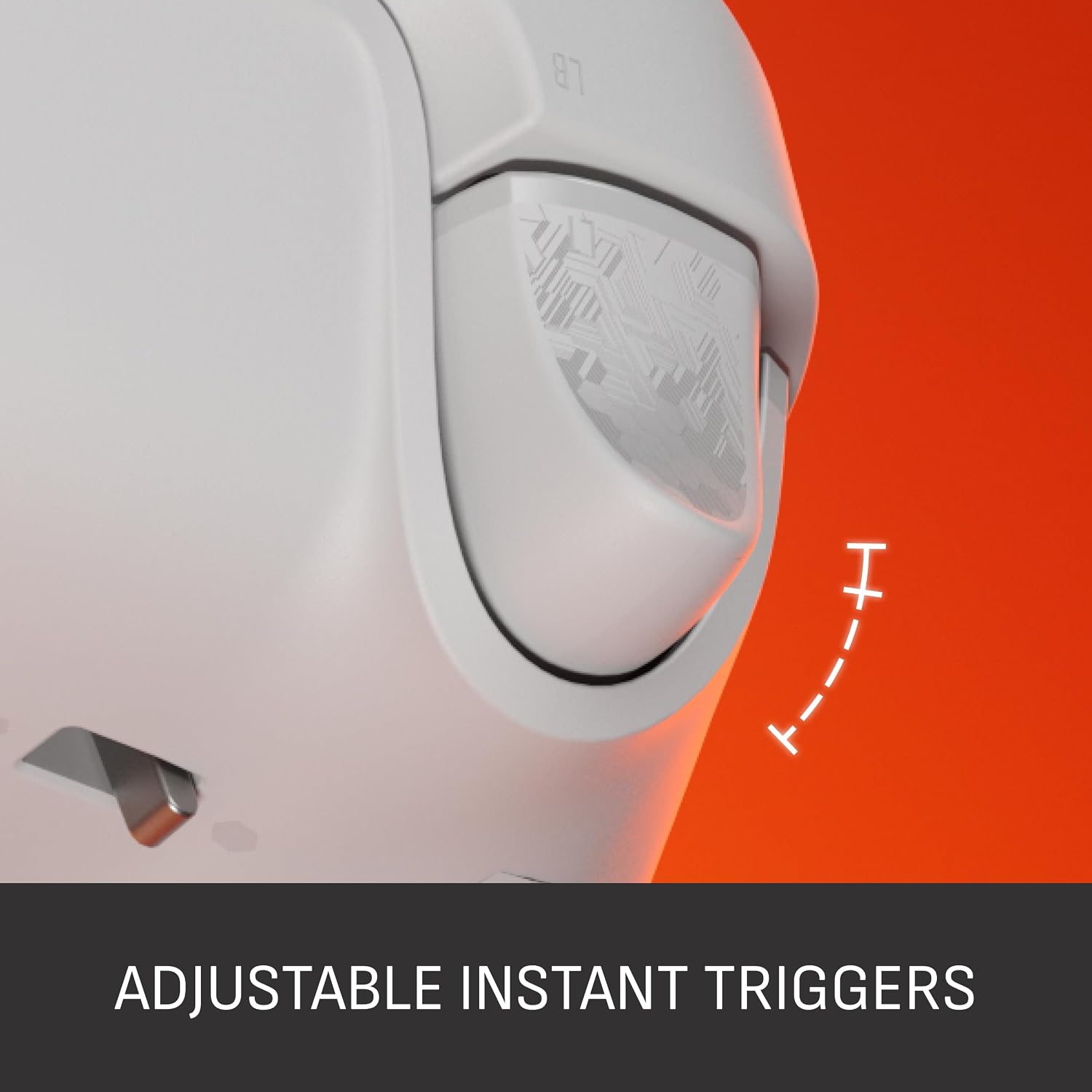
If you want more controls close to your fingers, rather than a standard gamepad layout, the SCUF Valor Pro Wireless is built around that difference. It has four rear paddles, instant triggers and TMR thumbsticks, with connections for Xbox Series X|S, Xbox One and Windows PC. The listed version is white.
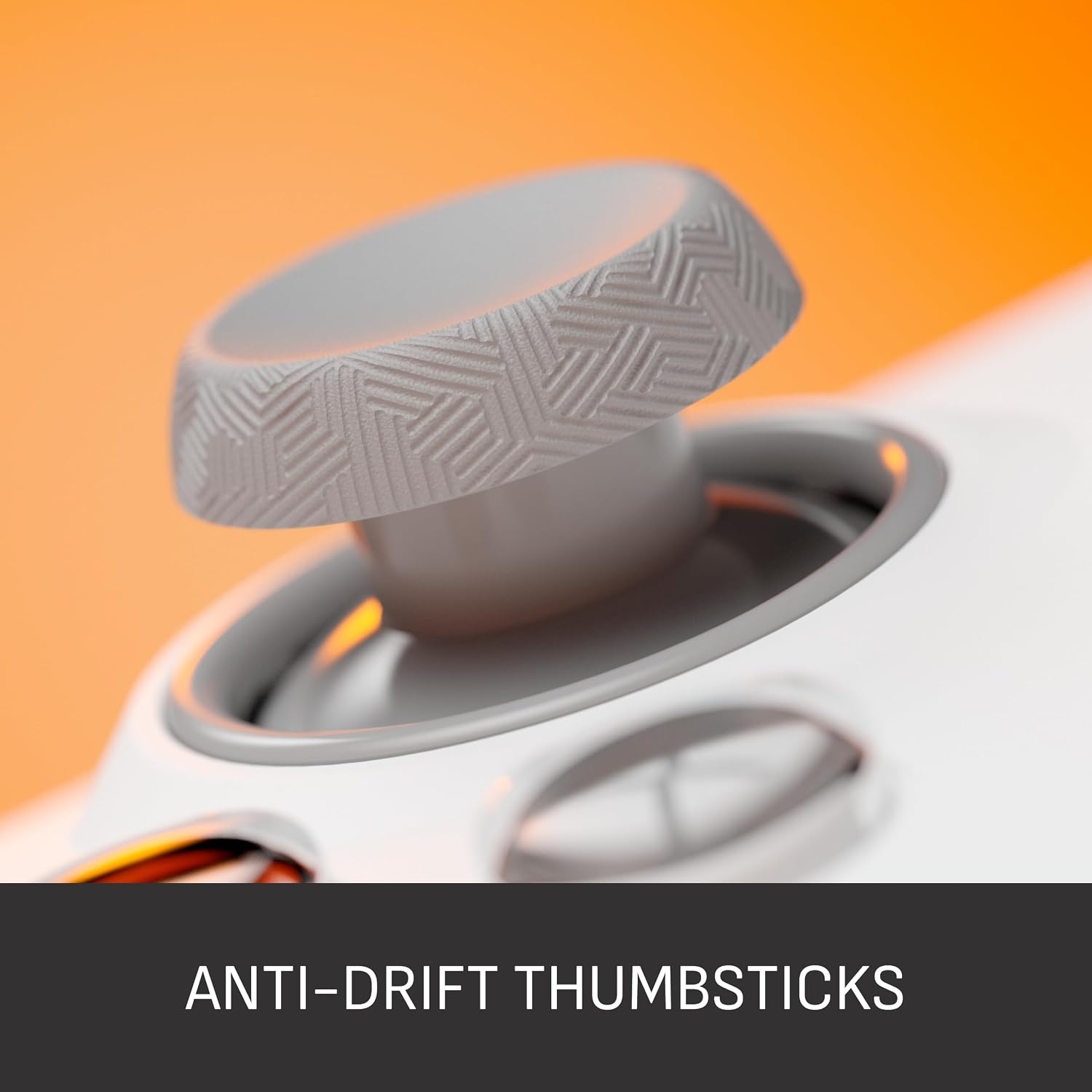
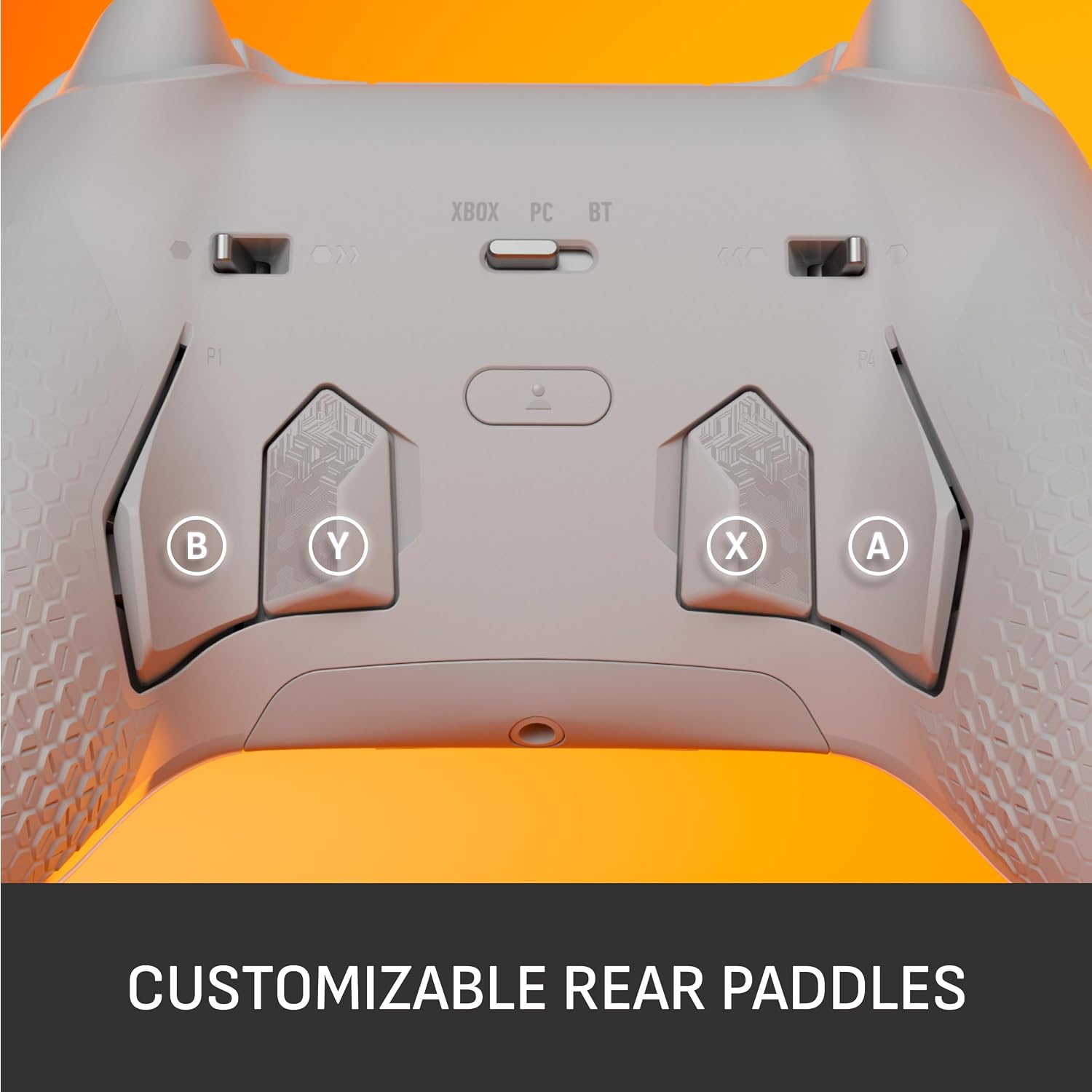
The paddles let you assign actions to the back of the controller, while the instant triggers are designed to remove trigger pull. That may suit games where quick inputs matter, though the listing doesn’t explain how the paddles are mapped or whether every control can be reassigned. The thumbstick deadzones can be adjusted through the SCUF app on Xbox or PC.
How to use it
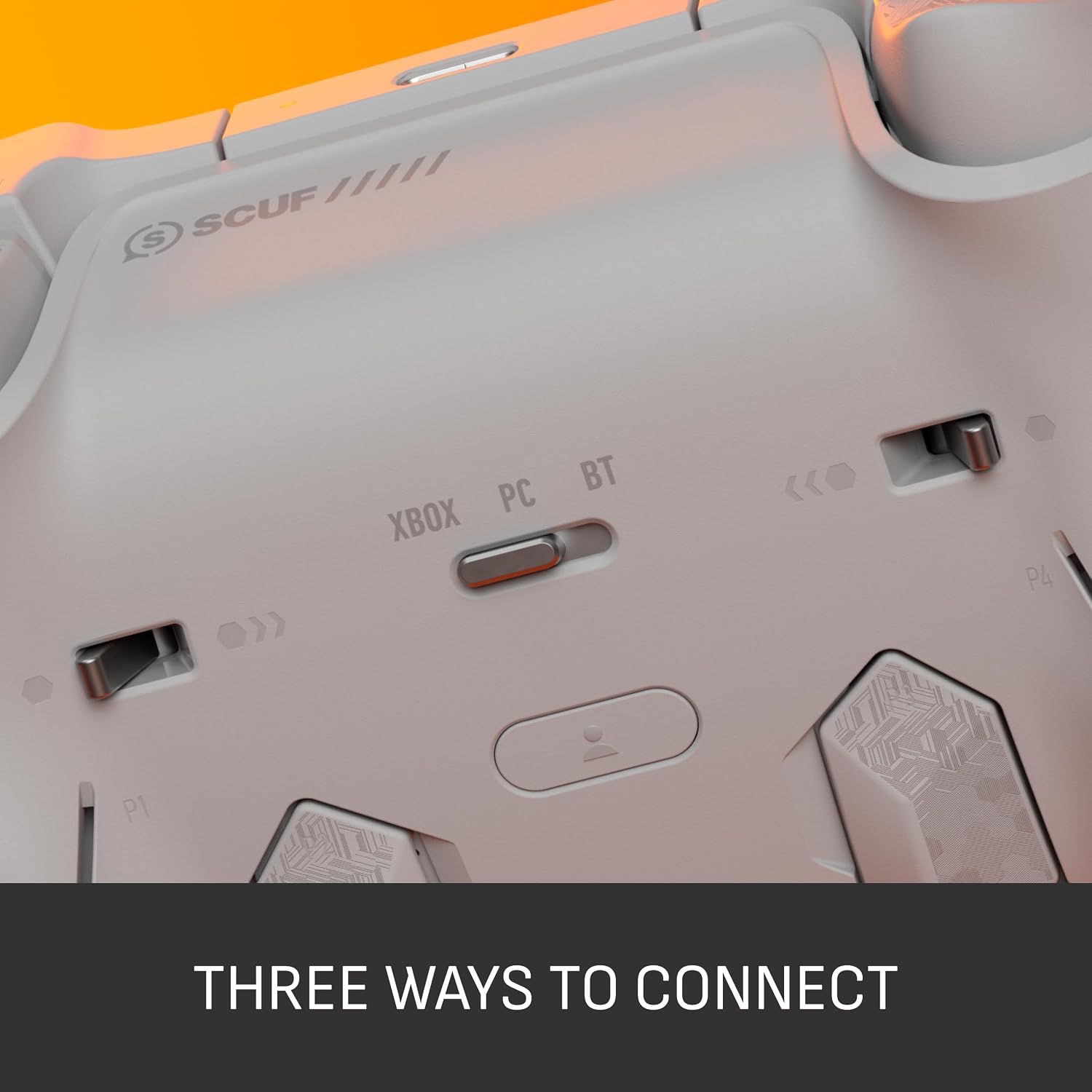
Choose between low-latency wireless, Bluetooth and wired connection, depending on your setup and how you prefer to play. For example, you could use it wirelessly on the couch with an Xbox, then connect it by cable at a PC desk. The product listing names Xbox Series X|S, Xbox One and Windows PC, it doesn’t specify compatibility with other platforms.
Keep in mind that the 1k Hz polling rate is a PC feature that needs to be activated. It isn’t presented as an Xbox setting, so don’t choose this controller on the assumption that the same polling-rate option applies across every connection and platform. The app also gives you access to input customization and thumbstick deadzone adjustments without pausing to make changes.
Practical tips
Think about where you’ll use the extra controls most. In a game where you often need to press a face button while keeping your thumbs on the sticks, rear paddles could make that combination easier to manage. If you mostly play titles that don’t call for quick or frequent inputs, a simpler controller may cover your needs without those performance-focused features.
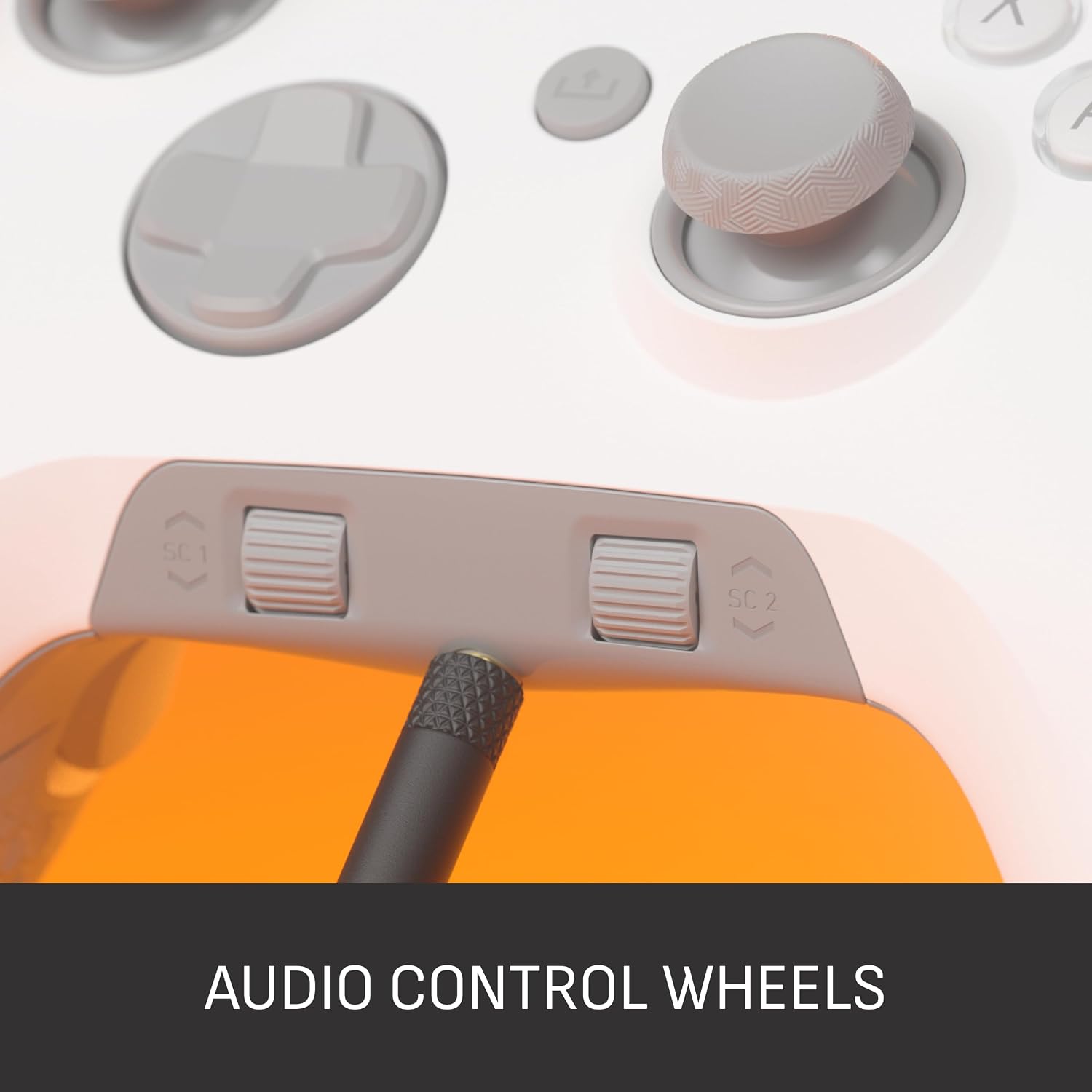
The controller also has audio controls, a performance grip described as non-slip, and wraparound bumpers with more surface area. Those details may matter during longer sessions or when you adjust your grip often, but the listing doesn’t give dimensions, weight or specific audio-control functions. Customization includes a range of colours and designs, plus swappable faceplates and thumbsticks, check that the finishes and replacement parts you want are available for your chosen version.
Before you decide
Which systems does it support? The listing names Xbox Series X|S, Xbox One and Windows PC. It doesn’t name other platforms.
Can you change the controls? Yes. The SCUF app on Xbox or PC is listed for input customization and TMR thumbstick deadzone adjustments. The exact mapping options aren’t detailed.
What connection choices are included? Low-latency wireless, Bluetooth and wired connections are listed. The description doesn’t specify battery life or cable details, so those may matter if you’re comparing setups.
In your case
It's a good option if you play on a listed Xbox or Windows PC platform and expect to use rear paddles, instant triggers or adjustable stick deadzones. The extra connections and customizable parts also make it more adaptable than a basic controller, provided those features match how you play.
It may not be the right fit if you want a straightforward gamepad, need confirmed support for a platform that isn’t named, or are choosing mainly by battery life, dimensions or weight, those details aren’t supplied here. The practical decision is whether the four paddles and app-based adjustments would earn a regular place in your play, rather than simply adding controls you won’t use.