


Samsung 9100 PRO NVMe SSD 4TB
Product description
Getting the most from it
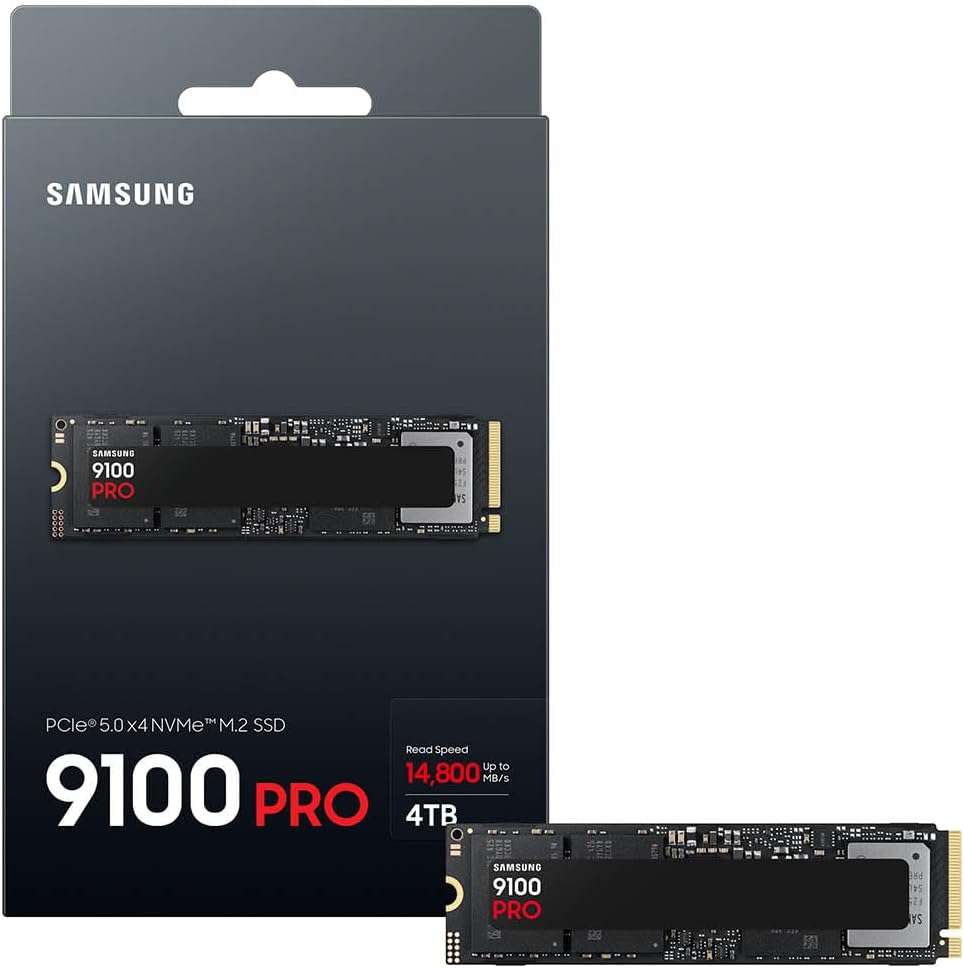
When large files, demanding games or data-heavy creative work make storage feel like the slow step, a faster internal drive may be worth considering. The Samsung 9100 PRO is a 4TB M.2 NVMe SSD using PCIe 5.0 x4, aimed at systems built to take advantage of that interface.
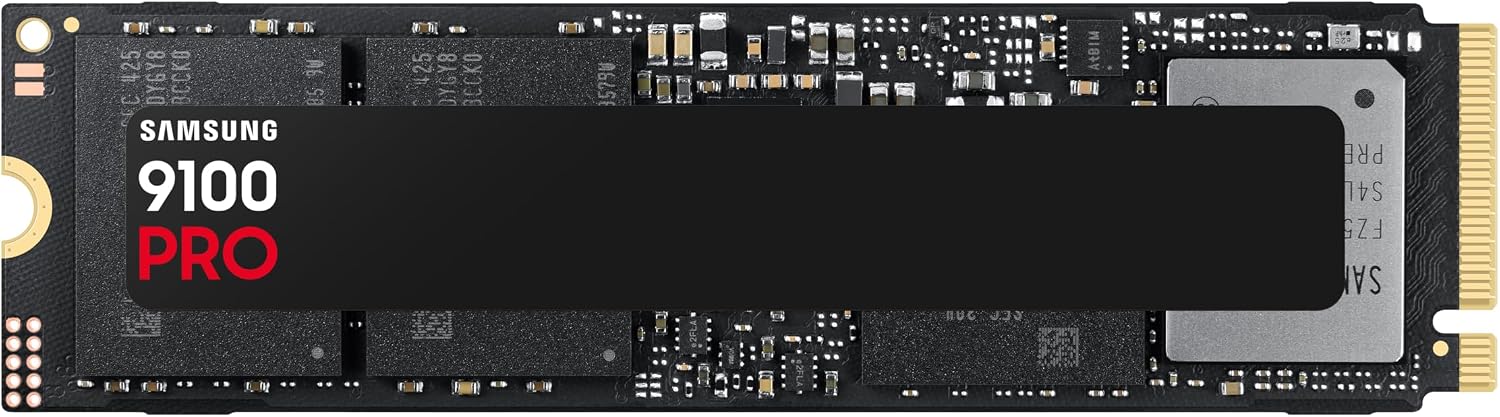
Its headline sequential speeds are up to 14,800MB/s read and 13,400MB/s write. Those are maximum figures, not a guarantee for every transfer or application. In a real workflow, they matter most when the task can make use of high-throughput storage, everyday browsing or lighter workloads may not show the same benefit over a more basic SSD.
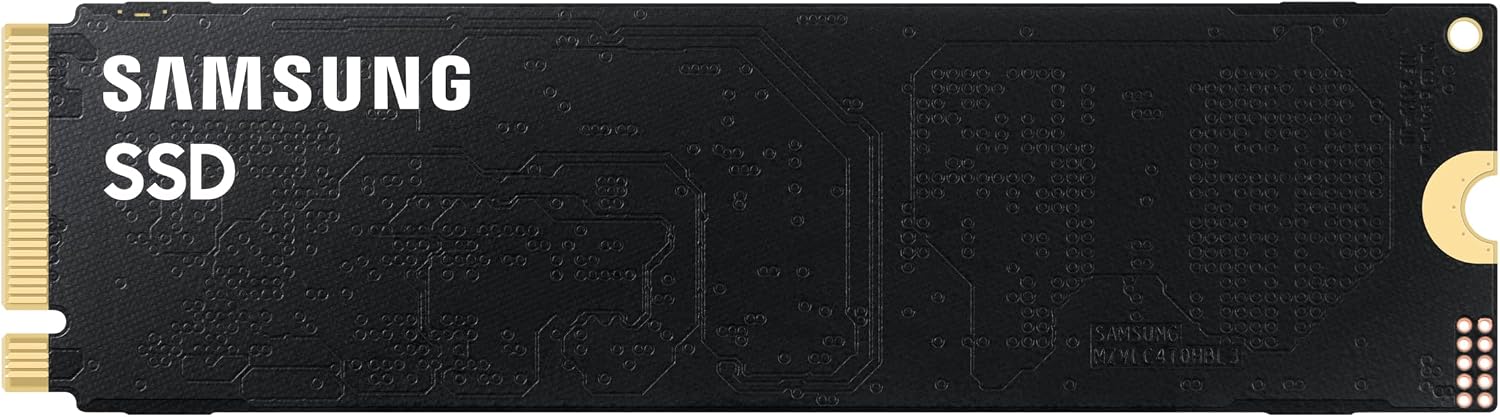
For a practical example, moving a large project folder or opening a game with Microsoft DirectStorage support is the kind of use Samsung highlights. The drive also lists random performance of up to 2.2M IOPS read and 2.6M IOPS write, figures relevant to workloads involving many smaller requests rather than one continuous file. You’ll need an M.2 setup that supports the stated PCIe interface to make the most of its design.
Why it’s worth it
The appeal is the combination of a 4TB capacity and Gen 5 performance in an internal drive, rather than choosing a smaller high-speed drive or a larger, more conventional storage option. That capacity can help keep substantial games, working files and other frequently used data on one drive. If you prioritise fast storage for demanding transfers, workloads or supported game loading, this is a more performance-focused approach, if you prefer a straightforward capacity upgrade for routine use, a basic SSD may be a more sensible fit.
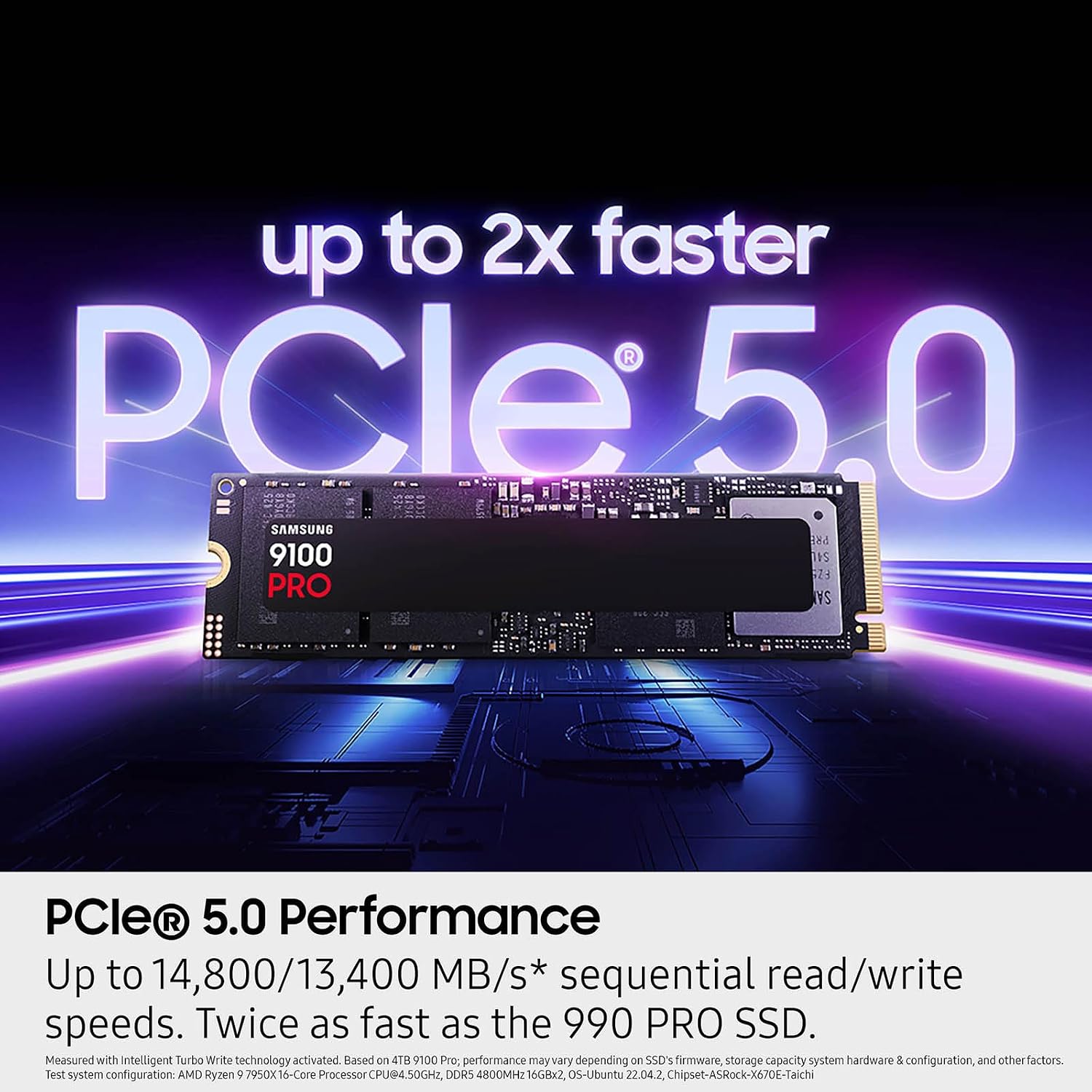
Samsung also describes thermal control and claims up to 49% enhanced power efficiency with that control. Treat the quoted speeds and efficiency as manufacturer figures: your system and workload affect what you’ll actually see. It suits you if your machine and software can use the interface and you have a reason to seek high storage throughput.
Worth noting
The 14,800MB/s read and 13,400MB/s write figures refer to sequential performance, so they don’t describe every kind of task. Random performance is listed separately, and neither set of maximums guarantees a particular result in your own system. PCIe 5.0 x4 and M.2 are central to the product’s specification, a drive with impressive headline numbers is a poor match if your intended system cannot support its interface.


The product description also mentions capacity options up to 8TB, but this specific listing is for the 4TB model. Don’t assume the larger capacity applies here. Better to avoid it if you only need basic storage or can’t confirm that your setup supports the stated format and interface, the extra performance may not be useful in those cases.
When to choose it
Choose this 9100 PRO if 4TB suits your storage needs and you’re building or upgrading a compatible system for workloads that can benefit from PCIe 5.0 speeds. It’s a more targeted pick than a general-purpose capacity drive: the case for it is strongest when fast access and transfers matter, not simply because the maximum figures look large. If your use is mostly everyday computing, or your system can’t use the specified interface, a less performance-led SSD may make more sense.