


Samsung NVMe SSD 2TB
Product description
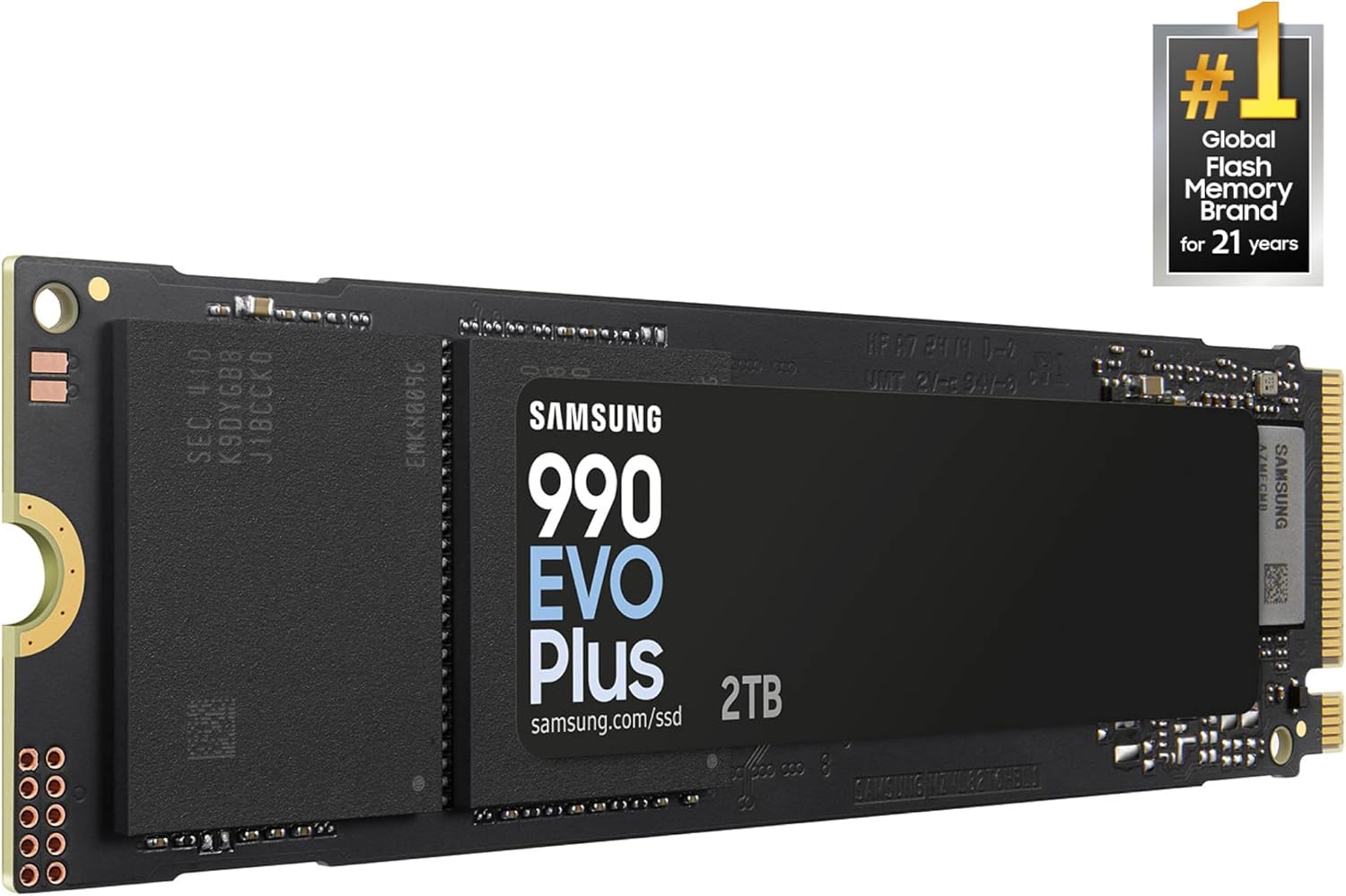
If you’re choosing between a straightforward storage upgrade and a drive built to keep up with heavier transfers, the Samsung 990 EVO Plus is aimed at the latter. It’s a 2TB internal M.2 NVMe SSD for PC or laptop upgrades, with sequential read speeds listed up to 7,250MB/s. That headline figure is most relevant when your system can make use of the drive’s interface, it isn’t a promise that every computer or task will reach that speed.
What matters most
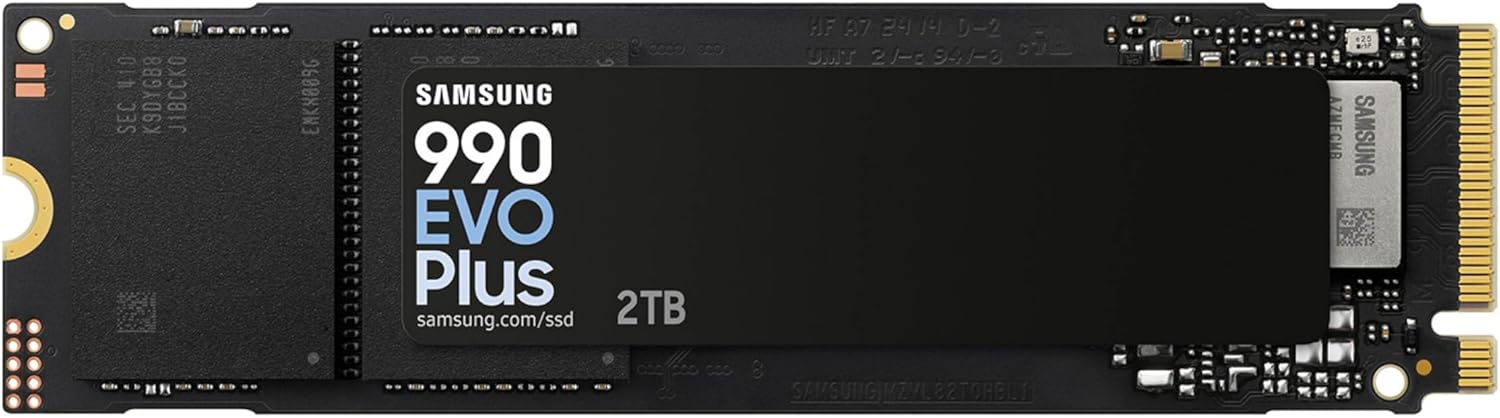
The 990 EVO Plus supports PCIe Gen4 x4 or Gen5 x2 and uses NVMe 2.0. Samsung also lists HMB technology and Intelligent TurboWrite 2.0, which has an enlarged TurboWrite region. In everyday terms, the appeal is quick access to stored files and less waiting during large transfers, rather than a feature set focused on gaming or a particular type of software.
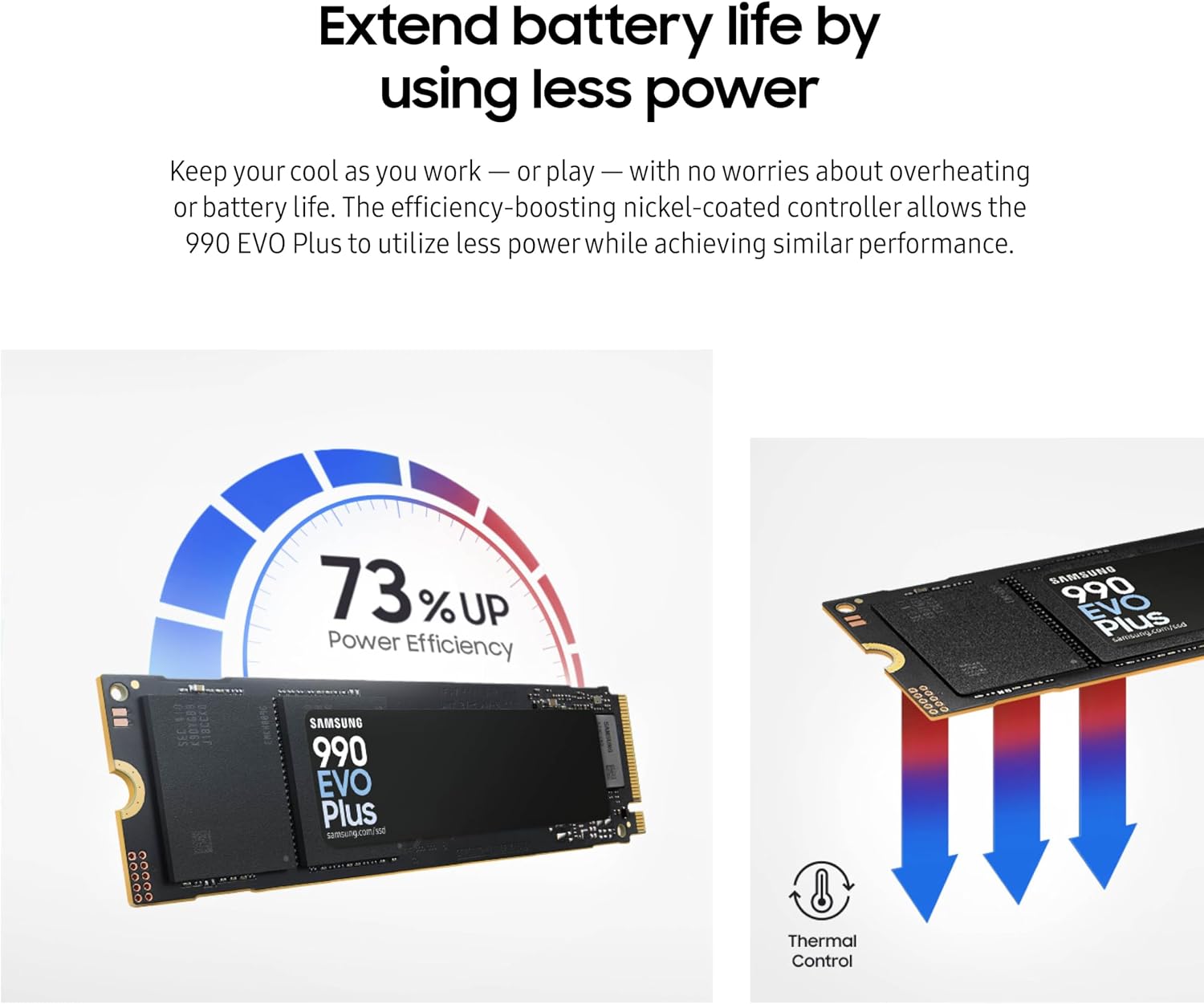
Samsung says read speed is up to 45% faster than the previous model, and power efficiency is enhanced by 73% while maintaining performance and thermal control. Those are manufacturer claims, not guarantees for every setup. Keep in mind that the listing gives a maximum sequential read speed, but no write-speed figure, so it doesn’t tell you how quickly every kind of file transfer will finish.
The Samsung Magician software adds tools to monitor drive health, update firmware and manage data migration for a Samsung SSD upgrade. That can make a move from an existing Samsung SSD more manageable, though the listing doesn’t establish that every migration scenario or computer is supported.
Best use cases
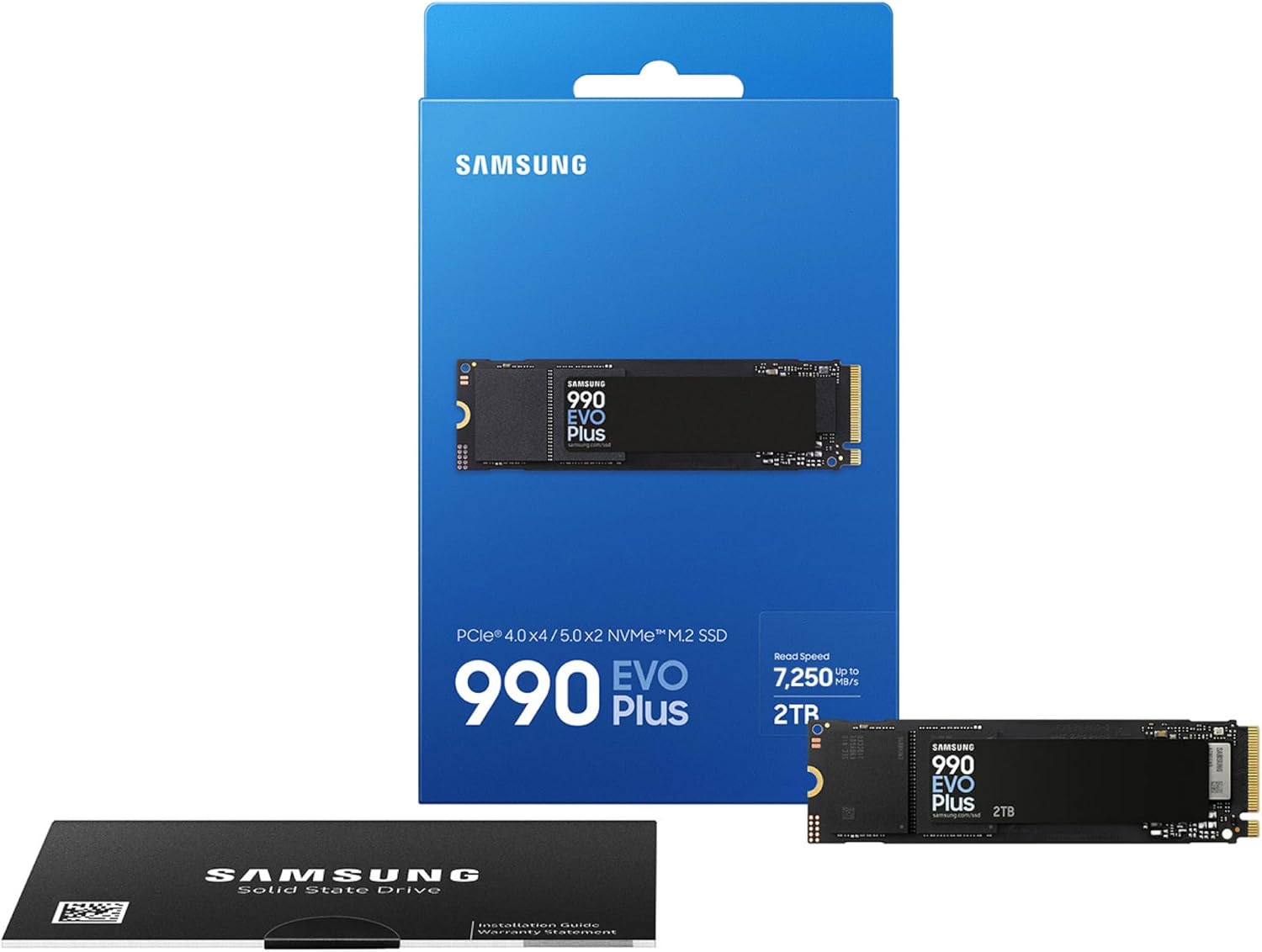
This is intended for someone replacing or adding internal storage in a PC or laptop, particularly when 2TB of capacity and fast reads matter. Picture opening a large project folder or loading files for work: the drive’s speed rating is relevant to that kind of use, provided the computer supports the required M.2 NVMe connection.
It suits you if you want a high-capacity internal drive and your upgrade priorities include quick reads and Samsung’s drive-management software. It may not suit you if you need an external SSD, or if you’re looking for a confirmed match for a specific computer. The product details don’t provide a device compatibility list, so the M.2 form factor alone isn’t enough to confirm a fit.

Tips for day-to-day use
Before buying, identify the storage interface and M.2 support in your computer’s documentation. The drive is described as PCIe Gen4 x4 / Gen5 x2, so the connection in your system will shape how it can operate. If you plan to migrate an existing drive, Samsung Magician is presented as the tool for that job, back up important files before making changes, rather than relying on migration software as your only safeguard.

For routine use, Magician can also help you check drive health and find firmware updates. That’s useful if you prefer to keep storage maintenance in one place, but it doesn’t replace confirming that the drive fits your computer.
Buying questions
How much storage does this version have? It is the 2TB model. The description mentions expanded capacity up to 4TB for the range, but this product listing identifies the 2TB version.
What is the advertised read speed? Sequential reads are listed at up to 7,250MB/s. The listing doesn’t provide a write-speed figure, and actual performance depends on the system.
Can I use it in any PC or laptop? It’s described as an internal M.2 NVMe SSD for PC and laptop upgrades, but no specific compatibility list is provided. Check your computer’s requirements before choosing it.
Is it worth it?
The 990 EVO Plus makes sense if your computer supports its M.2 NVMe connection and you want 2TB with a high stated read speed, plus software for monitoring and migration. It’s a more performance-focused choice than a basic storage drive, but the available details don’t prove a match for your particular system or quantify write performance. If fit and everyday capacity matter more than the speed rating, confirm those first, if your computer is compatible and quick reads are a priority, this Samsung is a considered upgrade.