

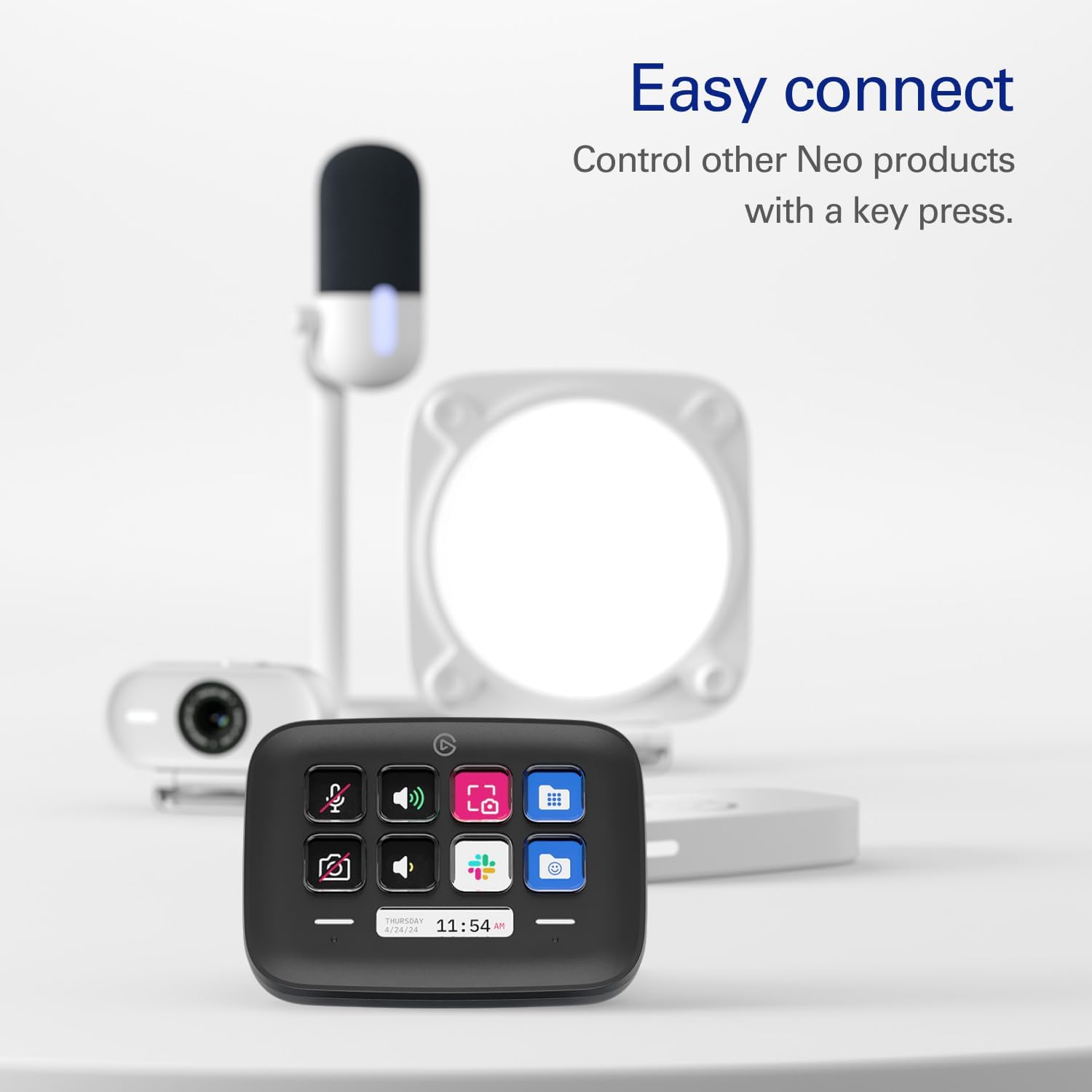
Elgato Stream Deck Neo 8-Key Controller, Black, Customizable LCD Keys
Reviews
Price
Product description
At 107 x 26 x 78 mm, the Elgato Stream Deck Neo keeps a set of customizable controls in a compact desktop format.
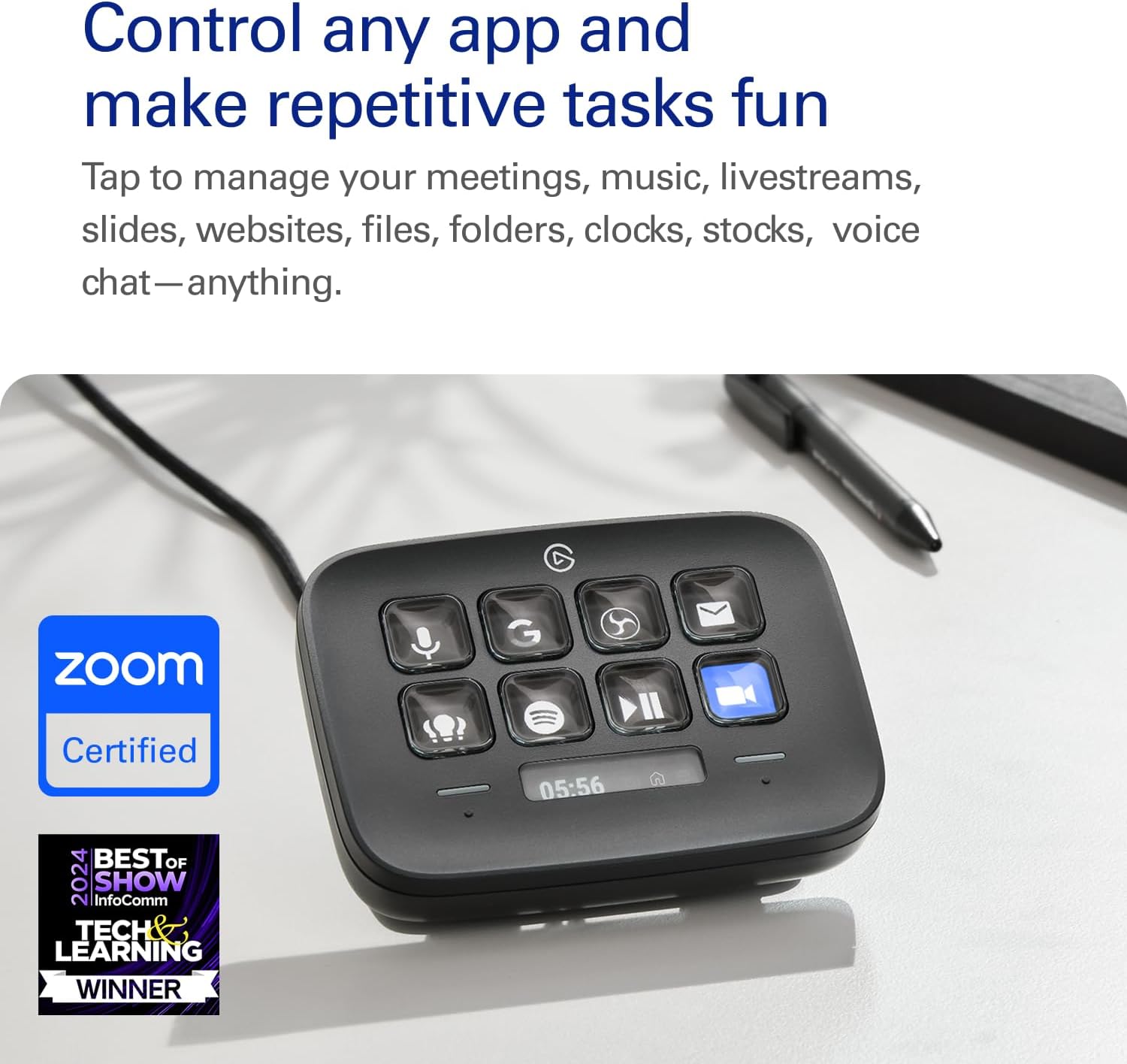
Eight LCD keys let you assign the actions you use often, from app shortcuts to media controls. That puts repeatable tasks within reach instead of relying on the same keyboard combinations throughout the day.
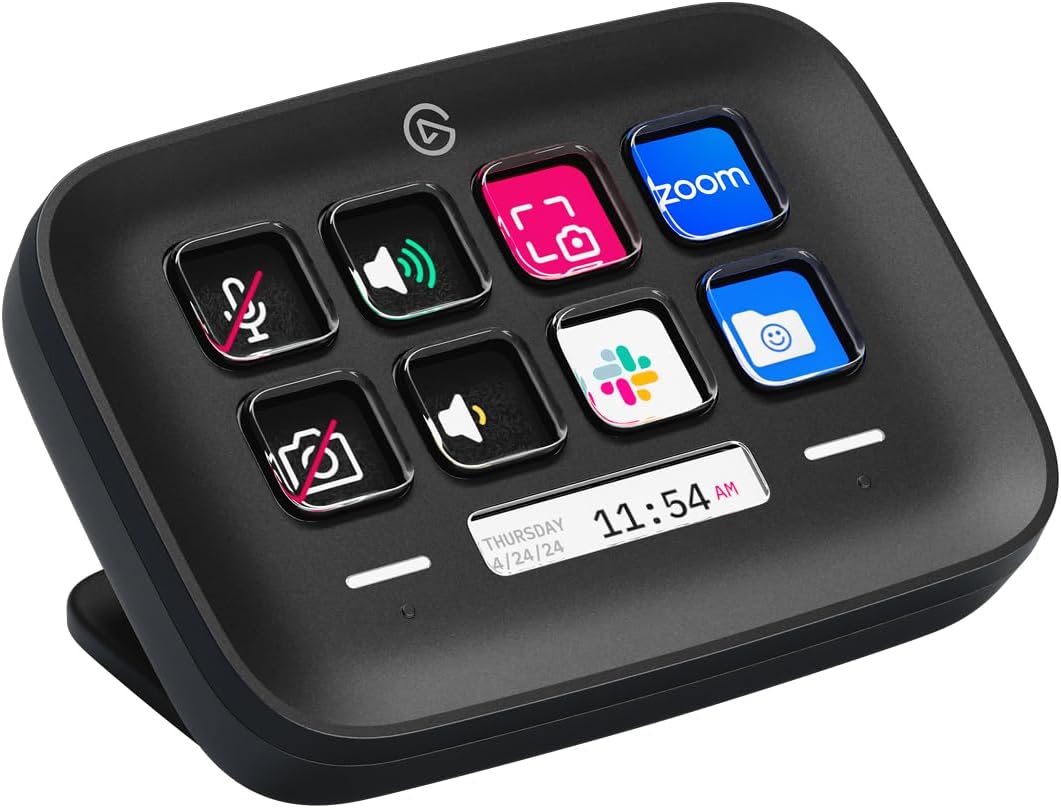
Two touch points add another way to interact with the controller. Use it to organize everyday workflows for work, streaming or gaming, with compatible apps including Zoom, Teams, Spotify, YouTube and Twitch.
Technical overview
- Type: Customizable shortcut controller
- Keys: 8 customizable LCD keys
- Touch controls: 2 touch points
- Connectivity: USB-C
- Dimensions: 107 x 26 x 78 mm
- Weight: 210 g
- Compatible devices: Laptop, PC
- System requirements: Windows 10 (64-bit) or later, macOS Monterey 12 or later
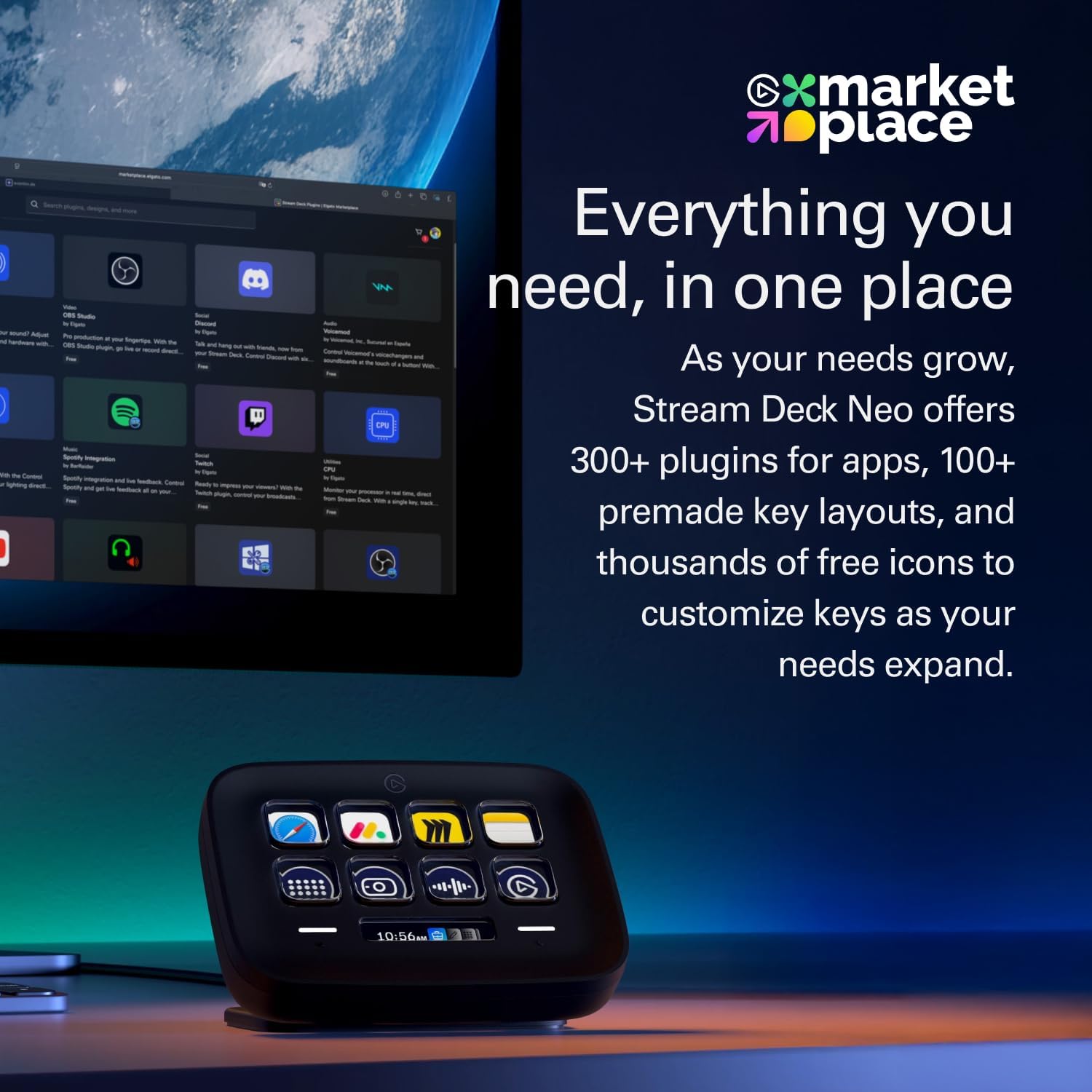
The Neo is designed to put chosen actions on dedicated keys. This makes it useful for recurring steps such as pasting text, browsing folders or controlling media, while the LCD displays can be tailored to the actions assigned to them. Rather than memorizing shortcuts or reaching through app menus, you can keep frequently used commands together on the controller.
What it works with
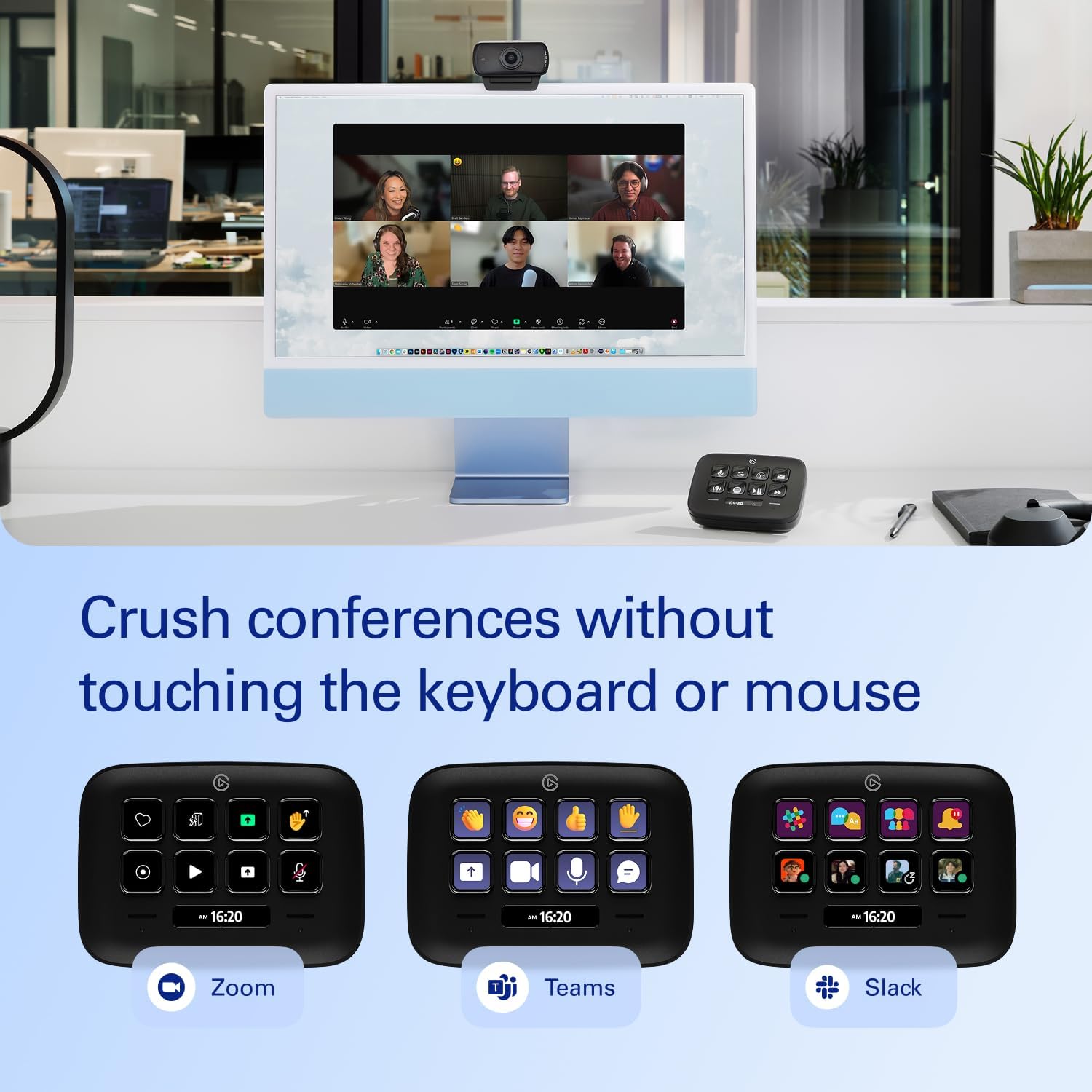
The Stream Deck Neo is compatible with apps such as Zoom, Teams, Spotify, YouTube and Twitch. It can also be set up for smart-home controls, including activating scenes and adjusting settings. A laptop or PC is the host device, with support for Windows 10 (64-bit) or later and macOS Monterey 12 or later.
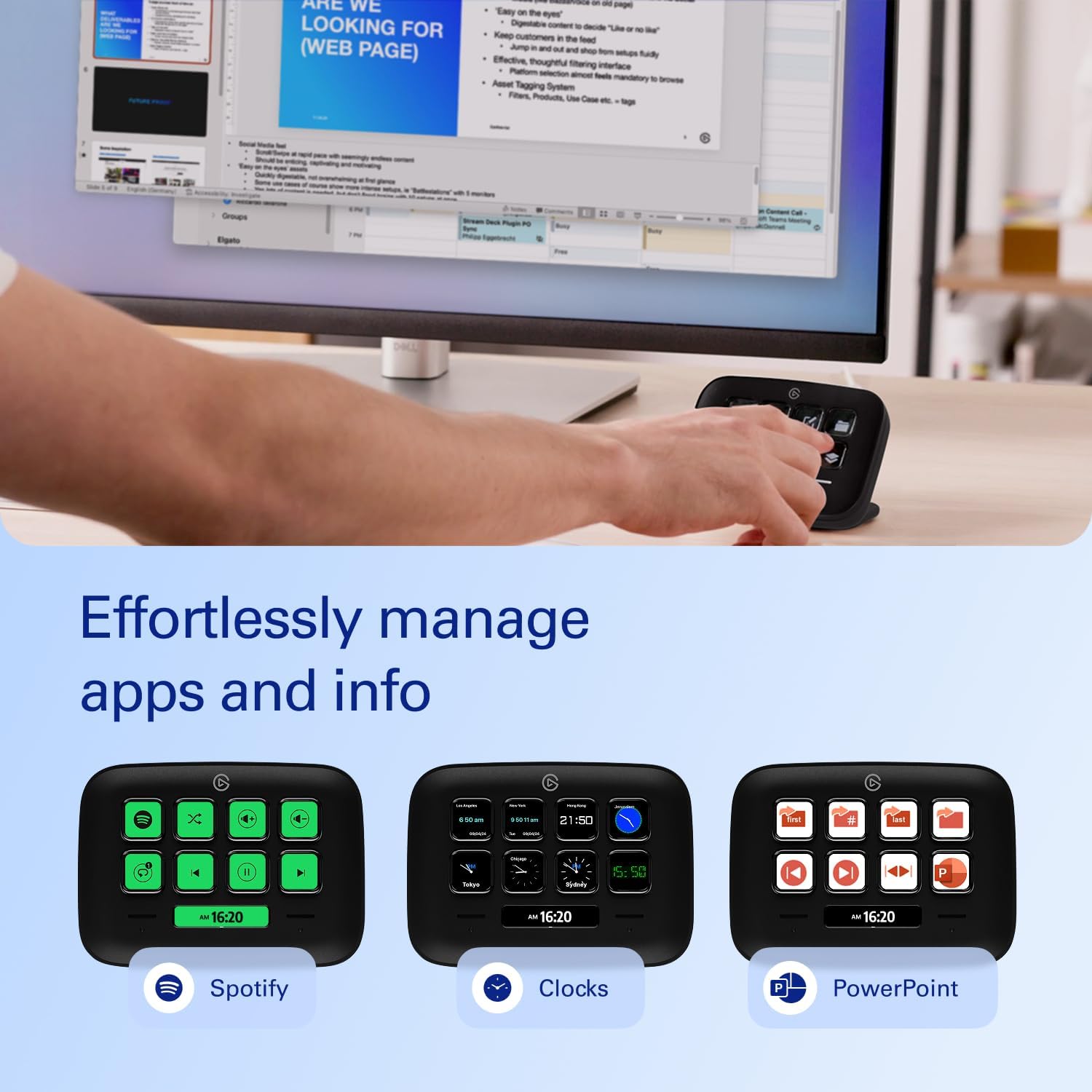
This makes it a practical fit for a desk where work calls, music and streaming tools share the same computer. Choose actions for the apps you use, then keep those controls accessible from one compact device. If your main need is occasional, one-off commands, standard keyboard shortcuts may be enough, the Neo is better suited to workflows with actions you repeat and want to assign to dedicated keys.
How to use it
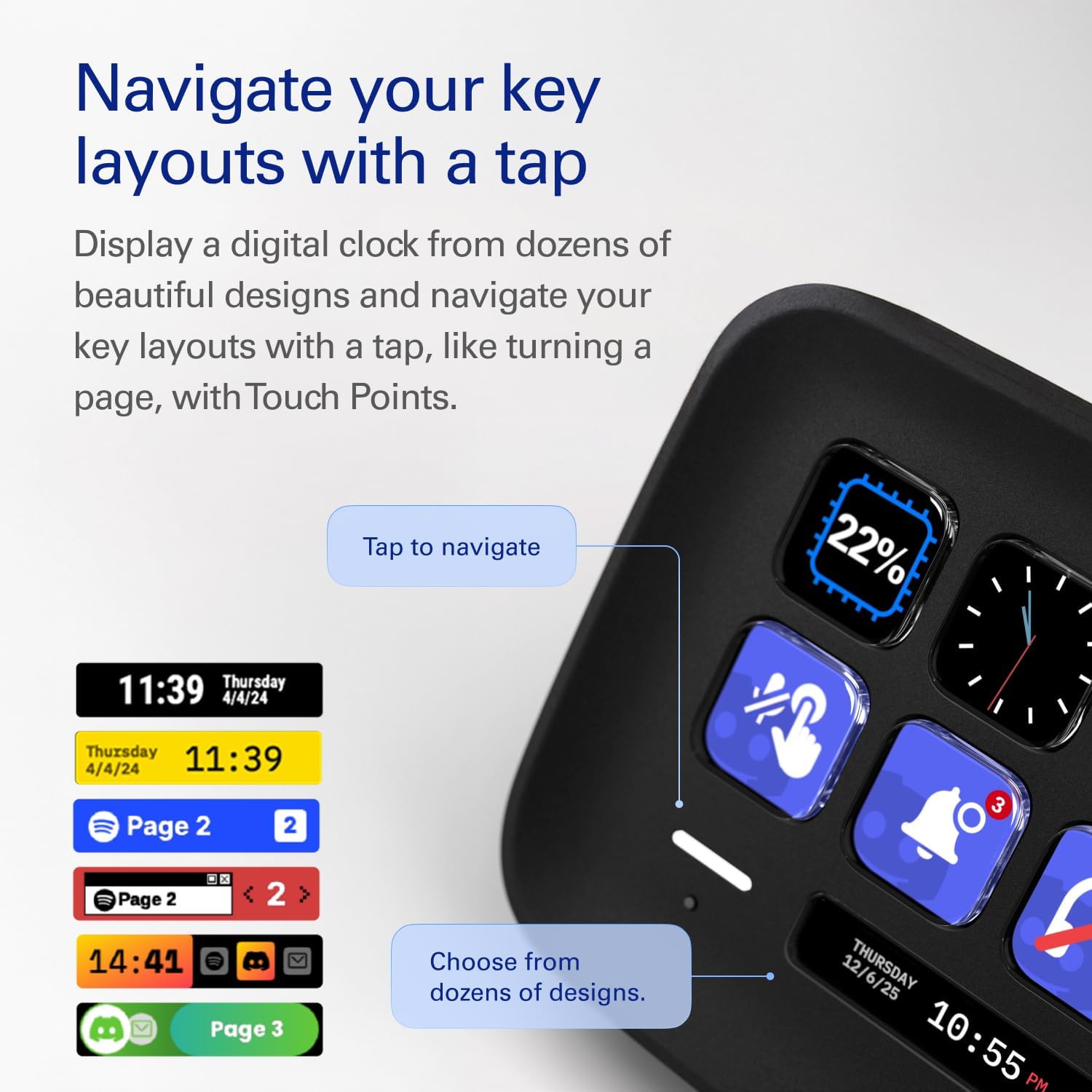
Connect the controller to a compatible laptop or PC using USB-C, then customize the keys by dragging and dropping the actions you want into your workflow. Assign shortcuts to recurring tasks or add controls for compatible apps, and arrange the buttons around the way you work. For example, a video call setup could keep commonly used meeting controls close by while music and streaming actions remain available on other keys.
Buyers often highlight the straightforward setup and the flexibility to tailor controls to different apps. They also appreciate responsive buttons and the convenience of changing pages using the touch points. These impressions reflect users’ experiences, the practical advantage is having a layout that can be adapted to the tasks you return to every day.
What to clarify
How many actions can I assign directly? The Neo has eight customizable LCD keys, each of which can be set up for an action in your workflow.
Which apps are listed as compatible? Zoom, Teams, Spotify, YouTube and Twitch are named among the compatible apps. Smart-home controls are also supported, including activating scenes and adjusting settings.
Can I use it with a Mac or Windows PC? It supports laptops and PCs running Windows 10 (64-bit) or later, or macOS Monterey 12 or later.
Final verdict
For people who regularly switch between app controls, shortcuts and media tasks, the Stream Deck Neo offers a dedicated, customizable place for those actions. Its eight LCD keys and two touch points help make recurring desktop workflows easier to access, whether the routine centres on calls, streaming or everyday computer work.