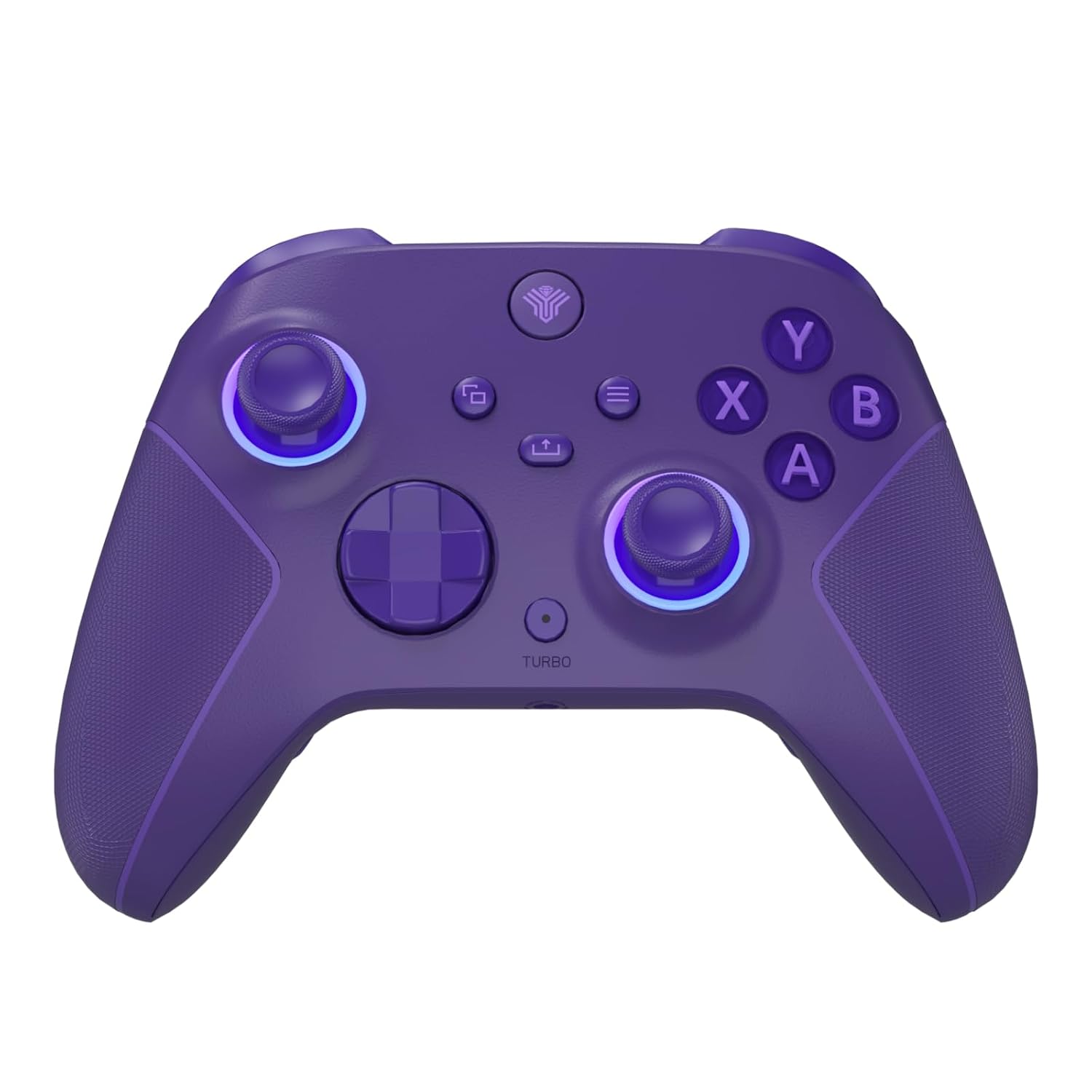
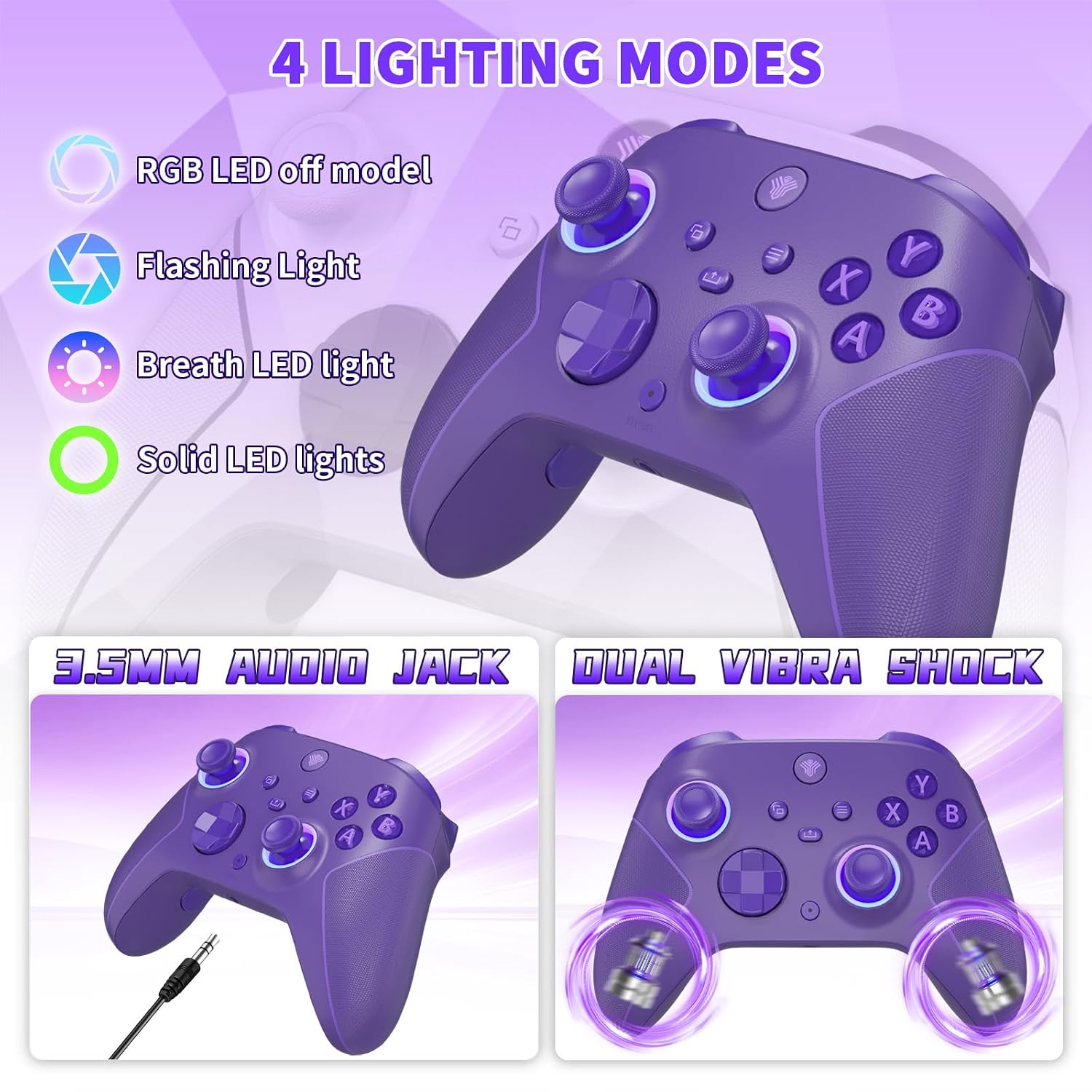
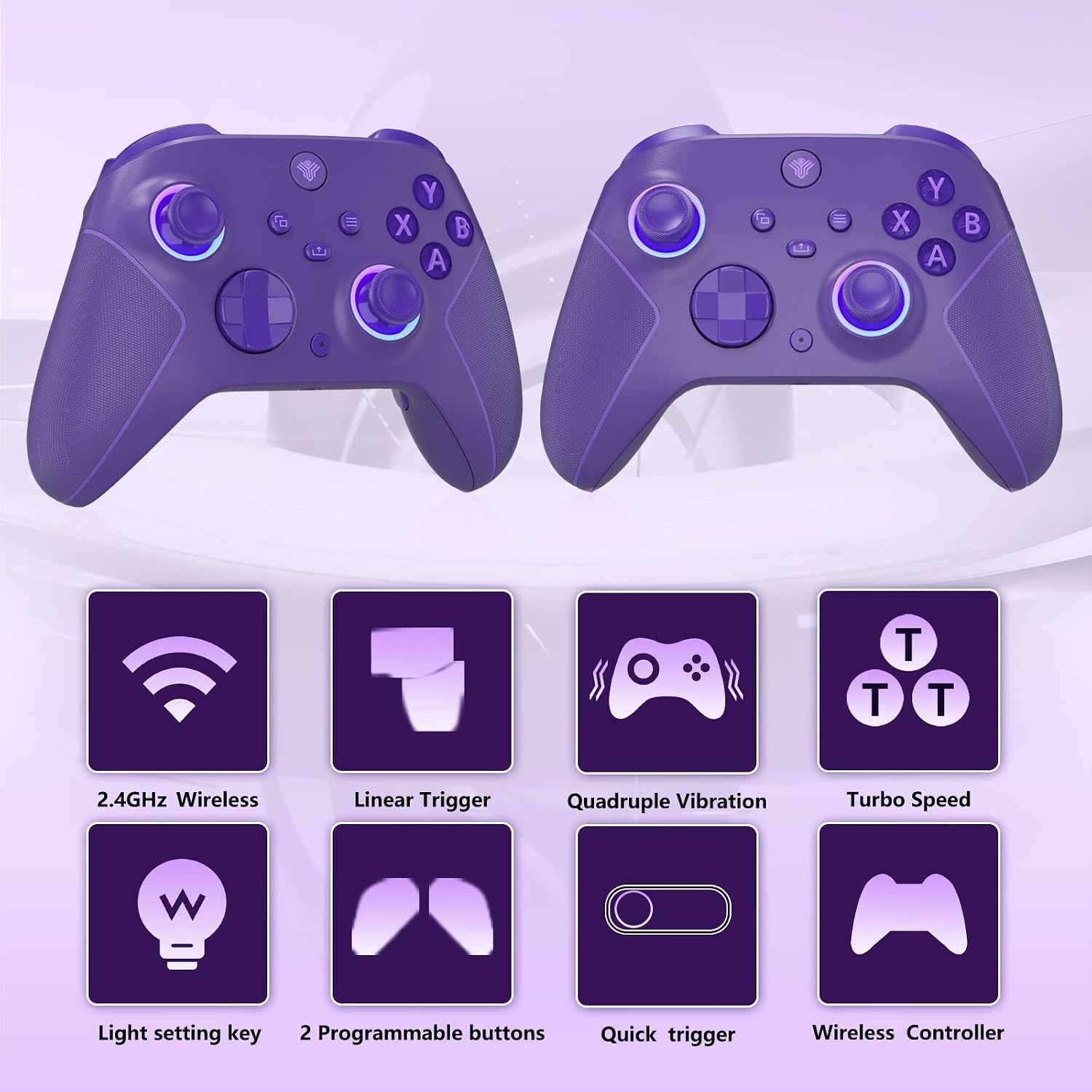
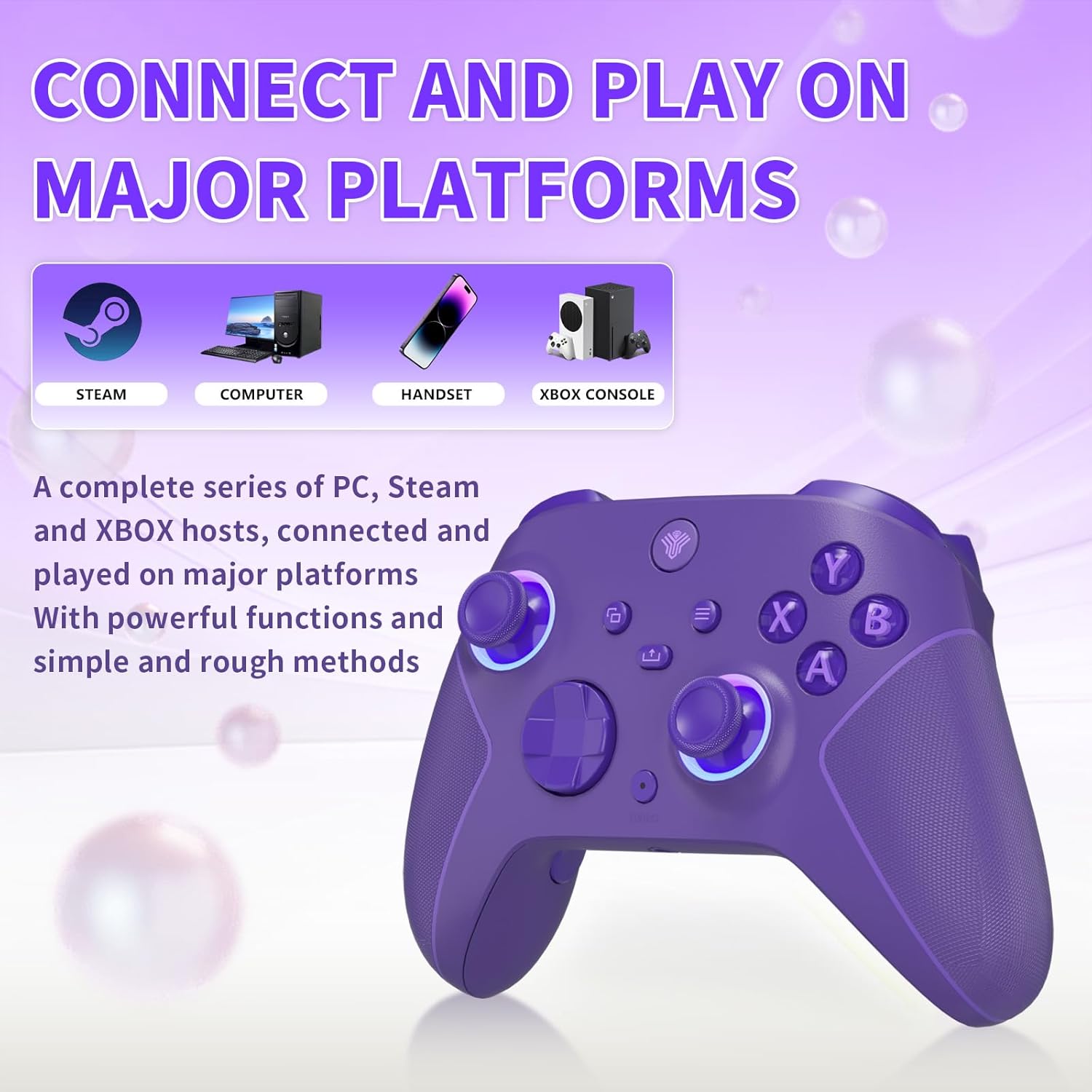
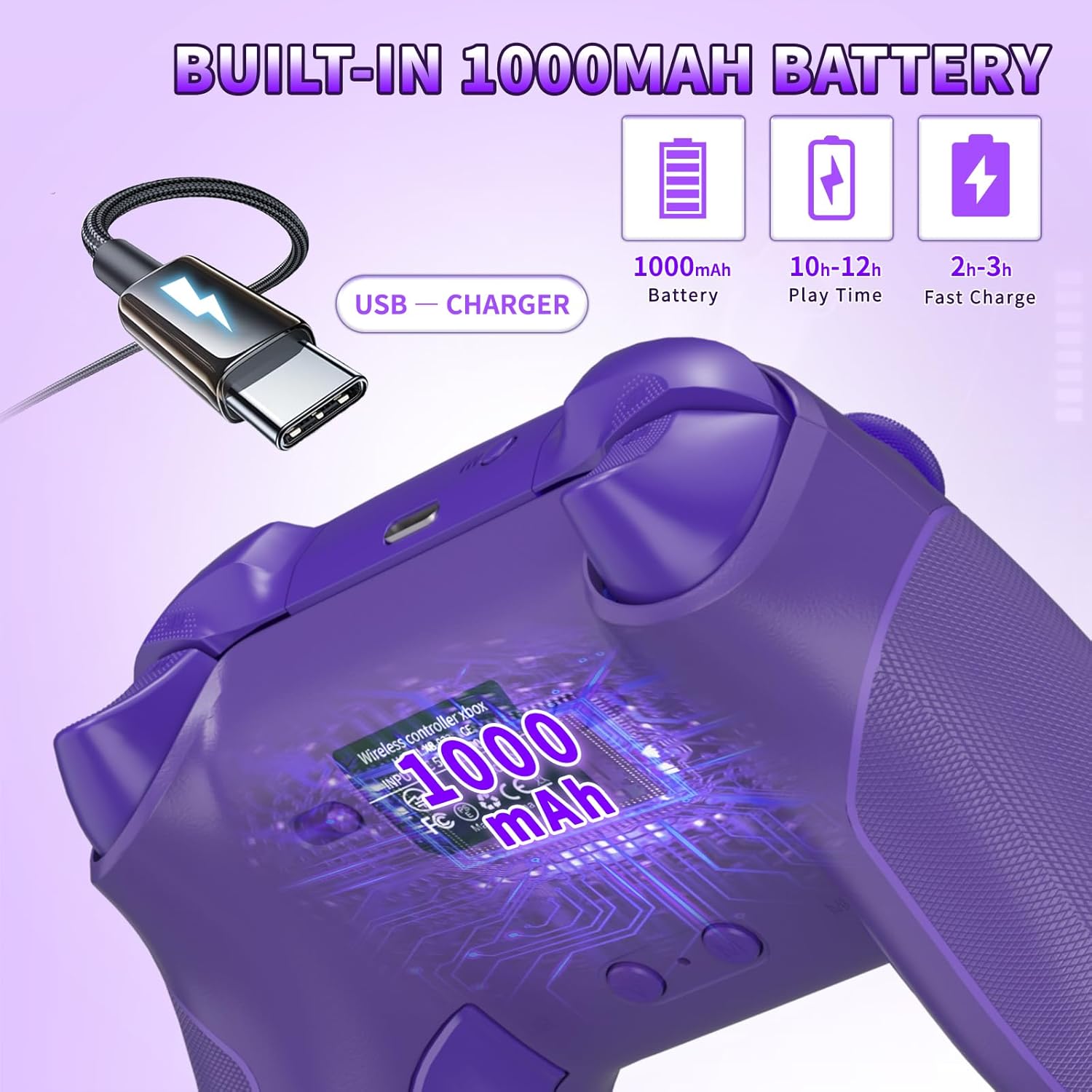
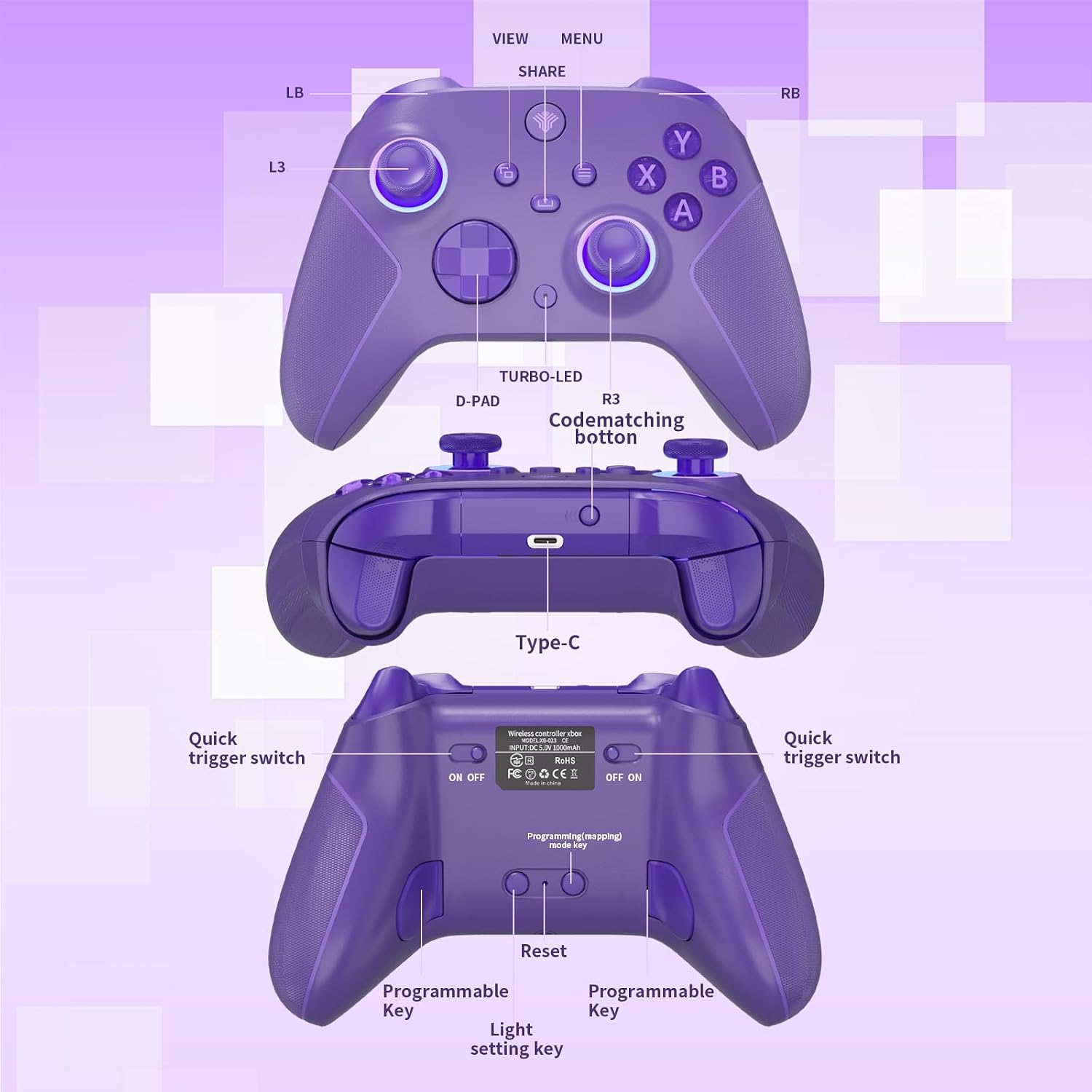
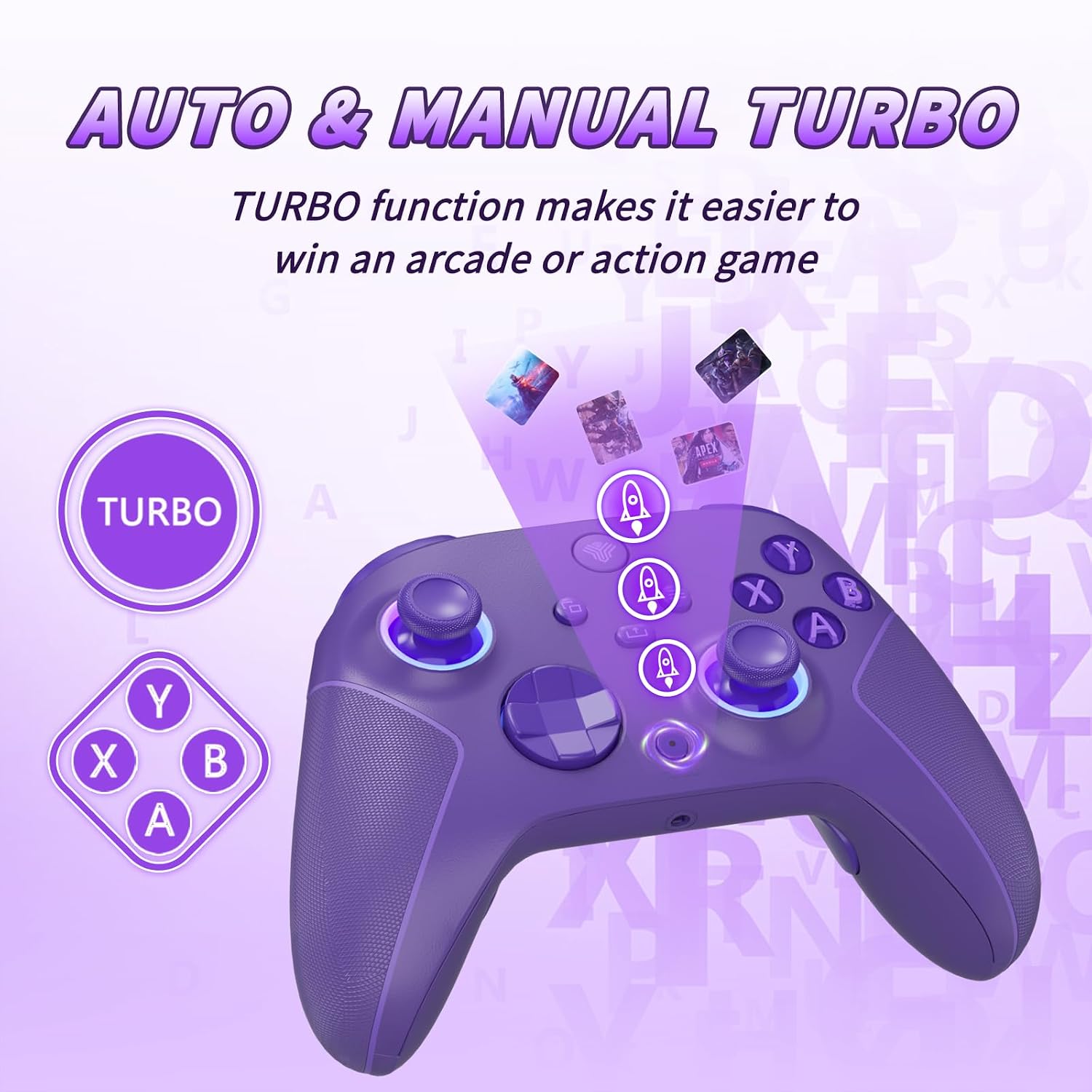
What this is and what it solves\nThis is a wireless controller designed to pair with a dedicated 2.4G receiver, expanding compatibility beyond Bluetooth and tying into Xbox Series X|S, Xbox One, and PC ecosystems (Steam/Windows 10+). If your setup relies on a reliable, low-latency link rather than Bluetooth, this option can be appealing. It brings a built-in 1000 mAh battery and USB-C charging, aiming for longer play sessions between charges.\n\n## How it connects and what to expect\nThe controller uses a 2.4GHz wireless adapter for a signal range around 33 feet, which helps minimize input lag in living room setups or desktop play areas. Note that pairing requires the 2.4G receiver, and it’s not advertised as Bluetooth-compatible. It also supports wired use by way of a 3.5mm audio jack and a USB-C charging port, blending flexibility with the wireless experience.\n\n## What stands out in use\nKey highlights include: a 360° omnidirectional joystick for precision, dual vibration motors for tactile feedback, and seven RGB colors with multiple lighting modes. The lighting can be set to constant colors or breathing/marquee effects, offering a personalized look during sessions. The “ML/MR” back buttons provide programmable mapping to A/B/X/Y/LB/RB/L3/R3/D-PAD with turbo and auto-turbo options for macros and quicker in-game actions.\n\n## Design and build considerations\nThe device aims to balance comfort with functionality. The purple variant signals a bold aesthetic choice, while the physical layout mirrors traditional Xbox controllers to minimize the learning curve. However, the need for a 2.4G receiver means you’ll want to confirm it fits your current setup—especially if you were hoping for Bluetooth-style simplicity or TV-only use.\n\n## Who it’s for\nIf you game on Windows with a PC or Steam, or you own an Xbox Series X|S or Xbox One and prefer a wired-to-wireless hybrid, this controller may fit well. It’s potentially appealing to players who value programmable back buttons and a long battery life for sessions that avoid frequent recharging.\n\n## What to watch out for\nIt may not be ideal if your system expects Bluetooth input or if you routinely switch between devices that don’t support 2.4G receivers. The pairing process relies on a specific receiver, so verify compatibility with your host before buying. Also, some users may find the lighting effects distracting in dim environments or during focused competitive play.\n\n## Practical usage example\nImagine you’re setting up a PC gaming session in a living room. You connect the 2.4G receiver to the PC, pair the controller, and enjoy a low-latency wireless link up to a reasonable distance. You customize the back-button mappings for quick menu access during a fast-paced shooter, switch lighting to a calm constant blue for late-night sessions, and keep playing for several hours thanks to the 1000 mAh battery.\n\n## Quick considerations before you buy\n- Confirm your host device supports the 2.4G receiver and Windows 7 or above, as noted in the base description.\n- If you rely on Bluetooth or TV/app pairing, this model may require a different approach.\n- Check whether you value back-button programmability and turbo features for your games.\n\n## FAQ (based on available data)\n- Does it work with Xbox Series X|S and PC? Yes, via 2.4GHz wireless adapter and USB-C charging.\n- Is it Bluetooth-enabled? No, pairing relies on a 2.4G receiver.\n- How long does the battery last? Approximately 10–14 hours on a full charge.\n- Does it support wired use? Yes, through a 3.5mm jack and USB-C charging.\n\n## Is it worth it?\nIf you prioritize low-latency wireless play with custom button mapping and a long battery life, this controller offers features that can justify its price point depending on your setup. It might not be the best choice if you need Bluetooth compatibility or if your setup expects plug-and-play without a dedicated receiver.