

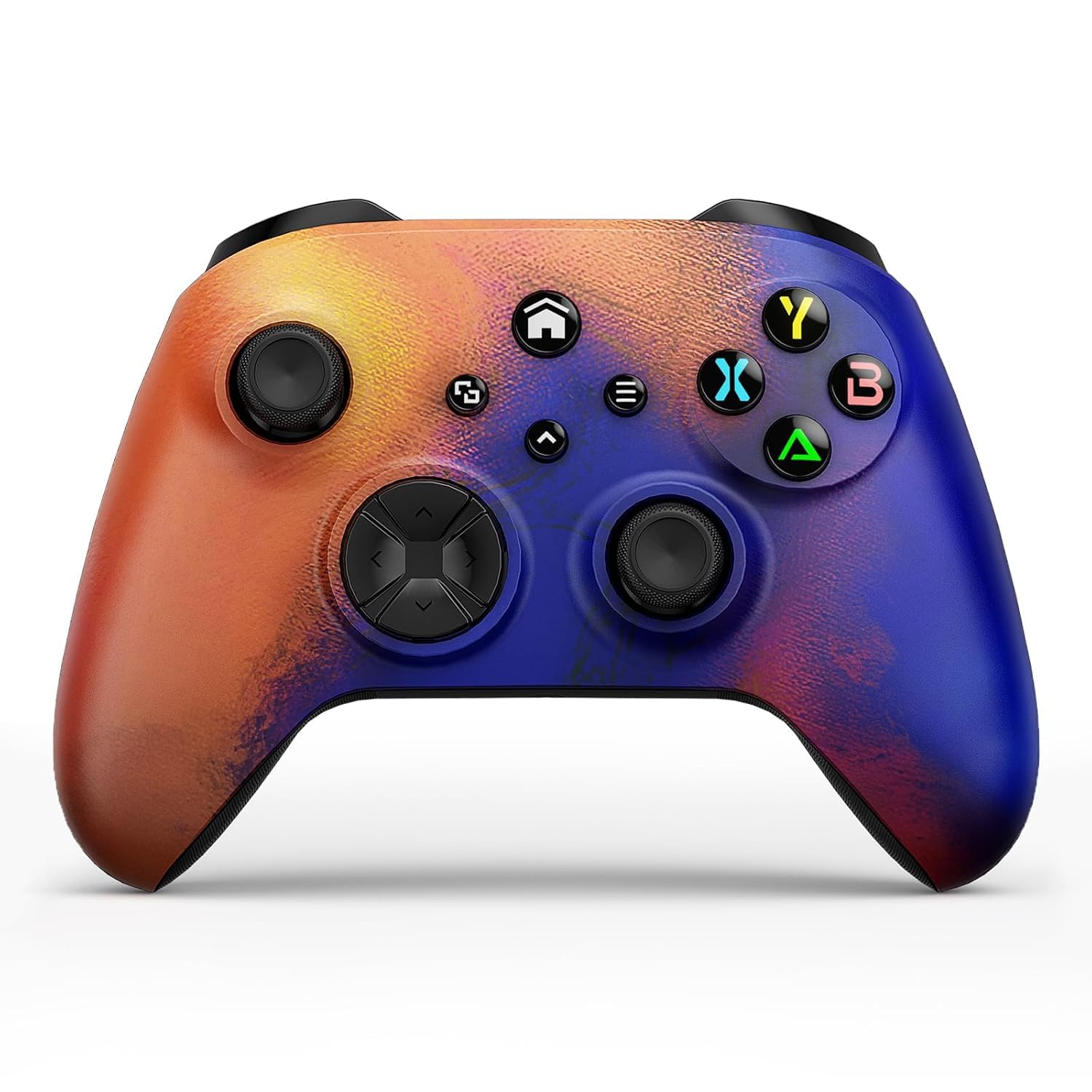
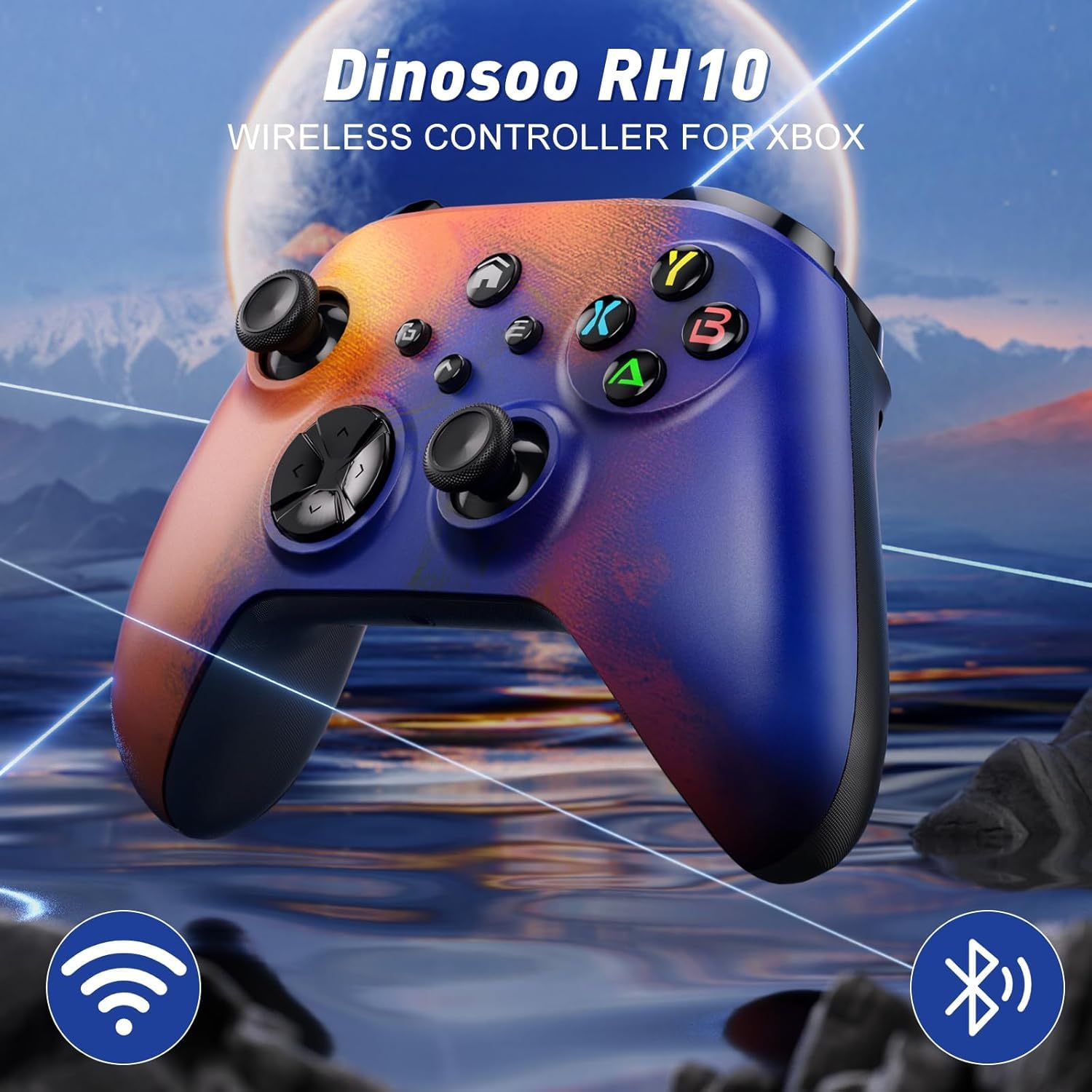
Dinosoo Wireless Controller with Macro Function & 4 Vibration Motors for Xbox Series X|S, Xbox One, and Windows PC
Product description
What it is and what it aims to solve
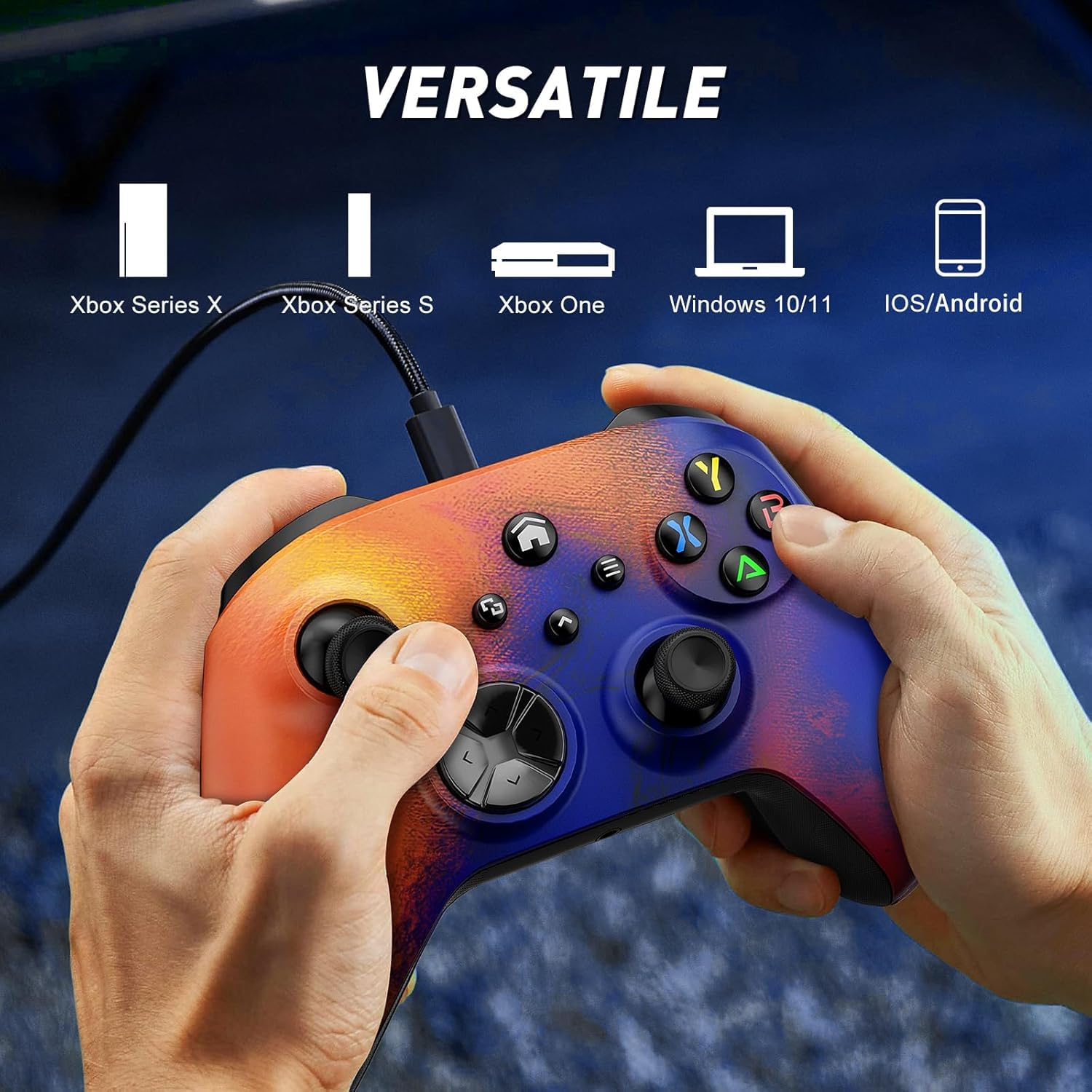
The Dinosoo Wireless Controller is a multi-functional gamepad designed for Xbox Series X|S, Xbox One, and Windows 10/11 PC. It combines built-in Bluetooth connectivity with a macro programming feature and four vibration motors, aiming to deliver deeper immersion and quicker in-game setups. If you value responsive input, customizable control mappings, and tactile feedback during action sequences, this controller targets those needs without requiring a high-end console-only experience.
How the controller feels in use
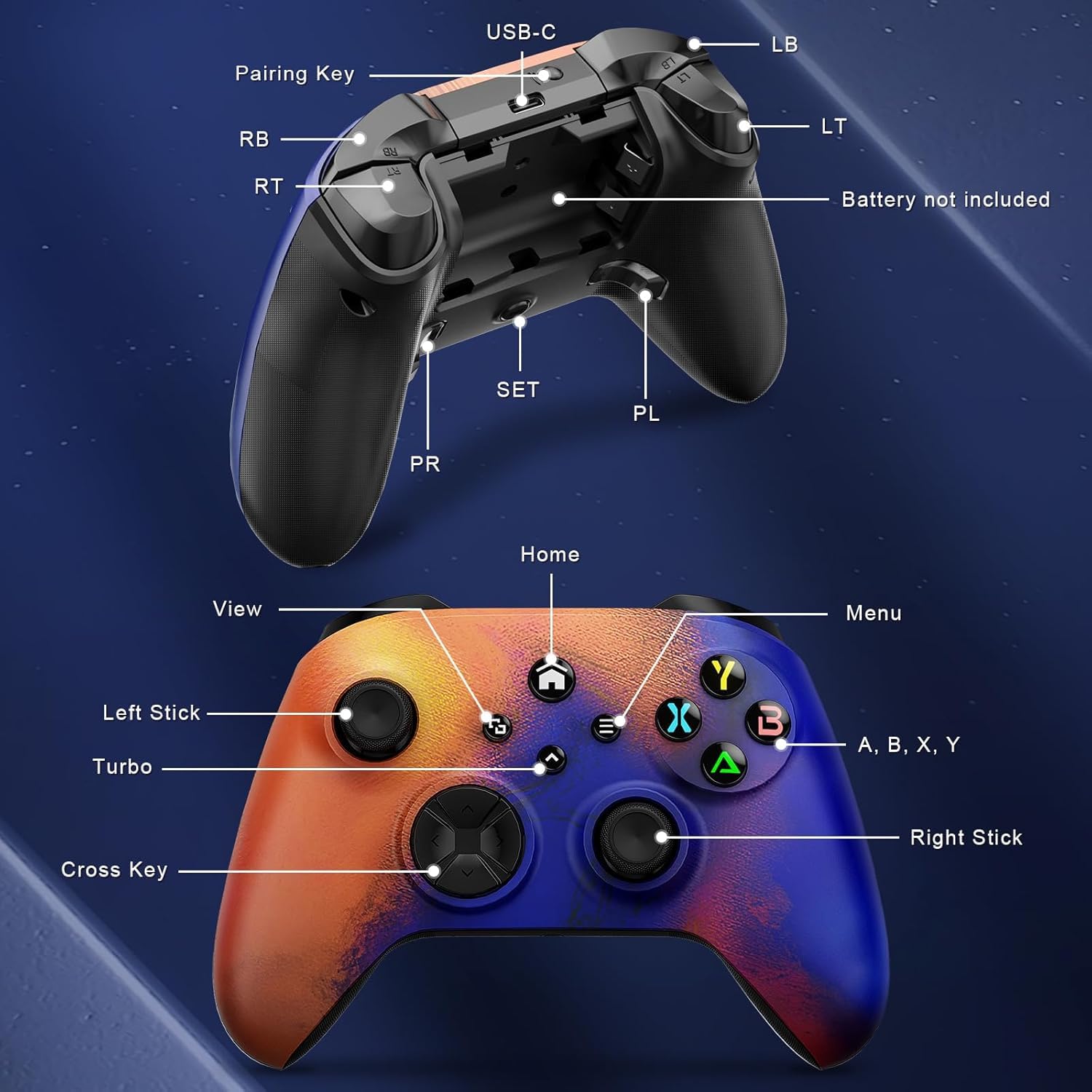
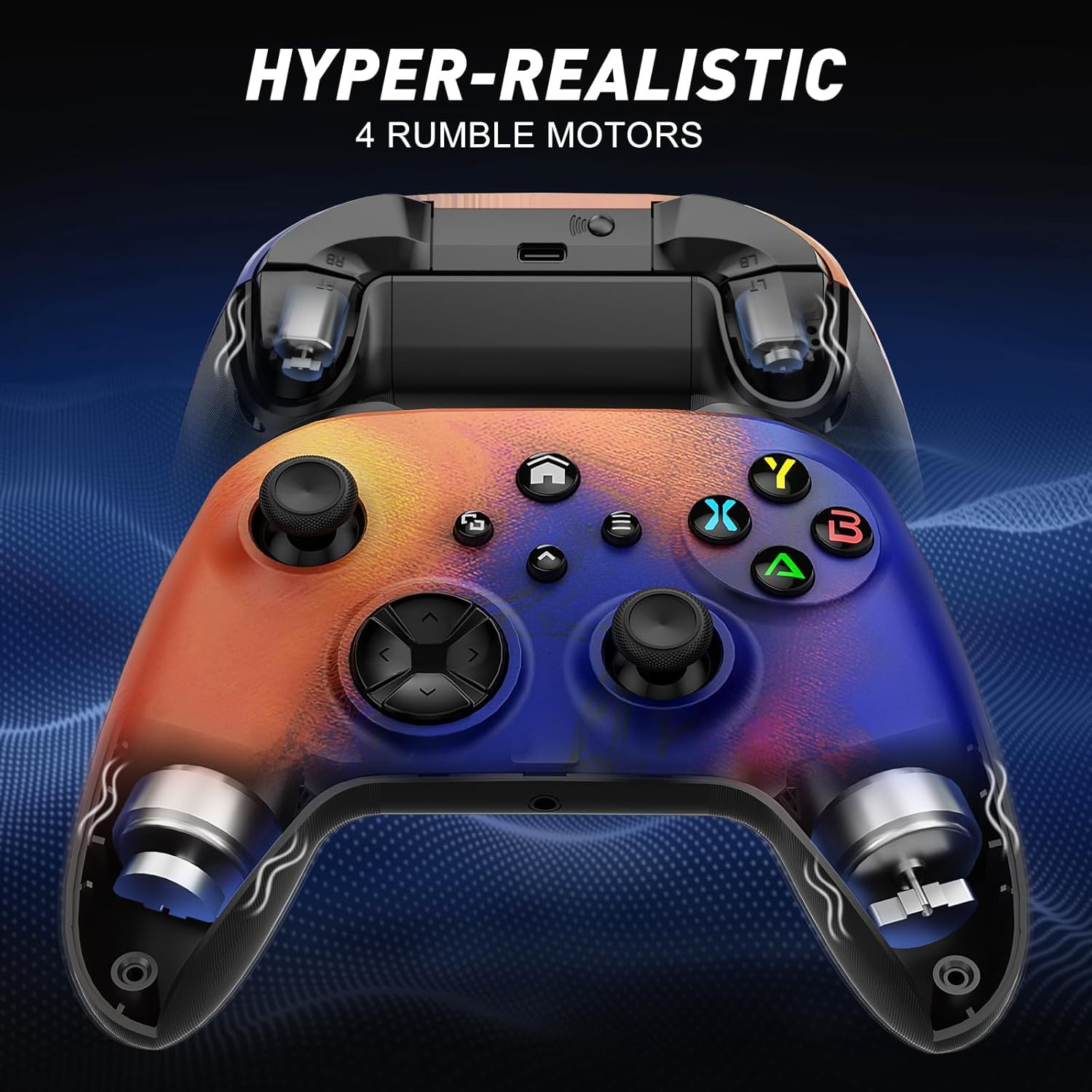
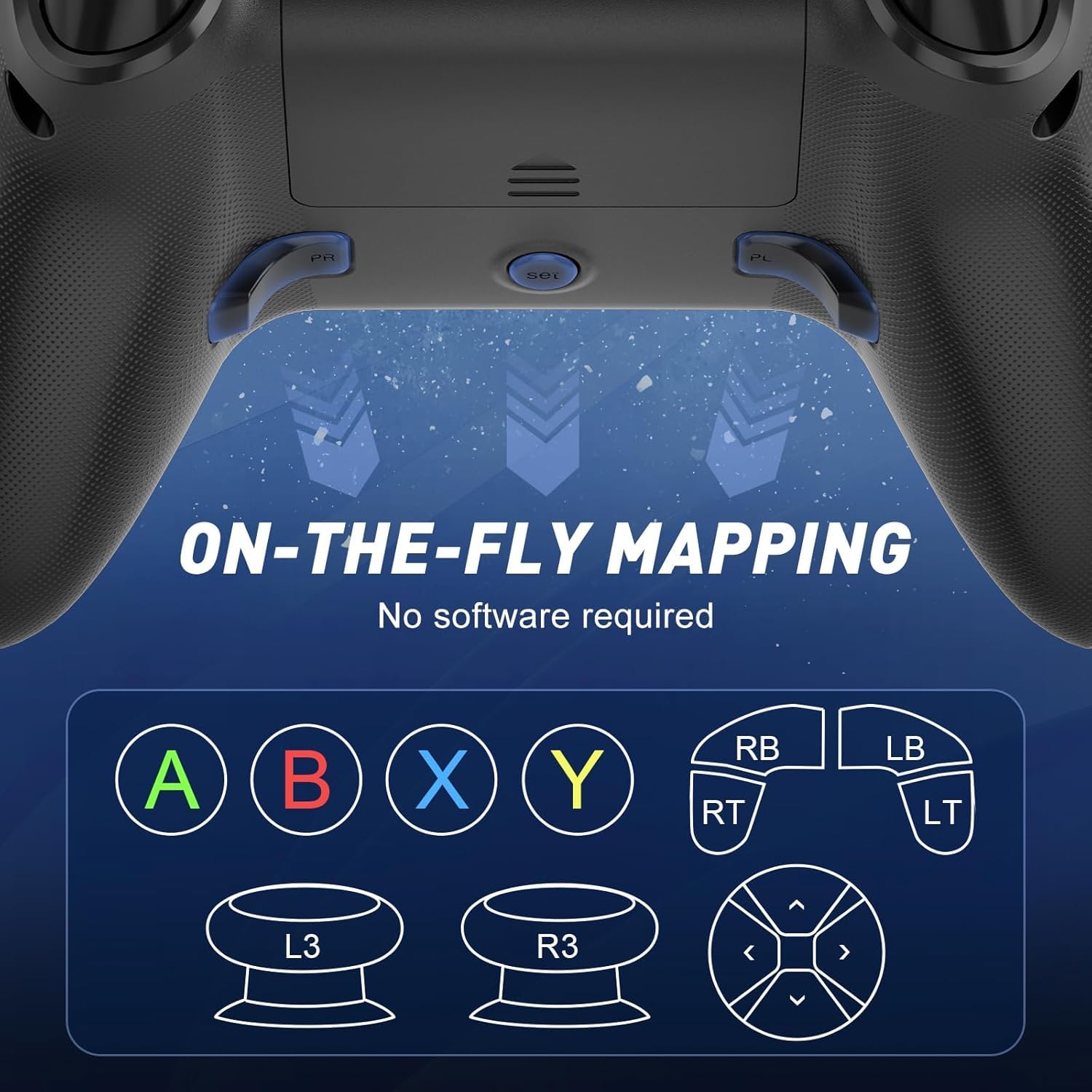
On paper, it promises high sensitivity with a refined joystick and reduced input delay thanks to a new chip. In practice, you may notice smoother movement control and less drifting, which translates to more precise aiming and quicker response in fast-paced titles. The four rumble motors, positioned in the grips and alongside trigger actuators, are meant to provide more nuanced feedback during explosions, collisions, or weapon recoil. The Turbo button and the PL/PR mapping add room to tailor combos and map commands for quicker access under pressure.
Strengths you’ll notice day to day
The main strengths are twofold: responsiveness and customization. The improved joystick sensitivity can help players who feel their inputs aren’t translated immediately, especially in competitive scenarios. The macro function and programmable PL/PR keys offer a practical edge for complex sequences or repetitive tasks, potentially reducing fatigue during long sessions.
Where it might fall short
If you’re after a premium build or a lightweight, ultra-compact profile, this model may not hit those thresholds. The emphasis on feature-rich programming and vibration means it’s slightly bulkier than barebones controllers, which could be a mismatch for smaller hands or portable setups. Also, macro programming, while useful, requires setup time and may feel non-essential if you don’t rely on advanced combos.
Who this is for
Gamers who play across Xbox and PC ecosystems and want more than standard control. It suits players who enjoy late-game micro-optimizations through macro mappings and those who value immersive haptics during combat or driving sequences. If you rely on precise thumbstick control and expect a tactile, responsive experience, this controller aligns with that intent.
When it makes sense to buy
Consider this controller if you’re seeking a versatile option with wireless compatibility, Bluetooth for quick pairing, four motors for richer feedback, and the ability to program macros for quicker command execution. It’s most compelling for players who appreciate customization and immersive feedback as a way to gain an edge or simply enhance gaming realism.
What to check before you buy
- Confirm it supports your preferred ecosystem (Xbox Series X|S, Xbox One, Windows PC).
- Evaluate if macro programming and turbo mode align with your usual game genres.
- Consider grip comfort and controller weight, since the feature set can make it a bit bulkier.
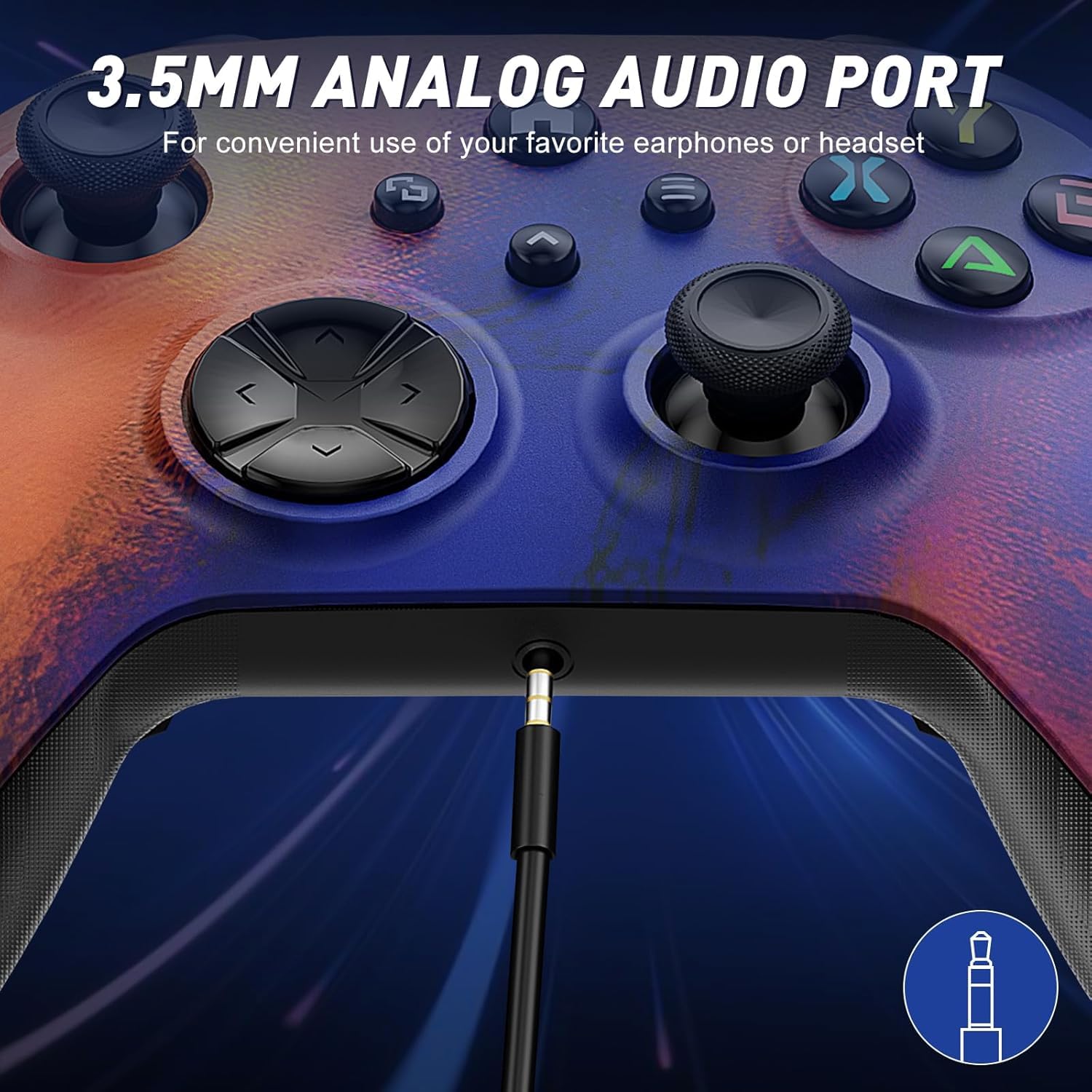
- Ensure you’re comfortable with the setup routine for mapping PL/PR controls and using the 3.5mm headphone jack for in-game audio or chat.
Practical usage example
Imagine a shooter where you need rapid weapon switching and a series of actions executed in quick succession. With the macro function, you can map a sequence to a single button, so your thumb stays focused on aim while the game handles the rest. During a moment of heavy combat, the four vibration motors intensify the sense of impact, making explosions and hits feel more convincing without leaving your hands.
The comparison: where this sits among options
If you’re choosing between a standard controller and a feature-rich one, this model leans toward players who value customization and haptics. It’s a middle-to-upper tier option in terms of feature set for a general-purpose gaming controller, offering more than the basic gamepad while not aiming to replace a high-end premium controller with ultra-lightweight design.
Final decision
Final verdict
Overall, the Dinosoo Wireless Controller offers meaningful enhancements for players who value programmable controls and richer vibration feedback. It may not be the lightest or simplest option, but for those who want to tailor their inputs and feel the action, it delivers practical benefits. It isn’t necessarily the best pick for every user—if you rarely use macros or prioritize a minimal setup, a simpler controller could suffice. Still, if your gaming kit benefits from customization, this model stands out as a flexible choice.
FAQ
- How does the macro function work on this controller? It allows you to assign sequences to a programmable button for quicker execution in supported games.
- Will it work with Windows 10/11 without extra software? It is designed for Windows PCs, and pairing via Bluetooth is a core feature, though some advanced features may require setup per game or system.
- Is the Turbo button just a cosmetic feature? It’s designed to toggle between different combos to streamline rapid inputs during play.