

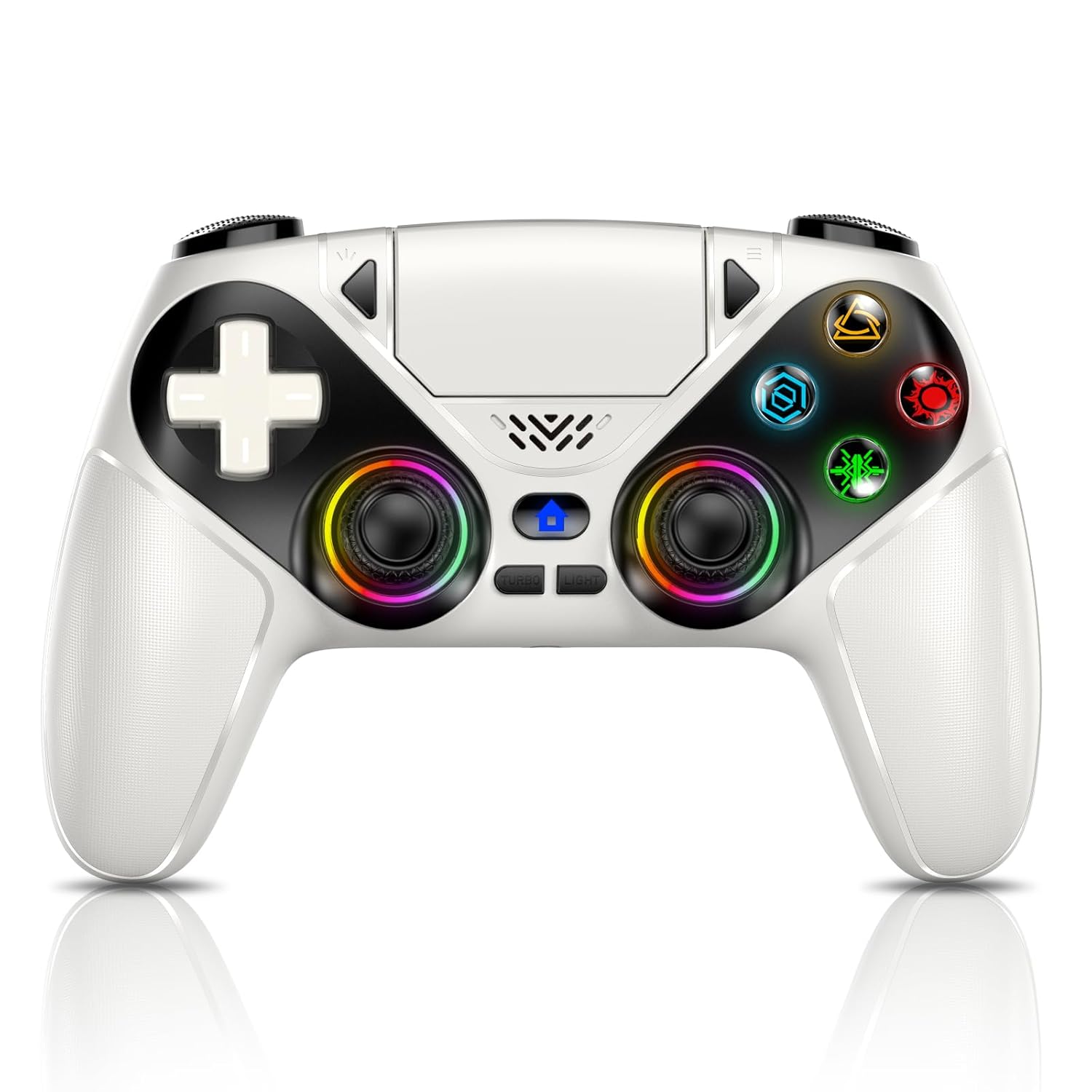
LENISUOLE Wireless Controller with Turbo Buttons, 6-Axis Motion, RGB LEDs, and Audio Jack for PS5 and PC
Product description
What this is and who it’s for
LENISUOLE’s wireless controller combines flexible connectivity with thoughtful features aimed at serious gamers who want customization without clutter. If you play on PS5 or PC and value responsive controls, motion sensing, and a few programmable options, this device is worth a closer look. It’s not marketed as the only option, but it aims to cover both console and PC play with a single pairing approach and a few smart touches to reduce frictions during long sessions.
How it’s designed to perform
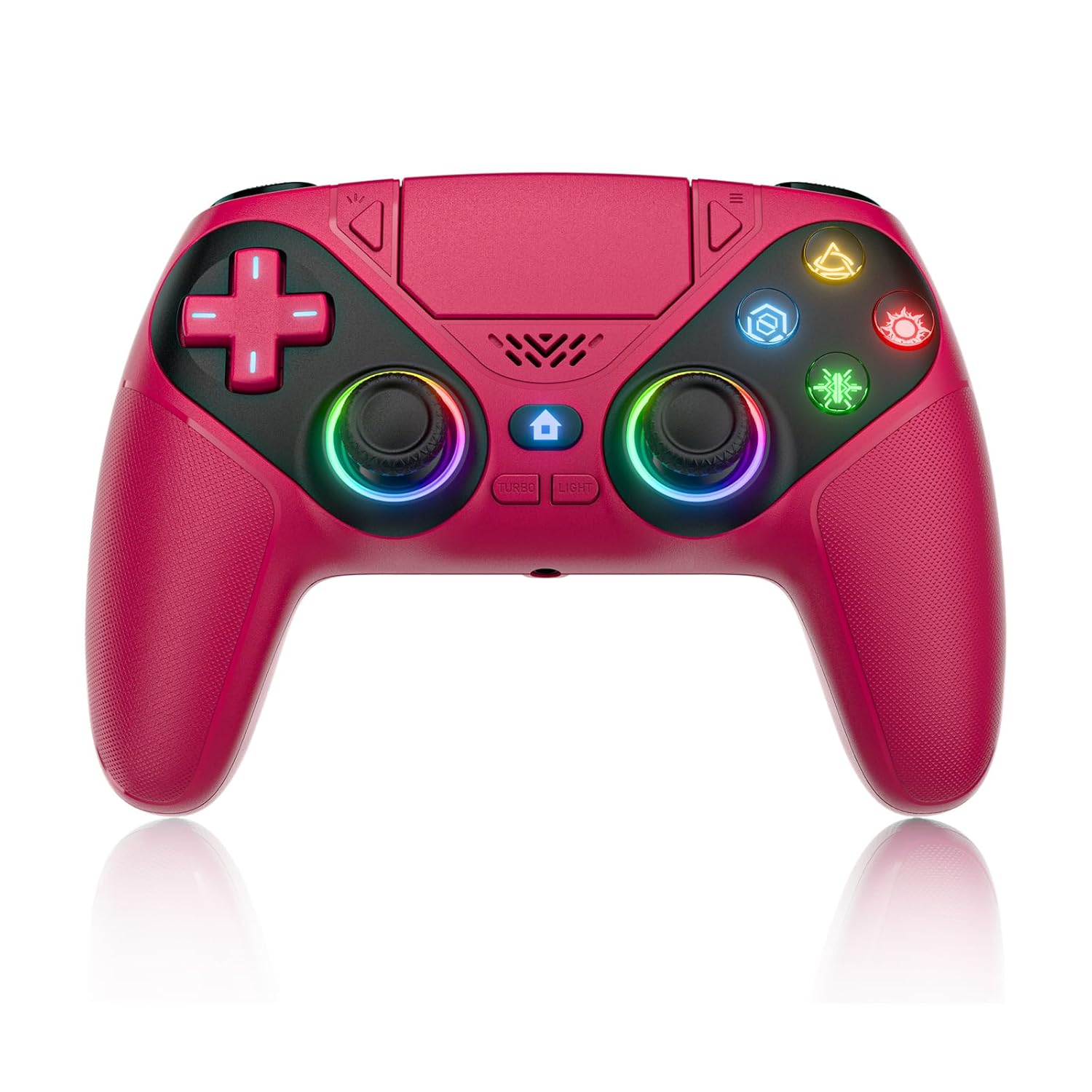
On paper, the controller supports wireless Bluetooth 5.3 with a stable 10-meter range and a wired USB-C connection, offering a straightforward plug-and-play workflow. The initial pairing requires a USB cable, after which you can wake the device with one click for PS5, aiming for a smoother setup in practice. The 6-axis sensor combines a 3D accelerometer and a gyroscope to capture nuanced X/Y/Z movement and roll/pitch/yaw motions, which can enhance racing, action, and sports titles that lean on immersive input.
What stands out in daily use
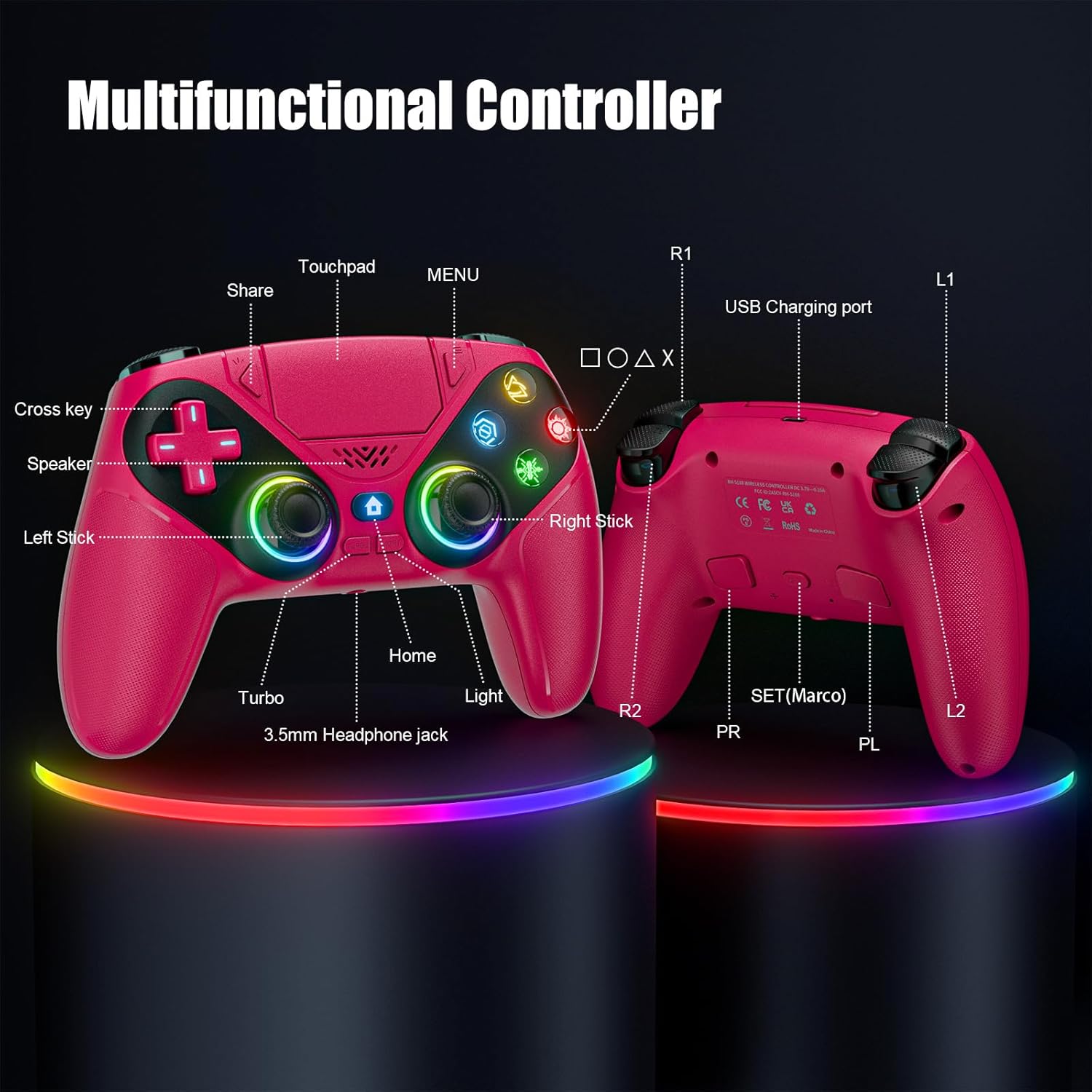
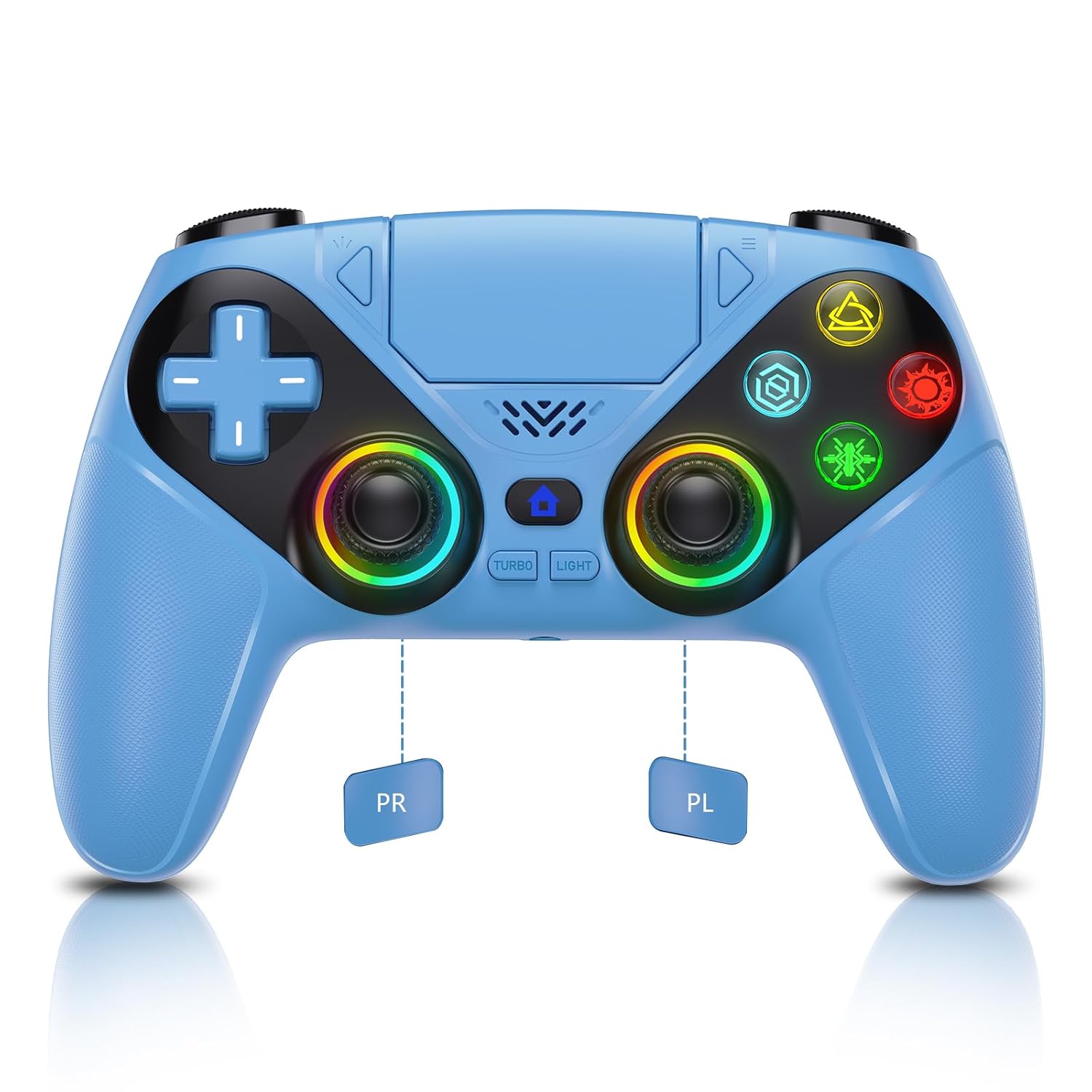
Two programmable back buttons (P1/P2) open the door to personalized control schemes, while Turbo (auto-fire up to 10 times per second) and macro recording (up to 24 key values) let you tailor actions for faster reactions in shooters or rhythm games. The RGB LED bar adds a quick visual cue to differentiate profiles or players, and the 3.5mm TRRS jack plus a built-in speaker give you flexible audio options without immediately reaching for a headset.
The hardware you feel in your hands
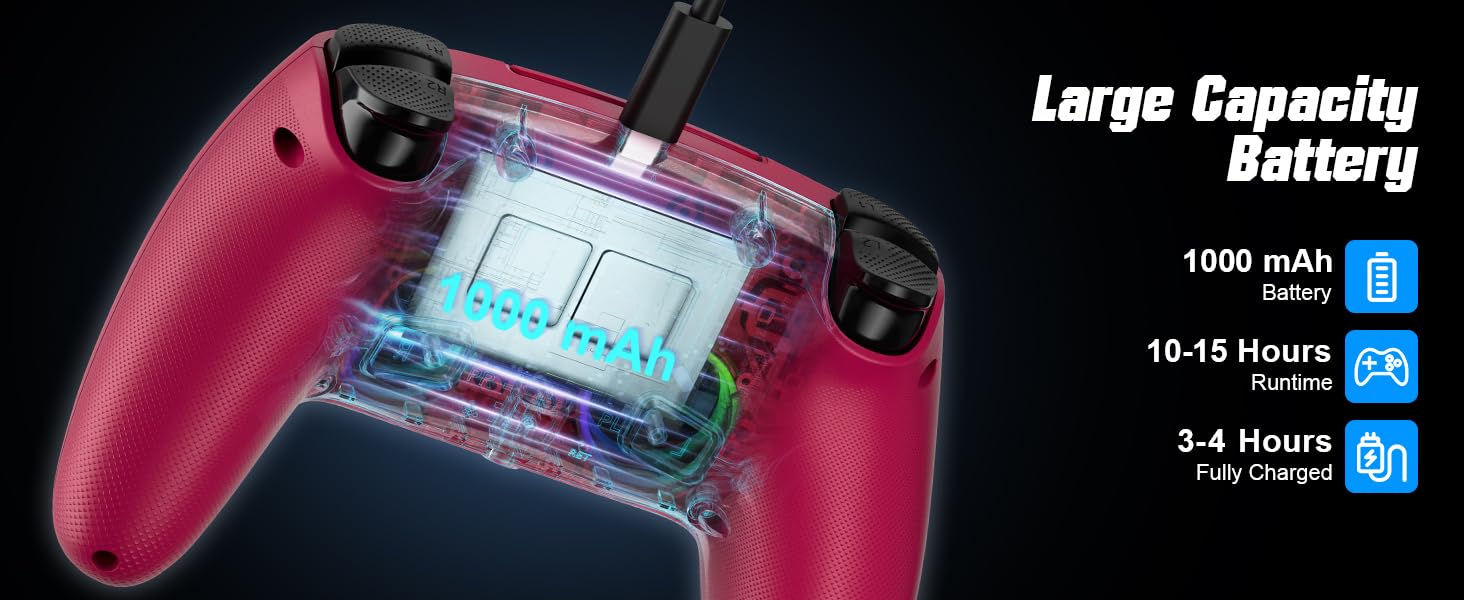
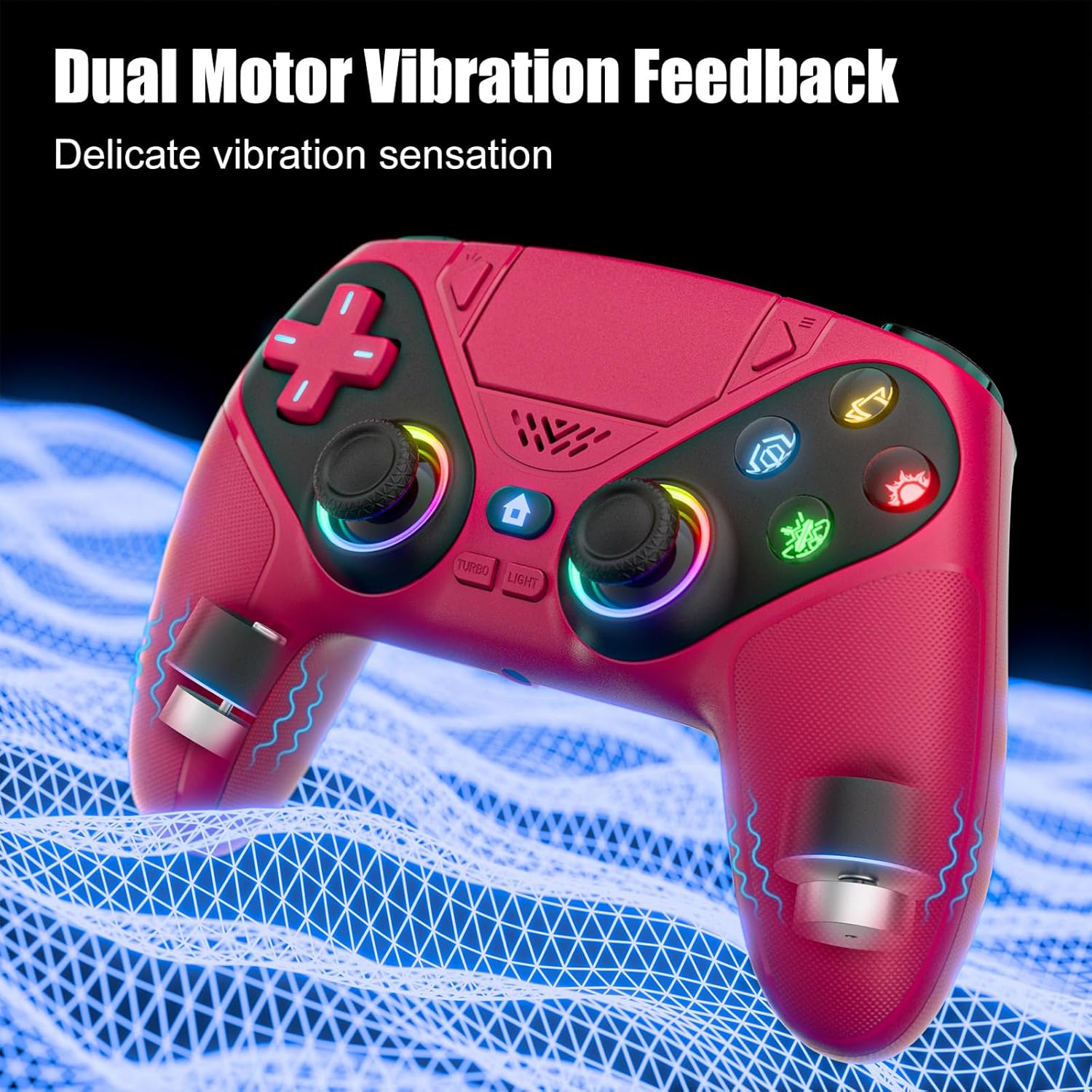
Ergonomics are designed for long sessions, with a dual-point capacitive touchpad that supports precise swipes and taps. The device features not just physical inputs but a tactile sense of intended precision, which matters when you’re mid-game and need reliable response without fatigue. The battery is USB-rechargeable, and the product claims low standby current, aiming to keep the charge practical for extended play. It’s compatible with PS5 family consoles and Windows 10/11 PCs, including PS5 wired audio support and X-input modes.
Pros and what could be better
- Pros: Flexible cross-platform compatibility, a solid set of customizable controls (turbo and macro), motion sensing that can add depth to certain game types, and back buttons that can relieve finger fatigue during long sessions.
- Cons to consider: The one-time USB pairing requirement could feel a touch clunky if you frequently swap devices. While the motion sensor adds potential, its practical impact will vary by game and genre. Also, no weight or dimension specs are provided here, so you won’t get a precise feel for balance until you try it.
Who it’s for
This controller is a sensible pick if you want a single device that covers PS5 action, racing, and PC games, with some level of customization and a few extra inputs that can speed up certain tasks. It’s particularly appealing if you value back-button programmability and the option to use a mic/headset through the 3.5mm jack, plus a touch of RGB styling to differentiate profiles.
Who might skip it
If you’re chasing a premium-feel controller with ultra-premium build quality or if you rely on official accessories with exacting compatibility guarantees, you may prefer a controller designed around those expectations. Also, if you don’t care for motion sensing or macro features, a simpler controller could be a better value.
When it makes sense to buy
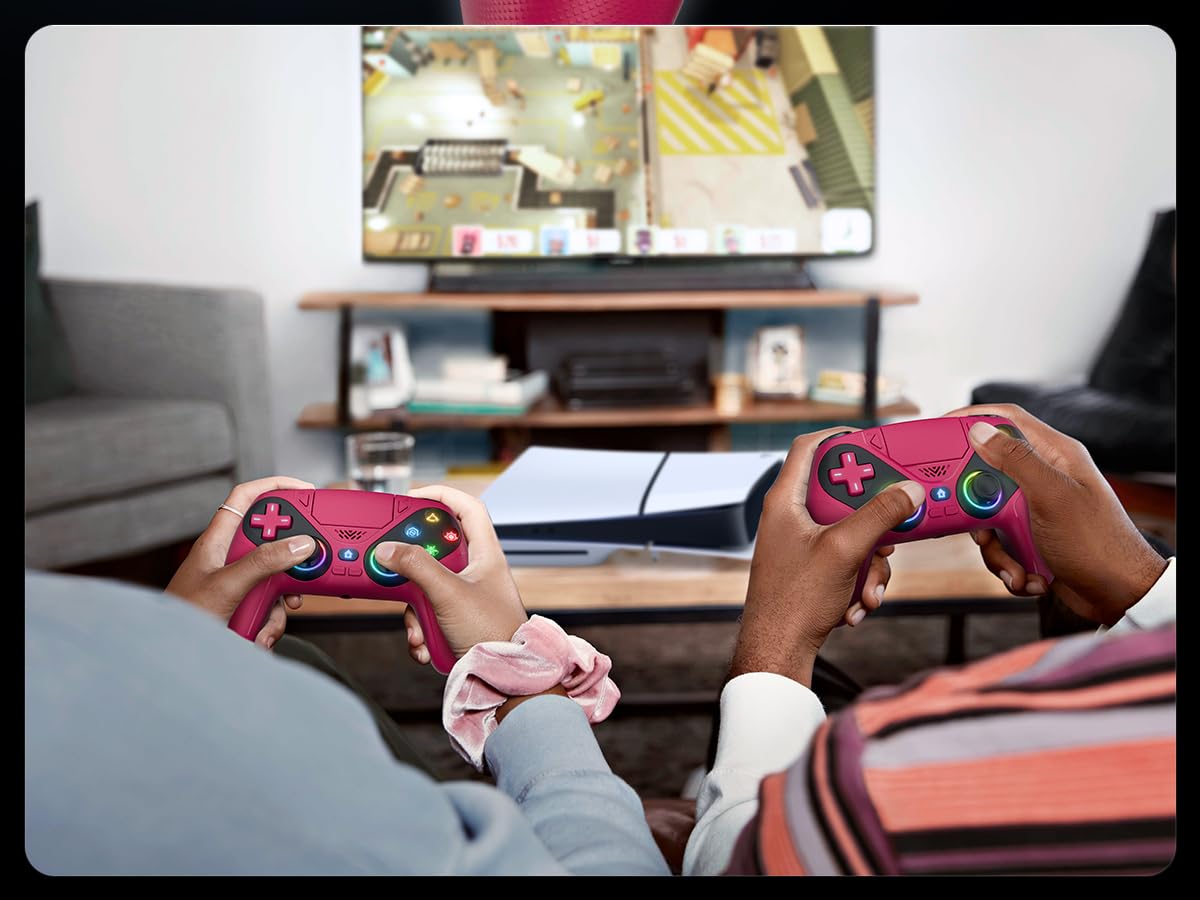
- You own both a PS5 or PS5 Pro/SLIM and a PC and want a shared controller.
- You value programmable back buttons and macro capability for faster in-game actions.
- You appreciate motion sensing for certain genres and like a visible RGB profile cue for teammates or coaching cues.
When not to buy
- If you prioritize extremely precise, factory-tinished ergonomics or weight balance that mirrors top-tier premium models.
- If you need exhaustive technical specs (dimensions, weight) before purchase and these aren’t published.
What to check before buying
- Confirm your preferred connection method (Bluetooth 5.3 vs. wired USB-C) aligns with your setup.
- Decide if you’ll use the back buttons and macros frequently, since setup and on-device programming require a bit of learning.
- Try to test the motion sensing in a game where it matters to you, as its value is game-dependent.
Practical usage example
Imagine a racing game on PC where you map turbo to a back button and set a macro for a rapid pit-stop sequence. The motion sensing can add a sense of realism in certain sceneries, and the 3.5mm audio jack lets you connect a headset for clear comms during a hot lap with teammates.
final decision: Is it worth it?
It’s worth considering if you want a cross‑platform controller with programmable back buttons, motion sensing, and RGB accents, all in a single package. It may not be the best fit if you prioritize a very lightweight, studio-grade controller with exact weight specs or if you need guaranteed, vendor-level optimization for every PS5 system update. For players who want flexible connectivity and a few advanced features without paying a premium tier, this LENISUOLE model offers a pragmatic option.
FAQ
- How does the wireless range perform in typical living rooms? Real-world use usually sits around the 8–10 meter mark, but walls and interference can reduce it.
- Can I use the controller with both PS5 and PC at the same time? It supports cross‑compatibility, however, switching between devices may require re-pairing or wake-up via USB as described.
- Are the back buttons programmatically customizable for each game? Yes, it supports two programmable back buttons and macros across supported modes.