

TECKNET Ergonomic Vertical Mouse 4800 DPI 🖱
Reviews
Price
Product description
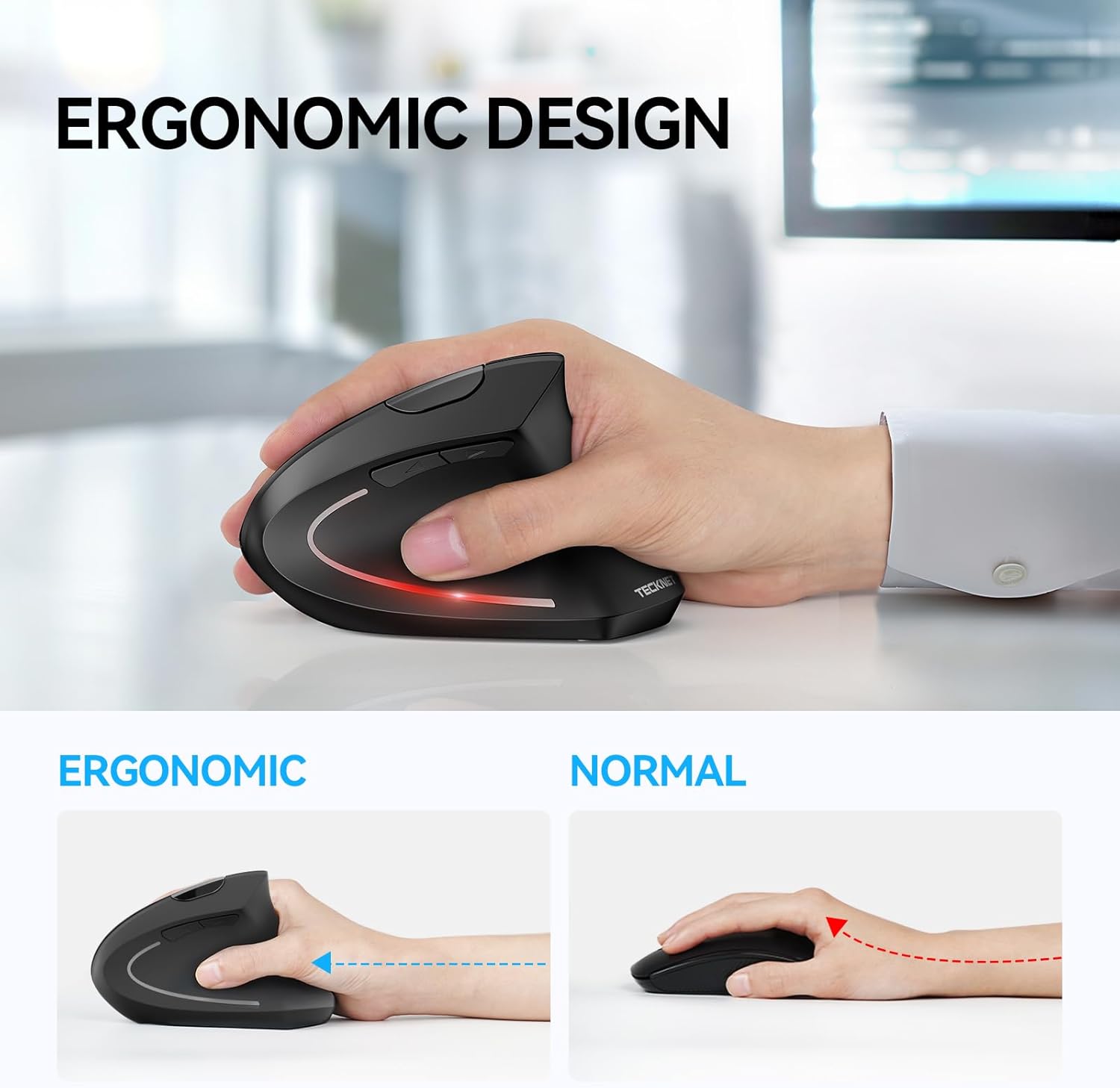
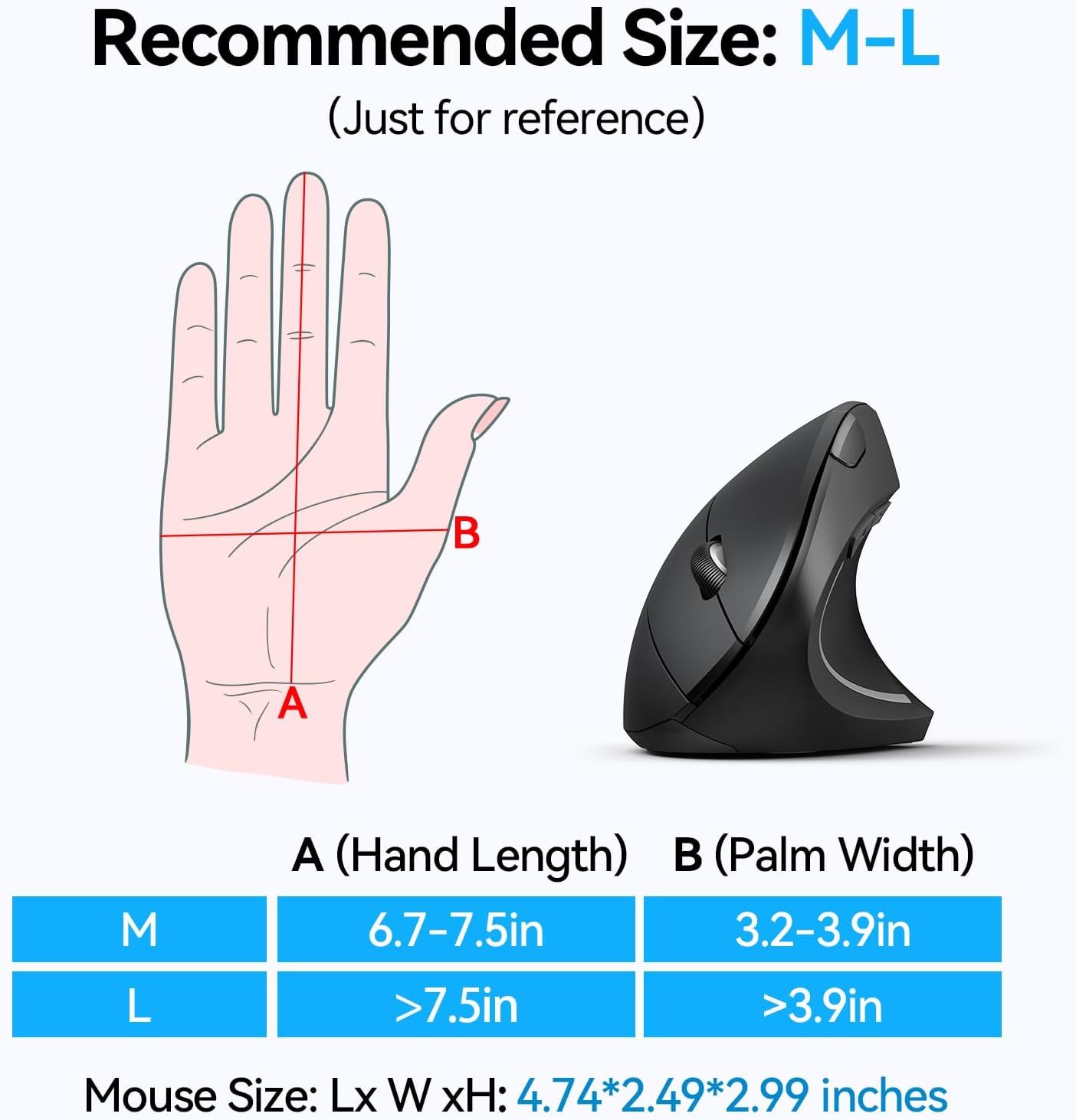
This ergonomic vertical mouse reduces wrist strain during long computer sessions while offering flexible wireless connectivity for multitasking. It combines Bluetooth and 2.4 GHz USB-A receiver modes with adjustable sensitivity, making it useful for office work, study, and casual gaming.
Key Points
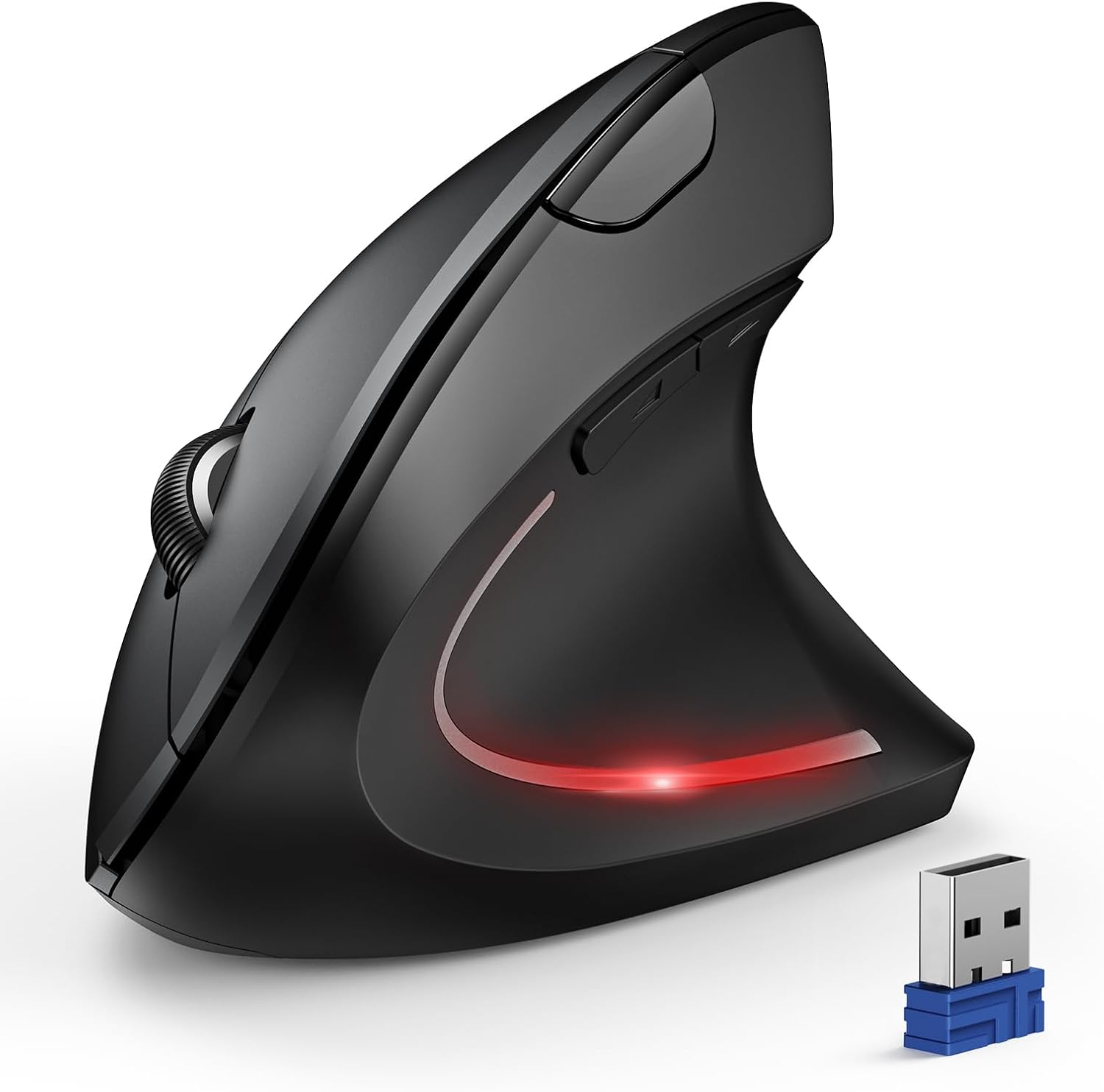
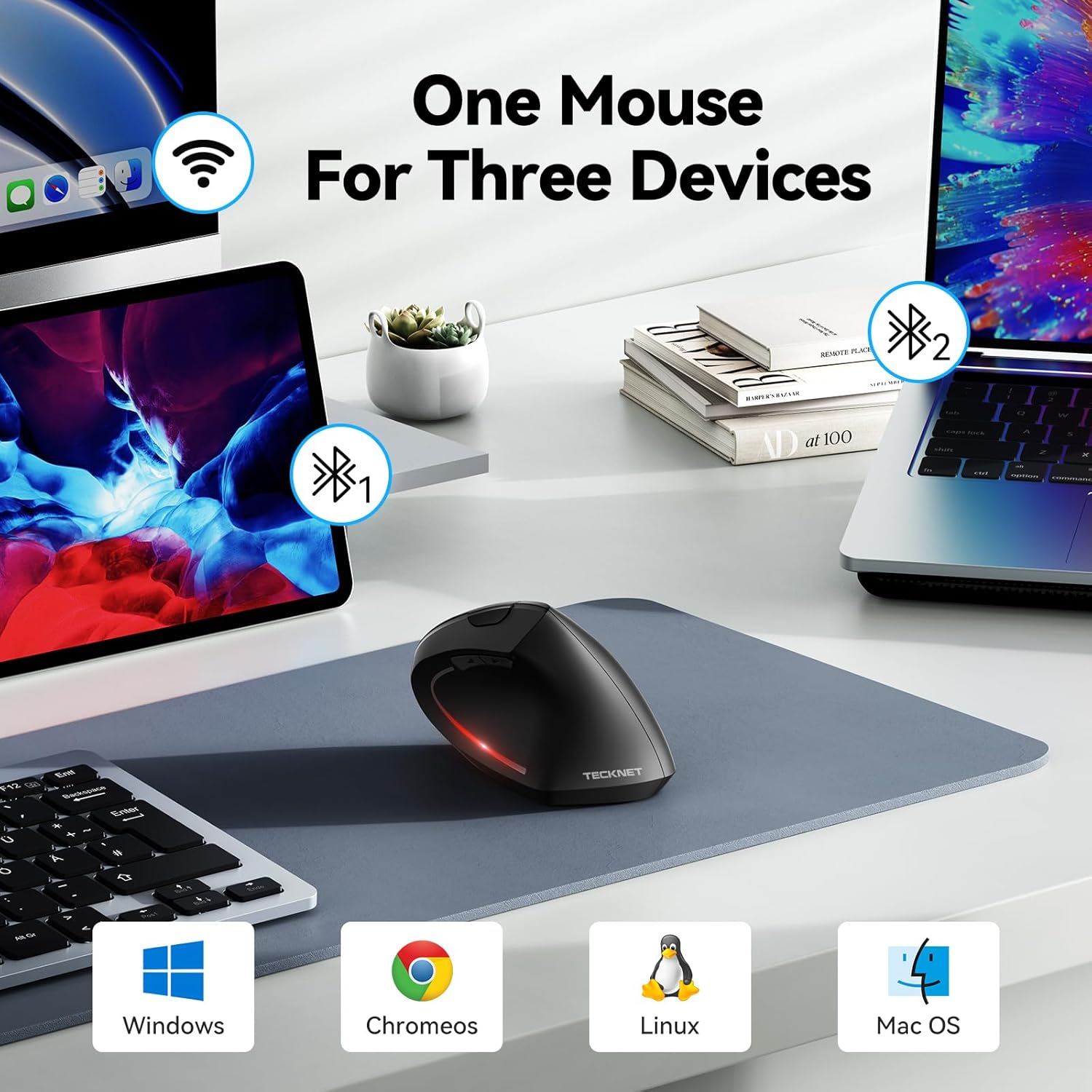
The vertical shape holds the hand at a near-vertical angle to help minimize pronation and pressure on the wrist. Switching between Bluetooth and the USB receiver is simple with a button, and Bluetooth can connect to two devices at once according to the manufacturer. Quiet left and right clicks make it suitable for shared or quiet environments, though function and side buttons remain audible.
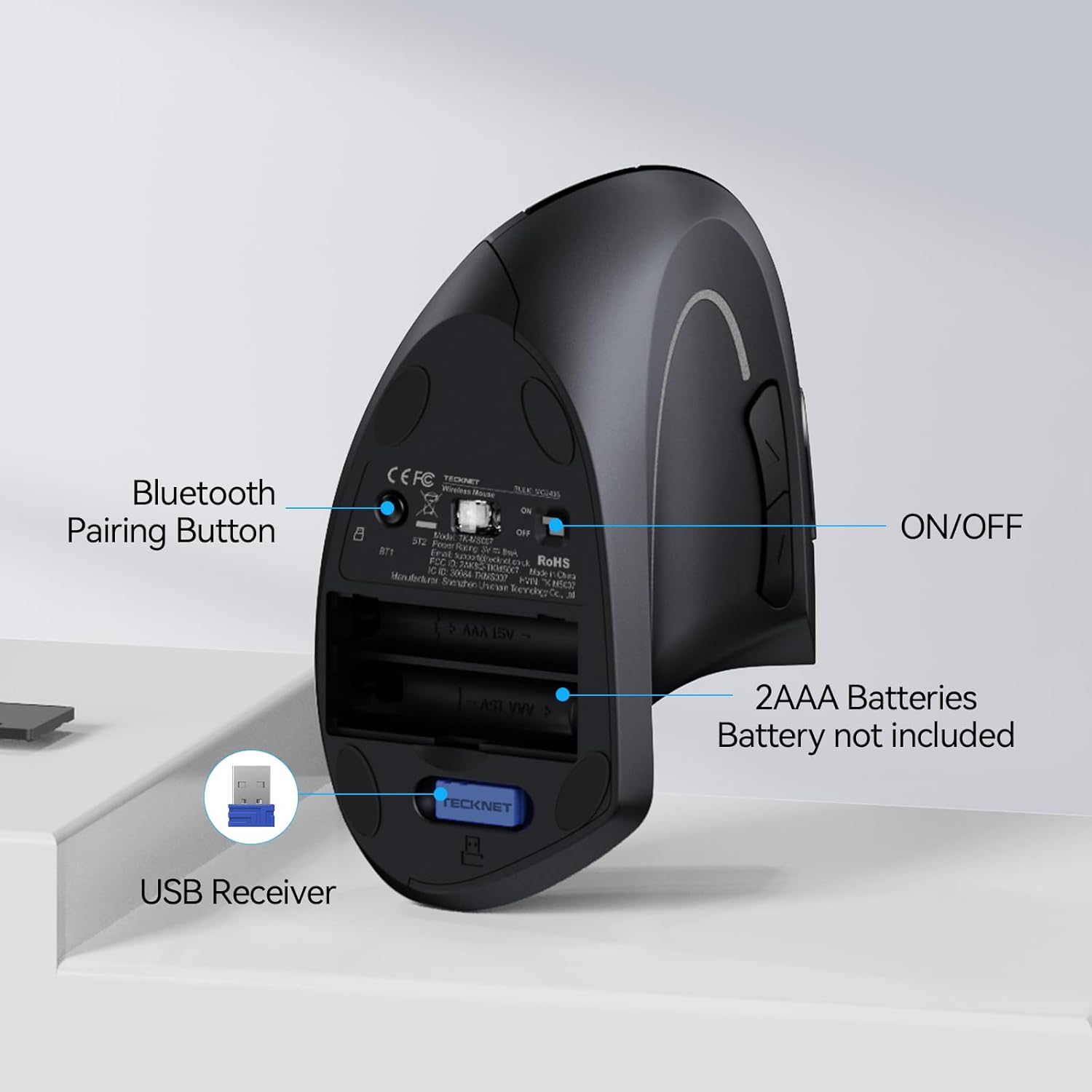
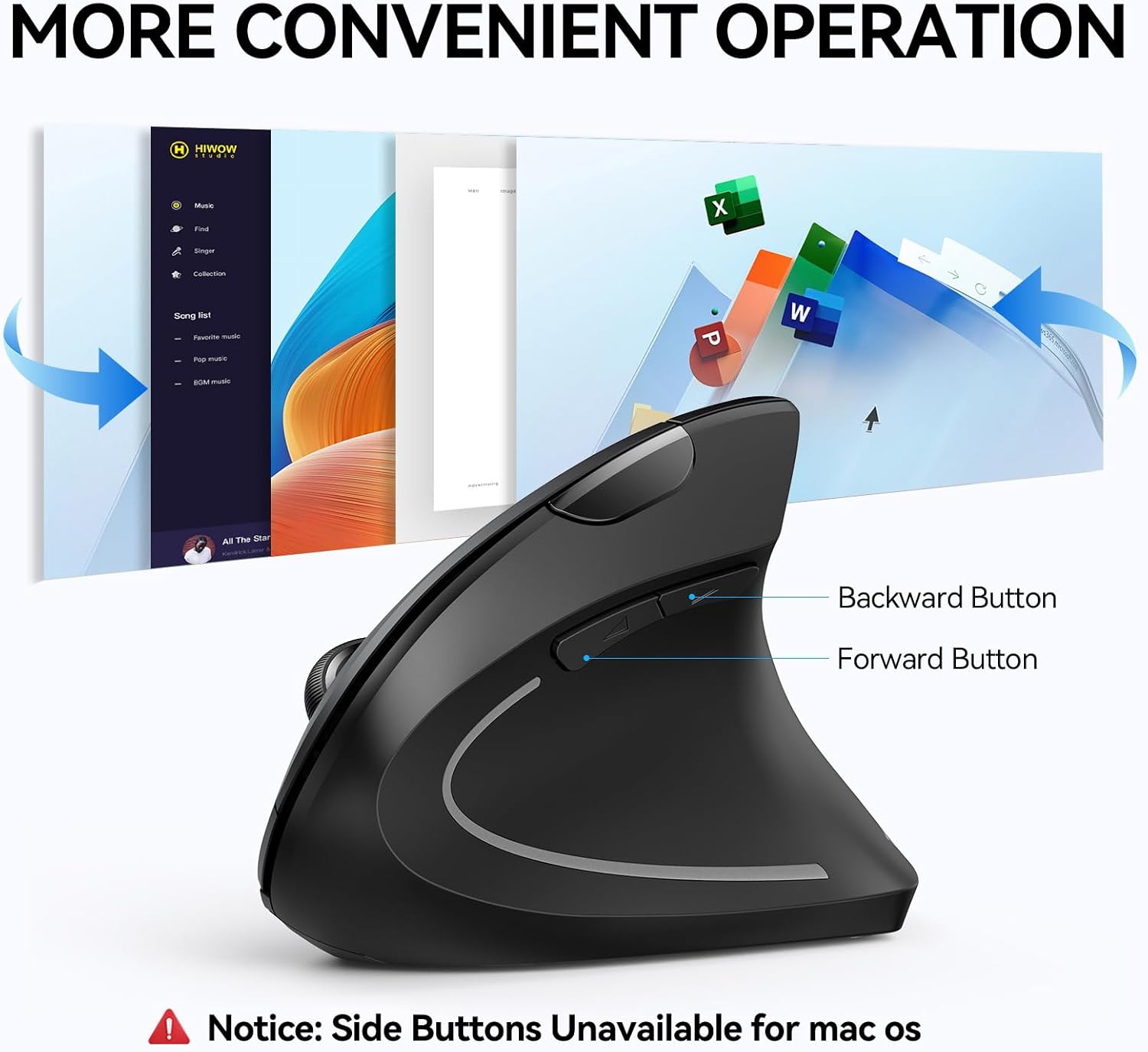
Battery life management includes an automatic power-saving mode that fully cuts power after roughly eight minutes of inactivity. The mouse uses two AAA batteries, which are not included, and the LED will blink to indicate low battery. Note that the product is designed for right-handed users and that some side-button functions may not be supported on macOS.
Technical Specifications
- Name: TECKNET Ergonomic Mouse Wireless Bluetooth Vertical Mouse
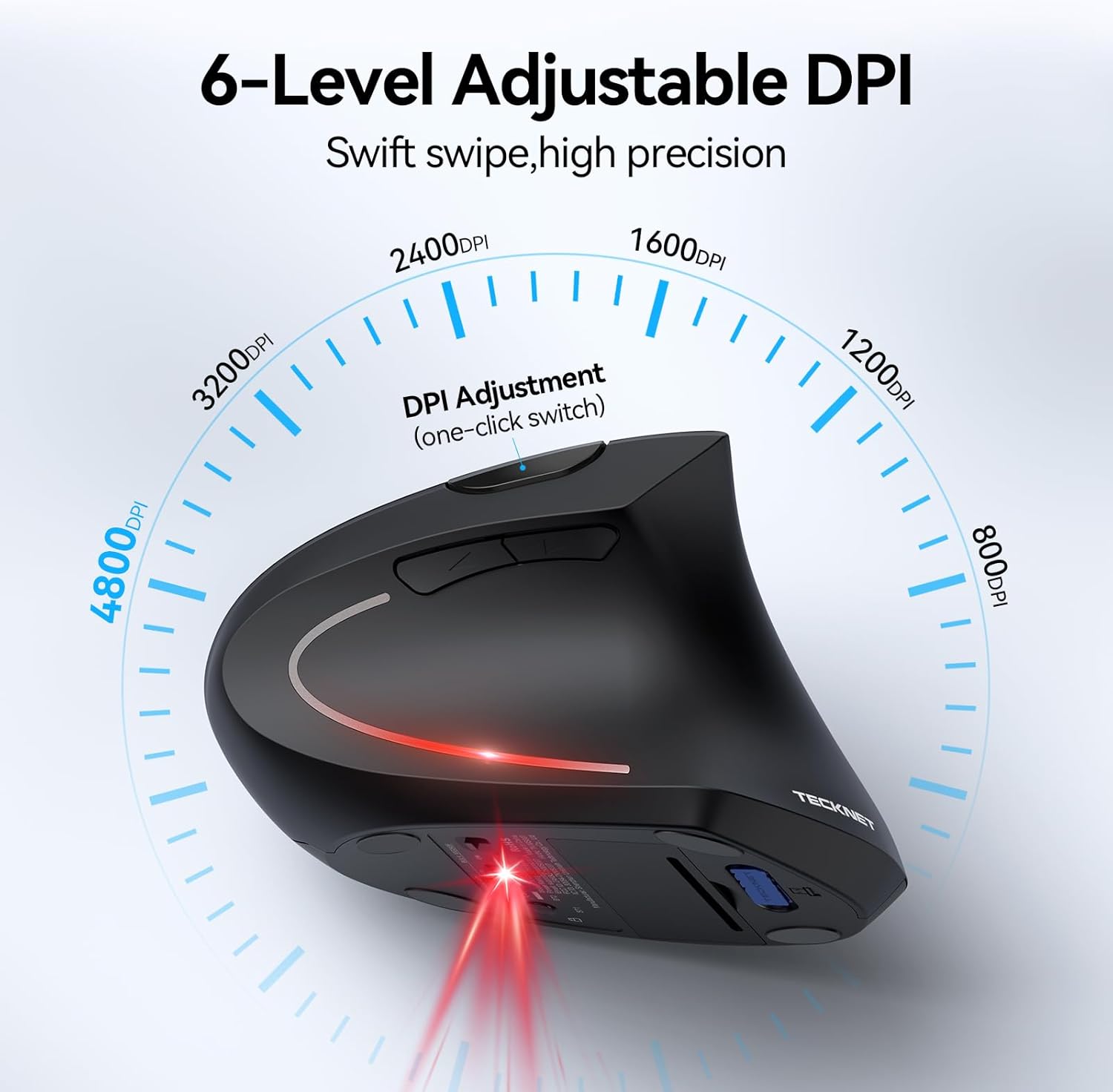
- DPI Levels: 4800 / 3200 / 2400 / 1600 / 1200 / 800
- Connectivity: Bluetooth 5.0/3.0 and 2.4 GHz USB-A receiver
- Buttons: 6 programmable buttons (left/right clicks are quiet)
- Power: 2 x AAA batteries, up to 12 months battery life under typical use according to the manufacturer
Usage Recommendations
For best responsiveness on laptops without available USB ports, use Bluetooth mode and pair two devices if needed. When switching to 2.4 GHz mode insert the USB-A receiver for a plug-and-play connection. Adjust DPI with the dedicated button to match pointer speed needs; the LED blinks to indicate the current DPI level which helps you confirm settings without software.
If you work in a very quiet setting like a library, rely on the quiet left and right clicks while being aware that other buttons may still produce sound. To preserve battery life, allow the mouse to enter sleep by leaving it inactive for several minutes, and use branded AAA batteries if you prefer longer service life. The mouse tracks well on many surfaces thanks to an improved optical sensor, but for sensitive tasks consider pairing it with a mousepad for consistent performance. 🖱️🔋.