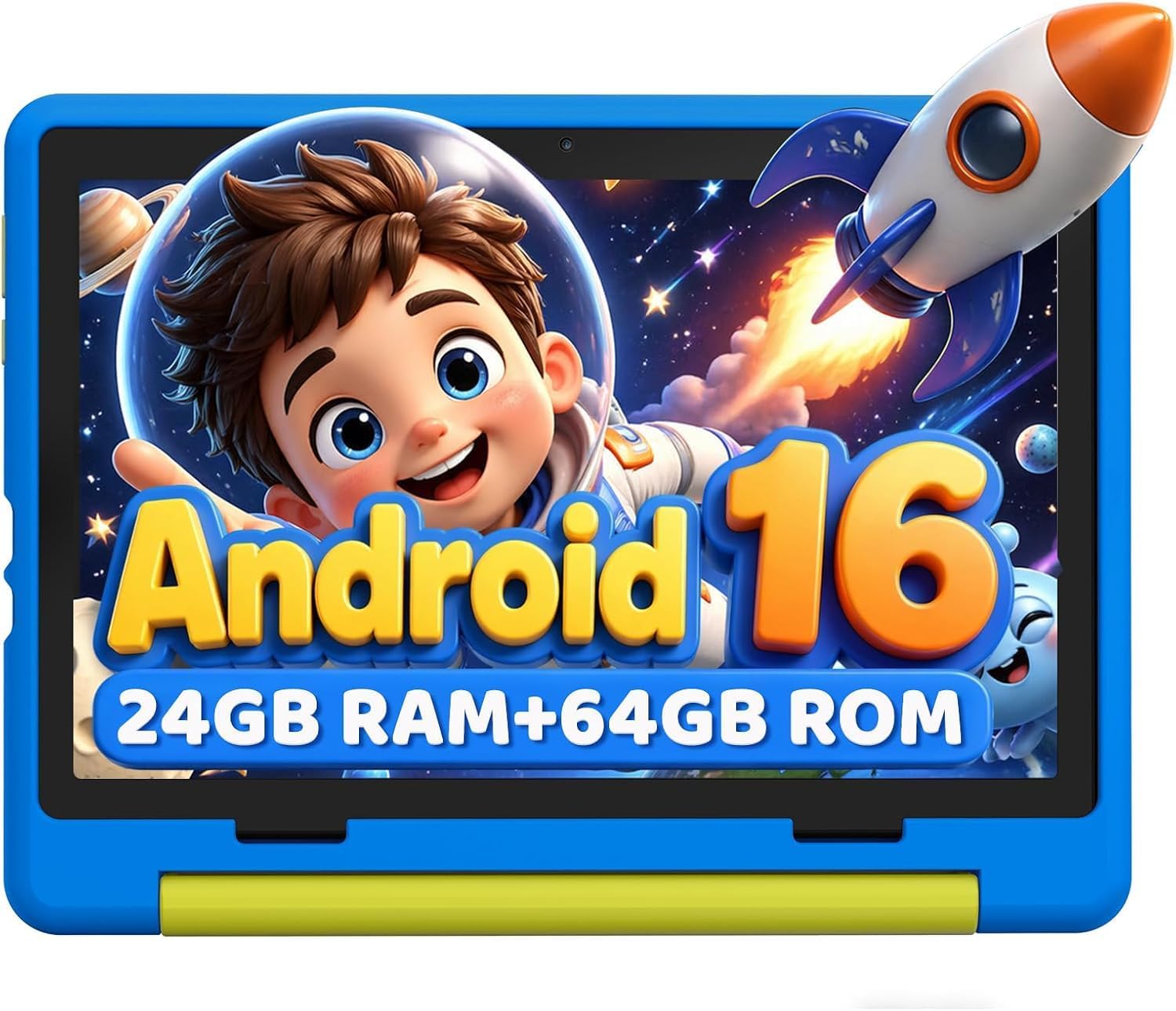
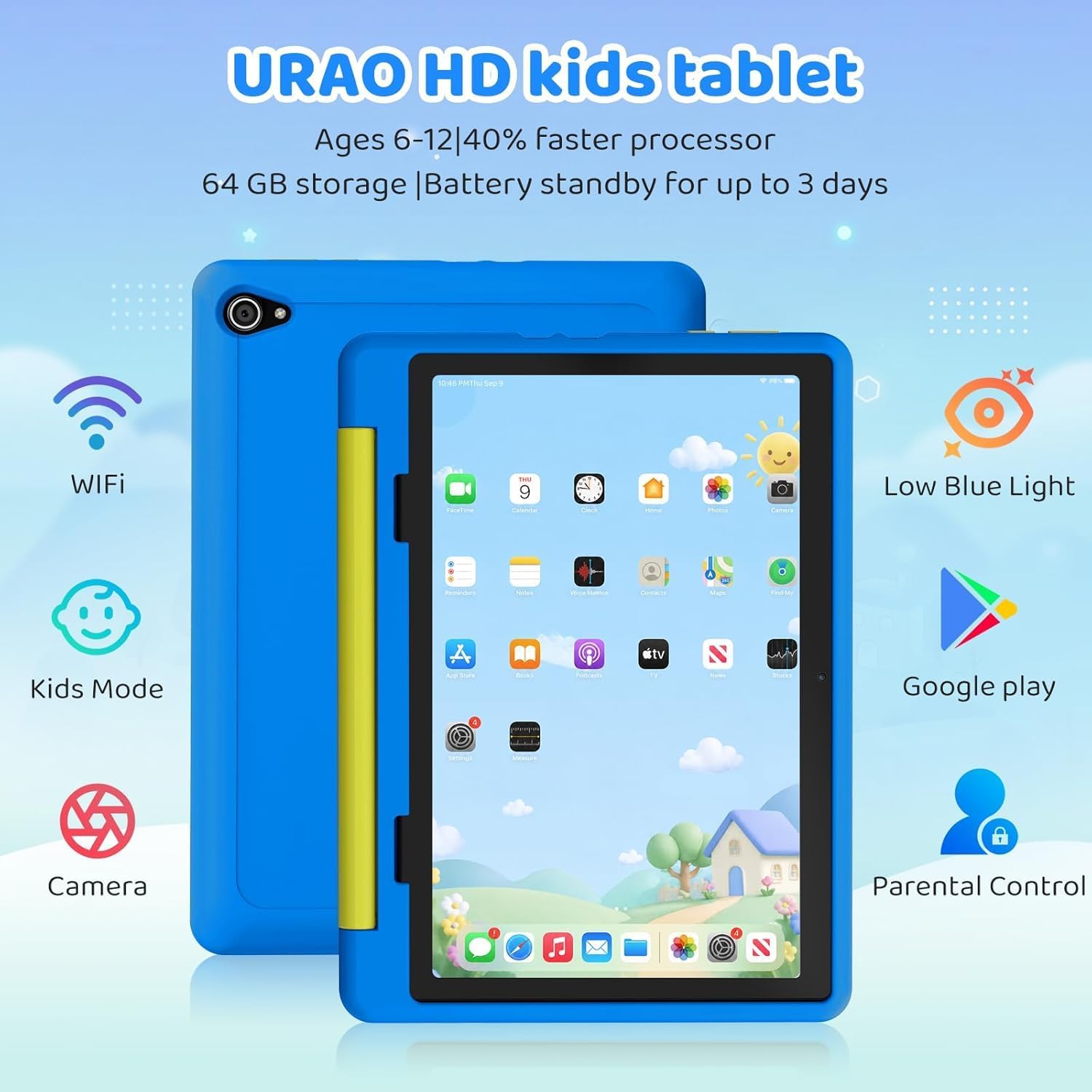
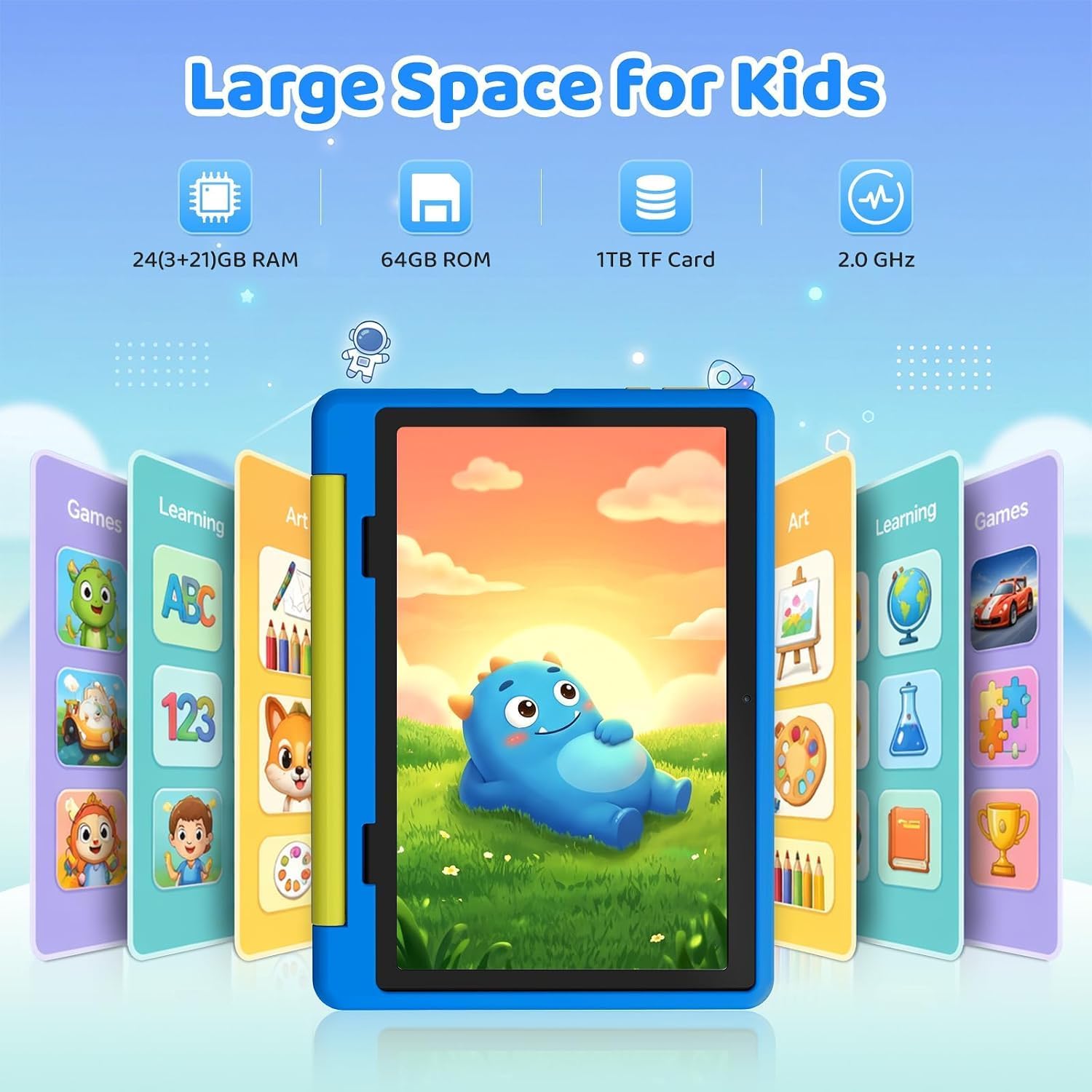
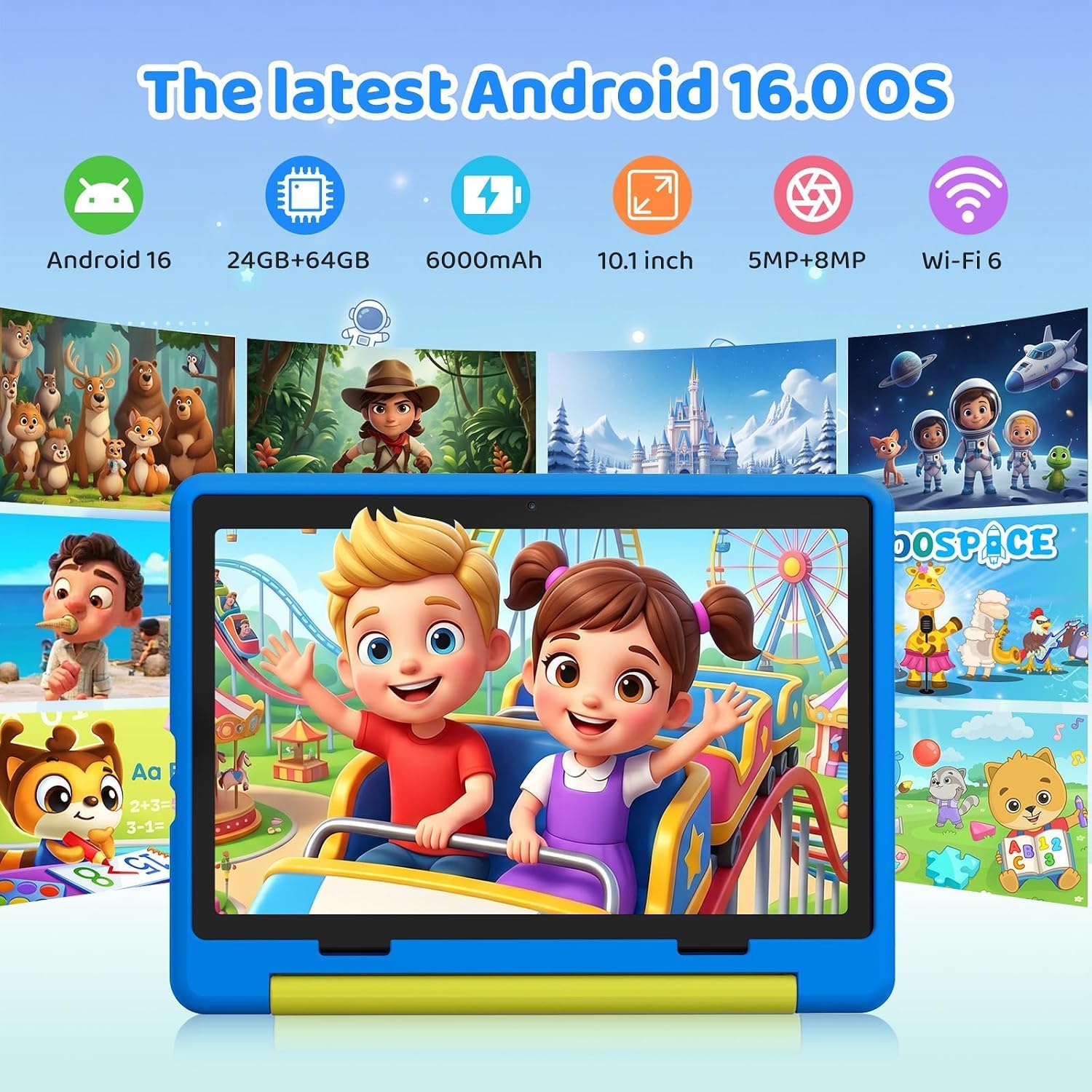
What it is and the need it aims to meet\nURAO’s 10-inch tablet is built for kids ages 6–12, pairing a larger screen with kid-friendly software and a sturdy case. On paper, the device offers an octa-core 2.0 GHz processor, 20GB RAM, 64GB storage plus a microSD slot to expand up to 1TB. The result, as described, is a smoother browsing and learning experience with enough room for games, videos, reading apps, and educational tools. If your goal is a tablet that can handle multiple apps and offline content without feeling sluggish, this model aims to deliver that performance envelope.\n\n## OS, safety and parental controls\nThe tablet runs Android 16.0, pitched as safer and faster than earlier versions and said to reduce unwanted ads. A built-in parental controls suite lets you create profiles for each child, manage screen time, and curate safe app access. For families prioritizing control over what kids see and do online, this is a meaningful feature, though the effectiveness depends on how you configure it.\n\n## Display and eye comfort\nA 10-inch IPS display at 1280×800 with 323 PPI is described as offering full-angle viewing and high contrast. There’s mention of a low blue light reading mode, which can be helpful for kids during long reading sessions or before bed. If your child spends a lot of time on tablets for homework or reading, the display choice aims to balance clarity with eye comfort.\n\n## Battery, charging and everyday use\nBattery life is framed as a large-capacity lithium polymer pack with a claimed standby of up to 3 days and about 6 hours of typical usage. The device supports fast charging via USB-C, aiming to reach a full charge in around 1.5 hours. If you’re juggling schoolwork, videos, and games throughout a day, this level of endurance plus fast top-ups could reduce downtime.\n\n## Build, portability and included accessories\nA protective, food-grade silicone case is included to cushion drops, and there’s an adjustable stand for hands-free viewing. The tablet’s portability is improved by a relatively slim, lightweight design that fits easily into a bag. If you value durability and a ready-made kid-friendly setup out of the box, this bundle checks those boxes.\n\n## Storage and expandability\nWith 64GB of built-in storage and a dedicated microSD slot, you can add up to 1TB more space. In practice, this is helpful if your child likes to store offline learning apps, offline videos, and dozens of pictures or notes. Note that the 1TB expansion capacity depends on the microSD card you choose.\n\n## Who it’s for and who it isn’t\nThis tablet targets children roughly in the 6–12 age range and aims to offer a safe, supervised digital environment. It may be a solid option if you want a single device for learning, reading, and light media consumption with parental oversight. It may be less compelling if your child uses more demanding apps or requires top-tier gaming performance, or if you rely heavily on a vast app ecosystem beyond what’s available through Google Play on this device.\n\n## Things to check before buying\n- Confirm parental control settings align with your family’s routines and limits.\n- Consider how you’ll manage storage across apps and media once you approach the 64GB baseline.\n- Evaluate whether a 10-inch screen is the right balance of portability and visibility for your child.\n- Ensure you’re comfortable with Android 16.0 as the platform and the available safety features.\n\n## Practical usage snapshot\nImagine your child using this tablet for interactive reading in a cozy chair, switching to a kid-safe educational app after school, then a quick cartoon before bed—all while you monitor progress via the parental controls. The included case and adjustable stand help keep it steady on a lap or desk.\n\n## What it means in context of alternatives\nIf you’re choosing between a budget tablet and a purpose-built kids device, this URAO model trades a modest price point for a larger screen, parental controls, and expandability. It may be a stronger fit for families who want balanced performance and a safer online experience rather than bleeding-edge visuals or desktop-class multitasking.\n\n## Is it worth it? Final thoughts\nIs it worth it? Consider this device if your main priorities are safety, a kid-friendly interface, ample storage via expansion, and a robust case for everyday learning and play. If your child’s usage leans toward heavy gaming, high-resolution streaming, or you want the most aggressive performance, you might explore options that emphasize raw specs. Ten-year-old children or parents who value a single-device family solution could find this model aligns well with daily needs.\n\n## FAQs\n- Does Android 16.0 support the apps my child uses most? Most common kid-friendly apps are available on Google Play, but availability depends on regional access and compatibility.\n- How easy is it to manage screen time? The tablet includes a parental controls suite designed for profile-based management, though the exact controls depend on configuration preferences.\n- Can storage be expanded beyond 1TB? The device supports microSD expansion up to 1TB as long as a compatible card is used.\n