

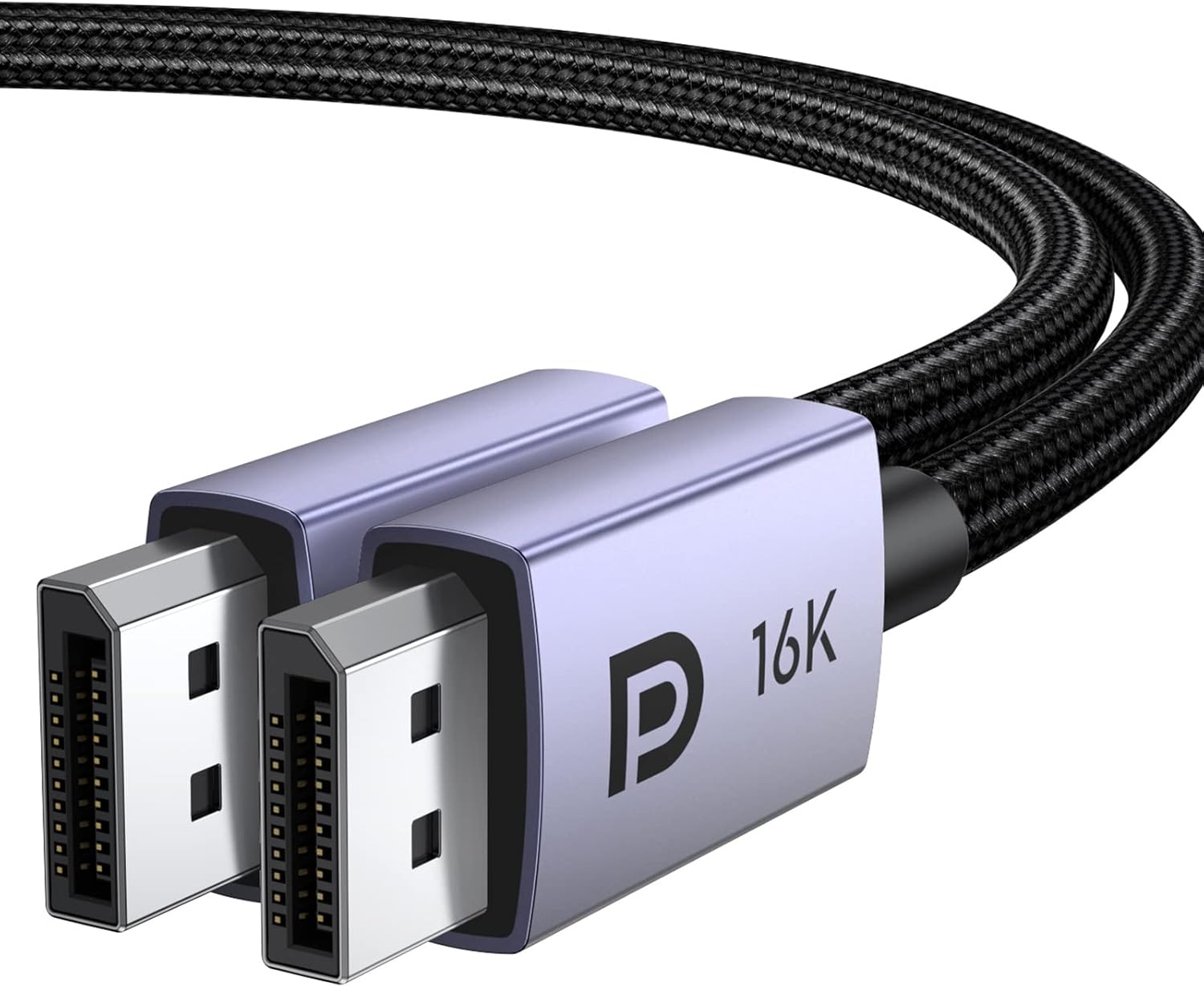
UGREEN 16K 16FT DisplayPort Cable 2.1 (DP 2.1) — 40Gbps for 8K@240Hz, 4K@240Hz, FreeSync & G-Sync Support
Product description
If you’re trying to future-proof a gaming or high-resolution setup, cable choice matters more than most people expect. This UGREEN DisplayPort cable is built around DisplayPort 2.1 class bandwidth, with support for high refresh rates and modern video features like HDR and HDCP—so it’s meant to keep your signals stable when you want them to be.
That said, a cable can only do so much. If your monitor, GPU, or the way you route cables can’t support the same features on their side, the “big numbers” won’t fully show up. Still, as a practical upgrade path, this one is easy to take seriously.
The essentials
UGREEN’s 16K DisplayPort cable is a DP to DP cord designed for single-screen and dual-screen usage (the description mentions dual-screen support). On paper, it’s aimed at people who want high-resolution and high-refresh compatibility—especially for gaming monitors where variable refresh rate matters.
It’s also described as backward compatible with older DisplayPort standards (DP 1.4, 1.3, 1.2). That’s important if you’re mixing gear over time, or if you’re not fully standardized yet.
What to expect in real use
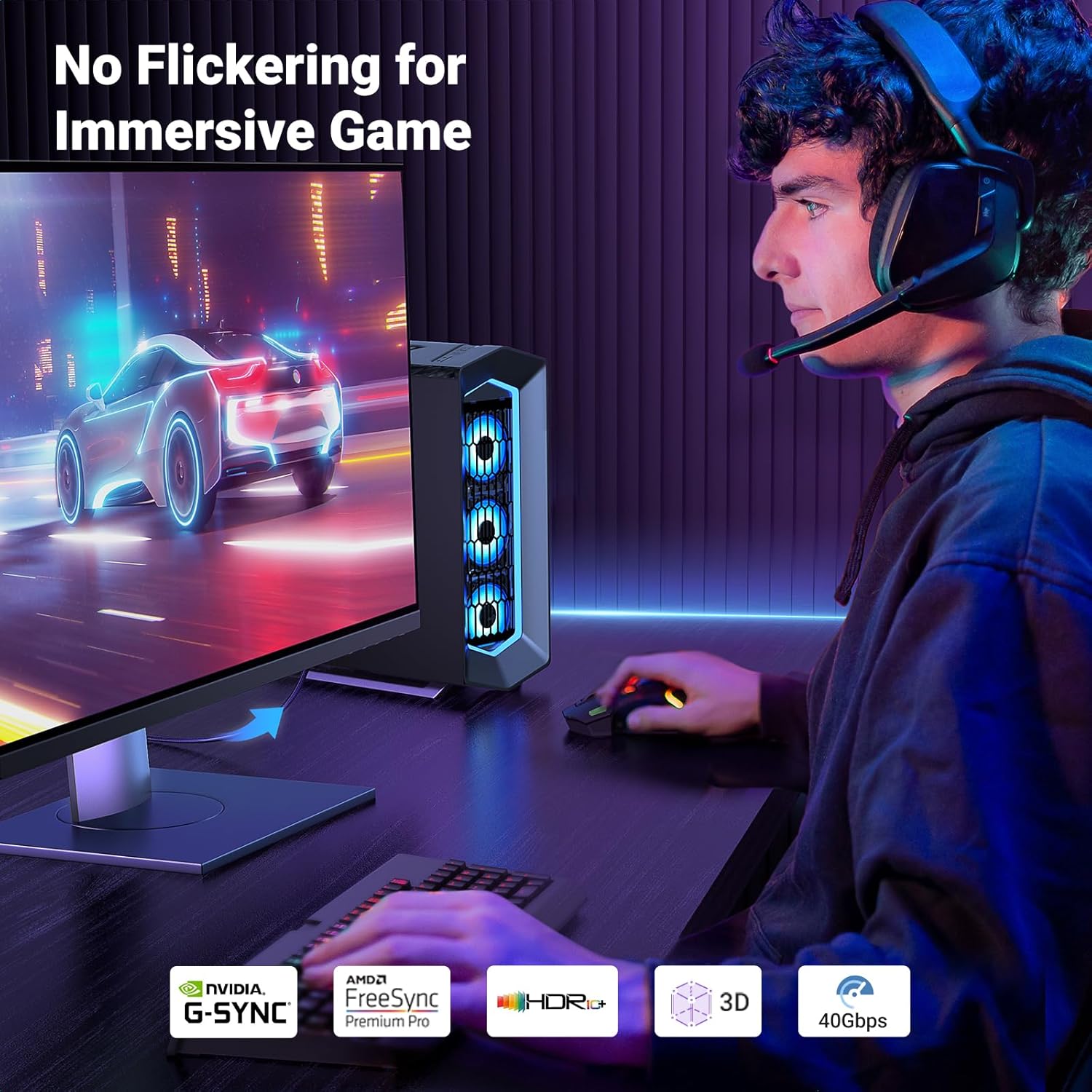
Let’s make it concrete. If you have a gaming PC running a high-refresh DisplayPort monitor, you’re typically chasing two things: smooth motion and avoiding visual artifacts during fast scenes. This cable explicitly supports FreeSync and G-Sync (VRR-related features), plus it’s described as providing high-speed transmission without signal loss.
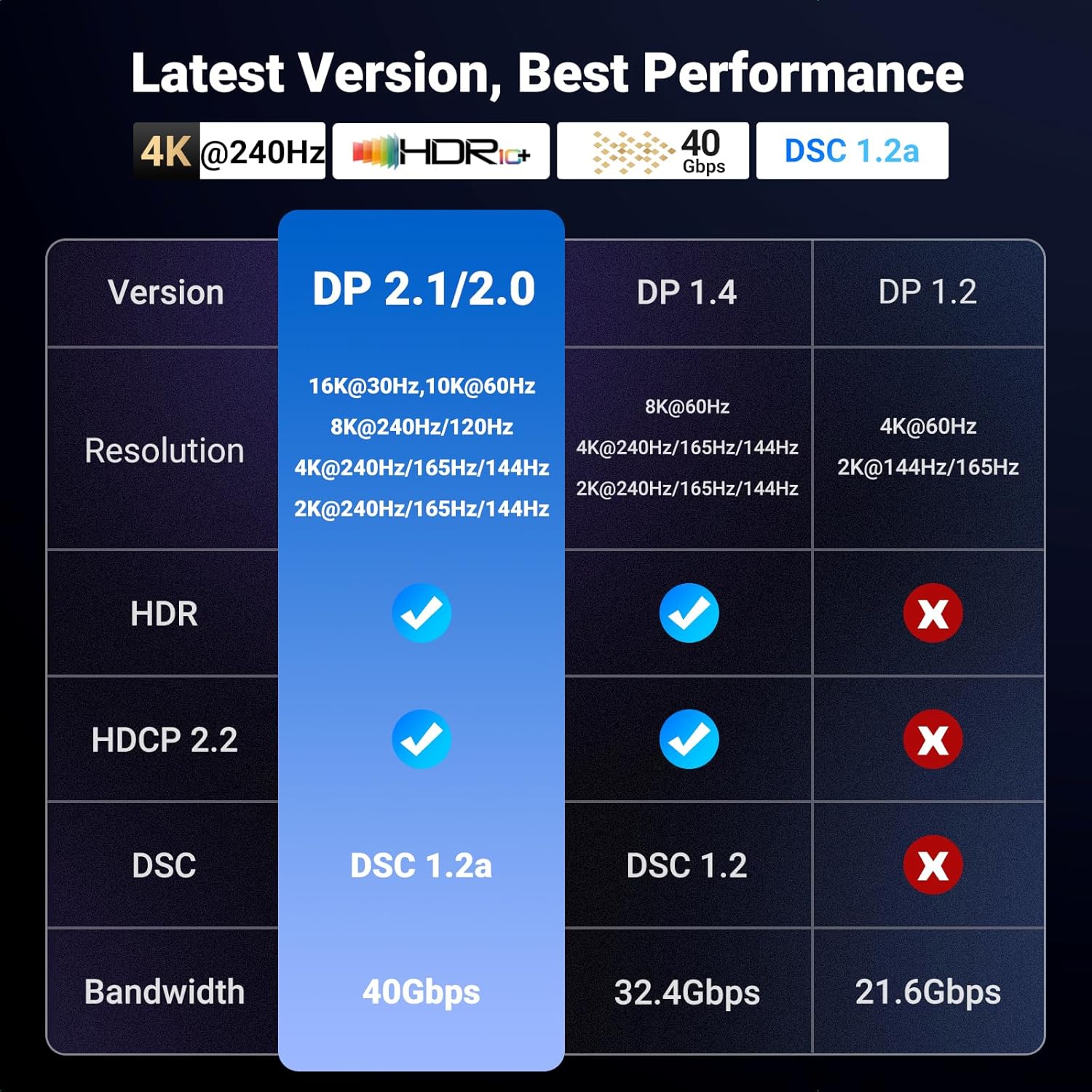
It also mentions support for DSC 1.2a (used for compressing/handling very high resolutions), HDR, and HDCP 2.2. If your goal is crisp detail—like pushing 8K@240Hz or 4K@240Hz modes on compatible gear—this is the kind of DisplayPort cable you’d look for.
One more detail to note: the listing states “20-pin is disabled with no power.” In plain terms, it sounds like there’s no expectation that the 20-pin feature will behave like a powered solution. The good news is the description also frames it as something you don’t need to worry about.
Where this cable shines
This DP 2.1 cable is positioned as bandwidth-forward and performance-friendly, and that shows up in what it claims to support:
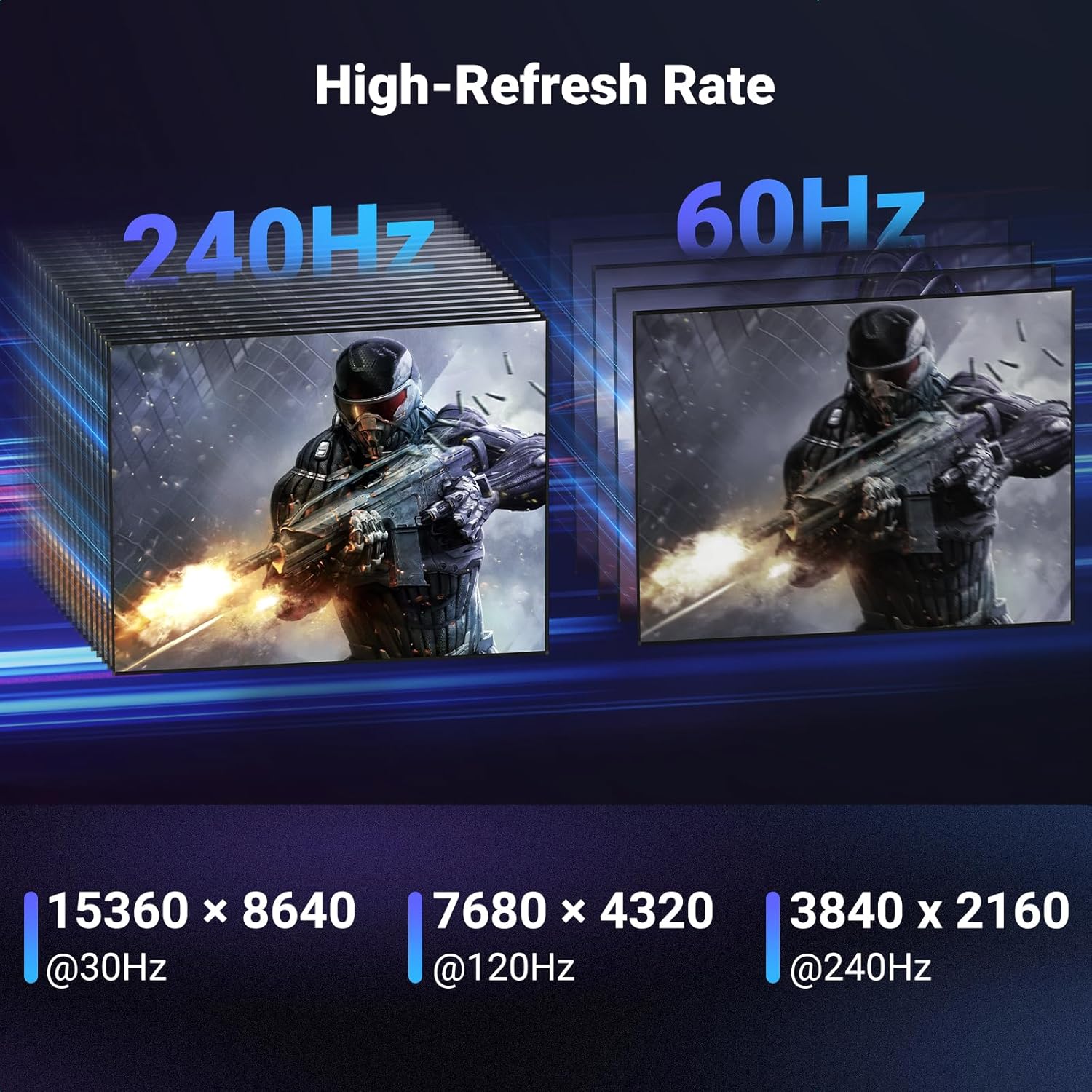
- High refresh/resolution targets listed include 8K@240Hz, 4K@240Hz, and 1080P@540Hz.
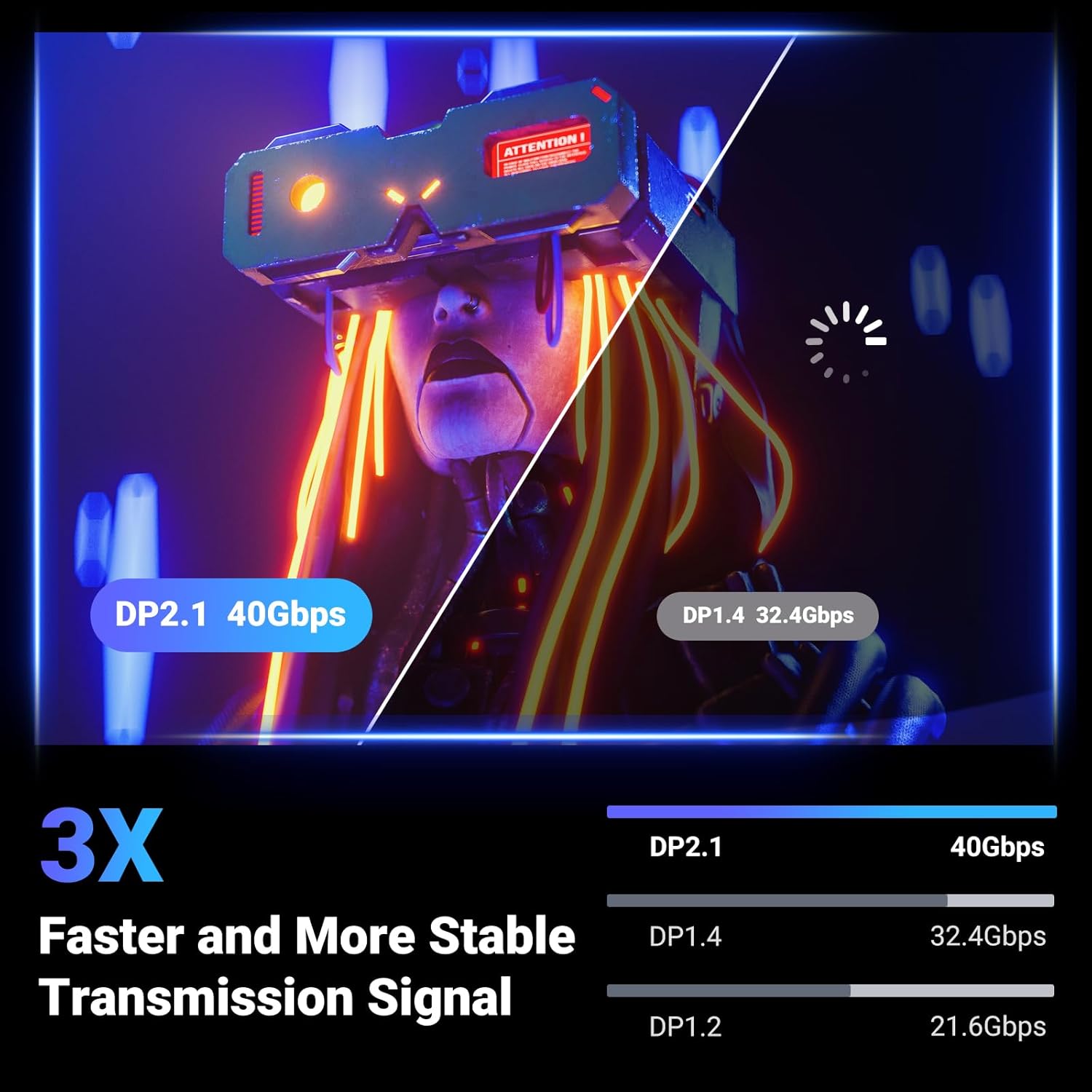
- It’s described with 40Gbps bandwidth support for DP 2.1/2.0, meant to help maintain stable, high-speed transmission.
- HDR and HDCP support are called out, plus HDR-related video/sound compatibility (it mentions 3D & HDR and Dolby/eARC support).
- For gaming smoothness, FreeSync and G-Sync are explicitly mentioned.
On top of that, the cable is built to last. It uses a nylon braided jacket and is described as triple-shielded for EMI resistance, with a port design meant to prevent accidental damage.
Tech specs (quick but useful)
- Bandwidth: 40Gbps
- DisplayPort standard: DP 2.1
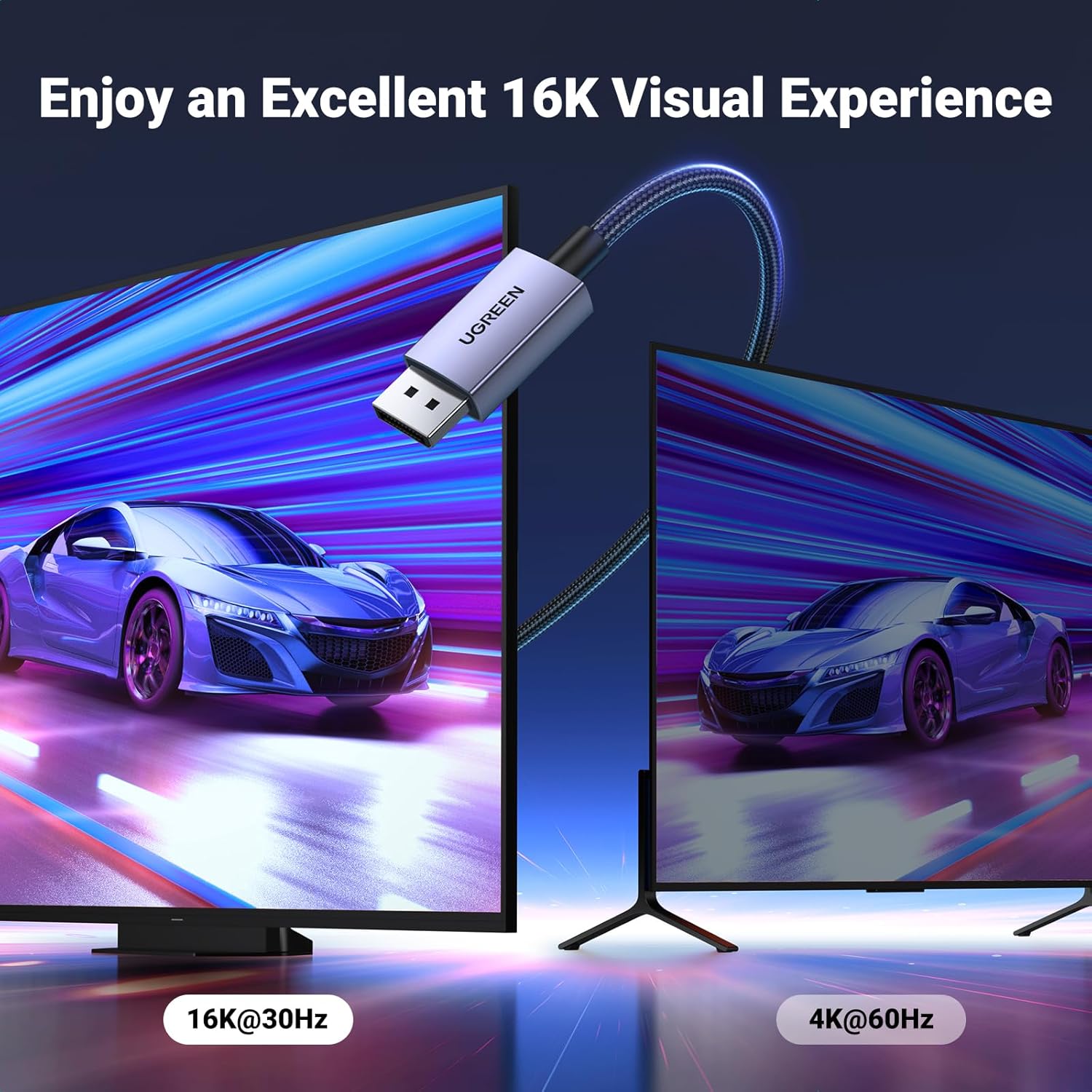
- Claimed resolution/refresh examples: 16K@30Hz, 8K@240Hz, 4K@240Hz, 1080P@540Hz
- Compression/support mentioned: DSC 1.2a
- Security/content protection mentioned: HDCP 2.2
- HDR mentioned: HDR (and also references Dolby/eARC in the description)
- Backward compatibility: DP 1.4 / 1.3 / 1.2
- Features mentioned for signal integrity: FEC (forward error correction), UHBR10
- Gaming sync support mentioned: FreeSync and G-Sync
- Construction: 28AWG tinned copper with shielding, nylon braided jacket
- Cable length: 16FT
What matters most before you buy
Before you assume you’ll instantly hit the highest refresh/resolution listed, check compatibility on both ends:
- Your monitor’s supported DisplayPort version and supported modes.
- Your GPU’s DisplayPort output capabilities.
- Whether the specific refresh/resolution you want is actually available on your monitor.
Also, this cable is described as suitable for MST (Multi-Stream Transport) for connecting multiple monitors. If you’re planning a multi-monitor layout, it’s still worth confirming your specific GPU + monitor combination supports MST in the way you need.
If you want a simple “connect it and forget it” cable for basic 1080p/standard desktop use, this may be more capability than you need. But if you care about modern high-end refresh targets, HDR, and VRR behavior, it fits the problem you’re trying to solve.
Pros and limitations
What you’ll likely like: - Strong focus on DP 2.1 class performance with a bandwidth figure aimed at high-refresh setups. - Support for HDR, HDCP, DSC 1.2a (as listed), and VRR features for gaming. - Braided jacket and shielding details that suggest better durability and EMI resistance than bargain cables.
Where it may not be the best match: - The headline modes (like 8K@240Hz) depend heavily on your monitor and GPU actually supporting those exact settings. - Dual-screen and MST claims are promising, but you’ll still want to verify the setup details on your specific gear.
So yes, it’s built for serious display setups—but it won’t magically unlock features your display chain can’t deliver.
Who it’s for (and who should skip it)
It makes sense if you’re building a gaming-oriented workstation or high-end entertainment PC, especially with a DisplayPort monitor where you want smoother motion and modern video features.
You may want to skip it if you only need a basic DisplayPort connection for everyday browsing/office use, or if you already know your gear won’t support the higher refresh/resolution targets you’re looking at.
FAQ
Does this support HDR and modern protection features?
The description says it supports HDR and mentions HDCP 2.2.
Will it work with older DisplayPort devices?
It’s described as backward compatible with DisplayPort 1.4, 1.3, and 1.2.
Is it good for gaming monitors?
The listing explicitly calls out FreeSync and G-Sync support and frames it as optimized for game enthusiasts.
Can it help with multiple monitors?
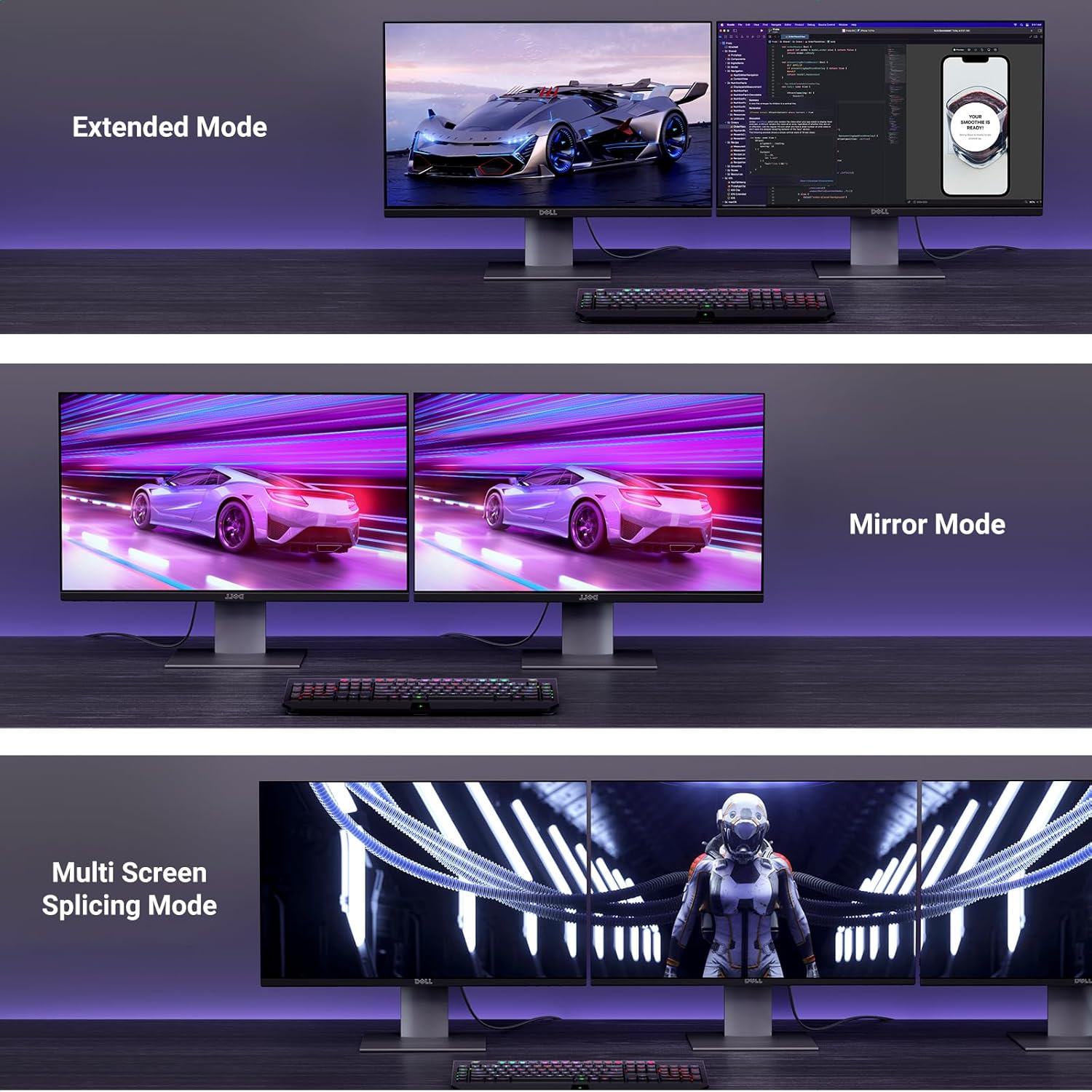
The description mentions MST support for connecting multiple monitors, plus dual-screen support. For best results, confirm MST works with your specific monitor/GPU combination.
Is it worth it?
Buy it if your setup is aiming for high-refresh DisplayPort gaming or high-resolution viewing, and you want a DP 2.1 cable with the listed support for HDR/HDCP, DSC 1.2a, and VRR (FreeSync/G-Sync) features. The braided, shielded build is also the kind of practical durability you appreciate when cables get moved or routed often.
Don’t overthink it—just don’t assume it will automatically deliver every headline mode. If your monitor and GPU can’t run the specific refresh/resolution targets you care about, you’ll feel like you paid for more than you can use. For everything else, it’s a well-aimed DisplayPort cable for people who actually care about what happens on-screen, not just whether a cable “works.”