

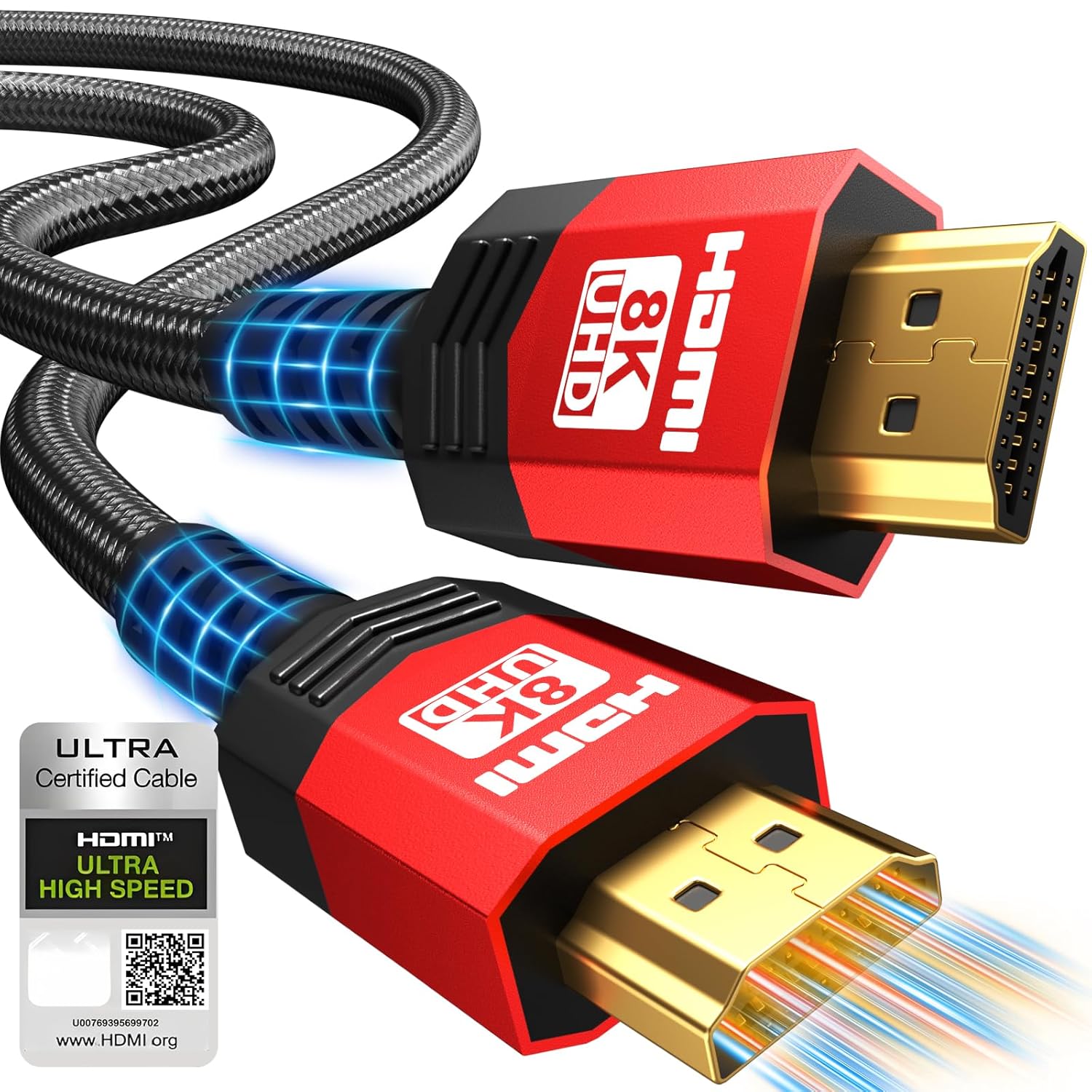
Adrenenjoyer Fiber Optic HDMI 2.1 Cable 40FT (48Gbps) with Directional Source-to-Display Setup
Product description
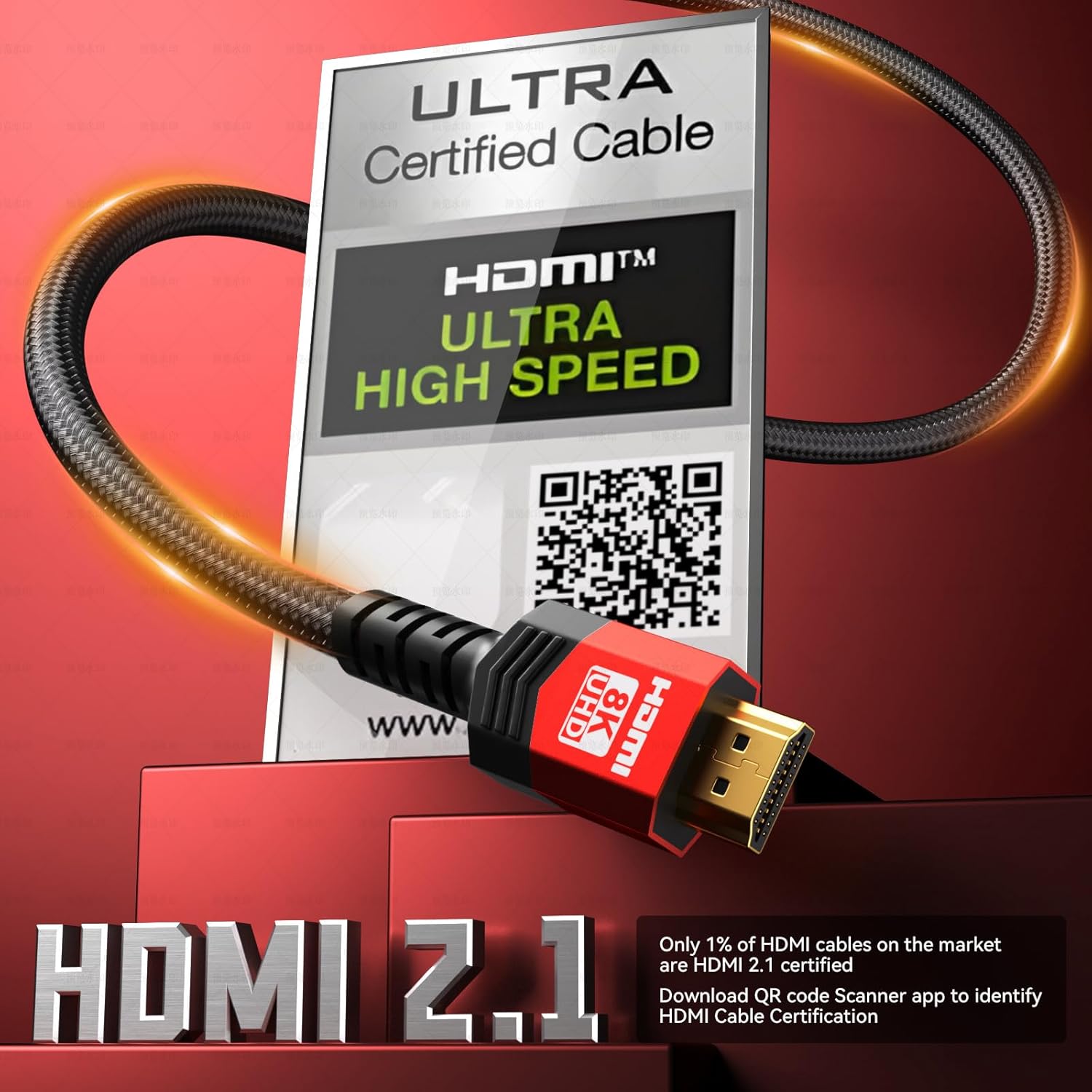
If you’re chasing the sharpest look for fast gaming or you just want your home theater to stop “almost working,” an HDMI 2.1 cable like this Adrenenjoyer Fiber Optic Fiber HDMI 2.1 option is designed for that job. On paper, it’s built around 48Gbps ultra high speed and HDMI 2.1 features like VRR, ALLM, eARC, and HDCP 2.2/2.3—exactly the kind of checklist people want when they’re trying to match a modern console, PC, or TV’s capabilities.
That said, it’s not perfect for everyone. The big practical catch is directionality (more on that below). If you tend to loosely cable-manage without paying attention to “Source” vs “Display,” you’ll want to slow down before buying.
The essentials
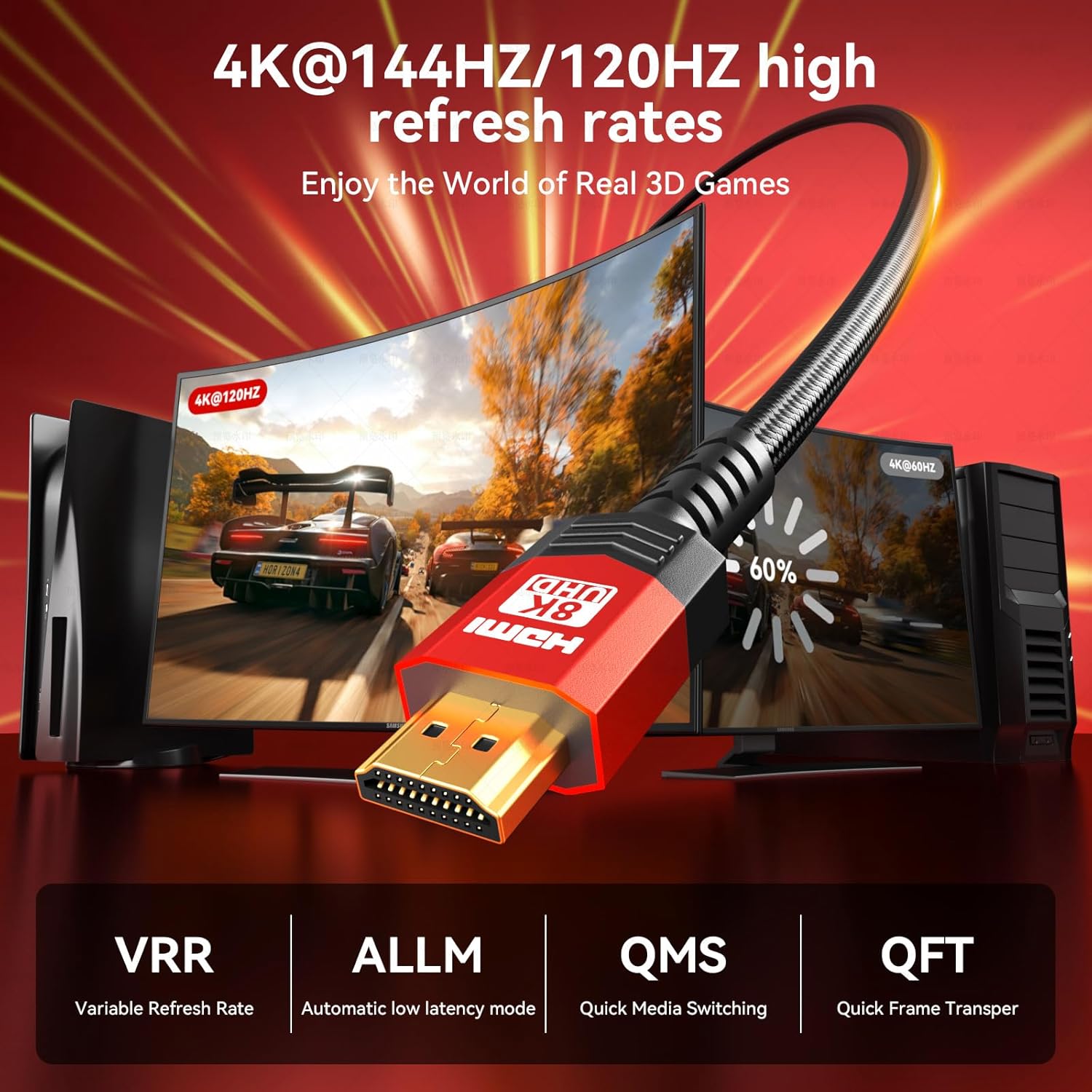
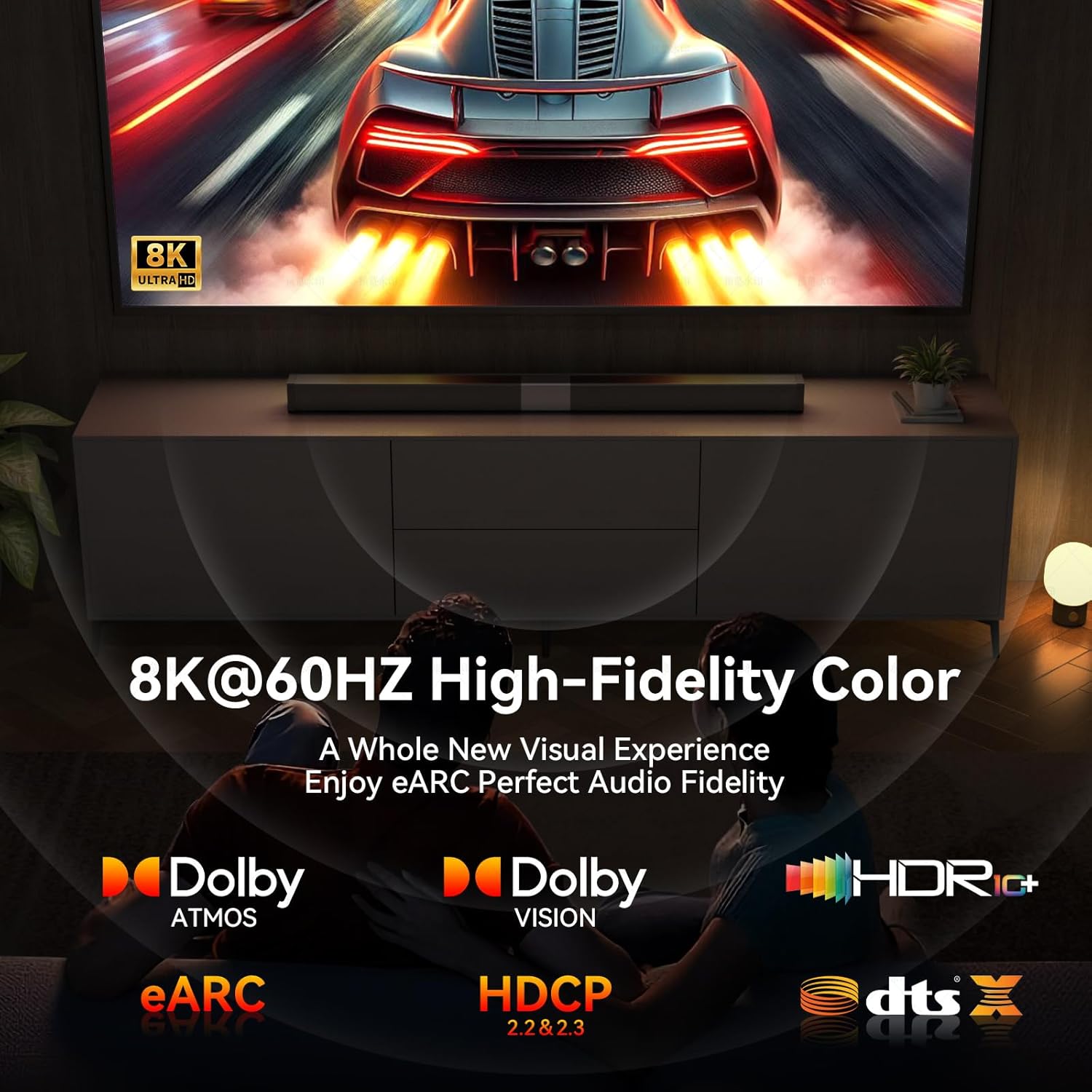
This is a 40-foot HDMI 2.1 cable positioned as a high-bandwidth, low-latency run meant to support demanding video and audio setups. The listing highlights 48Gbps speed with support for up to 8K@60Hz and 4K at higher refresh rates (including 120Hz/144Hz), plus gaming-oriented tech like VRR and ALLM. For audio, the pitch centers on eARC for enhanced return audio and object-based sound formats such as Dolby Atmos and DTS:X.
In everyday use, it’s the kind of cable that makes sense when you don’t want to babysit your TV settings or wonder whether the link is actually strong enough for the refresh rate you selected.
What you’ll notice day to day
For gaming, the promise is speed and smoothness: the cable is described as ultra-low latency (listed as under 10ms) and pairing it with a compatible device is meant to help reduce stuttering and screen tearing. VRR and ALLM are the supporting cast here—so if your TV and console both support those functions, you’re more likely to get stable motion handling rather than “works, but not quite right.”
For movie nights, the value shifts. You’re not just sending video—you’re also expecting eARC audio to carry richer, object-based sound. The listing also claims lip-sync issues are minimized, which is the kind of real-world irritation people notice immediately when audio and video drift.
A small micro-example: imagine moving your PS5 or Xbox to a TV setup where the console’s picture mode is set to high refresh, then launching a fast scene. If everything in the chain supports VRR/ALLM and the cable is doing its part, the motion tends to feel more locked-in. If it doesn’t, you’ll usually notice it right away through judder, tearing, or settings being forced lower.
Key points to know before buying
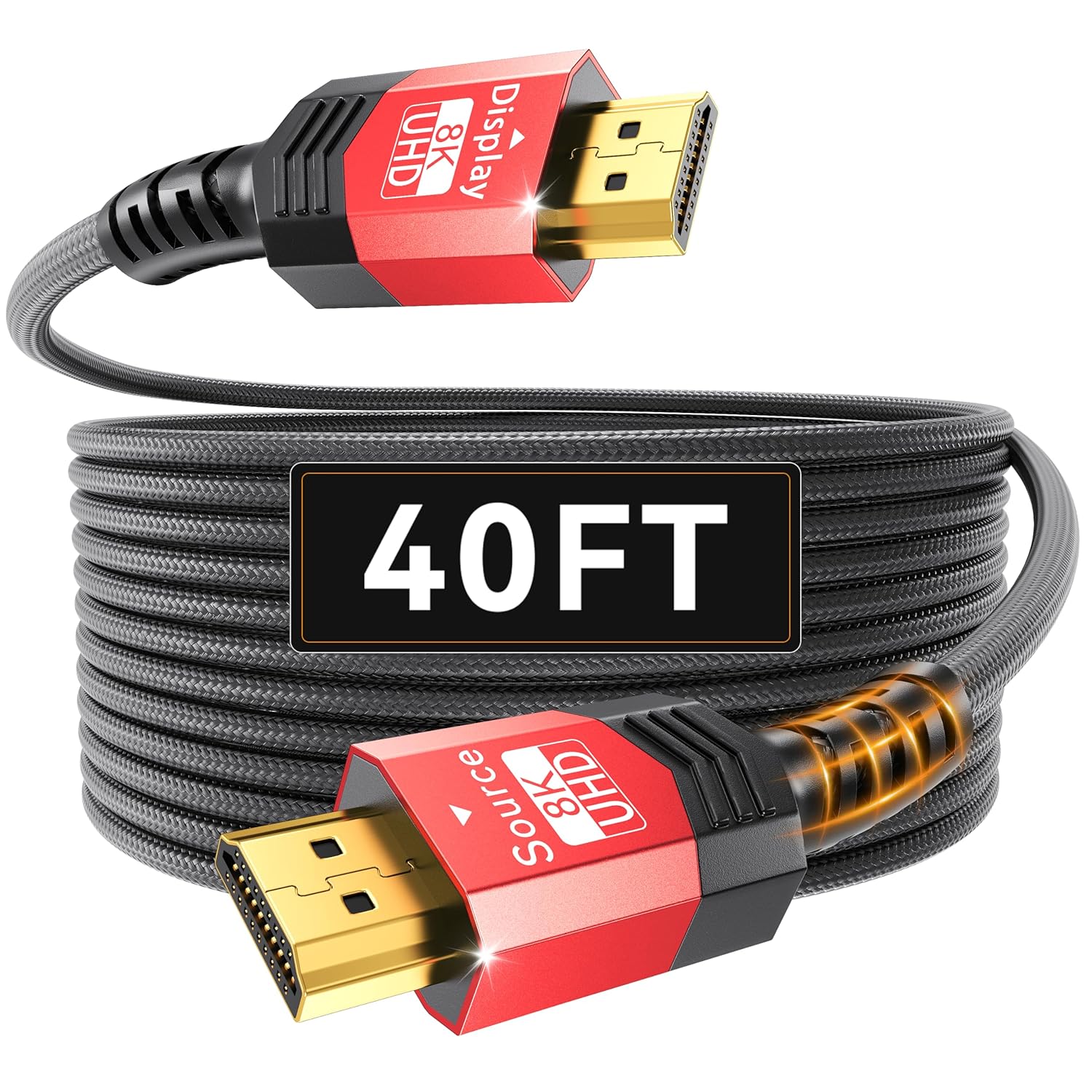
This cable includes directionality, and that matters. The interface labeled “Source” needs to go to the input/source device (examples provided include a player, PS, Xbox, AV receiver). The “Display” side must go to the display device (computer, HD TV). If you reverse it, the display device will not work.
Also note the cable length: 40 feet is a long run, and long runs can be where cheaper HDMI cables start to show their limits. This one is marketed to avoid that problem by targeting HDMI 2.1 bandwidth and performance.
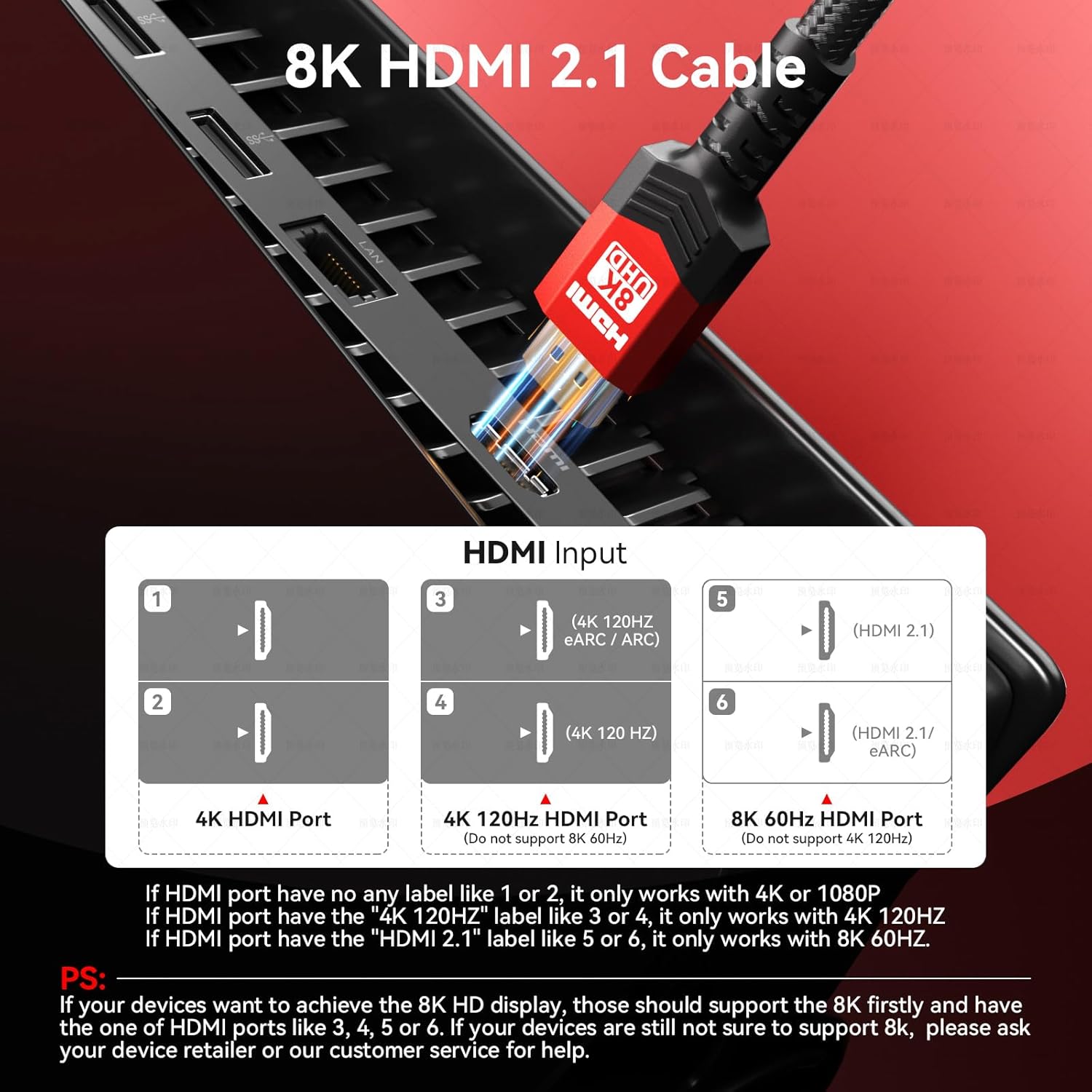
Finally, it’s backward compatible with HDMI 2.0a/2.0b per the listing, so you can use it in older setups. Just keep expectations realistic: backward compatibility helps the connection work, but it can’t magically turn an older display or source into a full HDMI 2.1 experience.
Where it shines (and where it may not)
Where it shines: - You want a long HDMI 2.1 run (40 feet) without giving up on modern features like VRR/ALLM and eARC. - Your setup includes a newer console/PC and a compatible TV or monitor, and you care about higher refresh behavior. - You’re using more than video—soundbar or TV audio that relies on eARC is part of your chain.
Not the best choice if: - You don’t want to deal with directionality. If you regularly rearrange cables or you’re likely to plug it in “the convenient way,” this could become frustrating quickly. - Your devices don’t support the features you’re buying for. If your TV/receiver chain can’t take advantage of VRR/ALLM, the cable may still function, but you won’t feel the main benefits.
Tech specs
- Name: Adrenenjoyer Fiber Optic HDMI 2.1 Cable 40FT
- Type: HDMI 2.1
- Format: Uni-directional fiber optic HDMI cable (directionality required)
- Size: 40 ft
- Capacity: 48Gbps ultra high speed
- Refresh rate: Support up to 8K@60Hz, 4K@120Hz/144Hz (as stated)
- Supported copy protection: HDCP 2.2 & HDCP 2.3 (as stated)
- Audio return: eARC supported (as stated)
- HDR support: HDR10 (as stated)
Care & maintenance
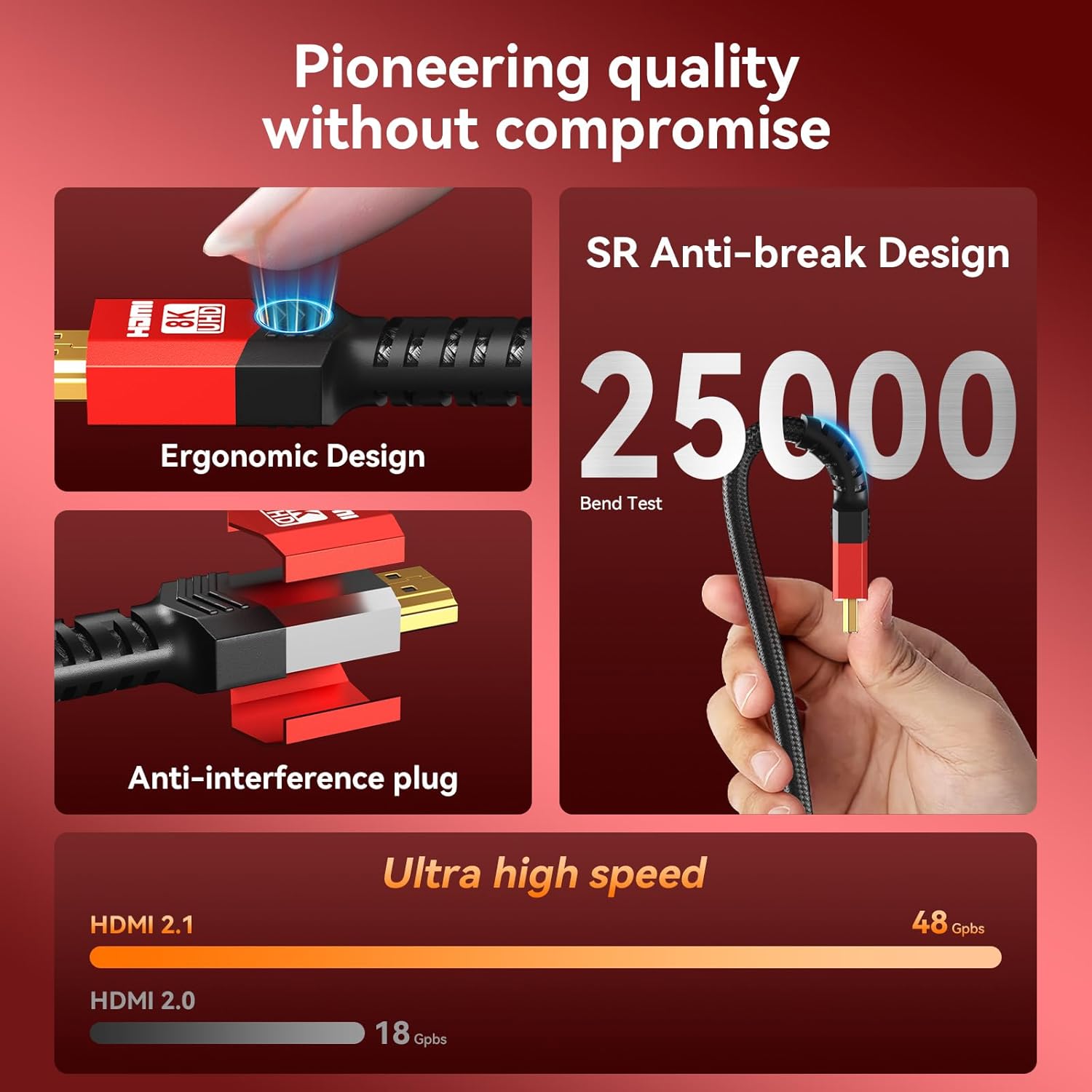
This cable is described as heavy-duty and flexible, with dual-layer mesh wrapping and nylon braiding for protection, plus reinforcement in the structure. The listing also mentions it has undergone bend testing (25,000 bend tests). Practically, that means it’s built to handle normal household routing better than ultra-thin cables—but you’ll still get the best results by avoiding sharp kinks and keeping strain off the connector ends.
Included in the package
The provided information doesn’t specify what’s included beyond the cable itself. If you want extras like adapters or mounting hardware, it’s worth checking the listing details before ordering.
Is it worth it?
Buy it if your goal is a true HDMI 2.1 setup over a long 40-foot run—especially for gaming where VRR/ALLM and higher refresh modes matter, and for home audio where eARC and object-based formats are part of the experience.
Skip it if you’re the type who plugs and unplugs frequently without tracking “Source” vs “Display.” The directionality requirement is the one limitation that can ruin the experience quickly if you don’t follow it.
A solid rule: if your source device and display device are both modern enough to use HDMI 2.1 features, this cable is the kind of purchase that keeps your settings from getting throttled or mismatched.
Quick answers
Does it work with older HDMI devices? The listing says it’s backward compatible with HDMI 2.0a/2.0b.
Is the 40-foot length a problem for signal quality? It’s marketed as ultra high speed (48Gbps) and designed for long-distance use, but your real-world outcome still depends on device support.
What does directionality mean here? You must connect the “Source” side to your input/source device and the “Display” side to your TV/monitor. Reversing it can prevent the display from working.
Is this cable only for gaming? No. The listing also emphasizes movie-night use with HDR10 and eARC audio support.
Should I pick this if I’m not using VRR/ALLM or eARC? If you’re not using those features, the cable may still function, but it’s harder to justify paying for capabilities you won’t notice.