

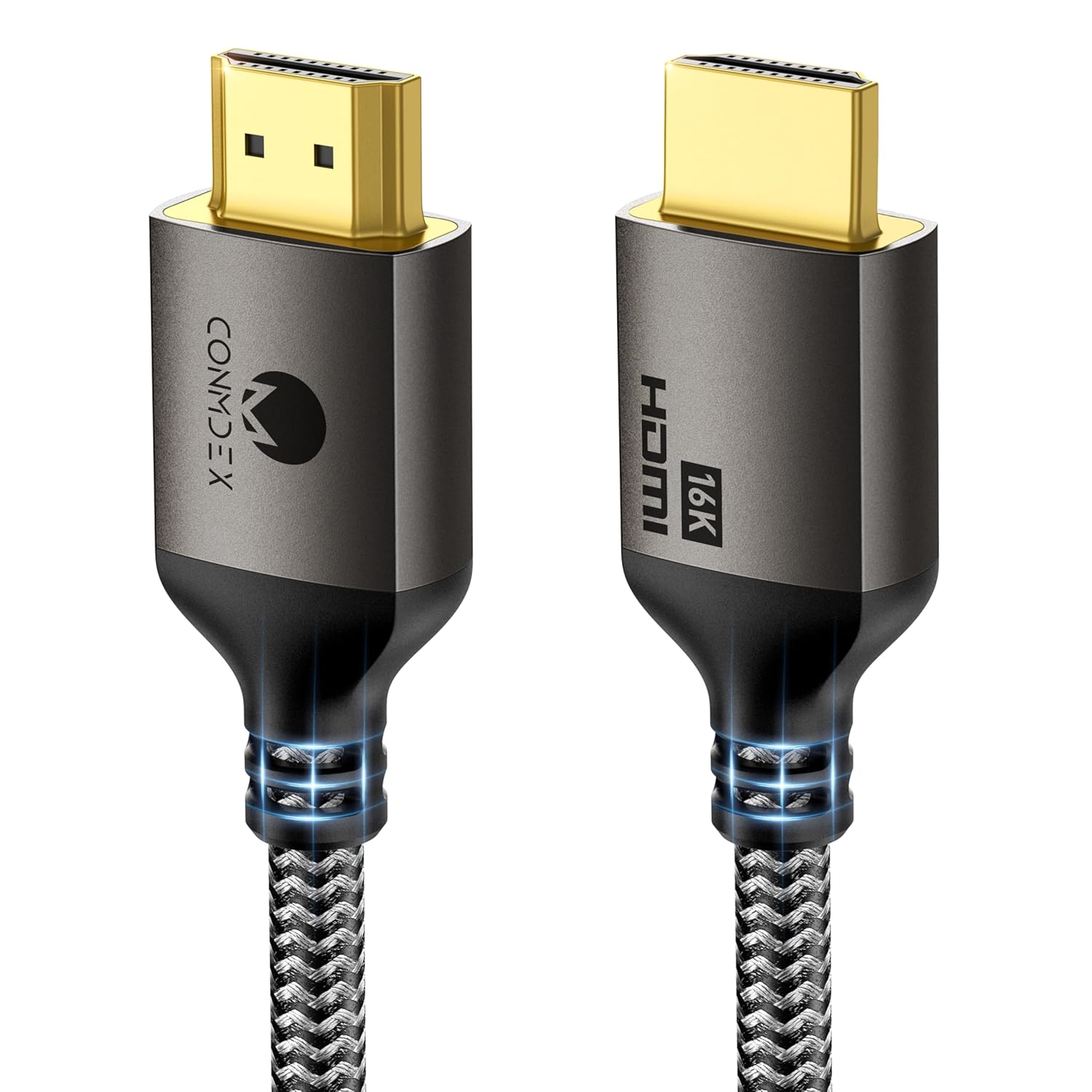
CONMDEX 16K HDMI 2.2 Cable (3.3ft) — 8K@120Hz, 4K@240Hz, eARC, HDR & VRR Support
Product description
If your HDMI setup has ever produced a blackout, flicker, or a VRR signal that just… drops, you already know how annoying “it should work” can be. The CONMDEX 16K HDMI 2.2 Cable is built around the idea that stability matters more than flashy specs.
This is a short 3.3ft cable designed for high-bandwidth video and audio paths, with support called out for eARC, HDR (including HDR10+ / Dynamic HDR), and gaming-focused features like VRR and high refresh rates. Over the paper, it’s aimed at setups where sustained bandwidth and fast signaling can stress cheaper cables.
The essentials: what this HDMI cable is designed to do
CONMDEX positions this HDMI 2.2 cable as a reliability fix for common HDMI instability problems—specifically issues like screen blackouts, flickering, and VRR signal drops. Instead of being a “cosmetic upgrade,” it’s meant to keep the connection steady under load.
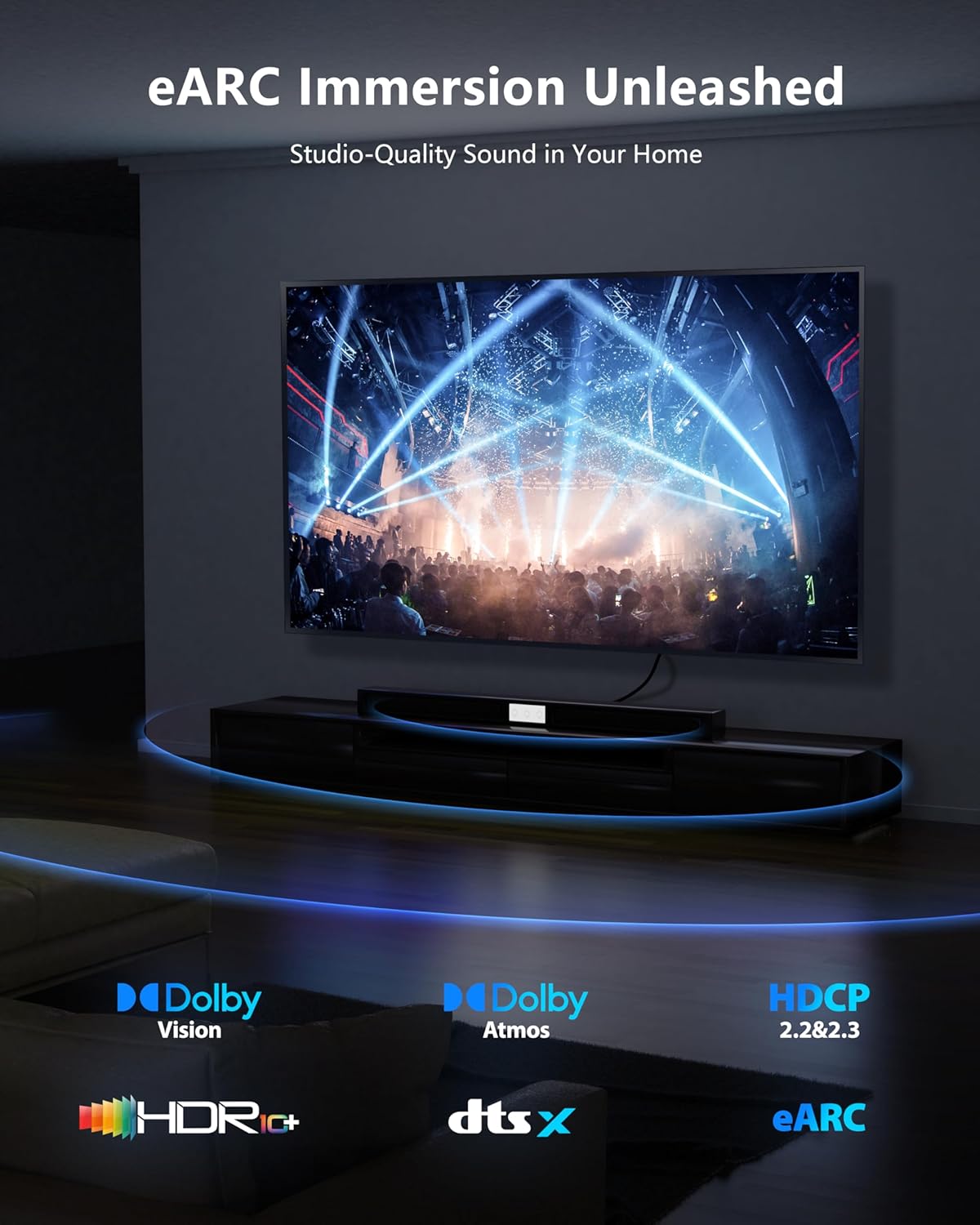
On top of that, it explicitly targets audio reliability with eARC and high-bitrate audio formats such as Dolby Atmos and DTS:X. For home theater setups that rely on soundbars, the pitch is that fewer connection hiccups should mean fewer audio dropouts and less lip-sync trouble.
Key points: where it tends to help most
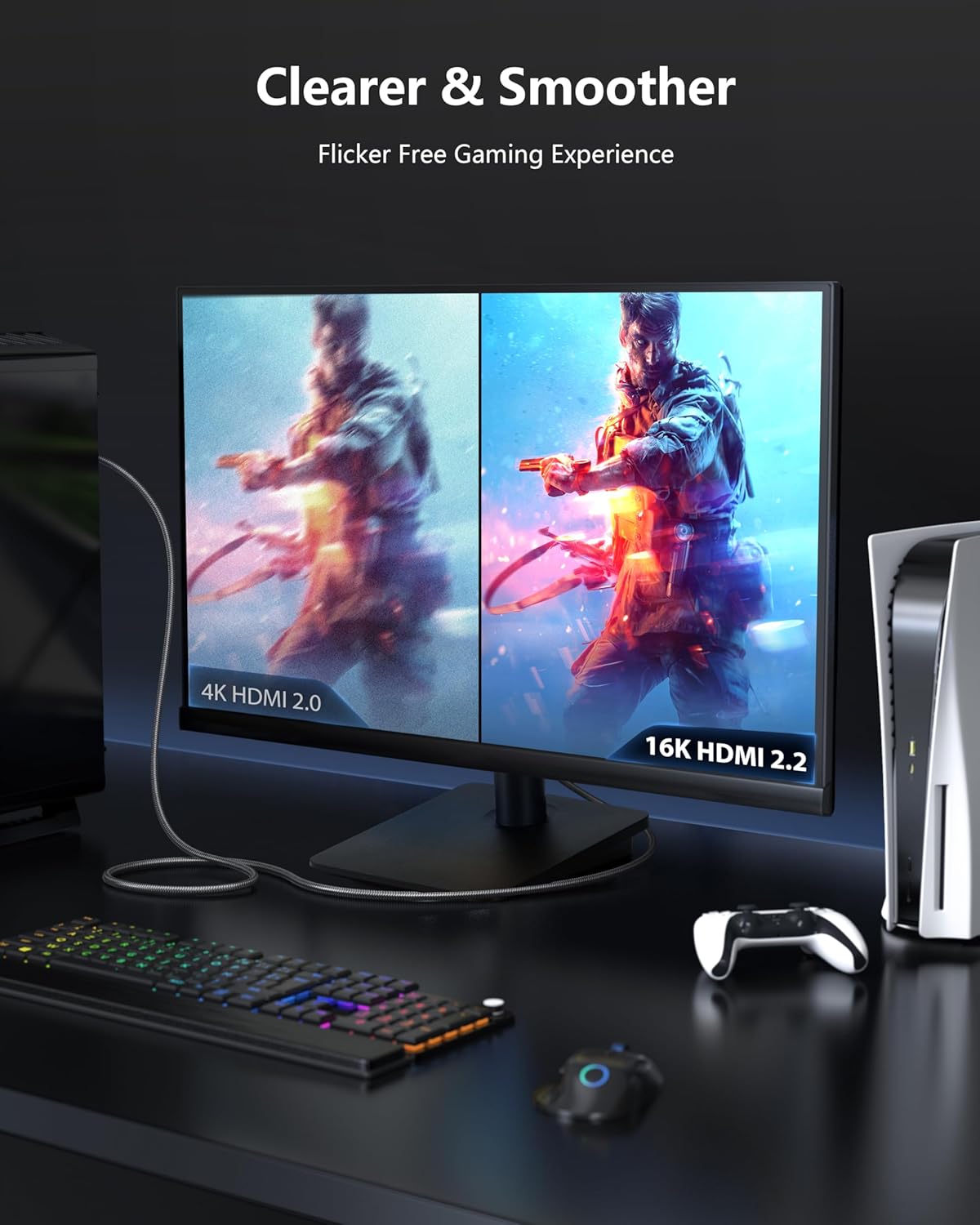
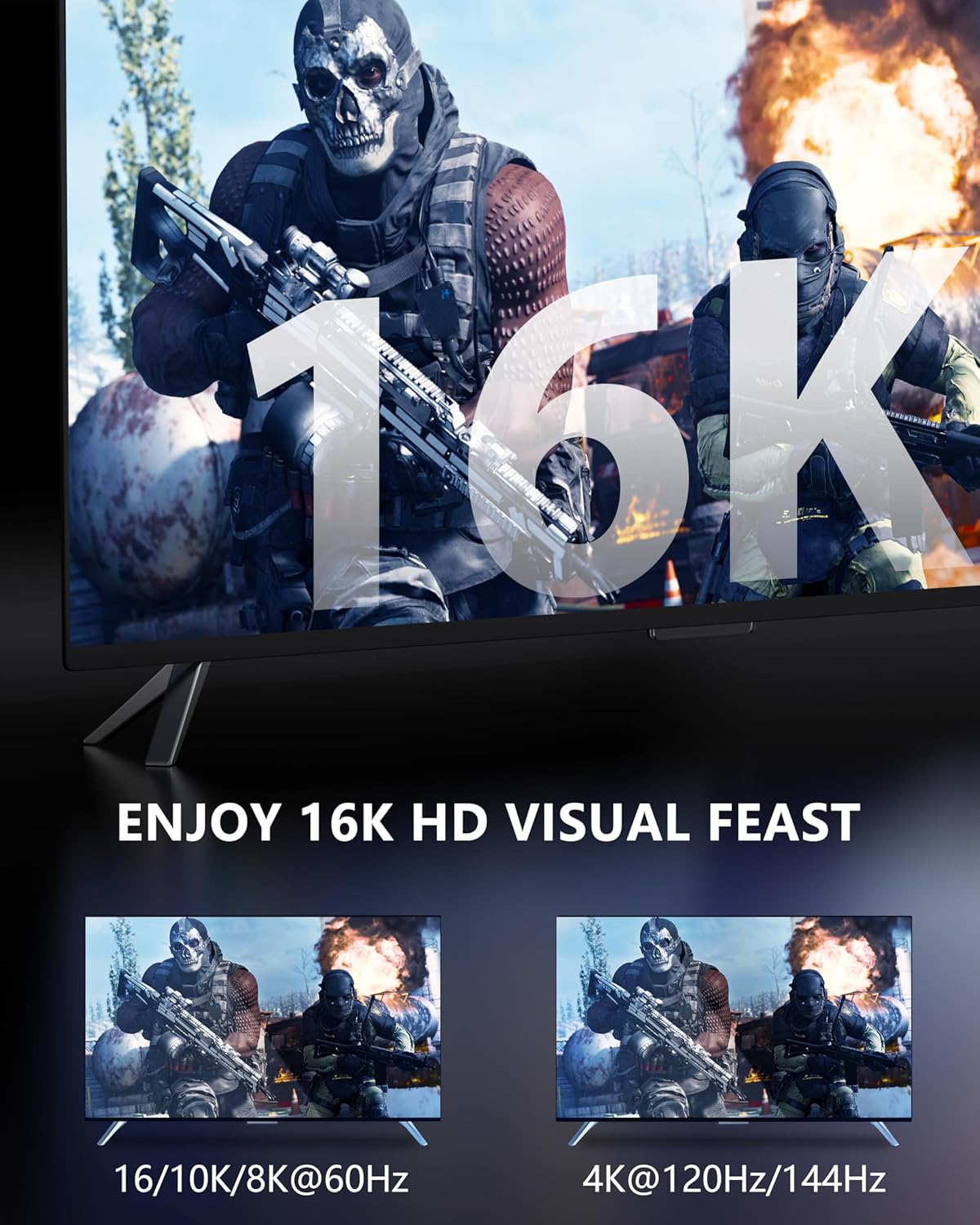
The most practical reason to consider a cable like this is when your system is already pushing bandwidth and timing. The product description calls out gaming and next-gen media use—things like 4K@120Hz and 8K@60Hz, plus support for high refresh rates and VRR.
You’ll likely notice the value if your current cable setup feels “fragile” when you crank settings—like when motion scenes look a bit unstable, or when VRR-enabled displays don’t stay locked as reliably as you’d expect. A more stable HDMI handshake and sustained signal are the core theme here.
That said, no cable can magically remove every cause of HDMI troubles. If the issue is actually the port, the device’s settings, or a compatibility/handshake quirk on a specific device chain, you may still need to troubleshoot beyond swapping the cable.
What you’ll notice in day-to-day use
A concrete way to think about it: imagine a fast-paced game session where you switch between menus and gameplay without changing anything else in the chain. With an unstable link, you might see brief dropouts or momentary signal instability when bandwidth ramps up. This cable is engineered around the opposite goal—keeping that connection consistent during sustained load.
For living-room setups, the “eARC and advanced audio transmission” angle matters when you’re streaming or watching content that uses higher-bitrate audio. If you’ve seen audio cut out or fall out of sync after powering on devices or switching inputs, a more consistent HDMI link is exactly what this cable is targeting.
Technical details that matter for buying decisions
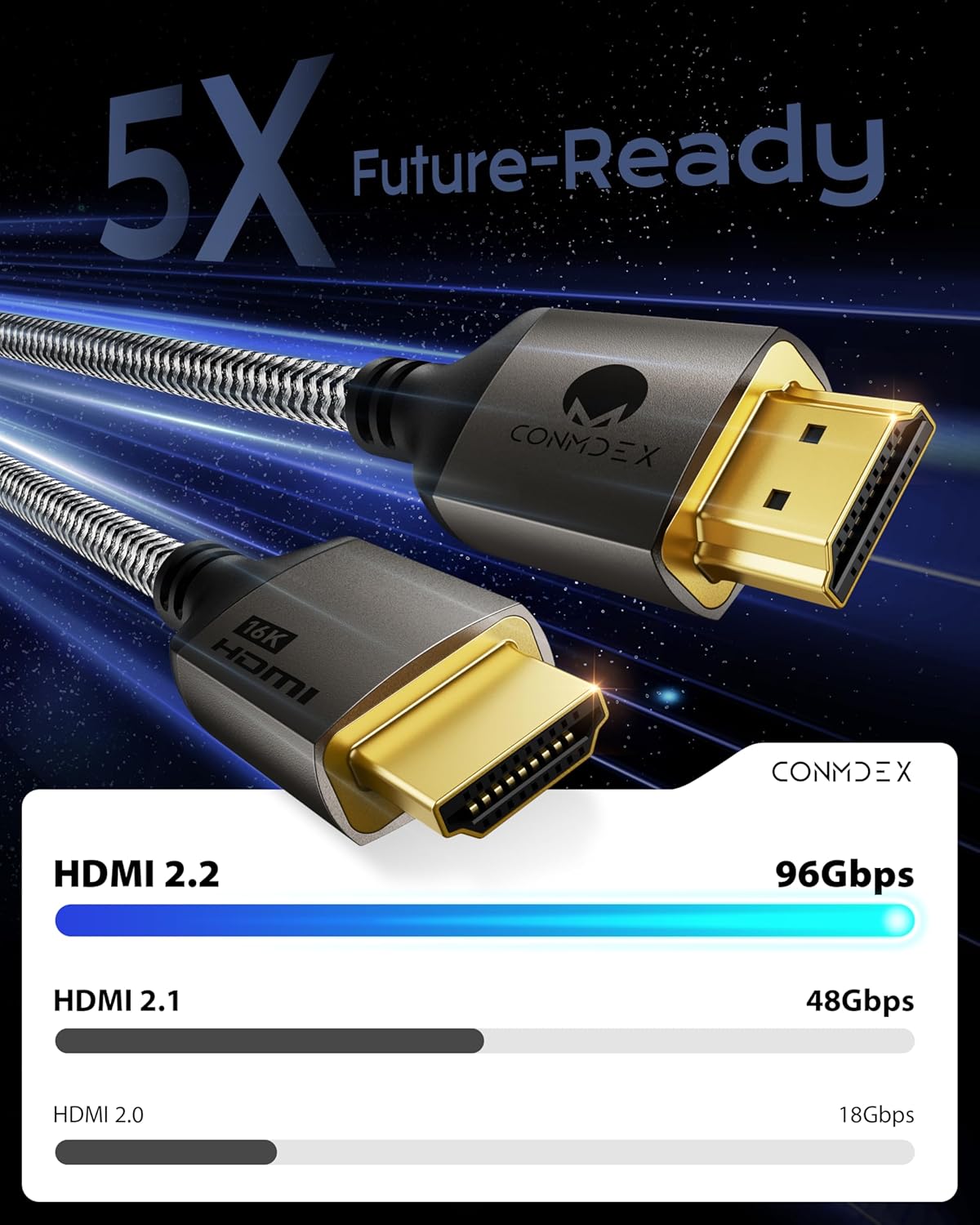
- Type / standard: HDMI 2.2 (with backward compatibility noted for HDMI 2.1, 2.0, and 1.4)
- Bandwidth headroom: 96Gbps headroom (as stated)
- Video support (as stated): 8K@120Hz and 4K@240Hz
- Gaming features (as stated): VRR, ALLM, and 144Hz support
- Audio / eARC (as stated): eARC with support for Dolby Atmos and DTS:X
- HDR support (as stated): HDR10+ and Dynamic HDR (plus HDR support called out broadly)
- Length / form: 3.3ft
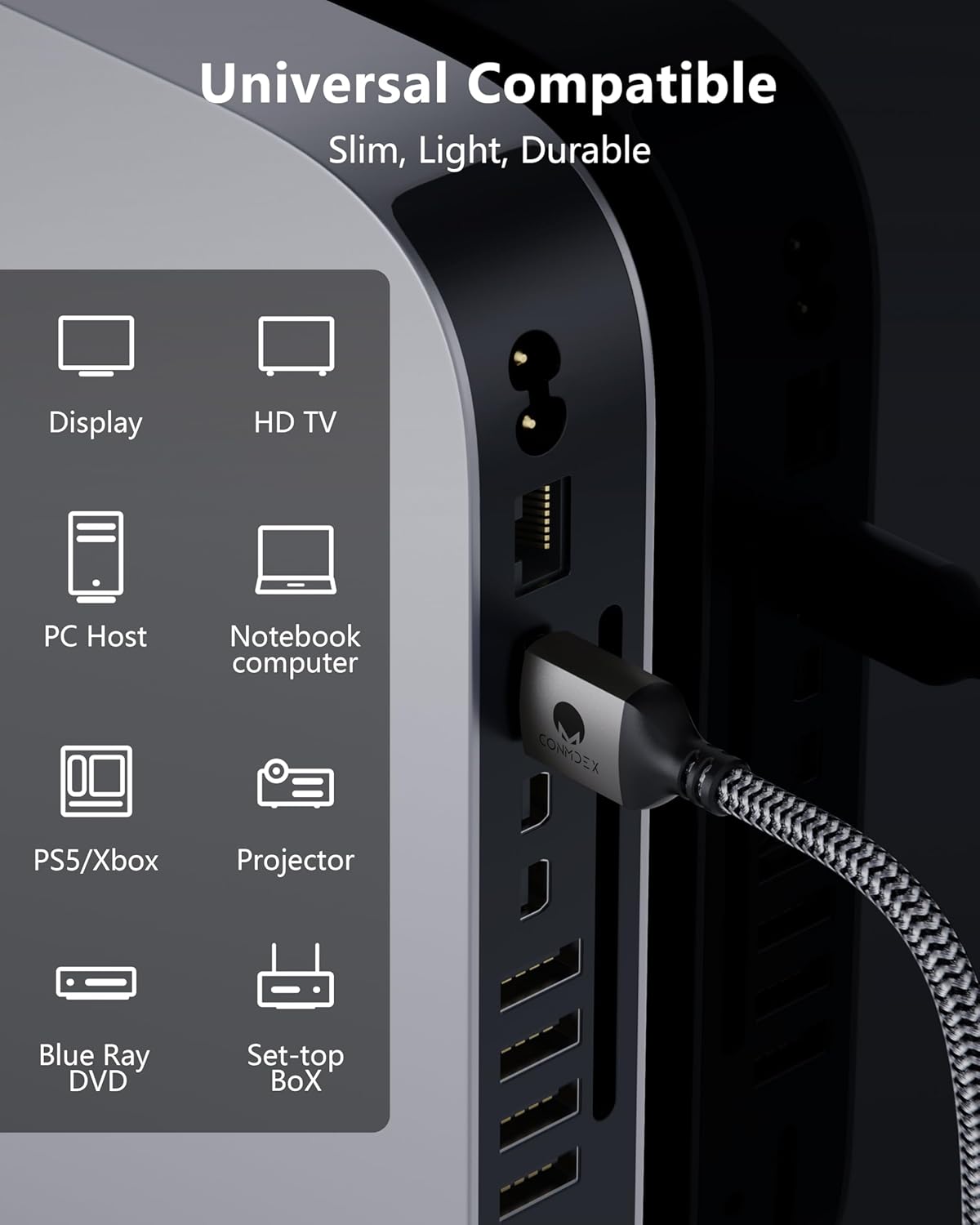
- Built for: gaming consoles, graphics cards, TVs/monitors, and soundbars (based on the product description)
Compatibility & requirements: plug-and-play, but verify your chain
CONMDEX says the cable is “universal plug-and-play” and fully backward compatible with HDMI 2.1, 2.0, and 1.4. That’s helpful if your setup spans older sources plus newer displays.
Still, HDMI reliability is a chain problem. Even if the cable supports the features on paper, it helps to double-check that each device in the route supports the same key behaviors you care about—especially VRR/eARC and the refresh rate/HDR settings you plan to use.
Also, this is a short 3.3ft cable. If your devices sit farther apart, you’ll want to measure first so you don’t end up bending or stretching it uncomfortably.
Where it shines, and where it may not be the best match
Worth considering if you’re seeing instability symptoms like flicker, blackouts, or VRR drops, and you want a cable aimed at sustained high-bandwidth reliability. It also makes sense if you rely on a soundbar and have experienced audio dropouts or lip-sync issues connected to HDMI behavior.
Not the best choice if your goal is purely “better picture quality” in a generic sense. This cable is positioned as a stability and transmission fix for high-load scenarios, not as a casual upgrade for a simple, low-bandwidth setup.
Is it worth it?
The CONMDEX 16K HDMI 2.2 Cable is a sensible pick if you’re shopping for HDMI stability under real stress: higher refresh rates, VRR, HDR, and eARC audio paths. Based on its stated focus, it’s trying to solve the exact kind of problems that show up when you push the HDMI link harder than standard cables handle consistently.
You may want to skip it if your devices aren’t configured for those higher modes, or if your main issue doesn’t appear related to signal stability (for example, a faulty port or a device-side setting mismatch). In that case, you’d be paying for a “premium bandwidth reliability” approach you may not fully use.
Finally, if you’re building a gaming + media chain—console/PC to TV/monitor and then audio to a soundbar—this cable’s eARC and advanced audio support are the details that make it more than just a video-spec swap.
Mini FAQ
Does this HDMI cable support eARC for soundbars?
Yes, the description specifically calls out eARC and advanced audio support including Dolby Atmos and DTS:X.
Is it compatible with older HDMI devices?
It’s described as backward compatible with HDMI 2.1, 2.0, and 1.4.
What video refresh rates does it target?
The product listing calls out support for 8K@120Hz and 4K@240Hz, along with gaming-oriented refresh rate support (including 144Hz as stated).
Will a cable alone fix VRR signal drops?
It’s designed to address VRR signal drops tied to HDMI stability, but if the issue is device/port related, you may still need additional troubleshooting.