

Fibopitcal 8K Fiber Optic HDMI 2.1 Cable 100ft (Directional, 48Gbps) for PS5, Xbox, TV & Projectors
Reviews
Price
Product description
Key takeaways (and the trade-offs)
If you routinely run HDMI longer than the “normal” cable comfort zone, this Fibopitcal 8K Fiber Optic HDMI 2.1 cable is built around that problem. On paper, it focuses on keeping signal quality strong over distance—especially for 4K at high refresh rates and 8K at 60Hz—without the usual worry about copper cable degradation past roughly 15 feet. It’s also designed to avoid interference concerns that often come up in crowded AV setups.
Where it may not be for everyone: fiber HDMI can be a little more “installed-first” than “plug-and-play flexible,” and the directional design means you need to connect the ends correctly (SOURCE to the source device, Display to the TV/monitor). If you’re using a short run, the practical payoff may feel smaller.
What it is and what problem it solves
This is a long HDMI 2.1 cable using fiber optic construction. The main idea is straightforward: let your video/audio travel farther while keeping up performance for modern content and gaming. It’s meant for complex setups where standard copper HDMI runs can become unreliable as distance grows.
A quick micro-scenario: imagine mounting a TV at the far end of a room, with the console or streaming device on a media shelf across the space. With a typical shorter copper run, you might see flickering, handshake issues, or unstable high-bandwidth modes. Over the longer distance, this fiber approach is intended to reduce that “signal slipping” feeling—while also supporting the modern HDMI 2.1 feature set for smoother gameplay and richer picture settings.
Why the 48Gbps / HDMI 2.1 angle matters
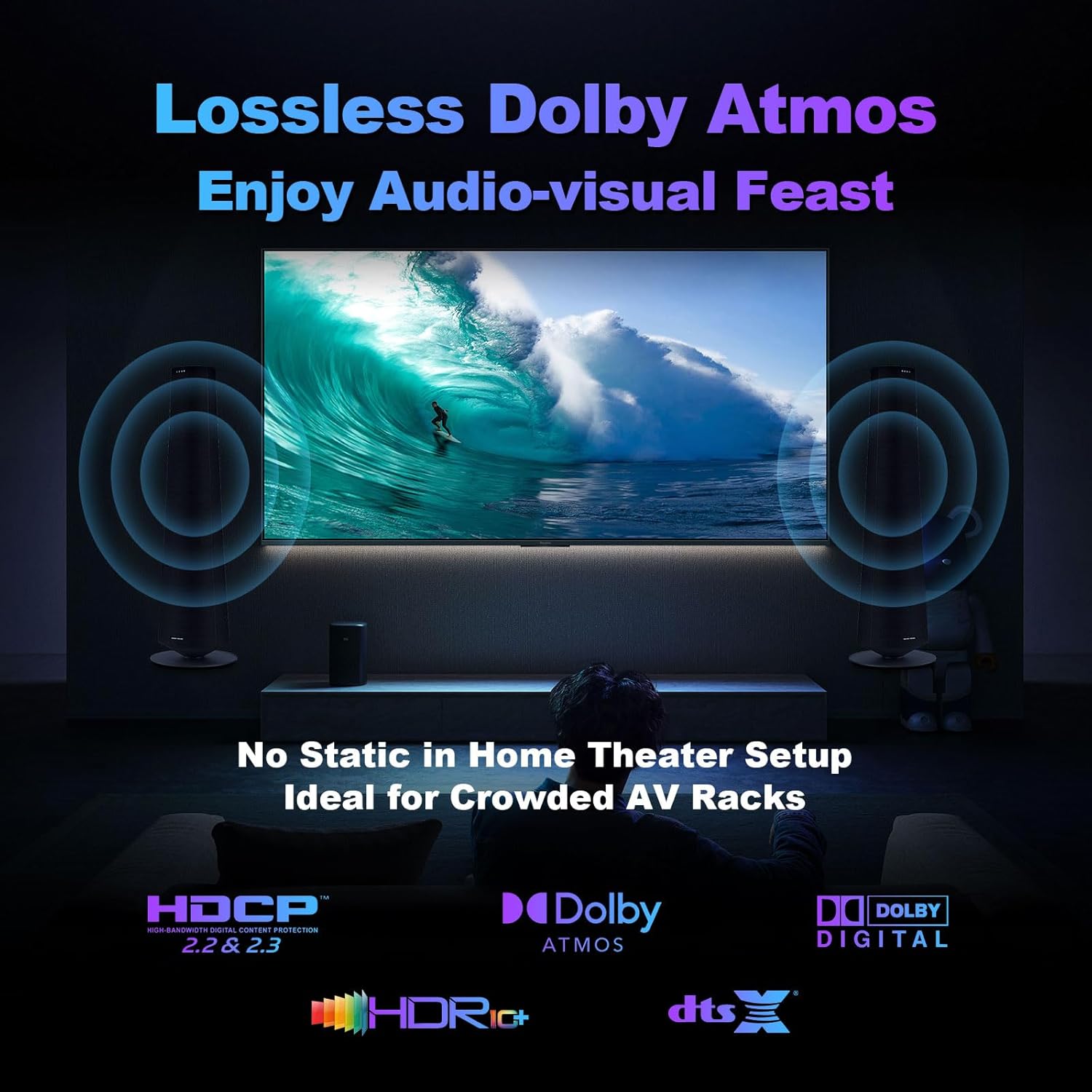
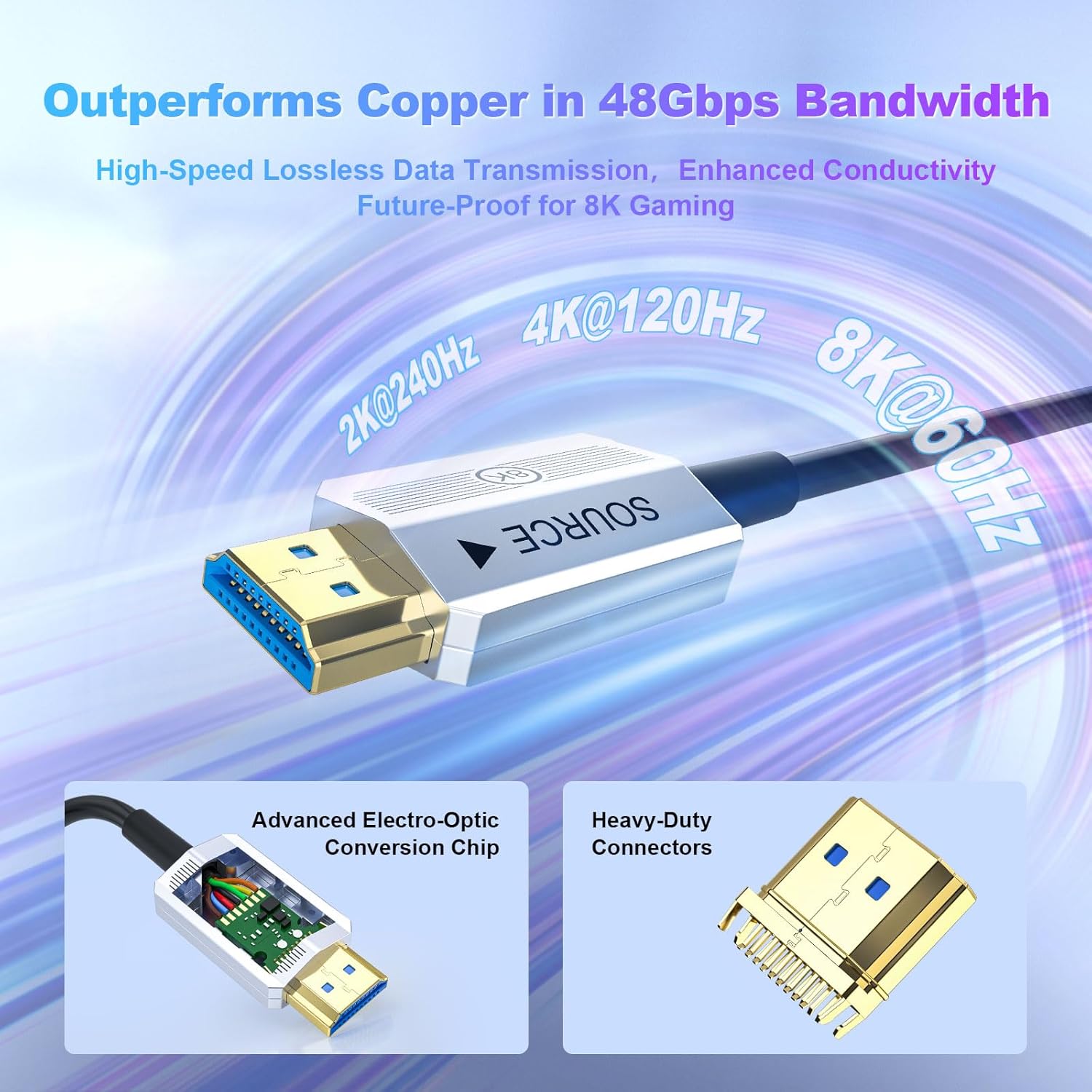
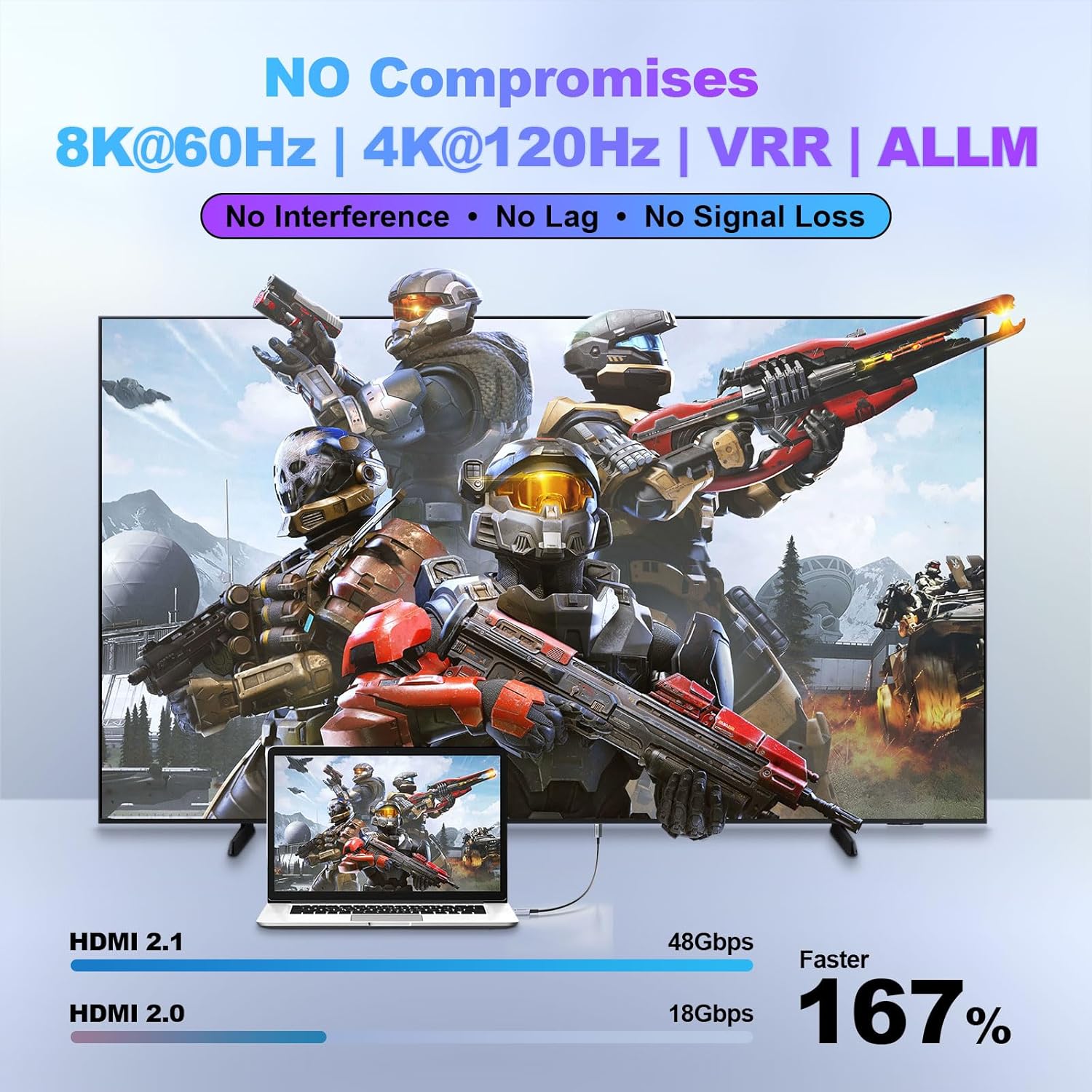
The cable is rated as HDMI 2.1 with 48Gbps bandwidth, with support called out for 8K@60Hz and 4K@120Hz, plus HDR. For buyers, that translates into a simple expectation: if your source and display can do those modes, you shouldn’t have to limit yourself just because the cable is long.
For gaming specifically, the description mentions VRR and ALLM support—two features commonly used to help with motion smoothness and reduce input lag behavior when a console switches into game mode. If you care about next-gen console output (like PS5 / Xbox Series X-class scenarios) and want the cable to keep up, this cable is clearly aiming at that use case.
Directional design: small detail, big practical impact
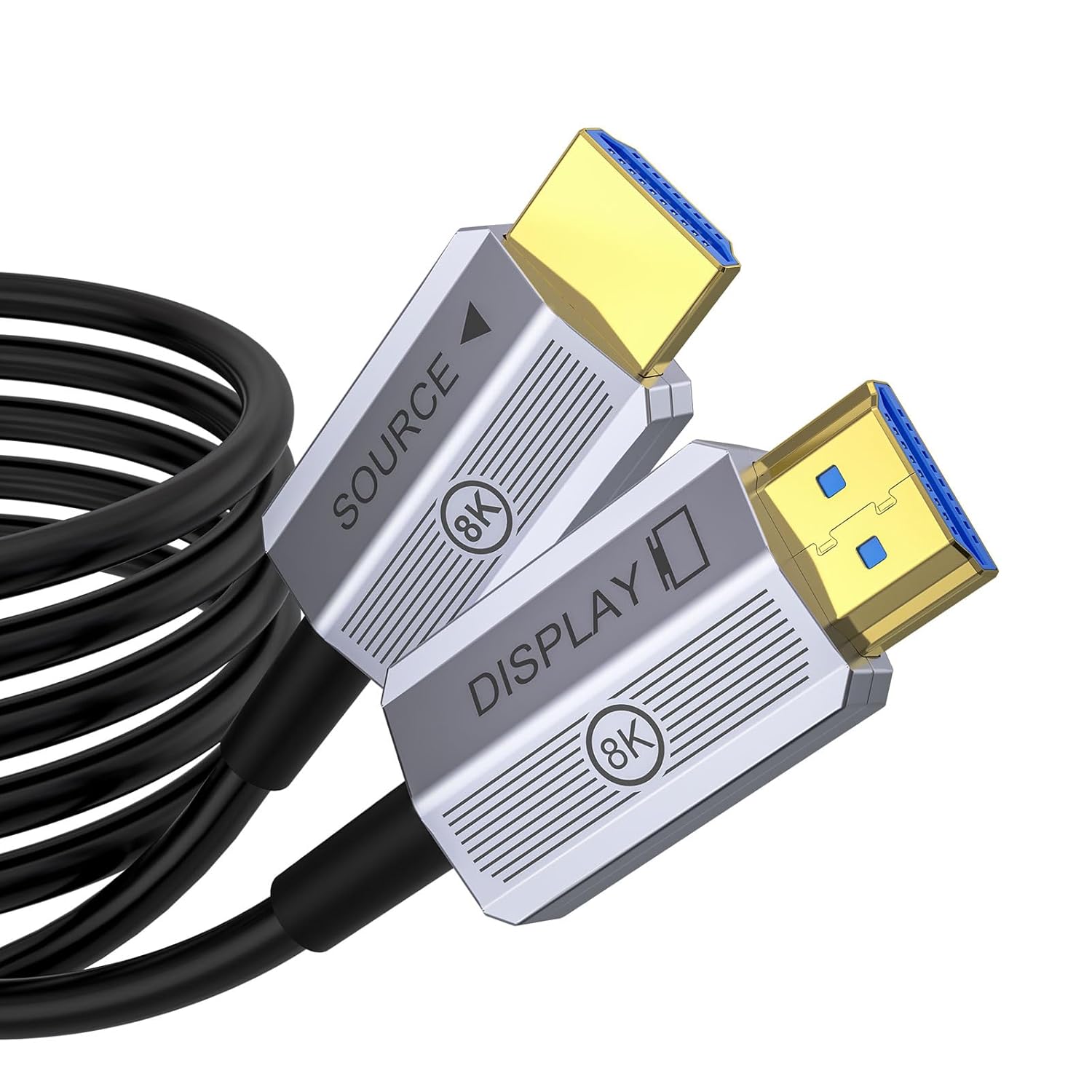
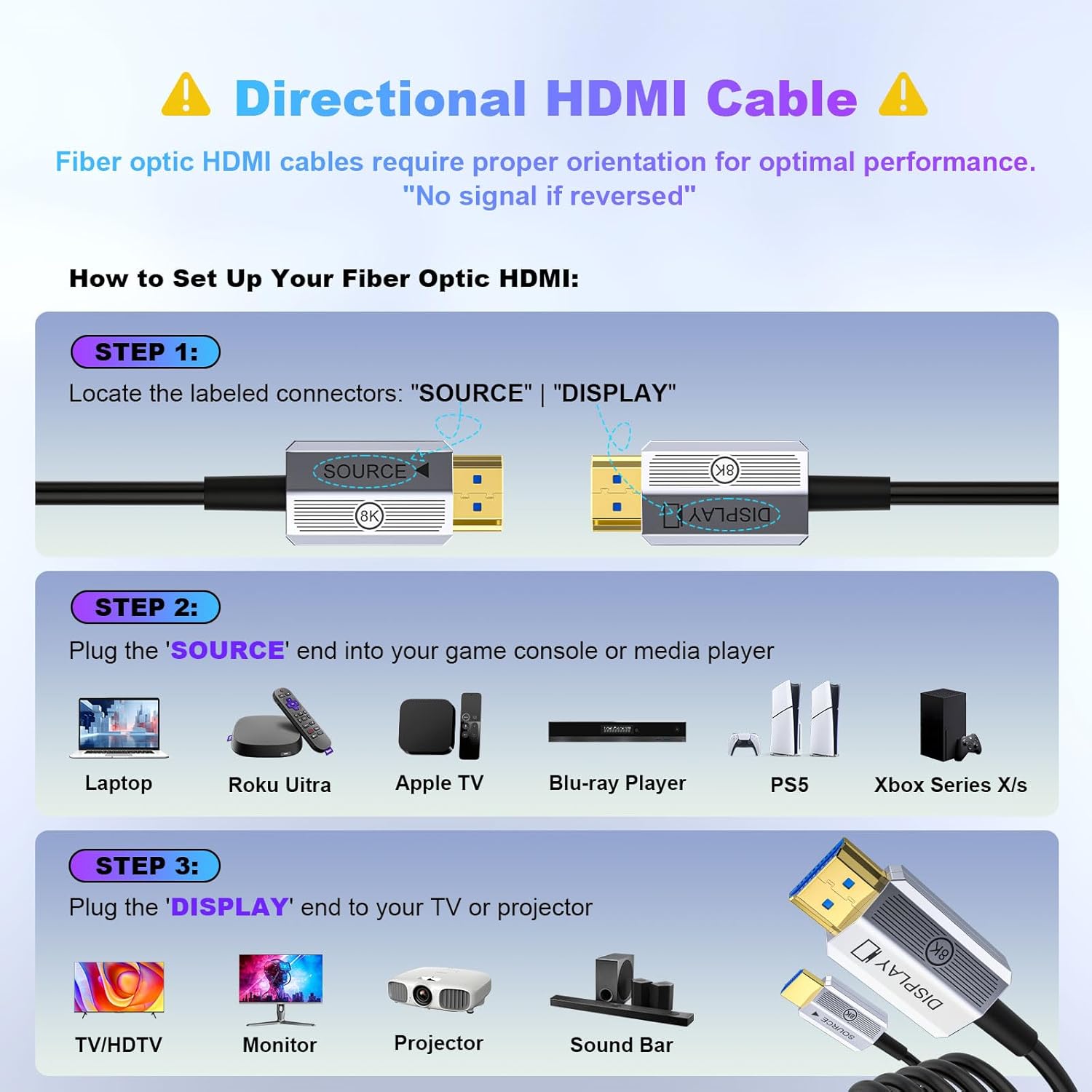
This cable is directional, with clearly marked ends. The SOURCE end is for the player/PC, and the Display end is for the TV/monitor. That’s easy once you know it, but it’s also the kind of detail that can waste time if you plug it in backwards.
Worth noting: if your setup is tight behind a TV or routed through a wall channel, you may want to plan the run first, then connect in the correct order. The “directional” part isn’t a deal-breaker, but it does add a step compared to traditional non-directional HDMI cables.
Interference resistance and AV shelf reality
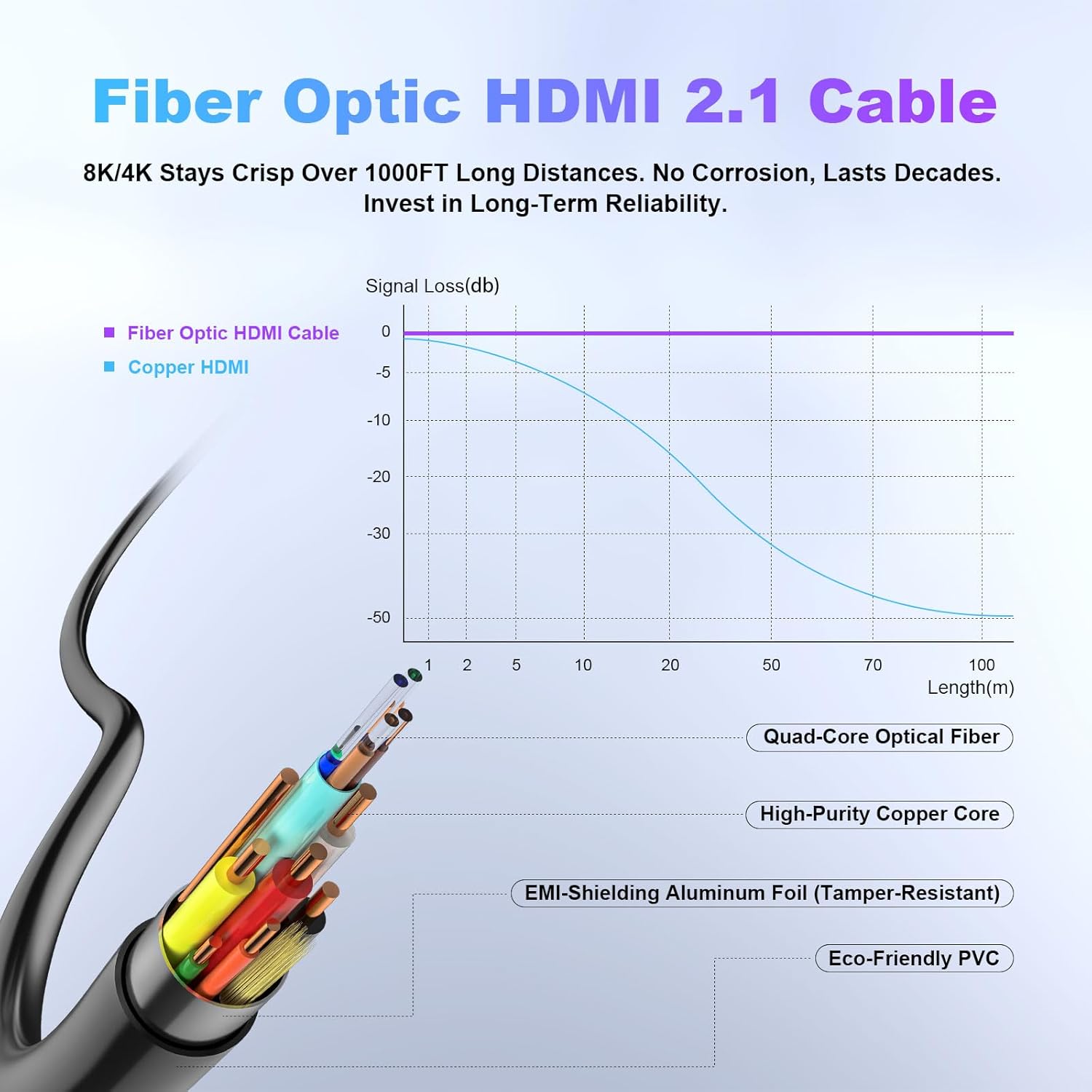
One of the more compelling claims here is that fiber optic construction eliminates EMI/RFI noise concerns that can come from power cables, speakers, or nearby equipment like Wi-Fi routers. In practice, that matters most when you’re building an AV rack with lots of wires—where copper HDMI cables can sit in the same paths as other electronics.
So if you’re managing messy cable routing, or you’re placing the HDMI cable near sources of electrical noise, the fiber approach may be the “less headache” option. It won’t magically fix every compatibility issue (HDMI compatibility still depends on your devices), but it does address a common physical cause of signal problems.
Portability and installation friendliness
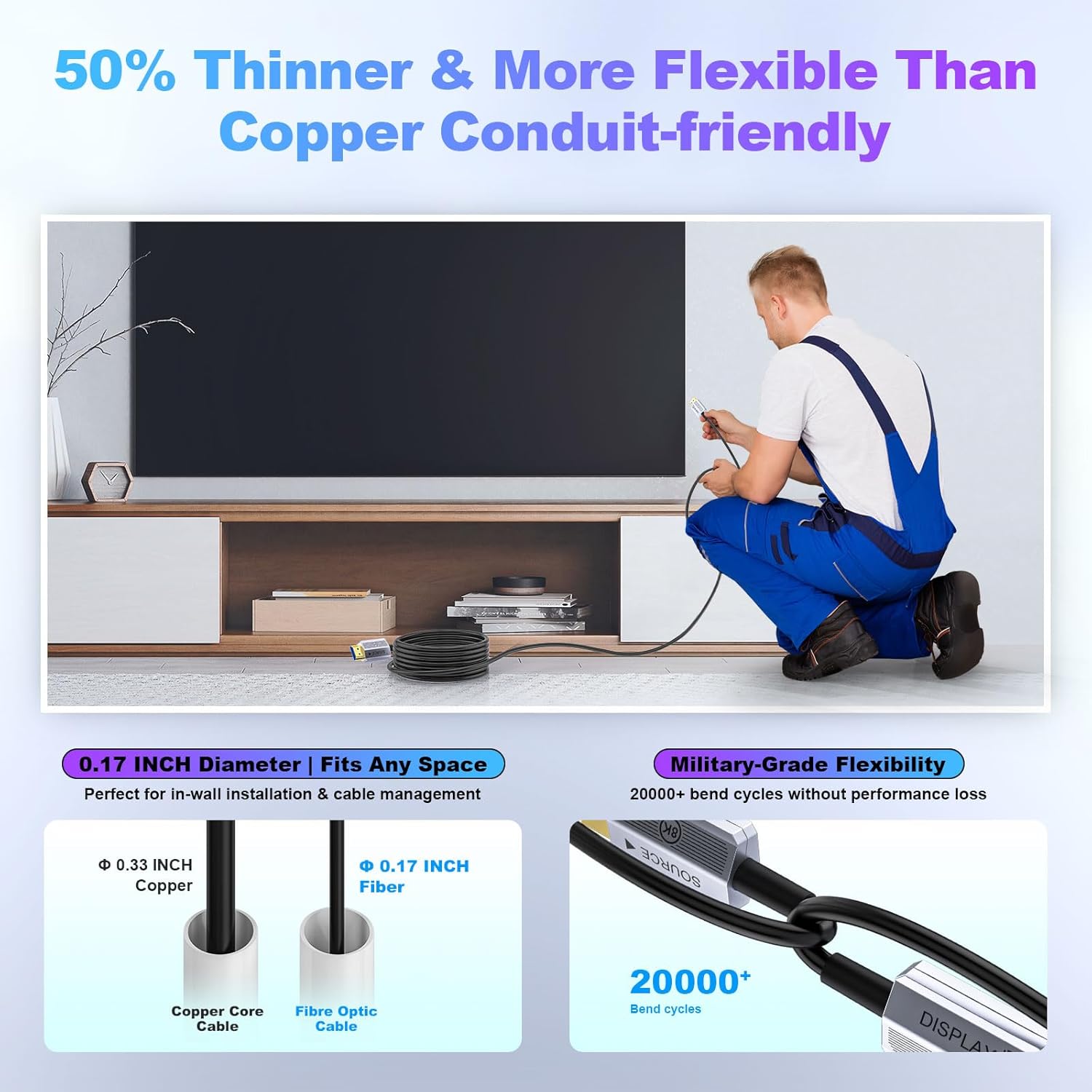
The cable is described as ultra-thin and flexible, with 360° flexibility and a note that it’s about 30% thinner and lighter than copper alternatives. That’s the kind of difference you notice during installation: easier routing in wall conduits, behind TVs, and around tight corners.
If you’re the person who ends up doing the cable management at home—this is where the design seems most practical. Still, keep expectations realistic: long runs plus correct directional orientation means you should treat installation as a “measure twice” job.
Tech specs (what’s actually stated)
- Type: HDMI 2.1 fiber optic cable, directional (SOURCE to Display)
- Length: 100ft
- Bandwidth: 48Gbps
- Video support (as listed): 8K@60Hz, 4K@120Hz
- HDR: Ultra HD HDR (as stated)
- Compatibility examples (as listed): PS5, Xbox Series X / Xbox, TV, monitor, laptop, projector, Blu-ray
Pros and cons before you buy
Pros
- Long-distance focus with support for 4K@120Hz and 8K@60Hz (per the listing)
- HDMI 2.1 bandwidth (48Gbps) aimed at modern high-data modes
- Directional design helps keep the signal path correct, with clearly marked ends
- Fiber-based approach intended to reduce EMI/RFI interference concerns
- Flexible, thin cable design helps with in-wall or behind-TV routing
Cons / limits to consider
- Directional means you must connect SOURCE/Display correctly, doing it backwards can lead to frustration
- It’s a long cable by design—if you only need a short run, you may not get much “value per length” from the fiber approach
- Real-world compatibility still depends on your source and display supporting the modes you care about
Who it suits (and who should skip)
It makes sense if you’re building a long HDMI run for a high-performance setup: console gaming, high-refresh 4K viewing, and home theater scenes where you’d rather not compromise on cable length. It’s also a strong fit if your wiring environment is crowded and interference is a recurring concern.
It might not suit you if your needs are simple and short-range, or if you want a cable for frequent re-plugging without thinking about orientation. In those cases, a shorter standard HDMI setup could be all you need.
FAQs
How do I connect the directional ends?
Connect the “SOURCE” end to the playback device (like a game console, PC, or Blu-ray player) and the “Display” end to the TV, monitor, or projector. The ends are marked, so you shouldn’t have to guess.
Will this automatically enable 4K@120Hz or 8K@60Hz?
The cable supports those modes as listed, but the final result depends on whether your source device and display both support the same HDMI capabilities.
Does fiber really help with interference?
The listing specifically calls out eliminating EMI/RFI noise concerns that can come from other electronics. While that’s promising, your overall setup still matters—especially device settings and proper cable routing.
Is 100ft too long for small rooms?
It can be. If you don’t need the distance, a long cable can be harder to manage and may not feel worth it compared to a shorter run.
Final verdict
If you’re trying to keep high-bandwidth HDMI performance intact over a long distance—without living in fear of copper signal drop-off—this Fibopitcal fiber optic HDMI 2.1 cable is a compelling “built for distance” pick. Buy it when your install requires a longer run and your devices support the modes you want. Skip it if you only need a short connection or you don’t want to deal with the directional SOURCE/Display setup step.