

25ft DisplayPort to DisplayPort Cable with Latches (M/M) for Secure, Protected Digital Video
Product description
If you’re running a DisplayPort connection across a desk setup or a more spread-out room, cable length matters. This 25ft DisplayPort to DisplayPort cable is built for a steady link between a DisplayPort source and a DisplayPort display, using molded latching connectors meant to stay put.
On paper, it ticks the boxes for modern digital video setups: claimed bandwidth up to 10.8 Gbps and support for resolutions up to WQXGA (2560×1600). It’s also described as HDCP and DPCP capable, so protected content should display properly when the source and display both use those protections.
That said, it’s not magic. If your use case is high-refresh gaming with very specific signaling needs, you’ll want to double-check your devices’ DisplayPort versions and what they support before you commit.
The essentials (what it is and what it solves)
This is a DisplayPort-to-DisplayPort cable with locking (latching) connectors on both ends. The core job is simple: connect a DP source (like a computer or other DisplayPort output device) to a DP monitor or display over 25ft without relying on adapters.
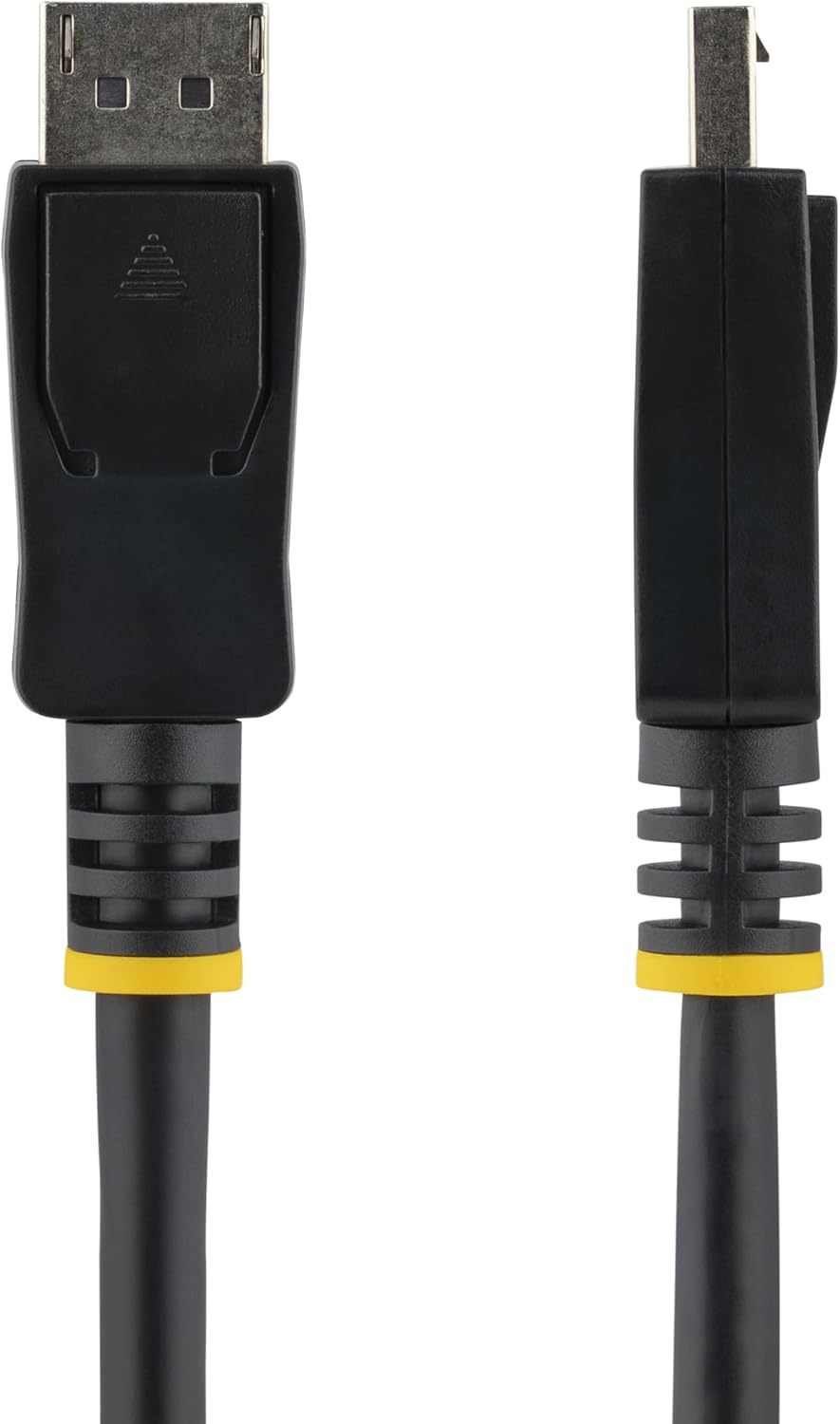
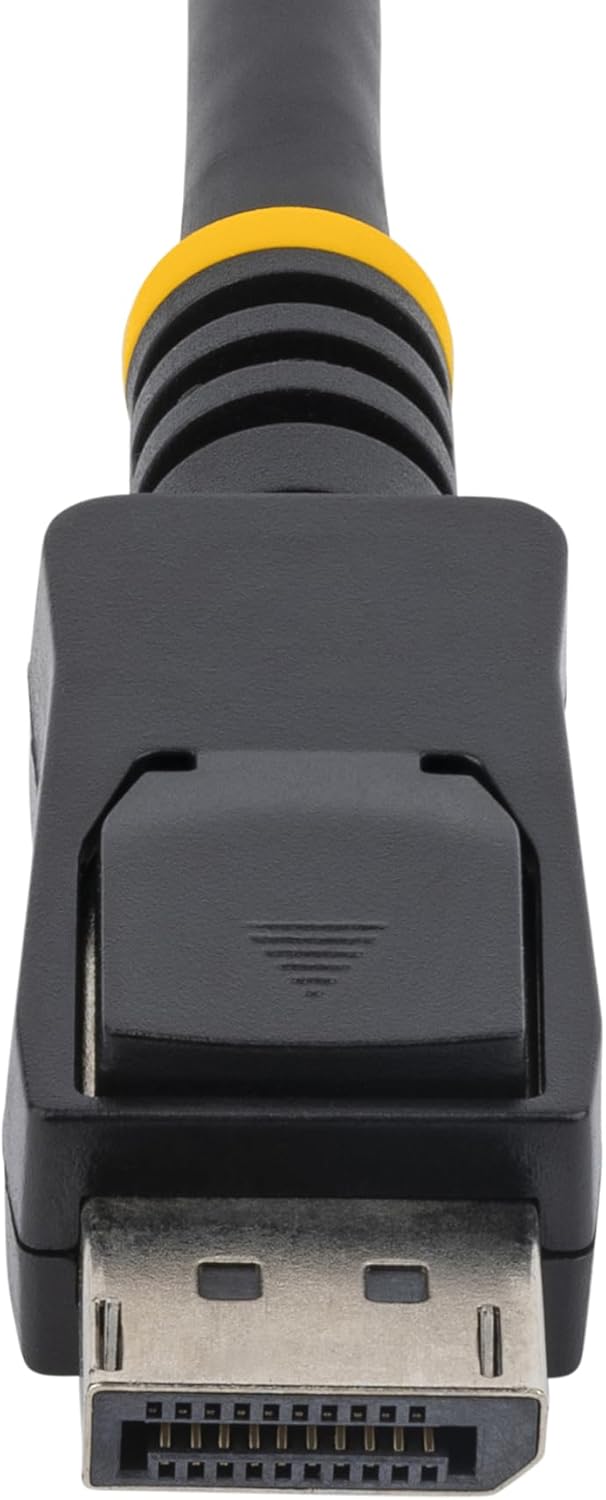
The latches are the detail you’ll feel in day-to-day use. Instead of hoping a connector stays seated, the molded latching design is meant to secure the connection against accidental disconnection—handy for cable management, moving your monitor slightly, or routes where the cable can get tugged.
Key features that matter in real use
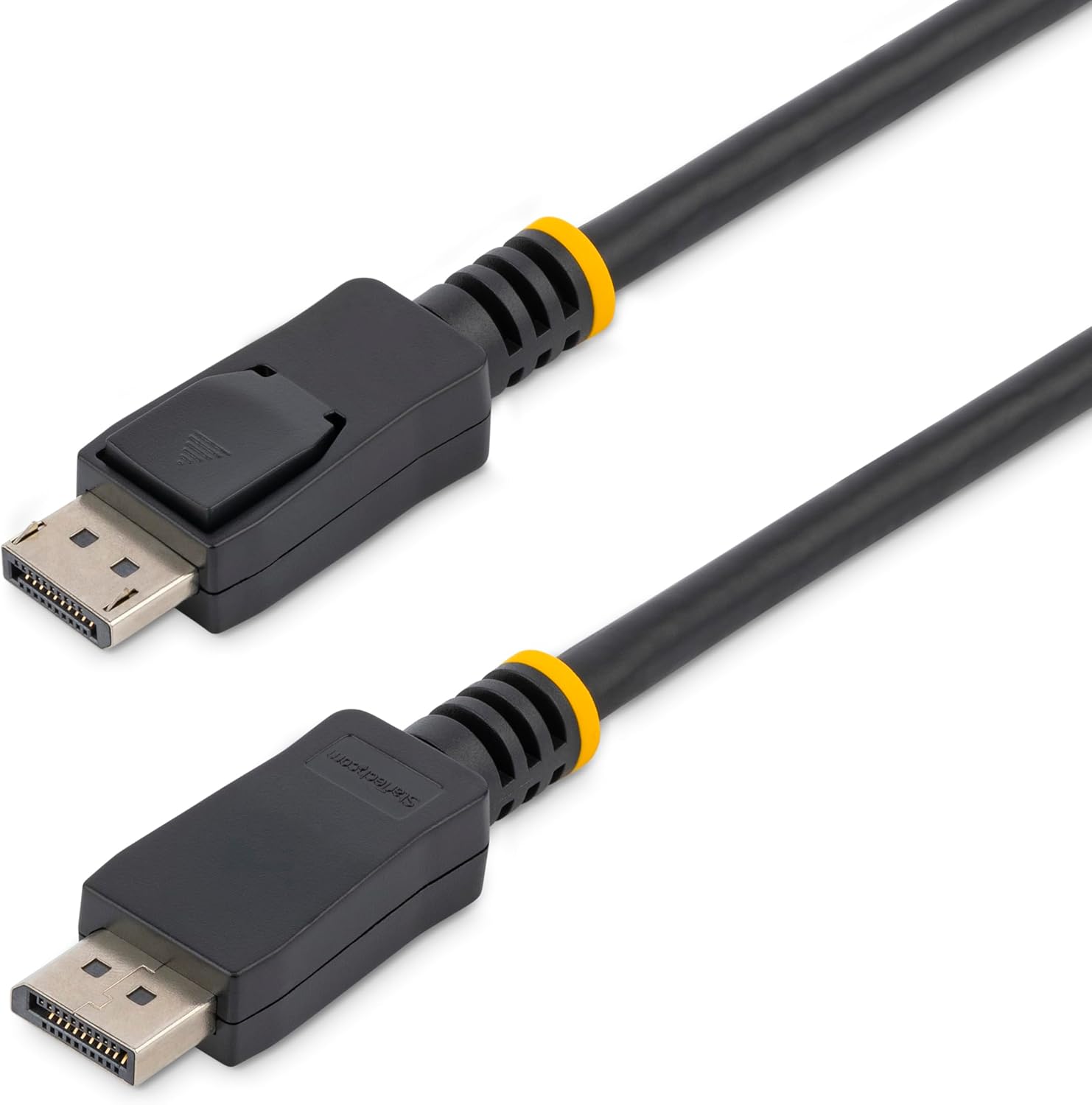
The manufacturer positions this cable around three practical goals: connection security, multimedia performance, and compatibility with protected digital content.
- Secure locking connectors: molded latches on both ends help keep the cable firmly connected.
- Bandwidth for multimedia use: up to 10.8 Gbps is claimed, intended to handle multimedia applications.
- Resolution support up to WQXGA (2560×1600): a helpful ceiling to consider if you’re aiming for higher-than-basic desktop clarity.
- Protected content support: described as HDCP and DPCP capable, which can matter if you stream or display content that relies on digital protection standards.
There’s also a note about optional audio support. DisplayPort can carry audio together with video, and this cable is described as supporting full digital audio in the same cable as video (up to eight channels).
What to know about performance and limitations
This cable is described as providing a connection of 25ft “with no signal quality loss,” and it’s rated to 10.8 Gbps with resolution support up to WQXGA (2560×1600).
But here’s the limitation to keep in mind: marketing-style claims and “supported up to” specs don’t always tell the whole story for every device combination. If you’re working with demanding setups (high refresh, specific color formats, or specialized DP behavior), it’s smart to confirm your source and display are compatible with the expectations for bandwidth and protection.
Also, 25ft is long for a DisplayPort run. Even if the cable is rated for it, cable management still matters—avoid tight bends and keep the run stable.
Who it’s for (and who should skip it)
This cable makes the most sense if you need a long, direct DisplayPort connection and you care about not losing the connection accidentally.
It’s a solid match if: - your monitor sits far from your computer or your desk layout needs extra reach - you want latching connectors for a more “locked-in” feel - you stream or view protected digital content and want HDCP/DPCP compatibility on the cable
It may not be the best match if: - you only need a short cable and don’t want to pay for length you won’t use - your setup depends on very specific DisplayPort negotiation behavior where you’d rather control the variables with a shorter run
Tech specs (quick look)
- Type: DisplayPort to DisplayPort cable with latches (M/M)
- Length: 25ft
- Connector feature: molded latching connector
- Wire gauge (described): 26 gauge (AWG)
- Bandwidth (claimed): up to 10.8 Gbps
- Resolution capability (described): up to WQXGA (2560×1600)
- Protection support (described): HDCP and DPCP capable
Getting the most from it (practical setup tips)
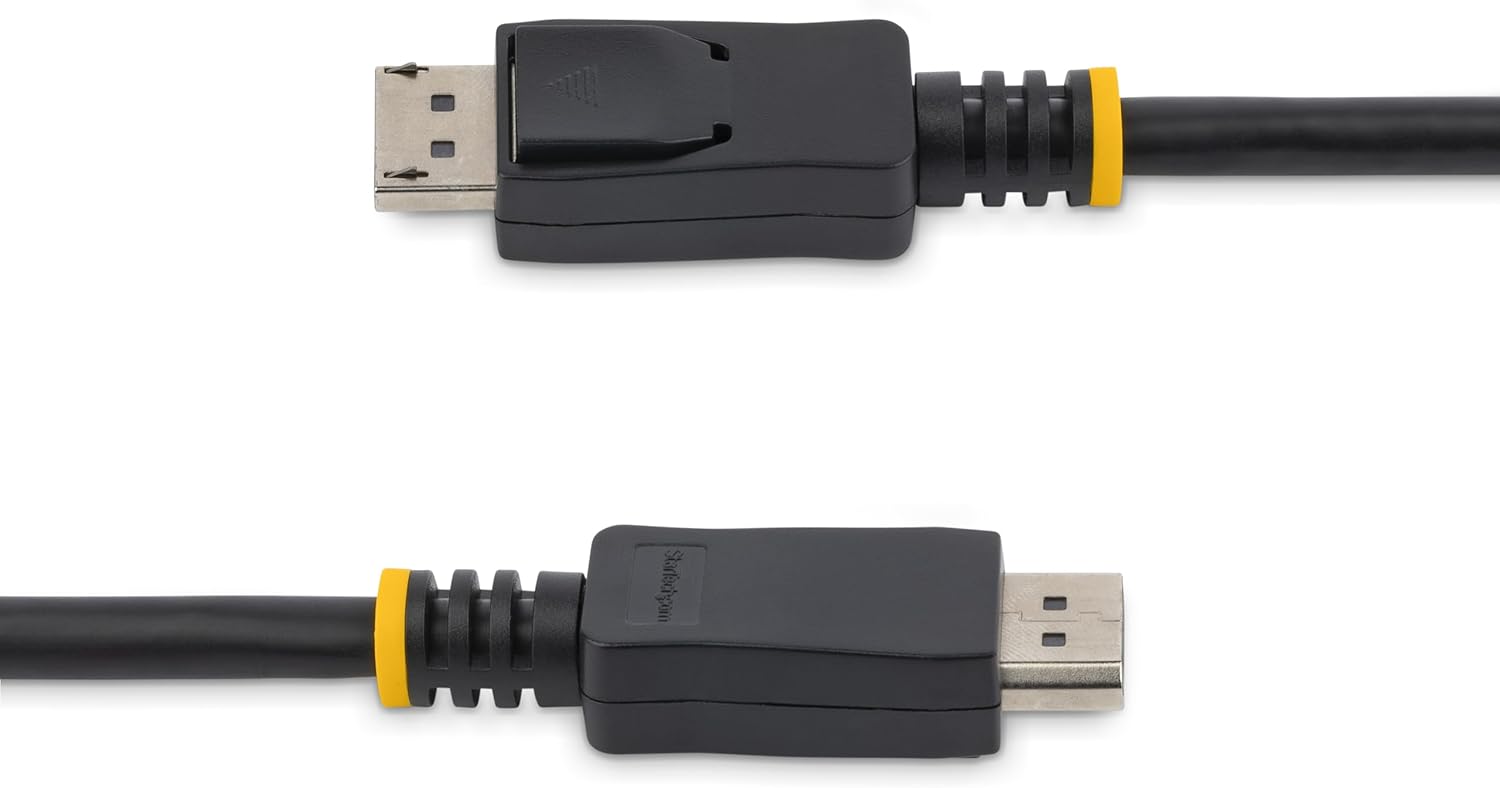
If you’re using this for a long run from a desktop PC to a monitor, start by seating the connectors firmly until they latch. That small step can prevent the frustrating “is it connected?” troubleshooting later.
A realistic example: imagine your tower is on the floor near the desk edge, but your monitor is centered and farther back. A 25ft cable gives you room to route behind the desk without stretching. With latches, it’s less likely the connection loosens if the cable brushes your chair or you adjust monitor position.
Also, because DisplayPort carries audio with video, if you’re using speakers through the monitor, you’ll likely need to confirm your audio output settings on your computer match the DisplayPort path.
Is it worth it?
This 25ft DisplayPort to DisplayPort cable with latches is worth considering if you want a long, direct DP connection with locking connectors and you care about HDCP/DPCP compatibility for protected digital content. Its claimed bandwidth (10.8 Gbps) and resolution support up to WQXGA (2560×1600) make it a reasonable fit for everyday multimedia and desktop viewing when your layout requires extra reach.
It’s not the easiest choice if you only need a short connection or if your setup is highly sensitive to DisplayPort negotiation details—then a shorter run may simply reduce variables.
Mini FAQ
Does this cable support audio over DisplayPort?
It’s described as supporting full digital audio in the same cable as video (up to eight channels). If your devices support it, you can route audio through the DisplayPort connection.
What are the latches for?
The molded latching connectors are designed to secure the cable against accidental disconnection, which helps during cable management and day-to-day movement.
Is it meant for protected streaming content?
The cable is described as HDCP and DPCP capable, which is relevant for digitally protected content when supported by both source and display.
Will it work for high-resolution monitors?
The resolution capability is described as up to WQXGA (2560×1600). If your display is at or near that range, it’s aligned on paper—but always confirm your source and display settings for best results.