

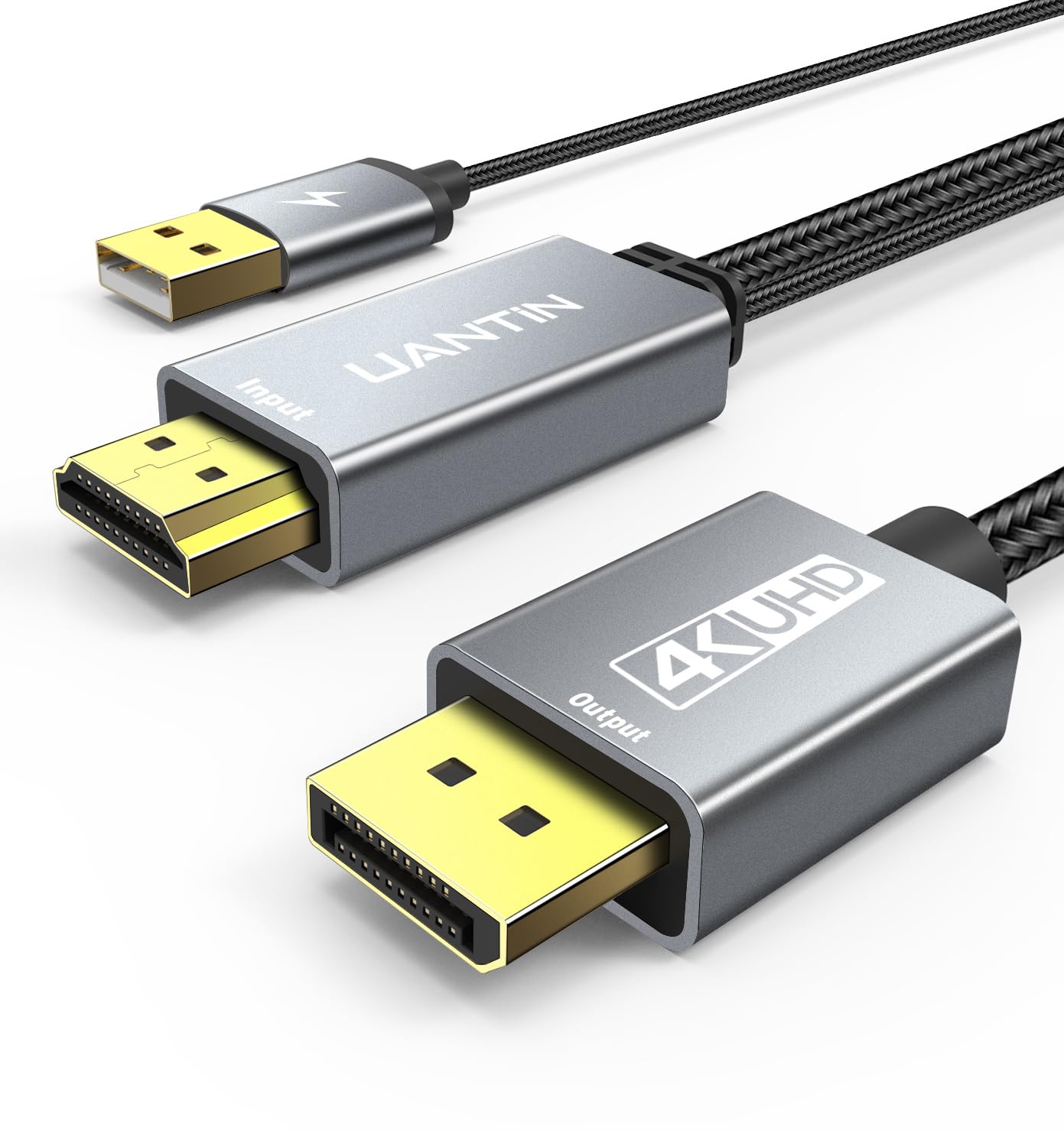
UANTIN Active HDMI to DisplayPort Cable (4K 60Hz, 1080p@120Hz) 3FT
Reviews
Price
Product description
What this cable is for
If you want to connect an HDMI source to a DisplayPort monitor (or any DisplayPort-equipped screen) without dealing with adapters and compatibility headaches, the UANTIN Active HDMI to DisplayPort Cable is built for that specific job. It’s a uni-directional HDMI computer-to-DP connection, so it’s meant for running video from an HDMI device into a DisplayPort display.
On paper, the “active” part matters: passive cables often rely on more straightforward signal behavior, while an active HDMI to DisplayPort setup can be the difference between “it should work” and “it actually sends video.” That said, it’s still a cable, so performance will depend on your devices doing their part.
Key takeaways (what matters most)
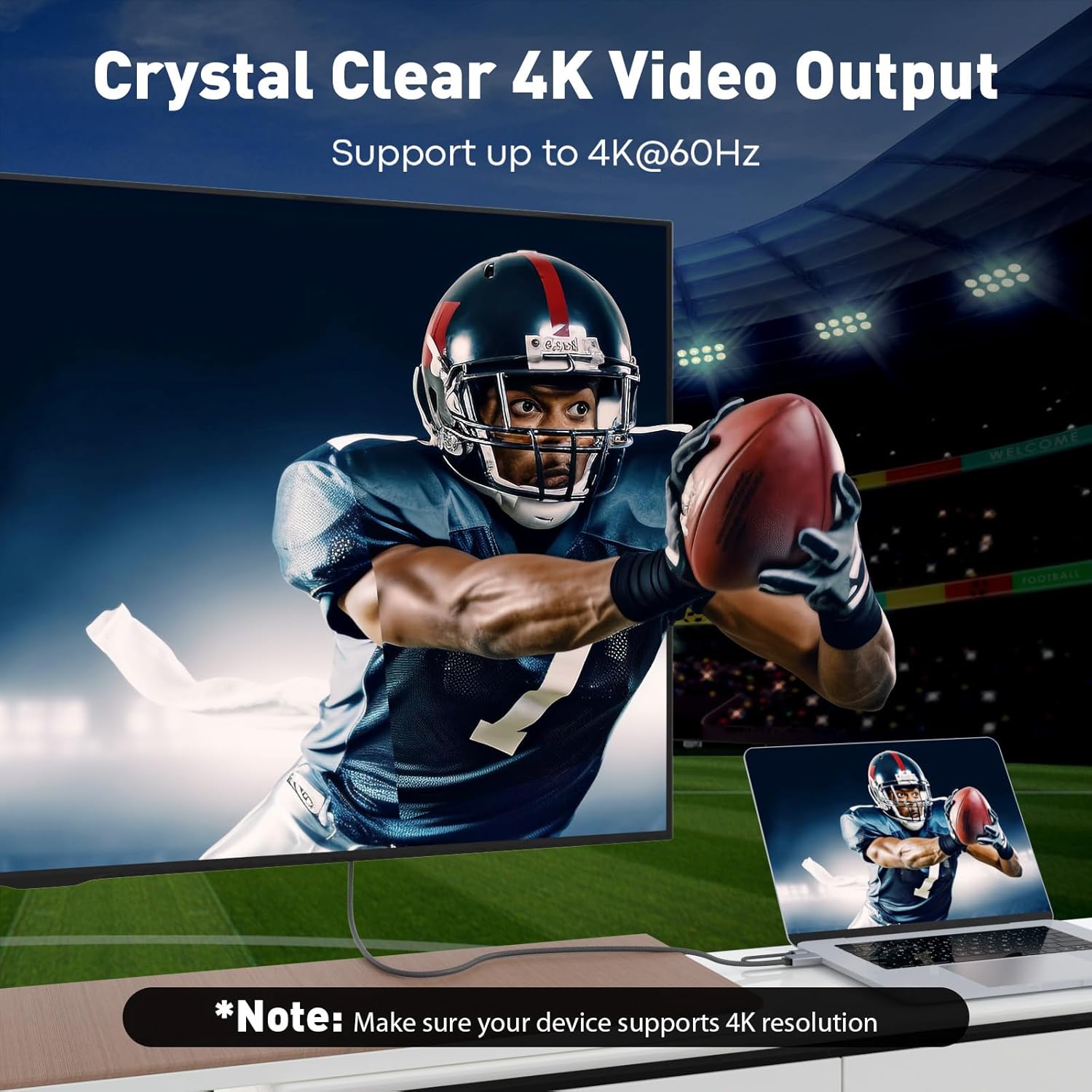
This cable’s pitch is pretty clear from its labeling: it targets modern gaming and media-style refresh rates, with support called out as 4K 60Hz and 1080p up to 120Hz. If you’re trying to get smoother motion at 1080p, or you want a clean 4K output without going through a bigger adapter setup, this is the type of solution you’d look at.
The other big real-world detail is that it’s uni-directional. That means it’s not a general “HDMI/DP converter that works both ways.” If your setup needs reverse direction, you may run into issues quickly.
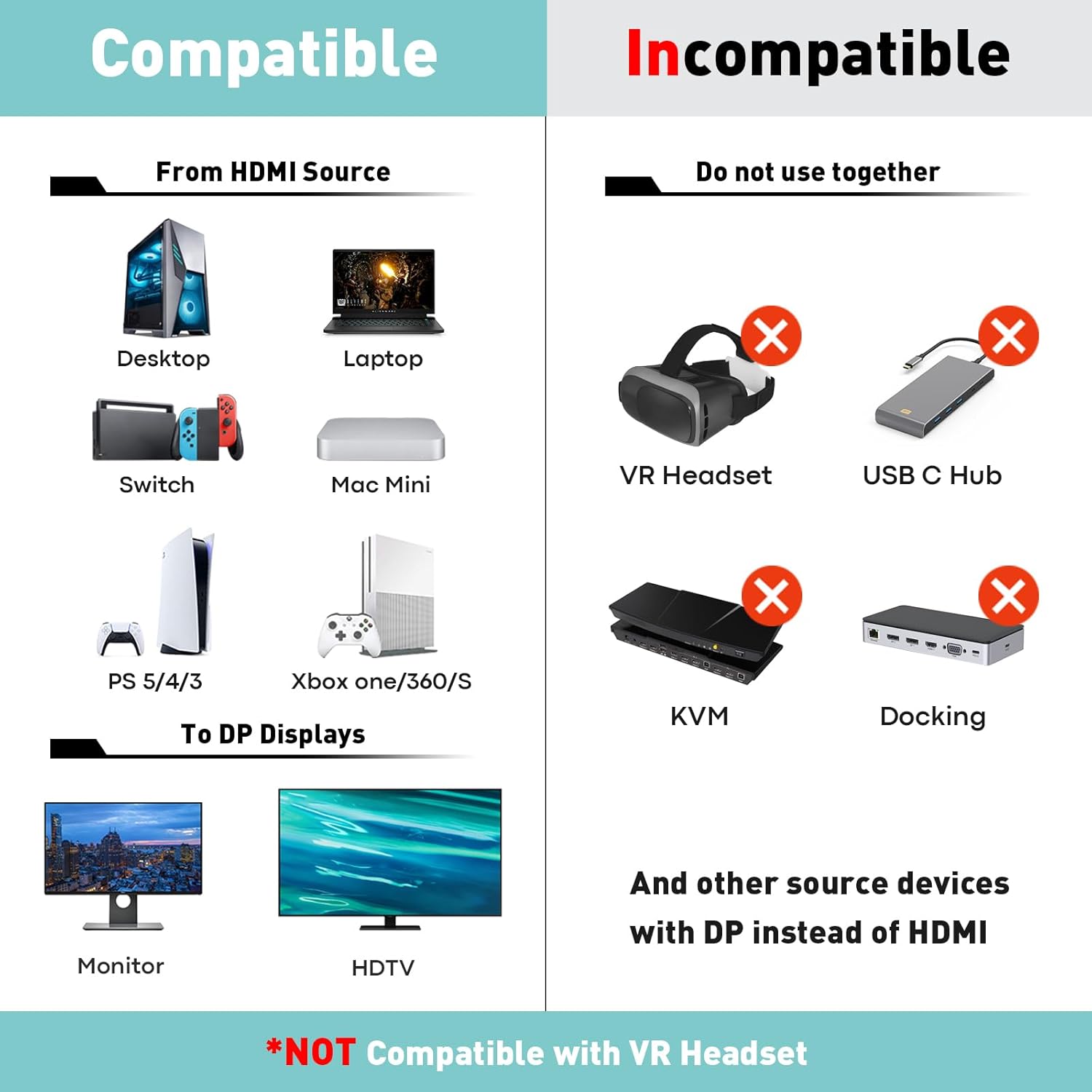
Worth considering if you have an HDMI-capable source (like a PC/laptop or a console setup) and your display only has DisplayPort input. It also gets listed as compatible with AMD/NVIDIA, plus consoles like PS5 and Xbox—useful signals if you’re shopping with one of those systems in mind.
Tech specs that affect buying decisions
Here are the specs that are most likely to influence whether this cable matches what you’re trying to do:
- Resolution/refresh targets mentioned: 4K 60Hz, 1080p@120Hz
- Type: Active HDMI to DisplayPort cable
- Directionality: Uni-directional
- Cable length: 3FT
- Intended direction: HDMI computer to DP screen (adapter/display port cord)
Where it shines in everyday use
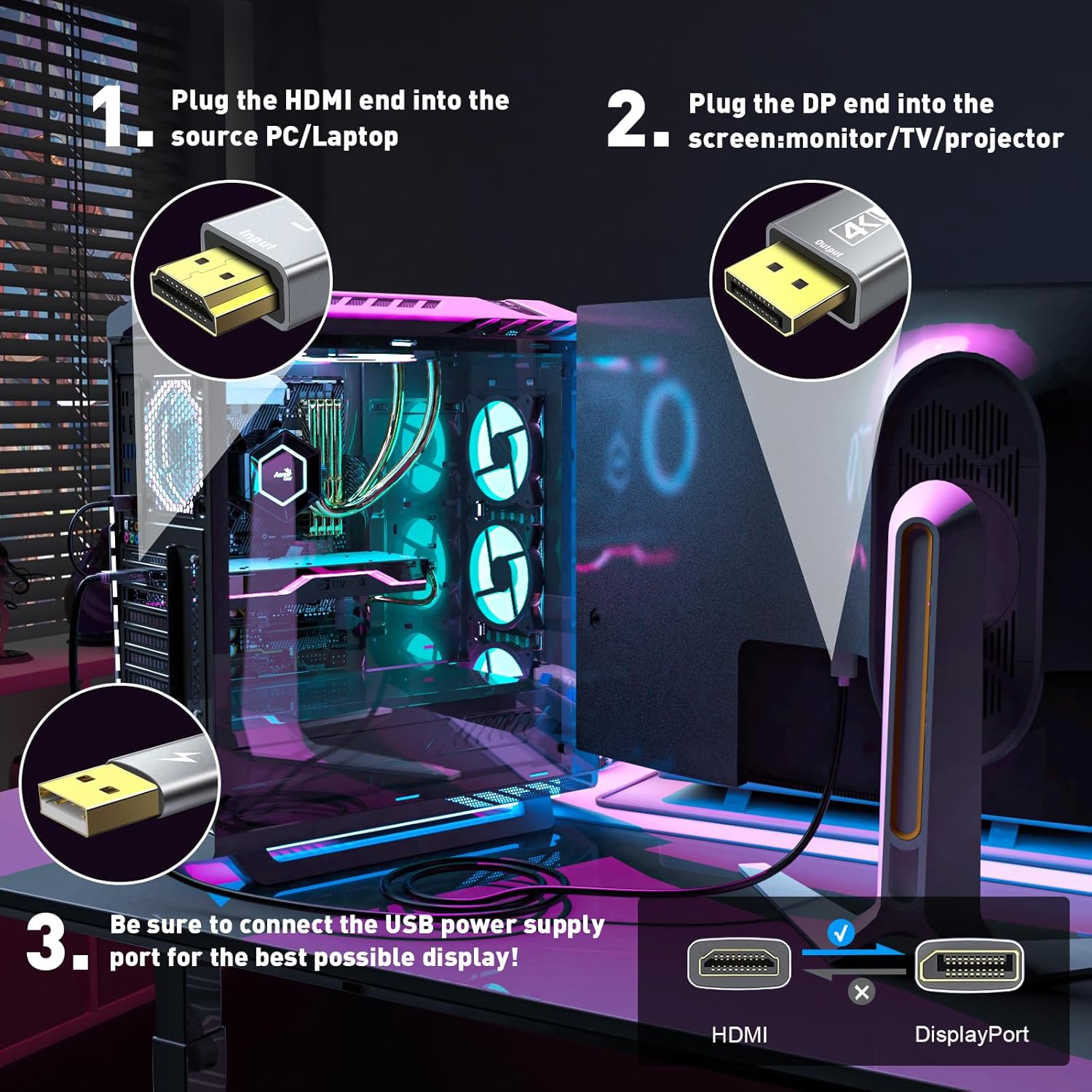
A practical scenario: you’re using a laptop with HDMI output and you want to run it into a desktop monitor that only accepts DisplayPort. With a cable like this, you can keep the connection simple—plug HDMI from your laptop in, plug DisplayPort into the monitor, and aim for the output mode your monitor supports.
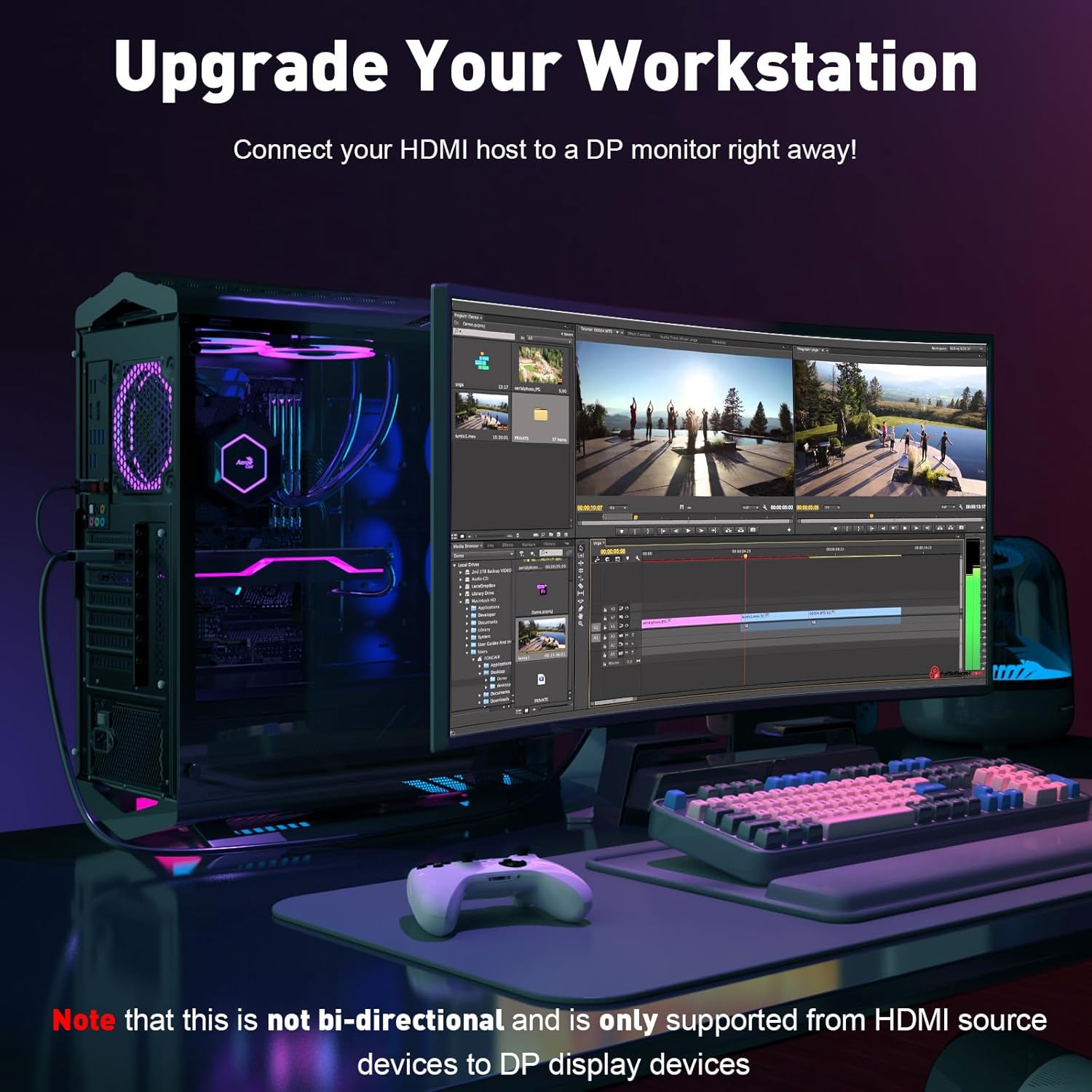
For gaming-style setups, the 1080p@120Hz mention is the hook. If your display can do 120Hz at 1080p, this cable is positioned as a way to get there from an HDMI source rather than switching to a different connection method.
What to watch out for (limitations)
This is where you should slow down a bit. The biggest limitation is uni-directional use. If your goal is to go the opposite way (DisplayPort source to HDMI display), this specific cable direction likely won’t fit your need.
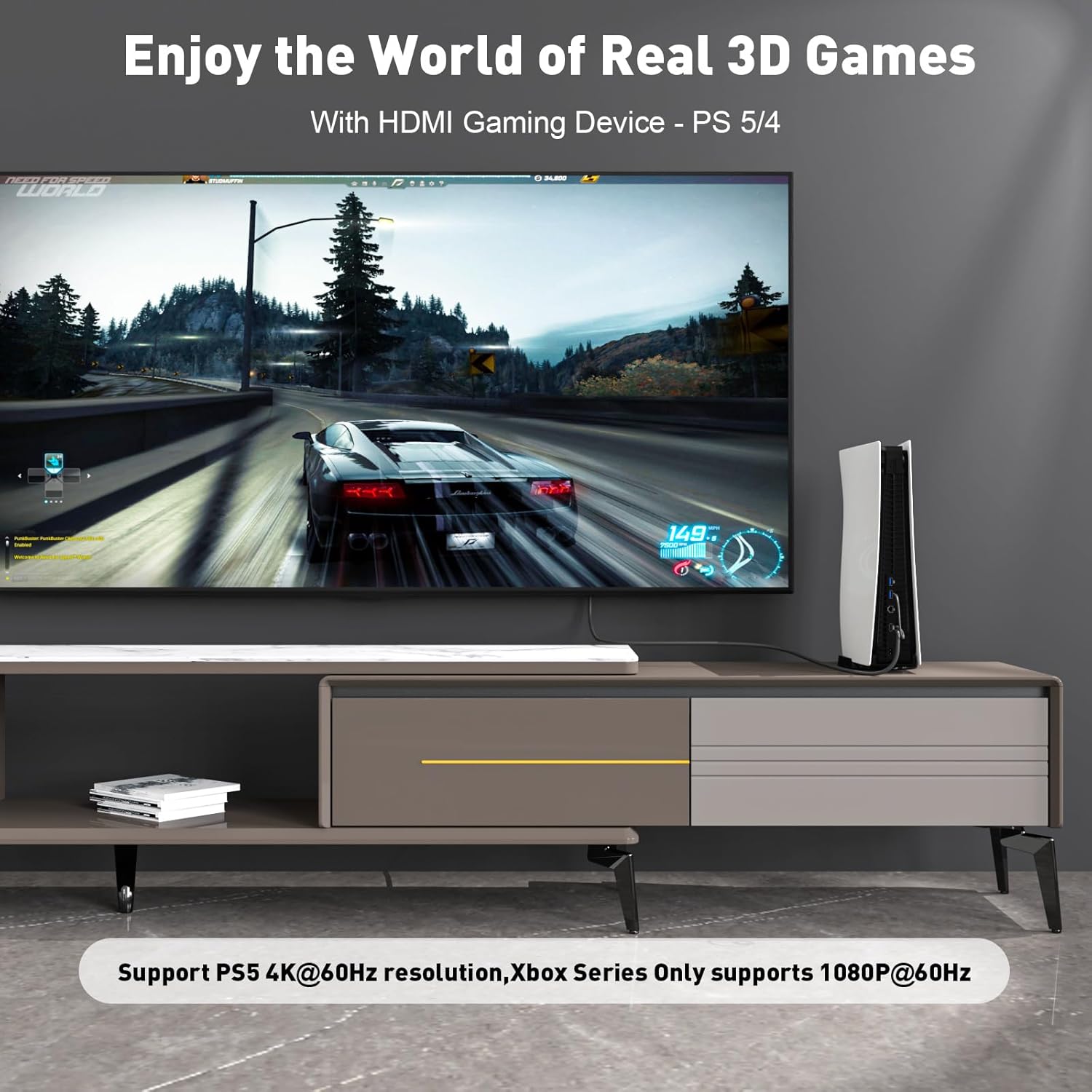
Also, the refresh-rate and resolution targets are only as good as the full chain: your HDMI source must be able to output those modes, and your DisplayPort screen must support them. If either side can’t negotiate the settings you want, the cable can’t magically create compatibility.
Finally, 3FT is convenient, but it’s not “sit across the room” territory. If you need longer reach, you might end up dealing with cable management or compromising your layout.
Mini FAQ
FAQs
Does this work for PS5 or Xbox? The listing includes PS5 and Xbox in its stated compatibility, but your actual output will still depend on what your TV/monitor supports on the DisplayPort side.
Is it HDMI to DisplayPort, or does it work both ways? It’s uni-directional, designed for HDMI computer/source to DisplayPort screen. If your setup requires the reverse direction, you may want to skip it.
Will it hit 4K 60Hz? The cable is labeled for 4K 60Hz. Still, you’ll need a source and DisplayPort display that can negotiate that mode.
Is 3FT enough? 3FT can be perfect for desk setups, monitors on the same surface, or short runs. If your gear sits farther apart, you may want a longer option.
Is it worth it?
Buy it if your problem is straightforward: you have an HDMI source (PC/laptop or the consoles listed) and a DisplayPort monitor/screen, and you want a ready-made active HDMI-to-DP connection that’s aimed at 4K 60Hz and 1080p up to 120Hz. It’s especially compelling for desk setups where short cable length and reliable signal handoff matter.
Skip it if you need bidirectional conversion, if your setup requires DisplayPort-to-HDMI output, or if your devices don’t support the specific display modes you’re targeting. In those cases, you may have better luck choosing a solution designed for the direction and compatibility you actually need.