

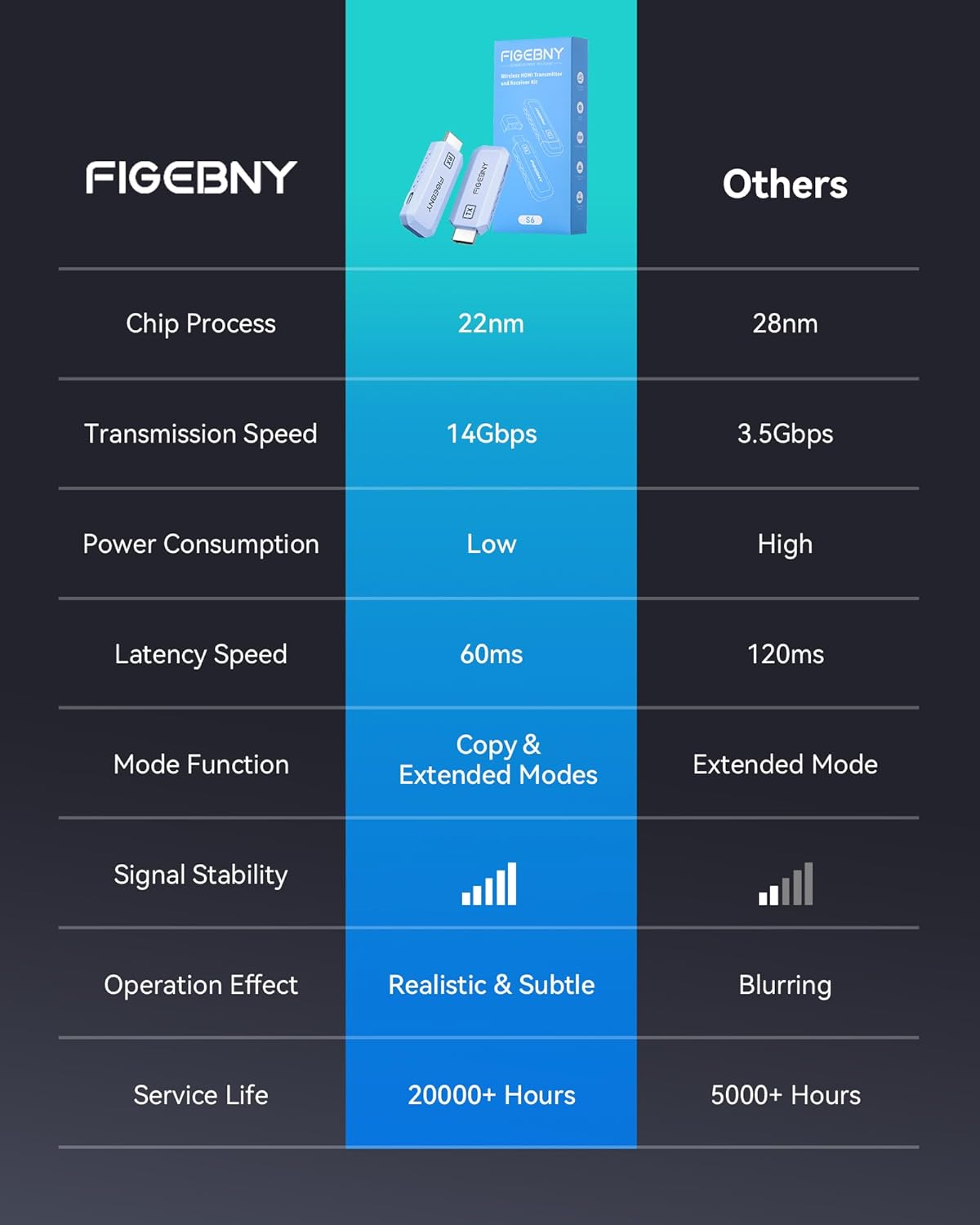
FIGEBNY Wireless HDMI Transmitter and Receiver (4K Decode, 1080P Output) Ultra Low Latency 2.4G/5G Plug-and-Play
Product description
If you’re tired of running long HDMI cables—or you just don’t want the cable mess—this FIGEBNY Wireless HDMI Transmitter and Receiver is built for fast wireless screen sharing. On paper, it’s a plug-and-play 2-device setup that aims to get your video link established quickly, then keep it stable using dual-band wireless.
That said, wireless HDMI extenders are always a bit “it depends” on your room layout, interference, and how far you push the range. So this is a solid purchase when you want convenience and setup speed, but you’ll want to sanity-check your source devices and display needs before committing.
Key takeaways (what matters most)
The big promise here is convenience: you connect the transmitter (TX) to your HDMI source, pair it with the receiver (RX), and you’re meant to be ready without complex setup or app installation. It also leans on dual-band wireless (2.4G/5G) with automatic channel selection to help optimize performance and reduce interference.
For picture output, the product is described as supporting 4K decoding with 1080P Ultra HD output at up to 60Hz. In real terms, that’s the sweet spot if your goal is sharp 1080p viewing on a TV, monitor, projector, or similar display—while still accepting higher input resolution content for decoding.
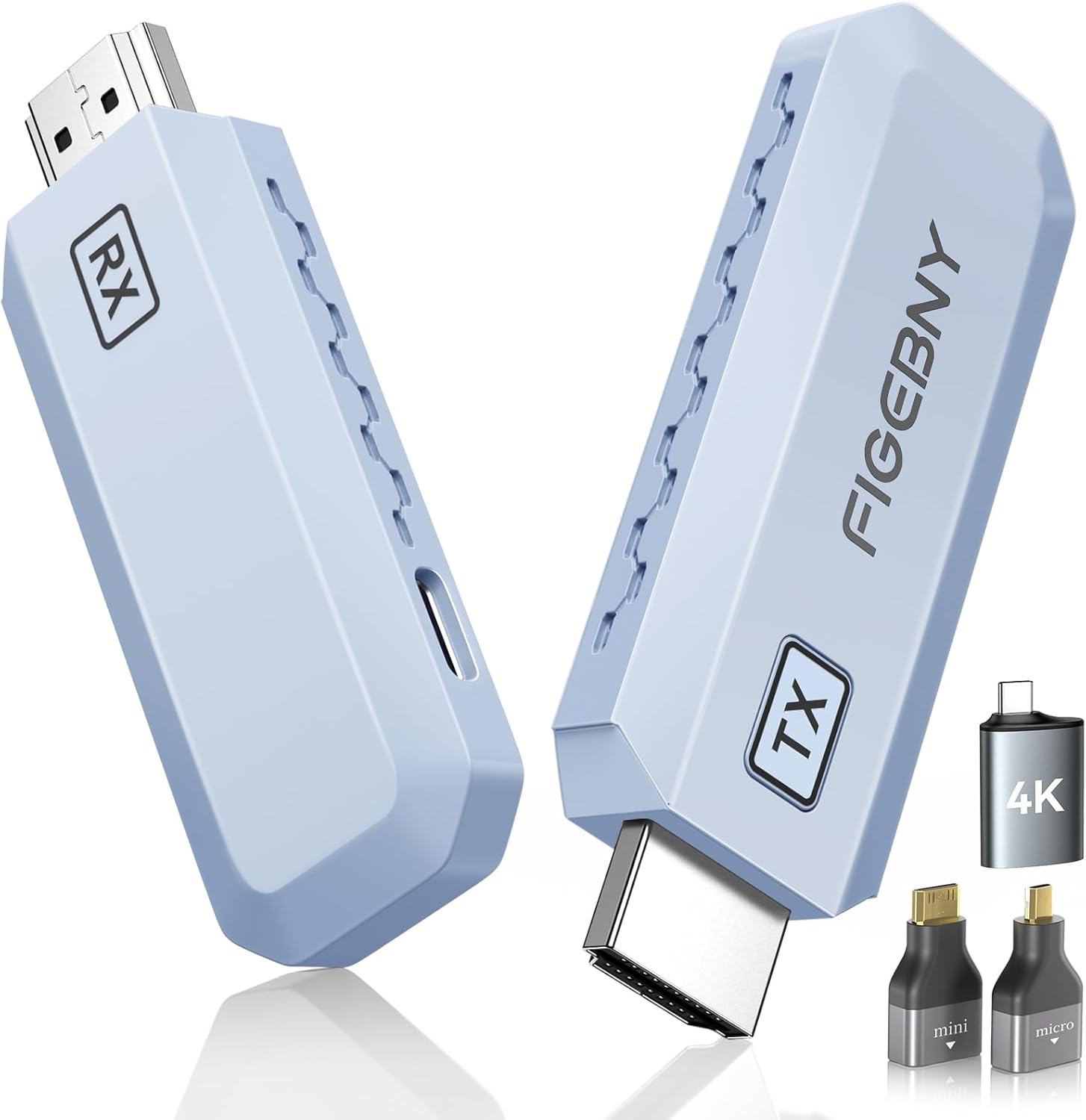
Where it fits best is everyday home entertainment, classroom training, business presentations, and situations where cables are annoying or impractical. You can also use it for screen mirroring or an extended display mode depending on your scenario.
Where it shines in daily use
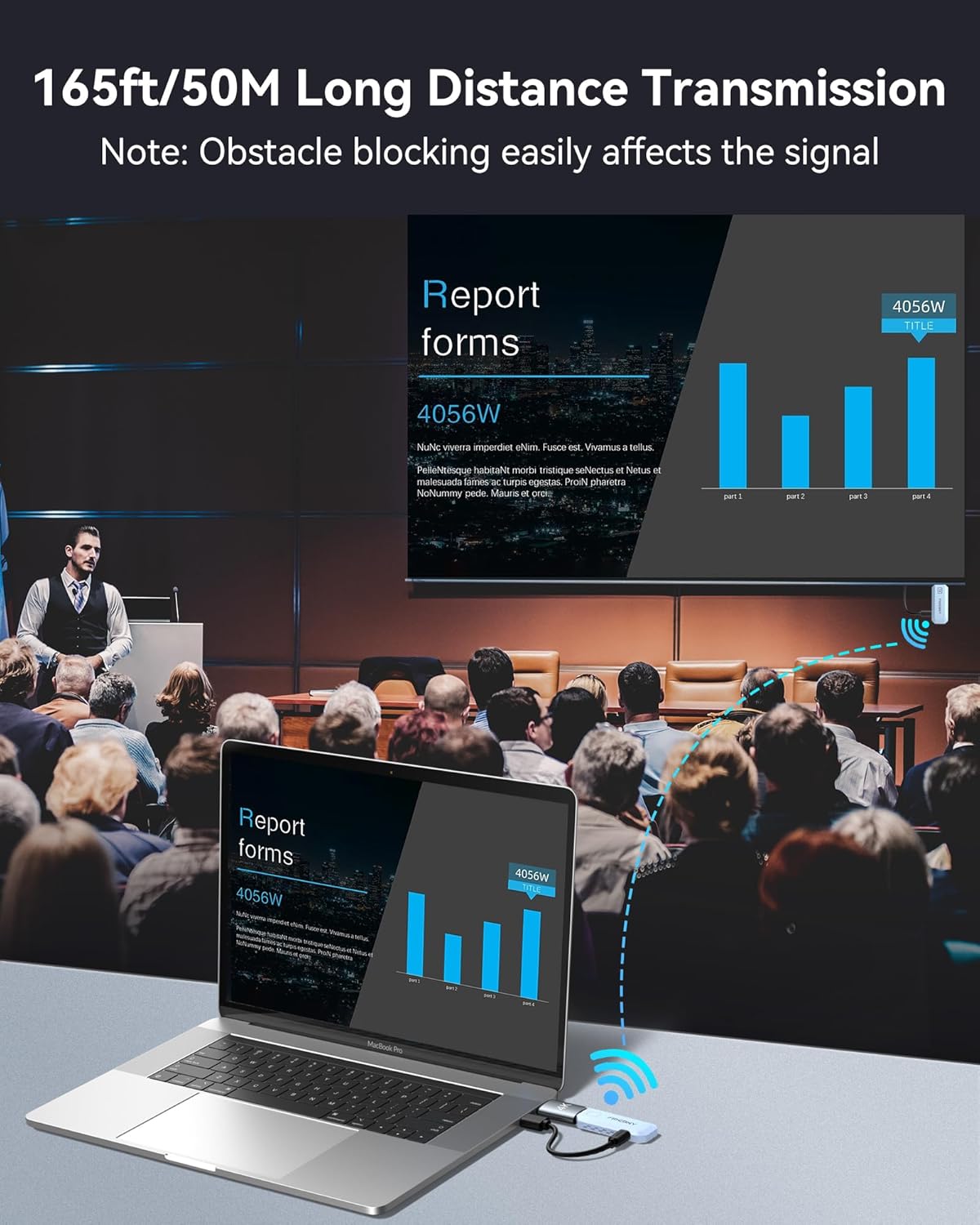
The most practical win is “no cable running.” Think about a classroom training session: you have a laptop at the front, but the projector/display is mounted elsewhere. Instead of fishing cables across a room, you place the RX near the projector/board and wirelessly send the HDMI signal from the laptop.
For family gatherings, it can simplify movie playback by moving the display setup away from the source. For conference presentations, it helps when you need flexibility—switching where the source sits without reorganizing a tangle of cables.
Also, the included “one-touch privacy” function is a nice detail. The idea is that with a button press you can immediately disconnect and stop screen sharing, which can help when confidential info is on-screen.
What you’ll notice day to day (stability, setup, and modes)
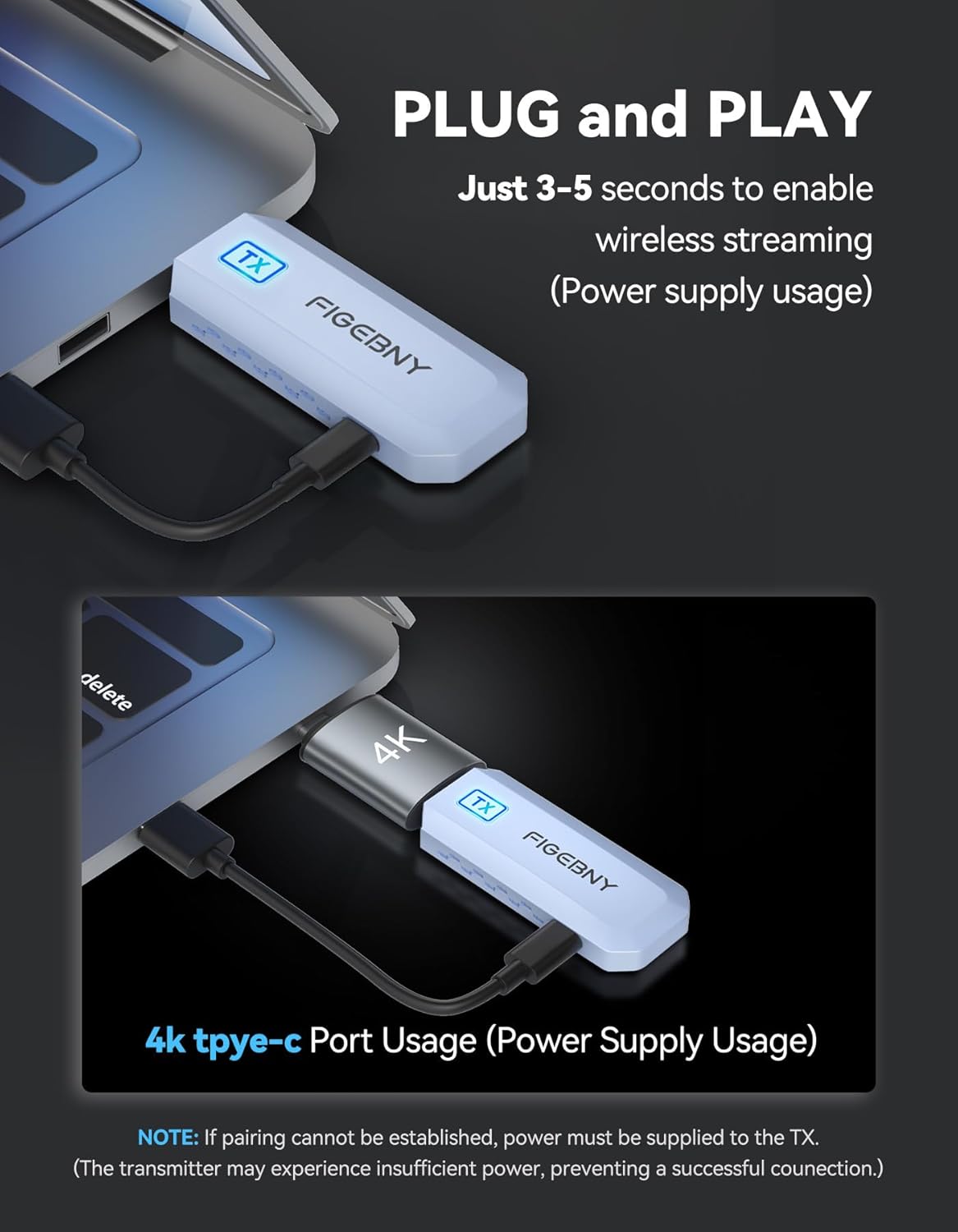
Setup is intentionally designed to be painless. The provided guidance says you insert the TX into the RX on the corresponding devices and the connection establishes in about 0.1 seconds, with a chart appearing on-screen while you wait that short moment.
In terms of stability, the dual-band design (2.4GHz and 5GHz) plus automatic channel selection is meant to improve reliability and reduce interference. That’s the right direction for wireless video—though remember, wireless links can still be impacted by walls, distance, and crowded Wi-Fi environments.
It also supports two operating modes: screen mirroring and an extended display mode. If you rely on multi-tasking layouts or want more than just a duplicate screen, that’s where this can feel more useful than a basic “mirror only” approach.
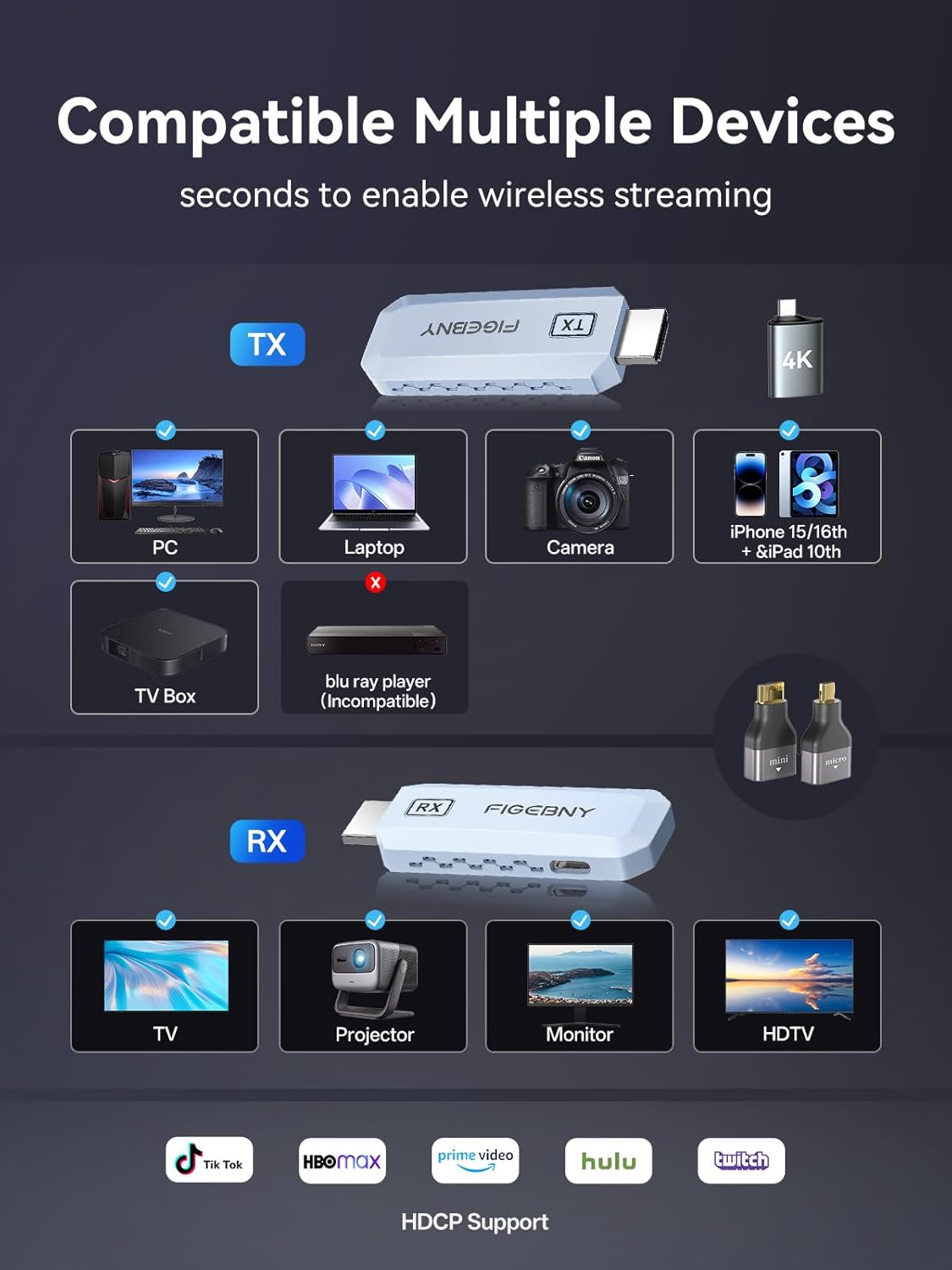
One limitation to keep in mind: the transmitter is not compatible with Blu-ray/DVD players, according to the information provided. If you were planning to use it that way, you’ll need a different HDMI source.
The essentials on compatibility and what to check first
This extender is described as compatible with devices that have an HDMI output. The transmitter side covers computers, smartphones, tablets, cameras, and other HDMI-capable sources. The receiver side supports monitors, TVs, projectors, electronic whiteboards, and similar displays.
A key “before you buy” step is making sure your source device can output HDMI (directly or via the right adapter). The package includes adapters intended to cover multiple common output types: a USB-C to HDMI 4K adapter, MicroHDMI 8K adapter, MiniHDMI 4K adapter, an HDMI cable, and two Type-C cables.
Here’s the practical catch: if your source doesn’t map cleanly to one of the listed adapter types, you may need an additional solution on your side. The product is meant to be flexible, but the adapters in the box are what make that flexibility real.
Tech specs
- Type: Wireless HDMI transmitter and receiver (extender)
- Wireless bands: 2.4GHz and 5GHz (dual-band)
- Supported output: 1080P Ultra HD output up to 60Hz (1920×1080)
- Video decoding: true 4K decoding (as described)
- Compatibility (listed): HDMI 2.0 and below, DisplayPort (DP) 1.0
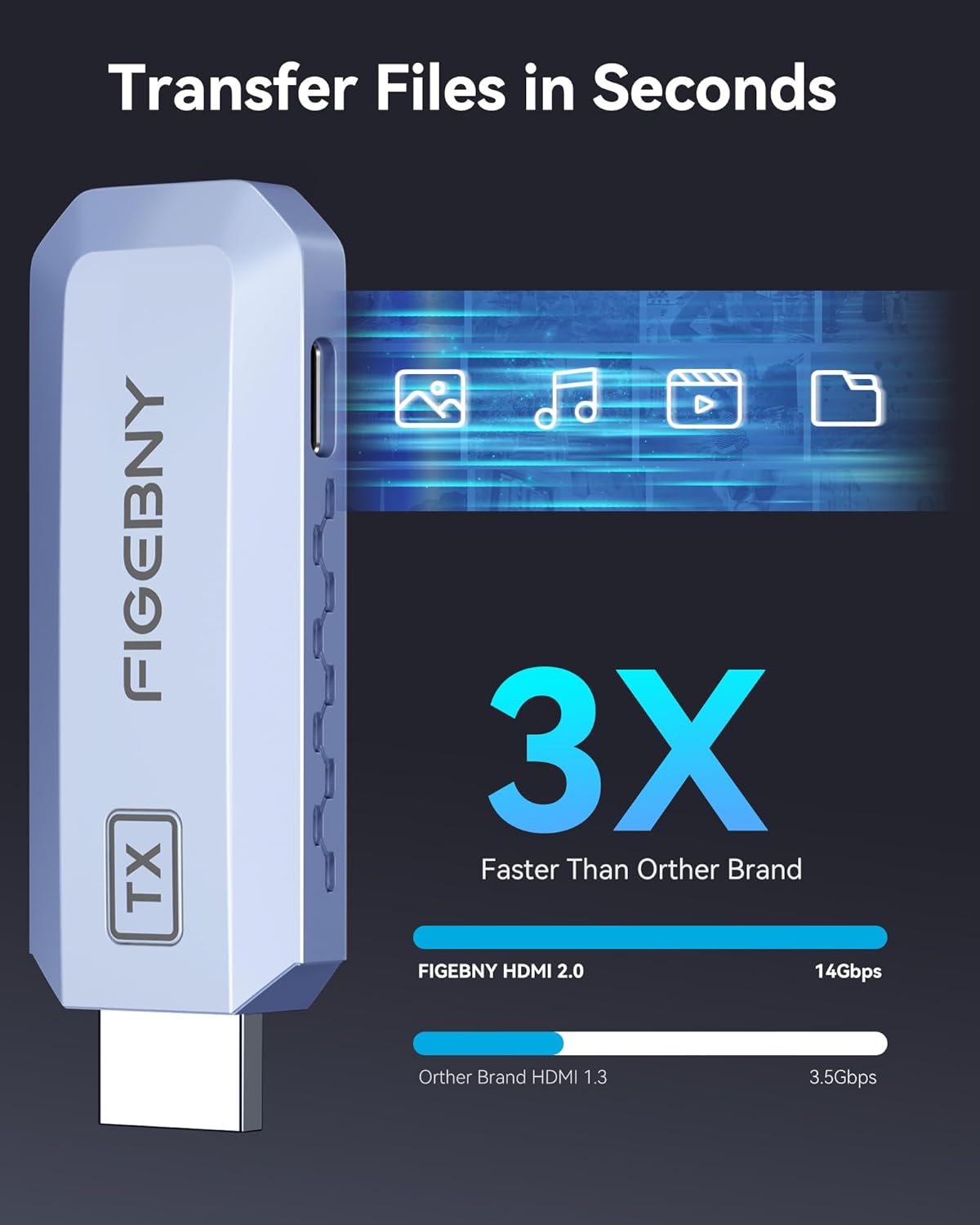
- Data transmission speed (listed): 14Gbps
- Connection behavior (listed): connection established in about 0.1 seconds after insertion/pairing step
Buying verdict
Worth considering if you want a plug-and-play wireless HDMI setup for TVs, monitors, projectors, or electronic whiteboards—especially for teaching, meetings, and casual entertainment—where you don’t want to deal with long HDMI cables.
It may not be the best match if you need compatibility with Blu-ray/DVD players (the transmitter isn’t listed as compatible for that). You should also be cautious if your setup depends on long-distance or heavily obstructed rooms, because wireless video performance can vary with the environment.
If your priority is quick setup, flexible device placement, and a privacy disconnect button for sensitive content, this one checks the boxes on the features it mentions. If your priority is “it must work flawlessly no matter what,” it’s still a wireless system—so plan to verify your source HDMI output and display input first.
Mini FAQ
Is it truly plug-and-play?
The provided instructions describe a quick connection process (about 0.1 seconds) without dedicated app setup or changes to Bluetooth/Wi-Fi parameters, assuming you connect TX and RX on the corresponding devices.
What resolution does it output?
The information states 1080P Ultra HD output up to 60Hz (1920×1080), while also supporting true 4K decoding.
Does it work with Blu-ray/DVD players?
No—the information explicitly notes the transmitter is not compatible with Blu-ray DVD players.
What’s included for connecting different devices?
The package is described as including multiple adapters (USB-C to HDMI 4K, MicroHDMI 8K, MiniHDMI 4K), an HDMI cable, and Type-C cables.
Can I disconnect the screen sharing quickly?
Yes. It includes a one-touch privacy function intended to disconnect and stop screen sharing with a button press.