

Highwings DP to HDMI 4K Adapter, DP 1.2
Reviews
Price
Product description
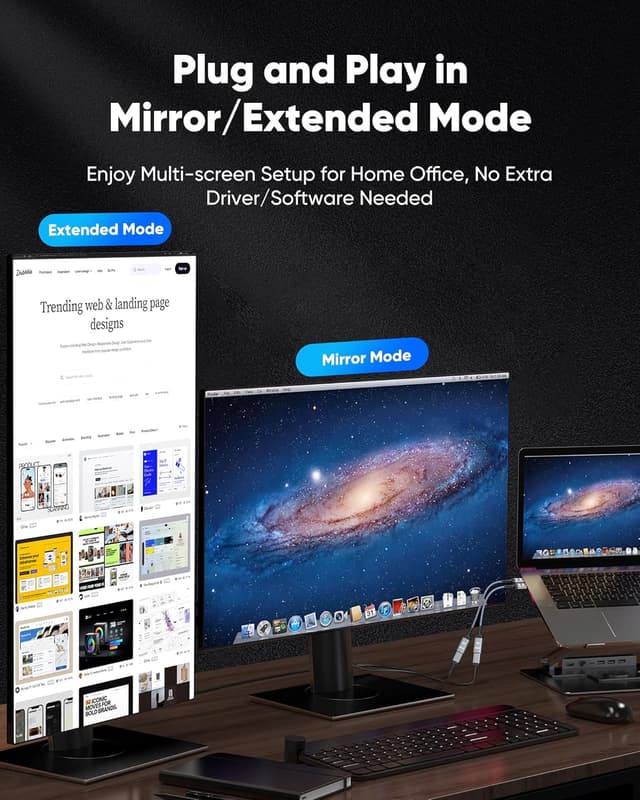
This compact adapter converts a DisplayPort output from a laptop or desktop into an HDMI display, allowing you to connect a computer with DP to an HDTV, monitor, projector, or VR headset for higher-resolution video and audio. It is aimed at users who need a simple, no-installation solution to display 4K content or drive secondary screens for presentations and gaming.
Key Points

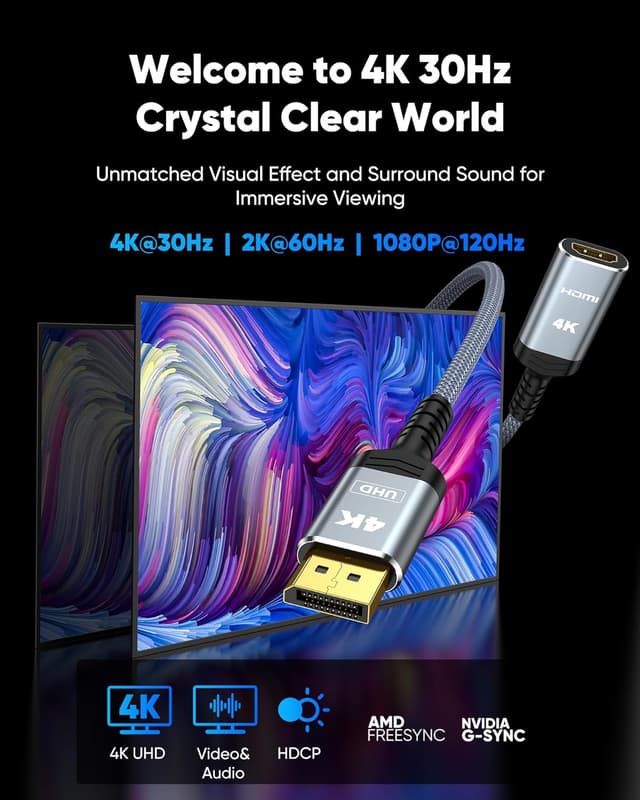
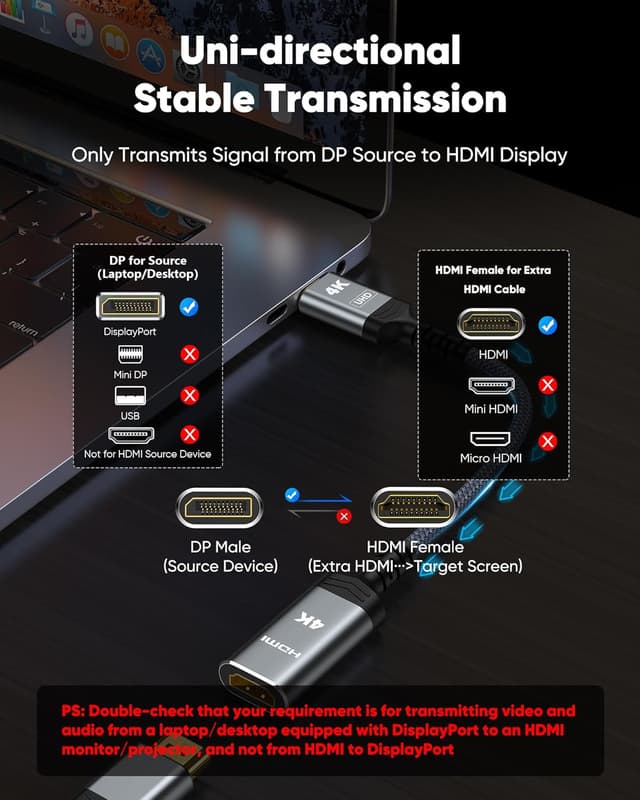
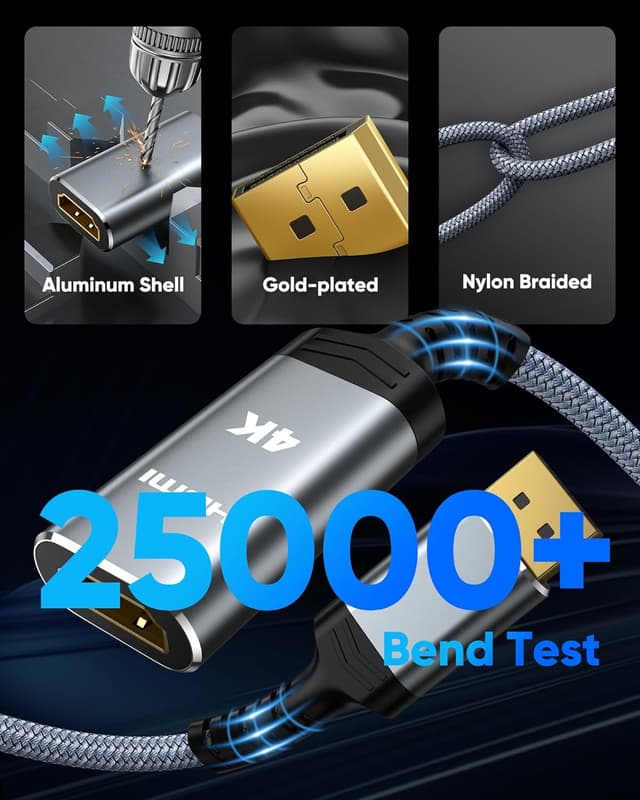
The adapter supports up to 3840 x 2160 at 30 Hz and is also compatible with 2K at 60 Hz and 1080p at 120 Hz, according to the manufacturer. It is a unidirectional, passive DP 1.2 to HDMI 2.0 solution that requires no drivers, which makes it useful for quick plug-and-play setups. The cable features gold-plated connectors for more reliable signal transmission and a braided nylon cover for improved durability and heat dissipation. Keep in mind that this is a passive adapter and will only work with sources that support DP++ or DisplayPort++; docking stations or hubs without DP++ support may need an active adapter instead.
Technical Specifications


- Name: Highwings 4K Display Port to HDMI Adapter
- Input: DisplayPort 1.2 (male)
- Output: HDMI 2.0 (female)
- Maximum resolution: 3840 x 2160 at 30 Hz, compatible with 2K 60 Hz and 1080p 120 Hz
- Cable design: braided nylon jacket with aluminum alloy housing
Usage Recommendations
For best results, plug the adapter directly into a DisplayPort output on your laptop, desktop GPU, or graphics card, and then connect an HDMI cable from the adapter to your display. If your computer supports DP++ the adapter should pass both video and audio without additional configuration. For multi-monitor setups driven through docking stations, verify that the dock exposes a DP++ signal if you expect passive adapters to work. The adapter’s latch-free design reduces the risk of damaging ports when disconnecting, while the reinforced strain relief and braided exterior help resist wear during frequent use. 🎮
Because this is a passive adapter, consider an active DP-to-HDMI solution if you require 4K at 60 Hz from a source that does not provide DP++ or if you have a hub that only outputs native DisplayPort without DP++ conversion. The manufacturer notes the adapter is compatible with Dell, HP, AMD, and NVIDIA systems that offer the necessary DisplayPort signaling. 🔌 🖥️.