

BENFEI DisplayPort to DVI 3-Foot Cable (Uni-Directional) for 1080p@60Hz Monitors
Product description
The essentials
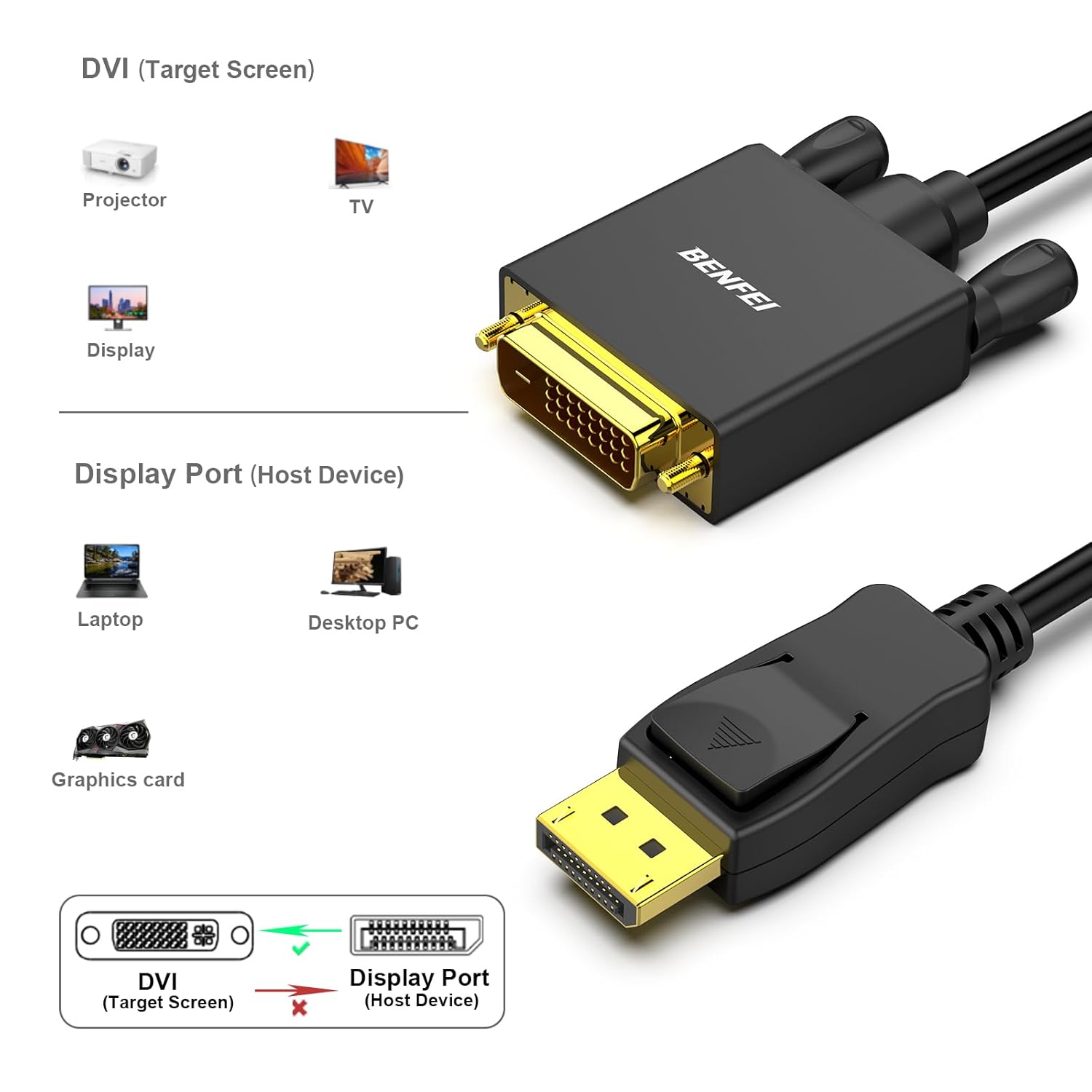
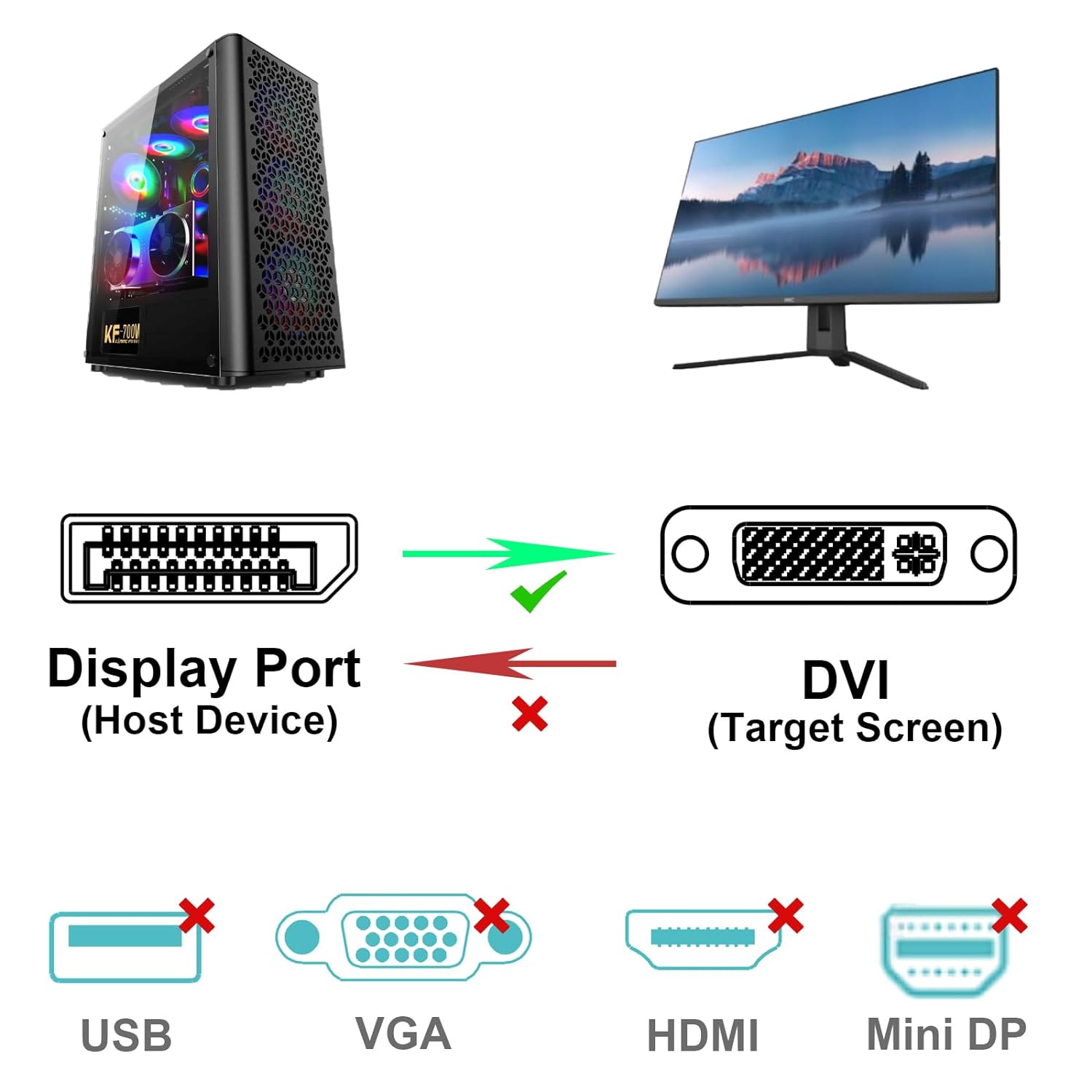
If your computer has a DisplayPort output but your monitor only accepts DVI, this BENFEI DisplayPort to DVI 3-foot cable is built for that exact bridge. It’s a uni-directional setup, meaning it converts DisplayPort → DVI for the signal path you need, not the other way around. For everyday desk setups—Lenovo, Dell, HP, and many other brands—this kind of cable can save you from buying a more complicated adapter chain.
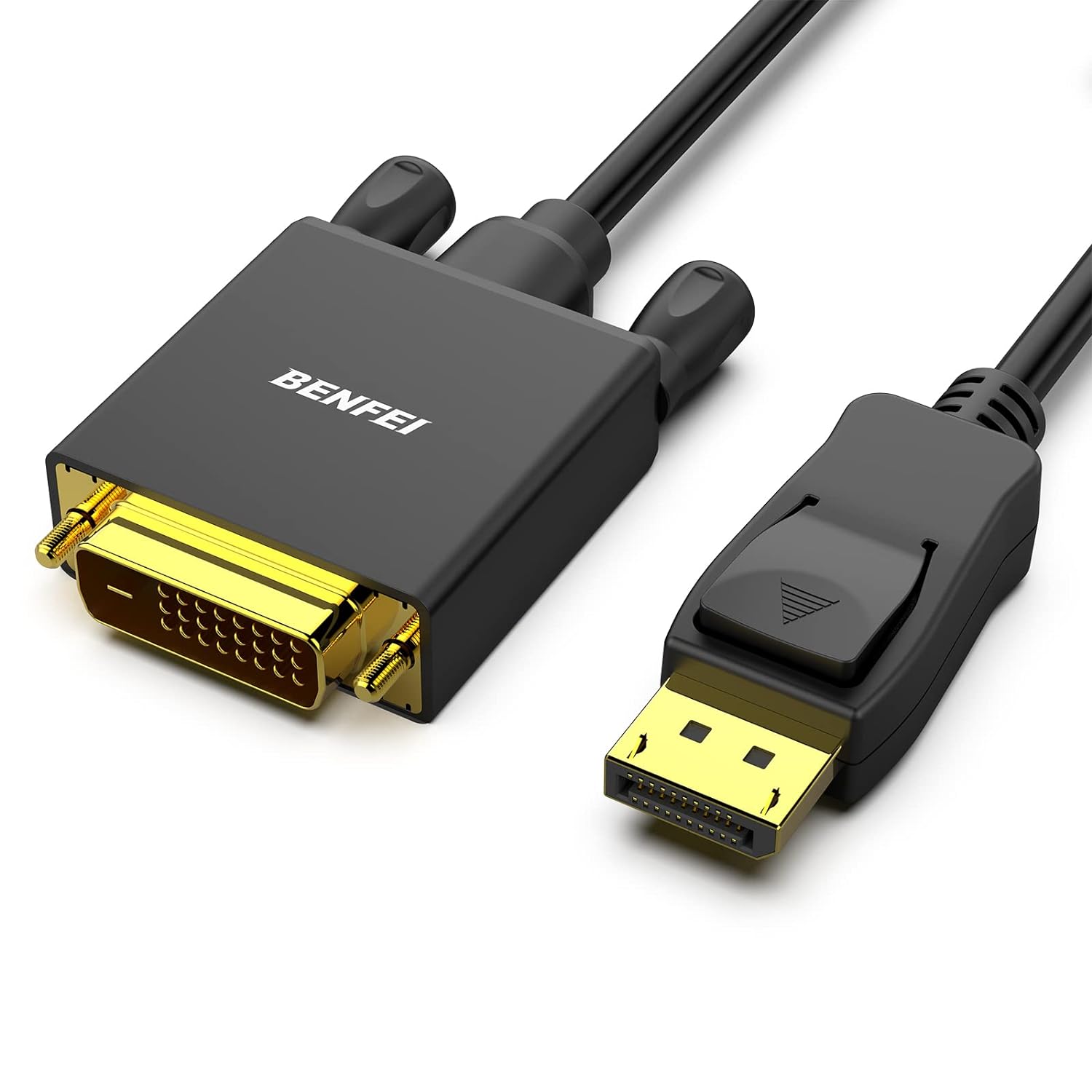
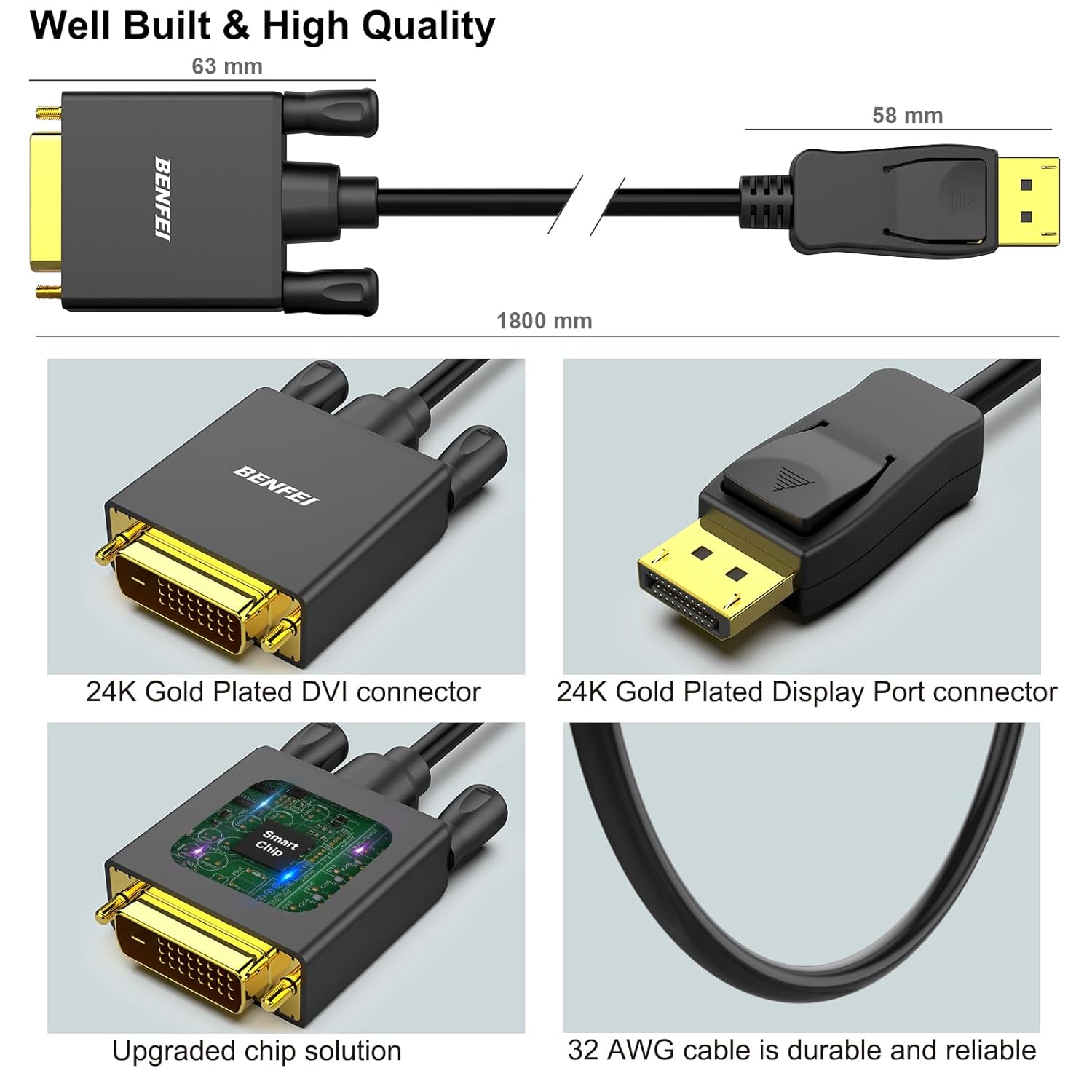
On paper, what stands out is the combination of a built-in IC chip for DisplayPort-to-DVI conversion and shielding aimed at keeping data transmission stable. You also get a gold-plated DisplayPort connector, plus molded strain relief and latches designed to keep the connection steady during normal use.
That said, it’s not a bi-directional “do everything” adapter. If you’re trying to use DVI as the source to feed a DisplayPort display, this won’t be the right tool.
Key features that affect real use
The cable is a male-to-male DisplayPort to DVI-D link, designed to carry a video signal from a DisplayPort source to a DVI monitor. The conversion is handled internally by an advanced IC chip, so you’re not relying on a passive cable to magically match incompatible ports.
The stability story
Two things here are clearly meant to reduce connection headaches: - The DisplayPort connector includes latches to help secure the plug. - Molded strain relief is included to reduce stress at the cable ends when you route it along a desk.
These details matter more than people think. A loose DisplayPort connection can cause flicker or intermittent signal behavior, and a cable that holds up to frequent plugging/unplugging is simply easier to live with.
Connection and removal
The connector uses a latch design, and the cable notes that when you unplug it, you should press the release button to pull it out easily. If you tend to yank cords without pressing the release, this is one of those small friction points that can annoy you.
Tech specs
- Type: DisplayPort (male) to DVI-D (male) cable/adapter
- Directionality: Uni-directional (DisplayPort to DVI only)
- Length: 3 feet
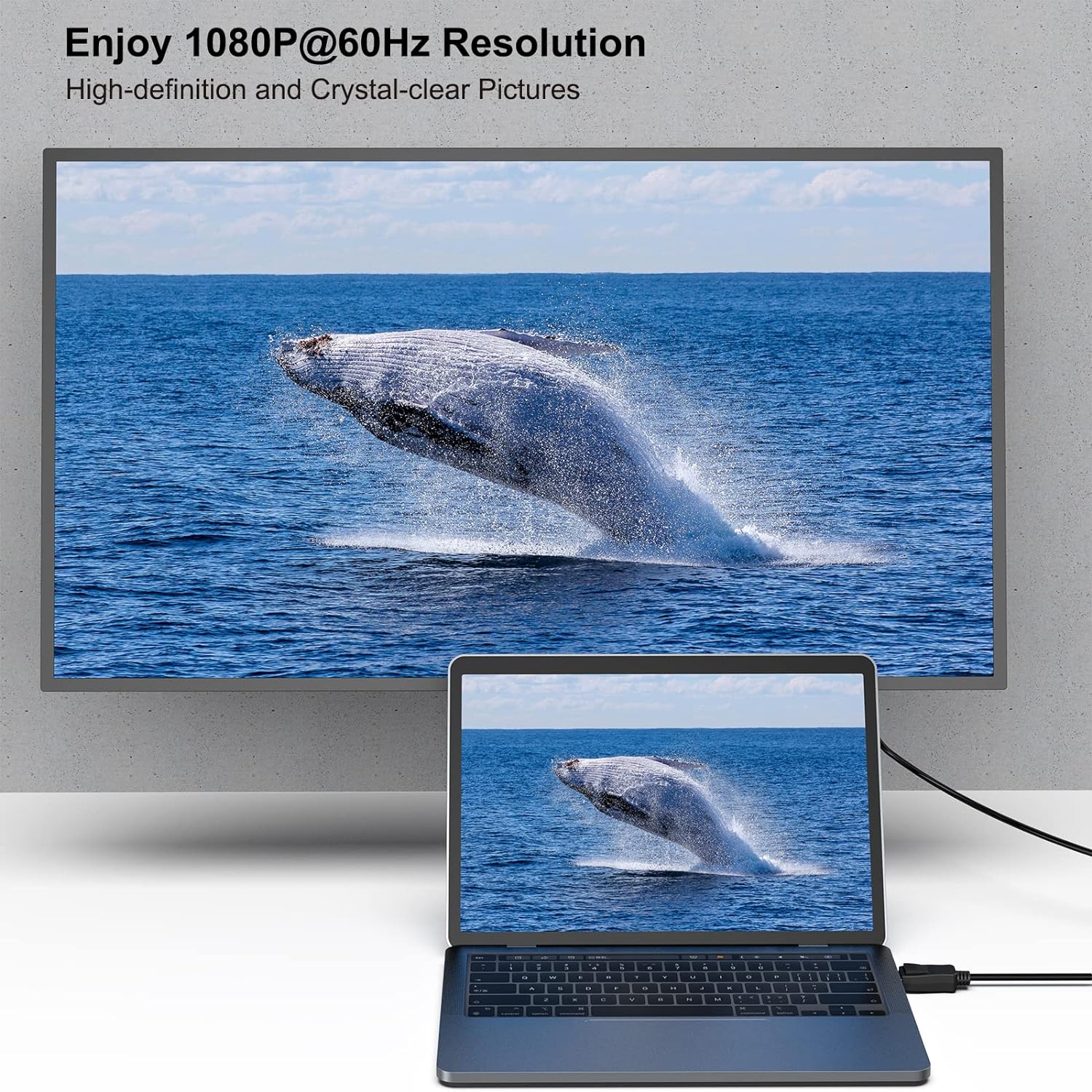
- Max supported resolution (stated): 1920x1080@60Hz (1080p Full HD)
- Additional listed resolutions: 720p, 1600x1200, 1280x1024
- Connector finish: Gold-plated DisplayPort connector
What it can do (and where it may fall short)
This is targeted at a pretty common, practical scenario: you want a DVI monitor (or a display/projector that supports DVI-D input) to work with a DisplayPort output device. With support up to 1080p@60Hz, it’s well-suited for typical office work, web browsing, spreadsheets, and general home use where Full HD is enough.
Where people might get disappointed is expectation-setting. Since it’s uni-directional, you must confirm your signal flow is DisplayPort source → DVI monitor. If your plan is more complex—like using DVI as the source—the cable can’t handle it, and you’ll need a different approach.
Also, the resolution list tops out at 1080p@60Hz per the provided info. If your setup depends on higher refresh rates or higher-than-1080p output, this may feel limiting.
Getting the most from it (quick setup example)
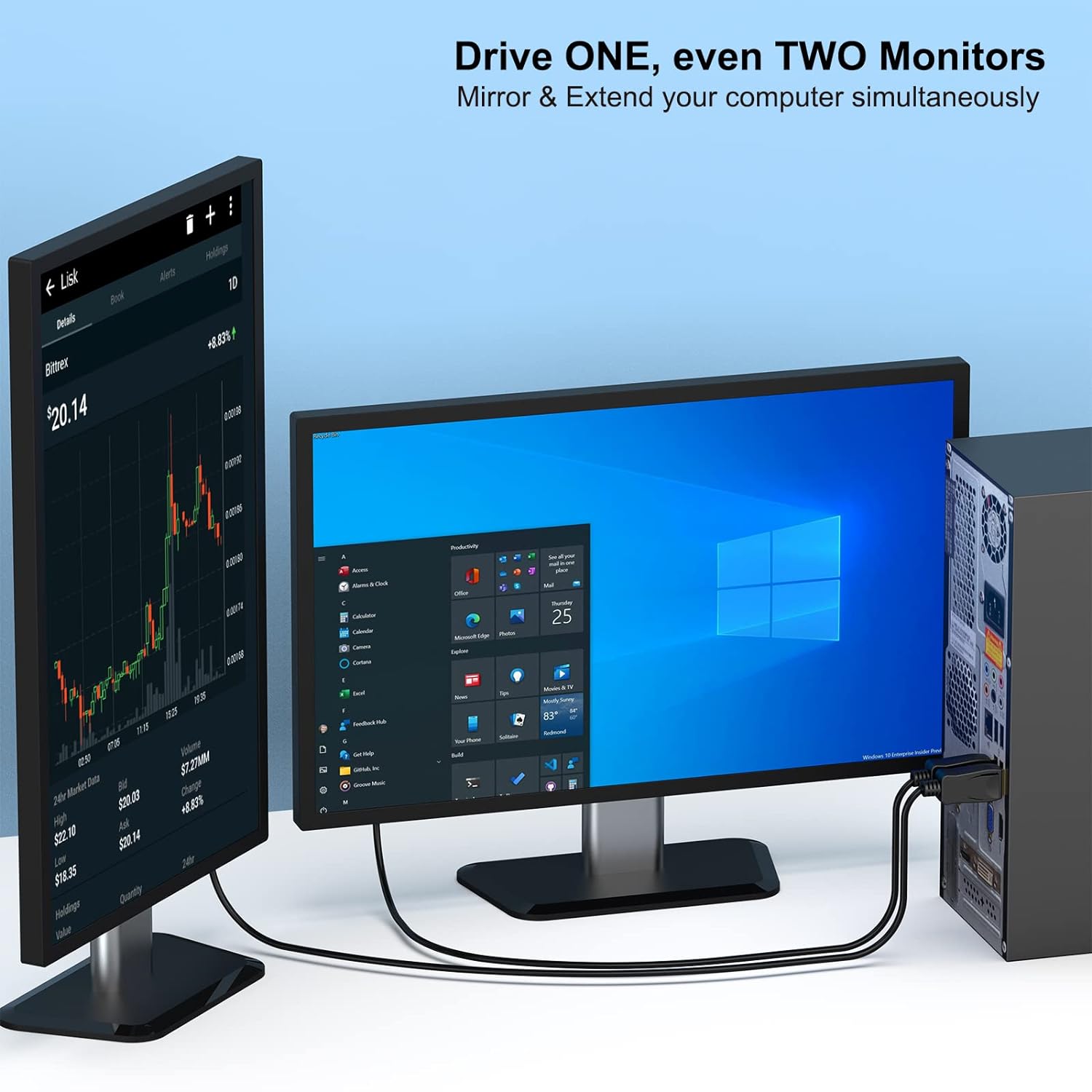
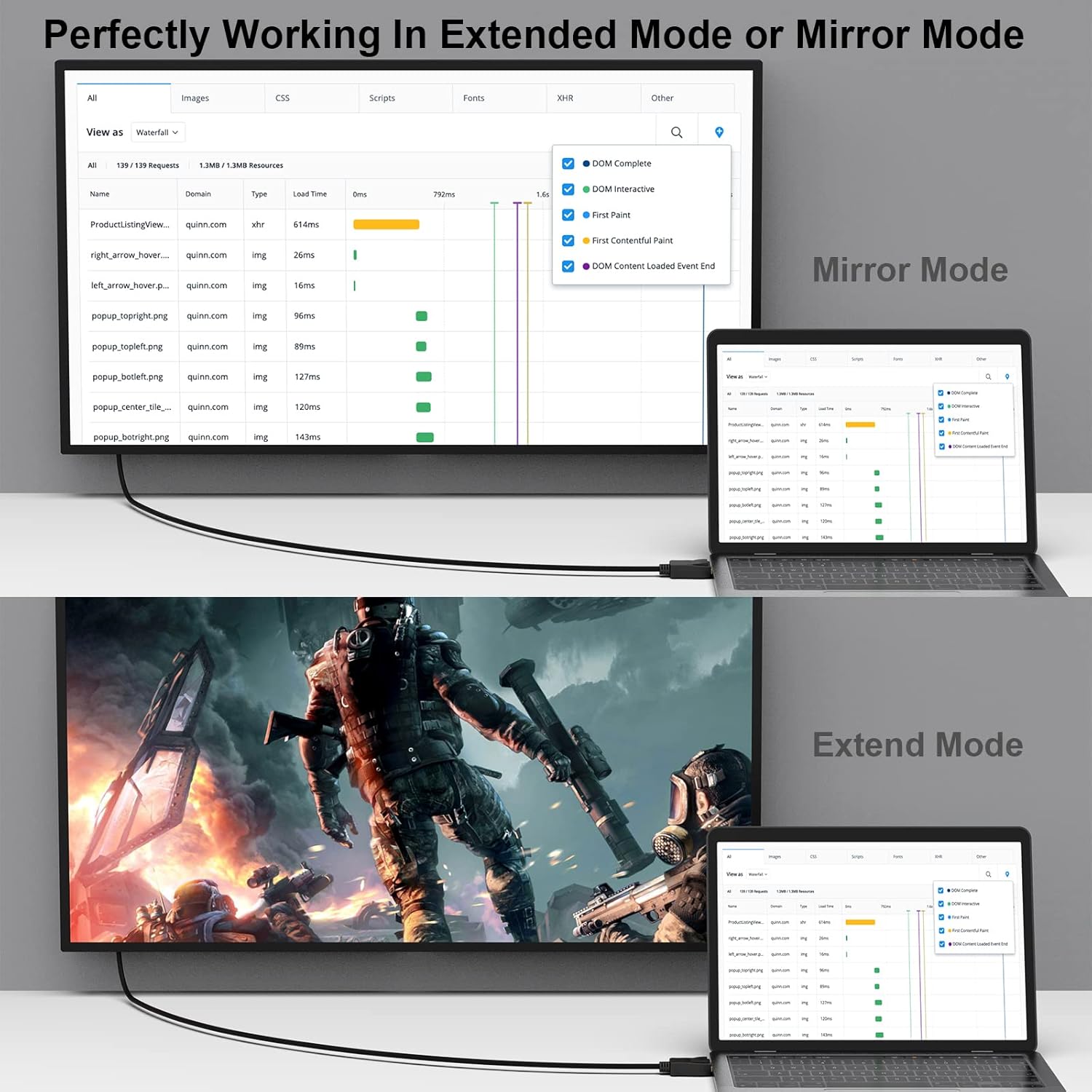
Imagine you’ve got a desktop with a DisplayPort out and a monitor that only has DVI inputs. Plug the DisplayPort end into the computer’s DisplayPort port, then connect the DVI-D end to the monitor’s DVI input. The latches are there to help keep that DisplayPort connection secure—so once it clicks into place, you’re less likely to deal with “wiggling” cables.
If your desk placement means the cable route is tight, the 3-foot length is a good match for many monitor-adjacent setups. Just keep in mind that if your monitor is farther away, you may want to plan routing so the cable isn’t stretched or pulled at the ends.
Pros and tradeoffs to consider
Pros
- Converts DisplayPort to DVI-D using a built-in IC chip
- Supports up to 1080p@60Hz (and multiple other listed resolutions)
- Latch design helps maintain a secure connection
- Gold-plated DisplayPort connector and multiple shielding aimed at accurate transmission
- Molded strain relief supports durability at the cable ends
- Includes an 18-month warranty
Tradeoffs
- Not bi-directional: it cannot convert DVI → DisplayPort
- Works within the supported resolution range stated (up to 1080p@60Hz)
- The latch/unplug mechanism relies on pressing the release button—no pressing, no easy pull
Buying verdict
It’s worth buying this BENFEI DisplayPort to DVI 3-foot cable if your goal is straightforward: run a DisplayPort video source into a DVI-D monitor (or DVI-D compatible display) at up to 1080p@60Hz. The latch design, strain relief, and signal conversion approach make it the kind of cable that’s less likely to be “fiddly” once you get it connected.
You may want to skip it if you need the opposite direction (DVI source to DisplayPort monitor) or if your setup calls for performance beyond the stated 1080p@60Hz support. And if your monitor doesn’t have a DVI-D input (or only has DVI-I, HDMI, or DisplayPort), this cable won’t solve that—so it’s smart to double-check your display’s port type before ordering.
When in doubt, confirm three things before buying: your source is DisplayPort, your target is DVI-D, and the signal direction is exactly DisplayPort → DVI.
Mini FAQ
Frequently asked questions
-
Is this cable bi-directional? No. It’s uni-directional and only supports DisplayPort to DVI conversion.
-
What resolution does it support? The provided details state support up to 1920x1080@60Hz (1080p Full HD), plus several other listed resolutions.
-
How long is the cable? It’s 3 feet.
-
Do the connectors stay secure? The DisplayPort connector has latches intended to improve connection stability during use.
-
What should I do when unplugging? Press the release button on the connector, then pull out.