

Ticktime TK3 Pomodoro Timer Cube (Desk Productivity Timer) with 5/10/30/60 Presets, Custom Countdown, Stopwatch, Clock & 3 Alarms
Product description
If your day tends to derail the moment you lose track of time, the Ticktime TK3 Pomodoro Timer Cube is built for that exact problem: staying structured without fiddly setup.
This is a desk timer cube that flips to start countdowns, offers a true pomodoro-style cycle, and also doubles as a stopwatch and a desk clock. It’s the kind of tool that can feel motivating because it’s physical, visible, and fairly hard to “ignore.” That said, it’s not perfect for everyone—if you need app-based workflows or super-precise scheduling, this one stays grounded in simple, on-desk controls.
Key takeaways
The TK3 focuses on fast time management rather than complicated programming. You can run quick countdowns with preset times (5, 10, 30, 60 minutes) using a gravity flip. There’s also a pomodoro preset sequence and a stopwatch mode for counting up.
A major plus, especially if you’re task-based or time-blind on busy days, is the combination of countdown + reminders. With up to 3 alarms, it can support a routine—think morning start, meal time breaks, or bedtime prompts.
Still, keep expectations realistic: you’re primarily getting “desk-level” timing and visibility. It’s not designed as a full project management system, and the limited range of modes may not fit people who prefer more granular control.
What it is and how it helps day to day
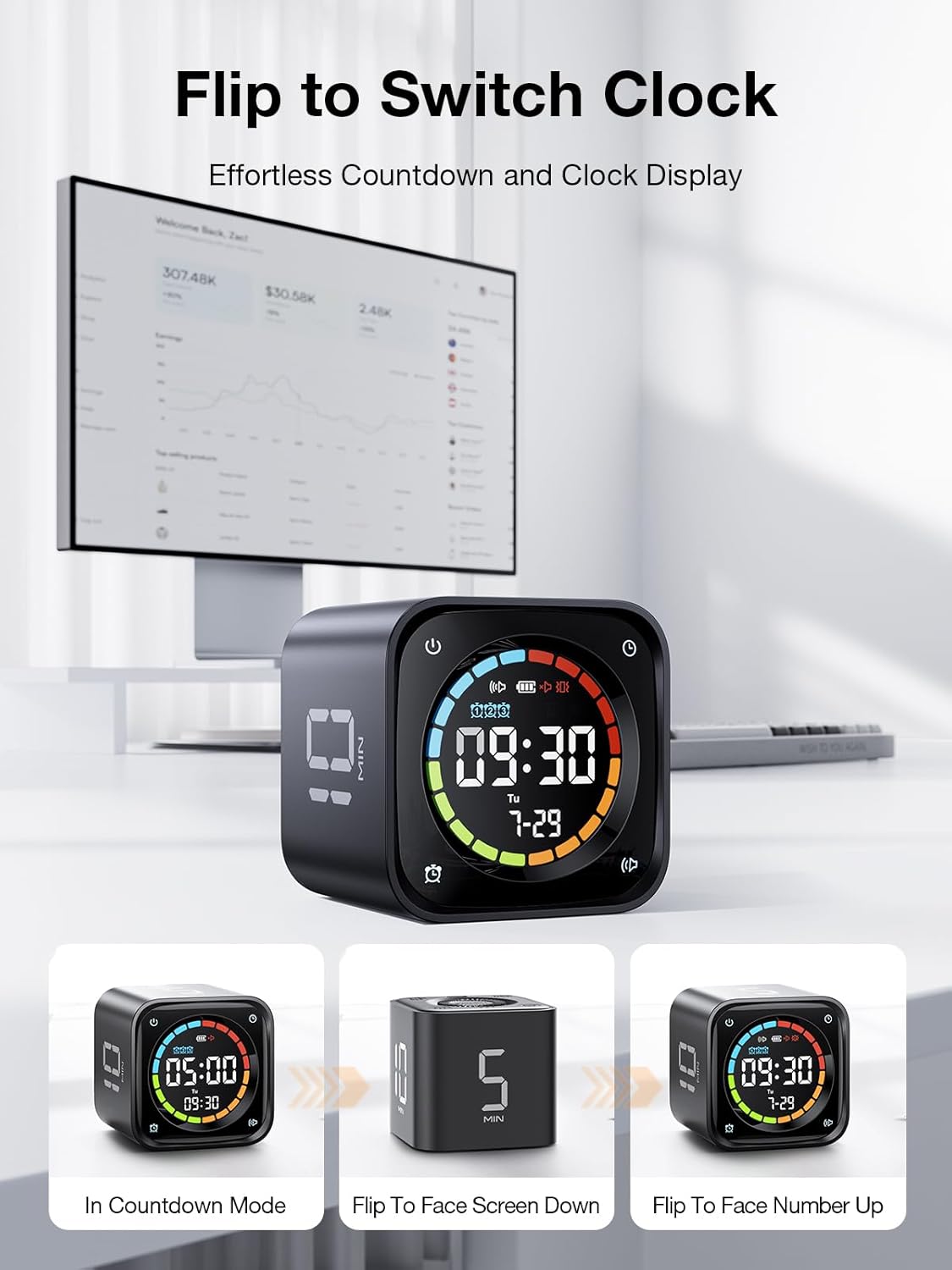
The TK3 is a cube timer for your desk. You flip it to start a countdown, and it’s designed to feel simple enough to use repeatedly—no button marathon.
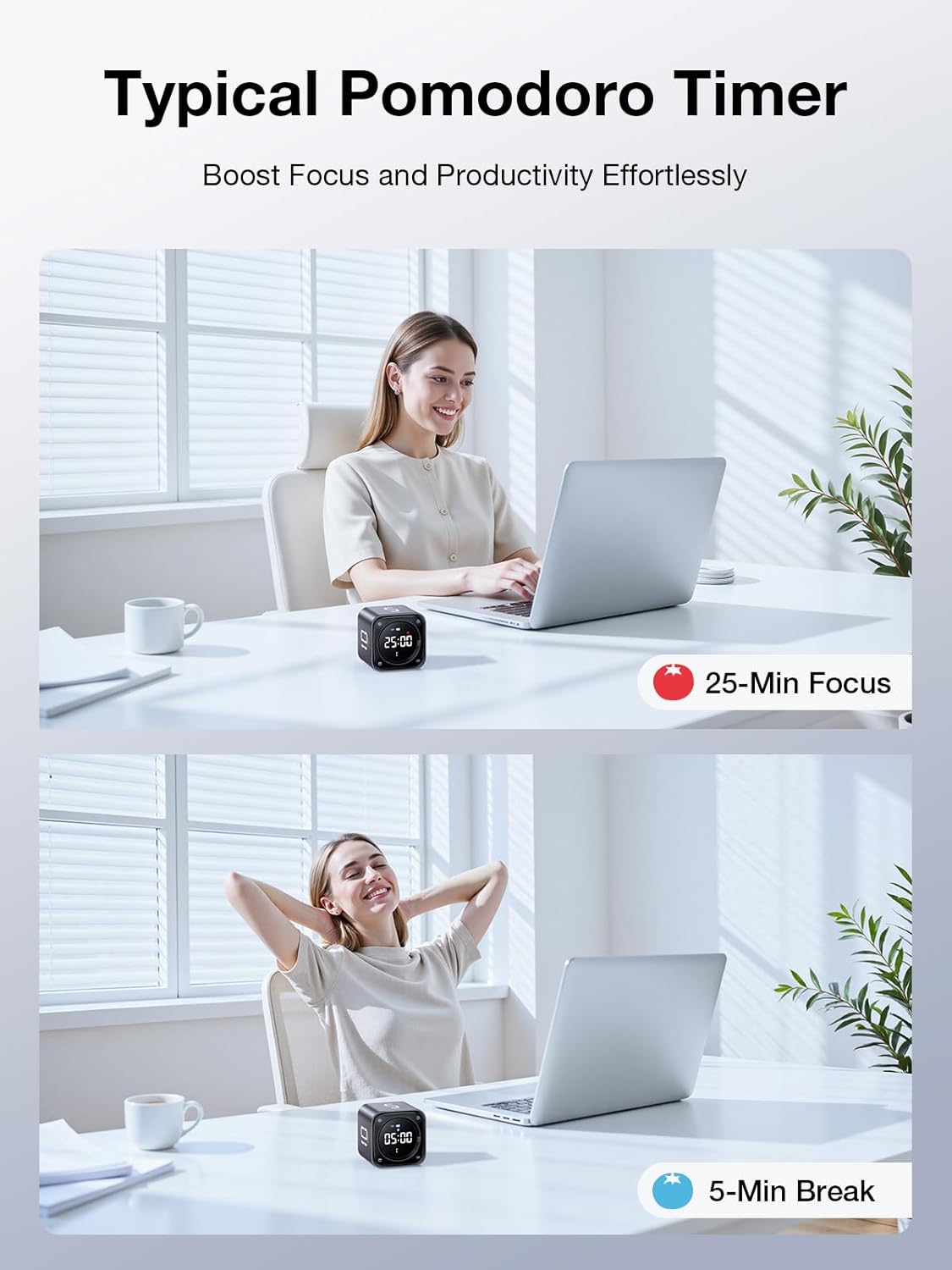
In a pomodoro workflow, the timer is set up to run 4 cycles automatically using a 25-minute work / 5-minute break pattern. That removes decision fatigue like “when do I switch?” and helps you stay on a rhythm.
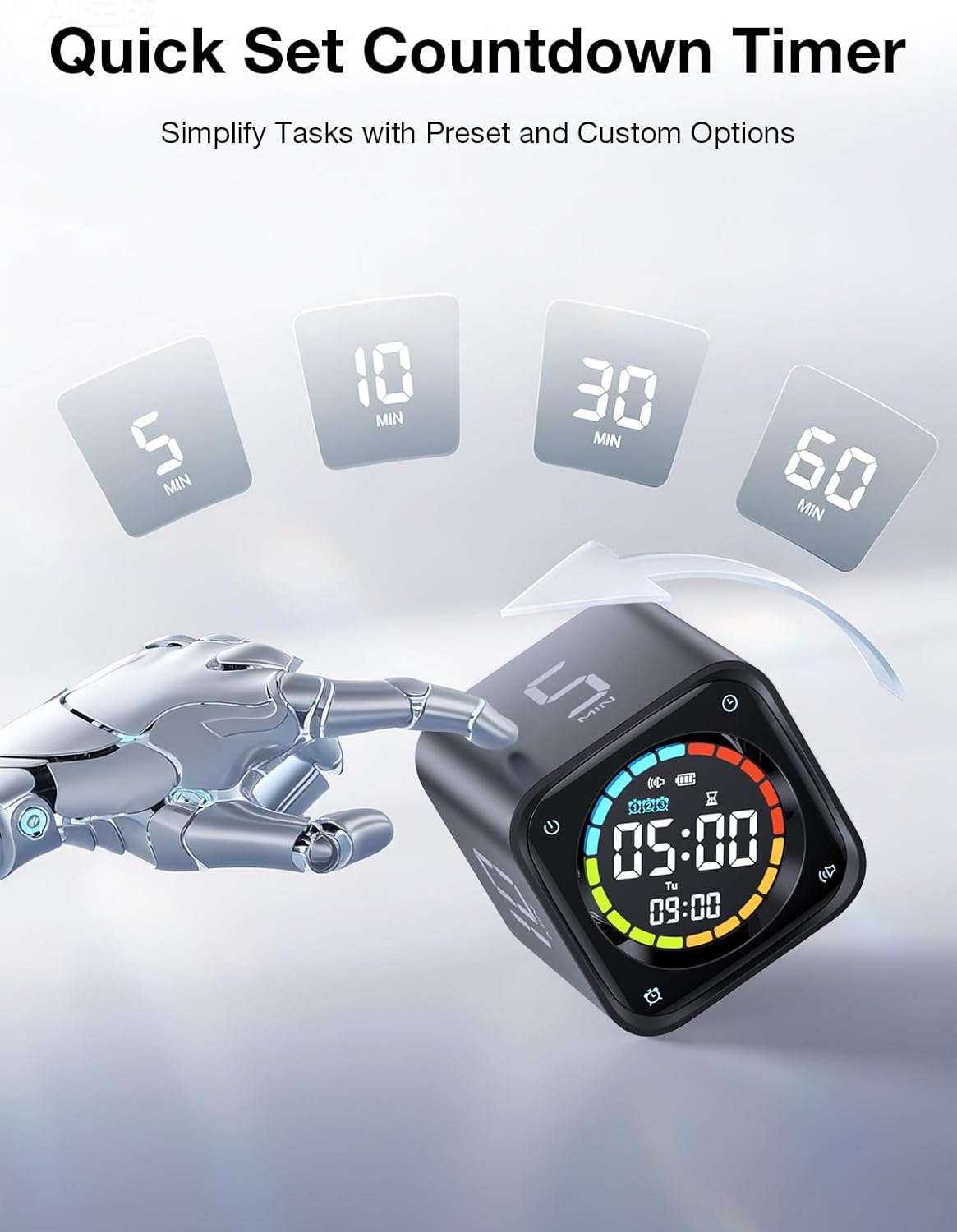
For quick sessions, the flip-to-start presets (5/10/30/60 minutes) are a practical way to time smaller tasks. Imagine you’re studying and you want a tight sprint: flip to 10 minutes, finish the one problem set chunk you can see on your desk, then flip again for the next segment.
And if you’re not working in strict intervals, the count-up stopwatch mode lets you track how long something actually takes. That can be useful for dynamic activities like games, fitness exercises, or timing presentations.
What to know about the modes (and where it may fall short)
This timer covers three main use cases: countdown focus, pomodoro-style structure, and count-up awareness.
- Pomodoro preset: automatically runs 4 pomodoro cycles using built-in 25-minute work and 5-minute break intervals.
- Quick countdown: choose 5, 10, 30, or 60 minutes via the gravity flip.
- Custom countdown: you can set a custom countdown from 99:00 down to 00:01, which is helpful when your schedule doesn’t match standard blocks.
- Stopwatch: count up from 00:01 to 99:00 to track duration.
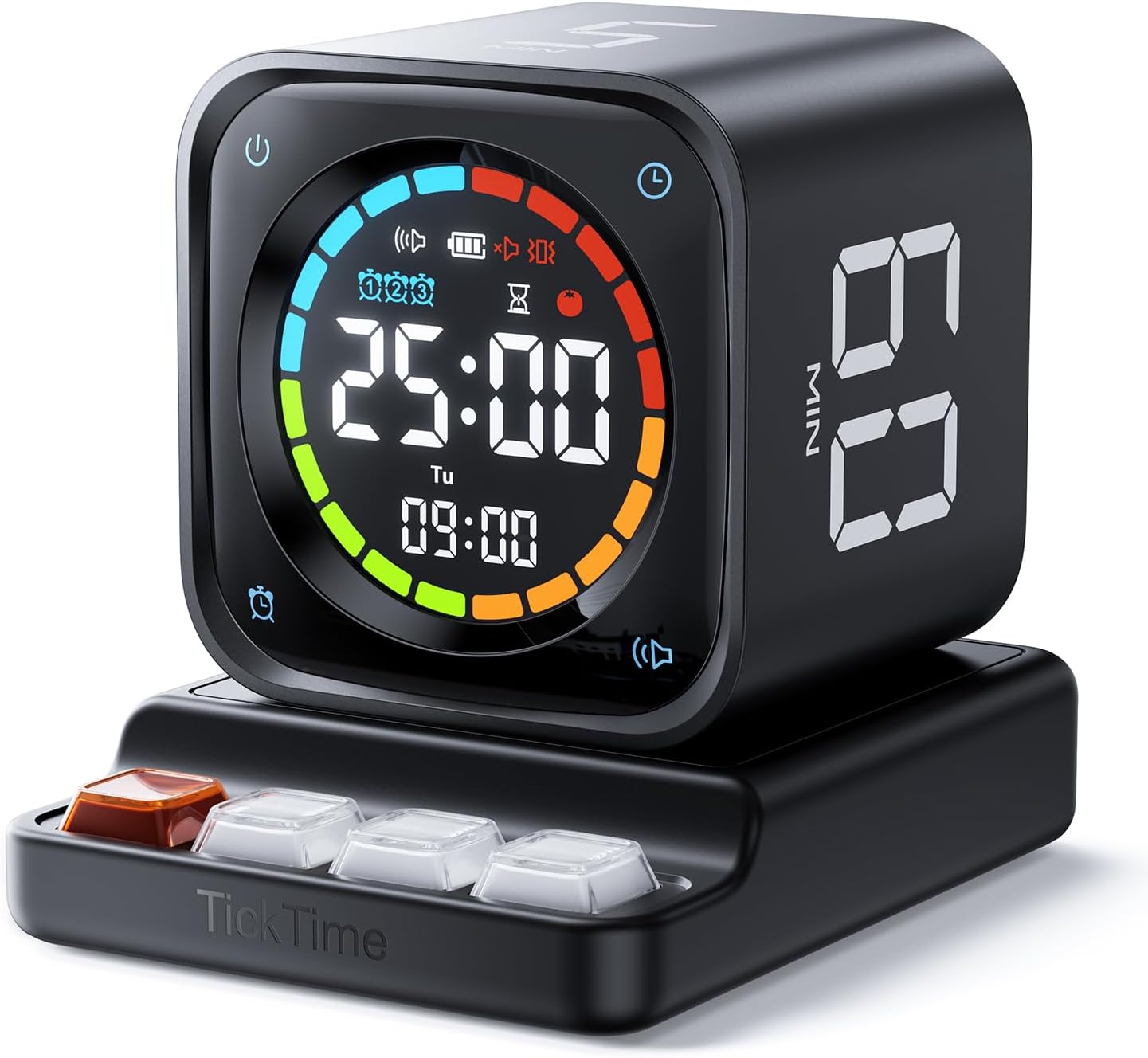
- Desk clock mode: flips to show time, day, and date on the large LED screen.
Where it might not fully satisfy: if your routine depends on very specific break patterns or multi-day planning, you’ll likely find you need more than what a cube timer can provide. It’s “simple on purpose,” which is great for consistency, but it does cap complexity.
Tech summary
- Preset countdown options: 5/10/30/60 minutes
- Pomodoro behavior: built-in 25-minute work + 5-minute break, runs 4 cycles
- Custom countdown range: 99:00 to 00:01
- Stopwatch range: 00:01 to 99:00
- Alarms: up to 3 alarms
- Display: large LED screen for clock mode (time, day, date)
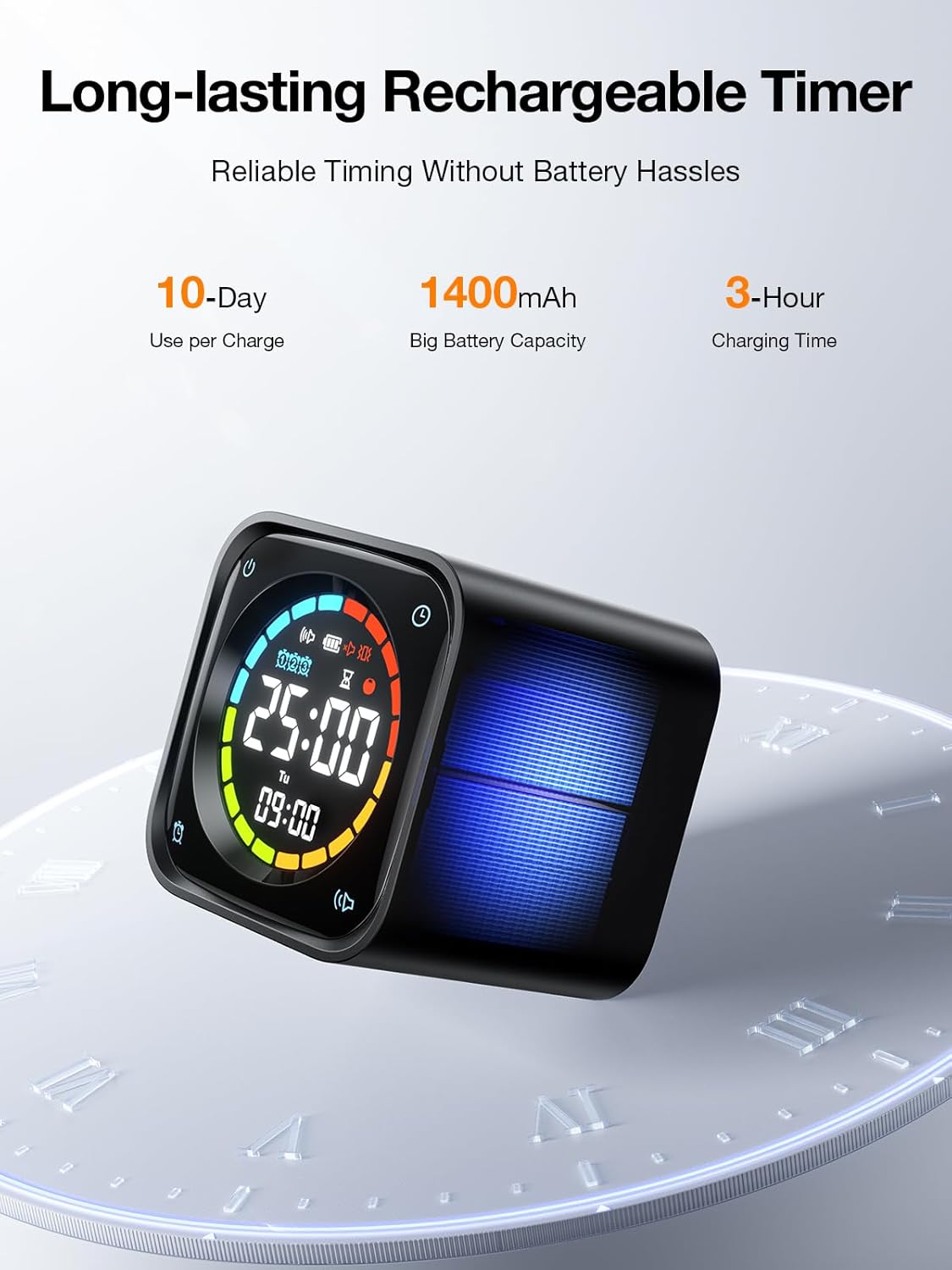
- Battery: built-in 1400mAh, up to 10 days (claimed)
- Charging: via USB-C port, can also charge using the base while keeping it functional
- Alerts: silent mode plus vibrate and sound alerts (as described)
Who it suits best (and who should skip it)
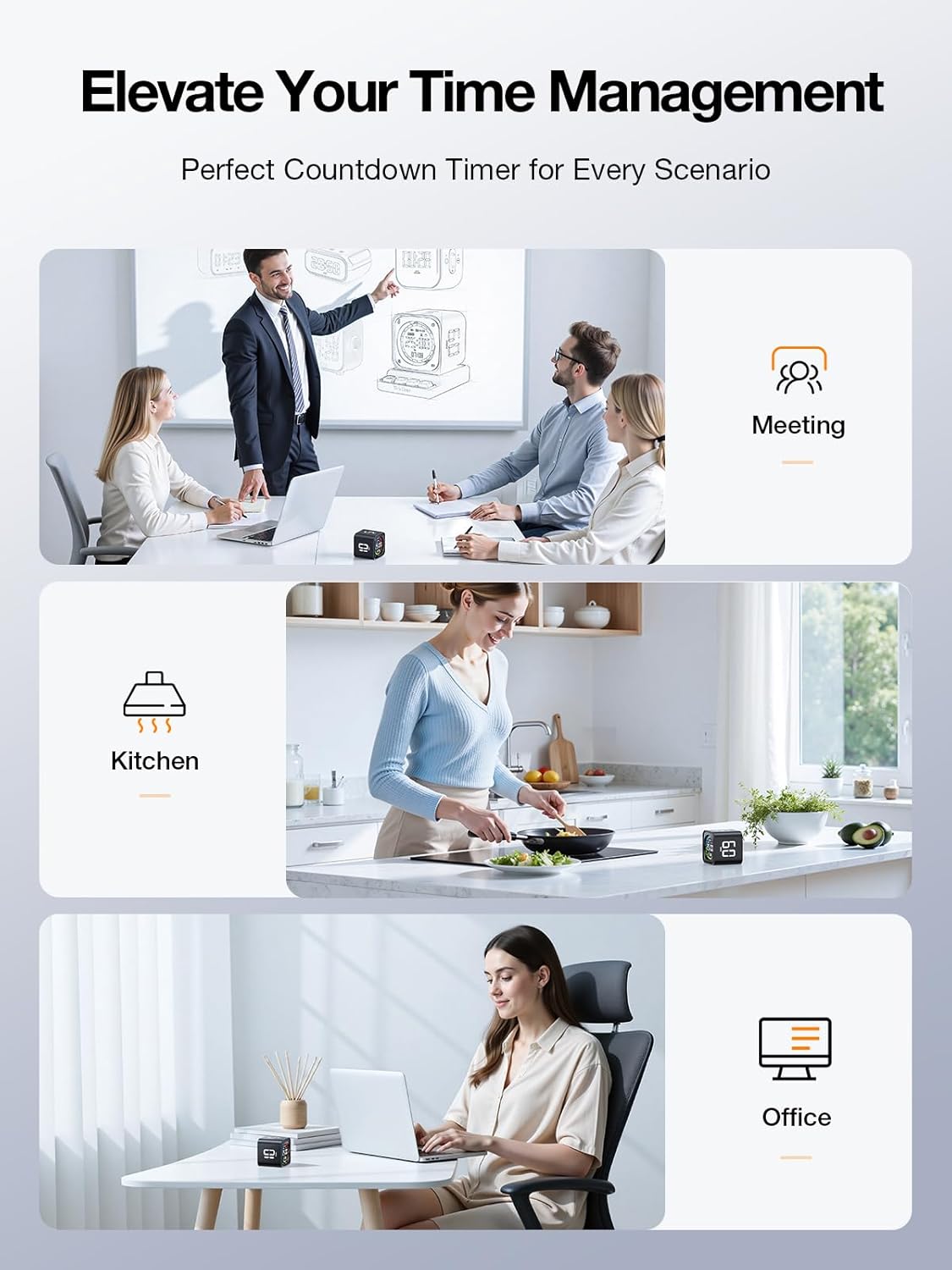
It suits you if you want a desk tool that’s easy to restart, easy to see, and built around recurring intervals. It can be a particularly good fit if you benefit from visual and tactile cues when focusing—because the timer starts with a physical flip rather than menus.
It’s also a solid match if you’d like one device to cover more than one routine: a focus block today, a timed task tomorrow, and a visible desk clock the rest of the time.
You may want to skip it if you’re looking for advanced customization beyond simple countdown settings, or if you prefer timing that lives entirely in an app with detailed analytics.
Maintenance and charging reality check
The TK3 is designed to be rechargeable to reduce battery hassle. It charges via USB-C, and it can remain functional while charging. One detail to keep in mind: the base has no power supply, so you’ll still rely on USB-C for charging.
In the box
Based on the information provided, the product includes the desk timer cube and a base for charging/placement, but exact package contents aren’t fully listed here.
Is it worth it?
Worth buying if you want a true pomodoro timer experience on a desk, plus quick countdown presets, a stopwatch for counting up, and a clock mode that makes the device more useful than “just a timer.” The gravity-flip start is the kind of everyday convenience that can actually help you stick with intervals instead of abandoning them.
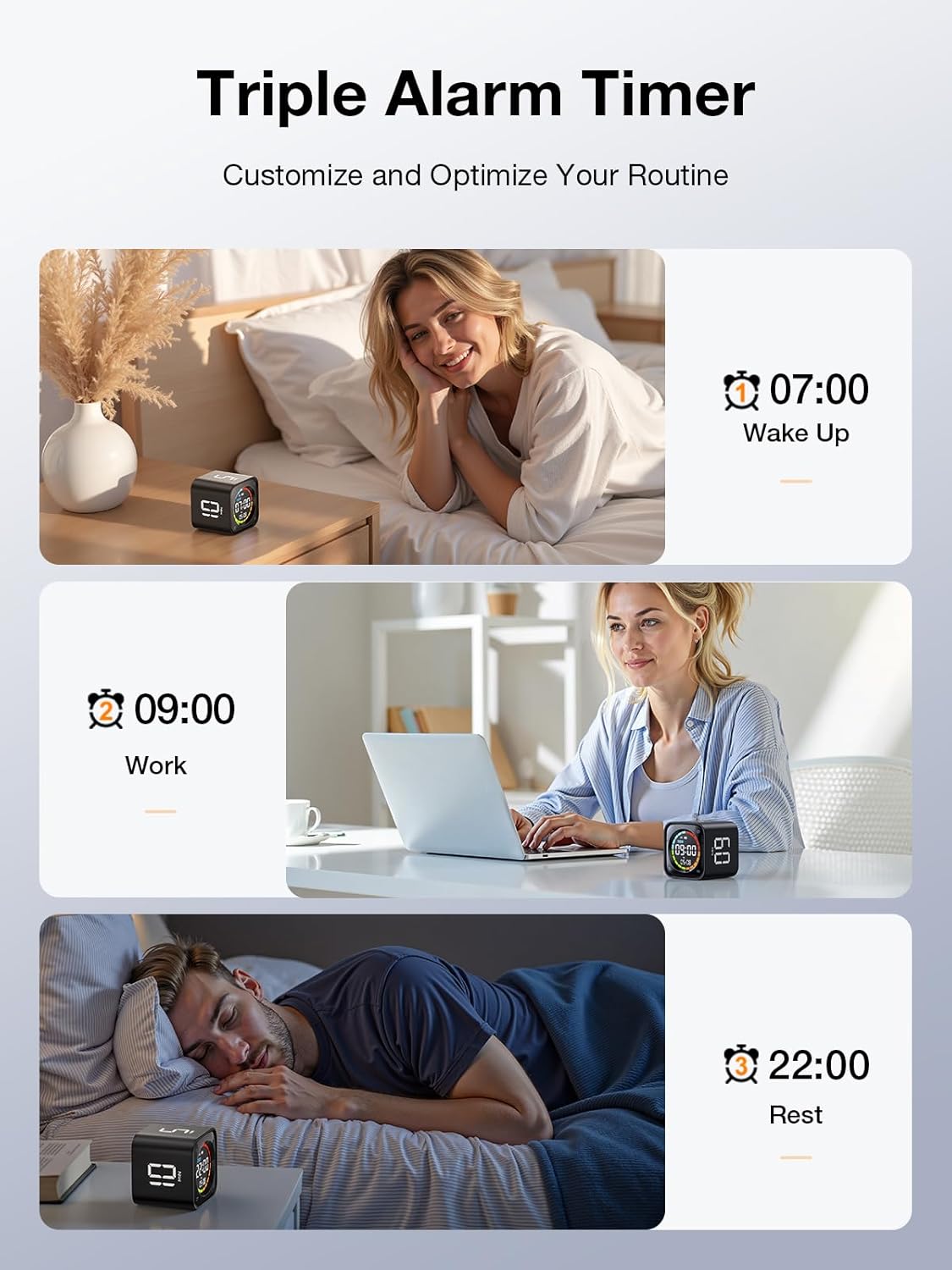
Not the best pick if your timing needs are highly complex, or if you specifically want app integrations and deeper scheduling features. For straightforward focus sessions, ADHD-friendly cueing through tactile/visual operation, studying blocks, kitchen timing, or routine reminders through up to 3 alarms, the TK3’s feature mix makes a lot of sense.
Quick FAQ
Does the TK3 start automatically when flipped?
Yes—on the gravity timer setup, flipping it starts the countdown for the selected time.
Can it run a standard pomodoro cycle without extra setup?
The built-in pomodoro preset runs 4 cycles using 25-minute work and 5-minute breaks.
What’s the custom countdown range?
The custom countdown supports settings from 99:00 down to 00:01.
Does it also work as a clock?
Yes, there’s a clock mode that shows time, day, and date on the LED display.
Is there a silent option?
The product description mentions silent mode, plus vibrate and sound alert options.