

Mvgges POS-9270 4x6 Thermal Shipping Label Printer, Bluetooth and USB
Product description
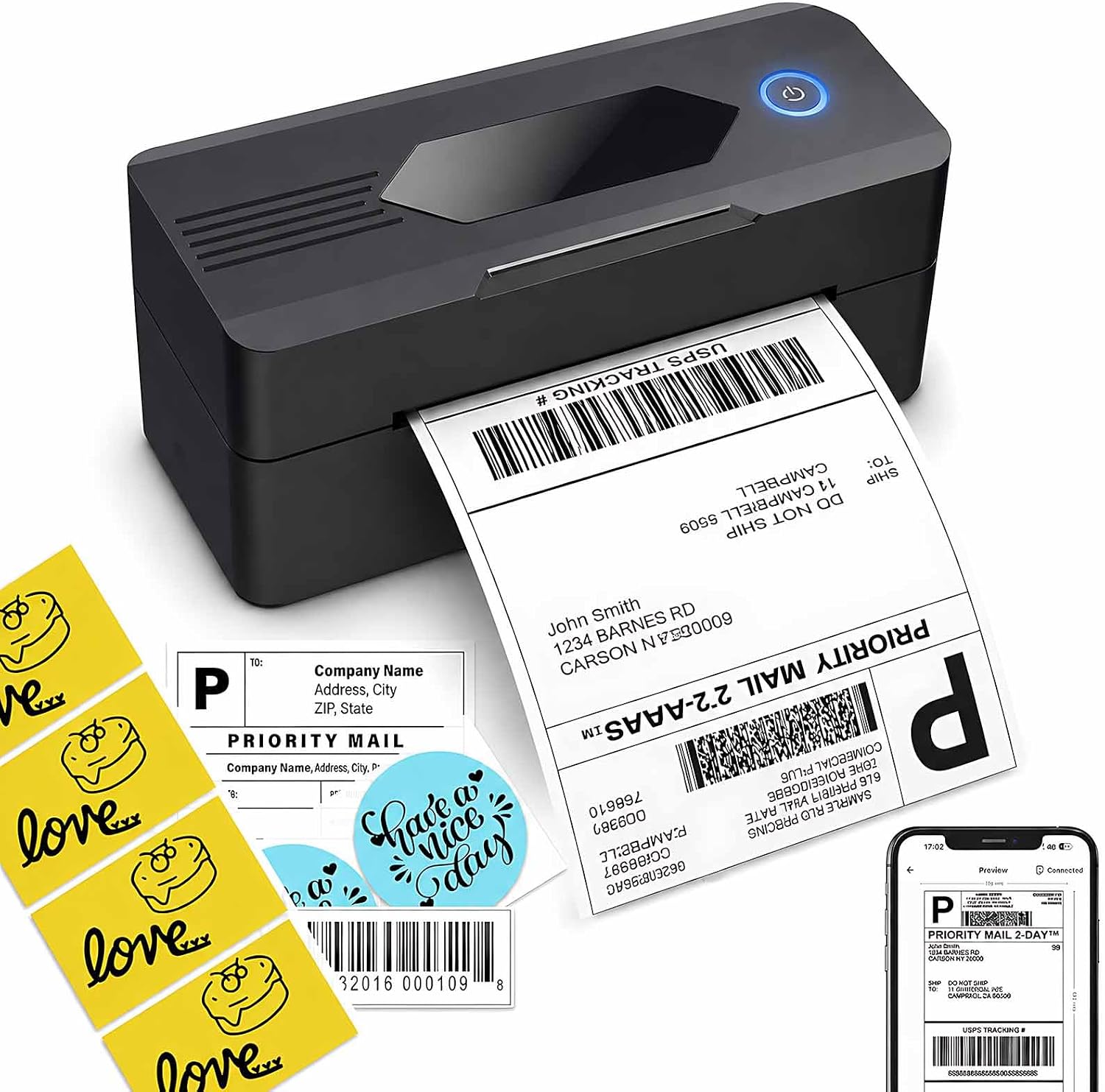
Thermal printing produces monochrome shipping labels without ink or toner, making the Mvgges POS-9270 a practical fit for packing orders at home or in a small business. Its 4 x 6-inch label format supports a common shipping-label workflow, while Bluetooth and USB give you different ways to connect based on the device you use.
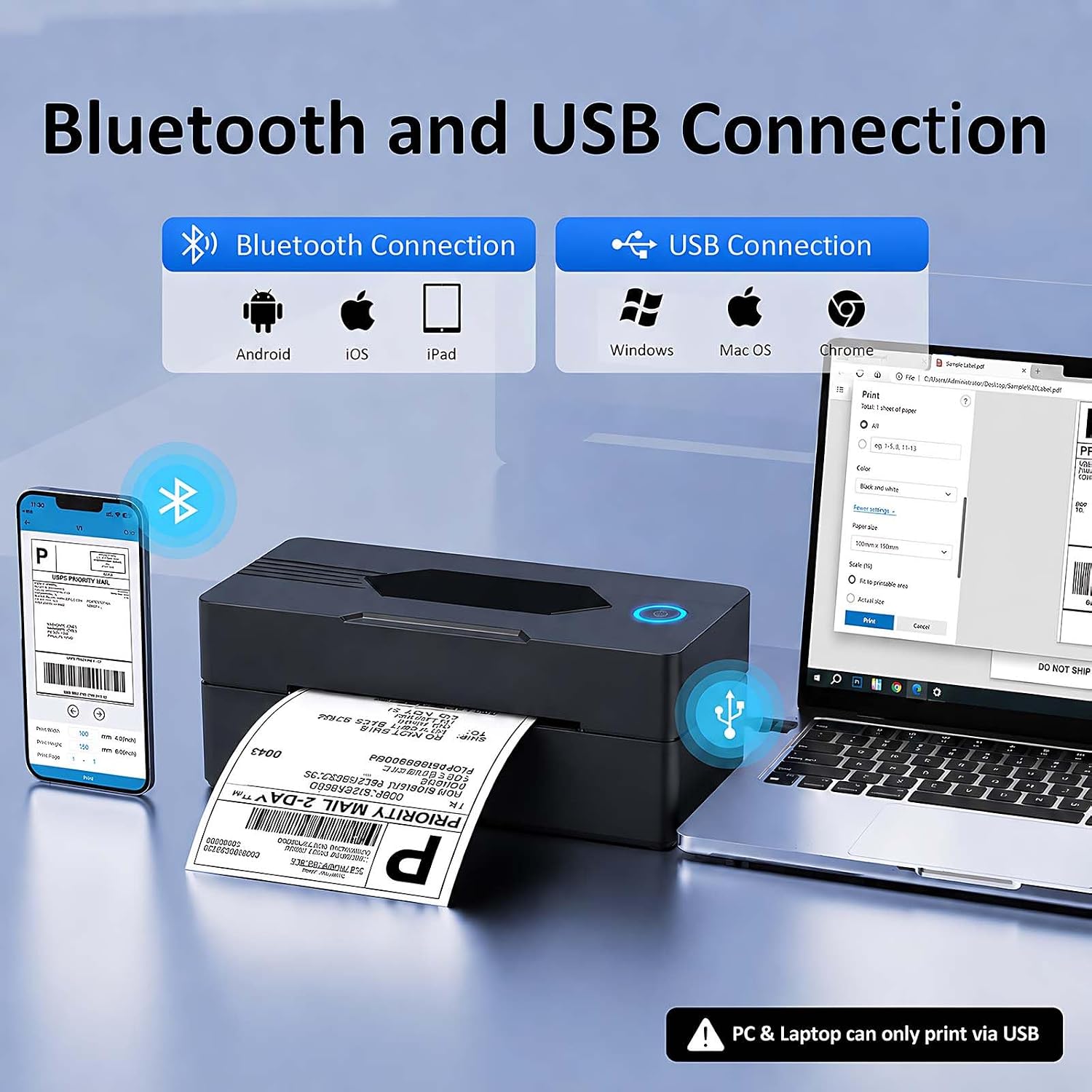
Print from an Android or iOS device using the Bluetooth printing app, or connect a Windows or Mac computer by USB and install the driver. At 3.15"D x 7.28"W x 2.56"H, the printer has a compact footprint for a desk or packing station. Choose phone-based Bluetooth for a mobile setup, or USB when you prepare labels from a computer.
What to know
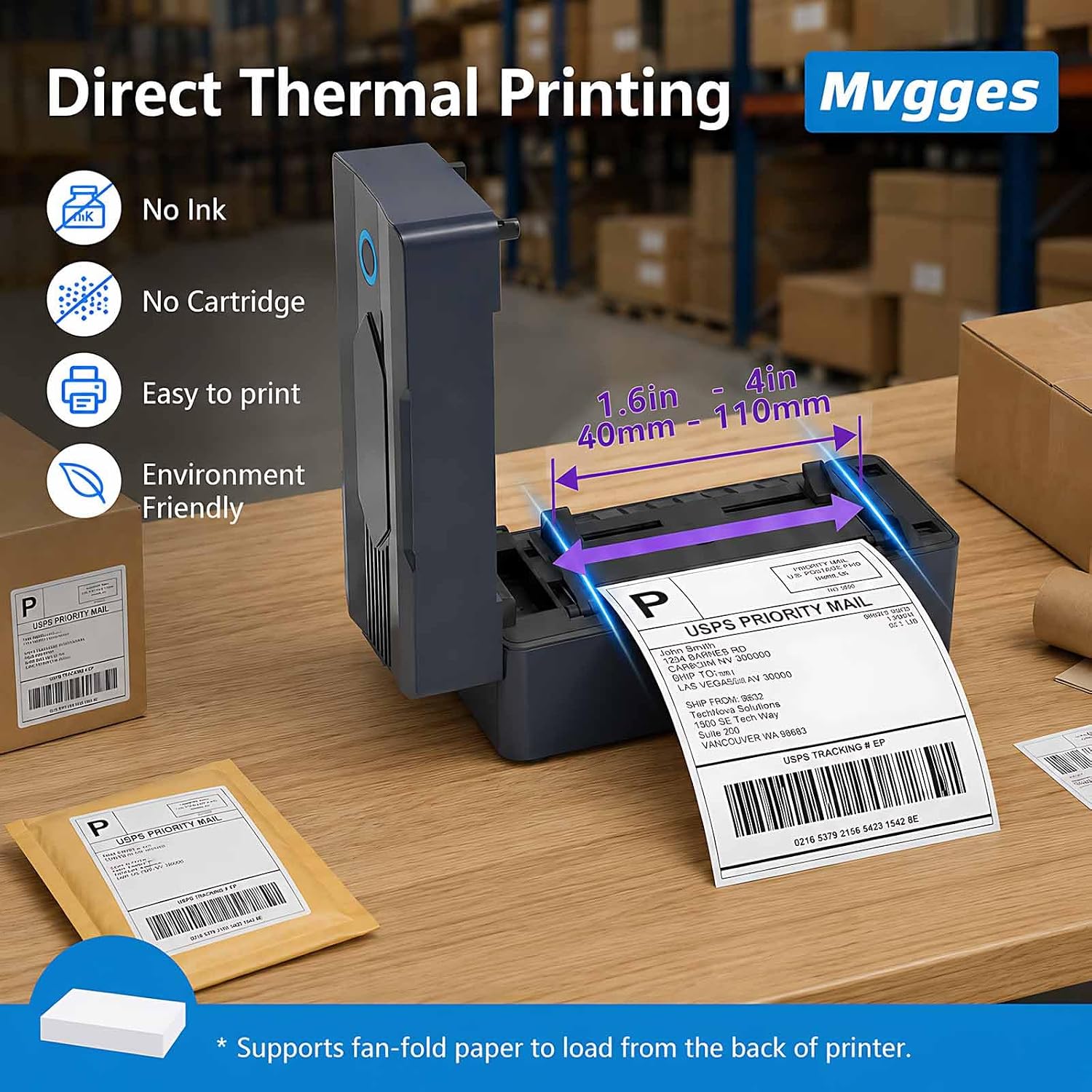
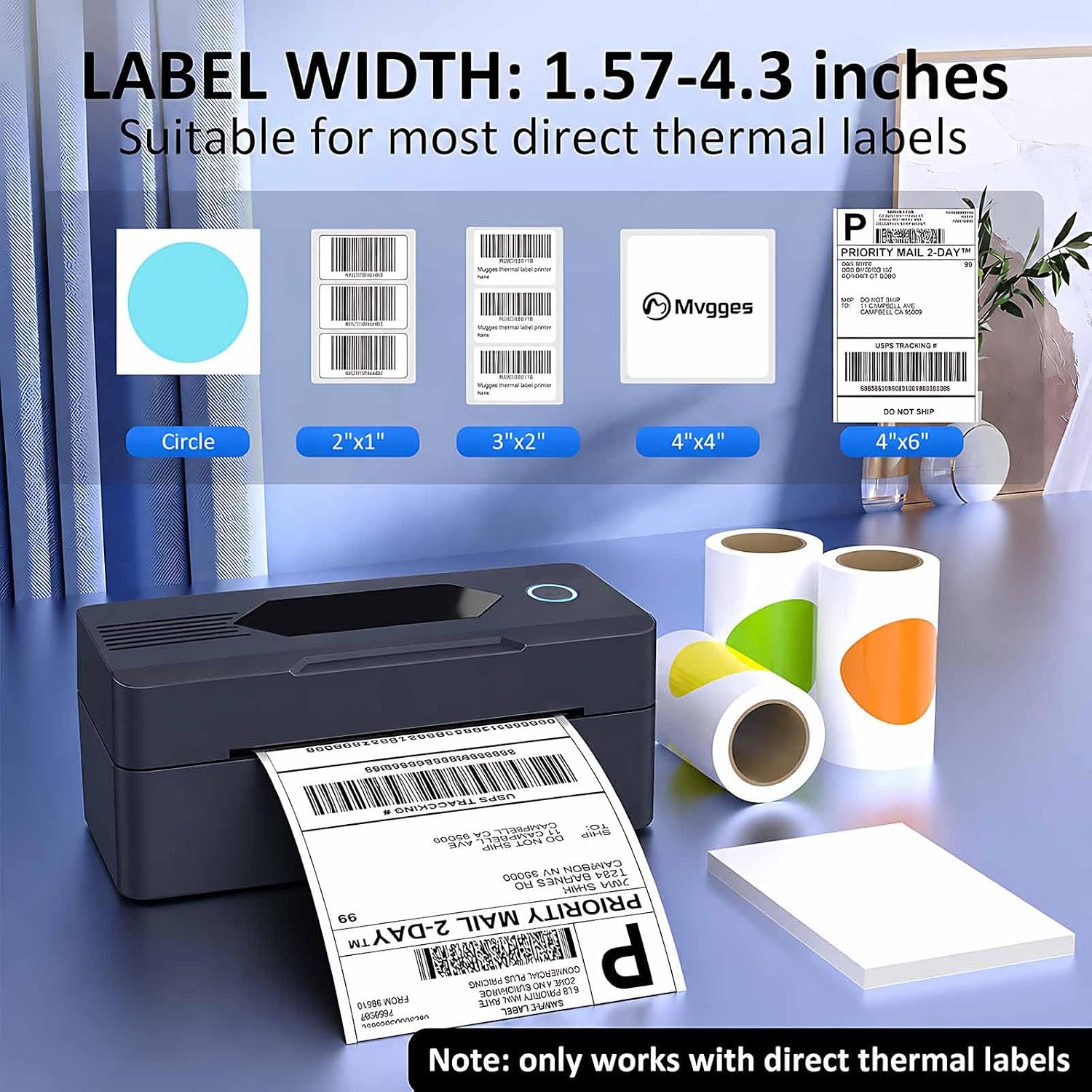
The POS-9270 uses direct thermal printing at 203 x 203 dpi and prints in monochrome. Because it prints on thermal paper, there are no ink or toner cartridges to replace. It supports 4 x 6-inch labels, and the product details also list thermal media from 35–104 mm. This makes it useful for shipping labels as well as inventory and other labeling tasks that use compatible thermal media.
Connection depends on your device: Bluetooth printing is for Android and iOS through the Bluetooth printing app. Windows and Mac computers connect through USB with the printer driver. Bluetooth is not supported for Wi-Fi printing, and the computer connection is not a direct Bluetooth connection. For labels prepared through sales platforms, save the label as a PDF before printing.
The package includes the printer, a power adapter, a USB cable, a user manual, and 30 test labels. The product carries a one-year warranty. Buyers often appreciate the compact size and quick printing, while feedback on Bluetooth pairing and print results is mixed. Some also find the instructions unclear, so following the app or driver setup for the specific device is a useful first step.
Who it’s for
This printer suits small online sellers, home offices, and anyone who regularly prepares shipping labels and wants a dedicated thermal printer. Its compact dimensions work well where desk space is shared with packing materials, and the 4 x 6-inch format keeps the focus on shipping tasks. It can also support inventory labeling when the chosen media is compatible.
Tips for day-to-day use
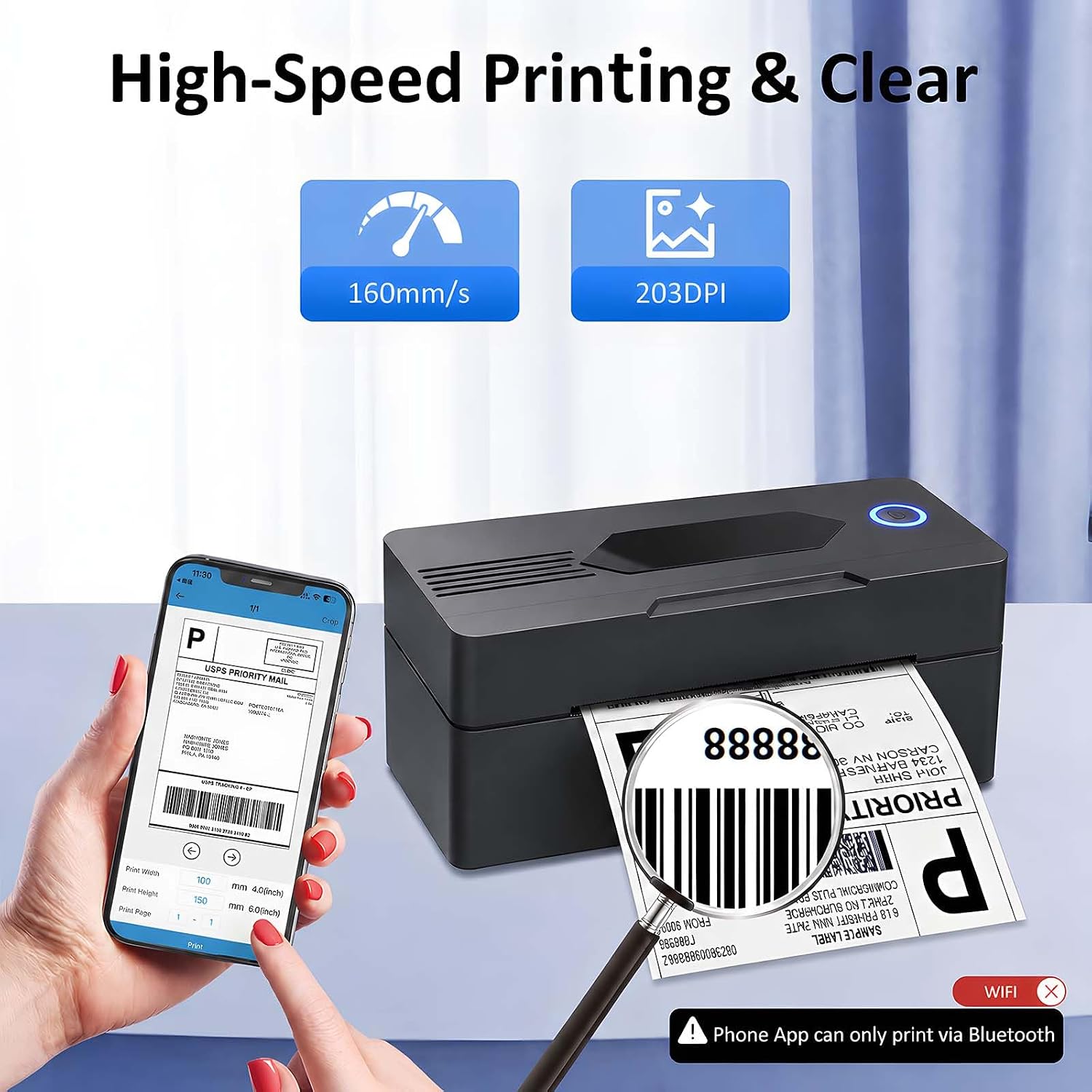
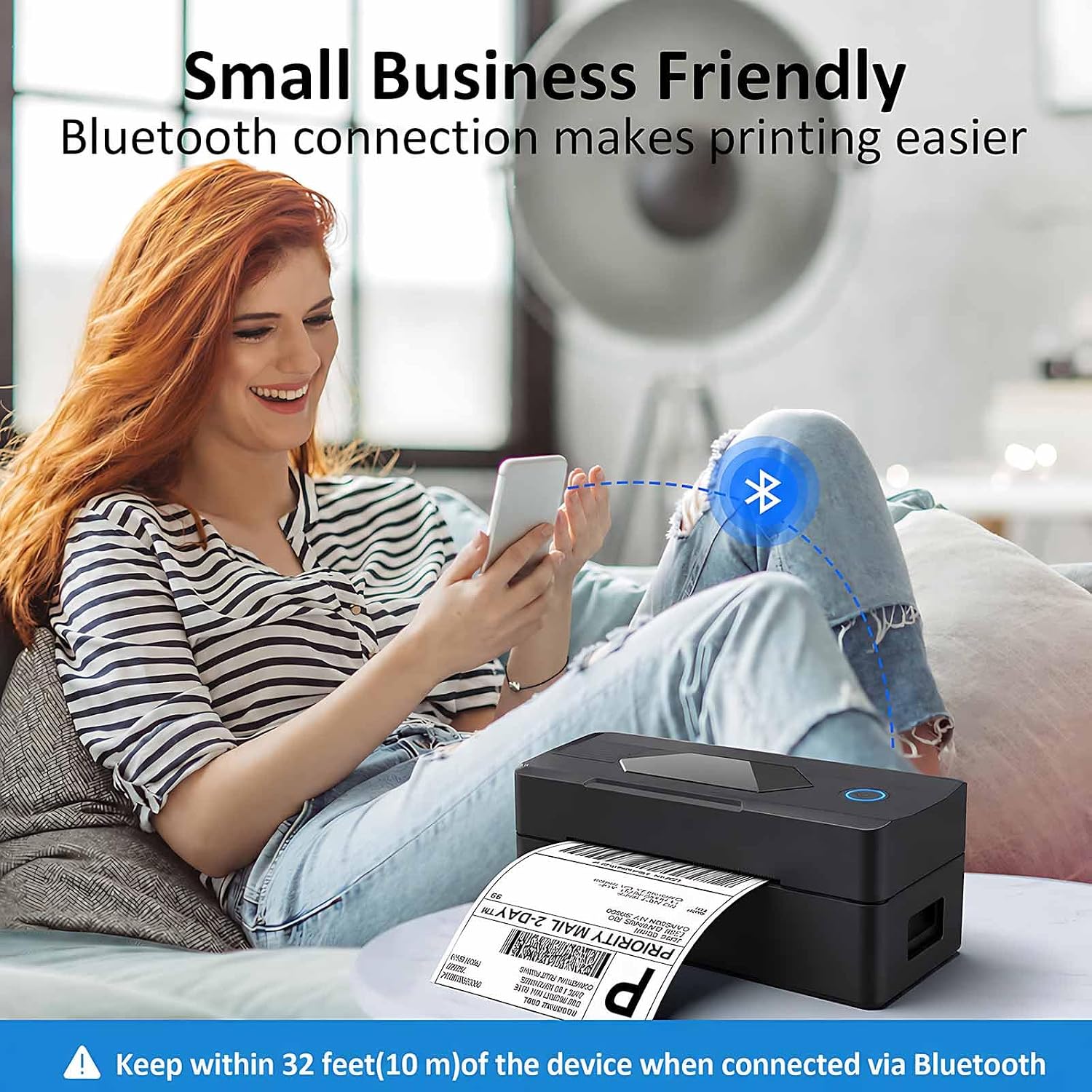
For phone printing, install the Bluetooth printing app on an Android or iOS device and connect through the app. For a Windows or Mac computer, use the USB cable and install the printer driver. Preparing a platform label as a PDF provides a straightforward file to send to print. Keep the label stock matched to the printer’s supported thermal media, and use the included test labels to get started before printing a batch.
Is it worth it?
The Mvgges POS-9270 brings together a 4 x 6-inch shipping-label format, ink-free thermal printing, and phone or computer connections in a compact unit. It’s a useful match for sellers who print packages at home or in a small workspace and want a dedicated label printer rather than relying on a general-purpose printer. The choice between Bluetooth for a phone and USB for a computer makes it easier to fit the printer into an existing label-preparation routine.