

Liene PixCut S1 Color Label Printer
Reviews
Price
Product description
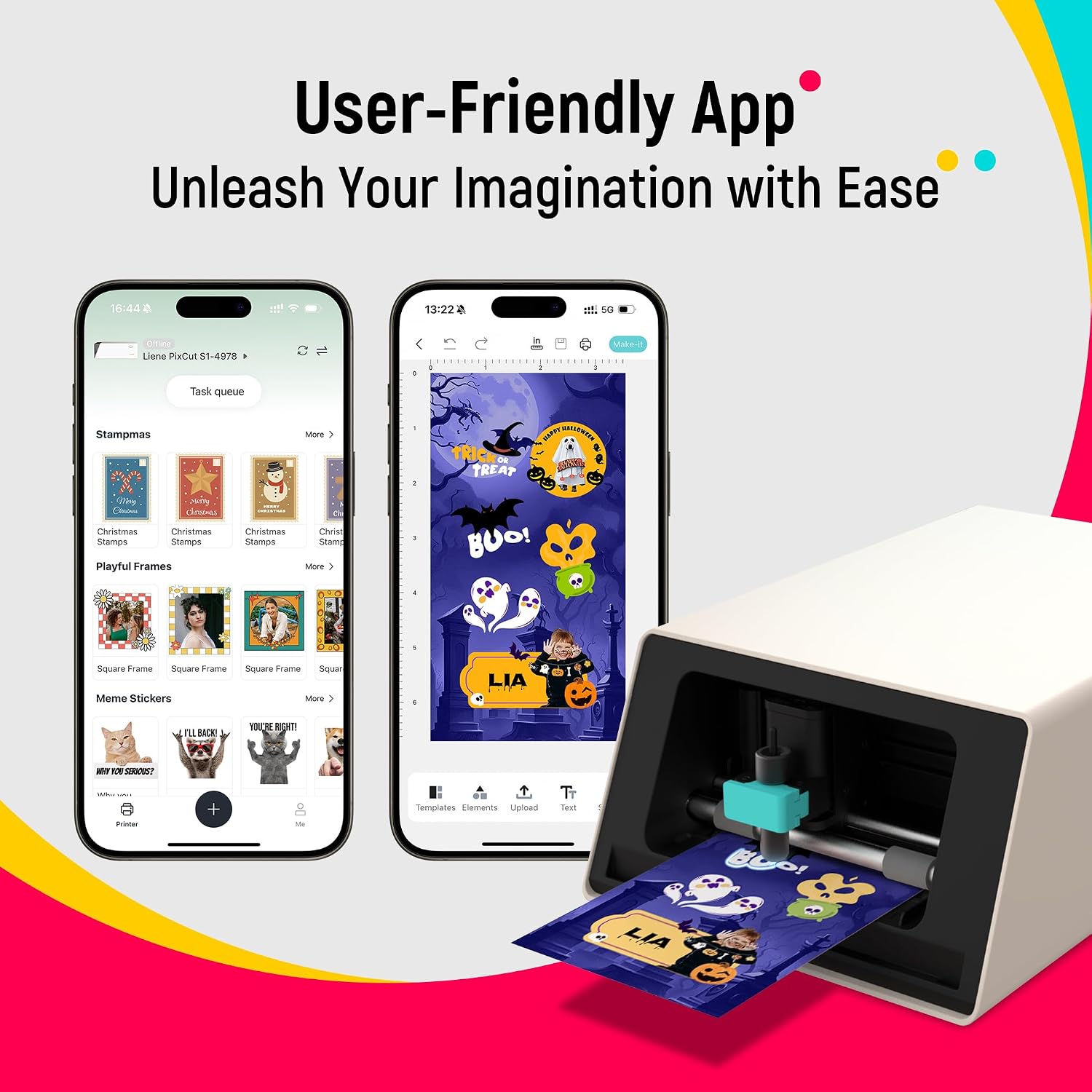
This Liene PixCut S1 Color Label Printer combines printing and cutting into one seamless workflow, ideal for crafting custom labels, stickers, and decals quickly and easily. Whether you're making personalized tags for home items or creating fun decals from your own photos, the device offers a smooth, app-connected experience that works directly from your smartphone via Bluetooth.
Key Points
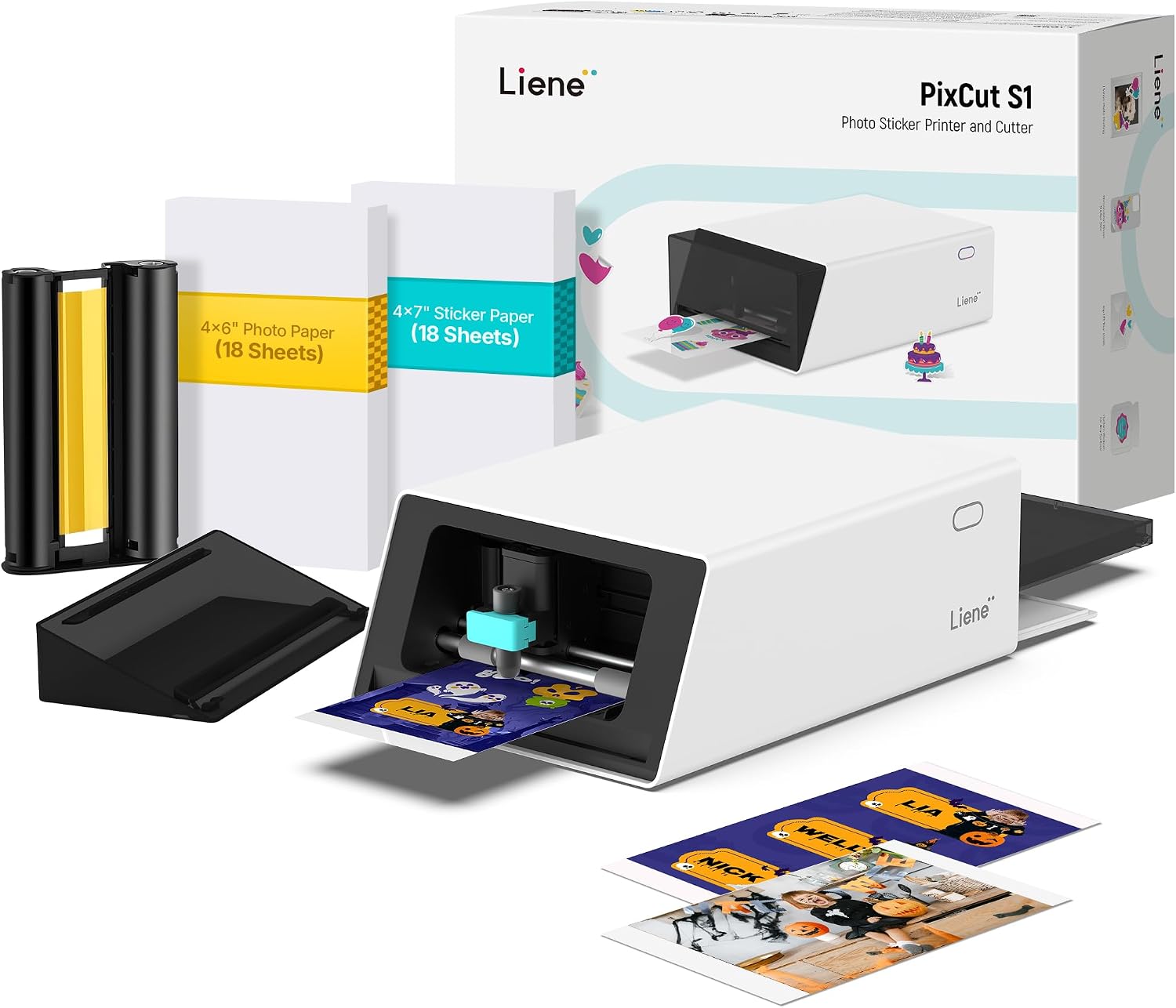
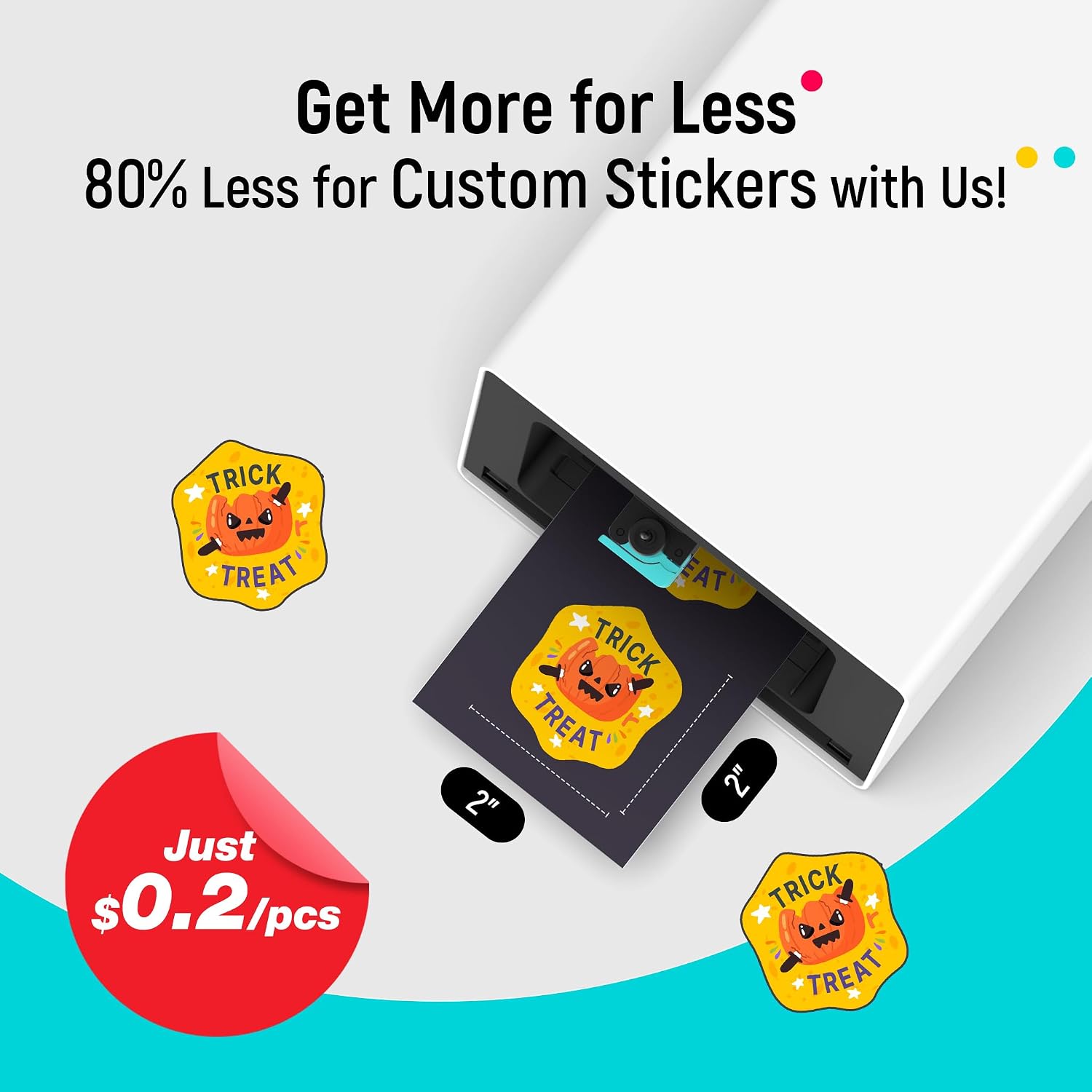
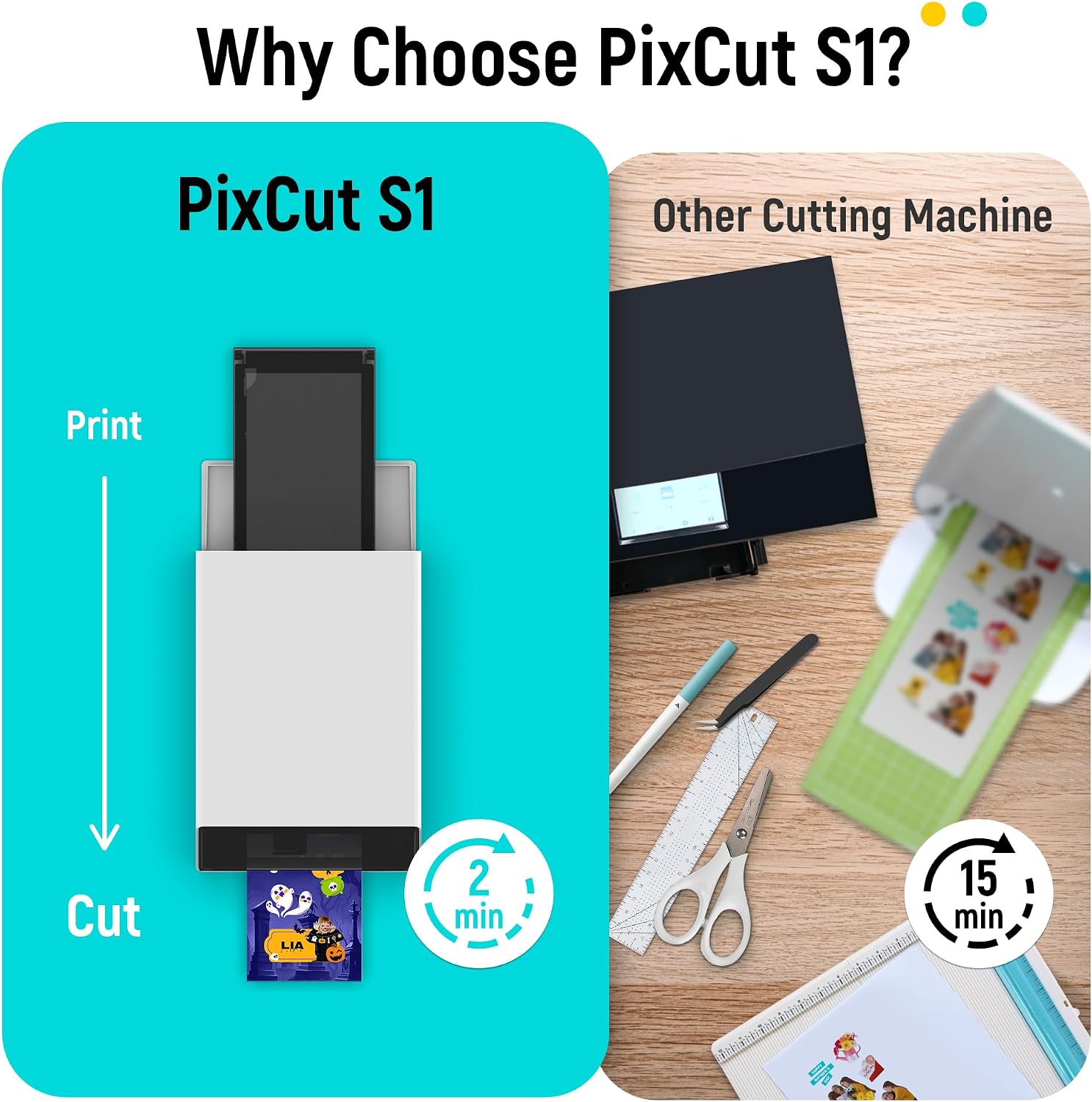
The Liene PixCut S1 delivers a compact, all-in-one solution for crafting custom labels and decals. It supports high-resolution printing at 300 ppp using thermal sublimation technology, producing vivid and realistic colors with 16.7 million color shades. The AI-powered image extraction feature allows users to convert any photo into a custom sticker, including scenes, pets, or everyday objects. A smart cutting system ensures precise edge alignment, eliminating misalignment and material waste. The printer applies a four-layer laminate during printing, resulting in stickers that are water-resistant, scratch-resistant, and fade-resistant.
Technical Specifications
- Brand + Model: Liene PixCut S1
- Printing Resolution: 300 ppp
- Color Depth: 16.7 million colors
- Cutting Technology: AI-powered edge detection
- Paper Type: Photographic paper with automatic lamination
- Connectivity: Bluetooth 5.0
- Output Size: Up to 4.7 inches (12 cm)
- Power Requirement: 12V DC, 0.5A
Benefits
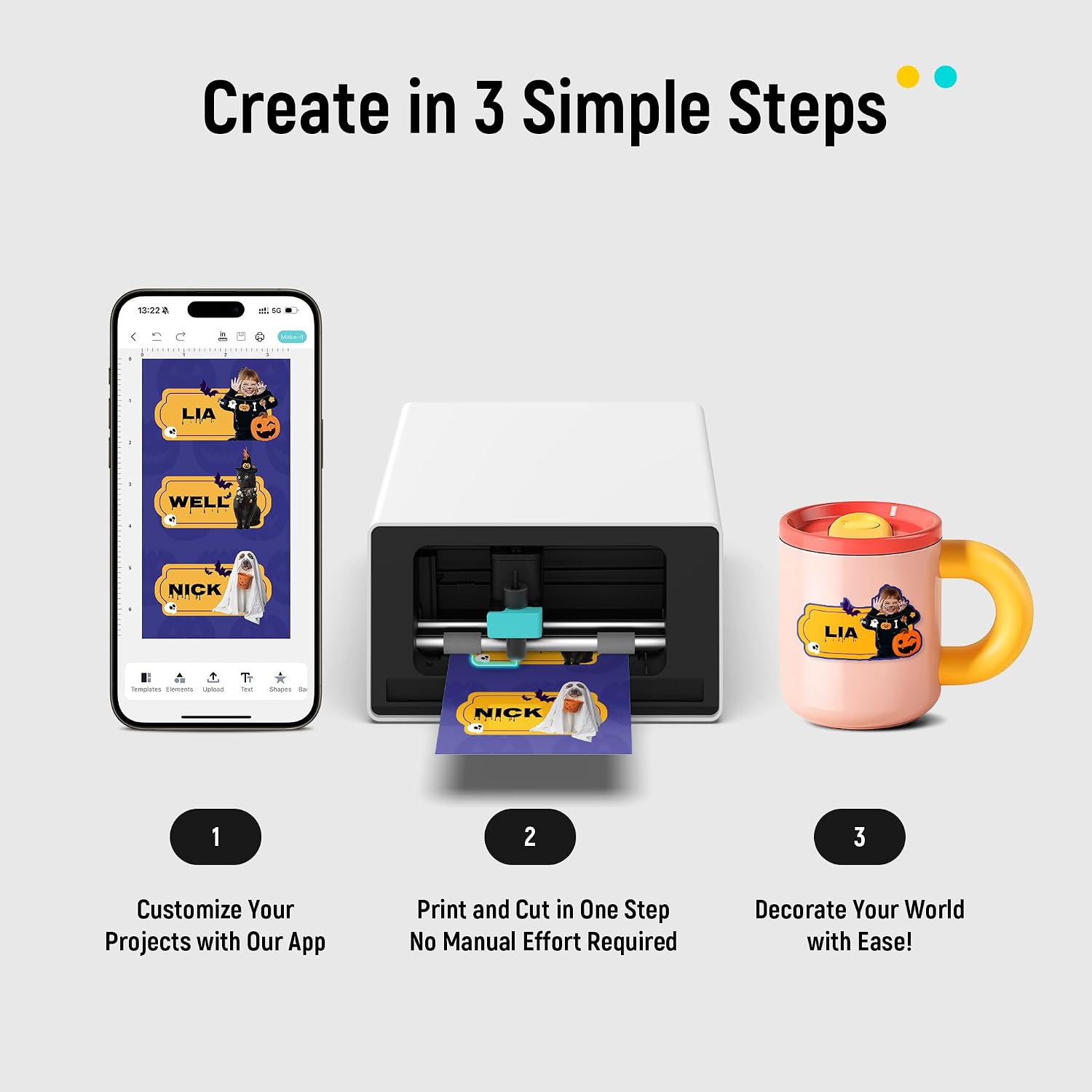
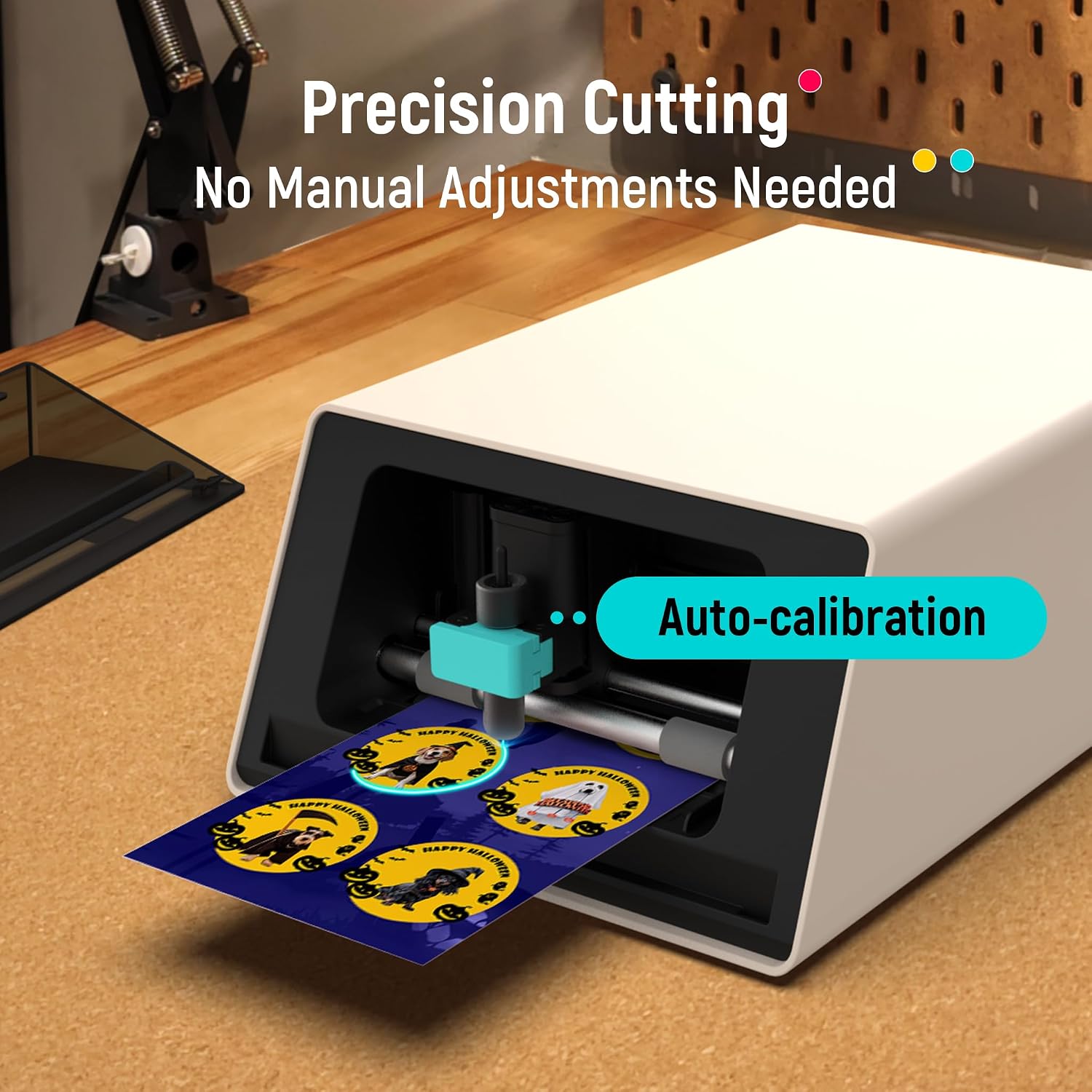
This printer simplifies creative projects by letting you turn any photo into a personalized sticker with minimal effort. The AI image recognition removes the need for manual design, making it accessible for users without graphic skills. The thermal sublimation process produces labels that maintain their appearance under normal conditions, including exposure to sunlight and moisture. The clean, easy-to-remove backing ensures no sticky residue remains after use, which is especially helpful when repositioning or applying to surfaces.
Usage Recommendations
For best results, place the printer on a flat, stable surface and ensure the paper is loaded correctly before starting a print job. Use the companion app to select your image, adjust size and orientation, and initiate the print-and-cut process with a single tap. For photos with complex backgrounds, the AI function works best when the subject is clearly defined. Avoid using the device with very thin or fragile materials, as the cutting mechanism may not handle them effectively. Keep the printer in a dry environment to maintain consistent performance.