

SOAR NHL Unisex Wireless Charging Mousepad (Qi-enabled, 10W)
Product description
What it is (and why people buy it)
This SOAR NHL wireless charging mousepad is basically a mouse pad with a charging zone built in. The idea is simple: if you use a mouse and a phone/tablet at the same desk, you can top up a Qi-enabled device without plugging in every time. On paper, it’s the kind of setup-friendly desk accessory that reduces cable clutter and makes charging feel a bit more “set it down and go.”
The “NHL official licensed” angle also matters if you like having team-themed gear where you work. It’s a unisex-adult mousepad, so the style and desk presence are clearly part of the appeal.
Key takeaways
If you’re the type who keeps your phone nearby while working, this mousepad is designed to turn that habit into charging. It includes a charging protection system—over-voltage, under-voltage, temperature control, and surge/short-circuit protection—so it’s not just about power delivery, it’s also about keeping things safer while charging.
That said, there’s a catch: wireless charging depends heavily on proper placement. If you’re expecting instant charging from anywhere on the pad, you may end up moving your device around a bit until you find the sweet spot.
Where it shines day to day
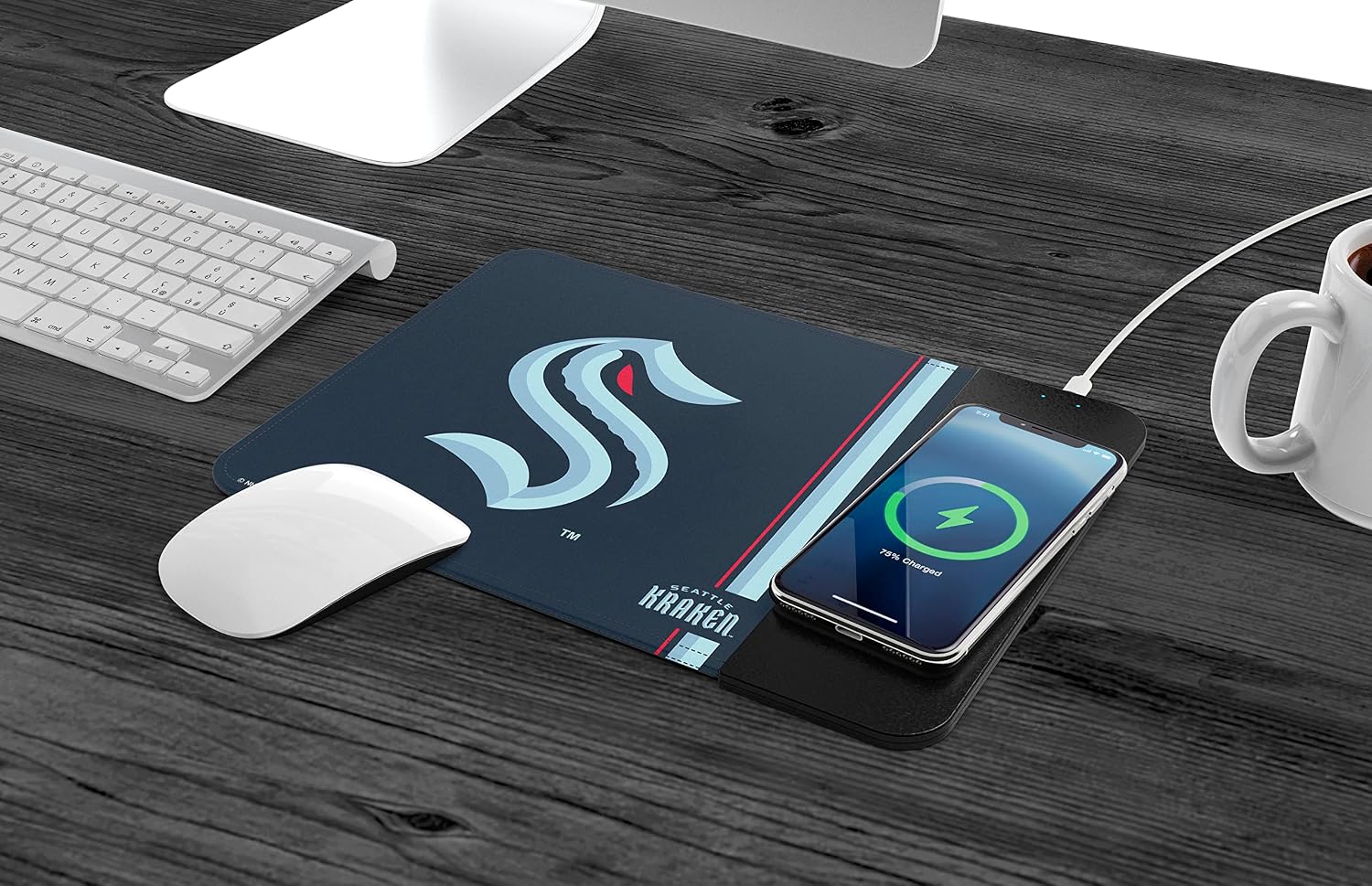
The best use case is straightforward: during computer sessions, you drop your Qi-enabled device on the charging area while you work. Imagine finishing a meeting, placing your phone down on the mousepad, and not thinking about cables until later.
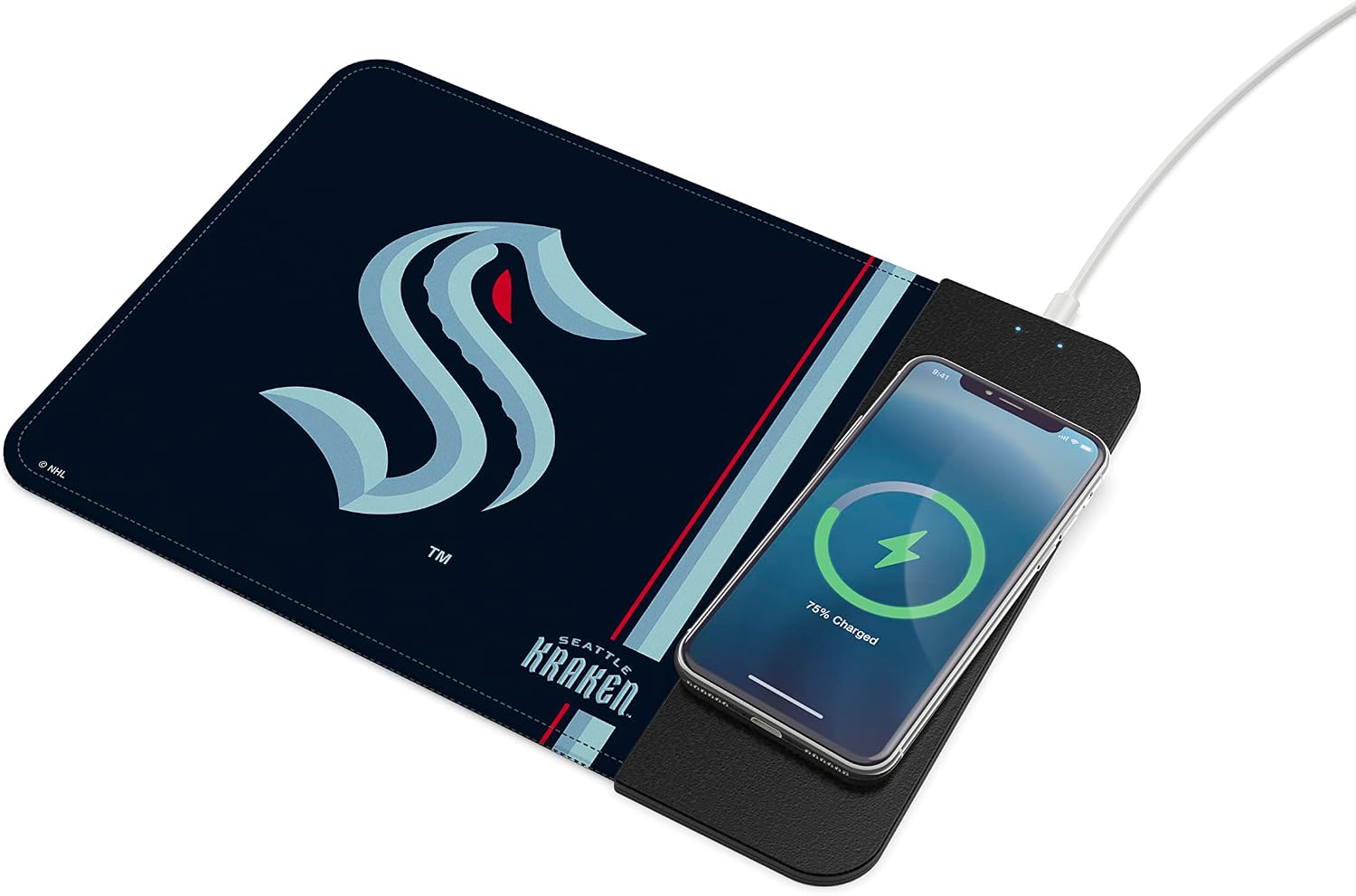
A few things in the provided details suggest it’s meant for everyday desk life: - Slim “case friendly” design, which implies you don’t want to remove your phone case just to charge. - “10W fast charging,” which positions it as quicker than basic wireless charging speed (though real-world results can still vary by device). - Multiple protection features, which is reassuring if you tend to leave devices charging for longer stretches.
Tech specs (the part worth checking)
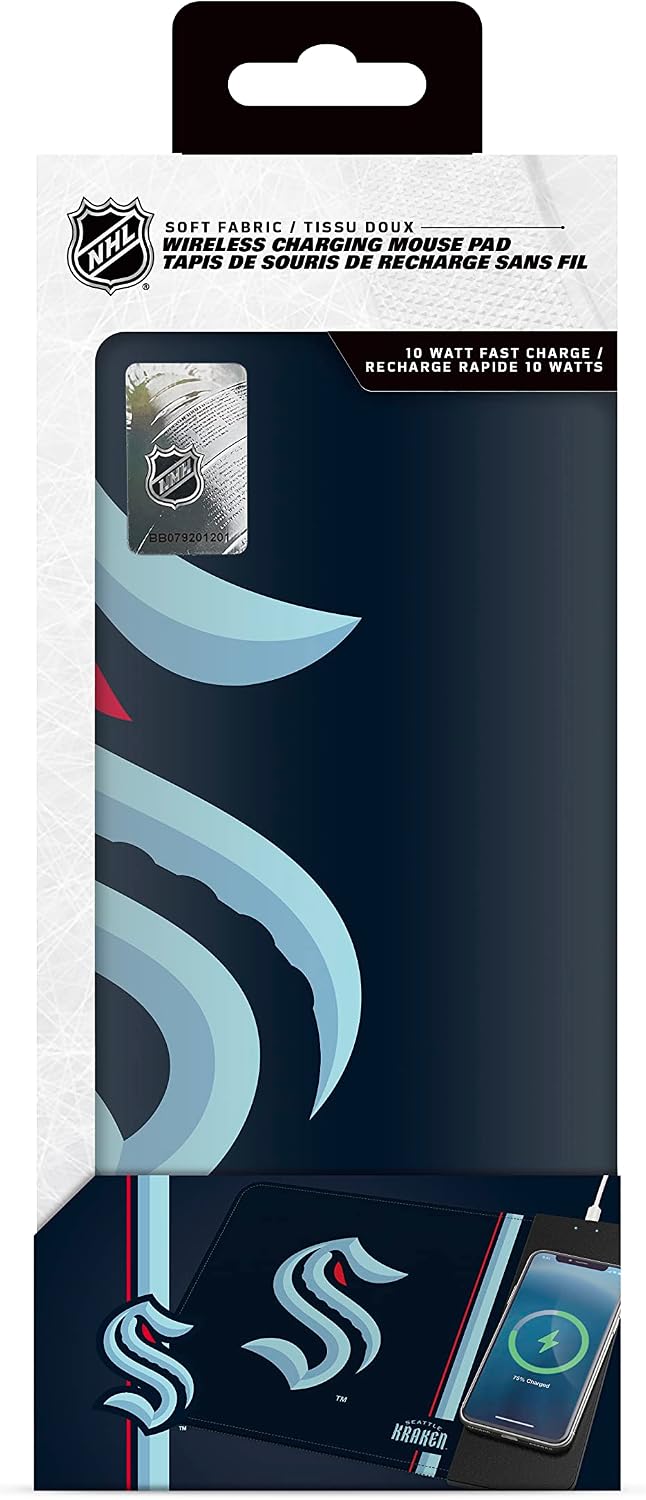
- Name: SOAR NHL Unisex-Adult Wireless Charging Mousepad
- Type: Wireless charging mousepad
- Charging standard: Qi enabled devices
- Charging power: 10W fast charging
- Protection system: over-voltage, under-voltage, temperature control, surge protection, short-circuit protection
- Design notes: slim case friendly
- Licensing: NHL official licensed product
Who it’s for (and who should skip it)
It makes sense if you want a single desk surface that does two jobs: consistent mouse support and wireless charging for a Qi-enabled device. It’s also a solid fit if you like NHL-themed accessories and want them integrated into your workspace rather than as a separate gadget.
It might not suit you if: - You don’t use a Qi-enabled device, or you don’t keep your phone/tablet at your desk. - Your charging workflow requires charging from different spots on the desk constantly—wireless pads usually reward correct placement. - You prefer a simpler mousepad setup and already have a dedicated charging stand you trust.
Care and setup: getting the most from it
Wireless charging accessories live or die by alignment. After you set it up, pay attention to where your device sits so it actually charges reliably. If you use a thicker case, “case friendly” is promising, but you’ll still want to confirm your specific case doesn’t interfere with charging performance.
Also, if you ever notice charging feels slower than expected, placement is usually the first thing to adjust before assuming the power spec isn’t working.
Should you buy it?
Buy it if you’re looking for a desk upgrade that reduces cable clutter and you already own a Qi-enabled device you keep near your computer. The included protection features and the 10W fast charging claim make it a more practical choice than basic wireless add-ons.
Skip it if wireless charging isn’t part of your daily routine, if your device isn’t Qi-enabled, or if you hate having to line up your phone on a charging surface. In that case, a traditional charging solution may feel more predictable.
Mini FAQ
FAQ: Wireless charging mousepad questions
Does it work with any phone?
It’s meant for Qi-enabled devices, so it should work with devices that support Qi wireless charging.
Is it fast charging or basic charging?
The product details mention 10W fast charging, so it’s positioned for quicker top-ups than entry-level wireless chargers.
Will I need to remove my phone case?
The description says it’s slim and “case friendly,” which suggests you may not have to remove the case, but exact fit can vary.
What safety features does it include?
It includes over-voltage and under-voltage protection, temperature control, surge protection, and short-circuit protection.
Is it only for a mouse?
No—it’s a mousepad first, but it also functions as a wireless charging surface for compatible Qi-enabled devices.