

Insta360 Link 2C: 4K Auto-Framing Webcam for Streaming and Video Calls
Product description
What it is and what problem it solves
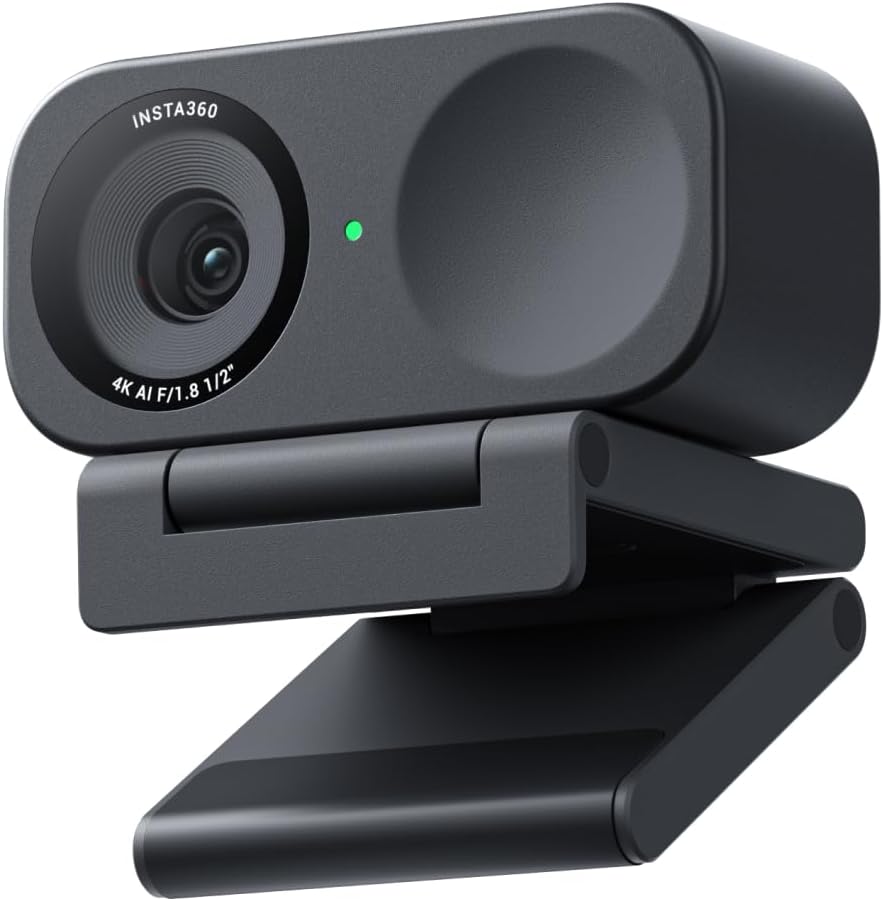
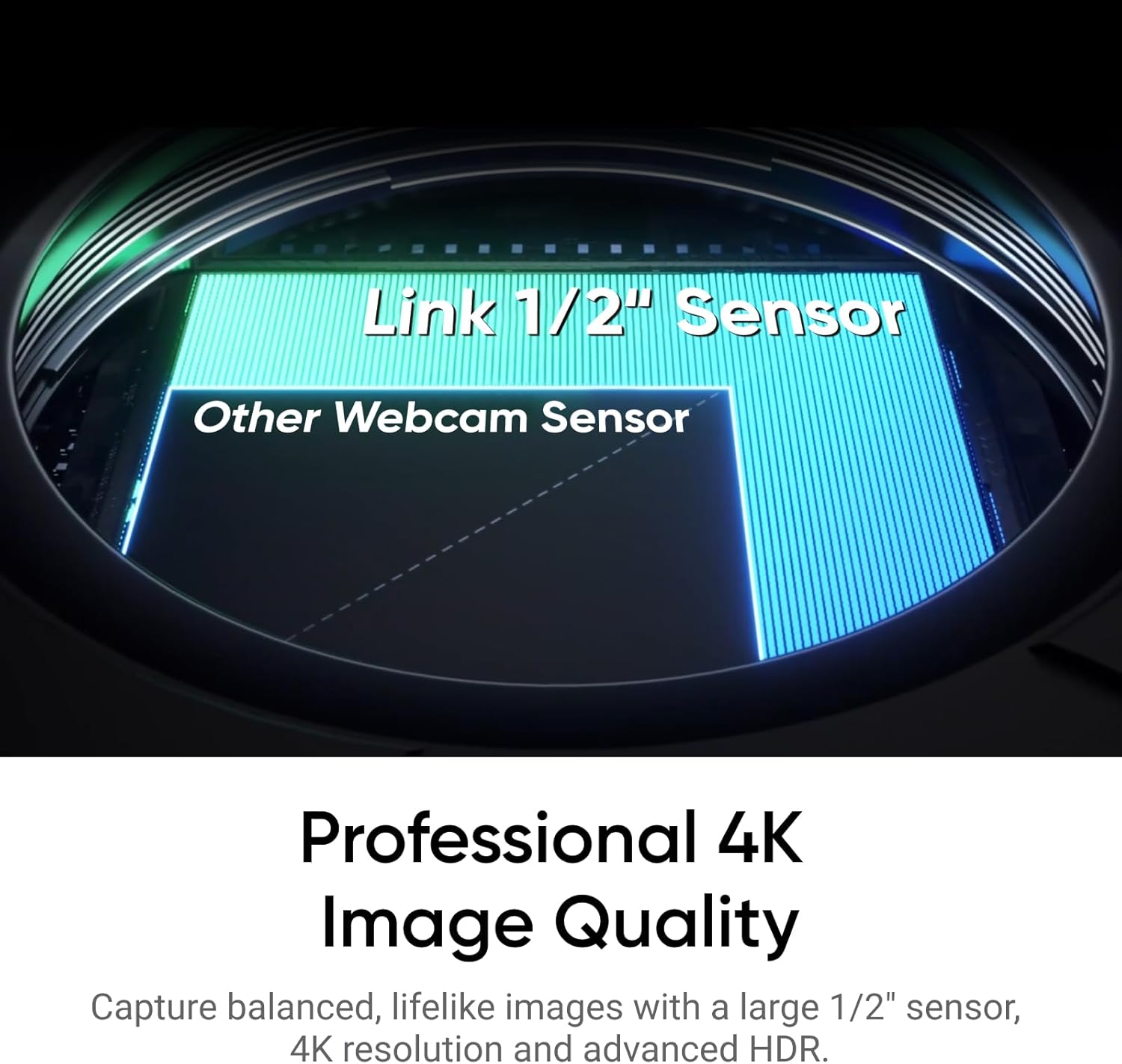
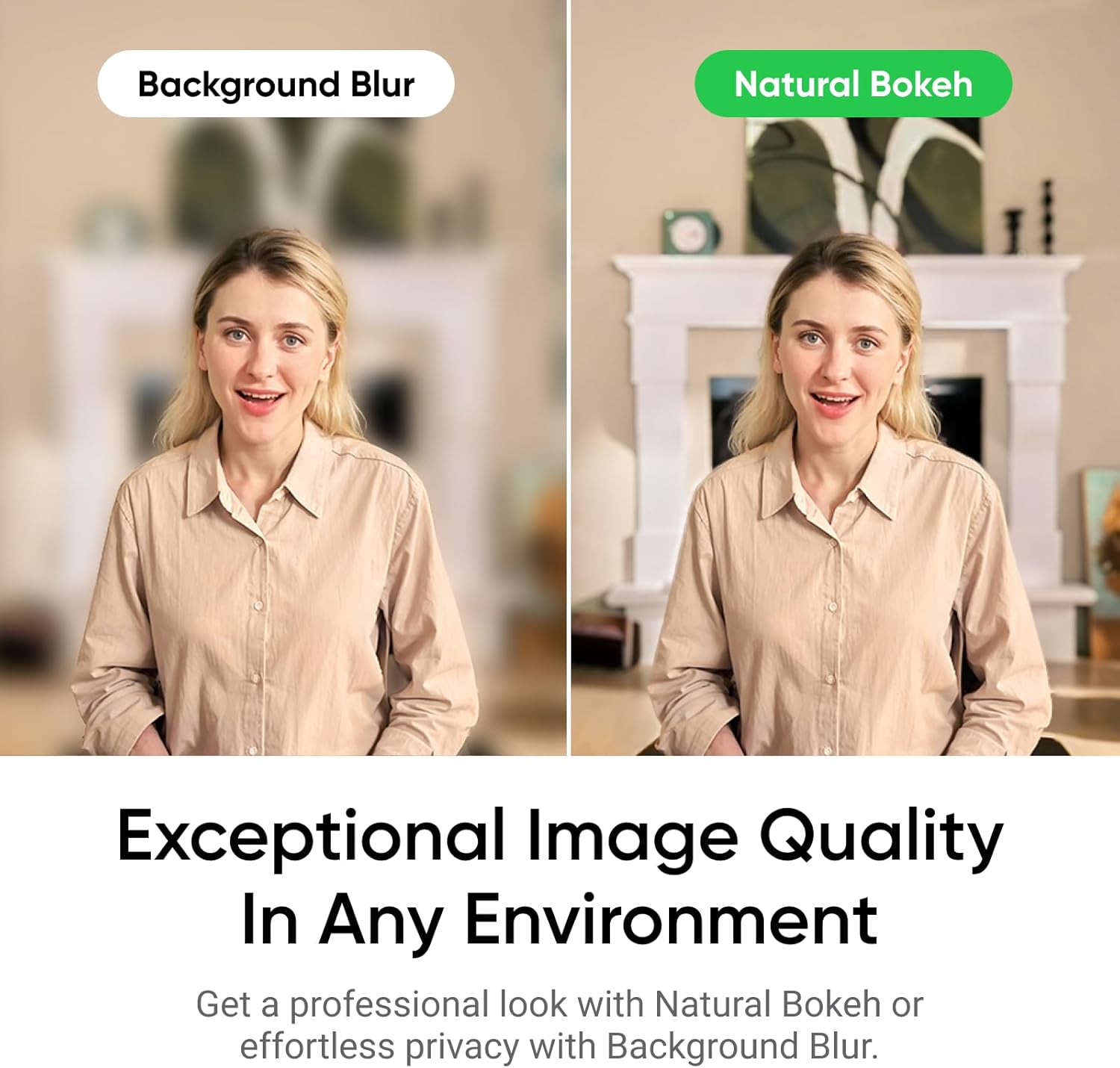
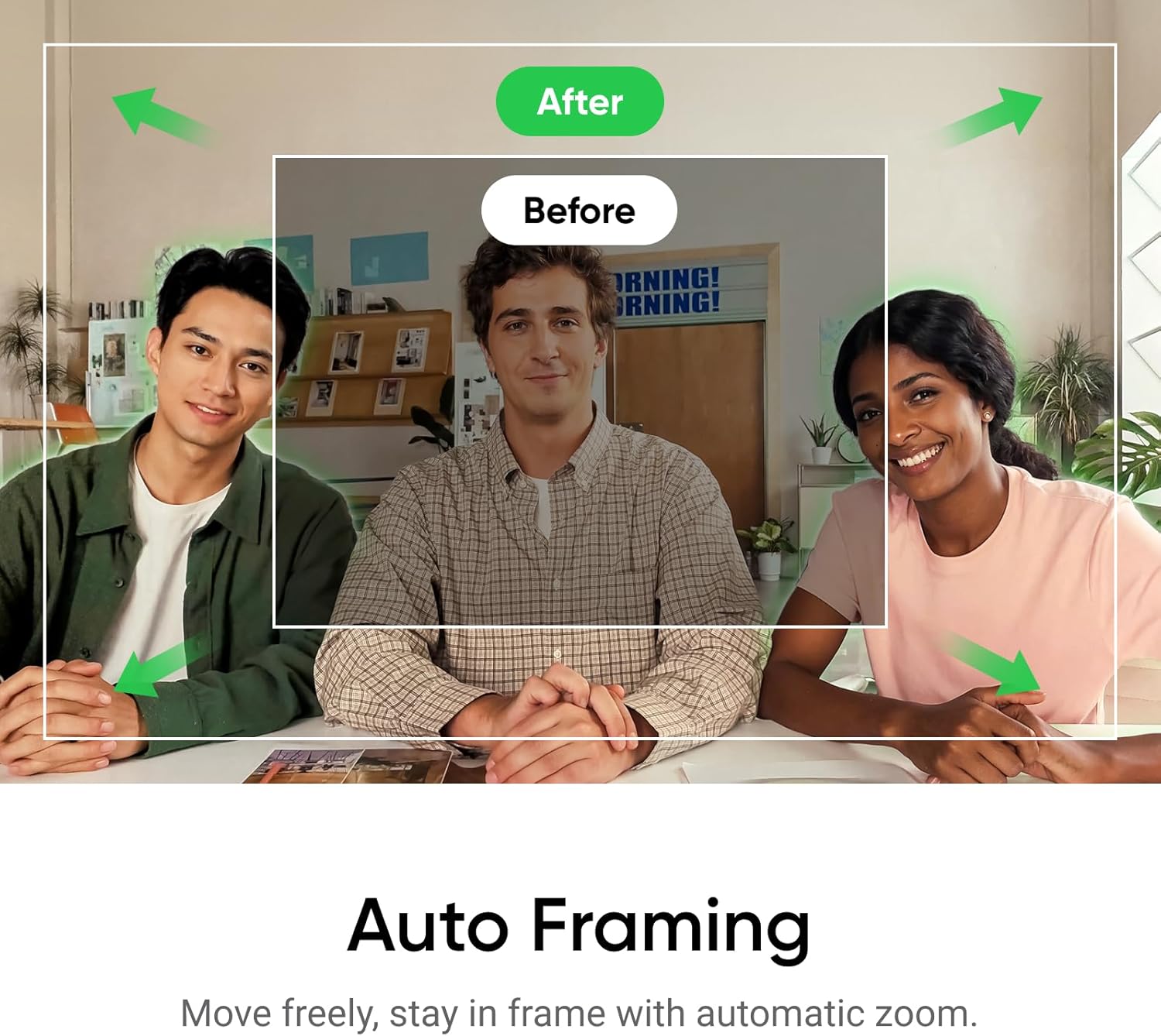
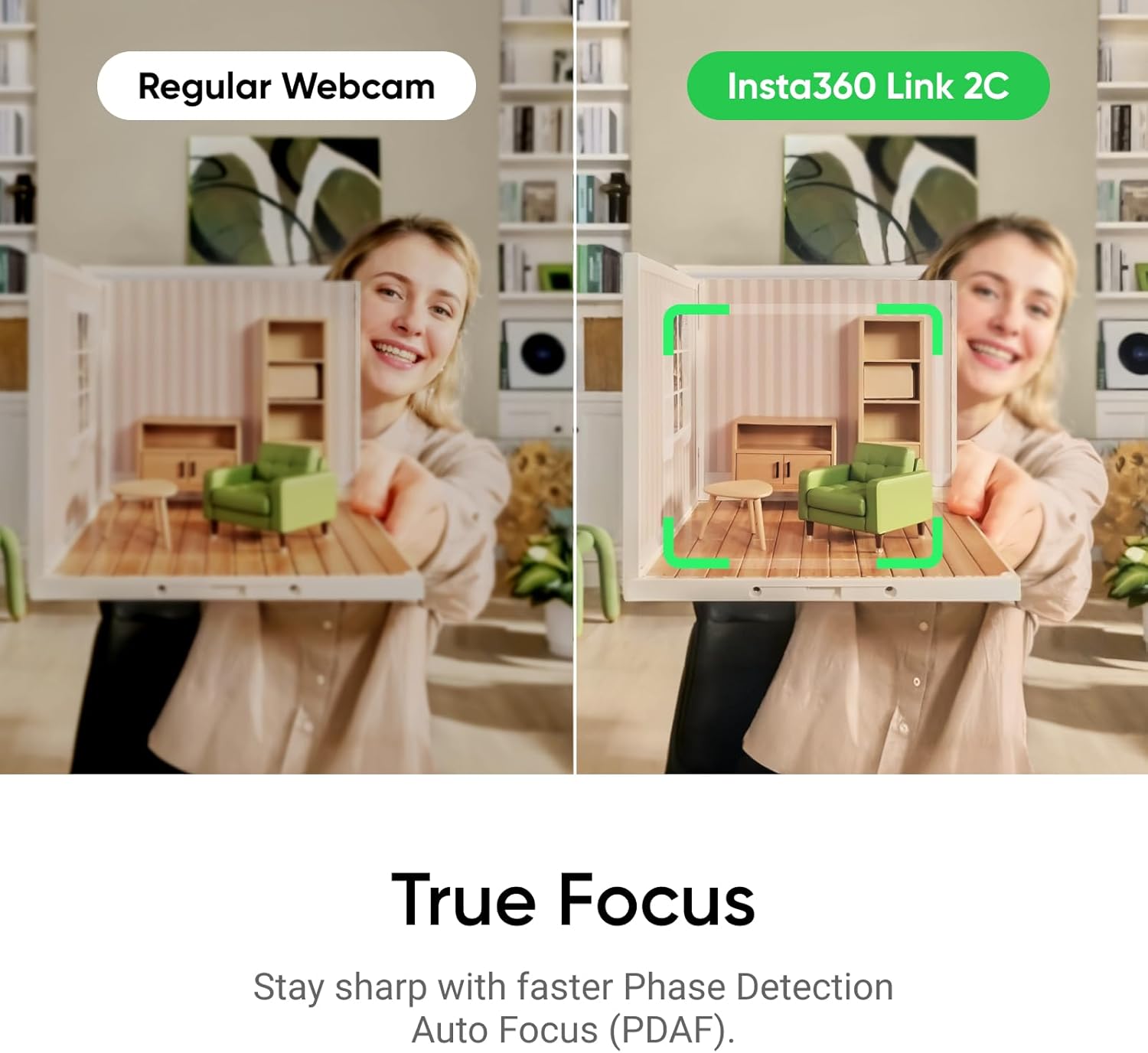
The Insta360 Link 2C is a 4K webcam designed for PC and Mac setups that aims to deliver sharp video and clear audio for streaming, video calls, and gaming. With a 1/2" sensor, HDR performance, and advanced AI features, it seeks to reduce common webcam annoyances like blurry focus and distracting background noise. If you frequently switch between solo calls and group streams, the auto framing helps keep everyone in the shot without manual zooming.
What stands out in use
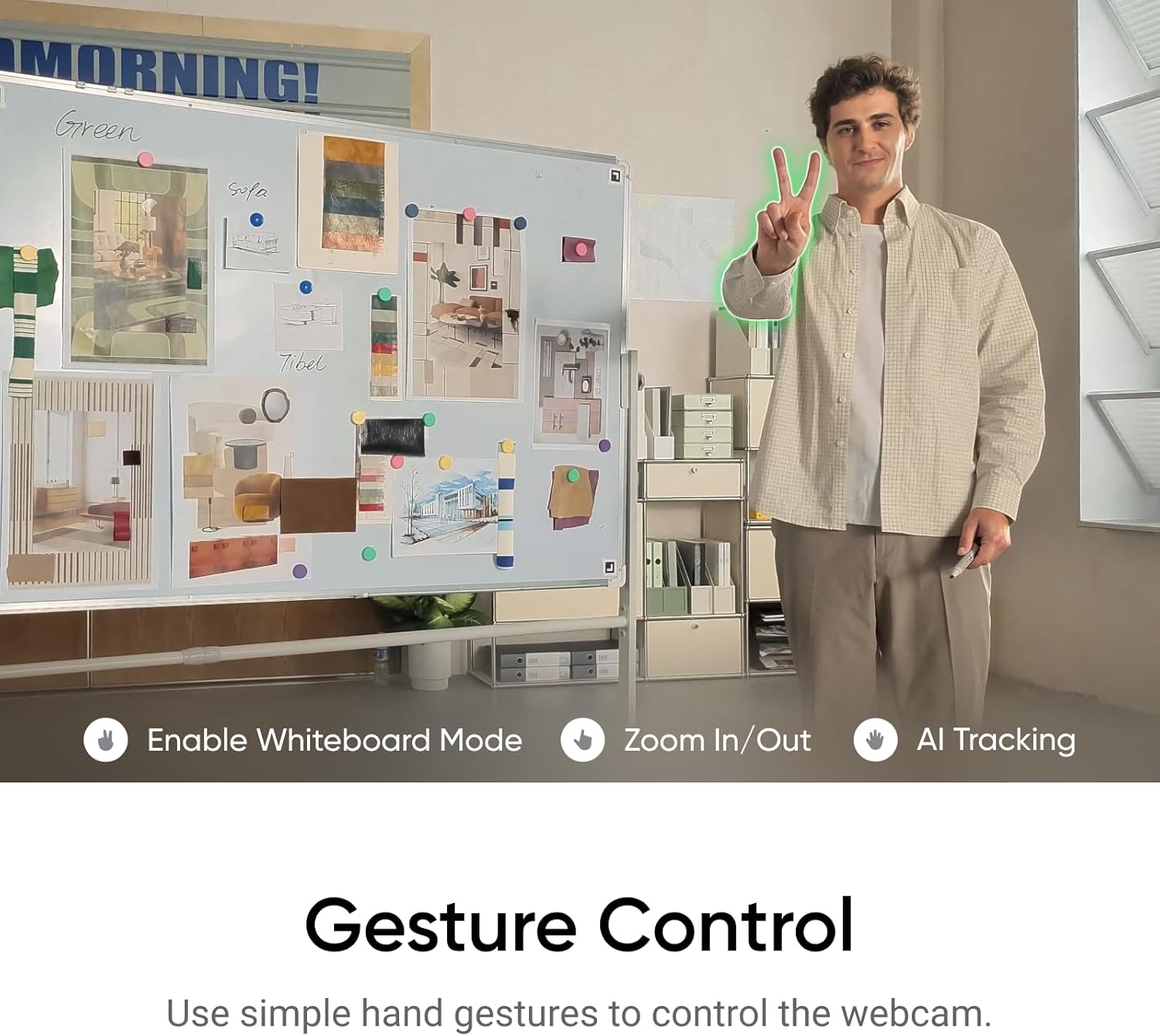
On paper, the Link 2C combines several convenient capabilities in one device: Phase Detection Auto Focus for quick, crisp focus, natural DSLR-like bokeh, and auto framing that adjusts to keep participants centered. Gesture control and remote smartphone control add a layer of convenience for setup and live adjustments. Specialized modes like DeskView and Whiteboard expand its use beyond standard calls, making it appealing for creators and educators who need a bit more than a typical webcam.
Pros and cons in practical terms
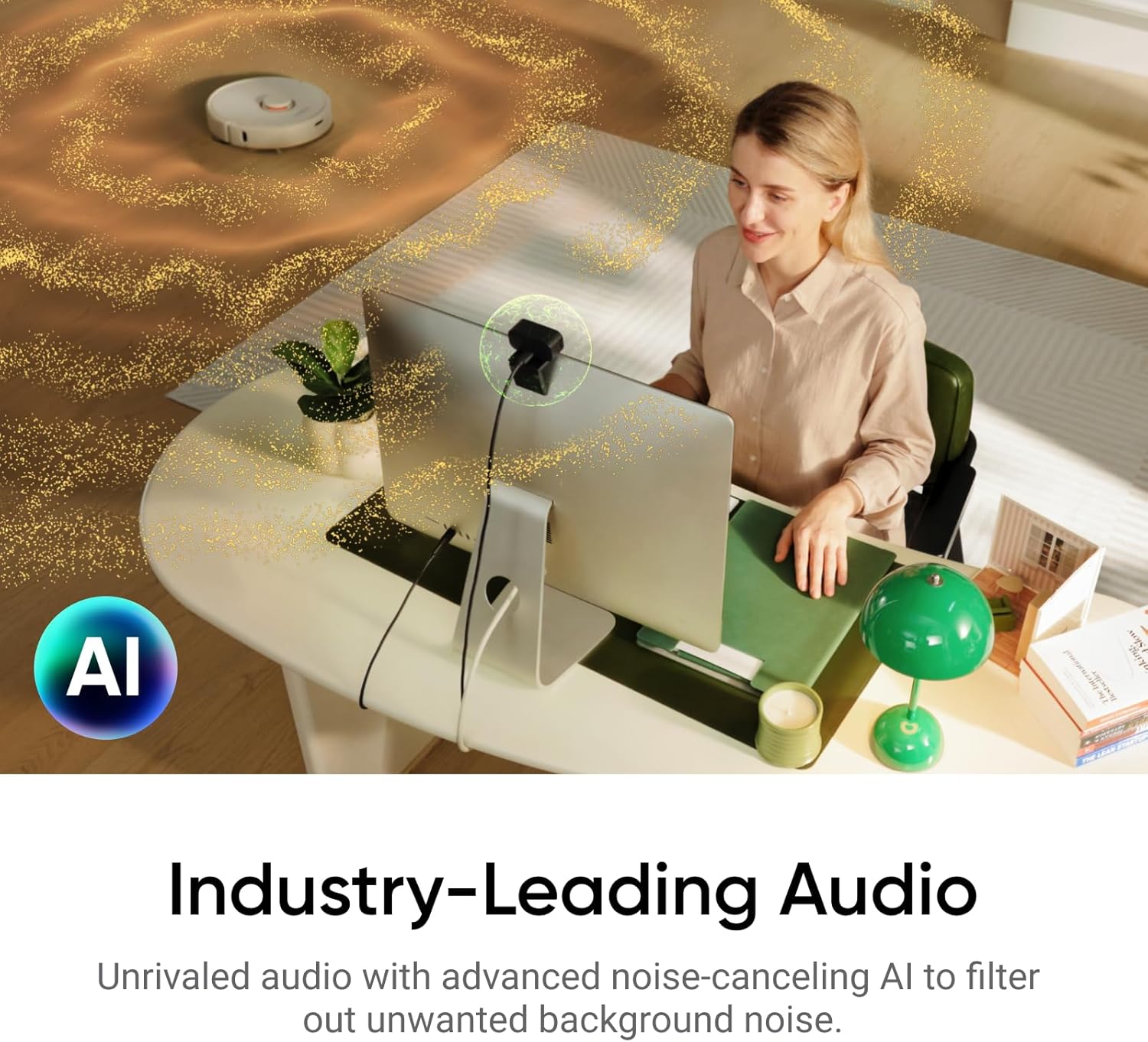
For: if you value smooth framing and hands-free control during streams or meetings, the auto framing and AI tracking can reduce the need to constantly readjust your camera. The HDR capability can help when lighting shifts, so you’re less likely to look washed out. The built-in AI noise-canceling microphone can improve voice clarity in busier environments. Against: you may need to balance 4K output with your computer’s processing and bandwidth capacity. While the mic is AI-augmented, it’s still a webcam mic, so environments with extreme noise may reveal limits depending on your setup.
Who it’s for
This camera suits streamers, video callers, and content creators who want a higher-quality image with smart framing and simple gestures to control tracking. It’s also a decent fit for Mac or Windows users who need a versatile webcam that can double as a creative tool thanks to modes like DeskView and Whiteboard.
When it makes sense to buy
Consider the Link 2C if you frequently host video sessions with varying group sizes, want auto-framing to take the load off manual adjustments, and benefit from a microphone that aims to reduce background noise. It’s particularly appealing if you also value modes that support more structured content like desk demonstrations or whiteboard sessions.
What to check before purchasing
Ensure your setup is ready for 4K output and your conferencing or streaming software supports 4K video if you intend to use that resolution. Verify that your environment can leverage HDR and that the device’s auto framing aligns with how you typically position yourself on camera. Consider whether you’ll rely on gesture or smartphone control and if those features fit your workflow.
Quick comparison mindset
If you’re weighing options against standard 1080p webcams, the Link 2C offers a step up in image quality and more intelligent framing. It may be less essential if you’re satisfied with basic calls and don’t need auto tracking or whiteboard functionality. For creators who want a more interactive setup, the DeskView/Whiteboard modes provide an edge over simpler webcams.
Final purchase decision
Final verdict: If you value high-resolution video, automatic framing, and flexible control options for streaming or collaborative work, the Insta360 Link 2C is worth considering. It shines when you frequently switch between solo calls and group streams and want a capable mic to accompany the video. It may be less compelling if you don’t need 4K or auto framing, or if your lighting and bandwidth are consistently constrained.
FAQ
- Does it work with Zoom, Teams, and Twitch? Yes, it’s designed to be compatible with common platforms used for video calls, streaming, and collaboration.
- Is it truly 4K and HDR? The product description indicates 4K capture with HDR, along with low-light performance.
- Can I control it with my phone or gestures? Yes, gesture control and smartphone remote control are supported features.
- What about auto framing for groups? Auto framing adjusts to keep participants in view, whether it’s a single person or a group.
- Are there special modes for desk use or whiteboard? Yes, DeskView and Whiteboard modes are included for enhanced demonstrations.