

Insta360 Link 2 PTZ 4K Webcam for PC/Mac
Product description
What it is and who it’s for
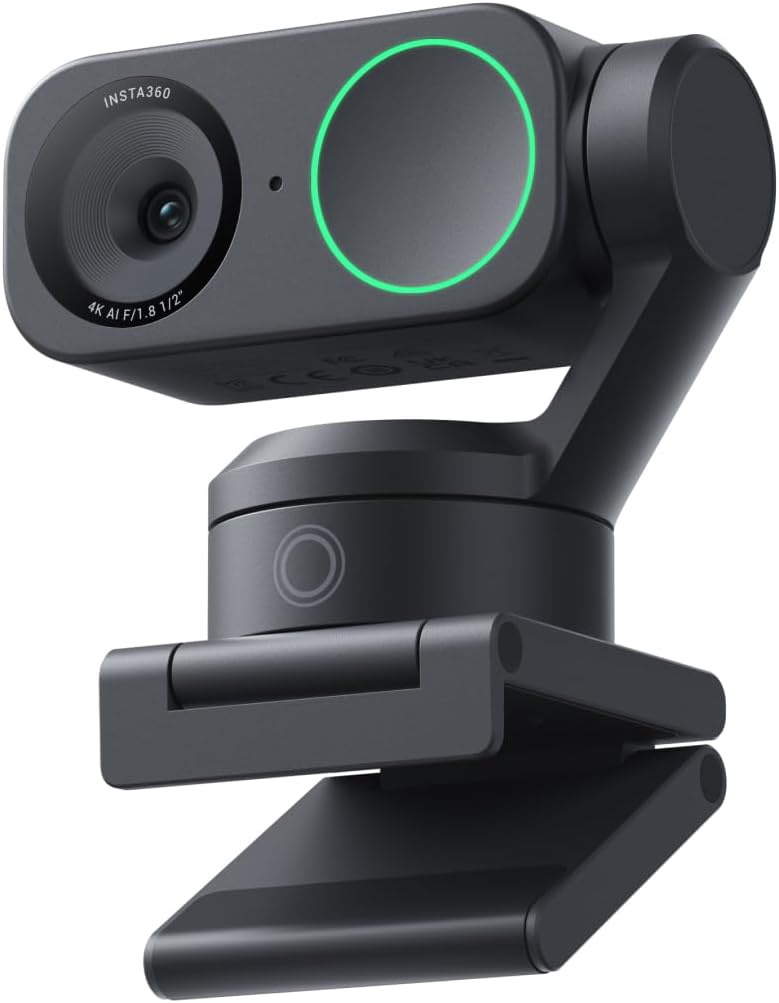
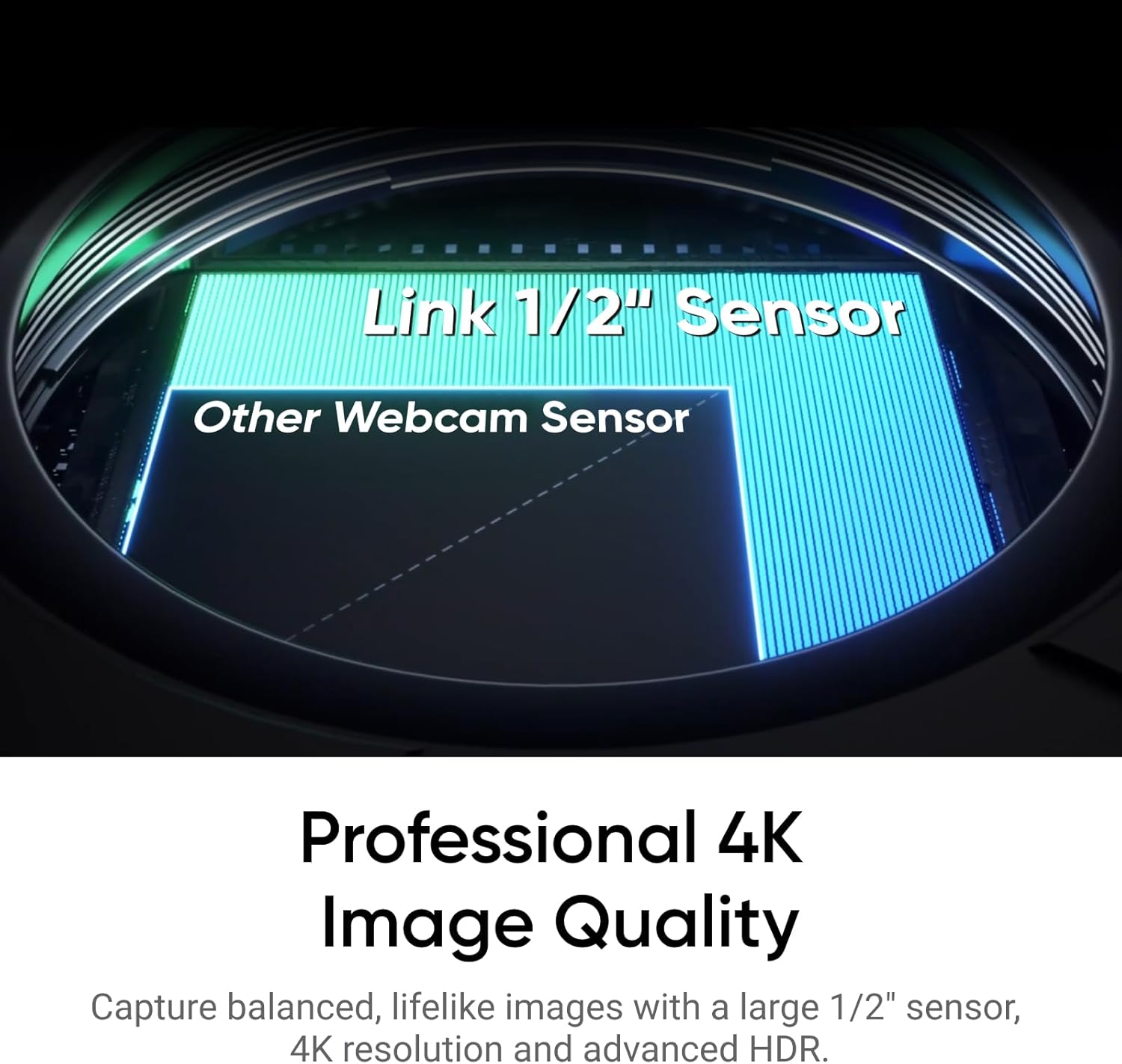
The Insta360 Link 2 is a high‑end 4K webcam designed for streaming, video calls, and creative work on PC or Mac. Built around a 1/2" sensor, it aims to deliver true-to-life image quality with HDR and solid low-light performance. If you’re looking to elevate your webcam game beyond a basic camera, this model leans into features that matter for both everyday meetings and more expressive broadcasts.
Visual quality and camera tech
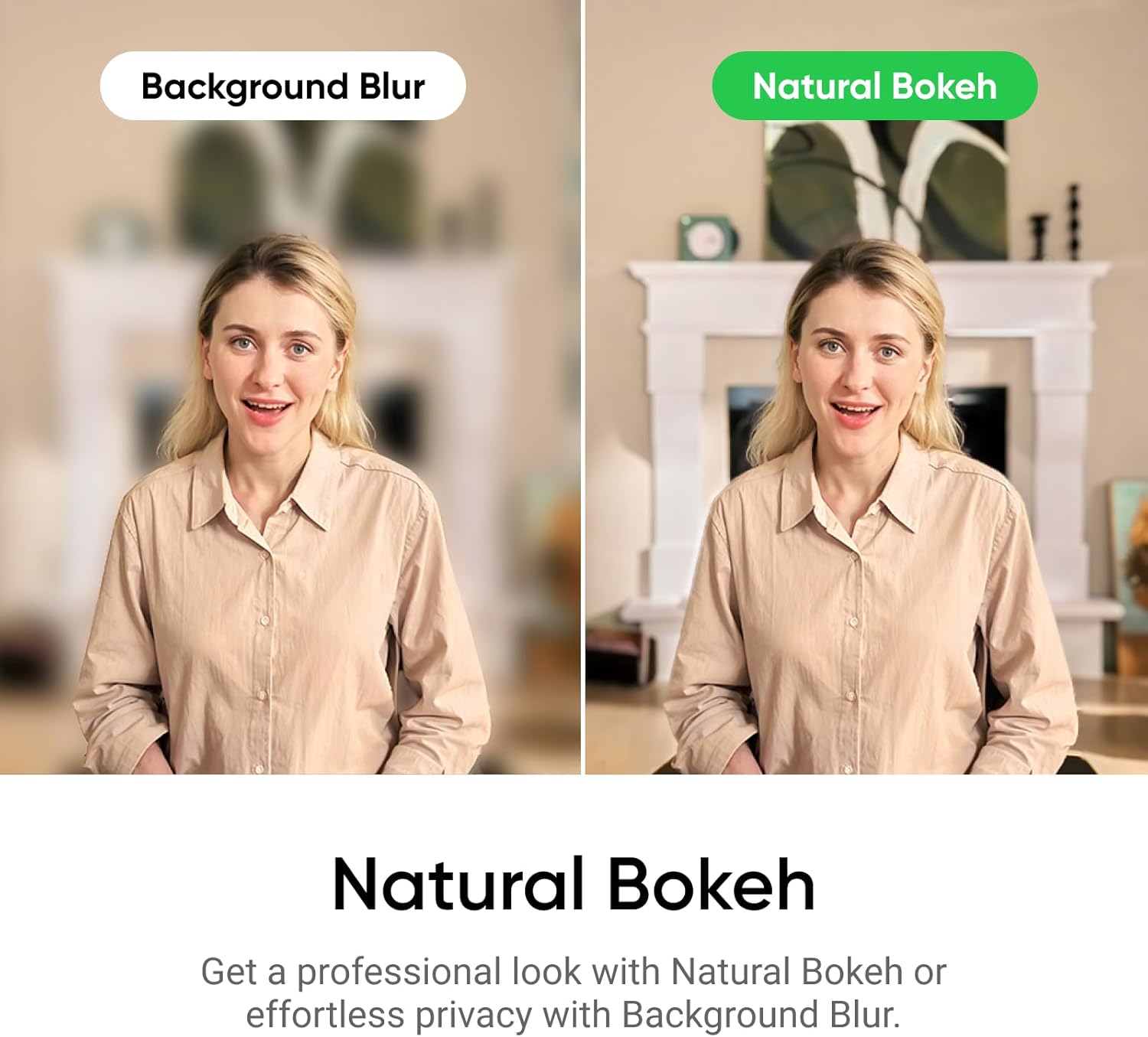
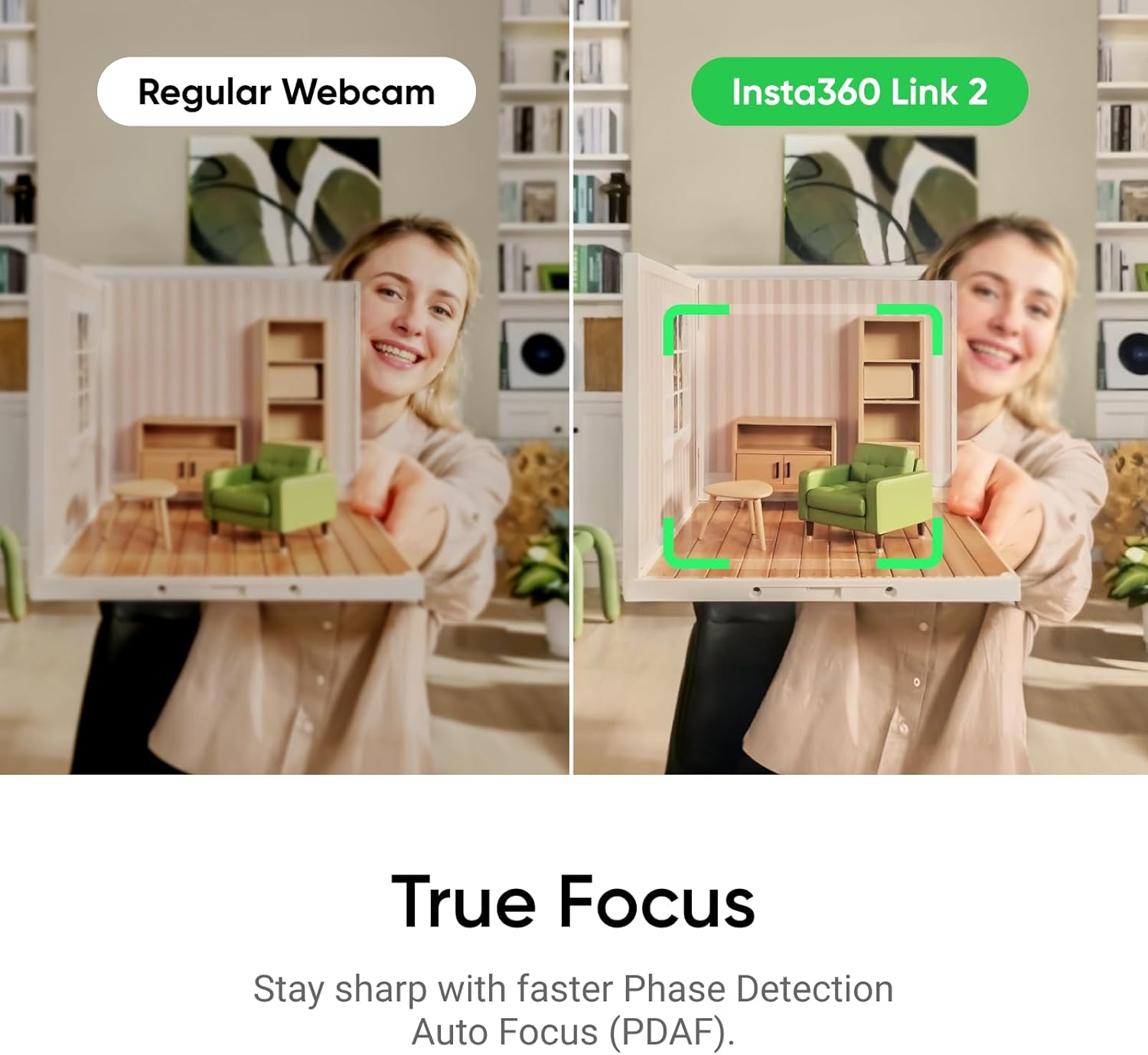
On paper, the Link 2 promises crisp 4K visuals with HDR, which can help scenes with mixed lighting or backgrounds. The Phase Detection Auto Focus (PDAF) should reduce blur during quick movements, so you won’t feel like you’re constantly refocusing during a fast-paced game or a busy call. A natural bokeh effect is designed to mimic a DSLR look, which can help separate you from the background in a subtle, more cinematic way.
Audio and noise handling
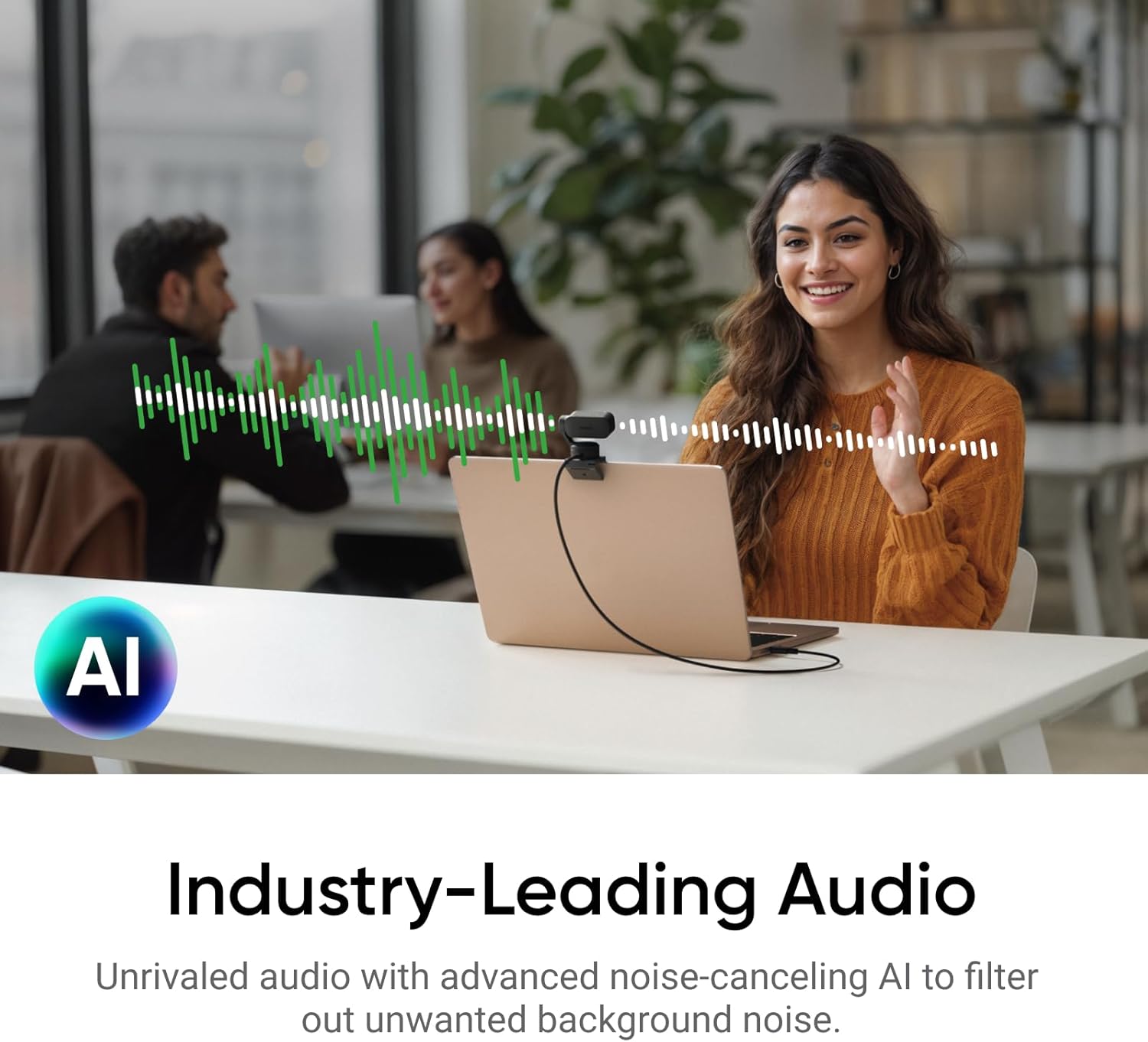
The camera pairs a specialized AI noise‑canceling mic with algorithms intended to filter out ambient chatter. In real rooms—whether a busy home office or a shared space—the idea is that you’ll sound clearer without needing a separate mic setup. It’s not a panacea for every acoustic scenario, but for most daily calls and streams, this can improve intelligibility in noisy environments.
Tracking, gestures, and remote control
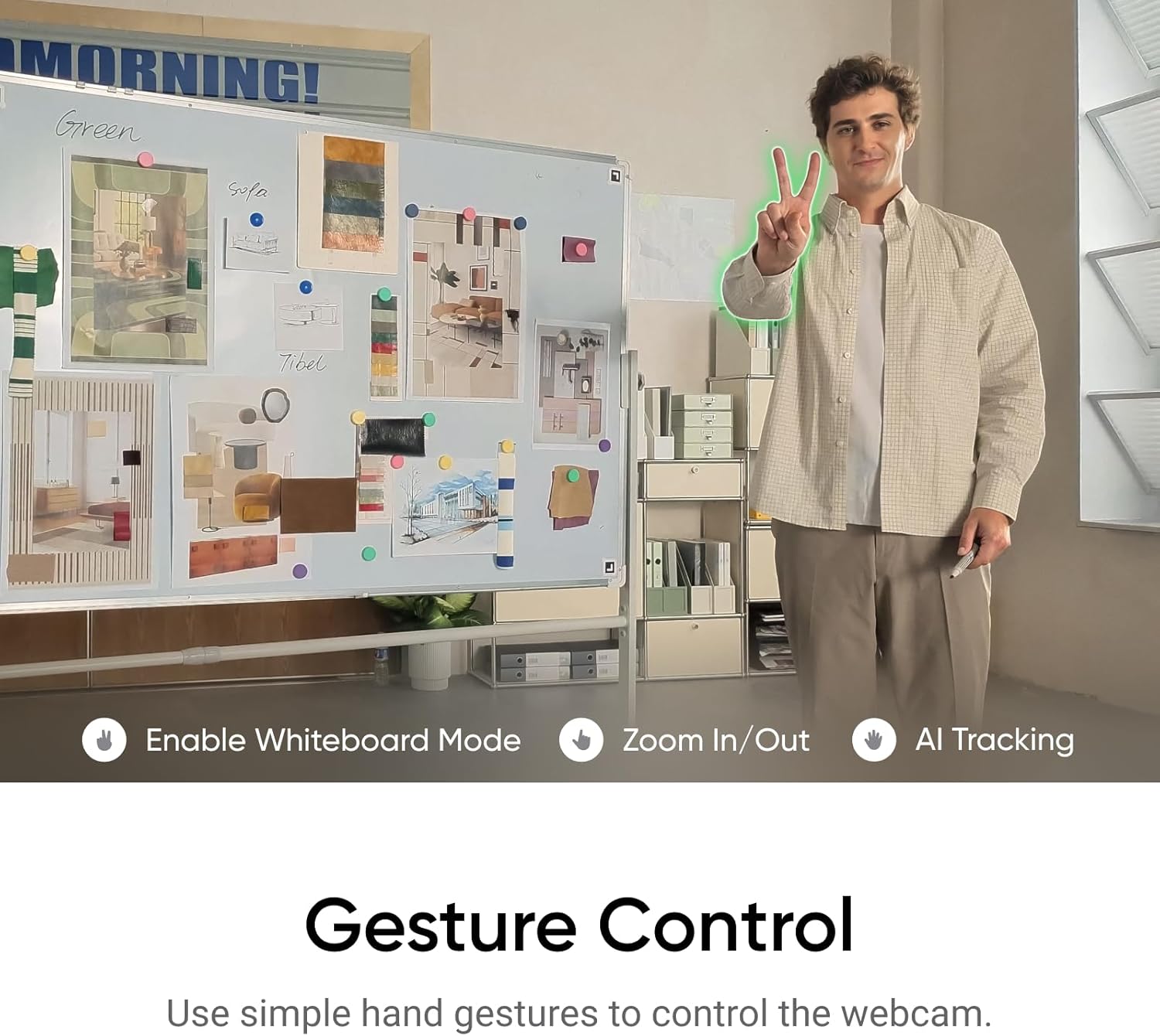
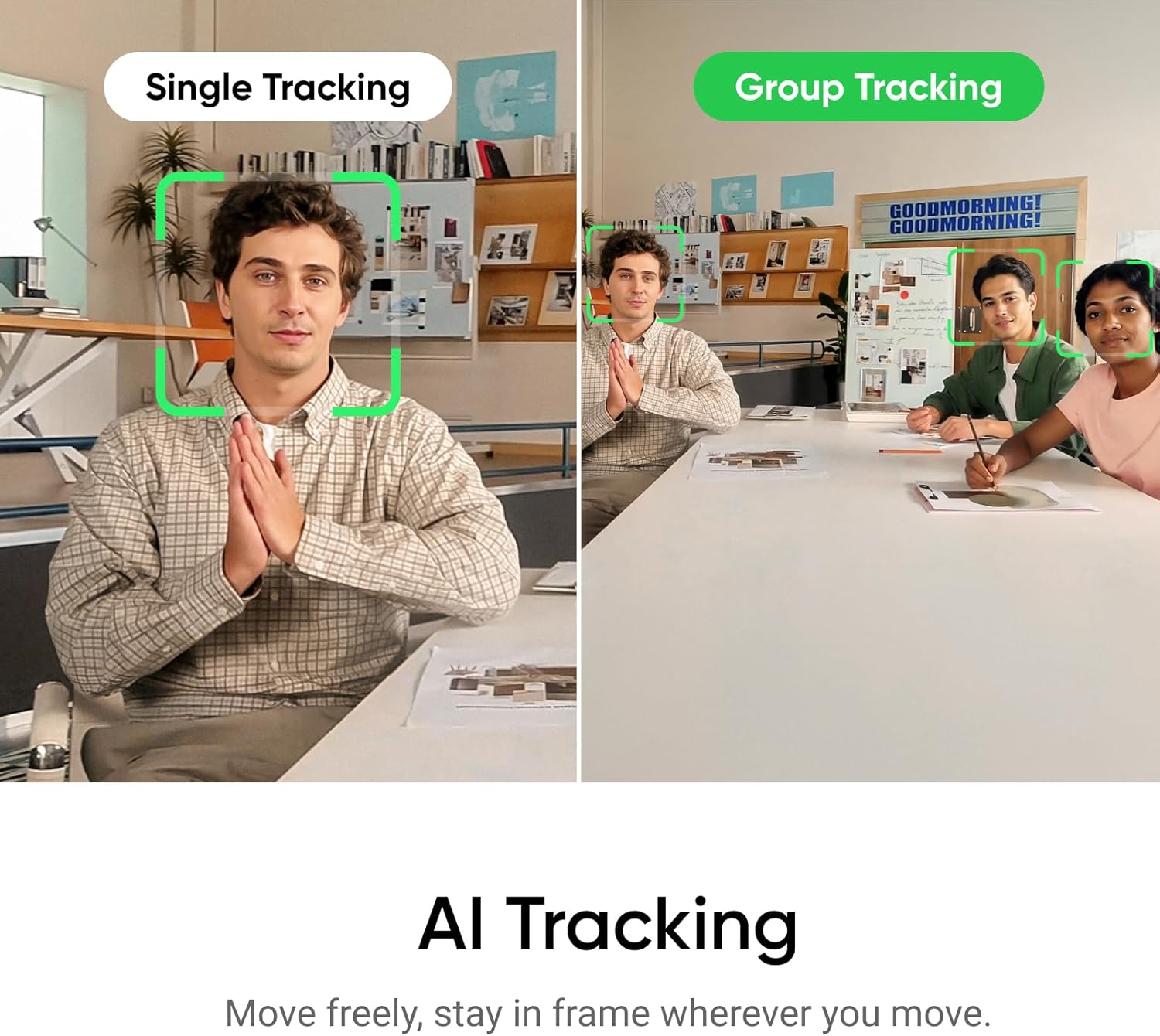
A standout feature is AI tracking that pans and tilts to keep you centered in frame as you move. You can also control it from a smartphone via gestures, enabling quick zooms, framing adjustments, or switching to Whiteboard/DeskView modes without touching the computer. These hands-free options can reduce on-stream interruptions and help you stay in frame during dynamic presentations.
Modes and versatility
Specialized modes like DeskView and Whiteboard are highlighted as use cases for more than just face-to-face calls. DeskView can show a top-down perspective of your desk, while Whiteboard mode aims to capture penned content clearly. These modes are compelling if you frequently present or brainstorm on video. However, if your setup rarely uses such modes, you may value the camera primarily as a broadcast‑quality webcam with strong tracking.
What to review before buying
- Compatibility: It’s noted for use with Zoom, Teams, Twitch, and similar platforms, but it’s wise to verify how well the tracking and framing perform with your typical software workflow.
- Space and lighting: HDR helps, yet performance still depends on room lighting. In very dark rooms or extremely bright backdrops, you may notice exposure decisions that require manual tweaks.
- Microphone expectations: AI noise cancellation is helpful, but in ultra‑noisy environments or with sensitivity to every ambient sound, you might still consider a dedicated mic for optimal results.
- Software control: Gesture and smartphone control add convenience, but potential latency or app stability could affect day‑to‑day use.
Practical use cases and how it stacks up
If you stream or lead frequent video calls, the Link 2’s tracking can reduce the need to constantly adjust framing. For creators who want a DSLR-like look without a DSLR, the natural Bokeh and 4K output offer a tangible upgrade over entry‑level webcams. On the downside, it’s not a magic fix for every lighting scenario, you still benefit from a stable mount and decent ambient lighting to get the most from HDR and PDAF.
Alternatives and how this fits in your setup
This webcam targets users who want premium image quality, responsive auto‑framing, and versatile modes in a single peripheral. If your priority is a simple plug‑and‑play webcam for basic calls, there are cheaper options. If you value AI tracking, DeskView/Whiteboard modes, and a higher degree of control, Link 2 positions itself as a more capable choice for semi‑professional streaming and productivity workflows.
Final verdict
Final take: if you prioritize smooth framing, contextual modes, and a stronger camera voice in streams or calls, the Insta360 Link 2 is worth considering. It may not be perfect in every lighting situation, and you should expect to set up a reasonable lighting baseline to unlock its HDR and depth‑of‑field features. For creators or power users who want a webcam that moves beyond standard framing and sound, this model offers meaningful benefits.
FAQ
- How does AI tracking affect workflow during a live stream? It can reduce manual panning, helping you stay centered, but you may still want to intervene if the scene has multiple movers or off‑frame activity.
- Is DeskView practical for showing desk content during a call? It’s designed for that use case, though results depend on your desk layout and lighting.
- Does the mic replace a dedicated USB microphone? It improves voice clarity in many environments but may not match the aural depth of a high‑quality standalone mic.