


Samsung Galaxy Tab S10 FE+ (Wi‑Fi) 13.1" Android Tablet with S Pen, 256GB
Product description
Key takeaways
If you want one tablet that can cover downtime at home and real “work-in-motion,” the Galaxy Tab S10 FE+ is built around a bigger 13.1" display, an S Pen for writing and drawing, and durability you don’t have to baby. On paper, it’s the kind of Android tablet that aims to feel practical day to day—streaming, browsing, casual games, and note-taking—without forcing you to choose between entertainment and productivity.
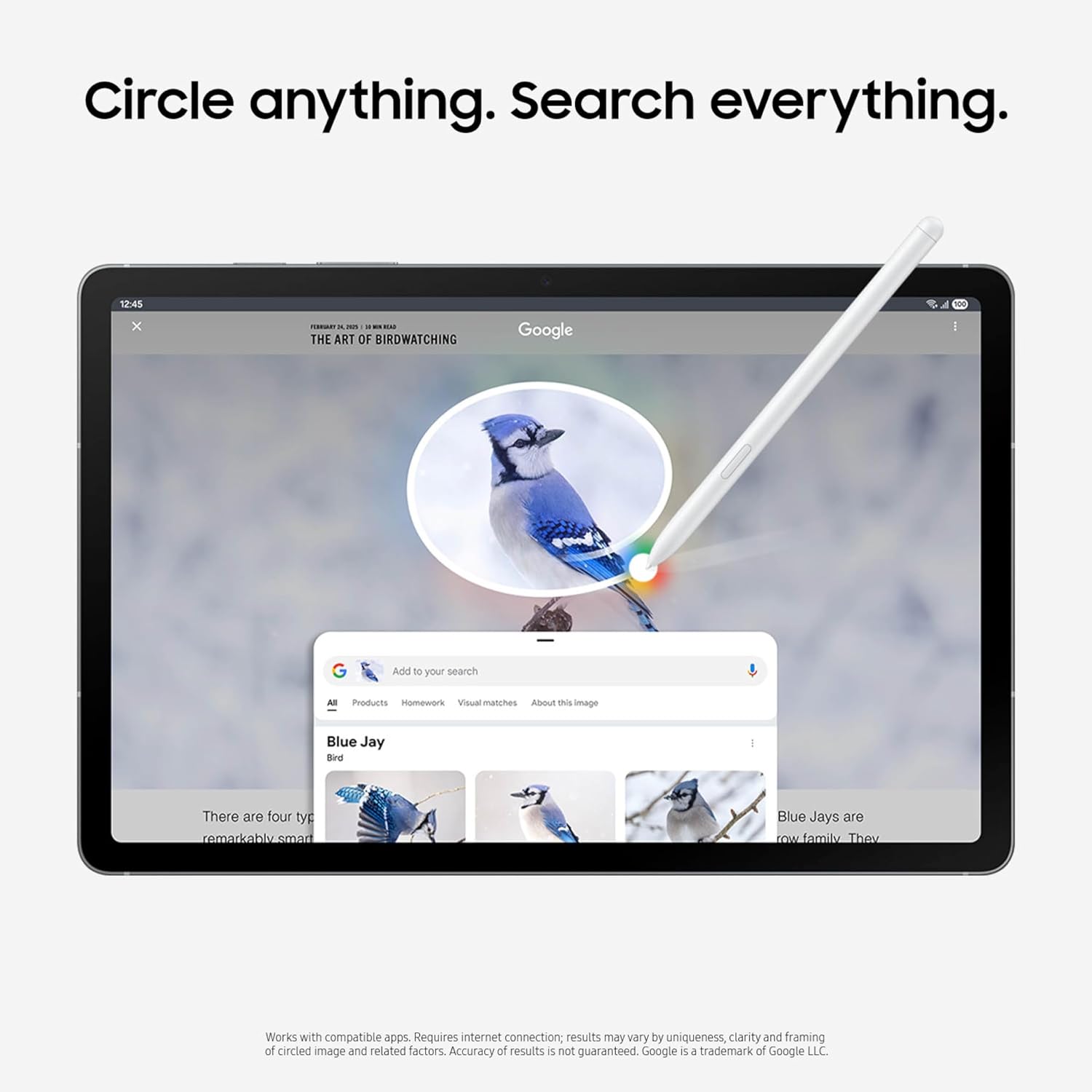
A few features stand out more than the rest: Circle to Search with Google (circle anything on-screen for instant search), Handwriting Assist (helps tidy handwritten notes), and Math Solver (cleans up math by turning equations into text). It also highlights an IP68-style water resistance approach—useful if you’re the type who works near a sink, by the pool, or in places where “oops” happens.
That said, it may not be the best pick if your priority is purely the absolute fastest performance or premium-tier display specs. The page frames it as a strong, smooth-feeling entertainment and productivity tablet, but the differentiators here are more about usefulness, pen features, and screen size than claiming top-of-the-line everything.
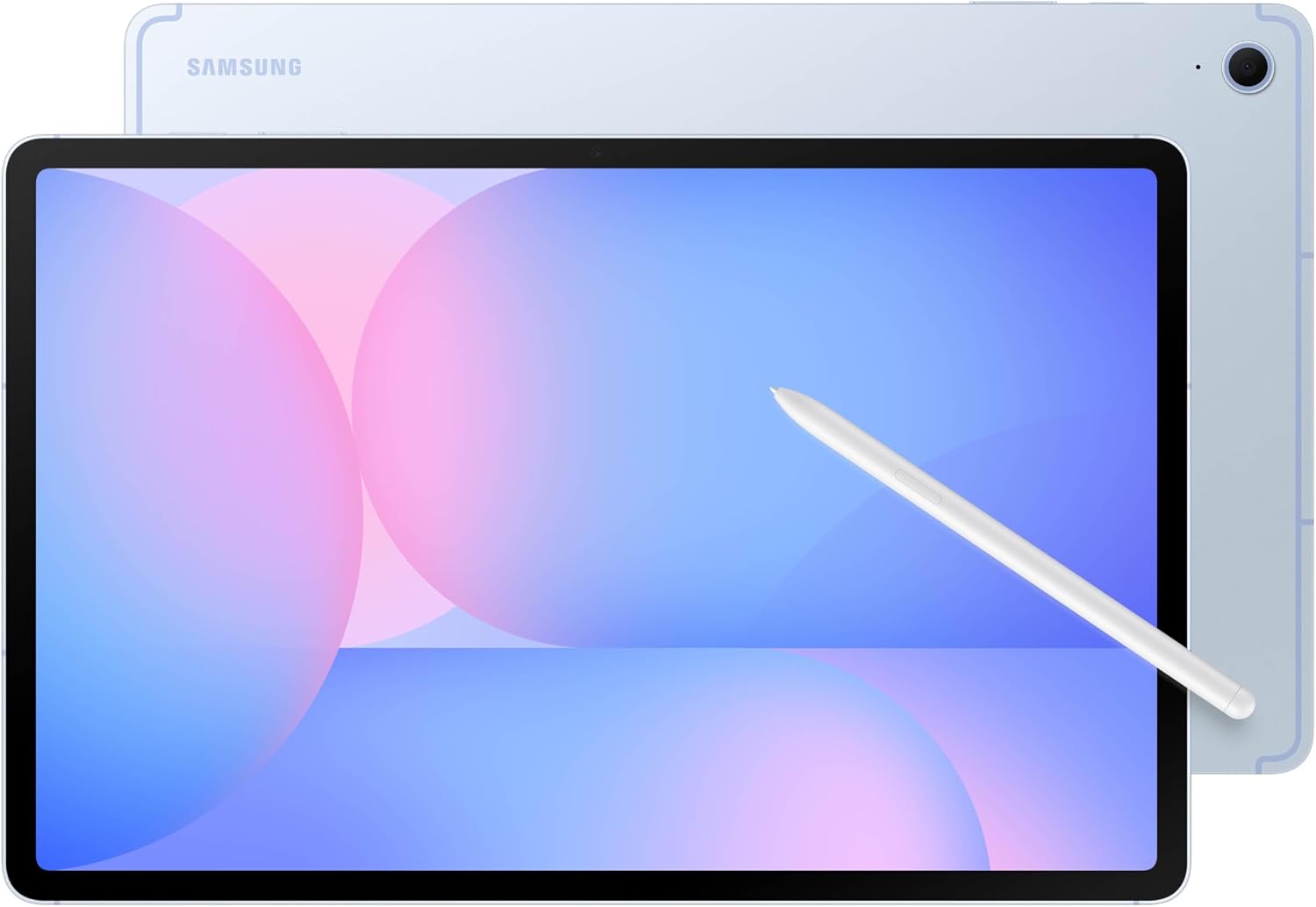
What it’s for (and what you’ll actually do)
This tablet makes sense if you’re the kind of person who uses a device for a mix of things: searching while you watch, writing notes instead of typing, and doing quick math without turning your workflow into a spreadsheet project.
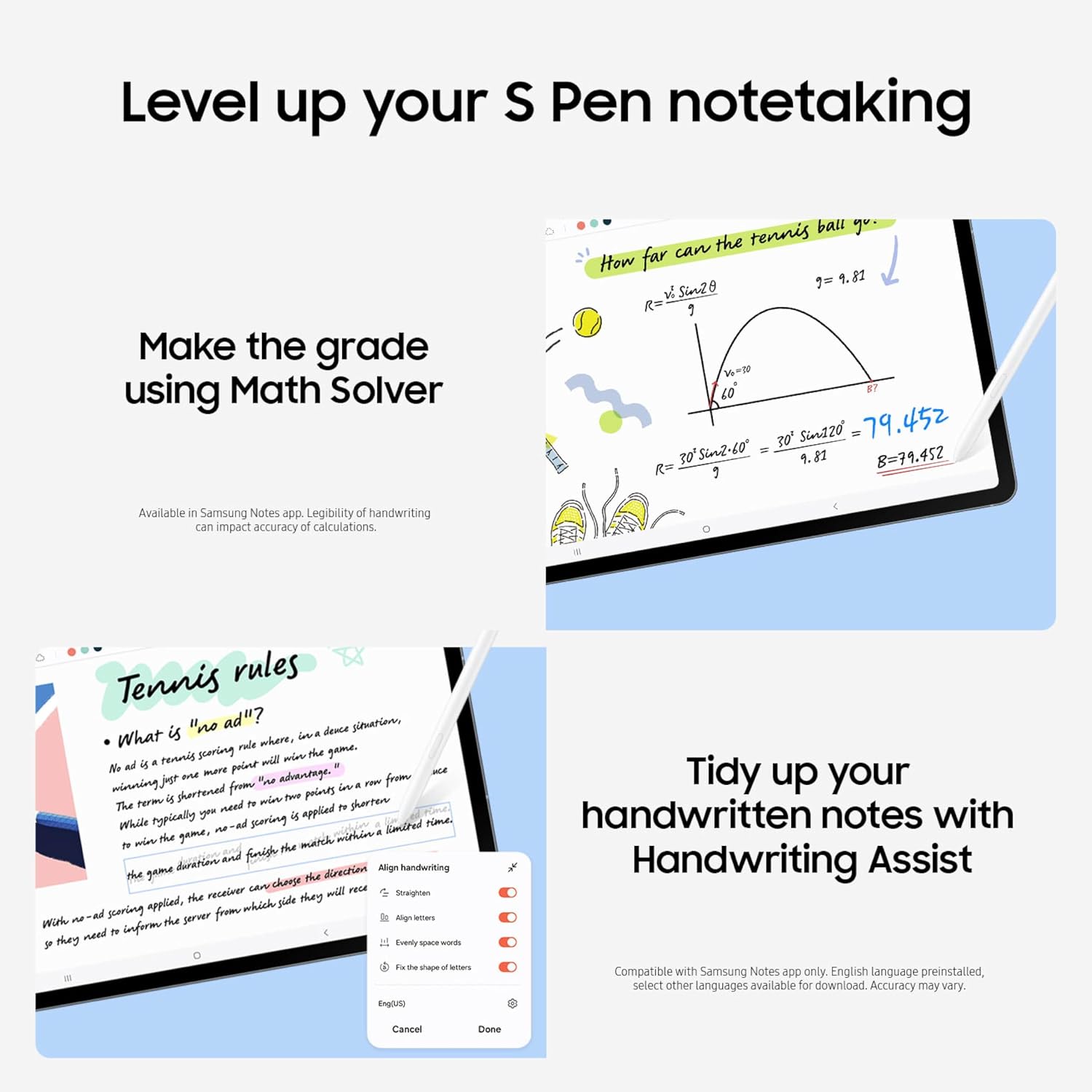
Picture a simple afternoon: you’re studying or planning, and you circle something on a webpage to pull up search results without leaving what you’re looking at. Then you pull out the S Pen and write out an equation. Math Solver steps in to clean up the equation by turning it into text. Finally, you can tidy your handwriting notes so spacing and alignment look more readable.
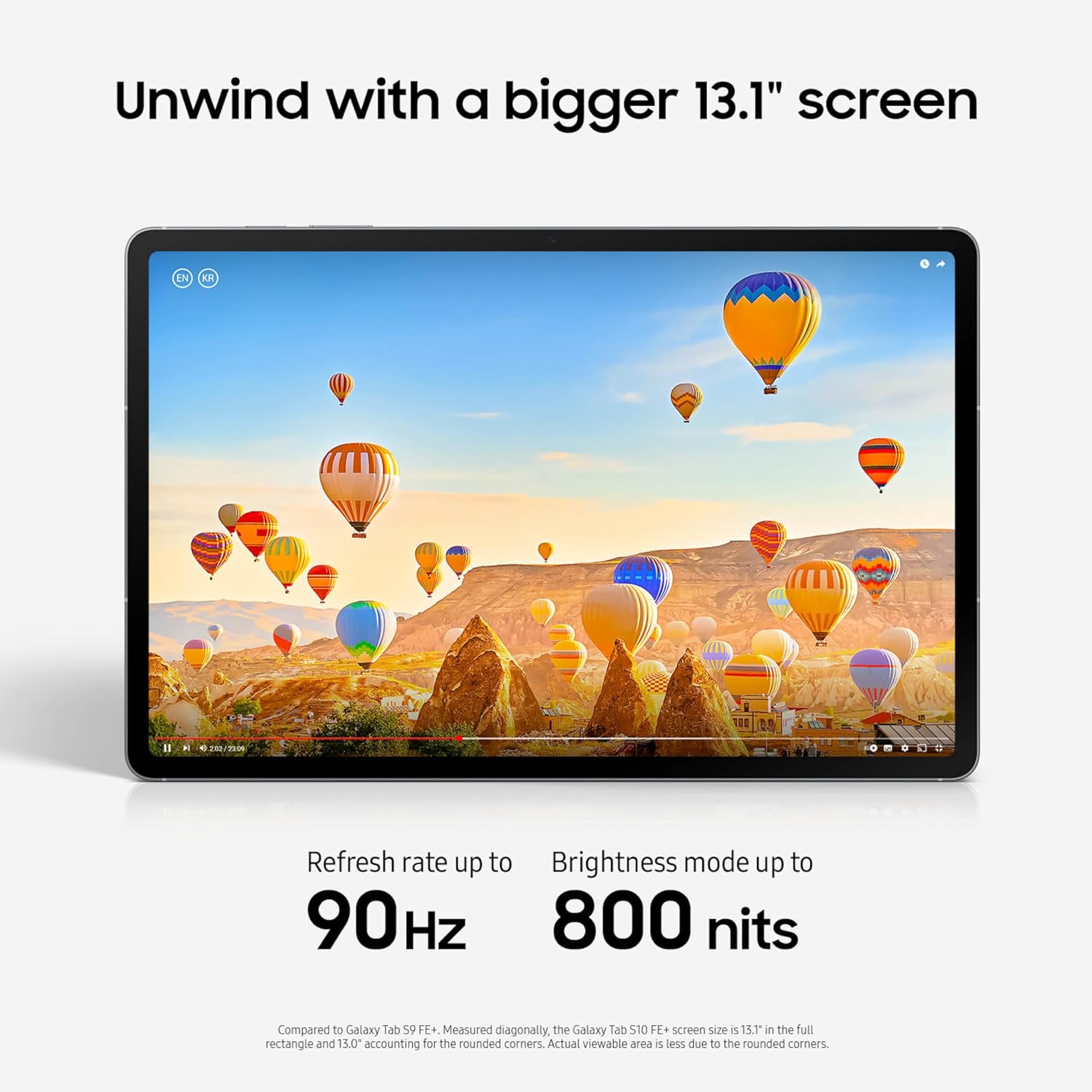
For downtime, the 13.1" screen is the main event. The description positions it for online shopping, relaxing with videos, and playing word games, and it adds dual speakers to make audio feel fuller.
Key features that matter day to day
The Galaxy Tab S10 FE+ leans hard into “touch + pen + screen,” and those tools are where it feels designed for real routines.
- Circle to Search with Google: circle anything on your screen to get search results on the spot.
- Handwriting Assist: helps straighten, align, and adjust spacing in handwritten notes to make them neater.
- Math Solver: use your S Pen to write equations, it can clean them up by turning them into text.
- S Pen precision for to‑dos and drawing: the S Pen is described as responsive, with a feel intended to resemble writing on paper.
- Display refresh support: an update up to 90 Hz is mentioned, which can help motion feel smoother when scrolling and interacting.
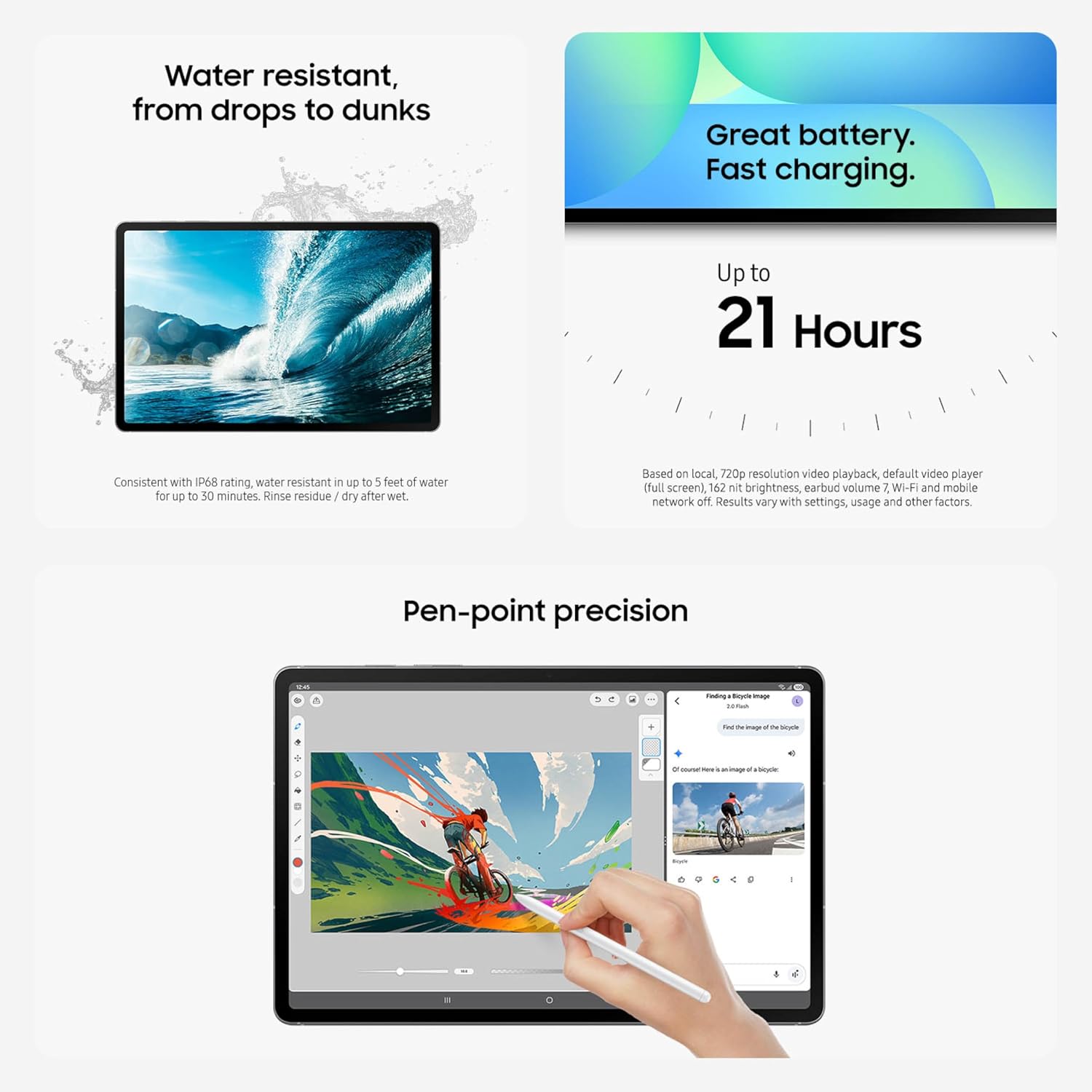
It also calls out an Exynos 1580 processor and long-lasting battery focus—so the tablet is trying to keep you in the “use it for hours” mindset rather than constant charging.
One limitation to keep in mind: the description doesn’t spell out storage expansion, accessory ecosystems, or how many advanced productivity workflows are supported beyond the named pen and assist tools. If your job depends on specific enterprise apps or specialized accessories, you’ll want to double-check compatibility before committing.
Tech specs (the essentials)
- Name: Samsung Galaxy Tab S10 FE+
- Type: Android tablet (Wi‑Fi)
- Display size: 13.1 inches
- Storage: 256GB
- Processor: Exynos 1580
- Durability: water resistant (IP68 is referenced in the product name)
- Refresh rate: up to 90 Hz
- Included input: S Pen support
Where it shines, and where it may fall short
This is a strong fit if you care about a larger tablet screen, you want pen-based note-taking that’s supported by handwriting cleanup tools, and you like the convenience of searching directly from what you’re seeing (Circle to Search).
It’s also a compelling choice if you’re worried about day-to-day accidents. The listing’s “water resistant” message ranges from droplets and splashes to immersion, which makes the tablet feel more forgiving in real life than devices that assume perfect conditions.
Not the best choice if you’re mainly looking for a tablet for very heavy gaming sessions or you need the most clearly documented top-tier multimedia specifics beyond what’s listed here (the page calls out smoother motion and speakers, but it doesn’t provide deeper display quality details).
Should you buy it?
It makes sense if you want a versatile Android tablet with a big 13.1" screen and an S Pen that’s meant to keep notes and math from turning into a messy blur. Worth considering if your workflow includes circling things to search, cleaning up handwriting, and writing equations directly on-screen.
You may want to skip it if you only need basic web/video use and don’t plan to use the pen features. It might also be a tougher buy if you need more clearly defined details that aren’t included in the provided description—like exact accessory support, storage expansion options, or the full list of app features behind those assist tools.
Mini FAQ
FAQ

Does it include or support an S Pen?
The product description specifically highlights S Pen features and pen precision, so it’s designed for pen-based input.
What is Circle to Search with Google?
It’s a feature where you can circle something on your screen to get search results right away.
Can it help clean up handwritten notes?
Yes. Handwriting Assist is described as straightening, aligning, and adjusting spacing for neater notes.
Is the tablet water resistant?
The product name states it’s IP68 water resistant, and the description talks about durability from droplets and splashes to full immersion.
Is it good for entertainment and casual multitasking?
The listing frames it for big entertainment power, casual multitasking, and smooth experiences, backed by the mentioned processor and up-to-90 Hz refresh support.