

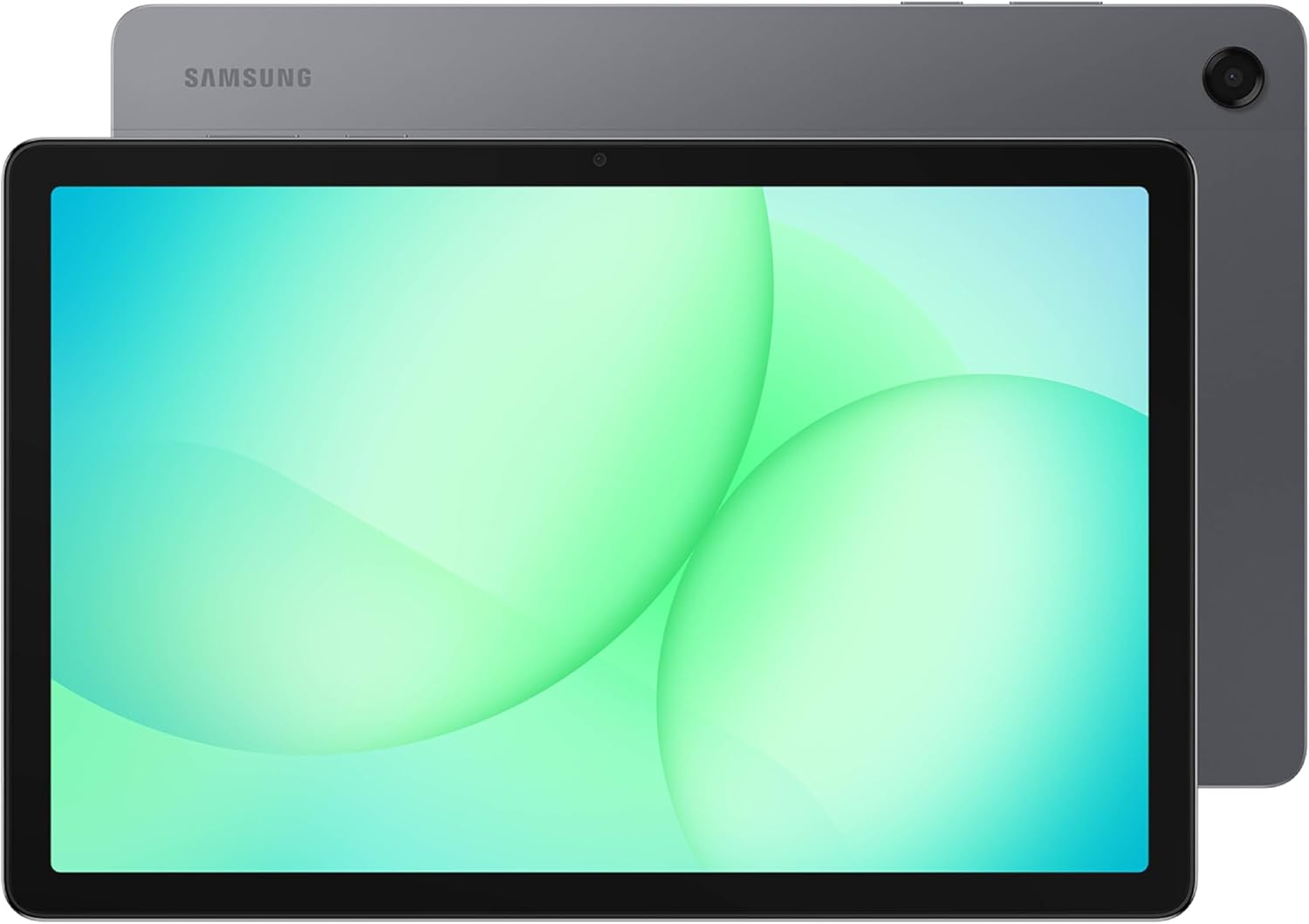
Samsung Galaxy Tab A11+ (8GB RAM, 256GB) with Dolby Atmos speakers, 11-inch display, AI assistance, and long-lasting battery (Gray)
Product description
What you’re really getting with the Galaxy Tab A11+
The Galaxy Tab A11+ is built for everyday family use: responsive performance for day-to-day tasks, a battery that’s meant to last through browsing and streaming, and a big 11-inch screen for watching, playing, and getting stuff done. On paper, it’s the kind of tablet you buy to keep things simple—one device that handles multitasking, media, and daily routines without feeling underpowered.
It also leans into “use it anywhere” convenience. The design is described as slim and lightweight, and Samsung bundles helpful features for searching and on-the-spot assistance with AI. If you want a tablet that feels practical first (and entertainment second), this one is easy to understand.
That said, it’s not perfect for every scenario. If your priority is pushing high-end performance for heavy creative work or the most demanding games, you may find it stays more in the middle range than the “push everything” category—so it’s worth checking your own use case.
Key takeaways for everyday use
A lot of tablets sound good until you picture real routines. The Tab A11+ is framed around the activities most people actually do:
- Staying responsive for tasks your family repeats (web, apps, streaming).
- Charging quickly when you fall behind and want to get back to 100% faster.
- Handling multitasking and larger files thanks to up to 8GB of memory and 256GB of storage, plus expandable storage.
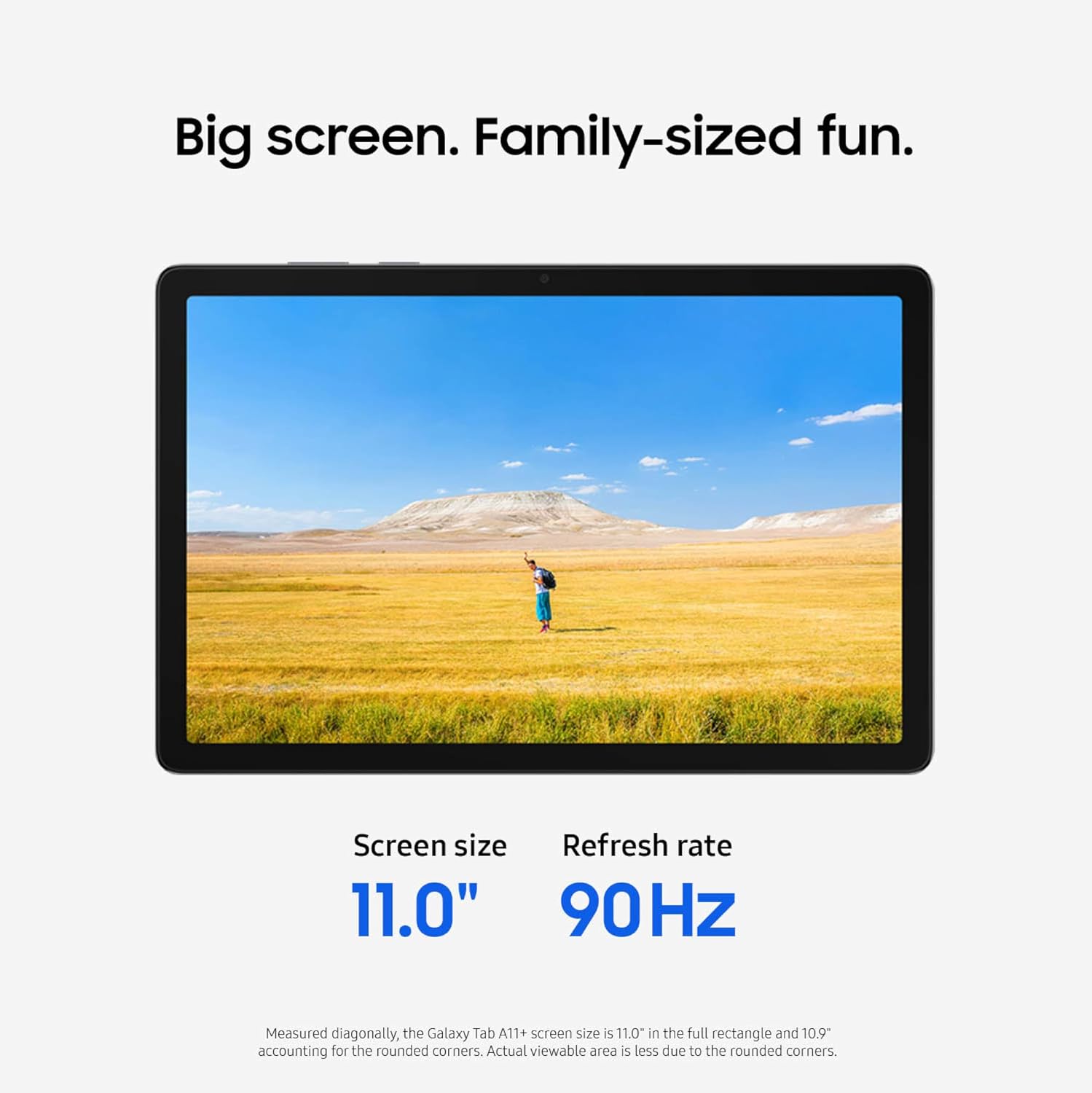
- Watching and scrolling comfortably on an 11-inch display with a refresh rate up to 90Hz.
- Enjoying audio that’s aimed at immersion, with quad speakers powered by Dolby Atmos.
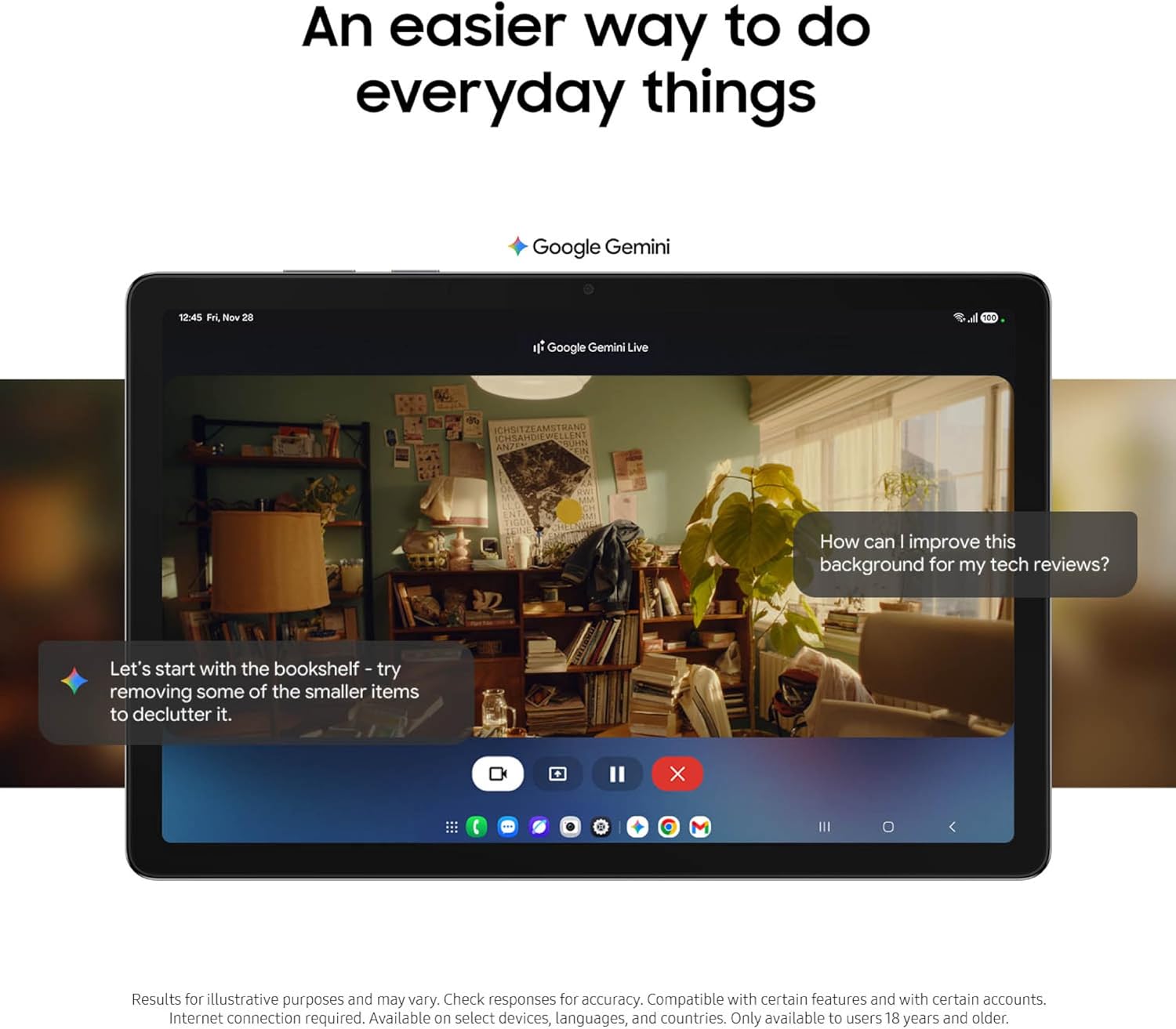
You also get a front 5 MP camera for face-to-face video calls, plus AI assistance from Google Gemini and the ability to search anything on your screen with Circle to Search. In practice, that can turn “Where is that thing?” moments into something quicker—like pausing a video, highlighting a detail, and searching without jumping between apps.
What stands out (and what you’ll notice)
The biggest “feel it immediately” part is the screen and audio pairing. An 11-inch display with a refresh rate up to 90Hz is meant to deliver smoother, more natural motion—helpful for scrolling, streaming, and general day-to-day navigation. Combine that with quad speakers and Dolby Atmos, and it’s clearly positioned for movies, playlists, and shared viewing.
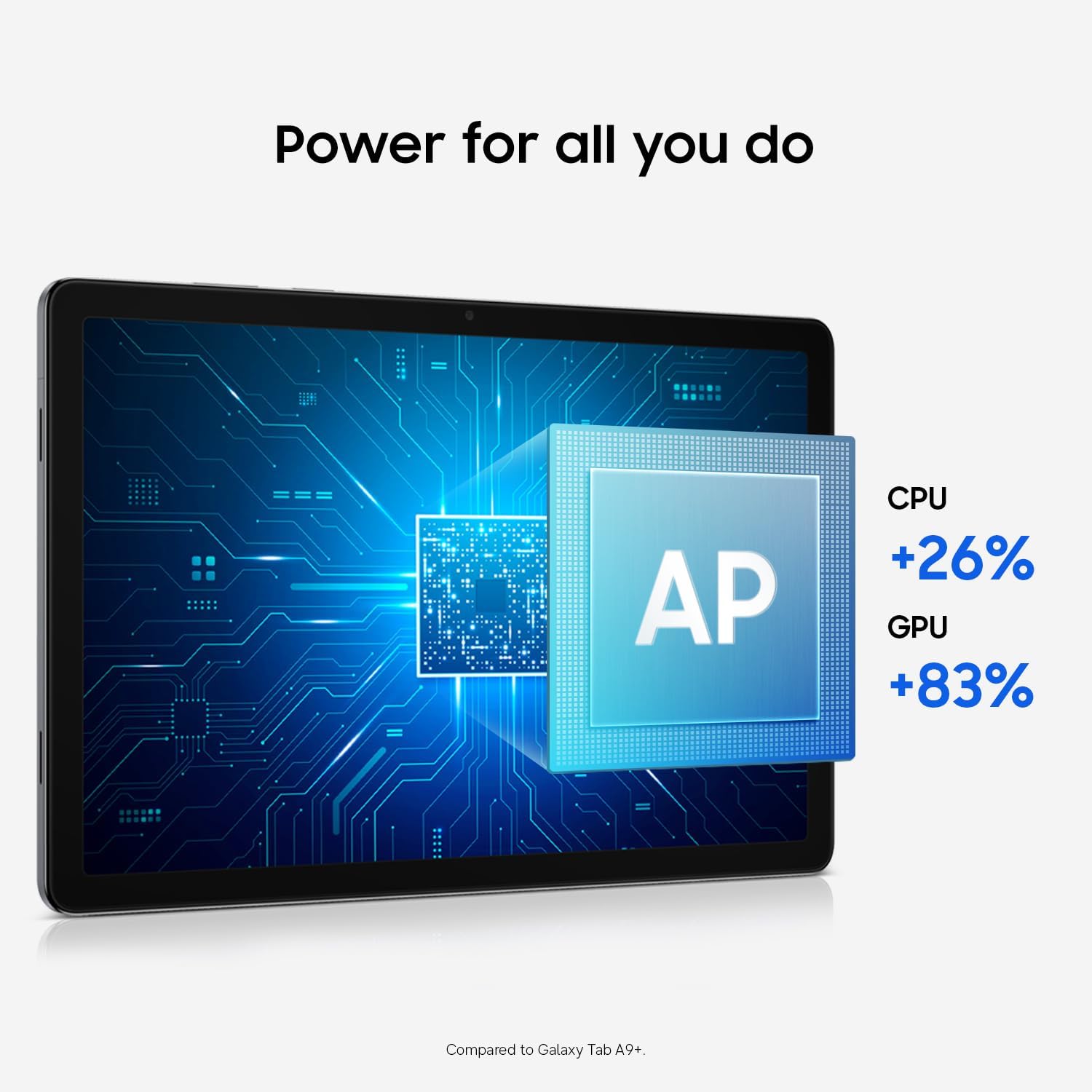
The second standout is how Samsung is marketing the overall responsiveness and daily flow. The upgraded chipset is described as keeping things responsive, and the tablet is also pitched as optimized for everyday activities.
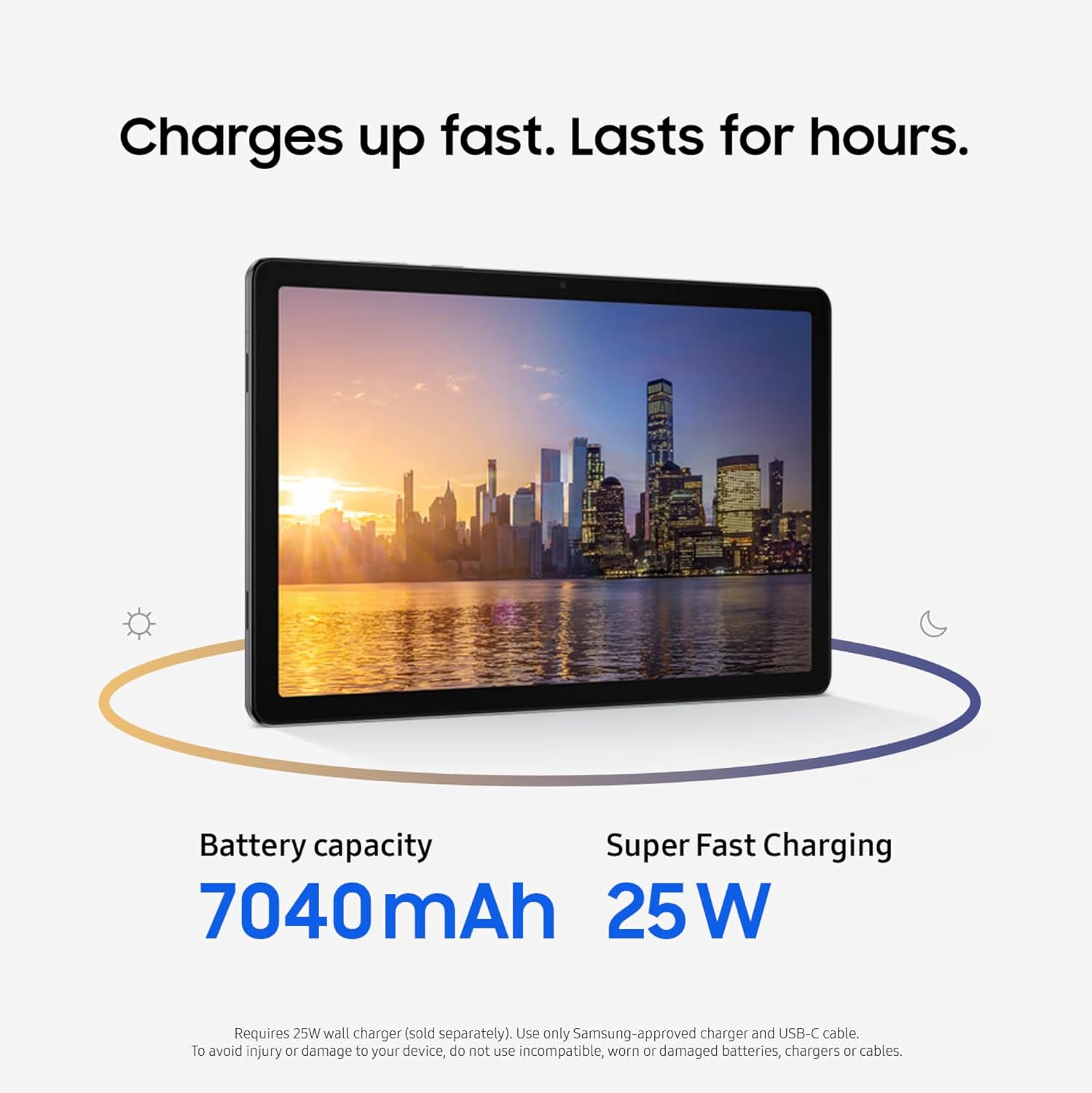
Finally, the battery angle is straightforward: long-lasting battery for browsing, streaming, and play, plus fast charging when you need a boost. If you’ve ever grabbed a tablet at 20% and felt stuck waiting, this kind of “charge back quickly” promise matters more than it sounds.
Tech specs that matter for buying decisions
You don’t need a spec sheet to know what you care about, but these are the details that connect directly to buying confidence:
- Name: Samsung Galaxy Tab A11+
- Type: Tablet
- Memory: Up to 8GB RAM
- Capacity: 256GB storage
- Display: 11-inch screen
- Audio/format: Quad speakers powered by Dolby Atmos
- Camera: 5 MP front camera
- Warranty: 2 years of warranty
Note: some specs are described in marketing terms (like “up to”), so if you’re comparing models, pay attention to the exact figures shown for your configuration.
Practical tips: how to get the most out of it
If you’re buying this for a household, it helps to think in “who uses it for what.” Here are a few realistic ways the Tab A11+ is meant to fit in:
For movie nights or shared streaming, lean on the big 11-inch screen and Dolby Atmos audio. You’ll get more immersion sitting around the same spot instead of crowding a smaller device.
For daily “search and help” moments, use Google Gemini assistance for on-the-spot help and Circle to Search to pull up information directly from what’s on your screen. It’s the kind of workflow that can save time when you’re trying to confirm details quickly.
Limits and who should think twice
This tablet is clearly geared toward everyday performance and media—so it may not be the best choice if you’re trying to “max out” demanding creative workloads or you need a tablet that’s built specifically for very advanced, performance-heavy use.
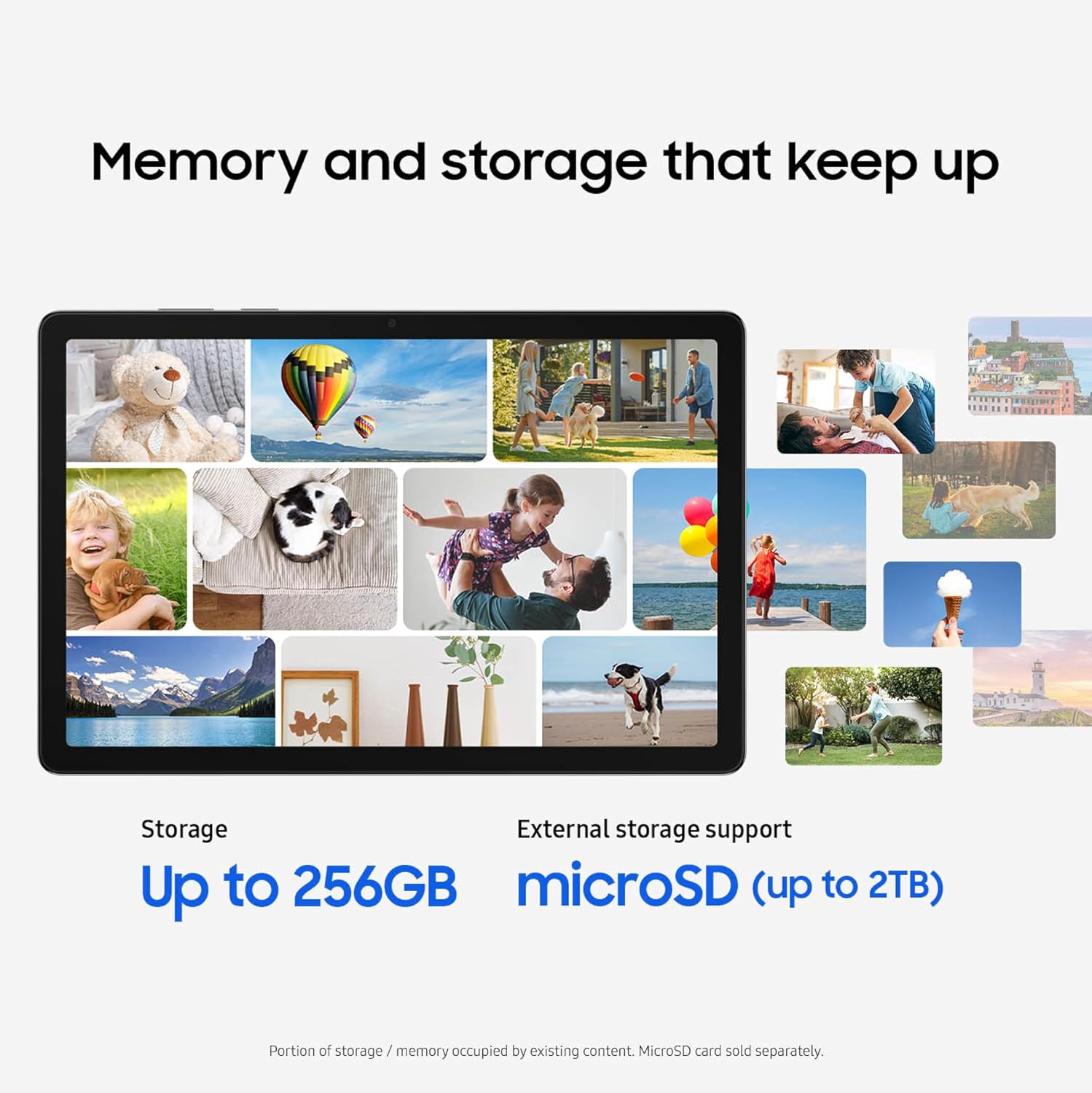
Also consider that buyers sometimes expect the biggest storage to mean “all media always stays on the device.” With expandable storage mentioned, it’s more flexible, but it still helps to plan how much you want stored locally versus streamed.
If you need something ultra-specific beyond what’s described (for example, specialized professional workflows), you may want to verify whether this tablet’s focus aligns with your expectations.
When it makes sense to buy
It’s a strong match if you want:
A family-friendly tablet for daily tasks, streaming, and casual gaming, paired with a big 11-inch display and quad-speaker Dolby Atmos sound.
A setup that supports multitasking with up to 8GB RAM and gives you room for apps and large files with 256GB storage and expandable storage.
Fast charging and long-lasting battery life as part of your “grab it and go” routine.
AI assistance that helps with everyday tasks—especially if you like using on-screen search (Circle to Search) instead of switching apps.
Final verdict
Should you buy it?
Buy the Galaxy Tab A11+ if your priority is an easy, responsive, family-oriented tablet that combines a big 11-inch screen, Dolby Atmos quad-speaker audio, and enough memory/storage for day-to-day multitasking. It’s also compelling if you care about AI-style assistance for searching and quick help, plus a battery designed for hours of browsing and streaming.

Skip it if you’re chasing top-tier performance for heavy, specialized workloads or you expect a tablet that’s primarily optimized for power users rather than everyday use. For most households, though, it looks like a practical buy—no drama, just features aimed at how people actually use tablets.
Mini FAQ
Does the Galaxy Tab A11+ support multitasking?
It’s marketed with up to 8GB RAM and up to 256GB storage, specifically positioned to keep multitasking smooth and handle large files.
Is the screen good for streaming and scrolling?
The tablet includes an 11-inch display with a refresh rate up to 90Hz, which is meant to deliver more fluid motion for everyday navigation and viewing.
What audio experience can I expect?
It has quad speakers powered by Dolby Atmos, aimed at a more immersive, cinema-like sound when watching movies or listening to music.
How does the battery work?
Samsung positions it as a long-lasting battery for browsing, streaming, and play, with fast charging available when you need to top up.
What AI features are included?
The listing mentions Google Gemini for on-the-spot assistance and Circle to Search to search anything shown on your screen.