

Replacement Voice Remote for Fire Series TV Sticks & Smart TVs (Insignia/Omni QLED)
Reviews
Price
Product description
What to know
This is a replacement voice remote designed to work with Fire Series devices and select Smart TVs, including various Fire TV Stick generations, Fire TV Cube generations, and Omni/Insignia/other compatible TVs. It brings hands-free voice control to find and launch content, control playback, check weather, and manage compatible smart home devices, alongside standard navigation and playback buttons. It’s not compatible with Roku, Samsung TVs, or older TV models outside the listed generation range. If your model isn’t listed, double-check before purchasing to avoid a mismatch.
Why it matters for you
If you value quick access to content without juggling remote menus, this remote aims to streamline searching, launching apps, and controlling media with simple voice commands. For someone who uses streaming devices heavily or relies on voice to reduce button presses, this can save time during daily viewing.
What you get and what’s not included
The package contains 1 voice remote and a user manual. Batteries are not included (2 AAA), so you’ll need to supply power. It does not come with extra features beyond the described voice control and standard navigation controls.
How it performs in practice
On paper, pairing instructions are straightforward: remove the stick from the TV, reconnect power, reinsert the stick, then hold the Home button for 10–15 seconds until the LED flashes amber to pair automatically. In real use, quick pairing is possible if you follow the steps, but there can be rare cases where reattempting pairing helps if the first attempt fails.
Pros and what stands out
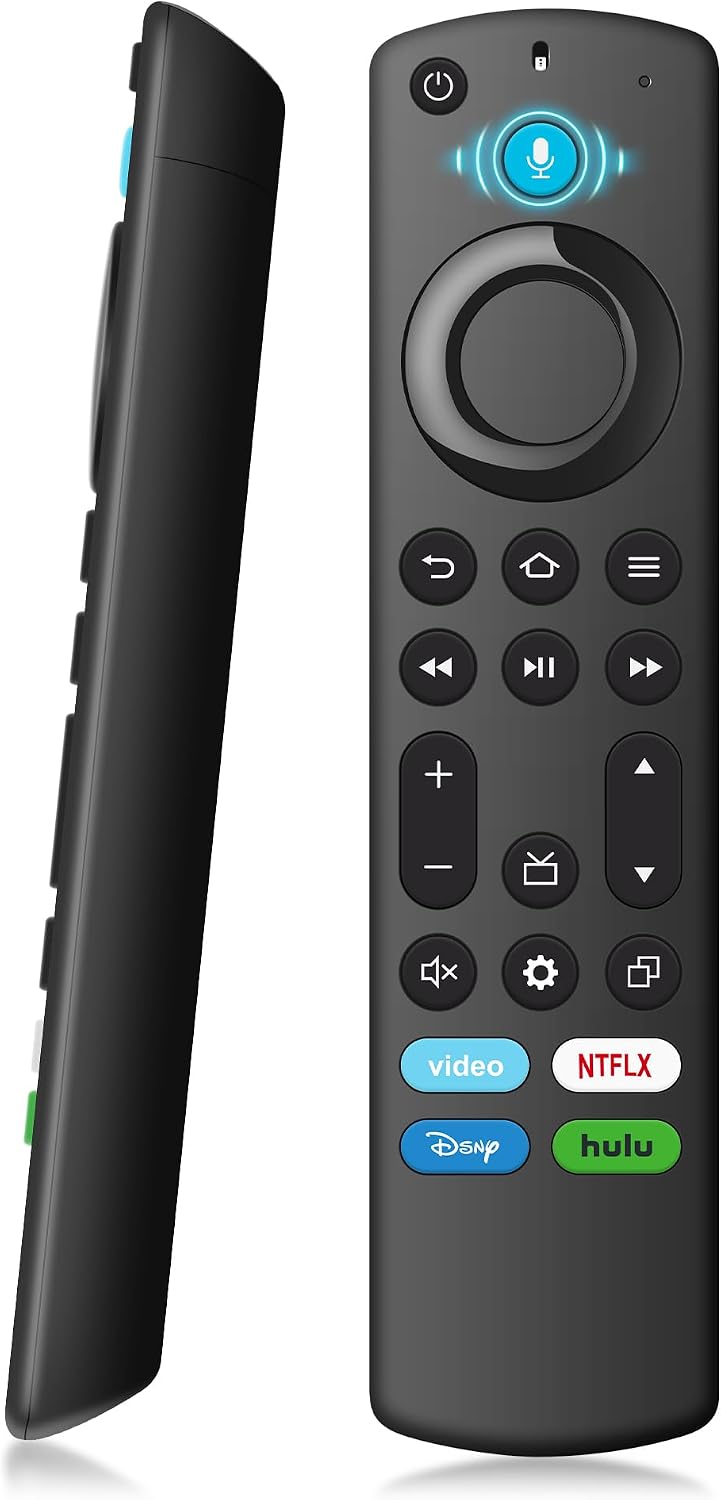
- Voice control expands search and content launching beyond traditional remote navigation.
- Works across a broad range of Fire TV devices and compatible Smart TVs, offering a unified experience.
- Includes standard navigation and playback controls for familiar operation.
Cons or limitations to consider
- Compatibility isn’t universal, it won’t work with Roku, Samsung TVs, or non-listed generations. If you own a model outside the specified range, it may not pair or function as expected.
- Batteries are not included, so you’ll need to pick up two AAA batteries separately.
- The claim of “best pairing” relies on following exact steps, if the TV setup is customized or has interference, pairing might require extra attempts.
Who it’s for
- Fire TV users who want hands-free control and faster access to apps and content.
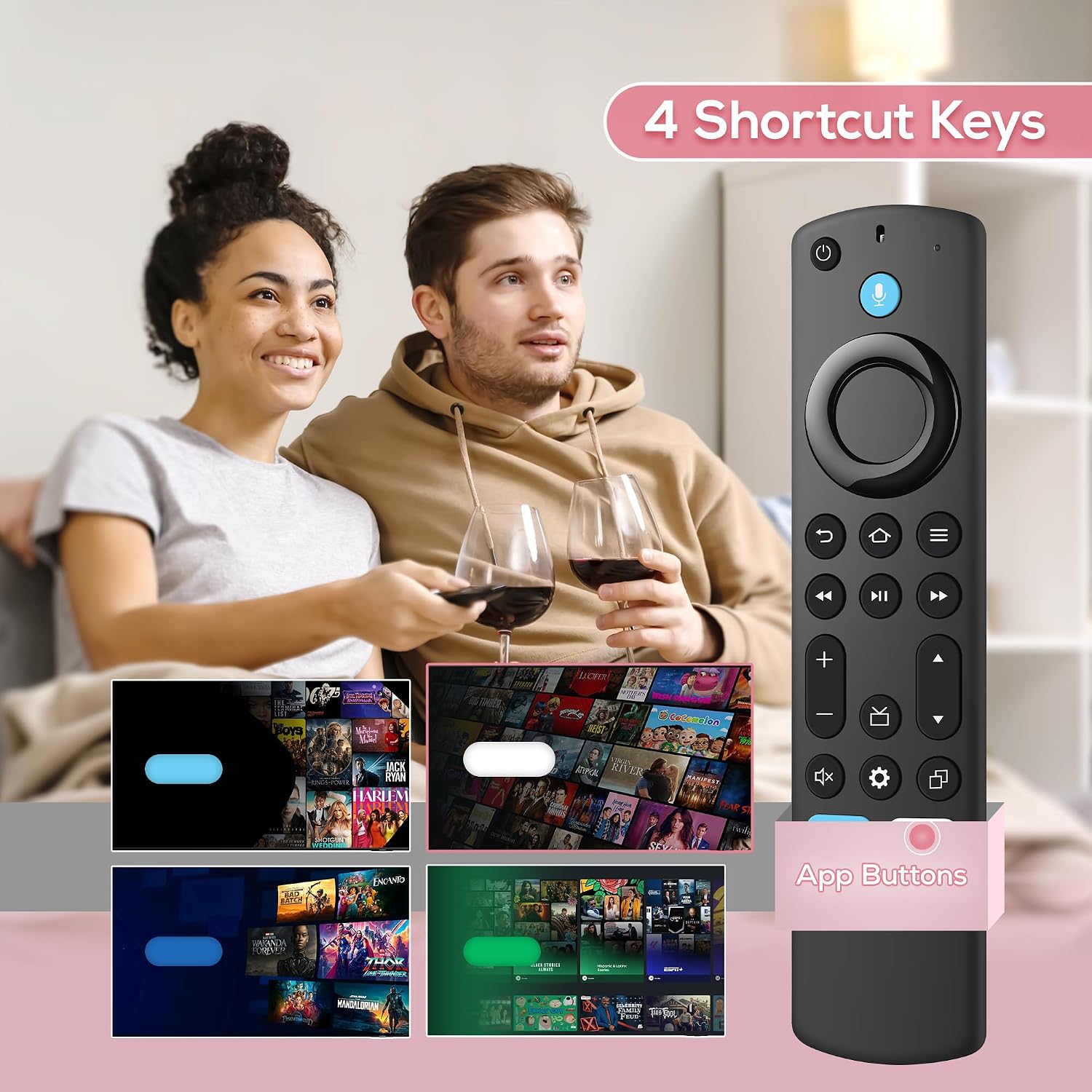
- Households with multiple Fire TV devices or Insignia/Omni/QLED smart TVs seeking a common remote experience.
- Viewers who value voice-enabled quick navigation over traditional button presses.
Who it’s not ideal for
If your TV is not among the listed generations or if you’re using a device outside the Fire ecosystem, this remote may not be compatible. In such cases, a different remote or manufacturer option aligned to your exact model would be safer.
When it makes sense to buy
- You want to reduce time spent navigating menus and typing on a virtual keyboard.
- You need a replacement remote that supports voice commands to control content and smart home devices compatible with Fire TV.
- You already own one of the supported Fire TV devices or Insignia/Omni QLED TVs and want a dedicated, compatible remote.
Before you buy: quick checks
- Confirm your TV or Fire device model is within the supported list.
- Expect to insert two AAA batteries, have them on hand.
- Follow the precise pairing steps to ensure a smooth connection.
Practical usage example
Imagine sitting down to a movie night and simply saying, “Find action movies” or “Play the latest episode,” instead of typing or navigating menus. That quick voice interaction reduces friction and makes it easier to start watching sooner.
What to compare against (in a real purchase decision)
If you’re weighing options, consider whether you prefer a remote with built-in voice but limited device compatibility, or a universal remote with broader compatibility but different pairing mechanics. For Fire TV users, a purpose-built voice remote typically provides the most seamless experience within the supported ecosystem.
Is it worth it?
Should you buy it? If you prioritize faster, voice-activated control within the Fire TV ecosystem and your device model matches the supported list, this replacement remote offers a straightforward path to that convenience. If your setup falls outside the supported generations or you rely on non-Fire devices, you may want to explore alternatives that guarantee compatibility with your exact TV model.
Quick FAQ
- Does this remote work with my specific model? Verify that your Fire TV device or Smart TV model is listed in the compatibility notes before purchasing.
- Are batteries included? No, the package includes 2 AAA batteries are not included.
- How do I pair the remote? Remove the stick, reconnect power, reinsert the stick, and hold the Home button for 10–15 seconds until the LED amber flashes, pairing should occur automatically.
- What can I control with the voice feature? Voice commands cover search, launch, content control, weather, and compatible smart home devices.
- What if pairing fails? Try the pairing steps again, ensuring the stick is properly reinserted and powered during the process.