

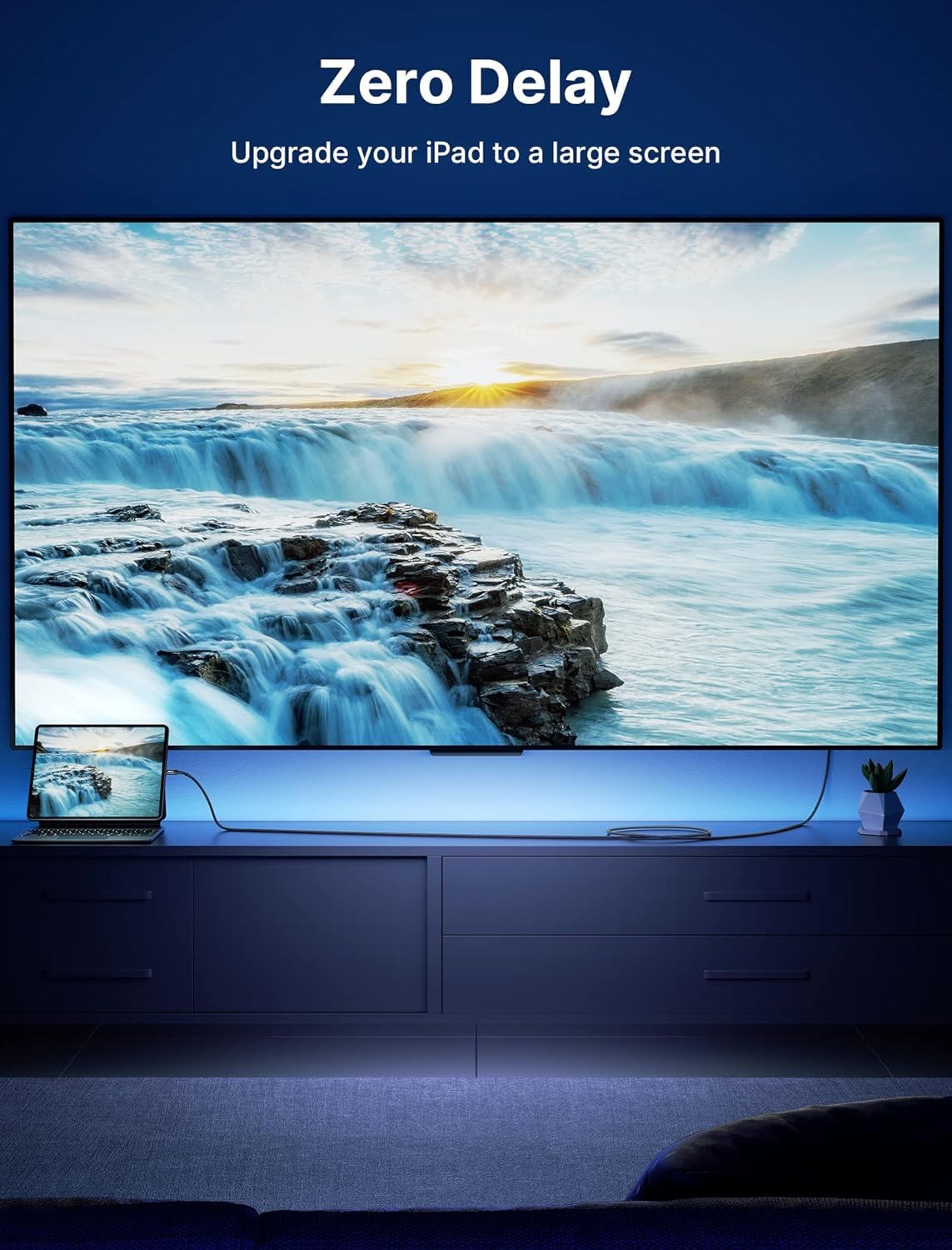

JSAUX USB C to HDMI Cable 10ft 4K@60Hz
Reviews
Price
Product description
This USB-C to HDMI cable from JSAUX delivers long-reach connectivity for desktop and mobile video setups, offering 4K@60Hz output and a durable braided design to connect laptops, tablets, and phones to TVs and monitors. It is useful for presentations, streaming, and extending your workspace with a 10-foot reach that lets you position screens freely while keeping devices at a comfortable distance.
Key Points
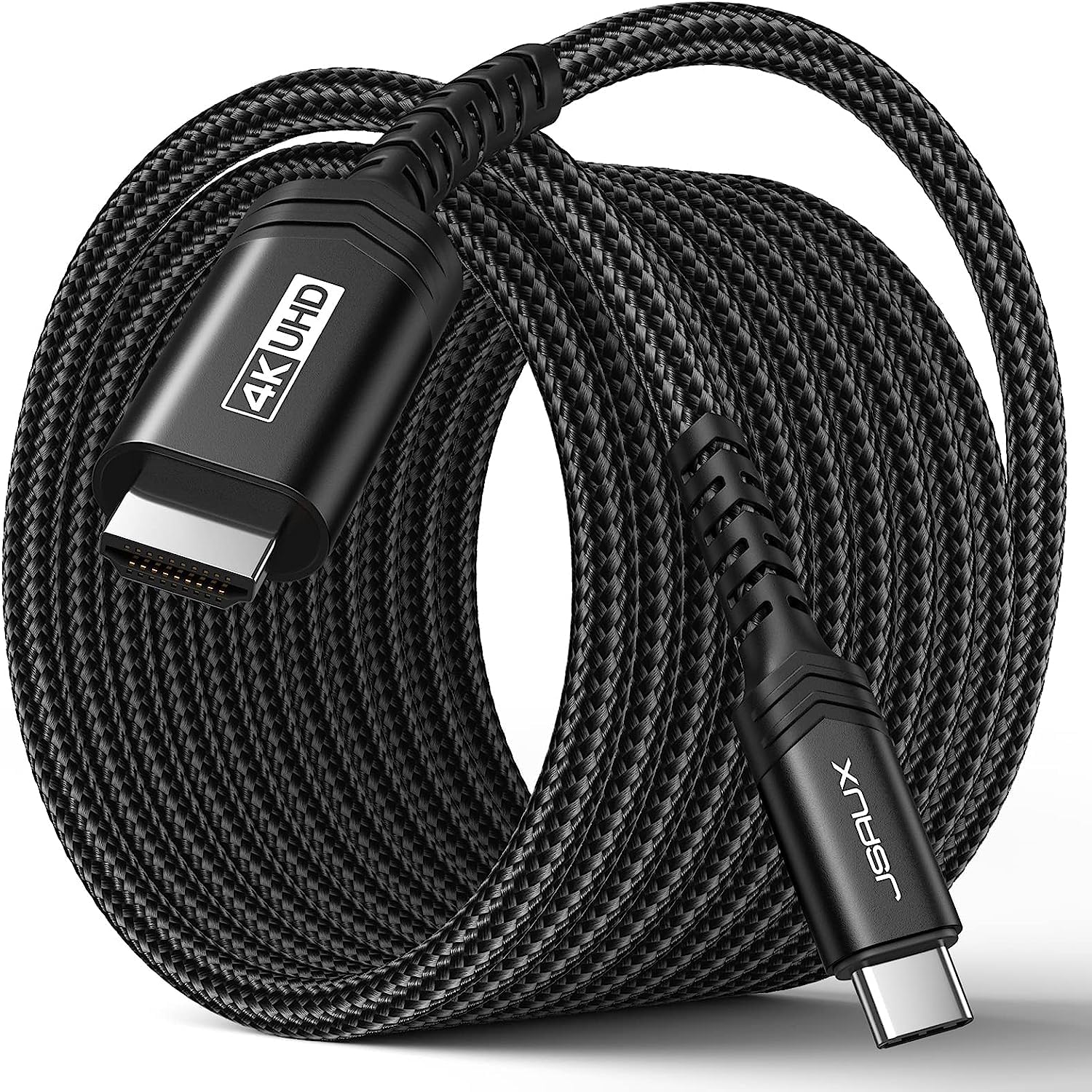
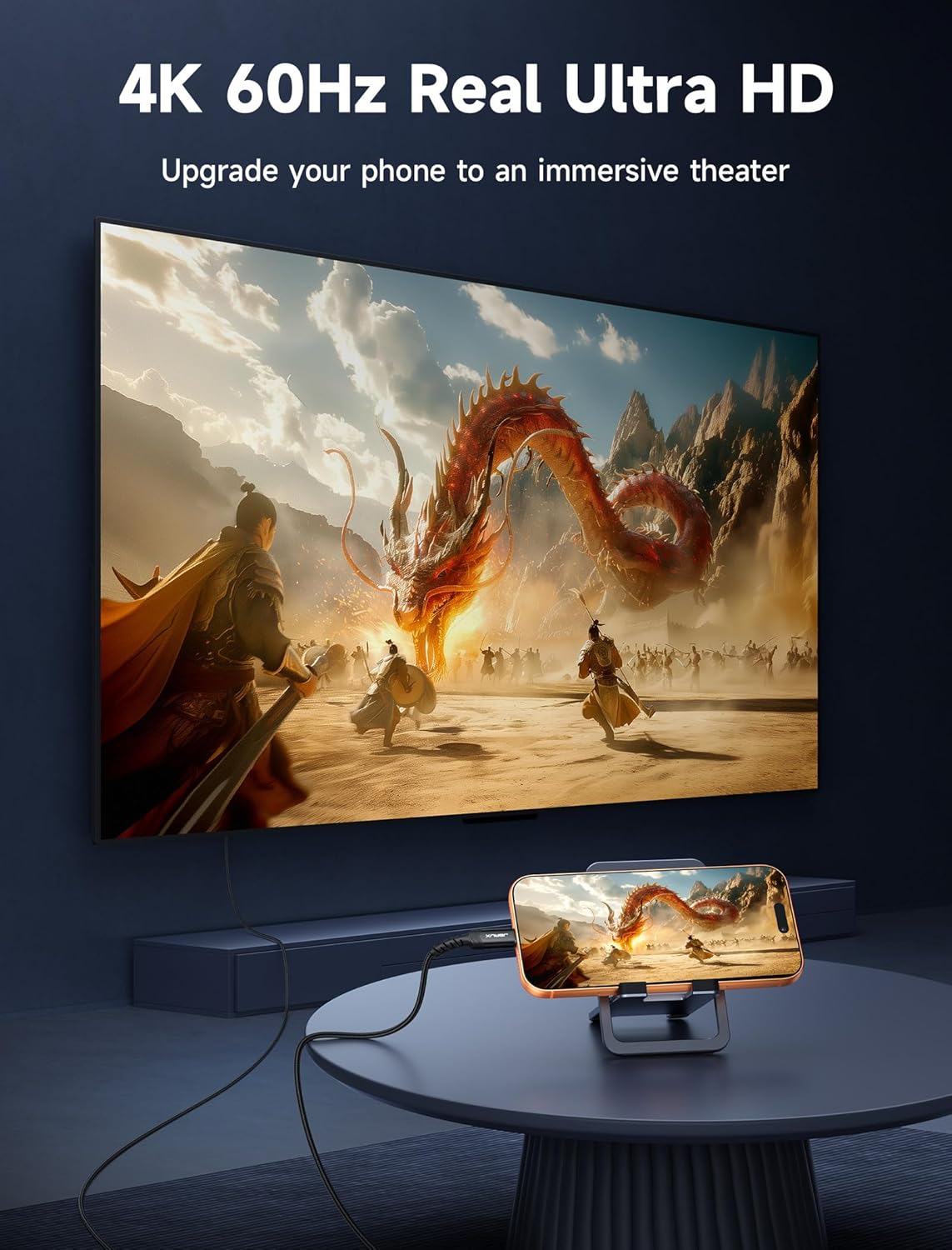
The cable supports Ultra HD 4K at 60Hz and a wide range of lower resolutions and refresh rates, according to the manufacturer. It handles mirror and extend display modes and supports HDCP 2.2 and deep color HDR up to 48-bit for richer visuals. The 10-foot length increases flexibility in living rooms, meeting rooms, and hotel rooms where a short cable would be limiting. The cord is compatible with Thunderbolt 3 and 4 ports on many modern laptops and tablets, and it can also connect compatible phones that output video over USB-C.
Technical Specifications
- Name: JSAUX USB C to HDMI Cable 10ft
- Video bandwidth: 32.4 Gbps
- Maximum resolution: 4K (2160p) at 60Hz
- Supported standards: HDMI 2.0 and earlier versions, HDCP 2.2
- Cable length: 10 ft (approximately 3 meters)
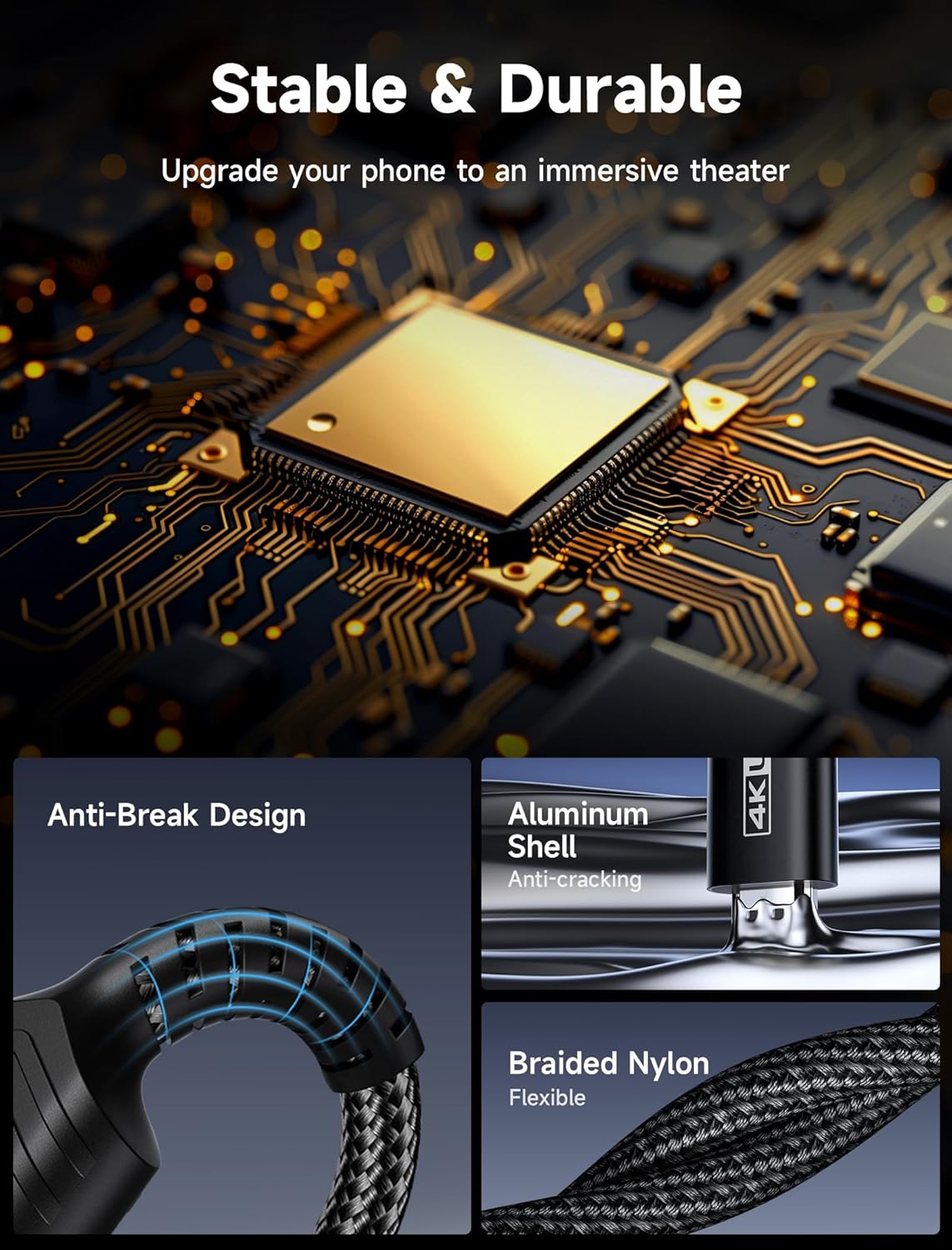
- Build: double-layer braided nylon with triple-tinned shielding
Benefits
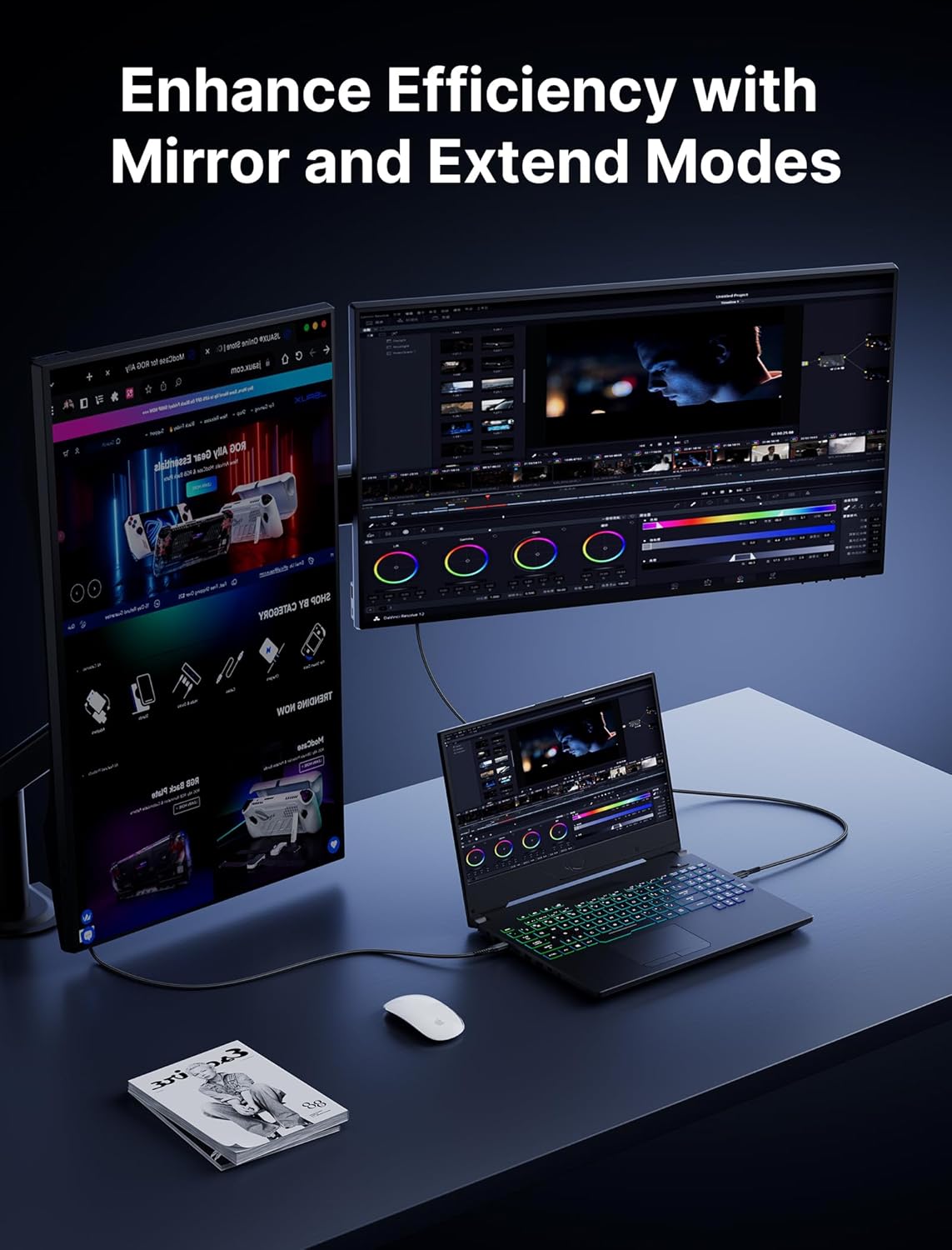
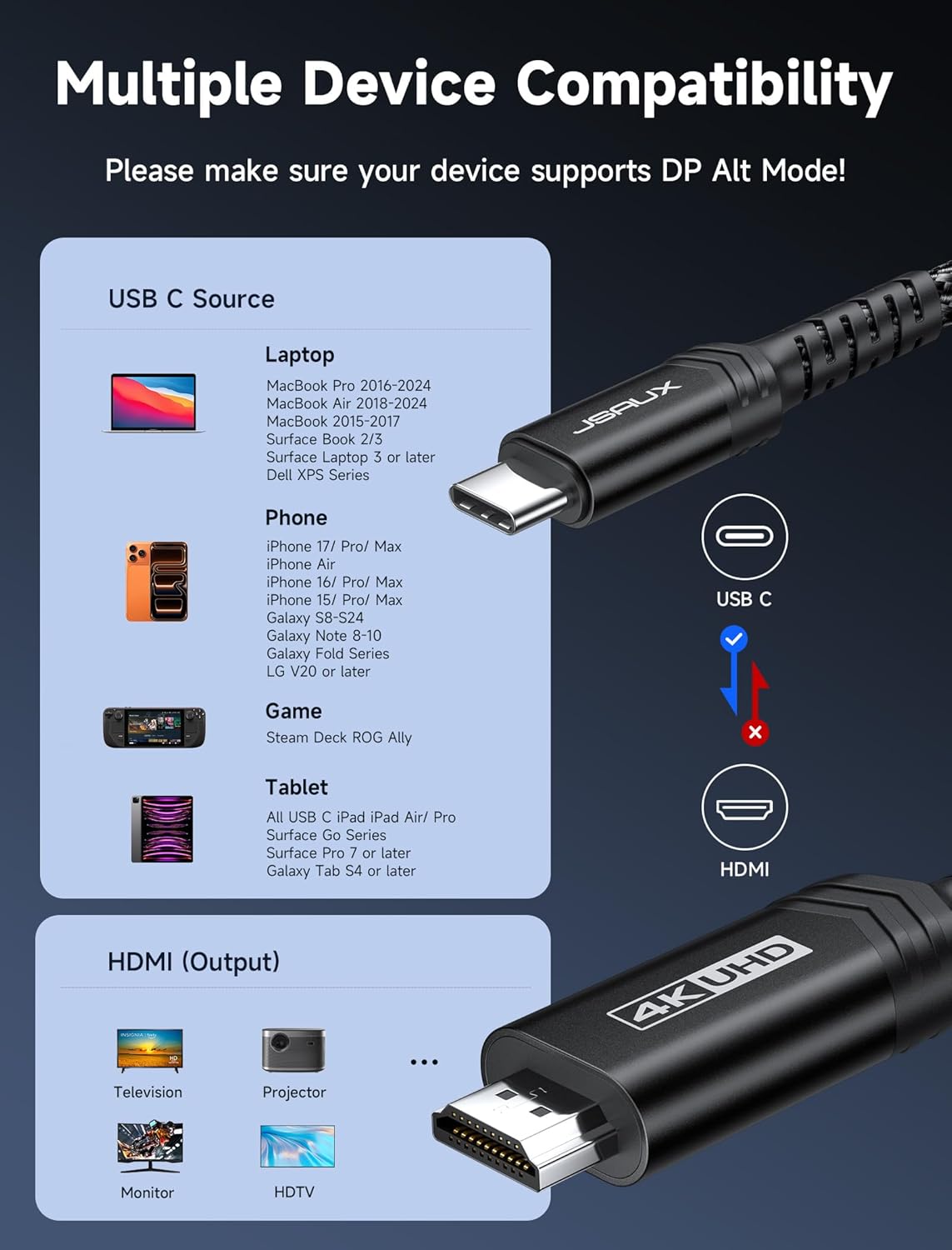
This JSAUX cable offers the convenience of a single, long connector cable that reduces the need for adapters or short extension leads. It keeps a stable signal for high-resolution content, which helps when you need sharp detail for photos, spreadsheets, or video playback. The braided nylon jacket and corrosion-resistant galvanized connectors add mechanical resilience and help prevent tangles during transport. For users who switch between devices often, the plug-and-play nature avoids driver installs on most systems and supports hot-plugging.
Usage Recommendations
For best results, connect the USB-C plug to a laptop or device that explicitly supports DisplayPort Alternate Mode or Thunderbolt 3/4 video output. If the connected display does not show a signal at 4K@60Hz, try lowering the resolution or checking that the source device’s output settings allow 4K output. Consider routing the cable along baseboards or behind desks to keep it tidy in shared spaces. Note that functionality may vary by device and operating system, and some phones or older USB-C ports may only support lower resolutions according to the manufacturer.
This product is useful when you need a longer reach than standard short cables while retaining support for modern video formats. The robust construction and broad compatibility make it a practical choice for home offices, conference rooms, and travel setups.