

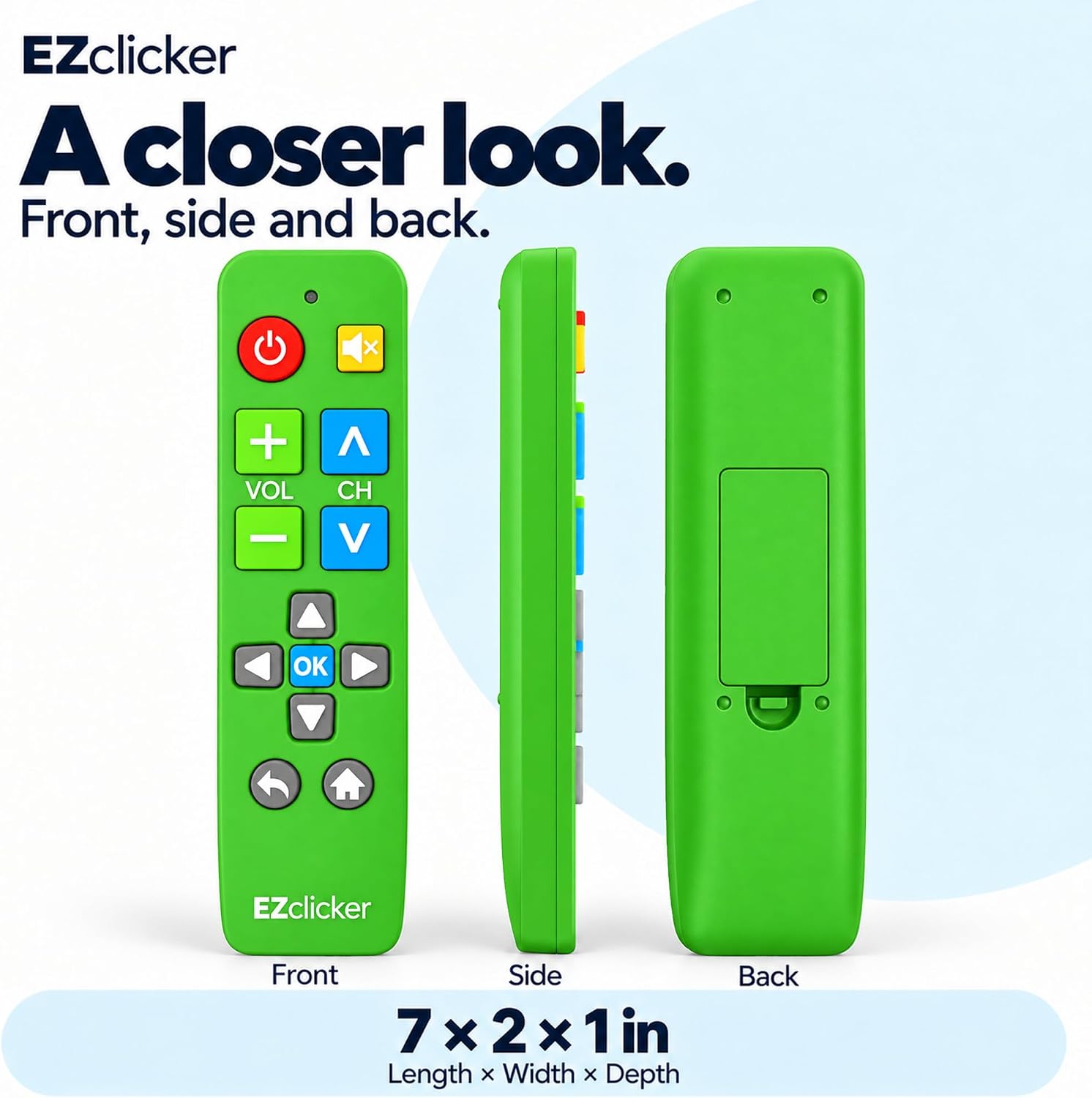
Samsung Replacement TV Remote (Green) with Big Buttons for Samsung TVs Only
Product description
What it is (and what it isn’t)
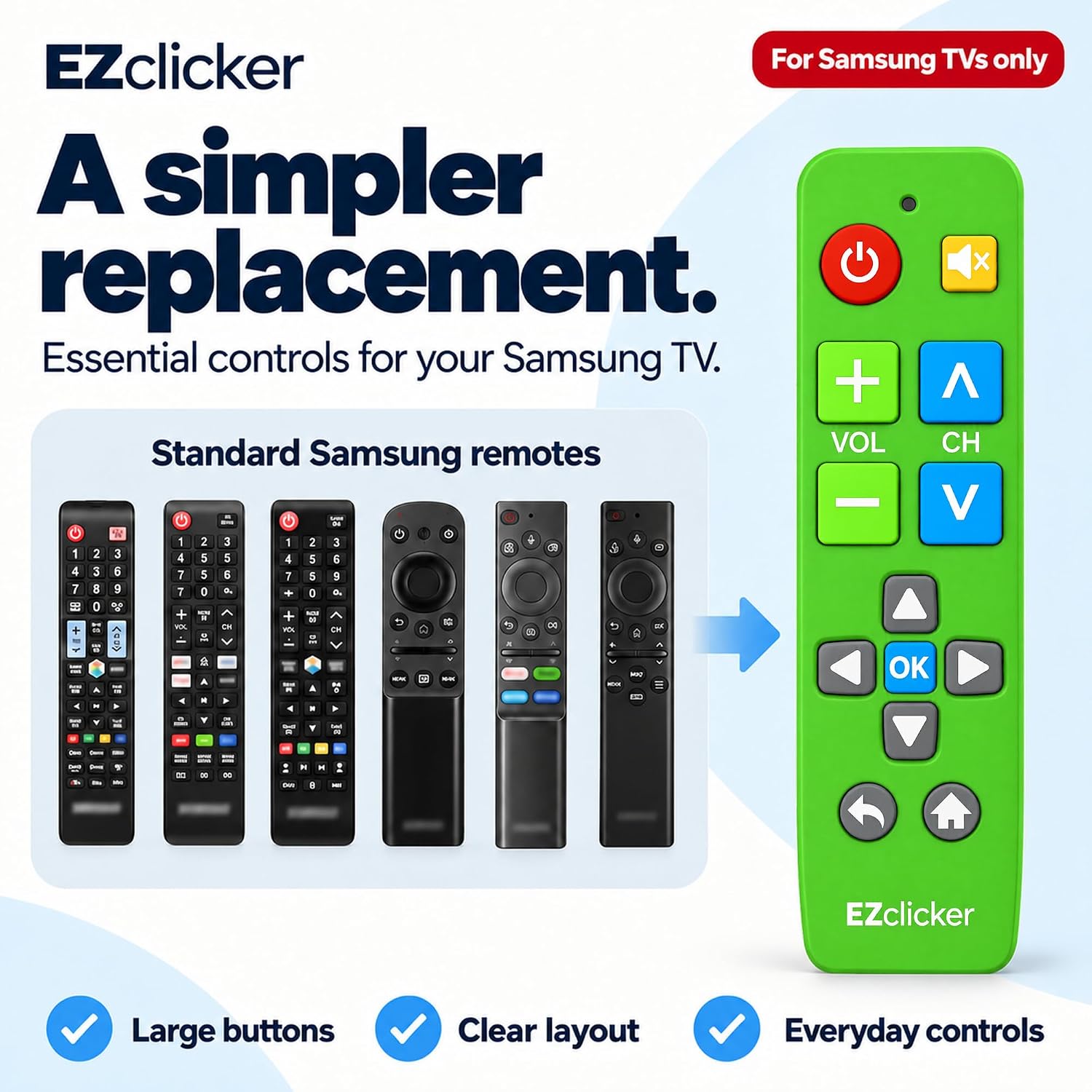
This Samsung replacement TV remote is built for one job: controlling Samsung TVs without extra setup. It uses an easy big-button layout and tactile feedback to make everyday viewing simpler, especially if you have limited dexterity or vision. That “big remote, easy controls” approach is the whole point here.
That said, it’s not a universal remote for everything. The listing states it’s compatible with Samsung TVs only. It’s also described as not compatible with streaming devices, cable boxes, or unrelated TV platforms. If your goal is to cover multiple devices from one remote, this may feel a bit too narrow.
The biggest day-to-day difference: big buttons you can feel
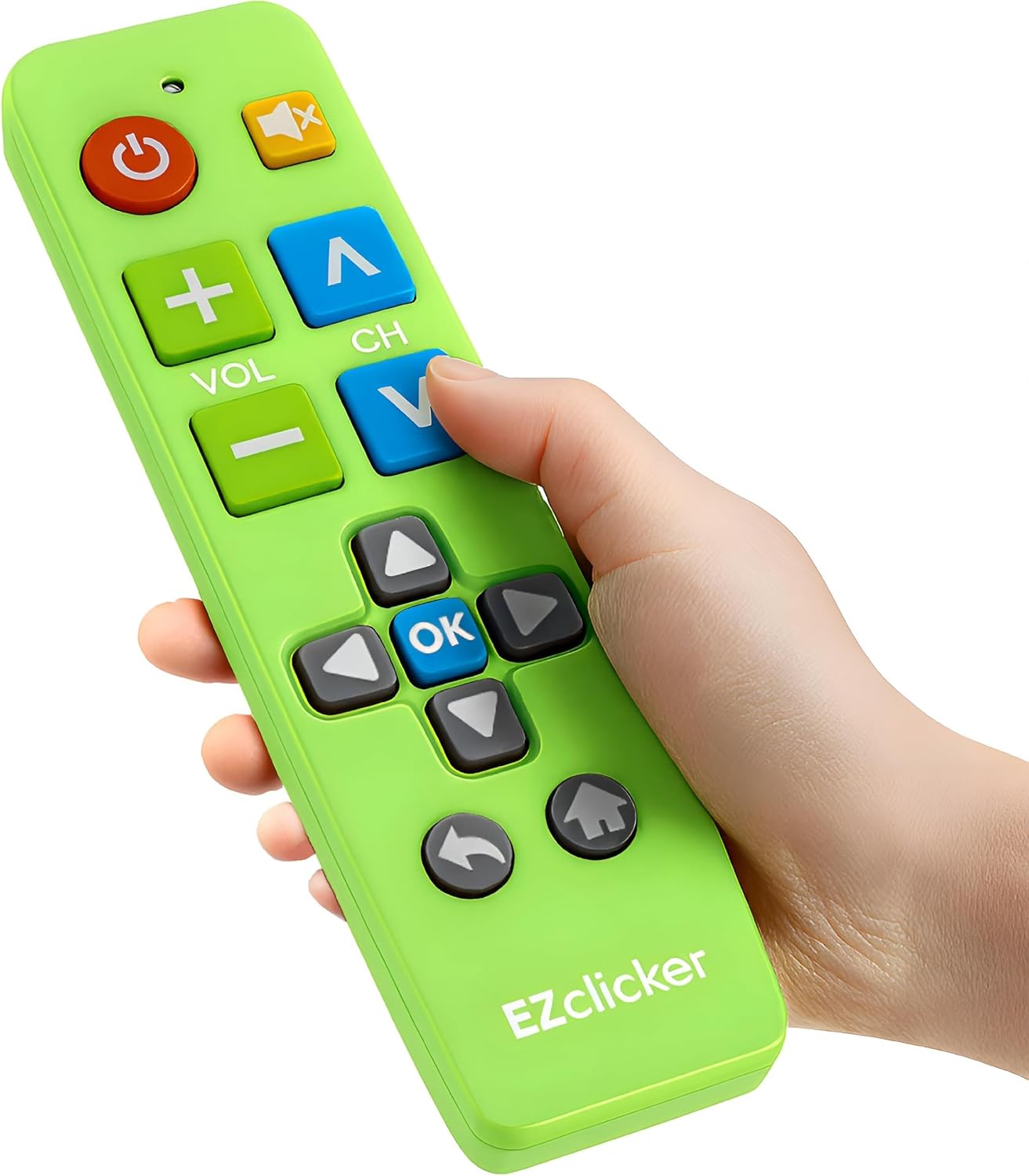
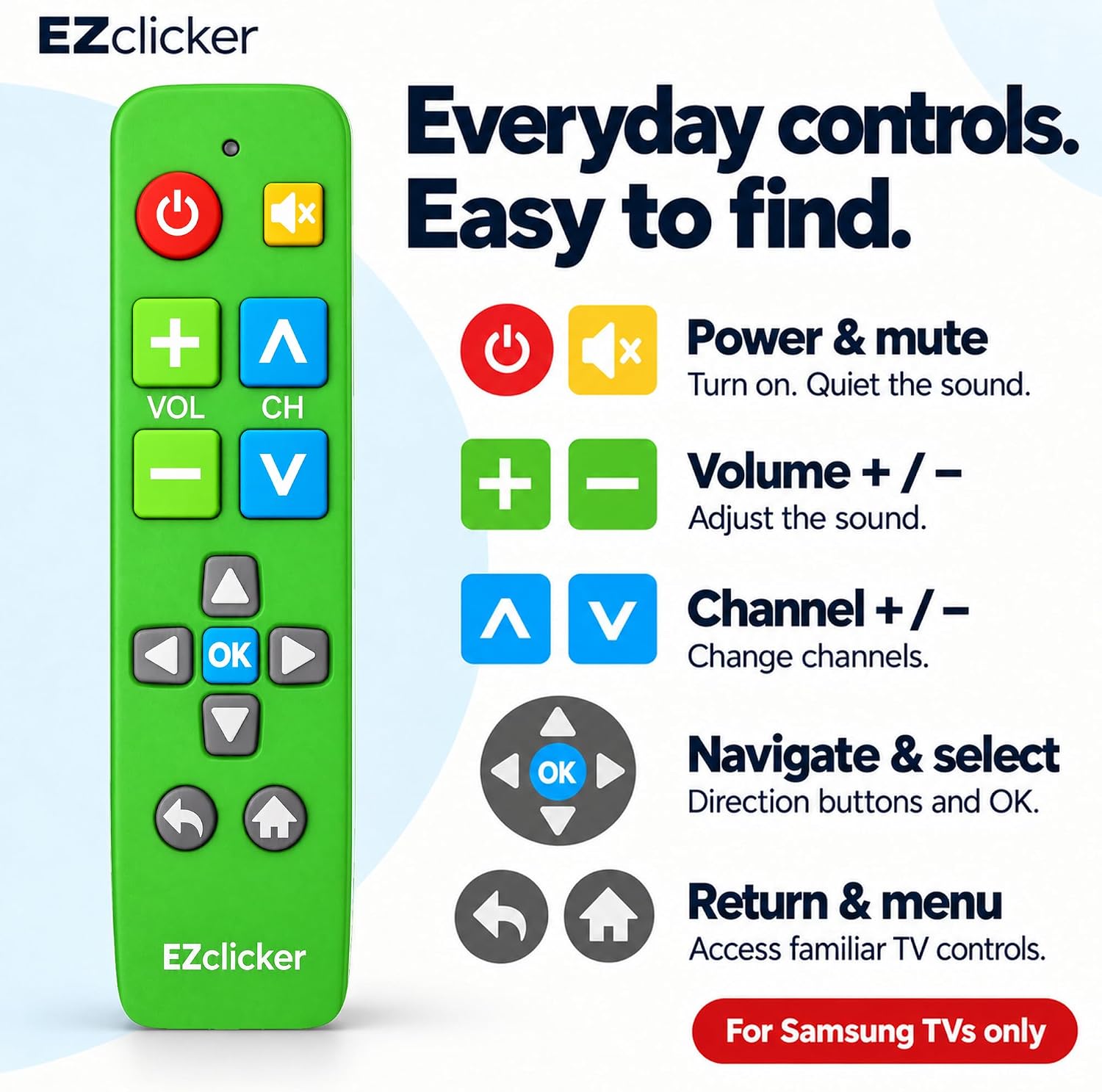
Where this remote tends to help most is usability. The controls include an extra-large Enter button, big-button universal controls, and tactile feedback—so you’re not hunting around the keypad. In real use, that can look like this: you’re seated, lights are dim, and you just want to change channels or confirm a selection without squinting or pressing the wrong area. The tactile feel is meant to reduce that frustration.
It’s also compact and lightweight, so it’s easier to hold for longer stretches, and easier to keep where you’ll actually grab it (like a living room side table or a bedside drawer).
Setup is the main selling point
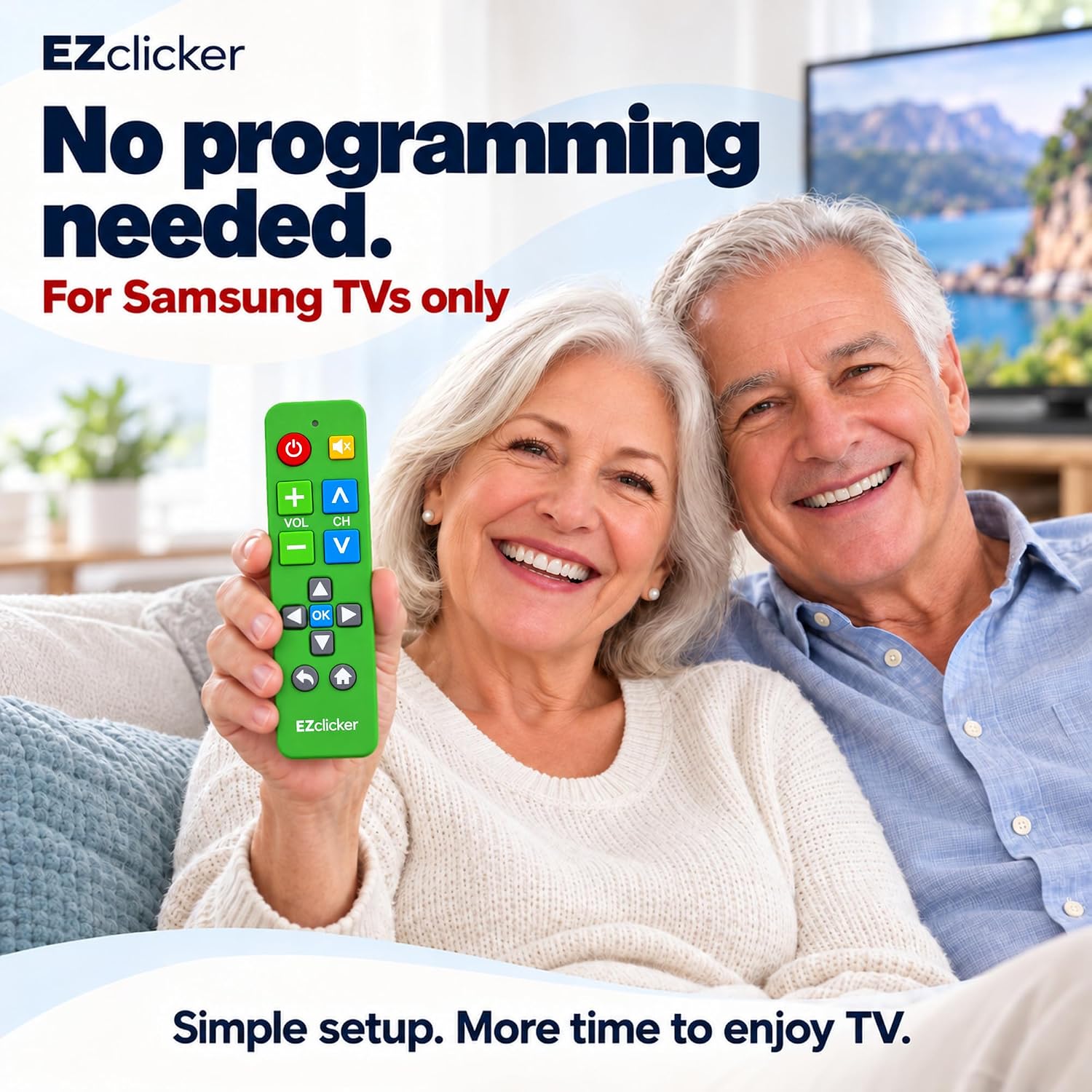
No programming is required per the product description. The process is straightforward: insert the batteries and start using it with your Samsung TV. There’s no pairing step mentioned, and that matters because some replacements are a pain—this one is designed to be plug-and-play.
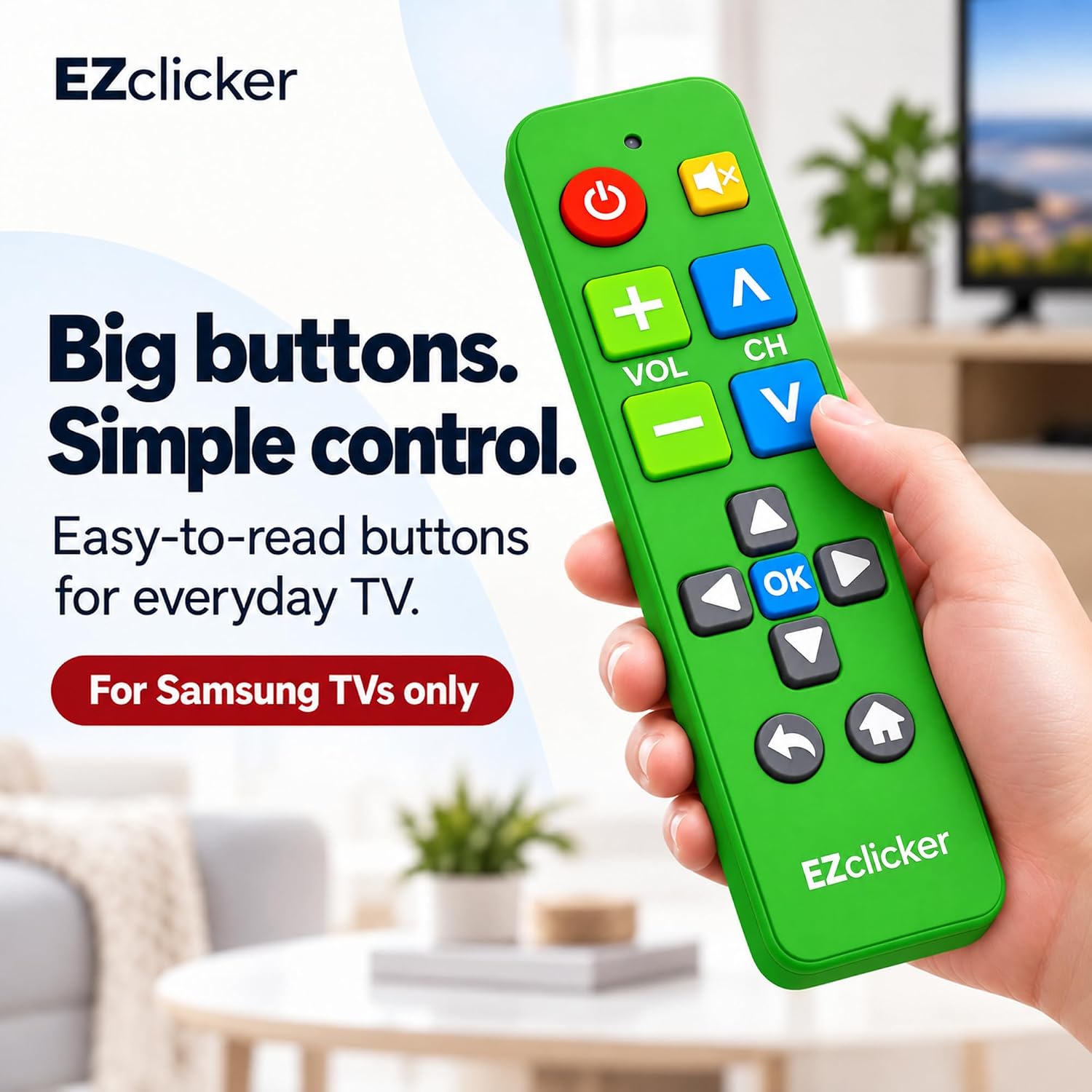
One limitation to keep in mind: it requires 2x AAA batteries, but they’re not included. If you’re buying this as a quick fix, it’s worth having spare AAA batteries on hand so you’re not stuck waiting.
Compatibility you should double-check
The listing is clear that this remote is compatible with Samsung TVs, and “Samsung TVs ONLY.” That’s the kind of statement you should take seriously.
Before buying, confirm your TV is a Samsung model within the compatible scope you expect. If you rely on a streaming device remote (or a cable box remote) most of the time, you may still need that other remote—this one is not described as covering those platforms.
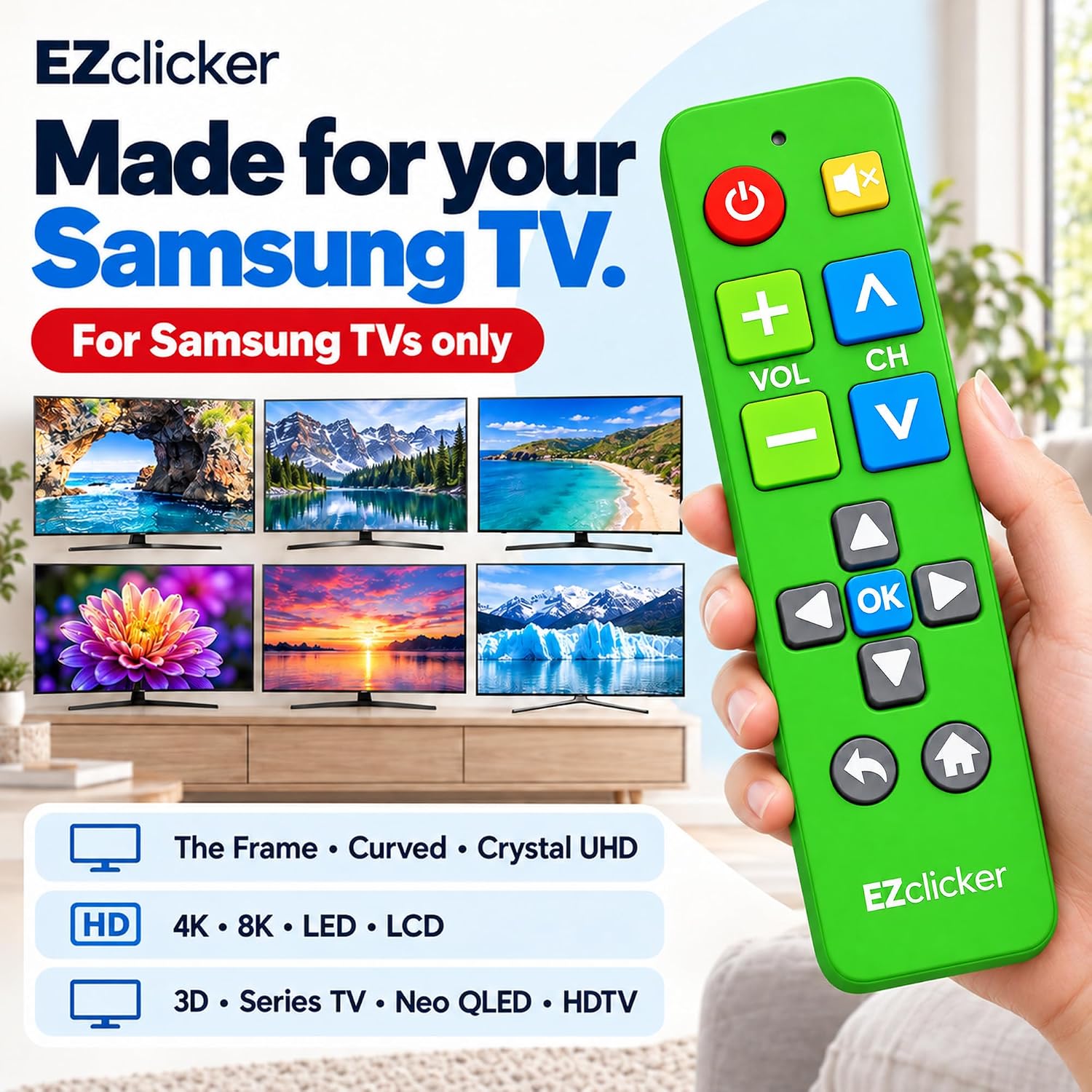
Also, if your household uses multiple brands of equipment, a single all-in-one remote might match your routine better. This one is optimized for Samsung TV control specifically.
Who it makes sense for (and who should skip it)
A remote like this is especially practical if you want fewer button mistakes and simpler navigation. The product positioning calls it out for seniors and for people with limited dexterity or vision, including those with dementia or Alzheimer’s. Even outside that context, it can be a smart “fallback” remote for anyone who just wants clear, easy controls.
It may not be the best choice if: - you need one remote to control streaming devices or cable boxes (the listing says it won’t do that) - your priority is advanced features or broad compatibility beyond Samsung TVs - you prefer a more compact remote layout with dense button mapping
Key takeaways before you buy
Is it worth it?
If you have a Samsung TV and you want a replacement remote that’s genuinely simple to start using, this is easy to justify on paper. The big-button design, tactile feedback, and large Enter button are exactly the kinds of details that reduce friction for everyday TV use.
However, if your setup includes a streaming stick, cable box, or non-Samsung equipment you control frequently, this may feel limiting because it’s described as Samsung TVs only. Consider whether you want “simple Samsung TV control” or “one remote for everything.”
If you want, I can also help you write a quick compatibility checklist (what to look for on your TV and what to confirm) using only the details you already have.
Mini FAQ
What batteries does it use?
It requires 2x AAA batteries, and the batteries are not included.
Does it need programming or pairing?
According to the listing, no programming is needed. You insert the batteries and start using it with your Samsung TV.
Will it work with a streaming device or cable box?
The product description says it’s not compatible with streaming devices, cable boxes, or unrelated TV platforms.
Is it good for seniors?
The listing is specifically aimed at seniors and people with limited dexterity or vision, including dementia or Alzheimer’s care contexts.
How big is the remote?
It’s described as compact and lightweight, measuring 7" x 2" x 1".