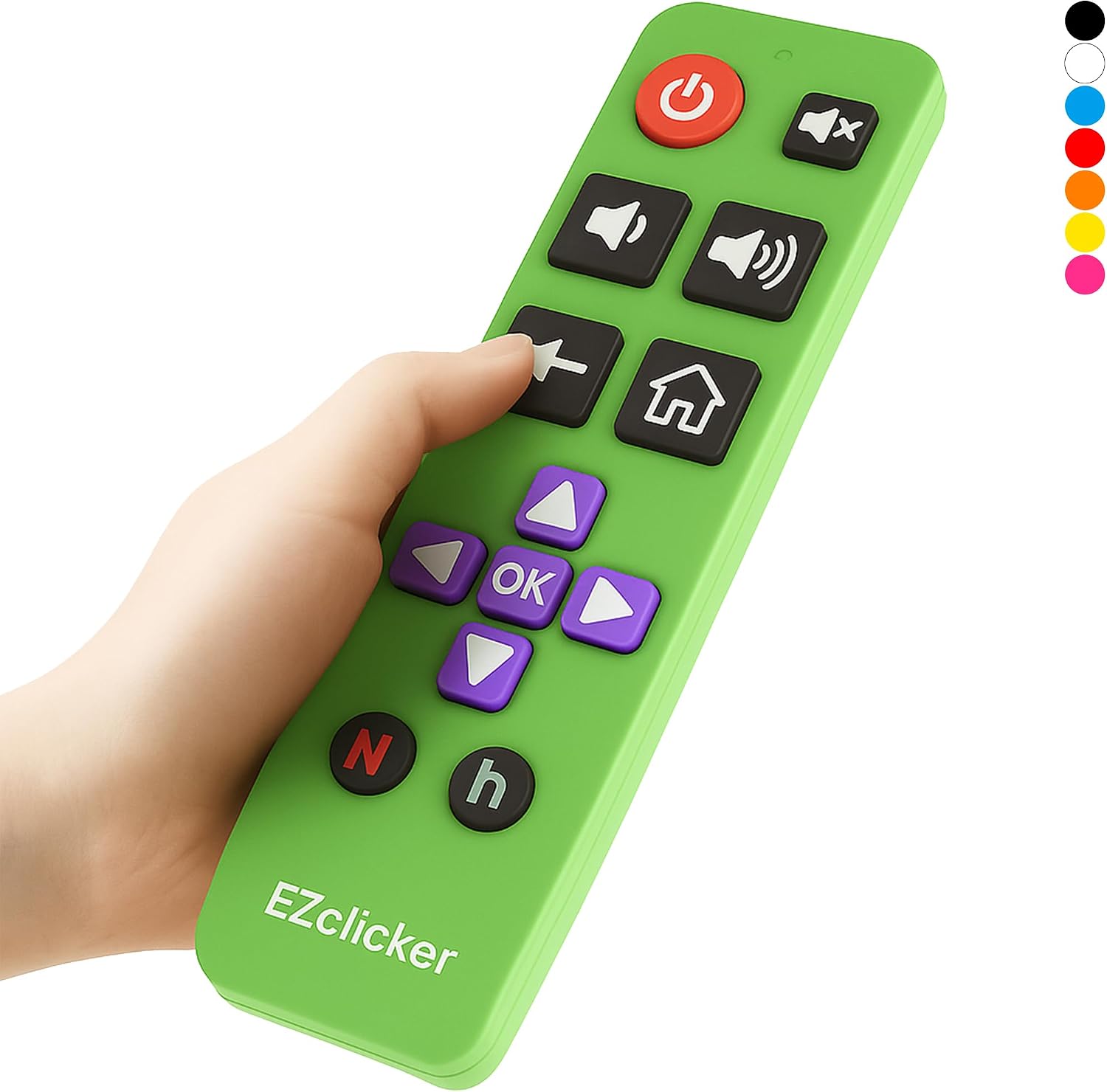
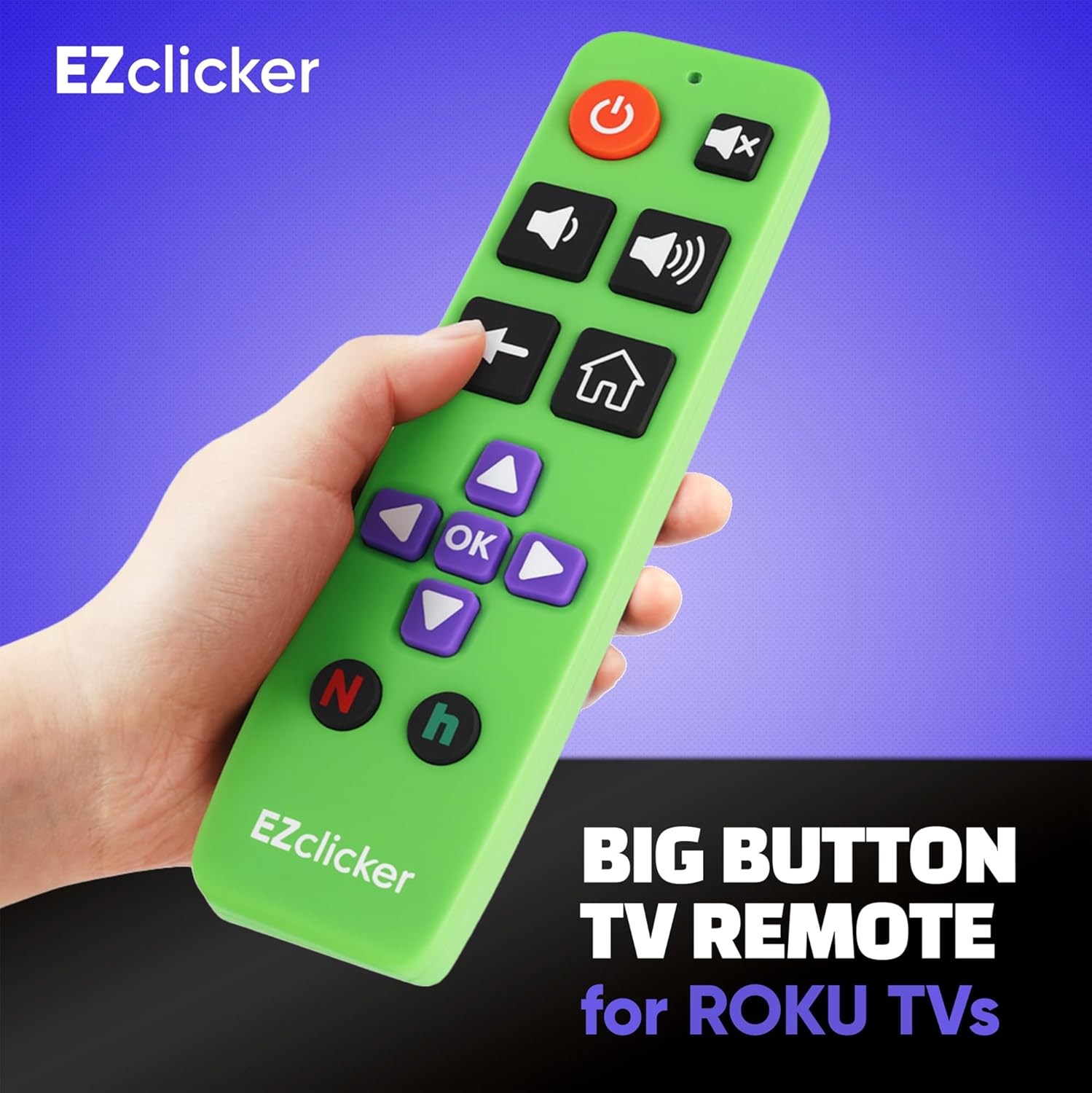
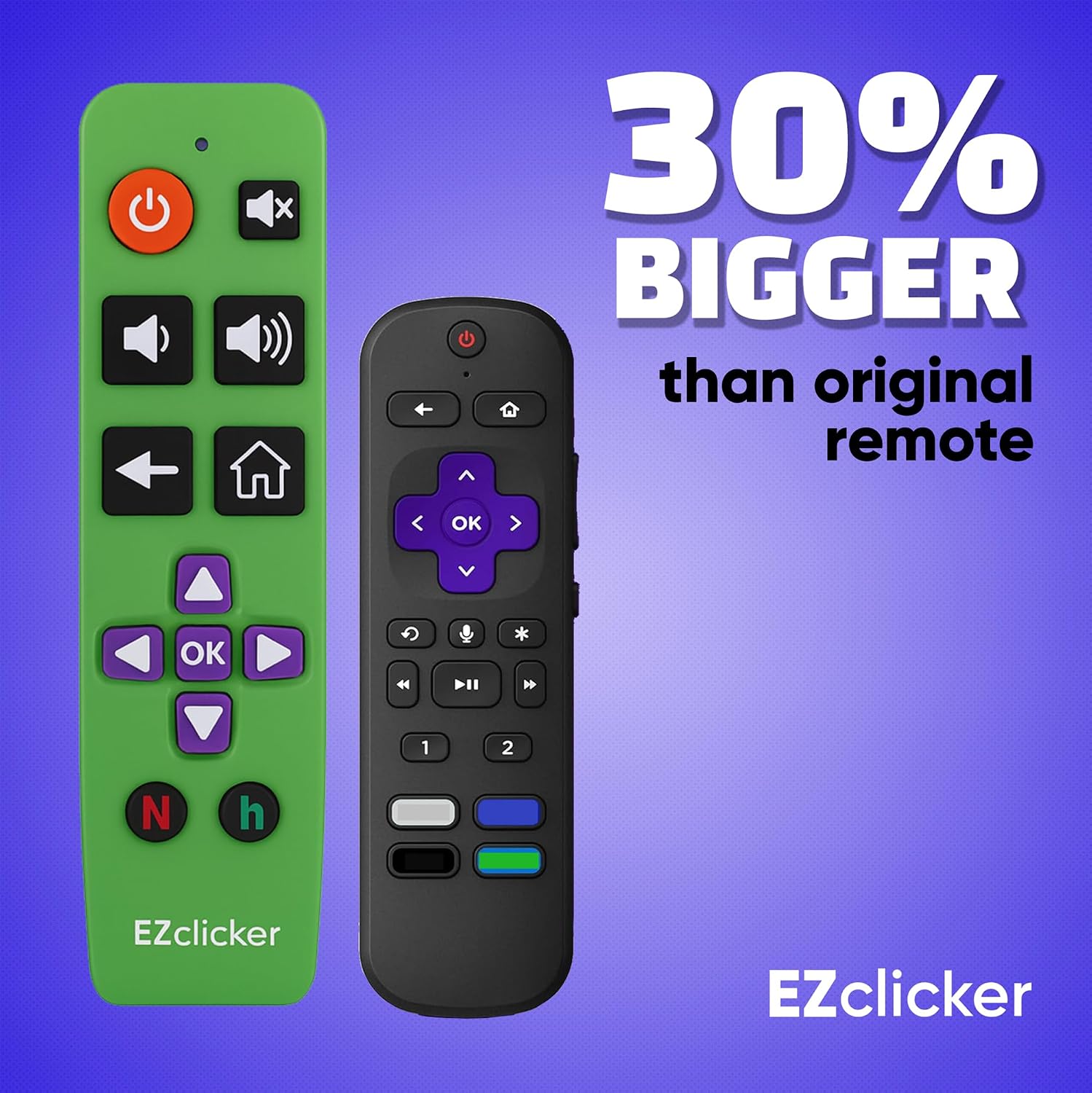
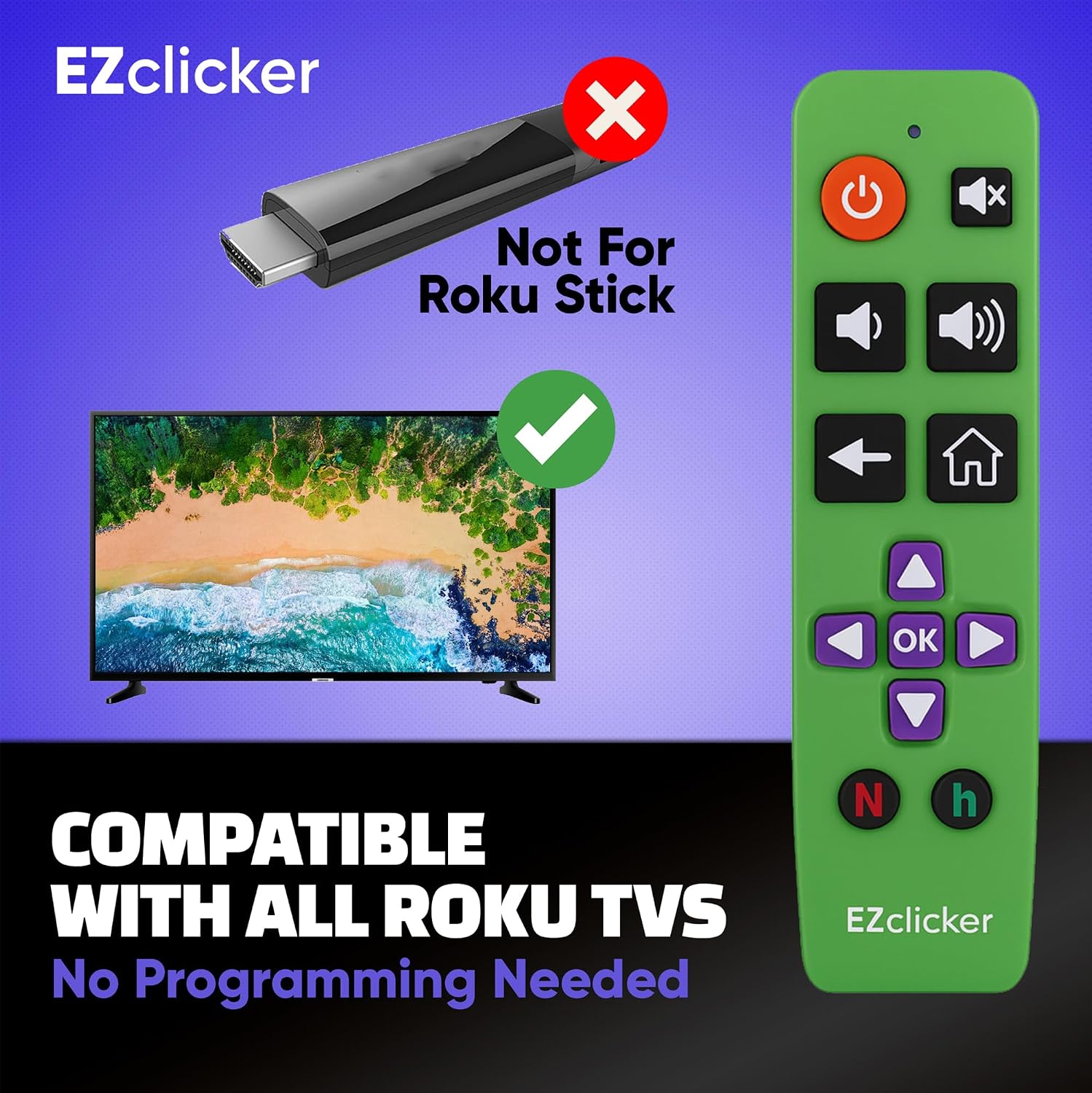
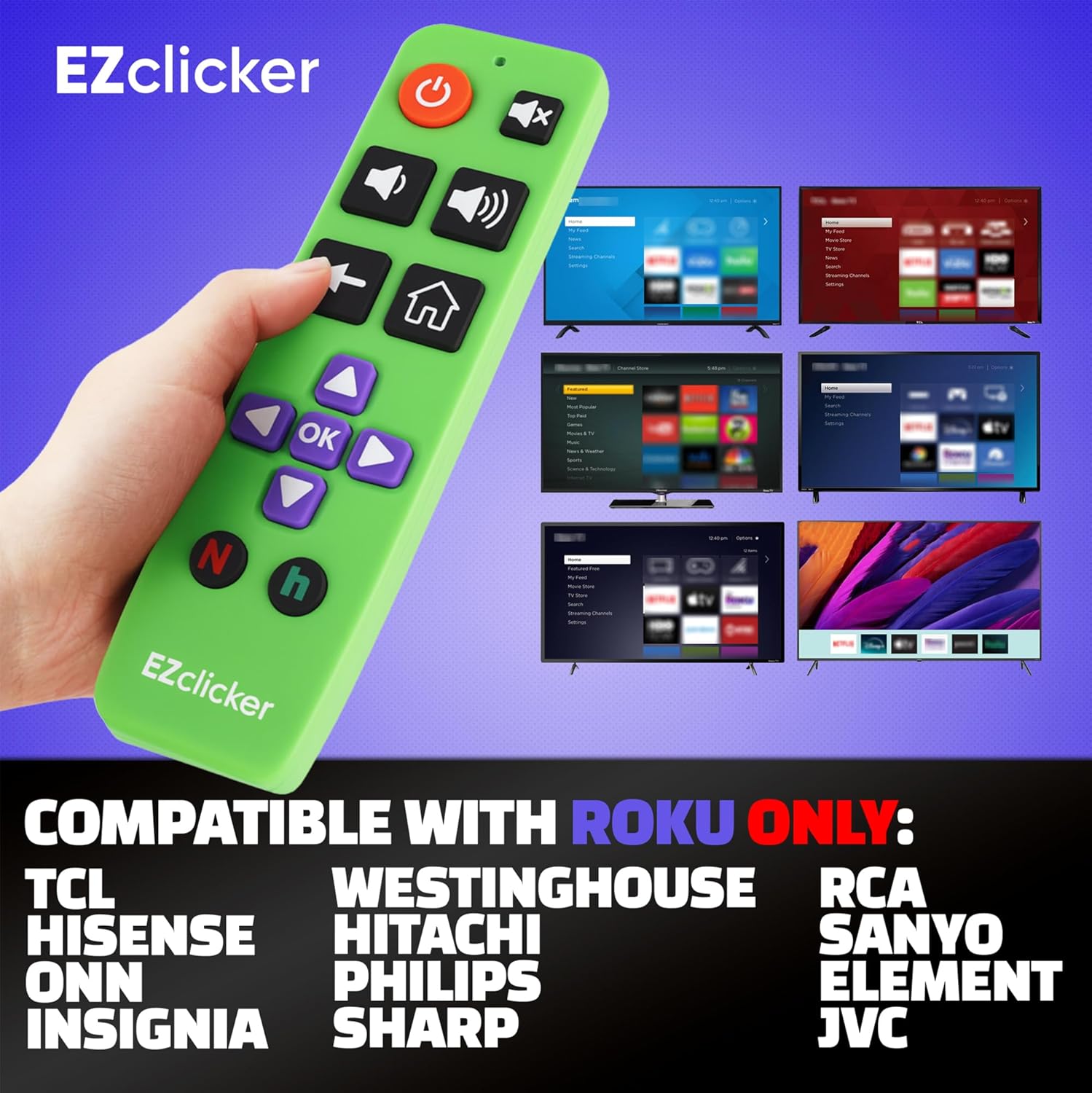
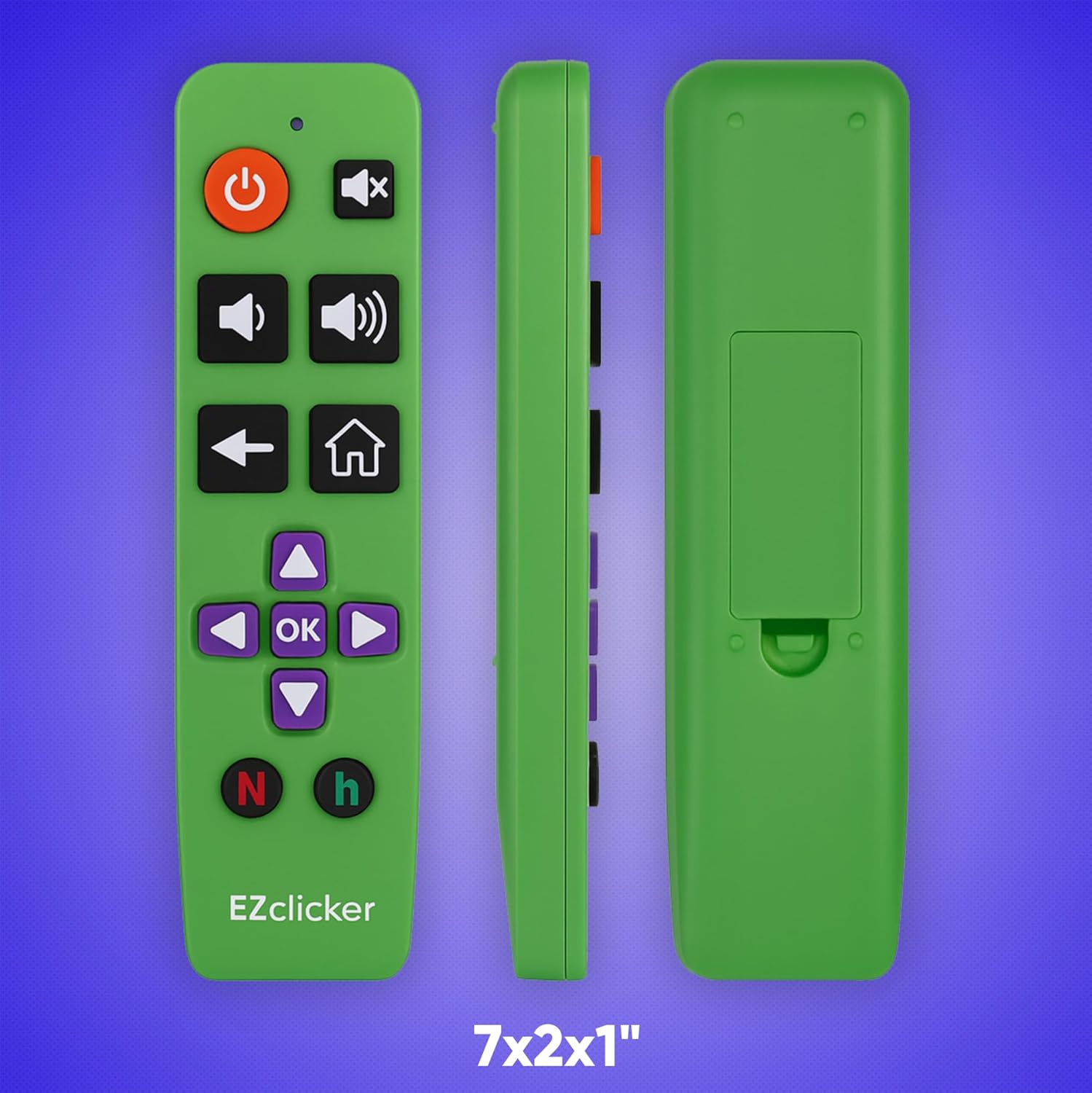
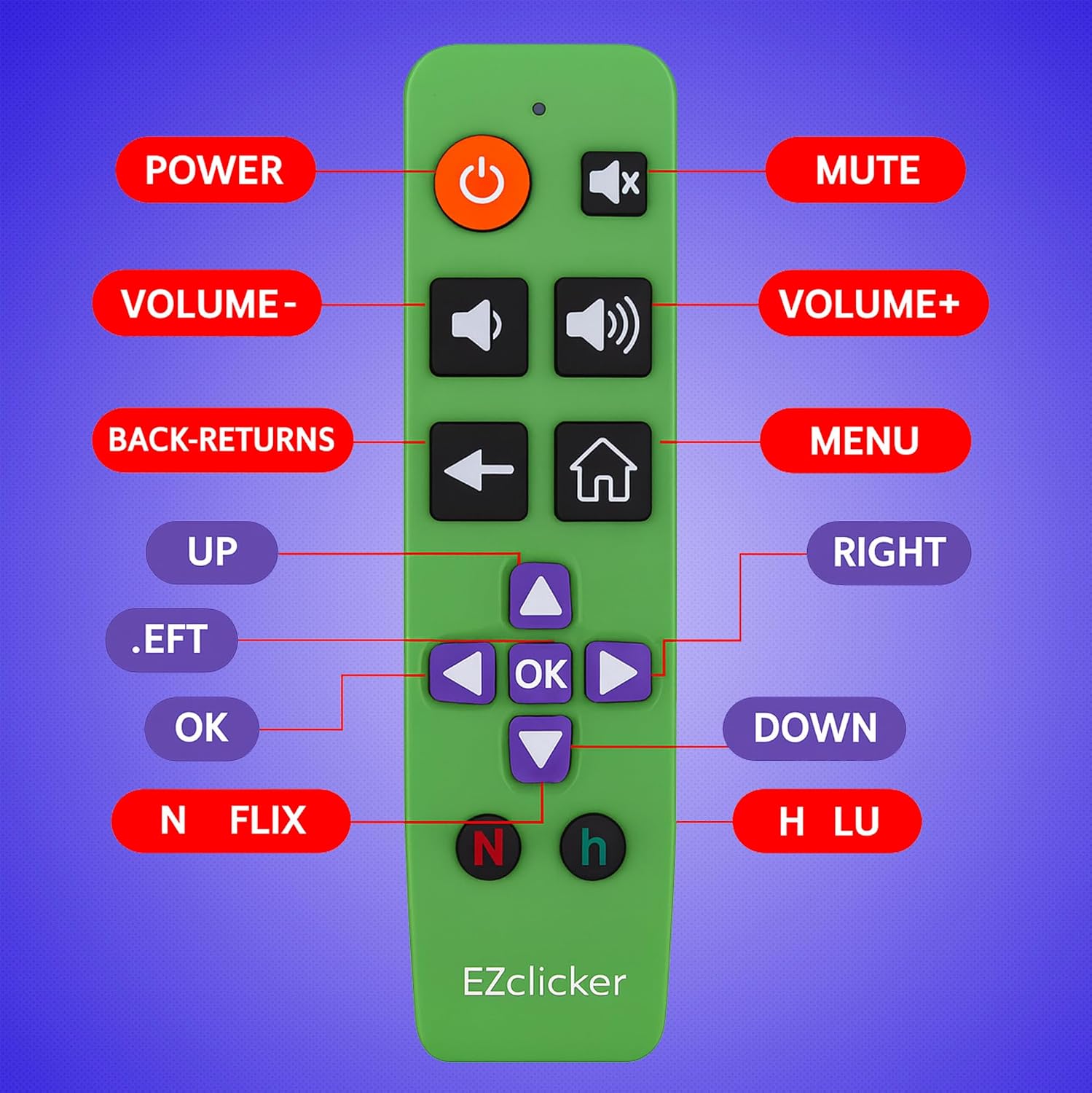
What this remote is for\nIf you have a Roku TV with built-in Roku and value simplicity, this replacement remote focuses on a straightforward, large-button design. It’s intended to be easy to grip and operate, with an extra-large enter button and tactile feedback that helps users who prefer a more tactile experience. It’s not a universal remote for sticks or boxes, so its use is limited to Roku TV models that have Roku built-in.\n\n## Who it’s for\nThis remote is especially helpful for seniors, people with limited dexterity, or those who benefit from larger controls and clearer feedback. If you’re shopping for a grandparent or a household member who wants to reduce confusion with a simplified layout, this device aims to deliver a calmer, more approachable TV experience.\n\n## What stands out on paper\nOn the surface, the standout feature is the big button design and simplified button layout. The programming process is described as quick: turn on the TV, point the remote, press and hold the Mute button for up to 60 seconds, then release when volume changes. This low-friction setup can be appealing for quick setup without extra apps or pairing steps.\n\n## Pros and what may feel limited\nPros: large tactile buttons, simple on/off and volume controls, no need to navigate complex menus, designed specifically for Roku TV models with built-in Roku. Cons: it only works with Roku TVs that have built-in Roku, it won’t work with Roku streaming sticks, cables boxes, or external Roku devices. If you rely on a different Roku setup, this remote won’t be compatible.\n\n## Real-world use case\nThink about a family room where a parent or grandparent wants to watch news or a favorite show without fumbling through a crowded remote. This option provides a calmer, more visible control surface. It’s compact and lightweight enough to carry between rooms, which helps reduce clutter at the coffee table or on a side table.\n\n## Before you buy: what to check\n- Confirm your TV is a Roku TV with built-in Roku (not a Roku Stick or external box).\n- Expect two AAA batteries to be required (not included).\n- Consider whether you prefer a clearly visible, large-button layout over a more feature-rich, universal remote.\n\n## How it compares to other approaches\nIf you prioritize bare-bones control and a clean visual layout, this replacement remote can be more approachable than a standard remote with many tiny buttons. If you need voice control, app-based control, or compatibility with non-Roku TVs, you’ll likely want a different option. This is a straightforward, single-purpose accessory rather than a general smart remote.\n\n## Practical example in use\nIn the living room, you reach for the remote, press the mute, and adjust the volume with a clearly defined button that you can feel without looking. The large enter button supports quick confirmation when navigating menus, reducing touch-aim errors in dim lighting.\n\n## Final thoughts: is it right for you?\nIt makes sense if you own a Roku TV with built-in Roku and you value simplicity and accessibility over a wide feature set. It may not be the best choice if you need compatibility with Roku sticks or external streaming devices, or if you require advanced controls like voice input.\n\n## Quick FAQ\n- Q: Is it compatible with Roku streaming sticks? A: No, it’s designed for Roku TV models with built-in Roku only.\n- Q: Are batteries included? A: No, you’ll need 2x AAA batteries.\n- Q: How do I program it? A: Turn on the TV, point the remote, press and hold the Mute button for up to 60 seconds, then release when volume changes.\n- Q: Is the remote large and easy to grip? A: Yes, it features an extra-large enter button and a big-button layout for easier handling.\n