

QUI BK600 Wireless Presentation Remote with Volume Control and Red Pointer
Reviews
Price
Product description
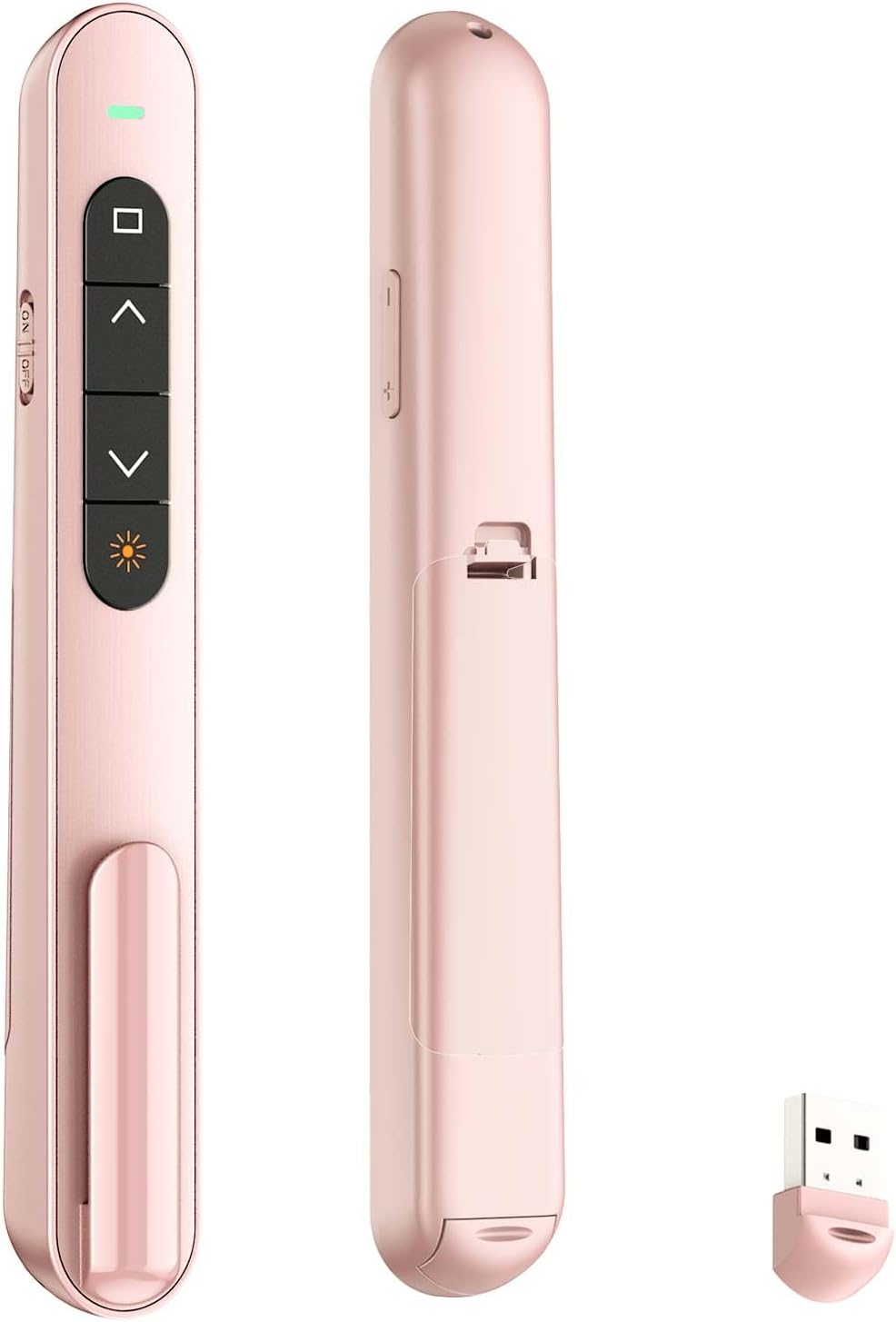
Moving around a classroom or meeting room while advancing slides is the main use case for the QUI BK600. Its wireless remote combines slide navigation with volume control, a red pointer, and screen controls, so you can manage common presentation tasks without staying at the computer.
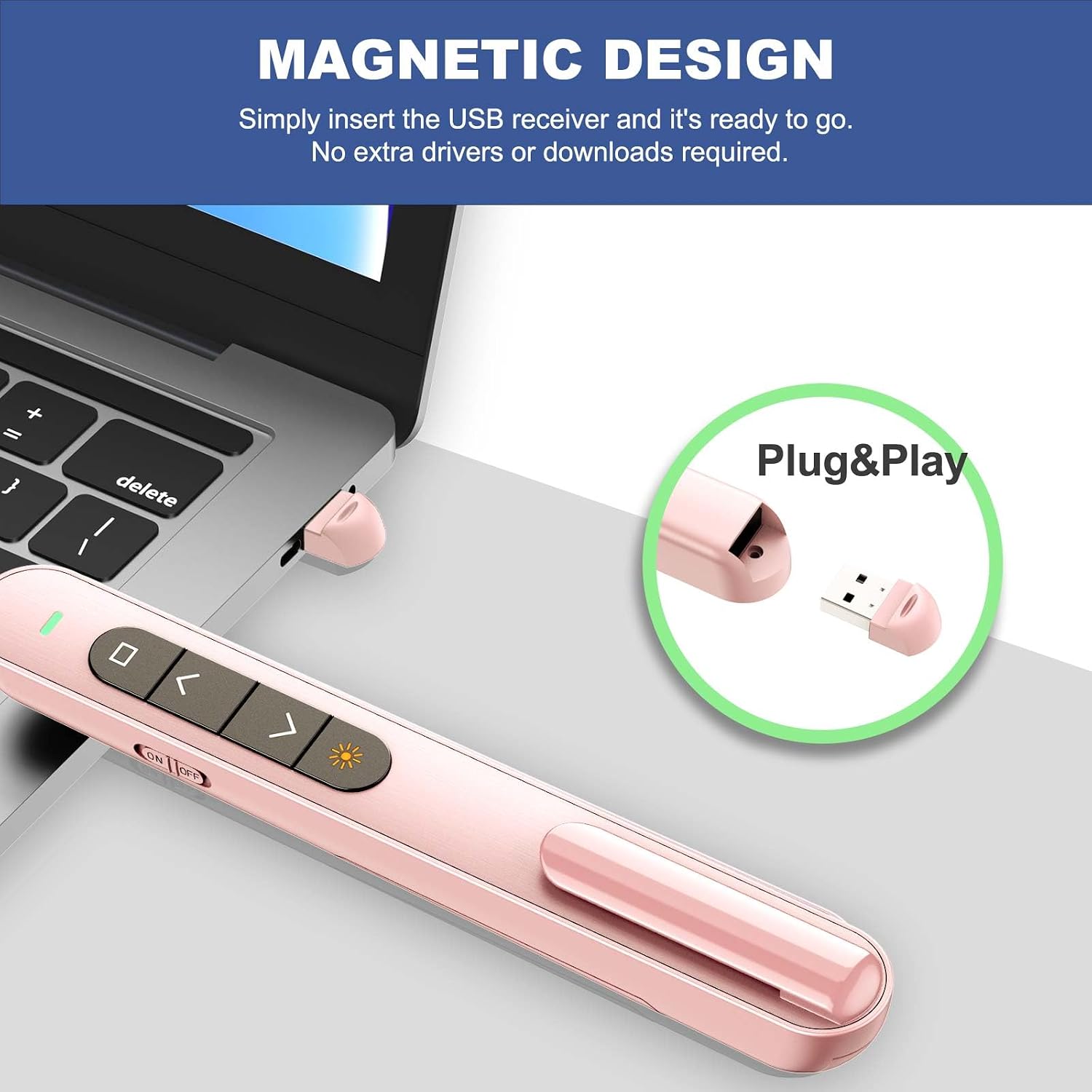
It connects through a USB receiver and is designed for plug-and-play use, one AAA battery is required and is not included.
Who it’s for
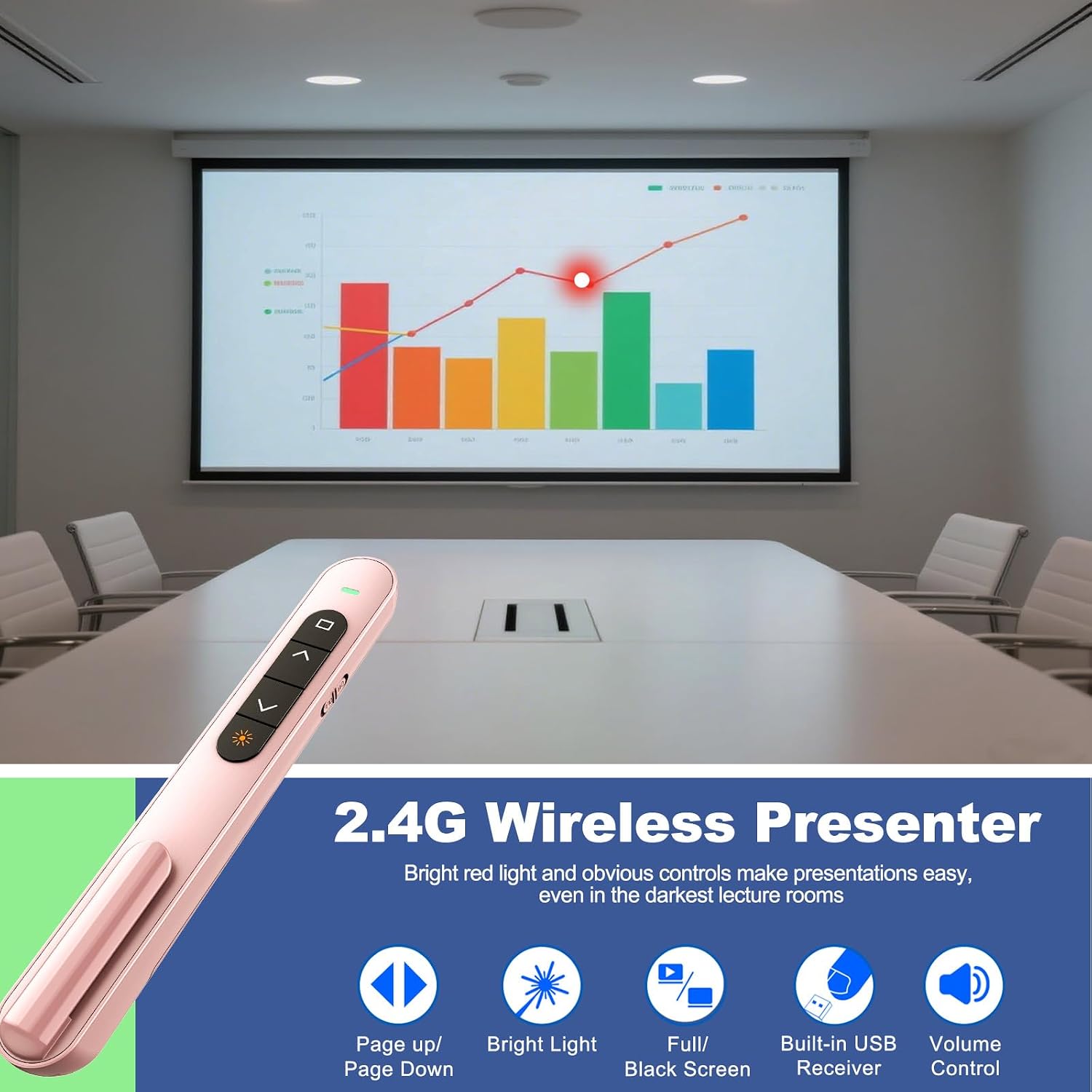
The BK600 is aimed at presenters who want to change slides and adjust volume from across the room rather than return to a laptop between points. Its listed software compatibility includes PowerPoint, Keynote, Google Slides, Excel, ACDSee, and Prezi, with support listed for Mac and Windows as well as other systems. That makes it relevant for classroom teaching, training, and meetings, where moving away from the screen can be useful.
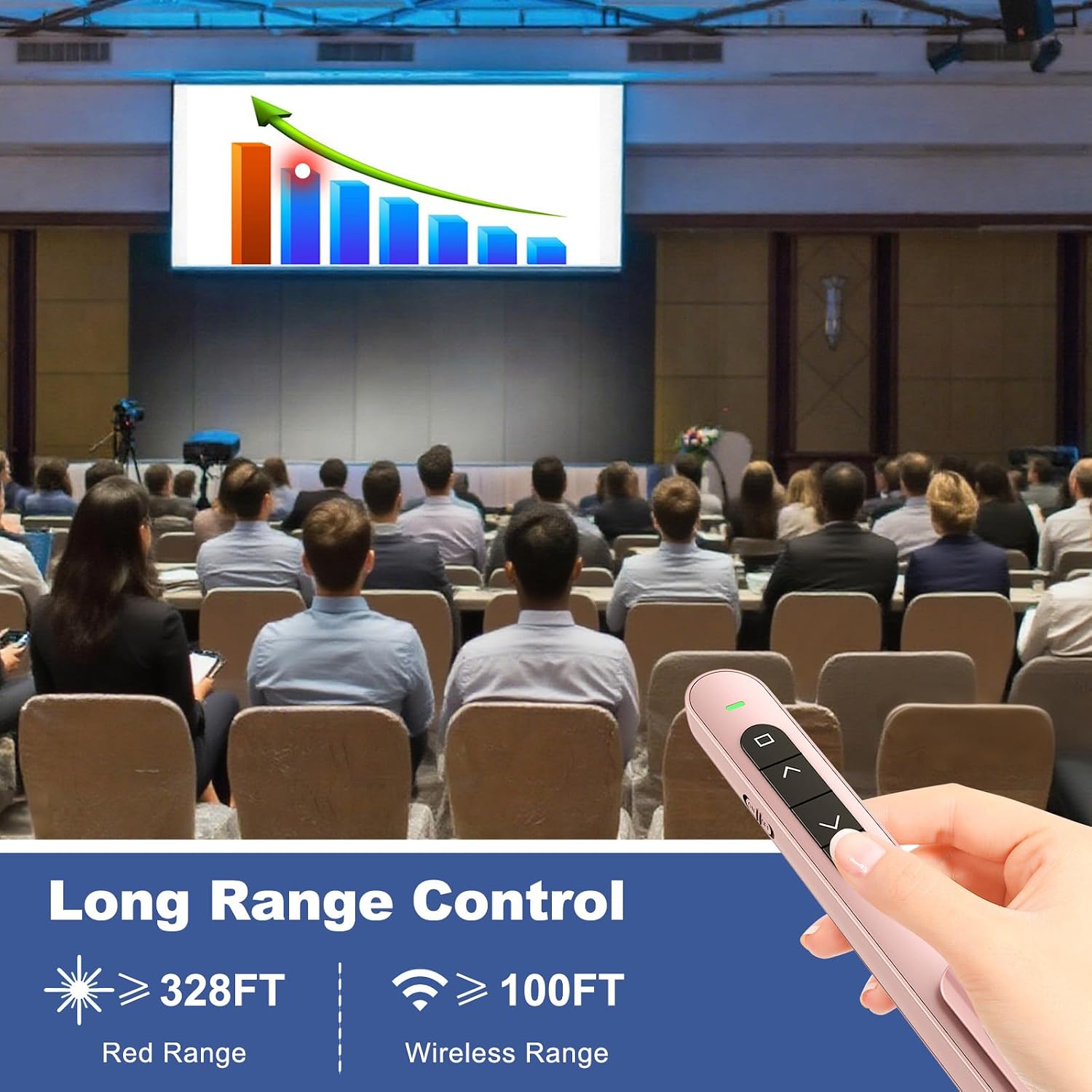
It makes sense if you want a compact handheld remote for basic presentation control and a built-in pointer. The stated maximum range is 328 feet, though actual usefulness depends on the room and setup, the listing does not specify conditions for that range. The remote supports one device at a time, so it is intended for controlling a single presentation setup rather than several devices simultaneously.
Where it shines
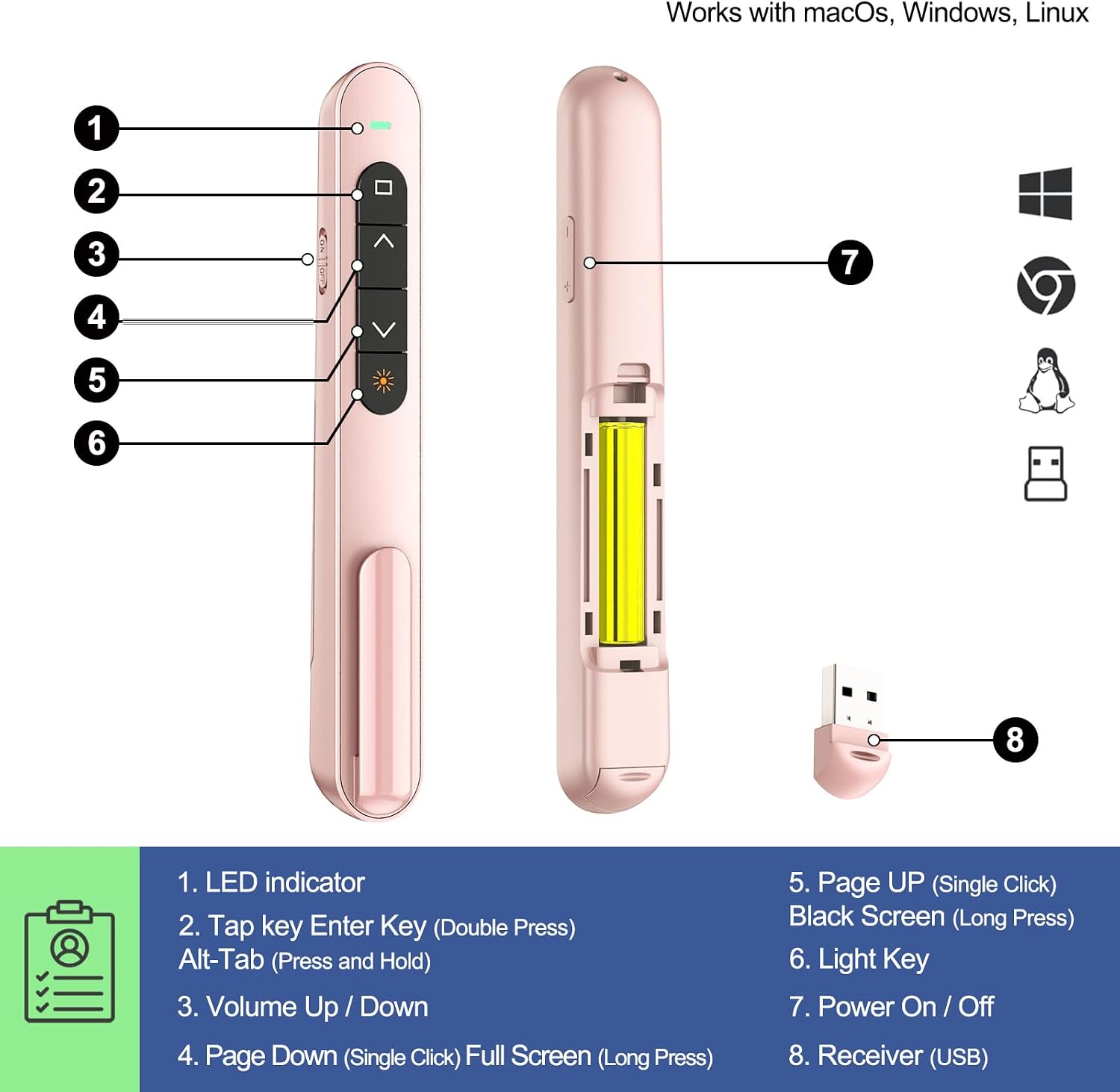
The six-button layout covers page up/down, hyperlink navigation, volume control, power, and full-screen or black-screen switching. The red pointer is there to direct attention to parts of a slide, while the wireless connection lets the presenter step away from the computer. In a lecture, for example, it could be used to advance a deck and point out a diagram while speaking from elsewhere in the room.
Compared with a basic slide clicker that only advances and reverses slides, the BK600 adds volume and screen controls. A more demanding setup may call for a remote selected specifically for a particular display or classroom system: although compatibility is broad, buyer feedback is mixed on connectivity, including reports of trouble with Promethean boards. That is a reason to consider the exact equipment in your presentation space rather than assume every setup will behave the same way.
Highlights
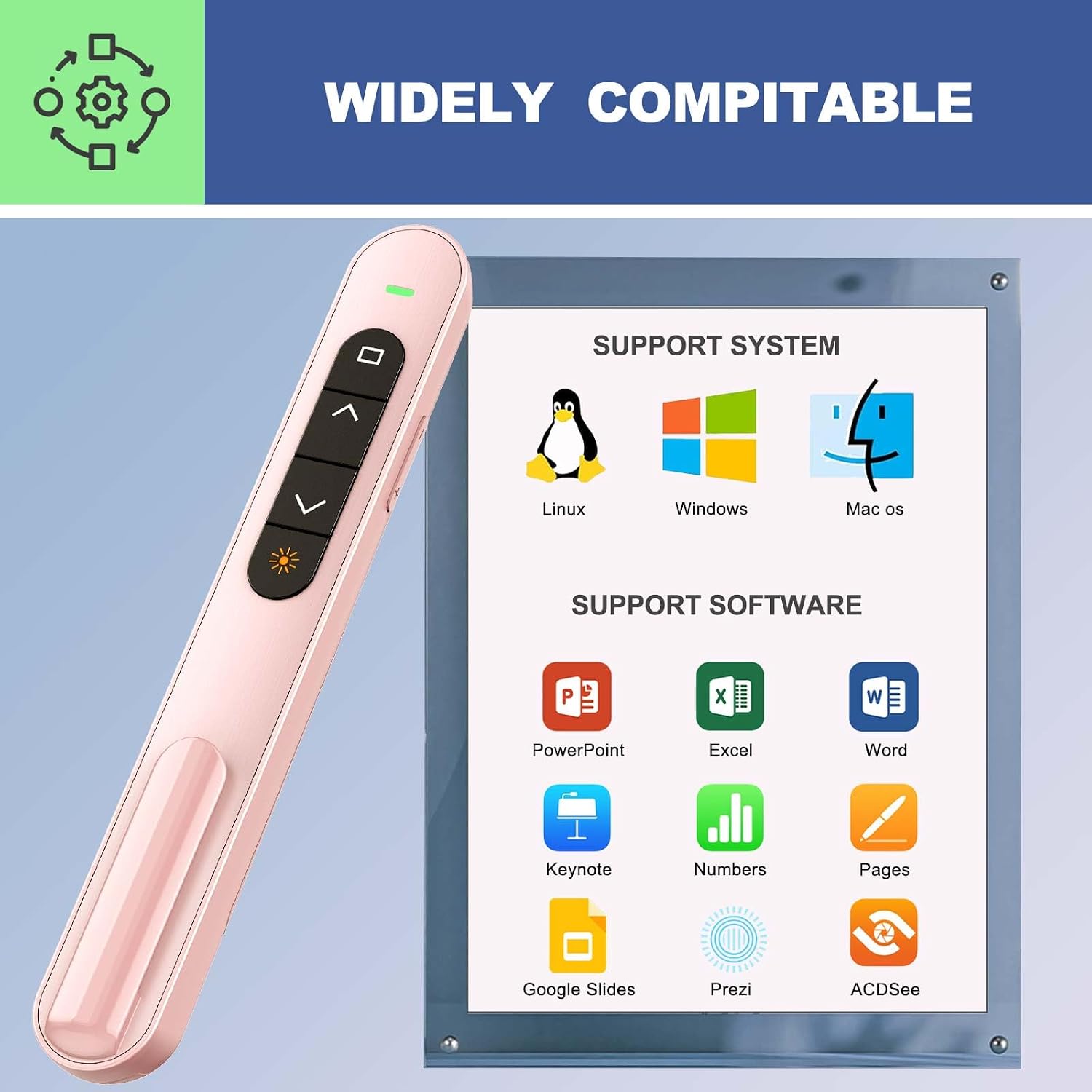
The receiver connects to a computer’s USB port, and the product description says no software or driver is required. The body is pink and includes a clip for carrying it on a notebook or in a pocket. These details suit someone who wants a small handheld accessory to keep with presentation materials, rather than a larger control device.
Buyers commonly describe it as useful with laptops and for teaching while moving around a room. Feedback is not uniformly positive: some find the buttons less intuitive, and some report that the USB receiver does not stay secured as well as they would like. Durability comments are also mixed, with reports of units failing after a short period. These are customer perceptions, not guaranteed outcomes, but they are worth weighing if the remote will see frequent use.
Buying verdict
The QUI BK600 is a practical fit when you need a straightforward wireless presenter with slide navigation, volume adjustment, and a pointer in one compact device. Its receiver-based setup and broad listed software support make it more versatile than a clicker limited to basic slide changes, while the included controls remain focused on presentation tasks rather than more advanced device management.
It might not be a great match if you need confirmed reliability with a specific interactive board, or if you expect to control multiple devices at once. The one-device limit and the AAA battery requirement are explicit, the battery is not included. If you prioritize a remote for regular daily use, the mixed buyer reports about connectivity and durability are relevant considerations before choosing this model.