

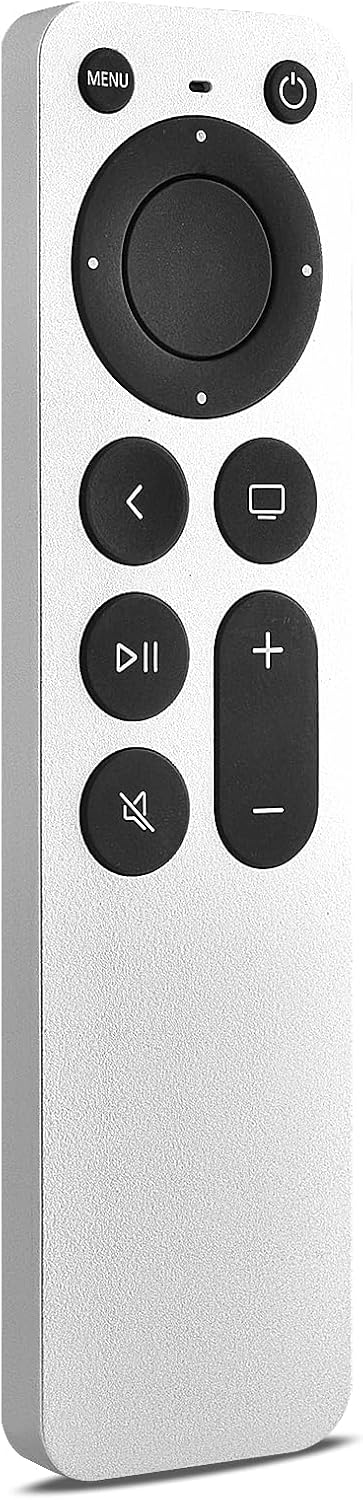
KOOMOER Replacement Apple TV Remote with Infrared and TV Power and Volume Controls
Product description
Infrared control gives this KOOMOER replacement remote a straightforward way to navigate supported Apple TV models and operate basic TV functions. Its power, volume, and mute buttons can help keep everyday viewing controls in one place. Choose it for line-of-sight button control rather than Bluetooth features such as voice commands or a touchpad. It also has a slim body for a streamlined feel in hand.
Key takeaways
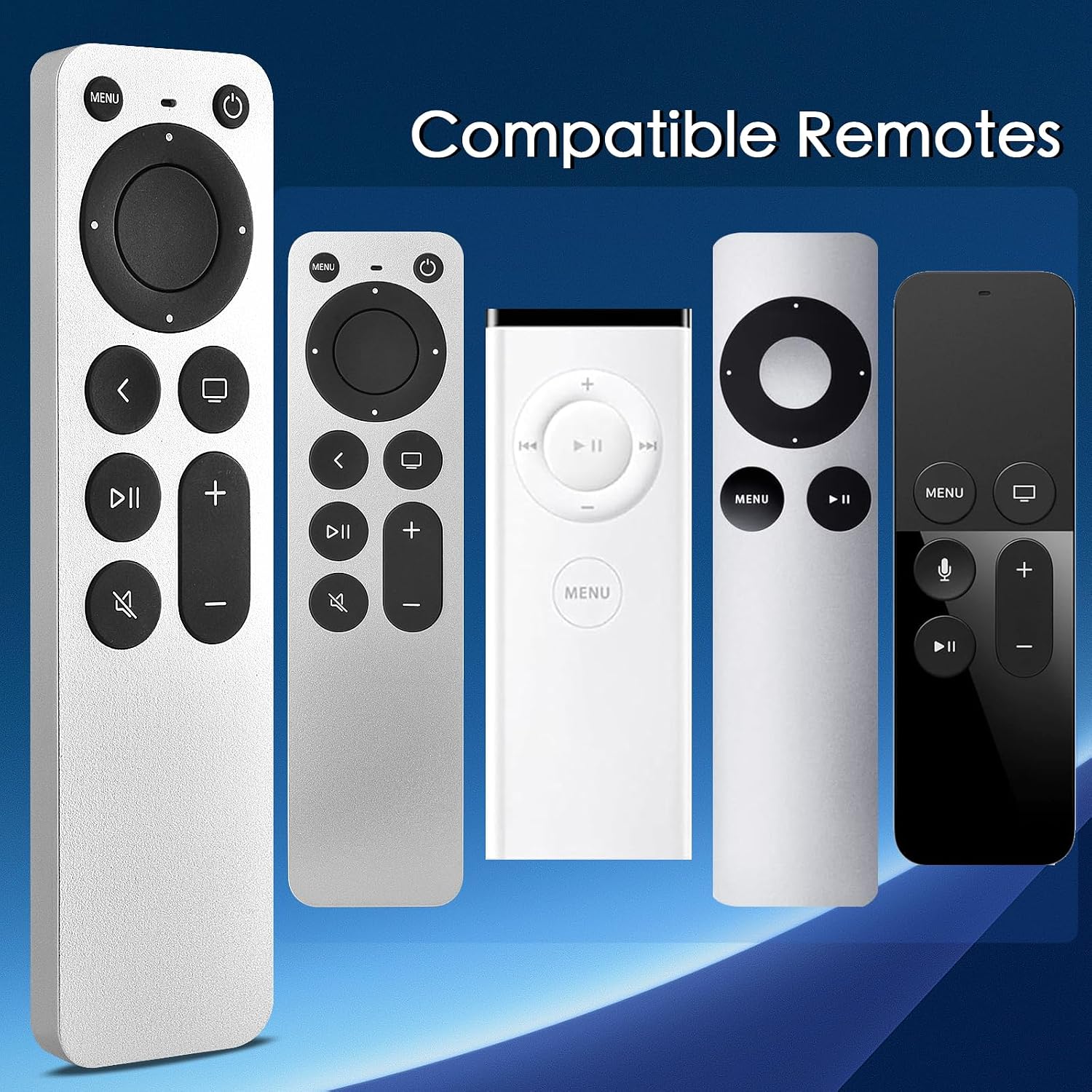
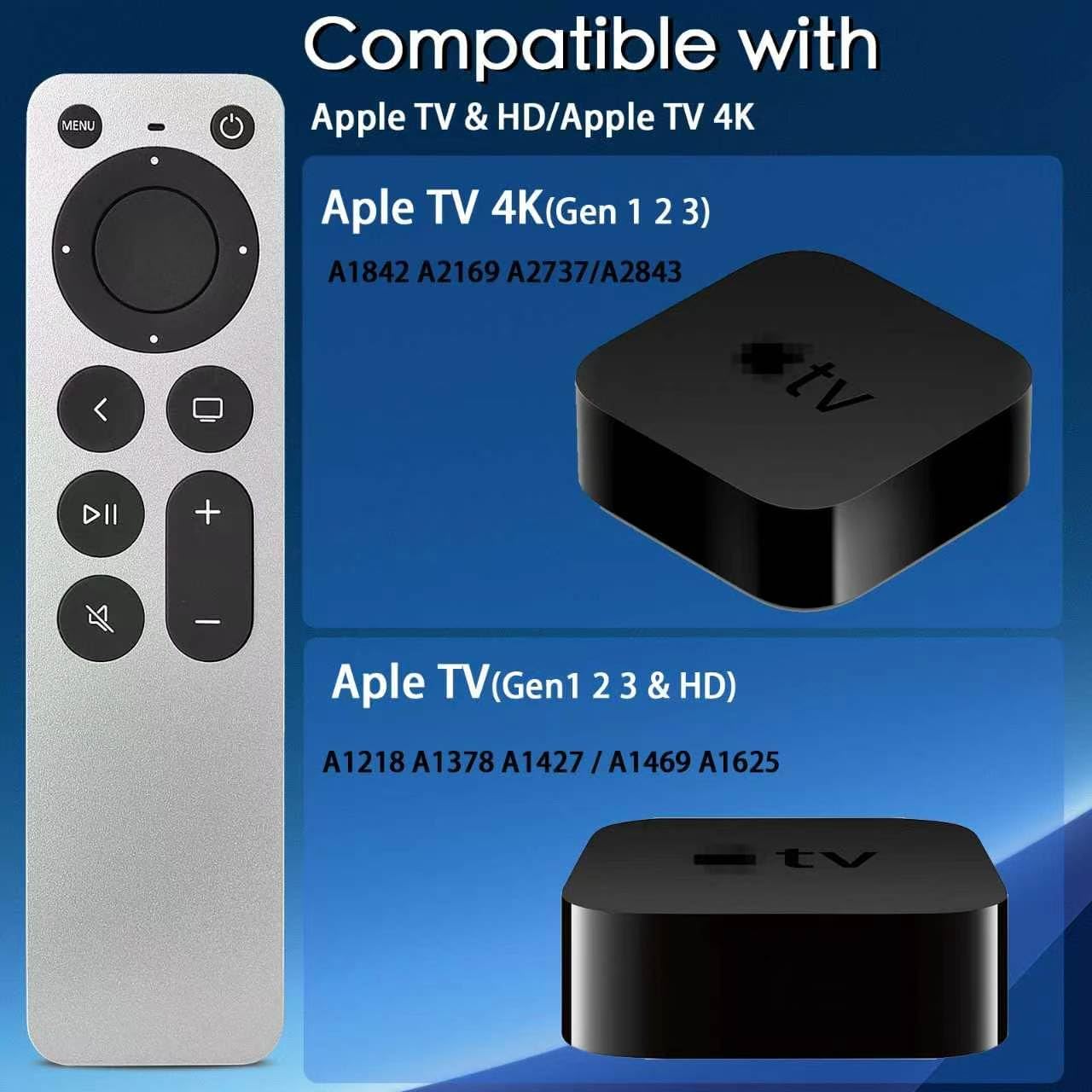
This remote is listed as compatible with Apple TV models A1218, A1378, A1427, A1469, A1625, A1842, A2169, A2737, and A2843, covering Apple TV, Apple TV HD, and Apple TV 4K versions named in the product details. Its infrared connection requires a clear line of sight to the device, with a stated maximum range of 15 meters. That makes it suited to a viewing setup where the remote can point toward the receiver, it is a different approach from a Bluetooth remote designed for use without direct aiming.
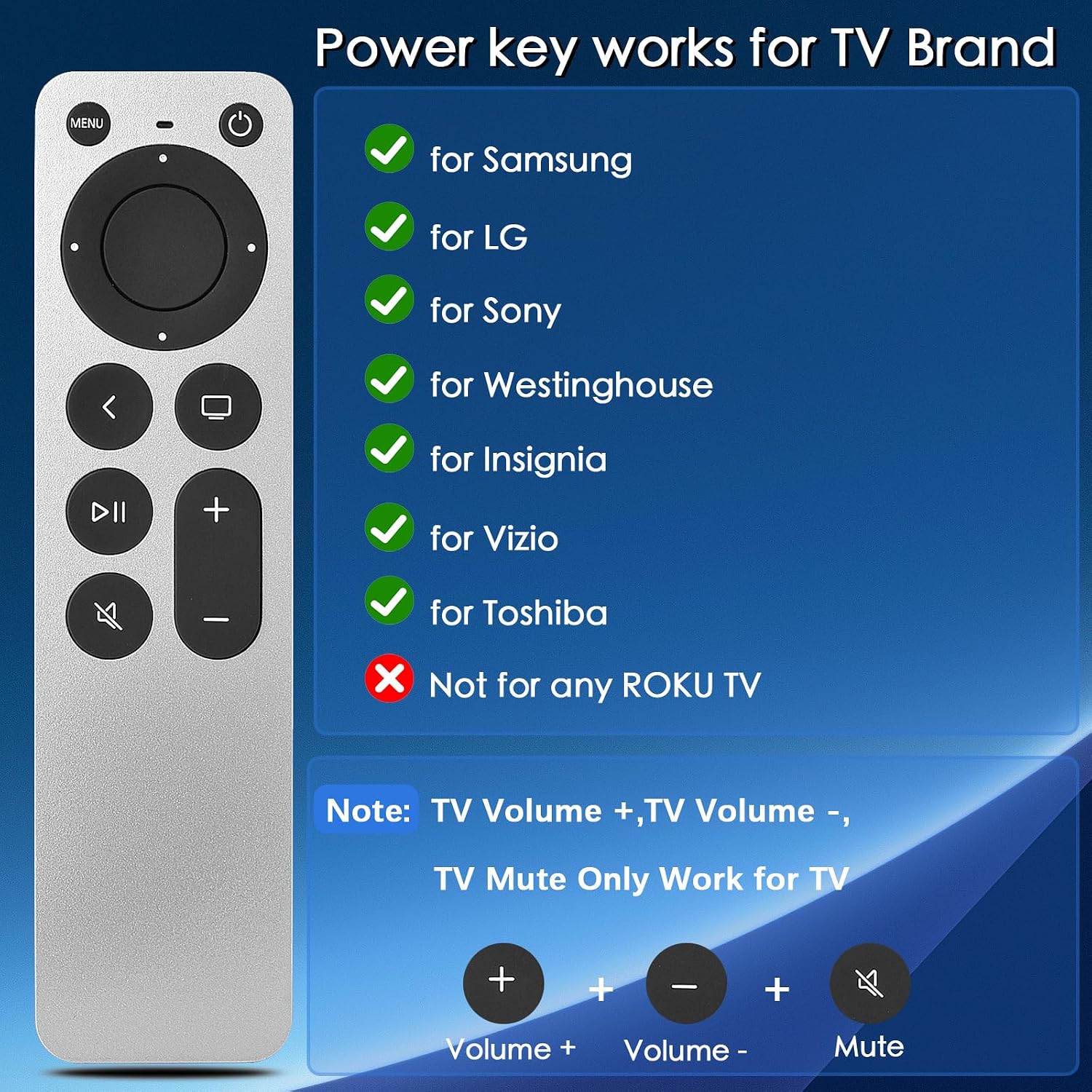
For supported TVs, dedicated power, volume up, volume down, and mute buttons add convenient basic controls alongside Apple TV navigation. The listed TV brands are Samsung, LG, Sony, Westinghouse, Insignia, Vizio, and Toshiba. It is not listed for Roku TVs. The remote uses button control and does not provide Siri, voice control, or touchpad functions, so it suits viewers who prefer physical buttons over voice or touch input.
Who it’s for
This replacement is a practical fit for someone who wants button-based control for a compatible Apple TV and useful TV power and audio buttons on the same remote. The slim design keeps the form simple for everyday viewing, while infrared suits setups where you can aim the remote toward the equipment. Buyers describe setup as easy, though feedback on reliability and button responsiveness is mixed, with some reporting inconsistent operation or repeated presses. Those differing experiences are worth keeping in mind when choosing a replacement remote.
Getting the most from it
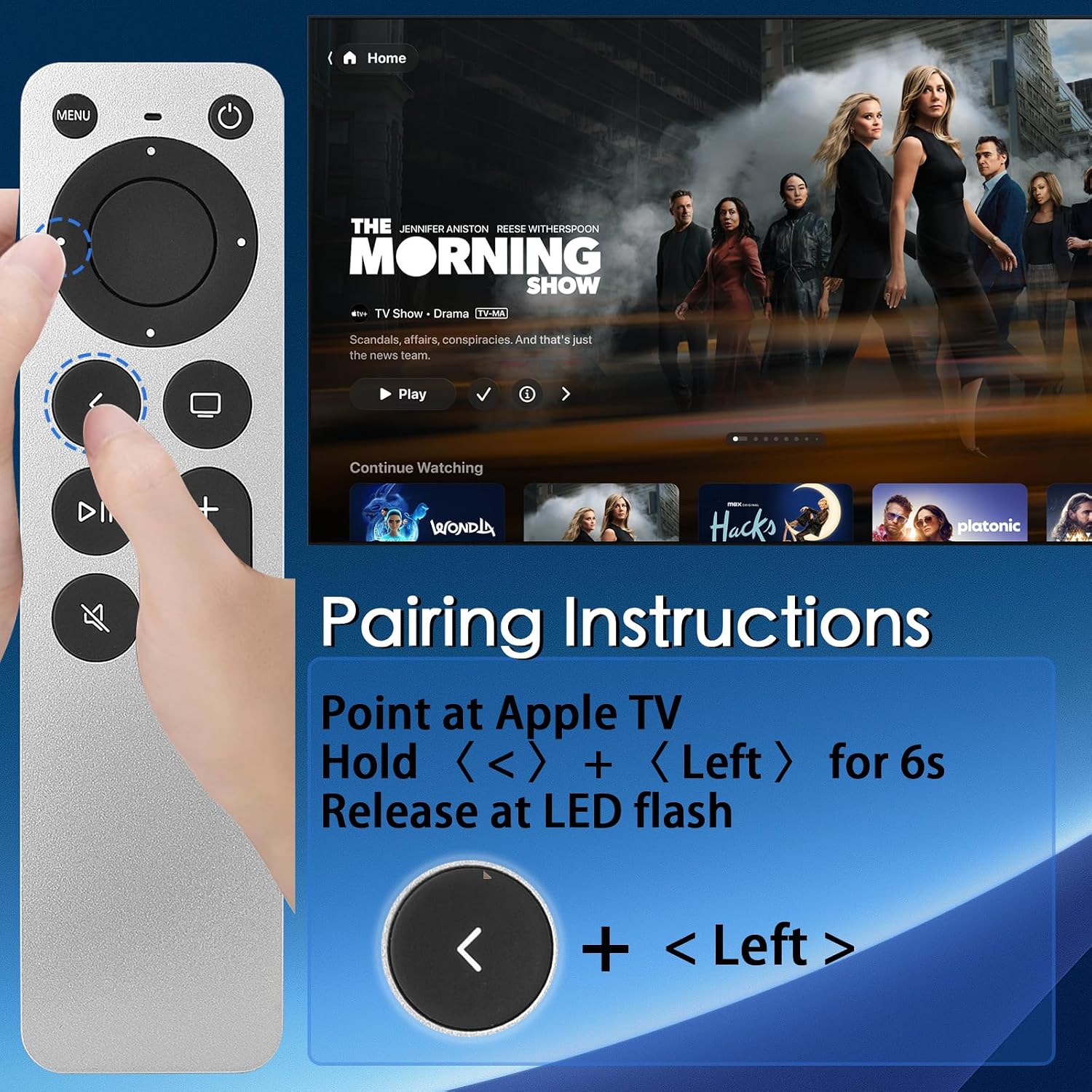
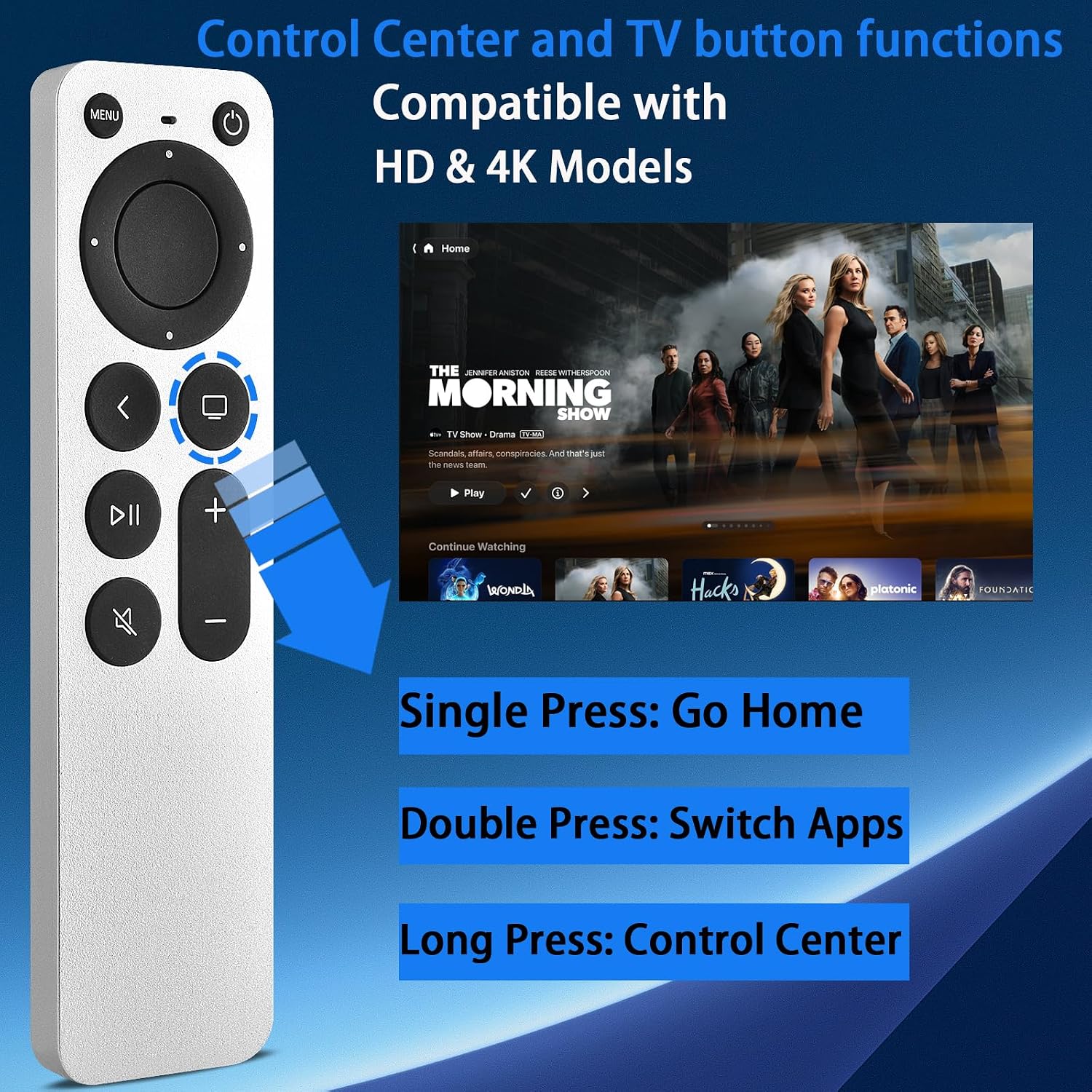
To pair the remote, press and hold the Back and Left buttons for six seconds, until the LED flashes. The product directions say it is ready to work after that pairing step. Batteries are not included, so have compatible batteries available for setup. For infrared commands, point the remote toward the device and keep the path clear, this is especially relevant when controlling the Apple TV or using the TV-control buttons.
In a typical living-room setup, the remote can handle Apple TV button navigation and, on a listed supported TV, common power and volume adjustments. This is useful when you want physical controls for routine viewing rather than Siri or touchpad input. If voice search or touch-based navigation is central to how you use Apple TV, those features are not part of this remote’s control set.
Practical questions
Which Apple TV models does it support? The listed compatible model numbers are A1218, A1378, A1427, A1469, A1625, A1842, A2169, A2737, and A2843. Check your Apple TV’s model number against this list before pairing.
How do I pair the remote? Hold Back and Left together for six seconds and wait for the LED to flash. The remote uses infrared, so aim it toward the device when sending commands.
Can it control my TV’s volume and power? It has power, volume up, volume down, and mute buttons for the listed Samsung, LG, Sony, Westinghouse, Insignia, Vizio, and Toshiba TVs. Roku TVs are excluded from the stated TV-control compatibility.
Buying verdict
For Apple TV owners who want a slim, button-based replacement with infrared operation and added power, volume, and mute controls for a listed TV brand, this remote brings those everyday functions together. Its best fit is a line-of-sight viewing setup where physical buttons are the priority and voice or touchpad controls are not needed.