

Ponek M100 Label Maker, Portable Bluetooth Thermal Printer, 203 DPI
Product description
Product specs
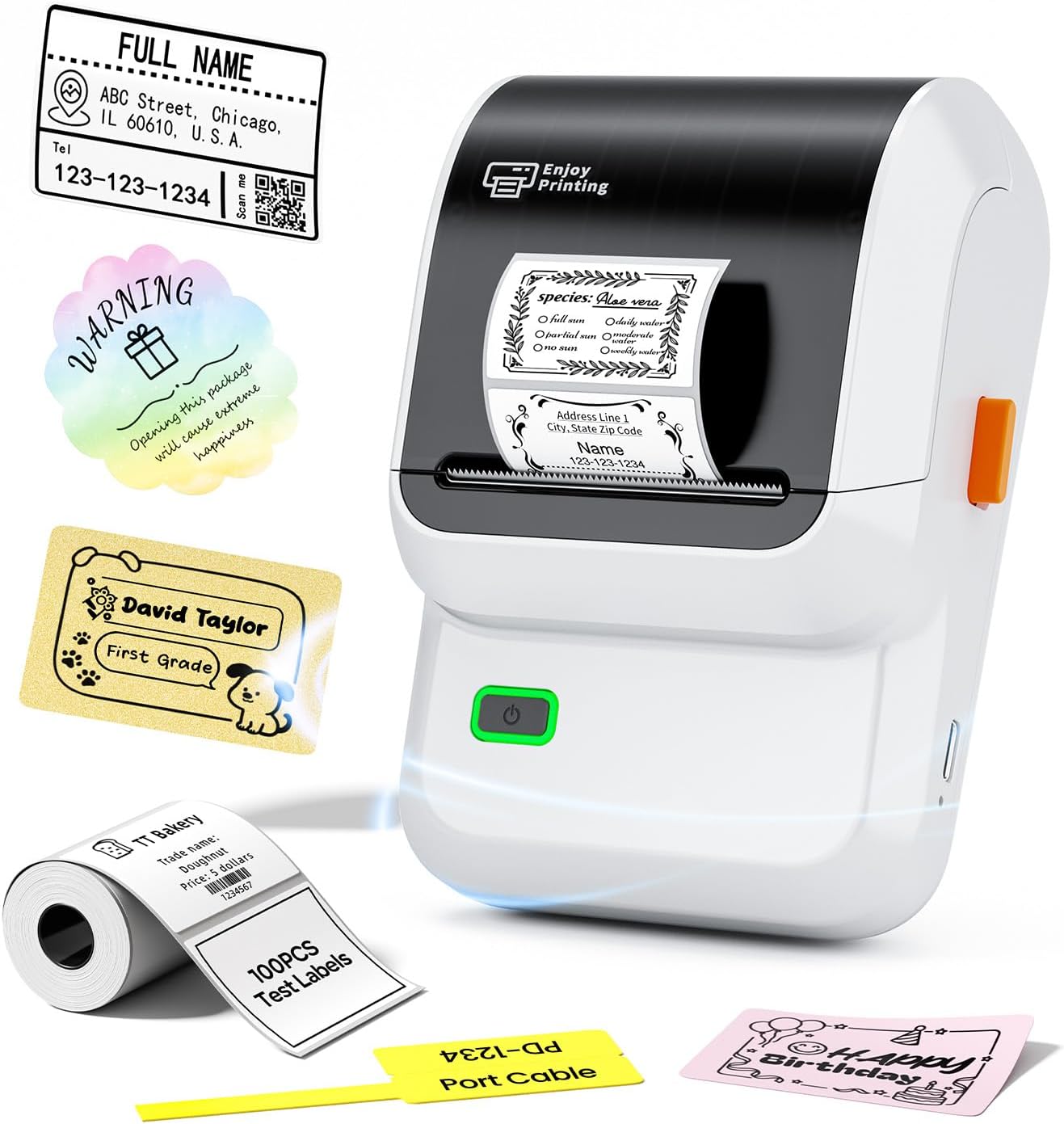
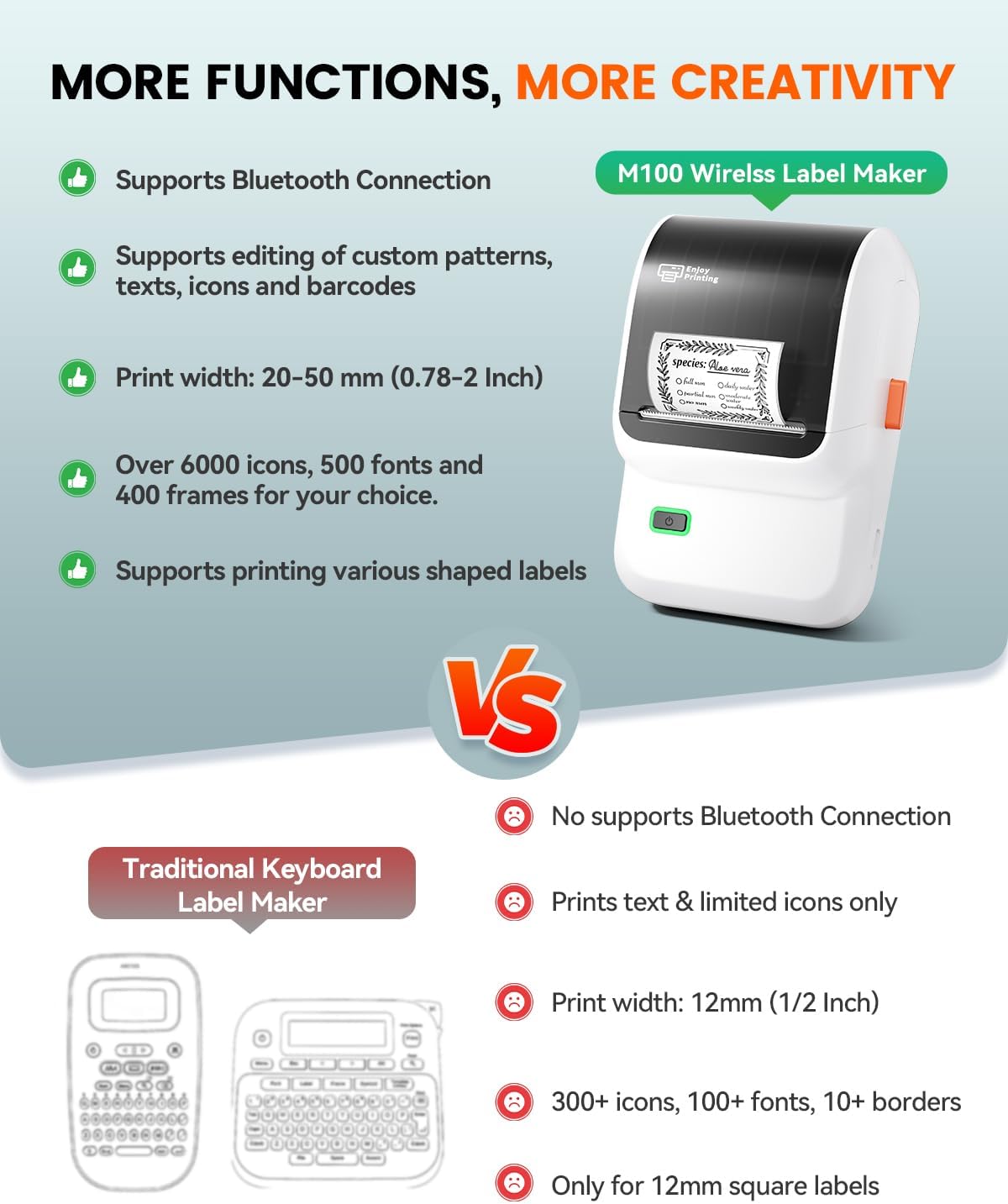
Organize kitchen containers, school supplies, or small-business packages with labels made on the Ponek M100. This portable thermal printer connects to a phone over Bluetooth or to a PC through USB. Its app supports custom text, barcodes, QR codes, borders, and more. Direct thermal printing means you can make labels without ink or toner.
- Type: Portable thermal label printer
- Model: M100 Label Maker
- Print resolution: 203 dpi, monochrome
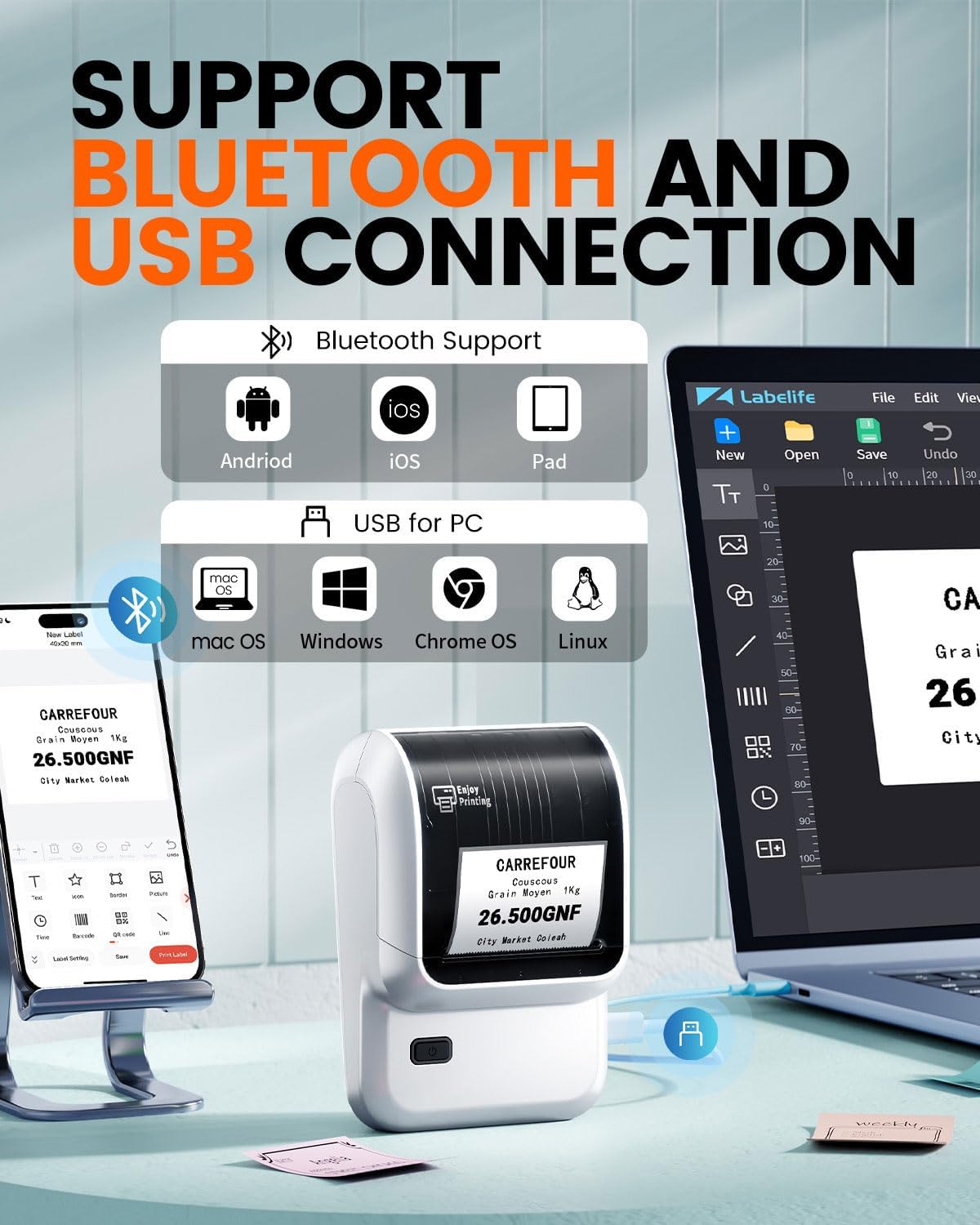
- Connectivity: Bluetooth for Android and iOS, USB for PC
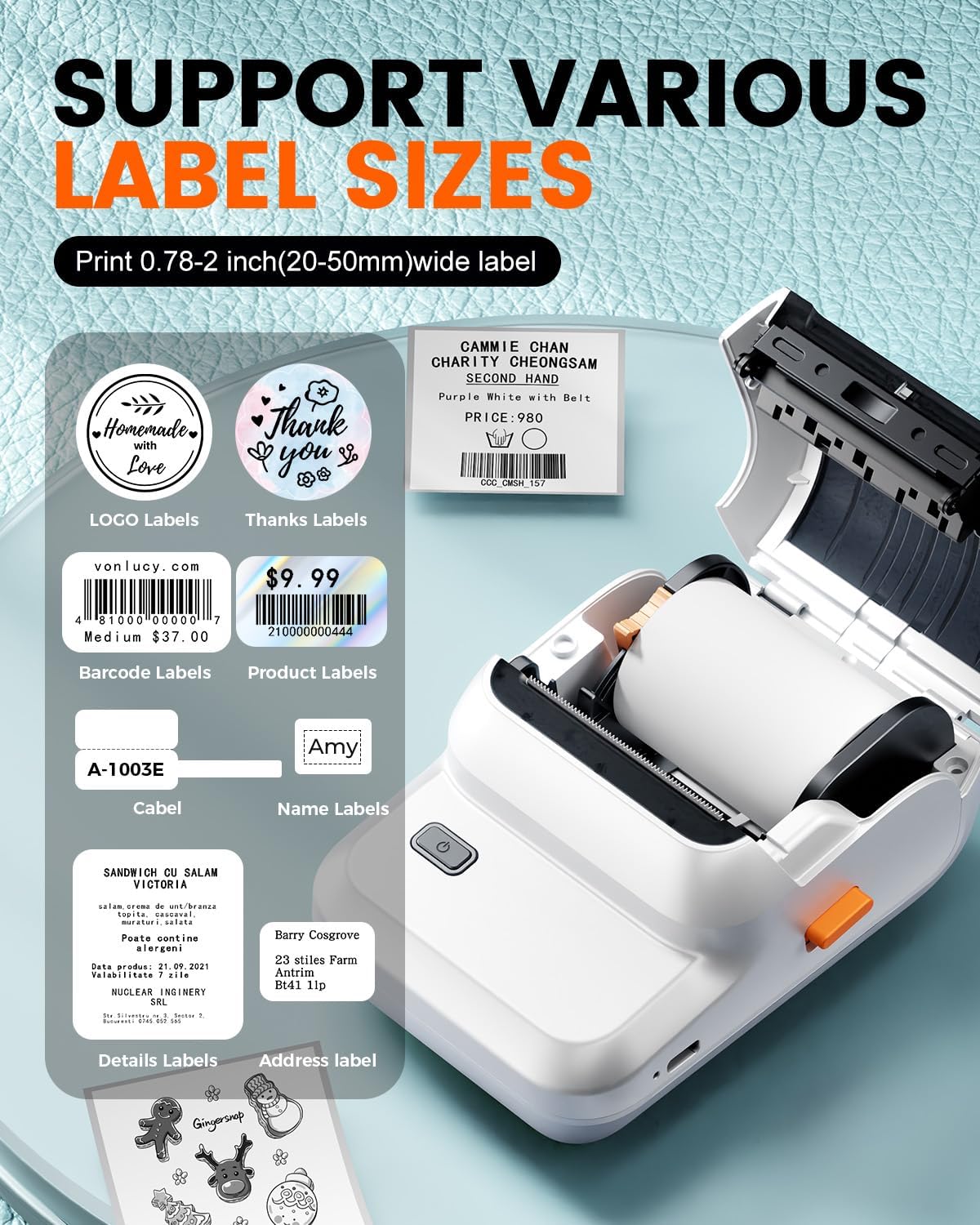
- Label width: 0.78–2 inches
- Dimensions: 5"D x 3"W x 2"H
- Weight: 282 g
- Included media: One roll of 100 thermal labels, 40 × 30 mm
Everyday compatibility
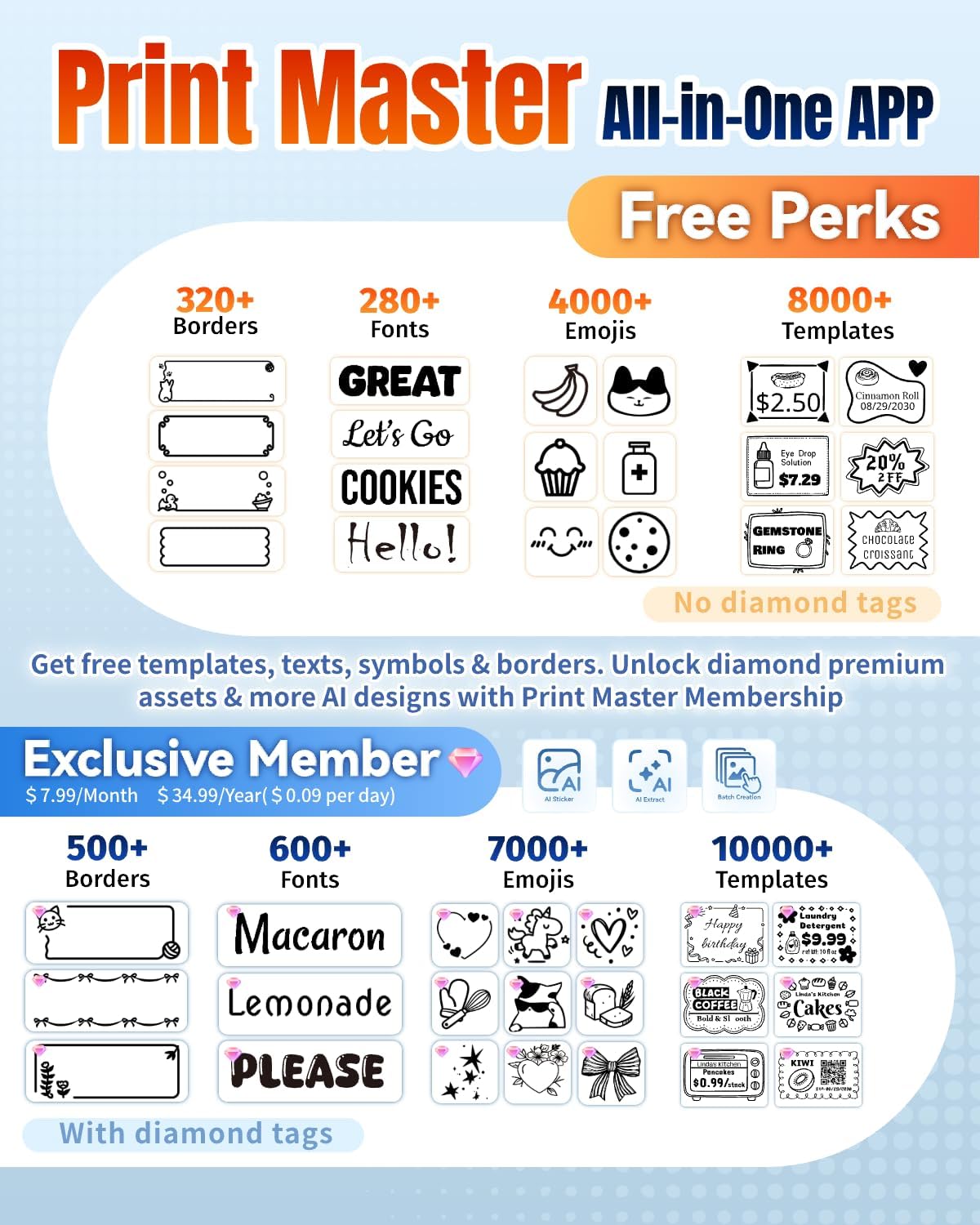
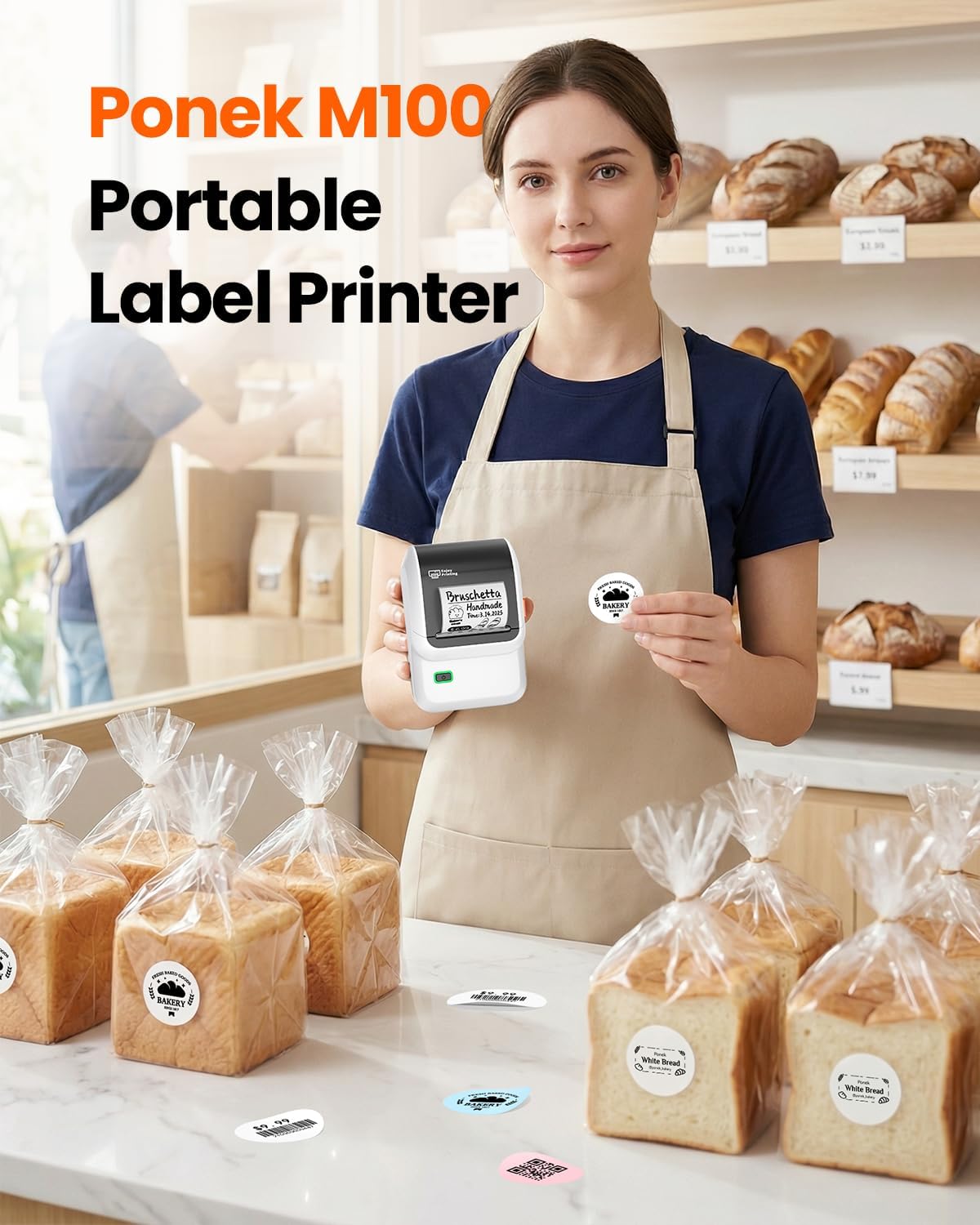
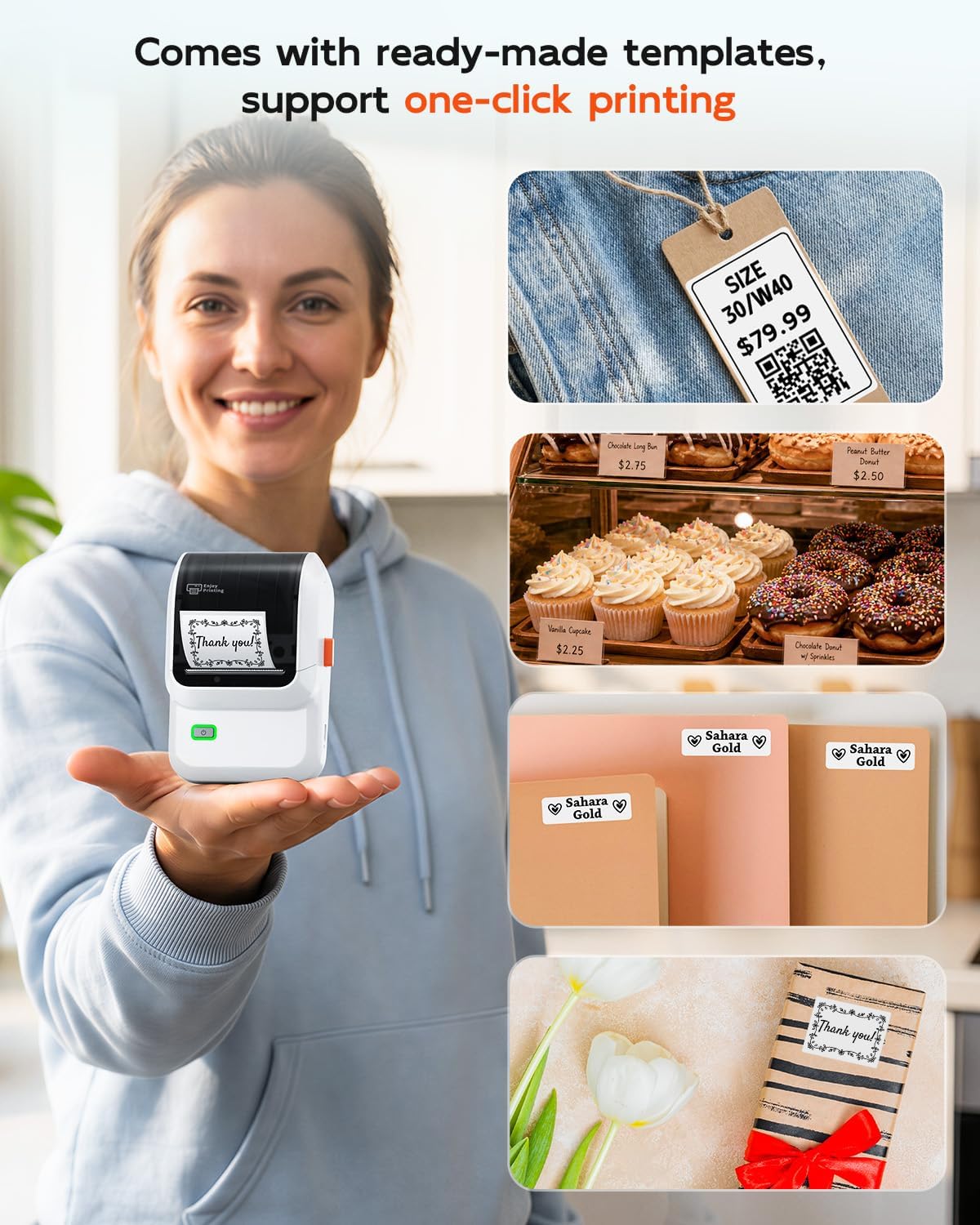
For mobile printing, connect the M100 to an Android or iOS device through Bluetooth and use the Print Master app. The app provides templates, icons, and fonts, along with editing options for text, tables, borders, barcodes, and QR codes. That gives you room to create labels for different tasks, from identifying folders and name tags to adding addresses or prices to small-business items.
A PC workflow is also supported: download the drivers and Labelife app from the manufacturer’s website, then connect the printer by USB. This makes the M100 useful when you prefer preparing label layouts on a computer instead of a phone. For a batch of packages, for example, you can create address labels on the PC, for household organization, you can build a simple label in the mobile app and print it nearby.
Practical tips
Choose a label layout suited to the task, then use the app’s text, borders, or available barcode and QR code options to make the information easy to identify. The supported label width ranges from 0.78 to 2 inches, so consider that range when setting up a design. The supplied roll contains 100 labels in a 40 × 30 mm format, providing a ready-to-use starting point for labeling projects.
The rechargeable, portable design makes it convenient to keep the printer close to a packing area, desk, classroom, or home storage space. Fully charge it before the first use. Buyers often highlight the app’s ease of use, its range of templates, and straightforward Bluetooth connection. Feedback on the printer’s compact format is more mixed, with some people finding the labels smaller than expected, so previewing the layout helps match the printed label to the item.
Practical questions
How do I print from a phone? Connect an Android or iOS phone through Bluetooth and use the Print Master app to create and send the label.
Can I print from a computer? Yes. The PC workflow uses a USB connection, along with the manufacturer’s drivers and Labelife app.
What can I create in the app? The listed editing tools include text, tables, borders, barcodes, and QR codes, plus a library of templates, icons, and fonts for customizing labels.
Is it worth it?
The M100 brings mobile Bluetooth printing, PC printing through USB, and flexible label design into a compact thermal printer. Its 0.78–2-inch label range serves everyday organization as well as address, price, and identification labels for small-business, school, and home tasks. Choose it when you want to create and print customized monochrome labels from a phone or computer without using ink or toner.