

Arrvel A42BT 4x6 Thermal Label Printer with Bluetooth and Stand
Product description
When a small business needs to print a 4x6 shipping label from a phone or computer, the Arrvel A42BT offers a dedicated thermal-printing setup instead of routing labels through a regular paper printer.
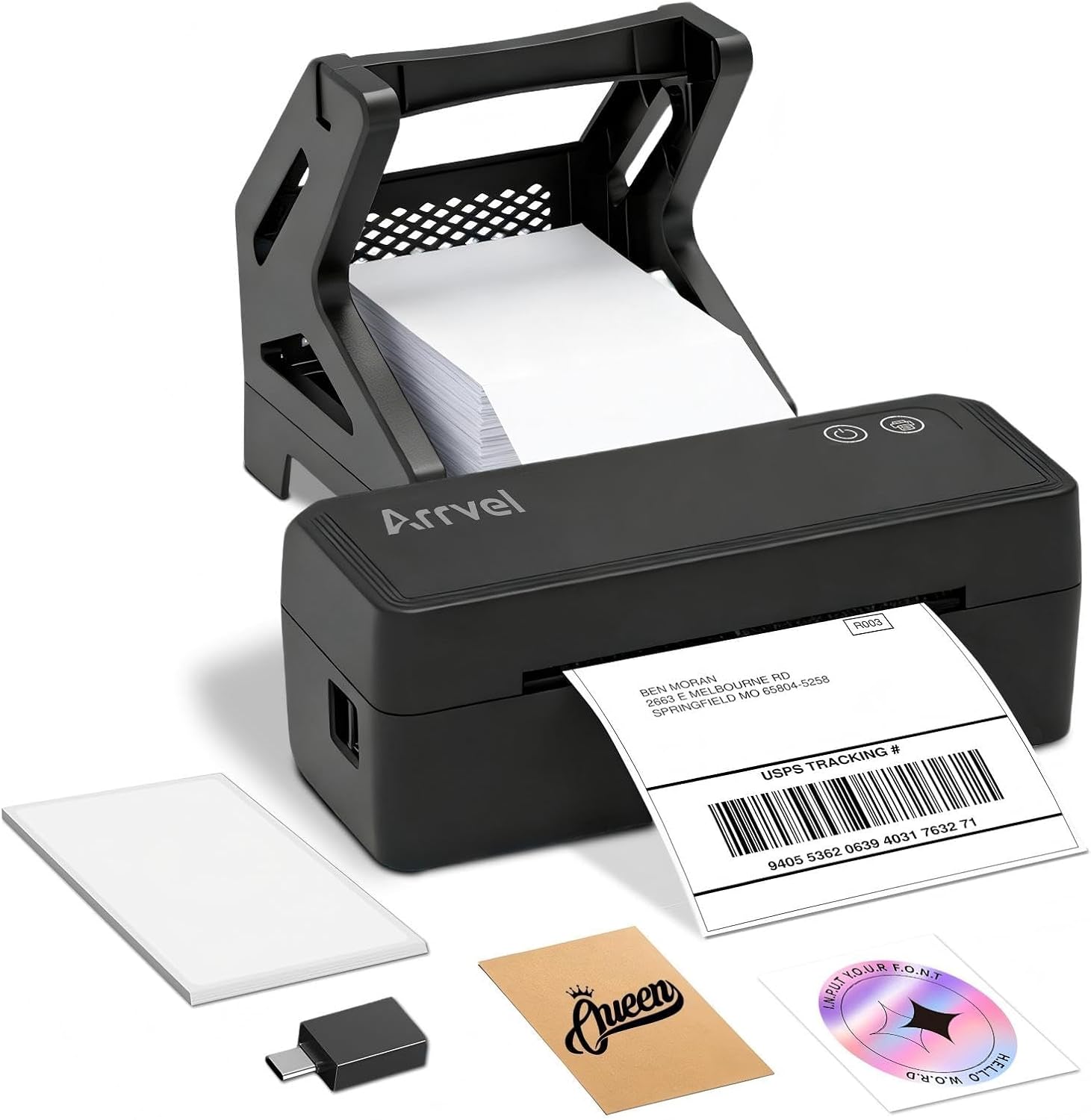
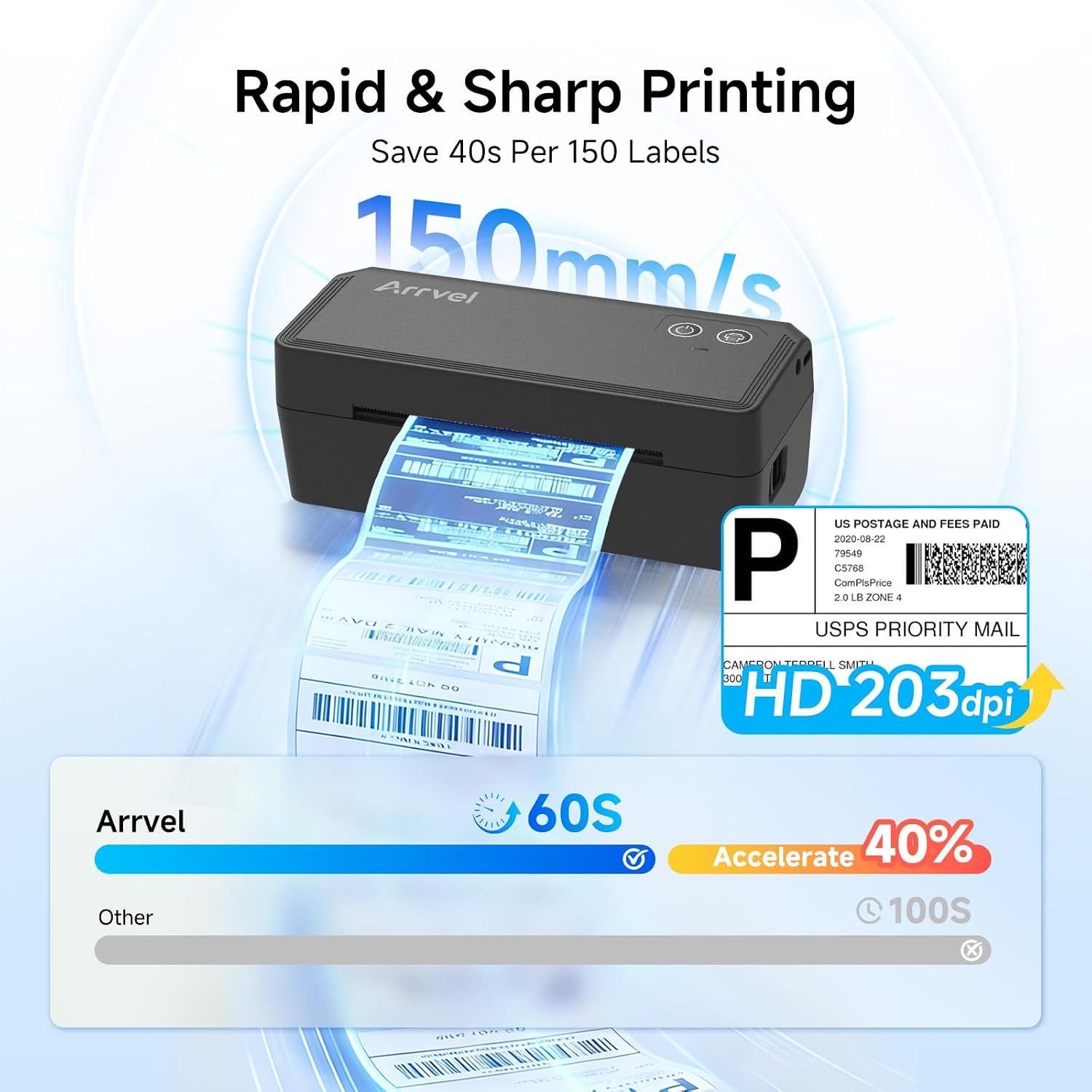
It prints in monochrome at 203 DPI and uses direct thermal printing, so there are no ink cartridges to install. The included stand, test labels, cables, and power adapter provide the main pieces for getting started.
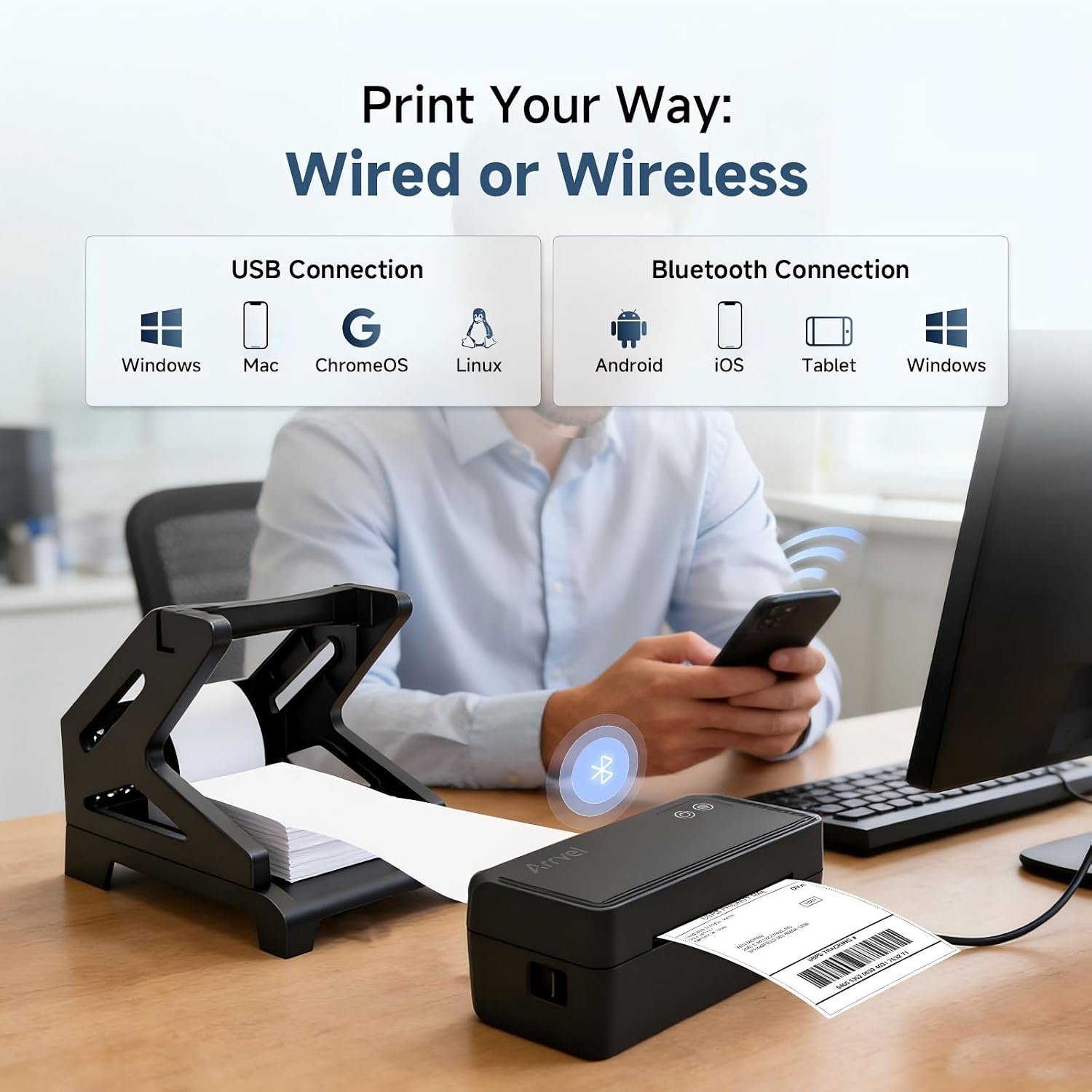
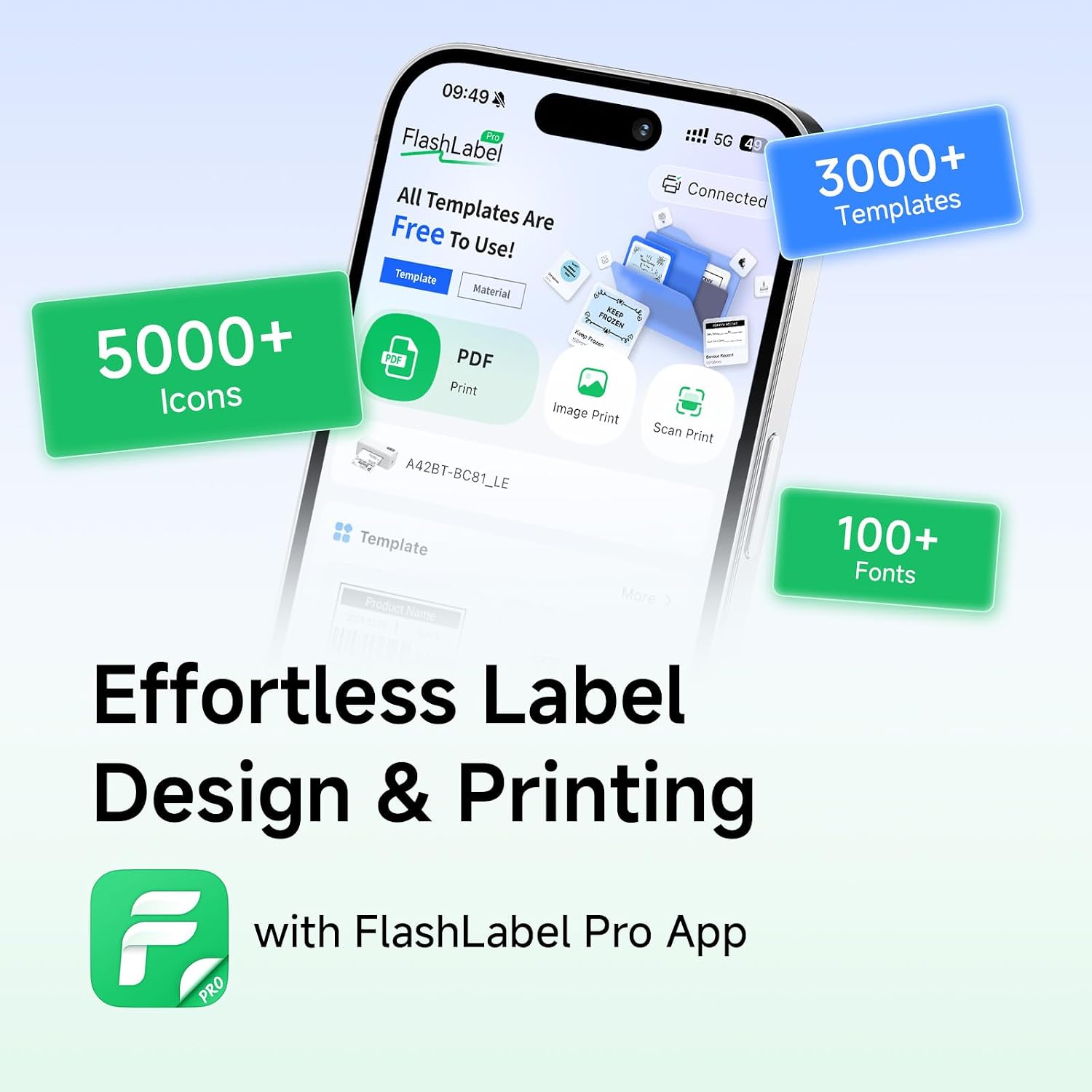
One buying detail matters: mobile devices and Macs must print through the FlashLabel Pro app rather than the device’s system Bluetooth settings. Windows, ChromeOS, and Linux can also connect by USB, with the listed operating-system requirements applying to the stated connection methods.
What matters most
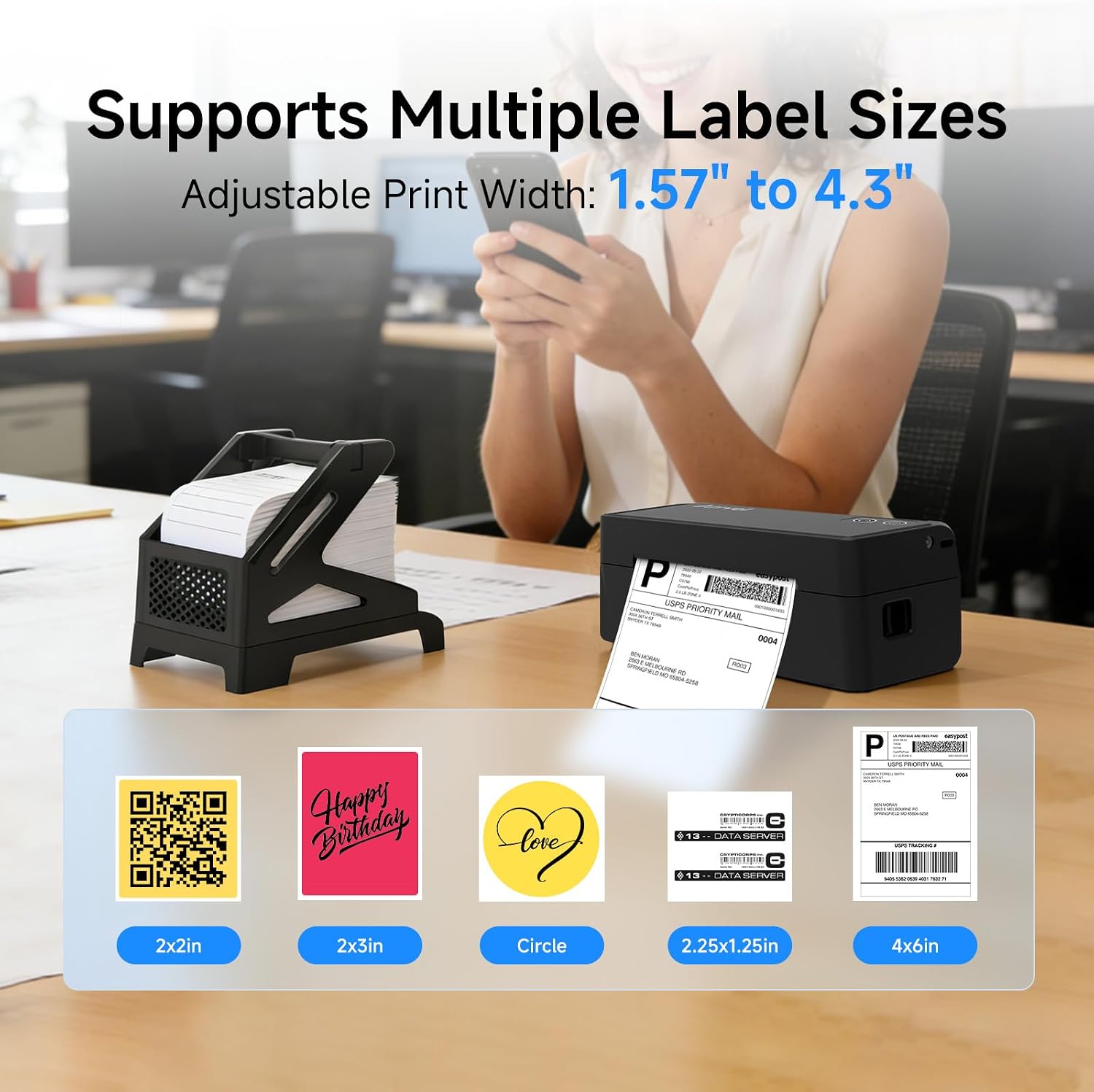
The A42BT is designed for shipping labels, barcodes, and other monochrome label tasks, rather than everyday document printing. Its stated maximum media size is 4 x 6 inches, while the product details list support for label widths from 1.57 to 4.3 inches. That range may also suit smaller labels for organizing supplies or preparing price tags, though the intended format and layout still depend on the label and app settings.
Bluetooth is the more flexible route when labels need to be sent from a phone or tablet, USB is an alternative for a computer, including ChromeOS and Linux. For iOS, Android, and macOS, the FlashLabel Pro app is part of the setup. The printer also works with a Windows or Mac computer using the listed driver and software options. It is a print-only device, and its output is monochrome, so it is not a substitute for a color printer or an all-purpose office machine.
Buyer feedback often highlights straightforward setup, crisp label output, compact size, and convenient Bluetooth pairing. Those impressions may help set expectations, but they do not replace checking the connection route for the device you plan to use. You’ll appreciate it if you regularly prepare mailing labels and want a dedicated printer rather than printing labels on ordinary sheets and trimming or handling them separately.
Care & maintenance
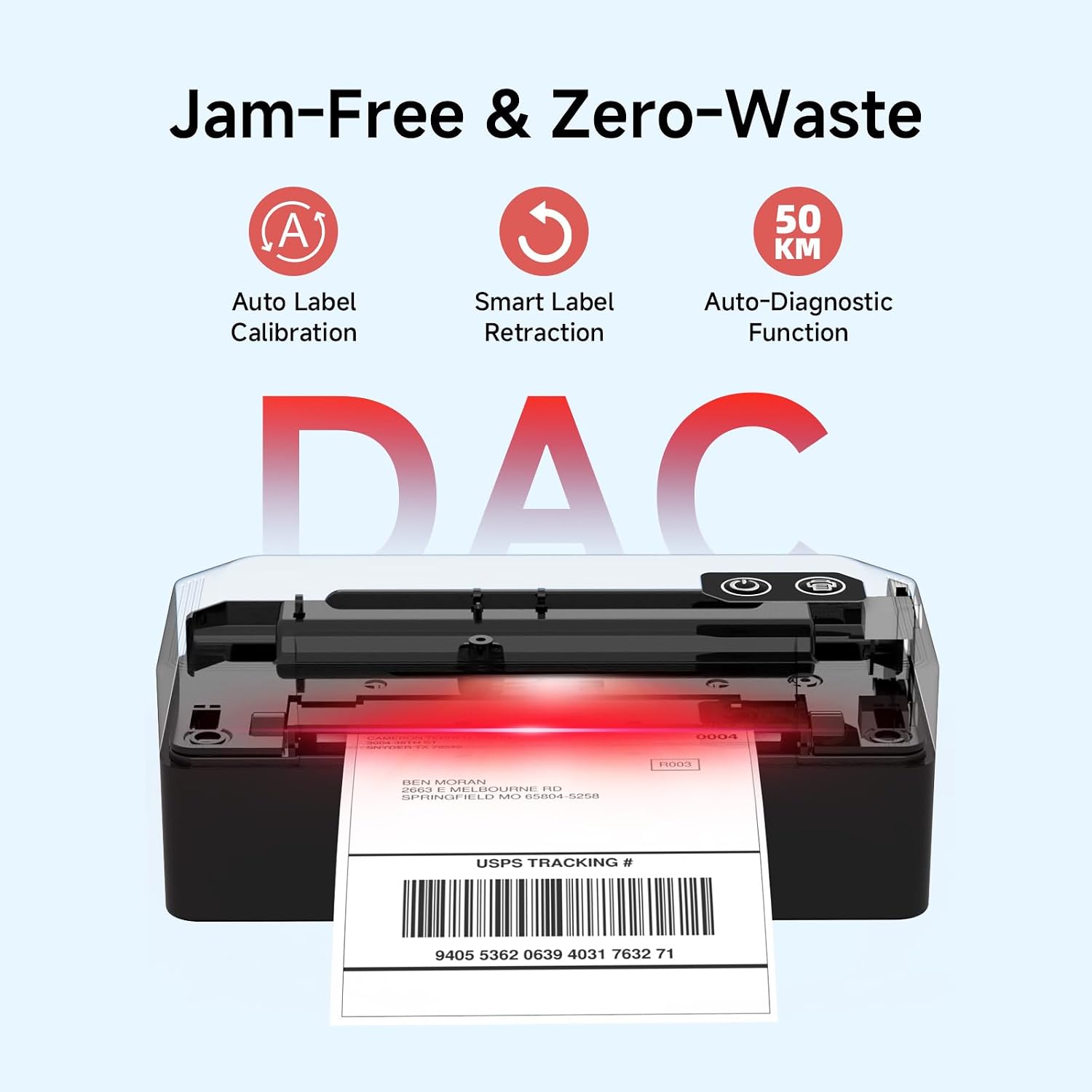
Thermal printing avoids ink cartridges, but the print head and label path still need attention if output becomes faint or labels feed unevenly. The manufacturer recommends checking that the printer’s side buttons are fully locked and cleaning a dirty print head with an alcohol wipe. If labels emerge misaligned, its guidance is to set the width guide and allow auto-calibration after loading them. Keep the label holder positioned with at least one label length of space from the printer, as specified in the setup advice.
How to use it
For a phone or tablet, install FlashLabel Pro and enable Bluetooth, for macOS, use the app rather than the system Bluetooth menu. Windows Bluetooth printing requires the Bluetooth driver, while USB connection is also listed for Windows, Mac, ChromeOS, and Linux. ChromeOS requires the FlashLabel extension. The package includes a USB cable and USB-C adapter, plus a label holder and 20 test labels.
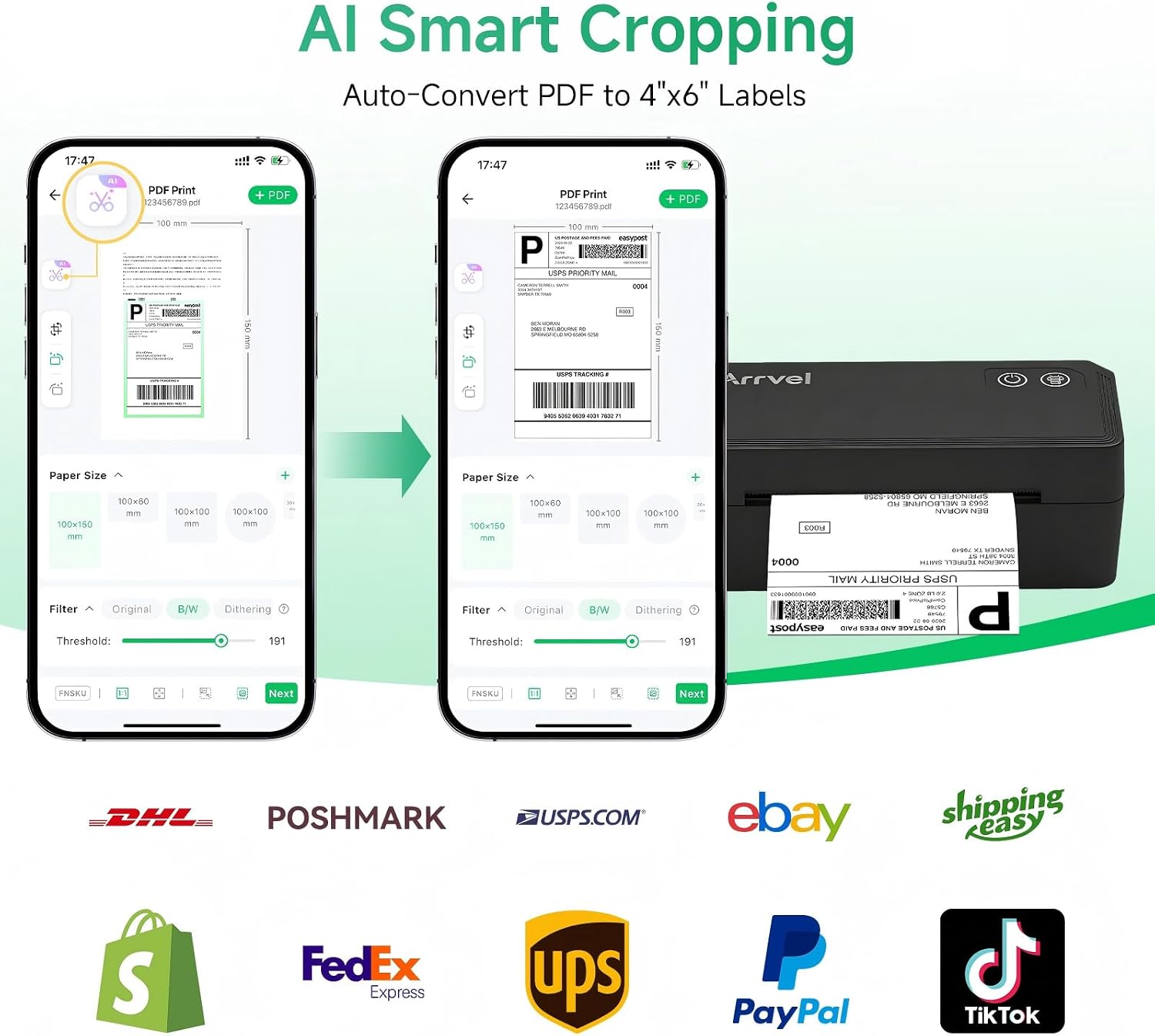
A practical first task is printing a shipping label from a logistics PDF. The app’s AI Smart Cropping feature is described as converting full-size logistics PDFs to a 4 x 6 label layout, which can reduce the need to resize the document manually. Check the preview and label alignment before printing a batch, especially when changing label stock or width.
Before you decide
Can it print in color? No. The listed printer output is monochrome, making it suited to text, barcodes, and shipping information rather than color graphics.
Does it work with a phone without an app? The stated mobile setup uses the FlashLabel Pro app, the product instructions say not to connect mobile devices through system Bluetooth settings.
What comes in the box? The listed package includes the A42BT printer, label stand, 20 test labels, USB-C adapter, power adapter, power cord, USB cable, and user manual.
Should you buy it?
Choose the A42BT if your regular task is producing shipping or organization labels and you value a compact, dedicated thermal printer with Bluetooth and USB options. It is a more focused approach than using a general-purpose printer for occasional labels, but its monochrome, print-only design makes a standard color printer a better fit for mixed document and image work. Not the best choice if you need color output or expect to print from mobile or macOS without using the specified app.