

Nelko Bluetooth Thermal Label Printer 📨
Product description
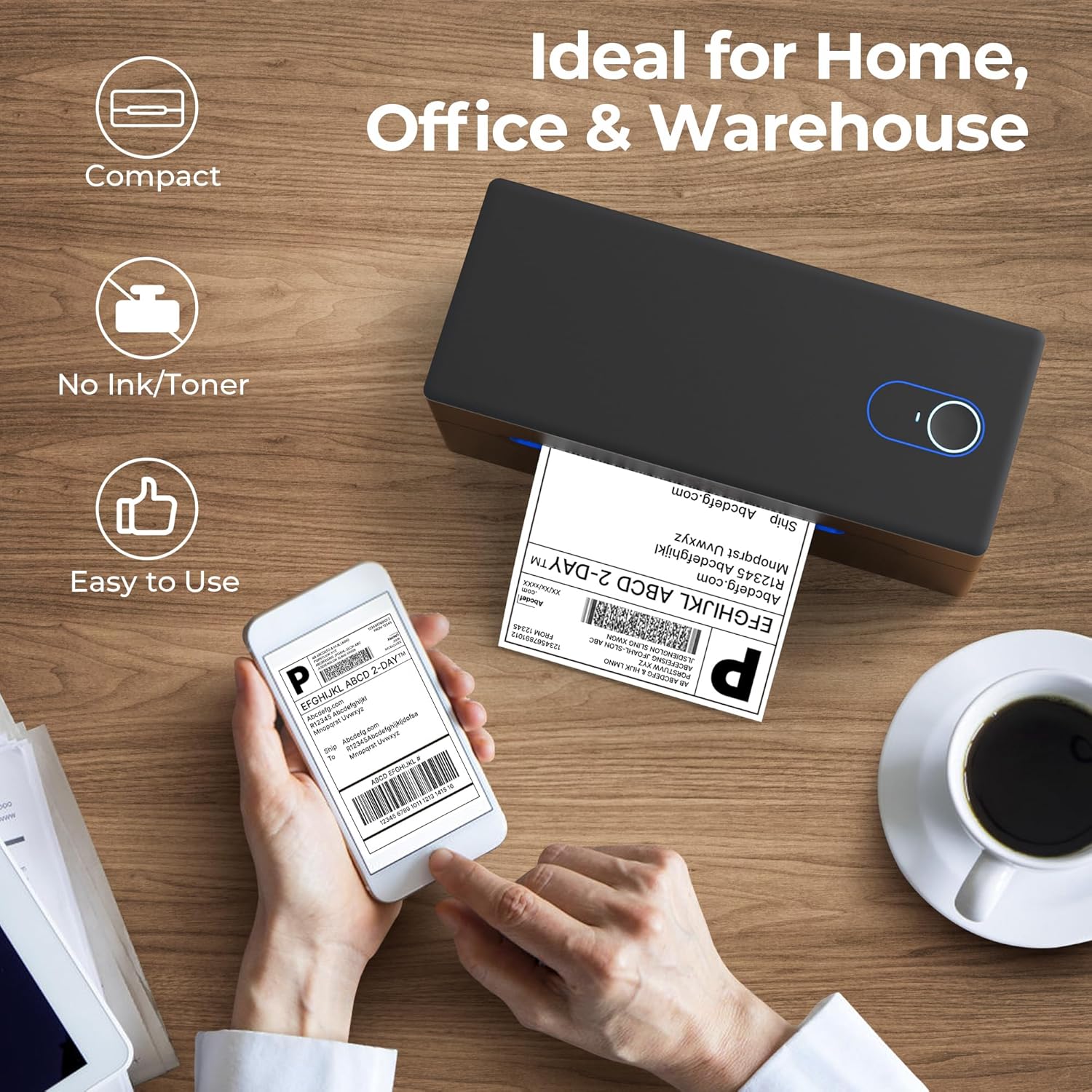
This Nelko Bluetooth Thermal Label Printer 📨 delivers seamless label printing directly from your smartphone or tablet using Bluetooth connectivity. It’s ideal for small online businesses that need to quickly generate shipping labels for platforms like amazon, eBay, or Shopify. With no ink or toner required, it uses only thermal paper, making it a low-maintenance solution for daily operations.
Key Points
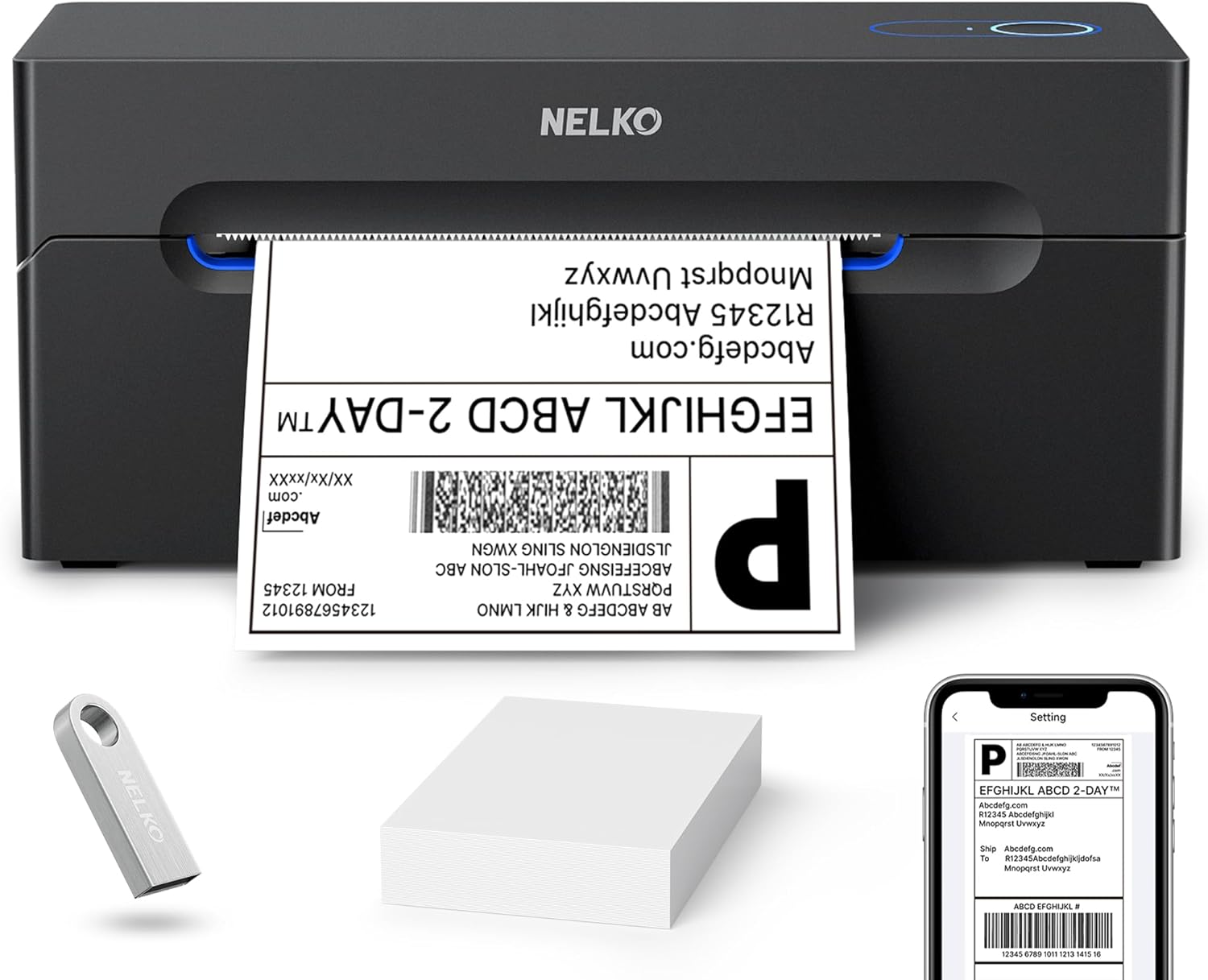
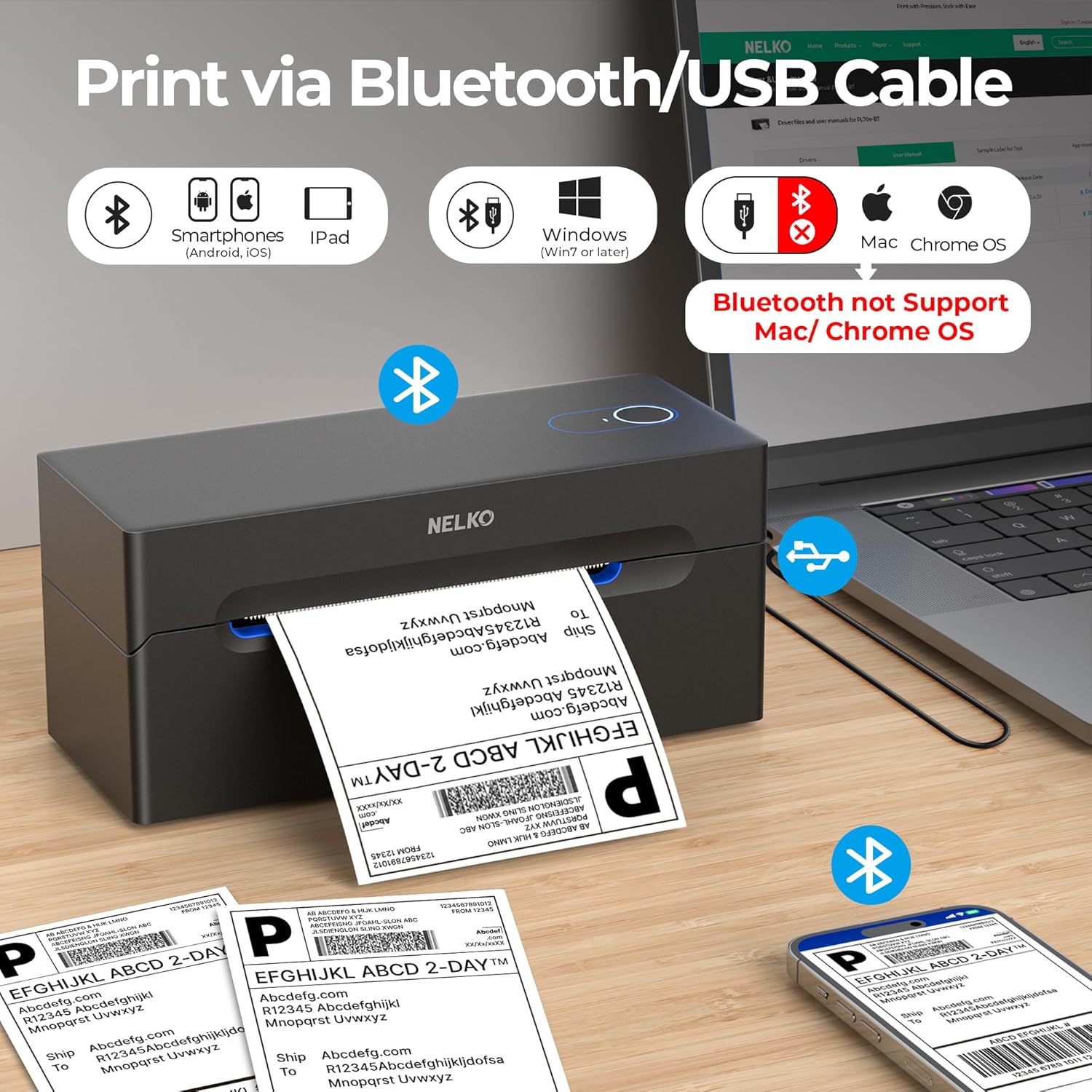
The printer connects effortlessly to both iOS and Android devices via Bluetooth, allowing users to print shipping labels directly from the Shipping Printer Pro app. It supports Windows 7 and later versions through Bluetooth, while Mac users with M1 or M2 chips can connect via the App Store. For devices without Bluetooth, a USB cable provides an alternative connection method. The printer prints at a speed of up to 150 mm/s, enabling faster label production during peak periods.
Technical Specifications
- Brand + model: Nelko Bluetooth Thermal Label Printer
- Connection types: Bluetooth, USB
- Printing speed: Up to 150 mm/s
- Resolution: 203 DPI
- Label size range: 40 to 104 mm wide
- Power source: USB power only
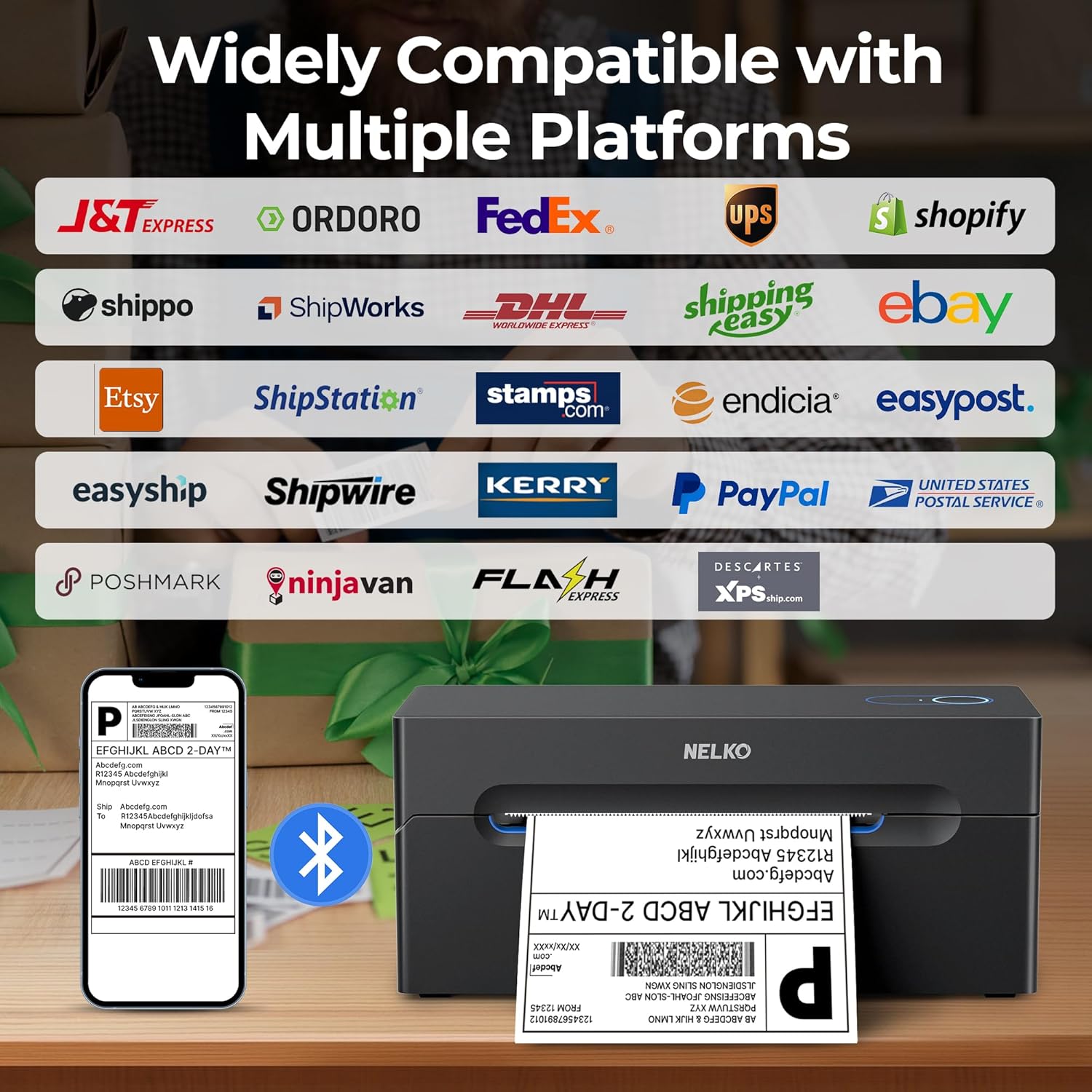
- Compatibility: amazon, eBay, Shopify, USPS, UPS, PayPal, Poshmark, Esty
Benefits
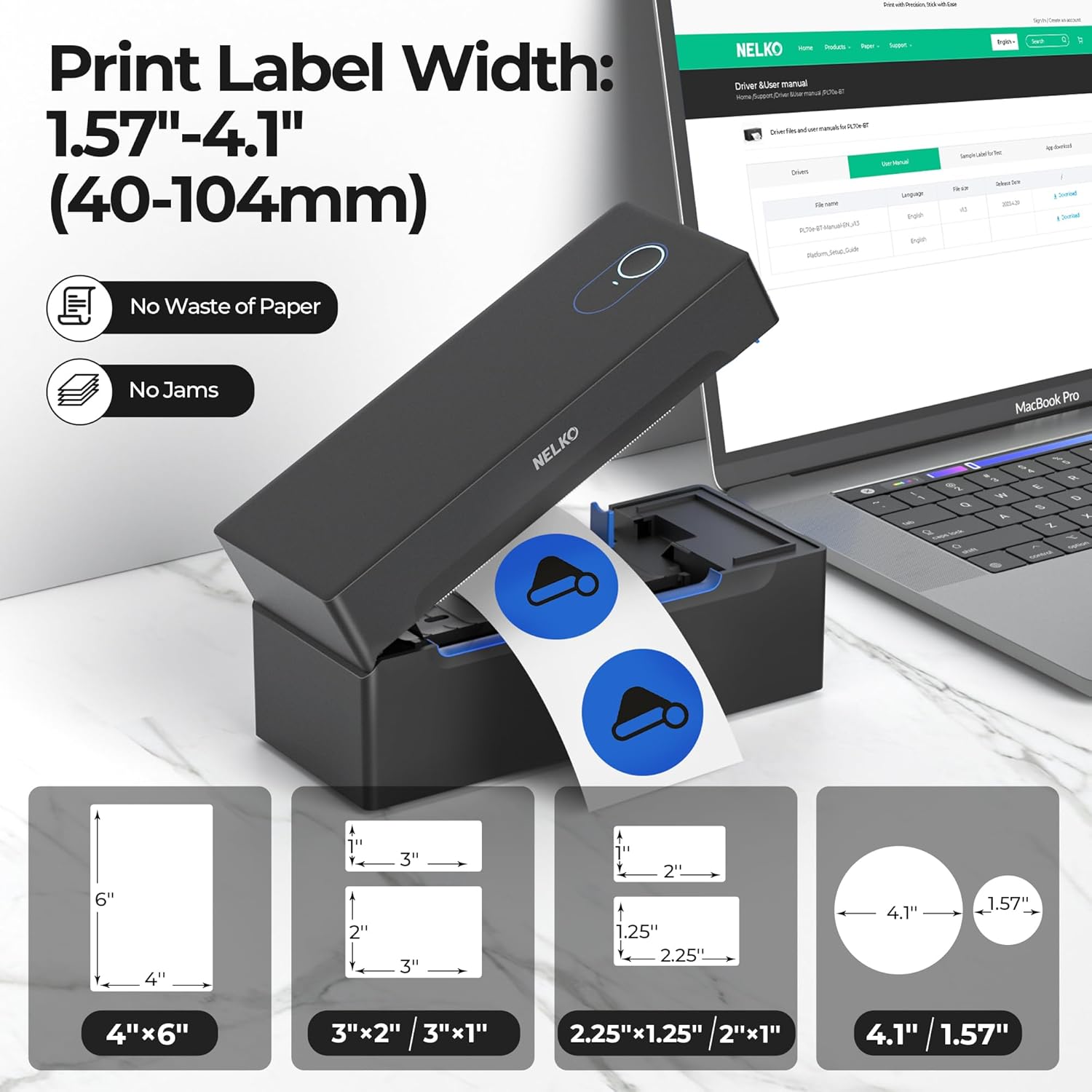
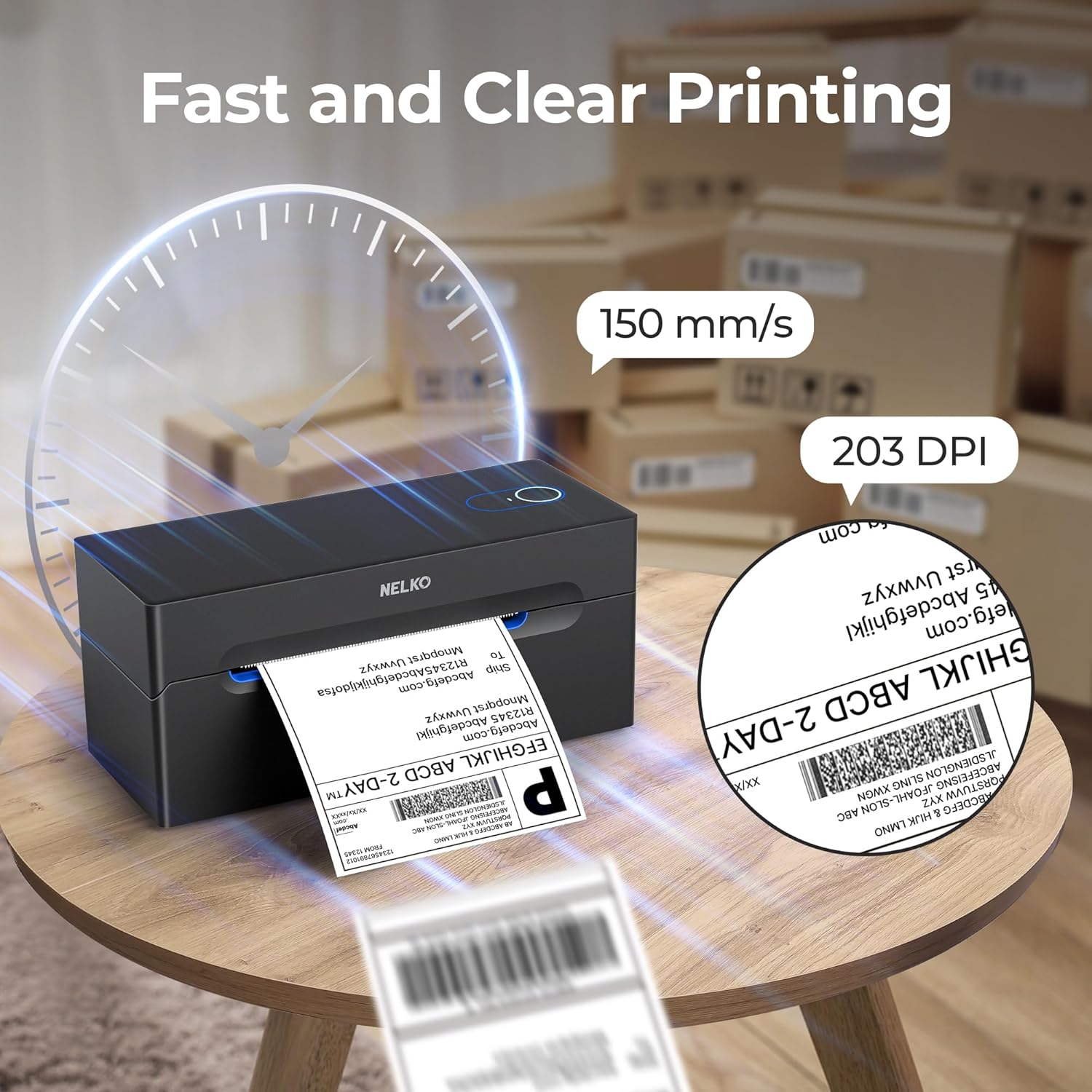
The printer eliminates the need for ink or toner, reducing ongoing costs and simplifying maintenance. Its high-resolution output ensures clear, legible labels that meet the standards of major shipping platforms. With support for both foldable and roll labels, it adapts to different packaging needs. The integration with popular e-commerce sites means users can generate labels directly from their order management systems.
Usage Recommendations
For best results, download the Shipping Printer Pro app before printing. Load your label template from your chosen platform—such as amazon or Shopify—into the app, then print directly from the device. On Macs with M1 or M2 chips, ensure the app is installed from the App Store and connected via Bluetooth. For Macs with older processors, USB is the only viable option. Avoid printing through Bluetooth on Mac OS due to compatibility limitations. Always use thermal paper to ensure proper label formation.