

NIIMBOT M2 Label Maker, 300 DPI Thermal Transfer Printer with Bluetooth
Product description
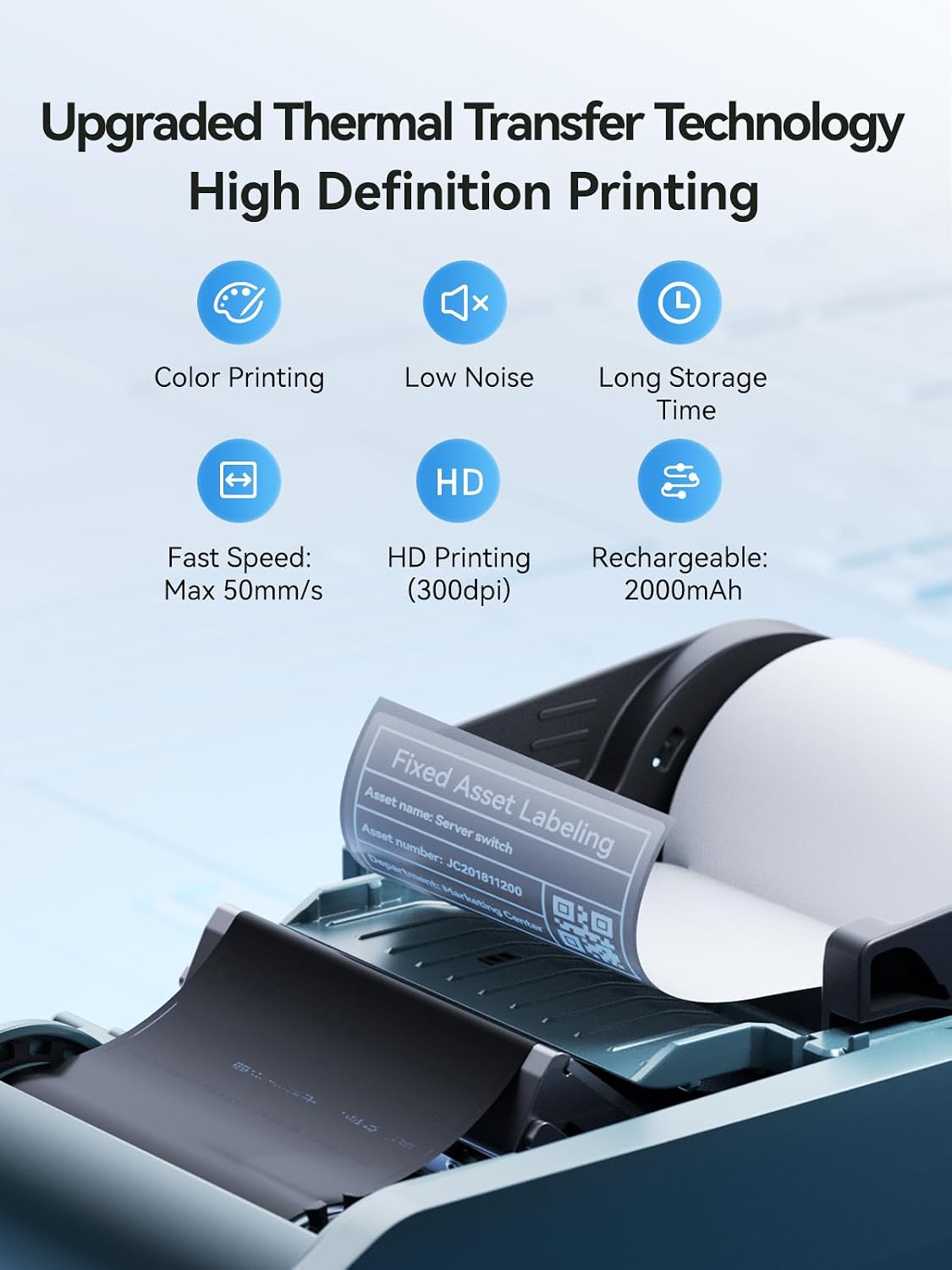
With a print width of 20–50 mm and label formats including 50 × 30 mm and 40 × 20 mm, the NIIMBOT M2 makes it practical to create compact, clearly organized labels for vials, small products, cables, and supplies. Its 300 DPI thermal transfer printing uses a ribbon, and the included black ribbon and three label rolls give you materials to get started with different labeling tasks.
Connect a phone over Bluetooth to design labels in the NIIMBOT app, or connect to a computer with a USB Type-C cable and the required driver. Templates, text, barcodes, QR codes, and batch printing support both quick identification labels and more customized layouts.
Tech summary
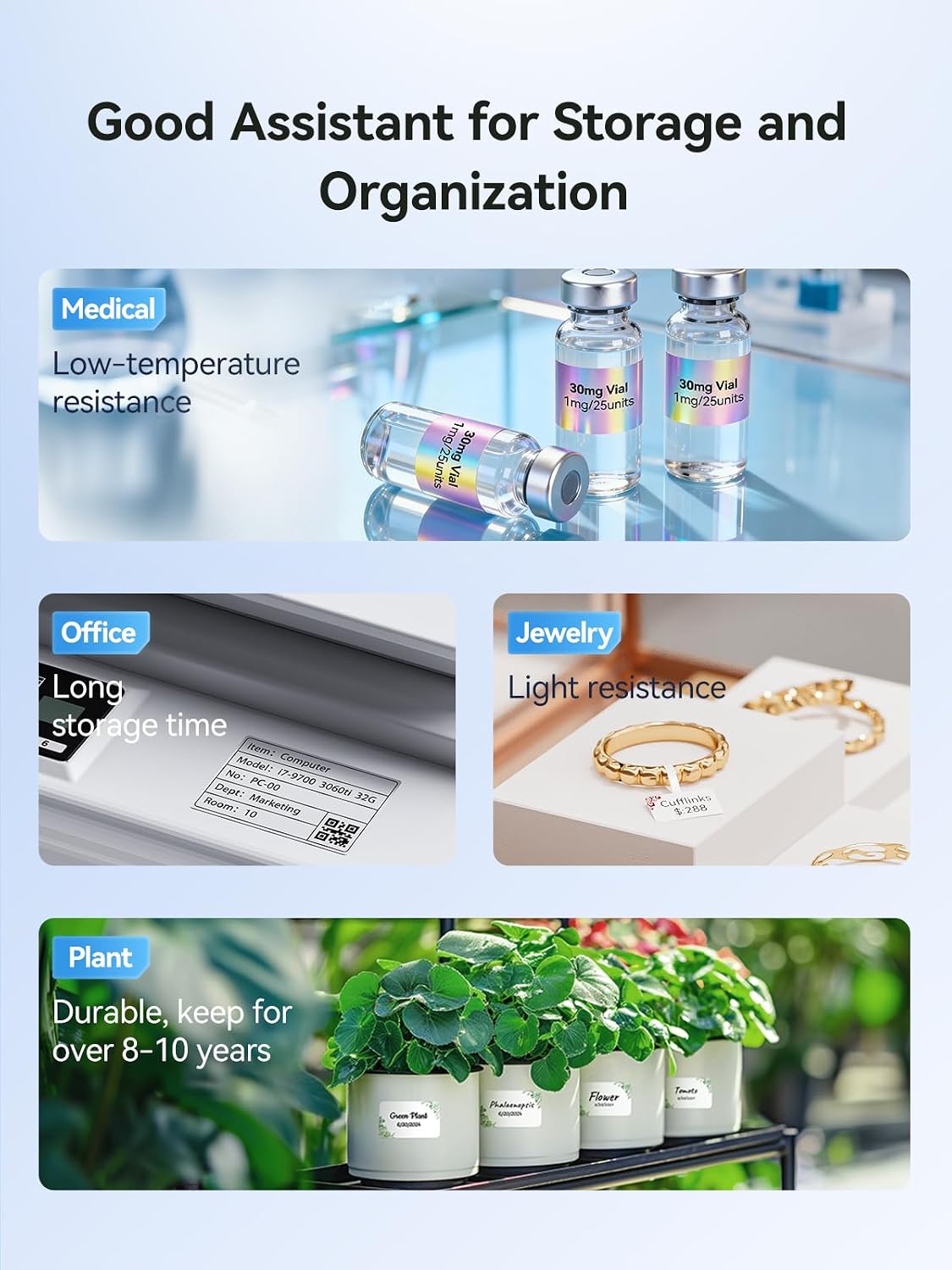
Thermal transfer printing is a useful choice when labels need to remain legible through conditions such as moisture, oil, alcohol, abrasion, or temperature changes. The manufacturer describes the M2’s labels as waterproof, oil-proof, alcohol-proof, wear-resistant, scratch-resistant, and suitable for high- and low-temperature environments. That makes the printer relevant for labeling refrigerated food, laboratory items, essential oils, tools, and other products that need durable identification.
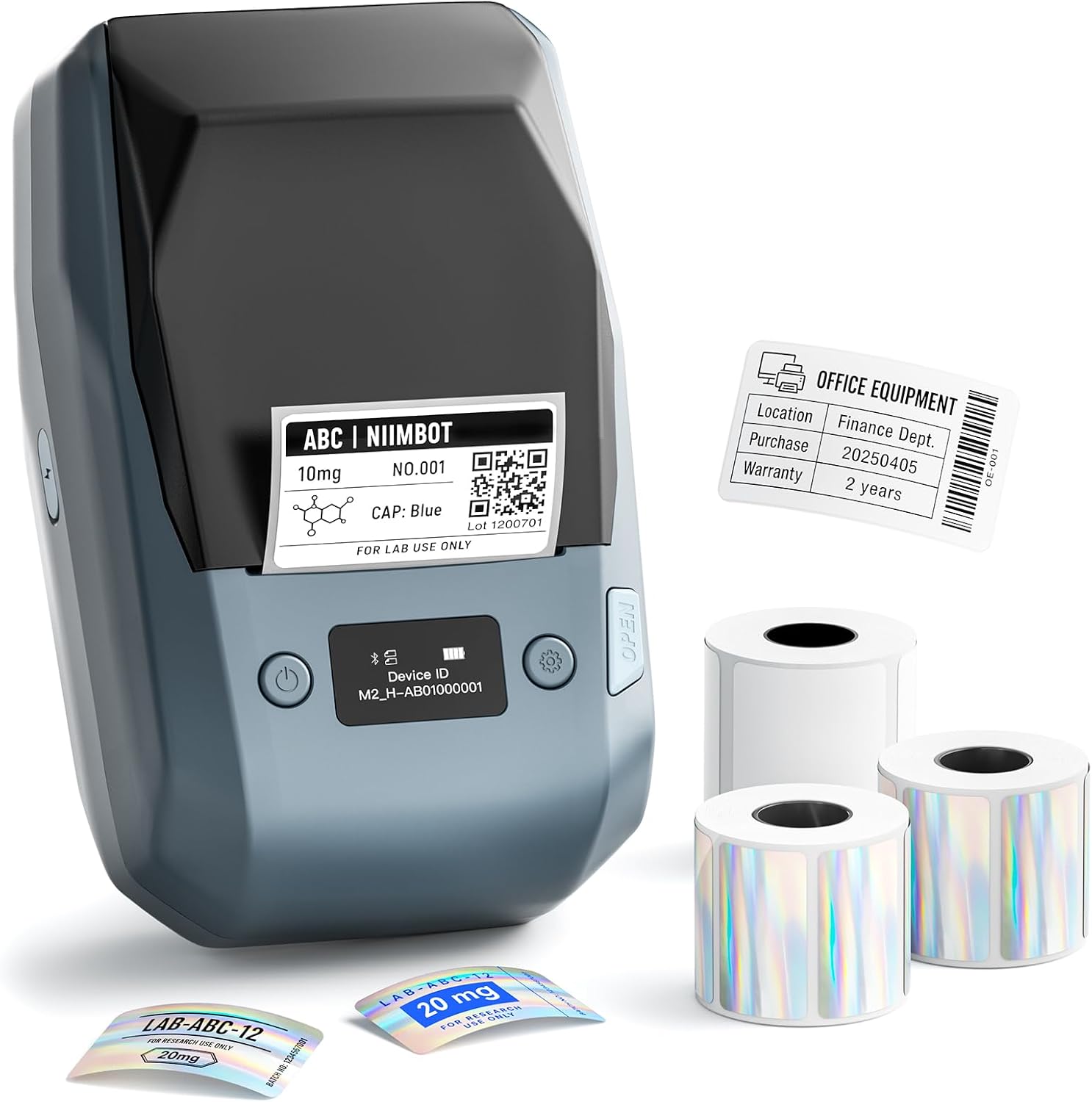
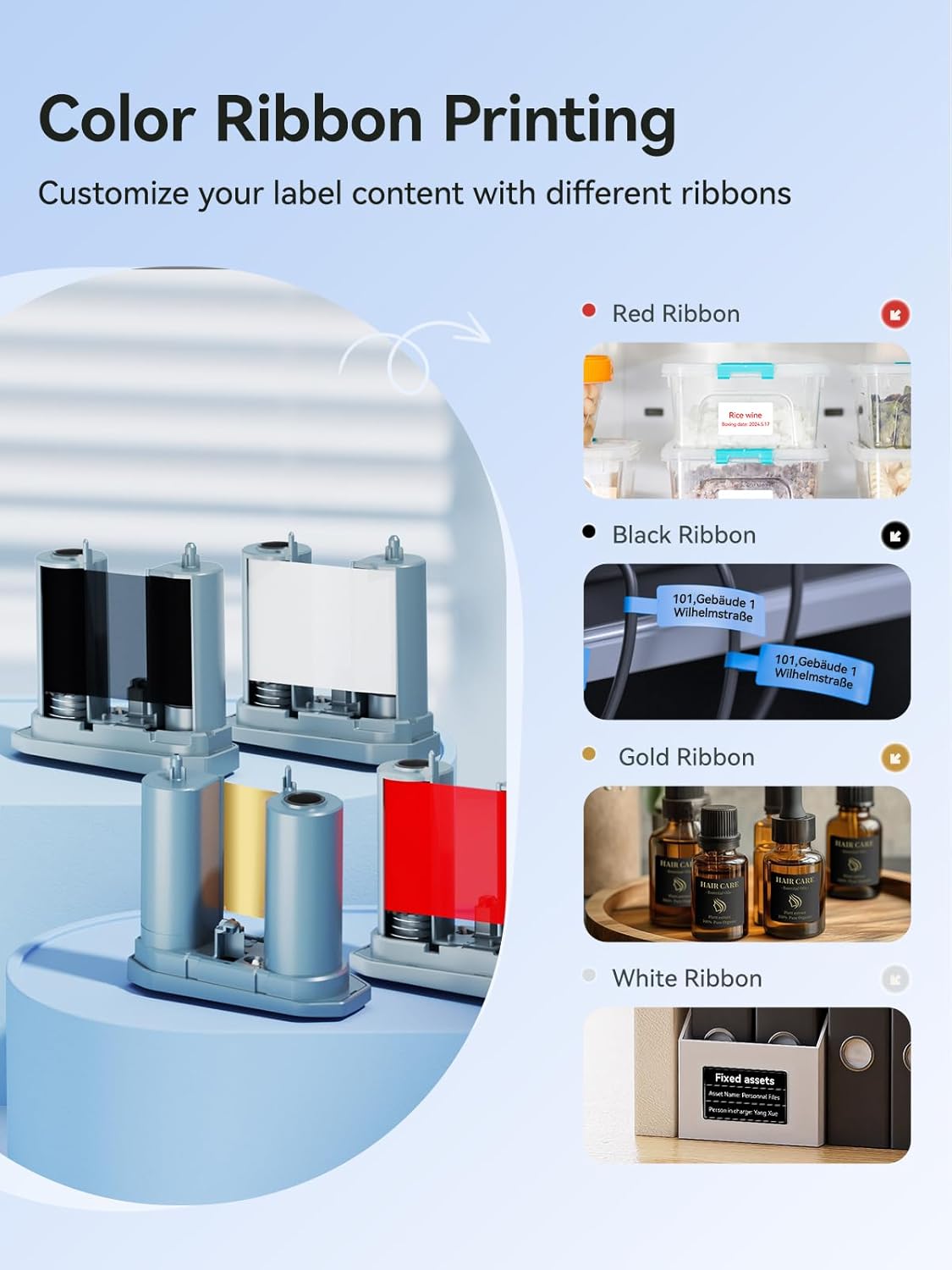
Print resolution is 300 DPI, and the printer supports label widths from 20 to 50 mm. The package includes a black ribbon, one white 50 × 30 mm roll, and two laser-silver 40 × 20 mm rolls. Other ribbon colors are available separately, including gold, white, blue, green, red, and red-black, so you can tailor the label’s appearance to the task. The printer is blue, weighs 795 g, and measures 7.05 × 4.28 × 2.99 inches.
Compatibility & requirements
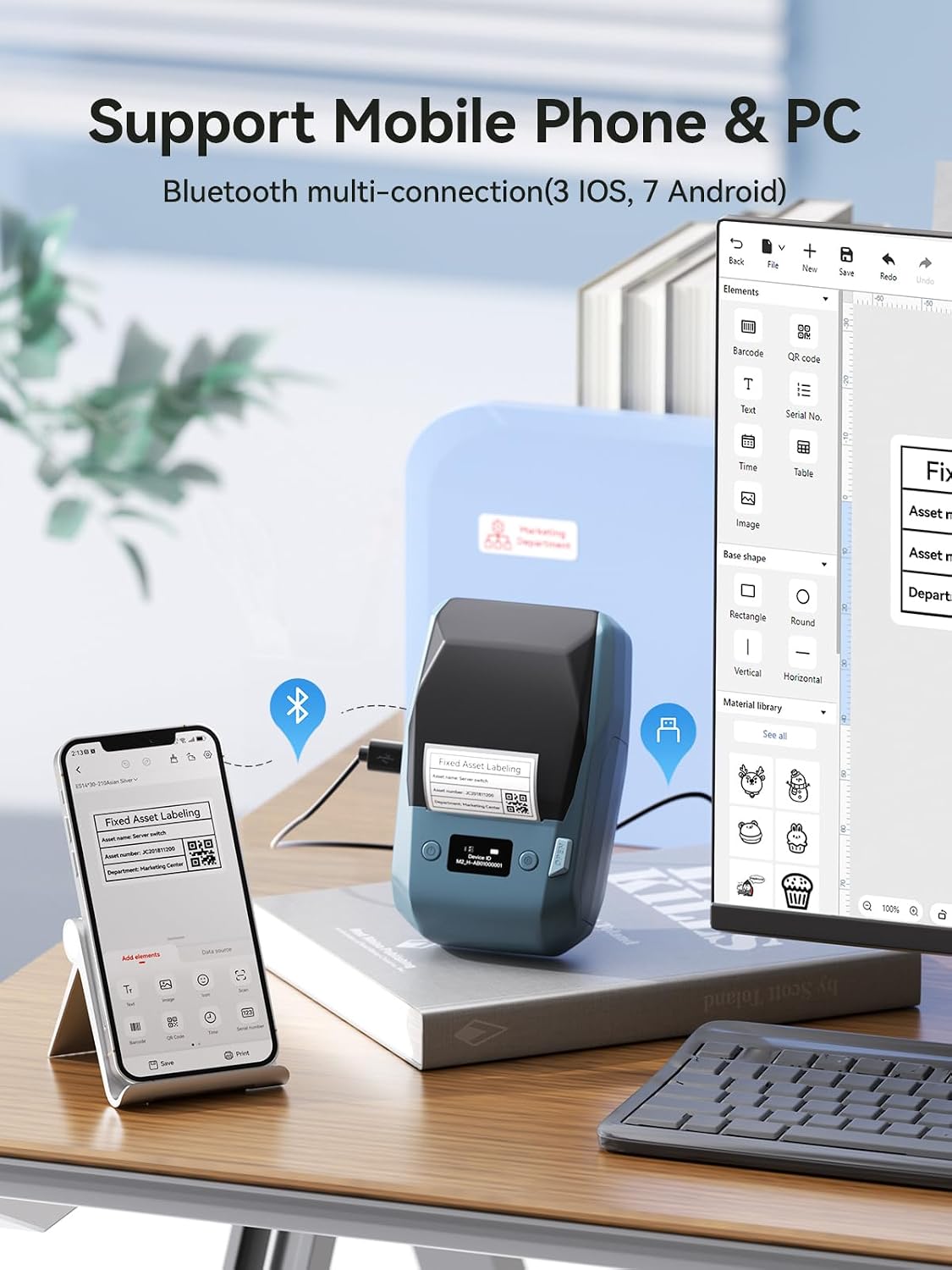
The M2 connects to smartphones through Bluetooth and works with iOS and Android devices using the NIIMBOT app. The app includes templates and tools for adding text, icons, tables, logos, barcodes, QR codes, images, and time information. Batch printing supports repeated labels or different labels in one workflow, which is helpful when preparing product names, inventory identifiers, or multiple vial labels.
For computer-based editing, connect by USB Type-C and install the driver. Use M2-series thermal transfer label rolls: labels made for NIIMBOT B1, B2, or B21 printers are not compatible with the M2. The printer is designed for ribbon-based printing, a black ribbon is included, and other ribbon colors can be purchased separately.
Best use cases
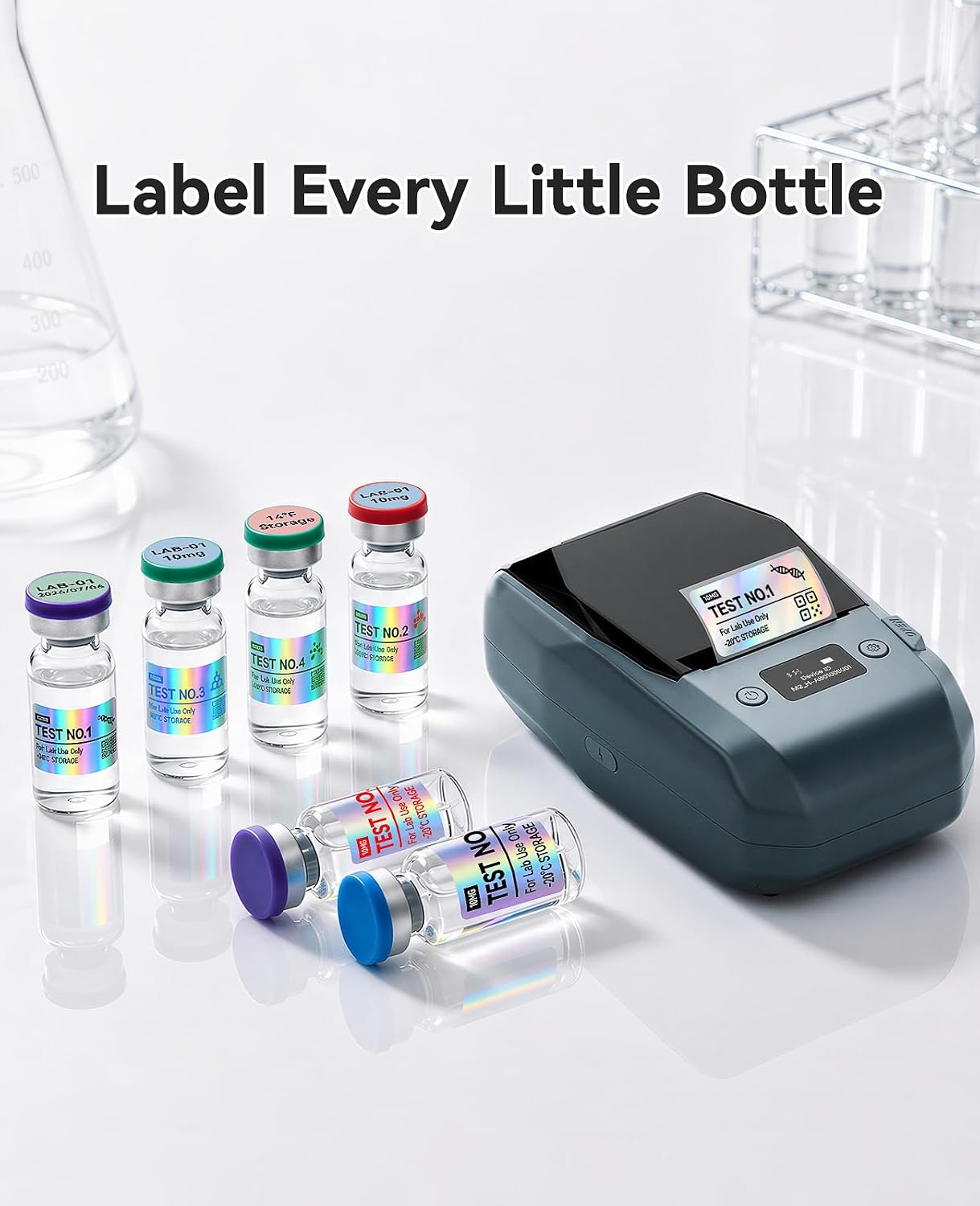
For a small business, the M2 can produce price, product, and jewelry labels with a consistent layout. In a lab or essential-oil workspace, compact formats help identify vials and small containers without taking up much label area. The laser-silver rolls offer another presentation option for jewelry tags or product labeling, while white rolls suit everyday organization.
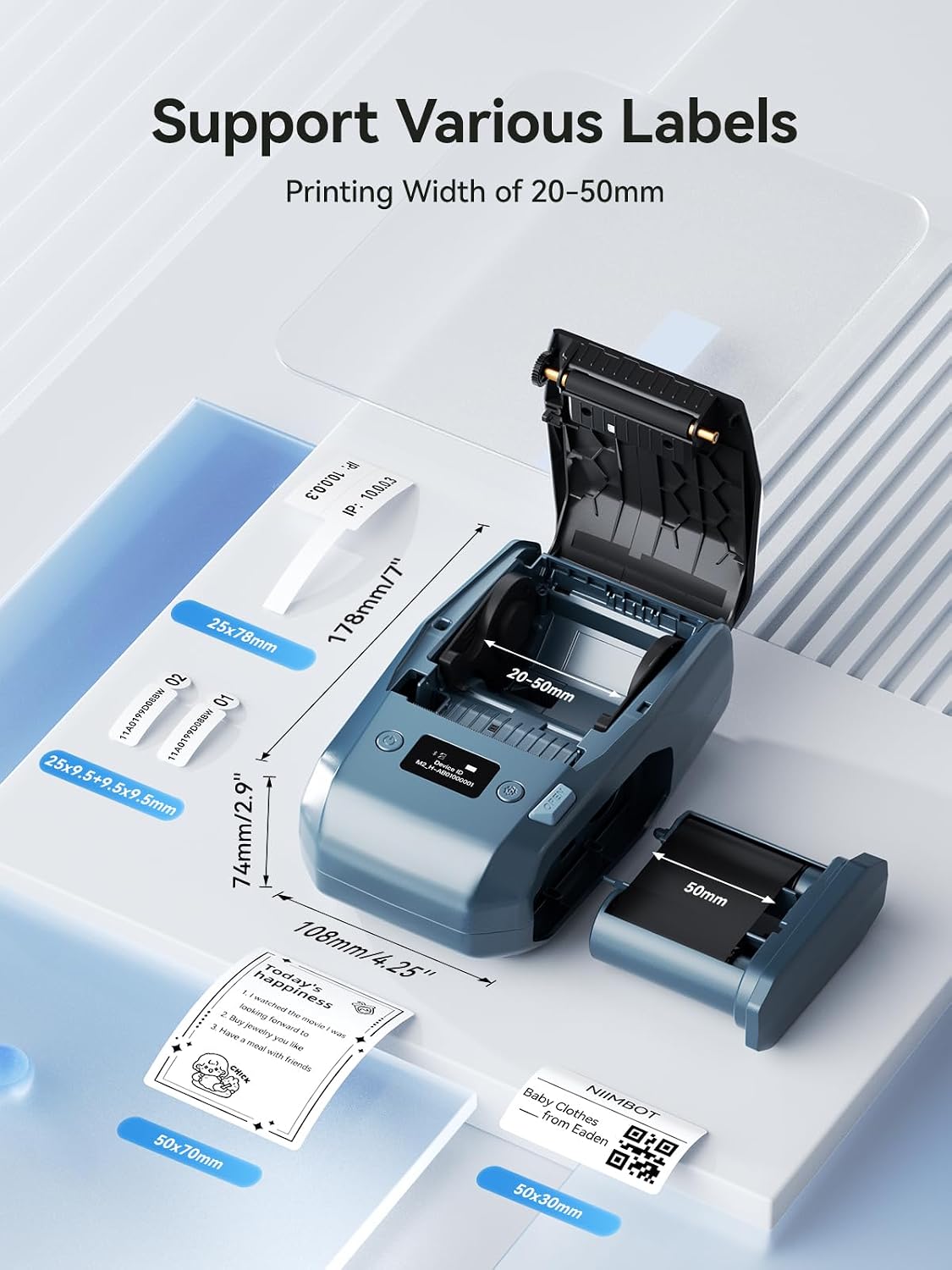
It also fits office, school, and home organization tasks such as marking cables, sorting documents, labeling tools, or identifying refrigerated food. Instead of handwriting each identifier or using a direct-thermal label approach, the M2 gives you app-based design and thermal transfer printing. This can be useful when you want custom text or codes and labels intended to stand up to demanding storage conditions.
Buyers often highlight crisp-looking labels, the range of design options, and easy Bluetooth pairing. Some also appreciate the compact printer and polished appearance of the labels. Feedback on durability is mixed, so these comments are best treated as individual experiences rather than a guarantee of how every label will perform.
Questions before you buy
Can I design labels on a phone or computer? Yes. Use Bluetooth and the NIIMBOT app on an iOS or Android device, or connect to a computer by USB Type-C after installing the driver.
Which label rolls should I use? Choose NIIMBOT M2-series thermal transfer labels. Rolls for the B1, B2, and B21 series are not compatible with this printer.
What supplies are included? The package includes the M2 printer, one black ribbon, one white 50 × 30 mm label roll, two laser-silver 40 × 20 mm rolls, a Type-C cable, and a setup guide.
Should you buy it?
It suits you if you need a compact label printer for detailed, customized identification across small-business, lab, office, or organizing tasks. The combination of 300 DPI printing, app-based layouts, Bluetooth or USB connectivity, and thermal transfer labels gives you a practical way to create labels in different formats and with a choice of ribbon colors.